 Mars0hod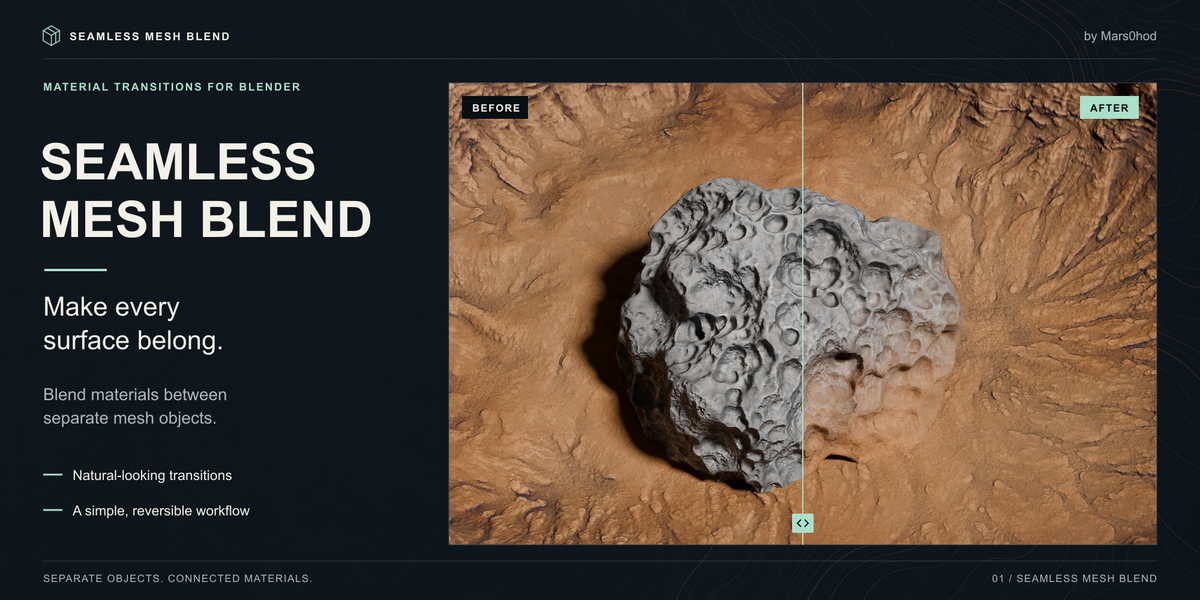

Seamless Mesh Blend
Make every surface belong.
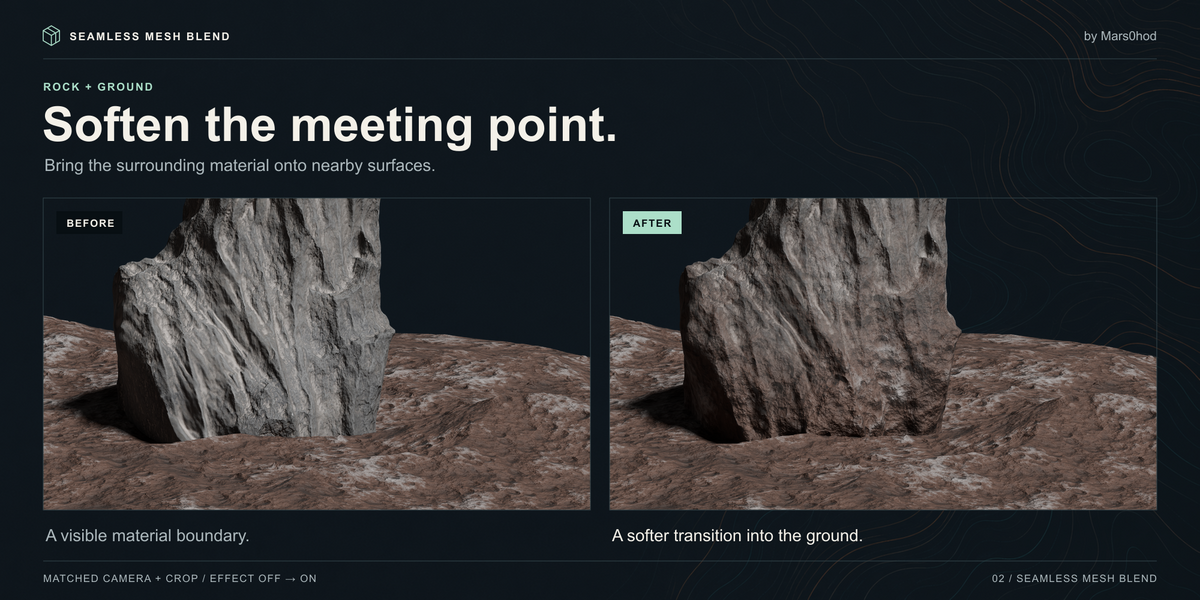
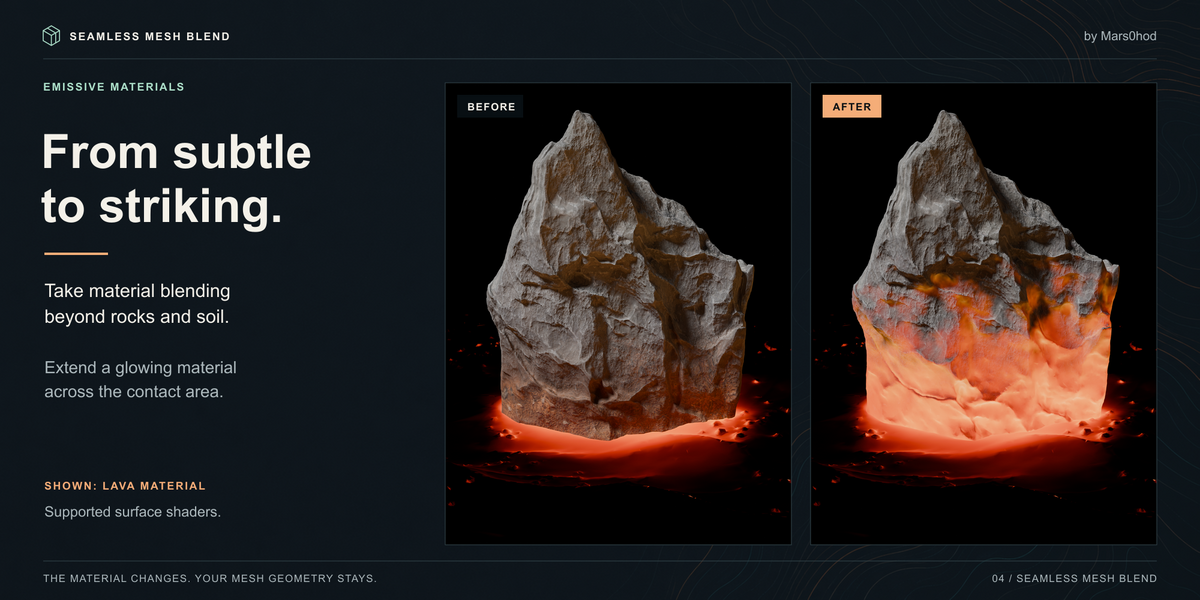
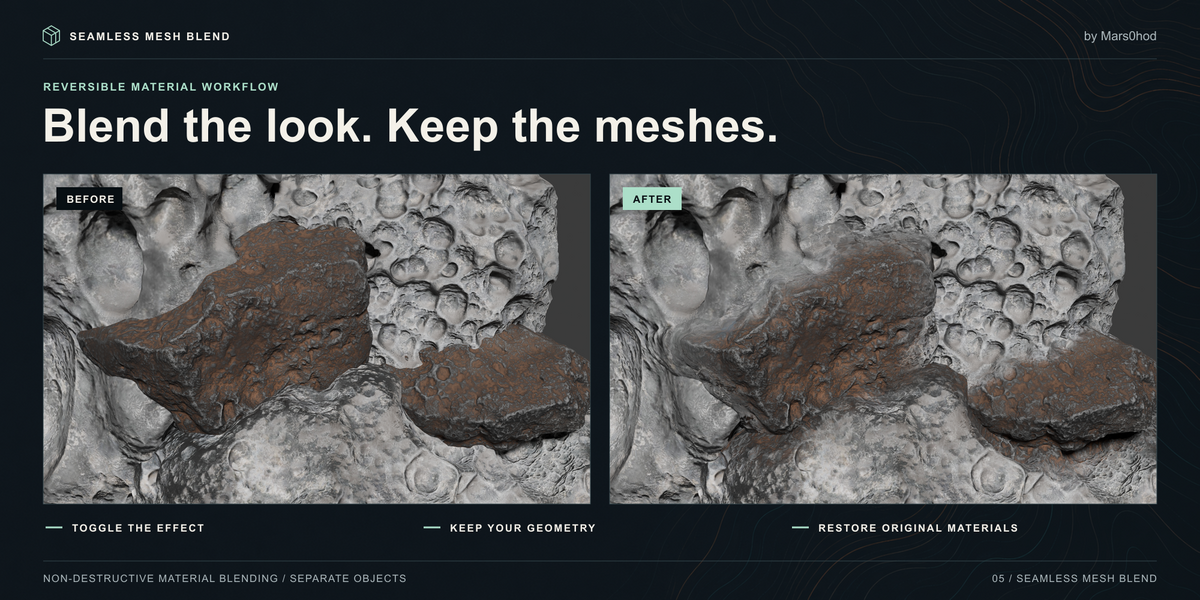
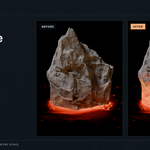
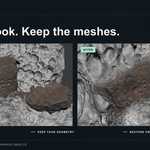
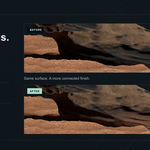
Create natural-looking material transitions between separate mesh objects in Blender. Soften the contact between rocks and terrain, combine different surfaces, or experiment with water and glowing materials—all through a simple interface.
SIMPLE TO USE
Select the receiving object, then Shift-select the surface supplying the material. Click Create Blend and adjust the result.
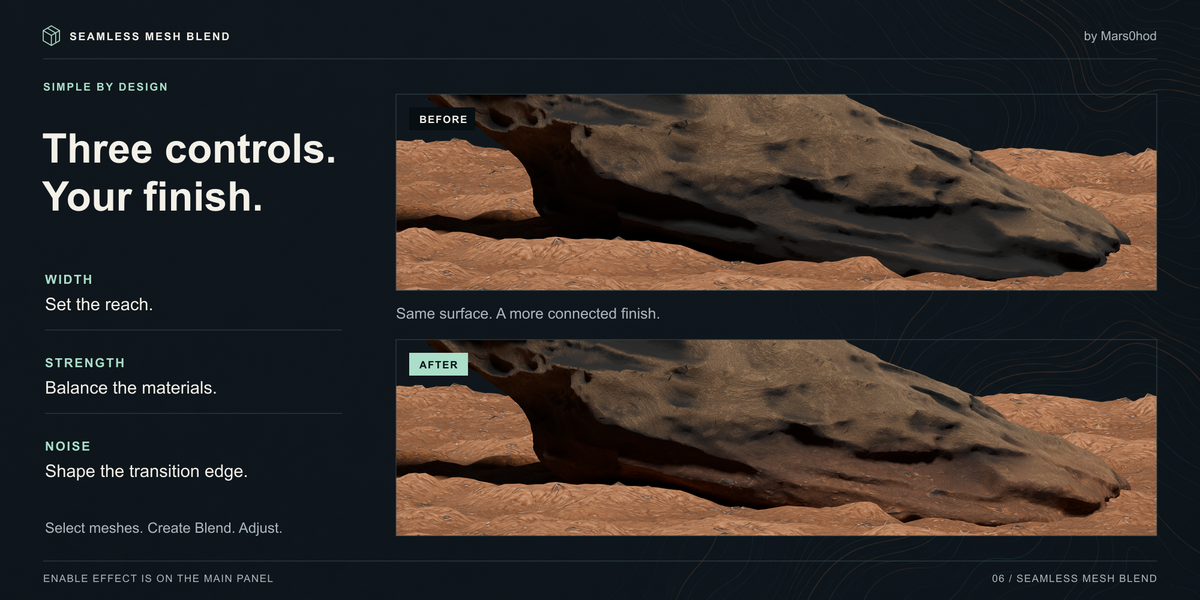
• Width — control how far the transition extends.
• Strength — balance the original and transferred materials.
• Noise — break up the transition for a more organic edge.
• Enable Effect — switch the selected transition on or off for a quick comparison.
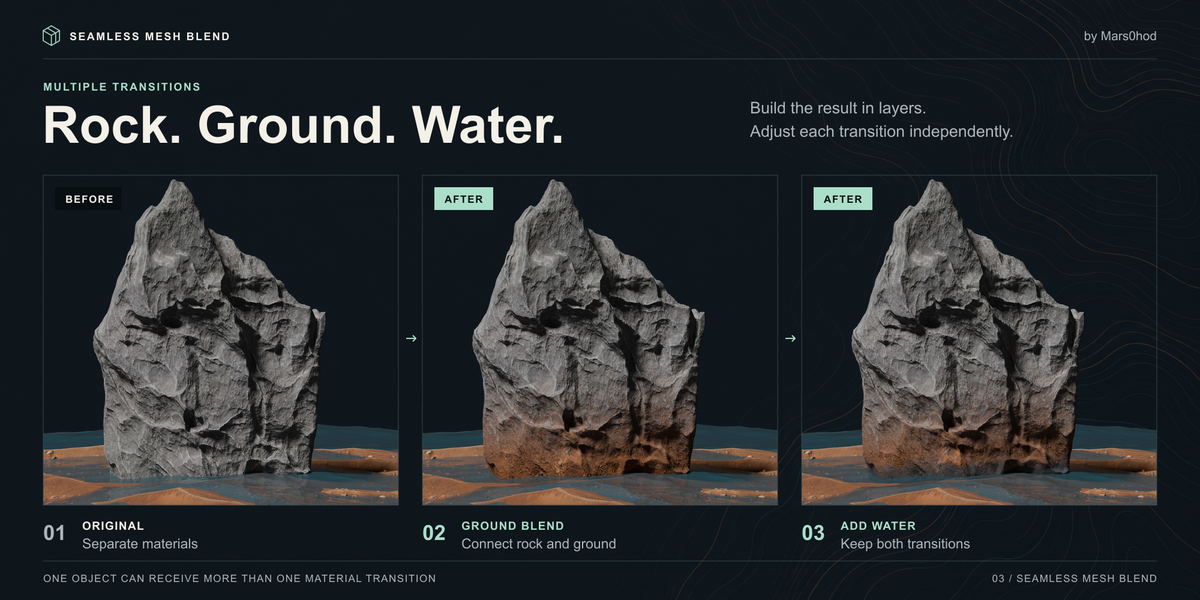
MULTIPLE TRANSITIONS
Keep several transitions on one object and adjust each independently. Combine rock, ground and water materials within the same scene.
A REVERSIBLE WORKFLOW
Keep your mesh objects separate. Experiment with the blend, disable individual effects, or remove transitions to restore the original material setup.
COMPATIBILITY AND LIMITS
Tested in Blender 5.2.3 LTS. Cycles is recommended for complex materials and multiple transitions. Eevee supports simpler setups, but complex blends can exceed its shader attribute limits.
Material support depends on the shader setup. Some advanced nodes, animation setups and material features have restrictions. Blending changes the surface appearance; it does not merge mesh geometry or create a fluid simulation.
Scene assets and third-party materials shown in the gallery are demonstration examples and are not included.
Created by Mars0hod.