 Zemalate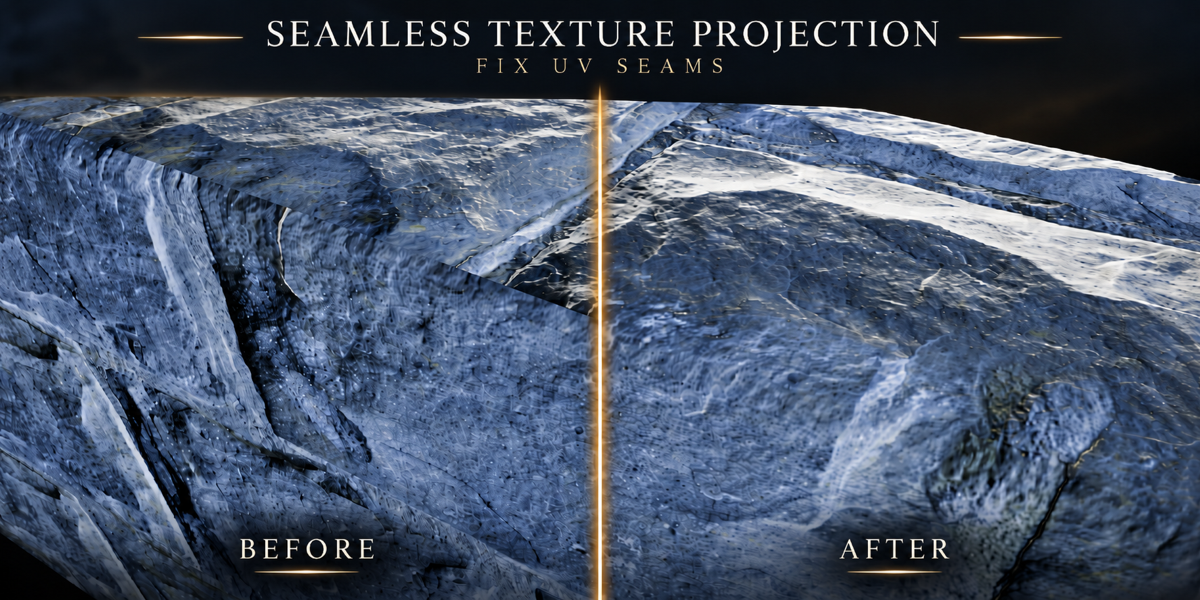
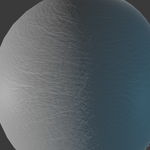
TEXTURE BAKING FOR BLENDER
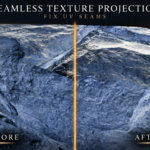
Seamless Texture Projection
Project your textures. Soften your UV seams.
Bake a matching set of texture maps onto the UVs you already have. Create a shared texture pattern on both sides of UV seams, then control how it blends into the surrounding surface.
9 texture maps • Up to 4K per tile • Automatic UDIM output
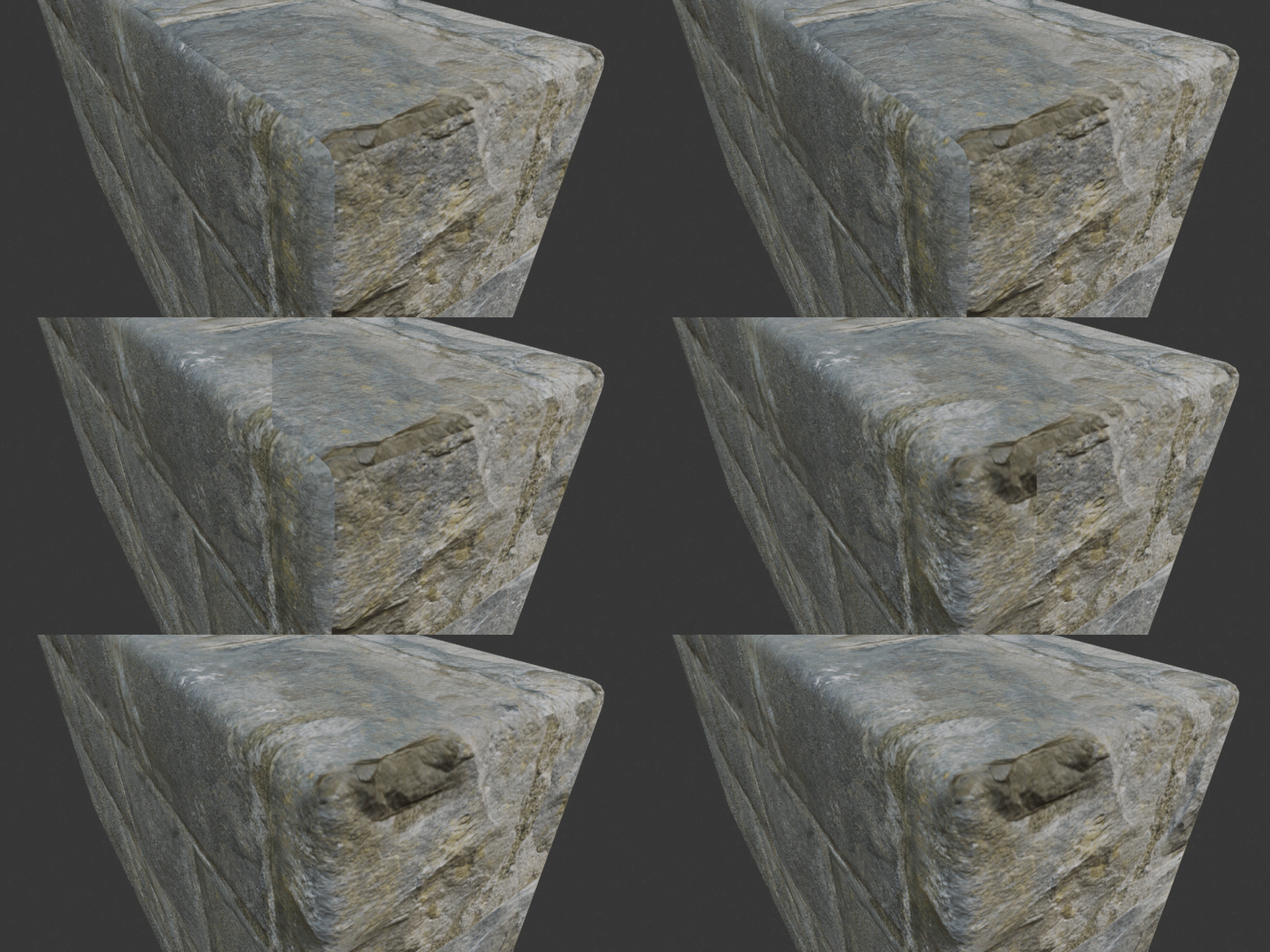
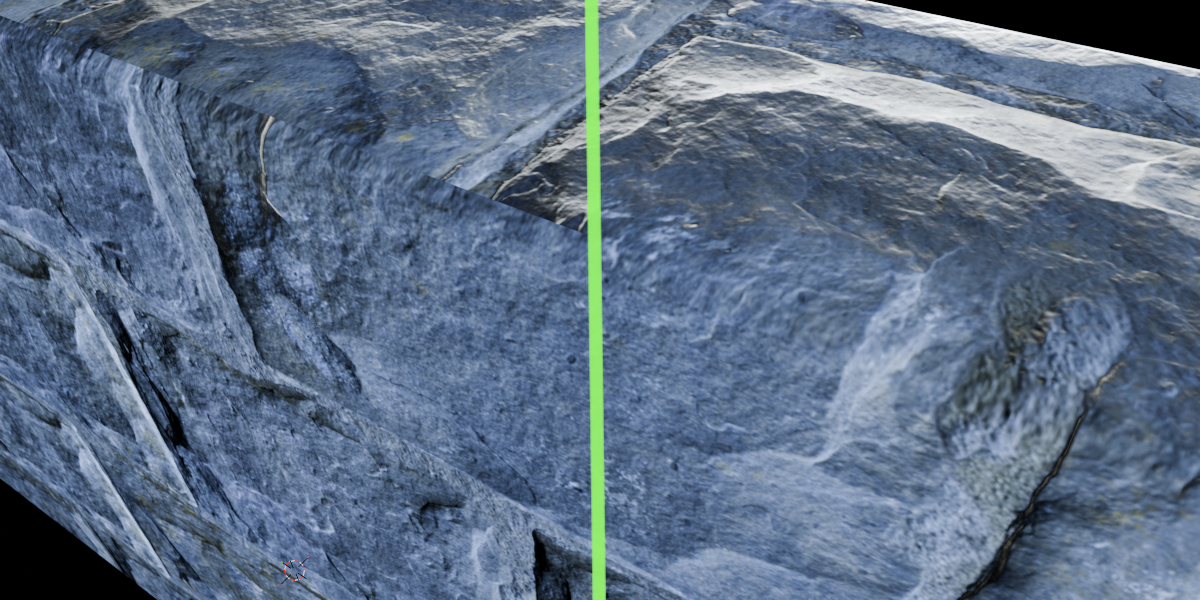
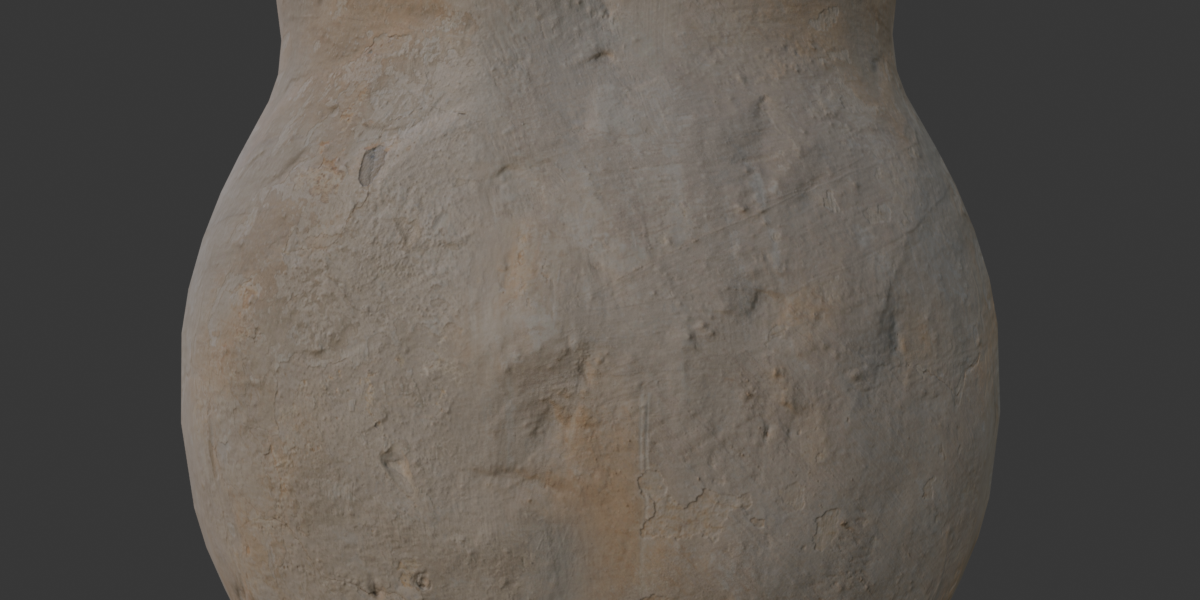
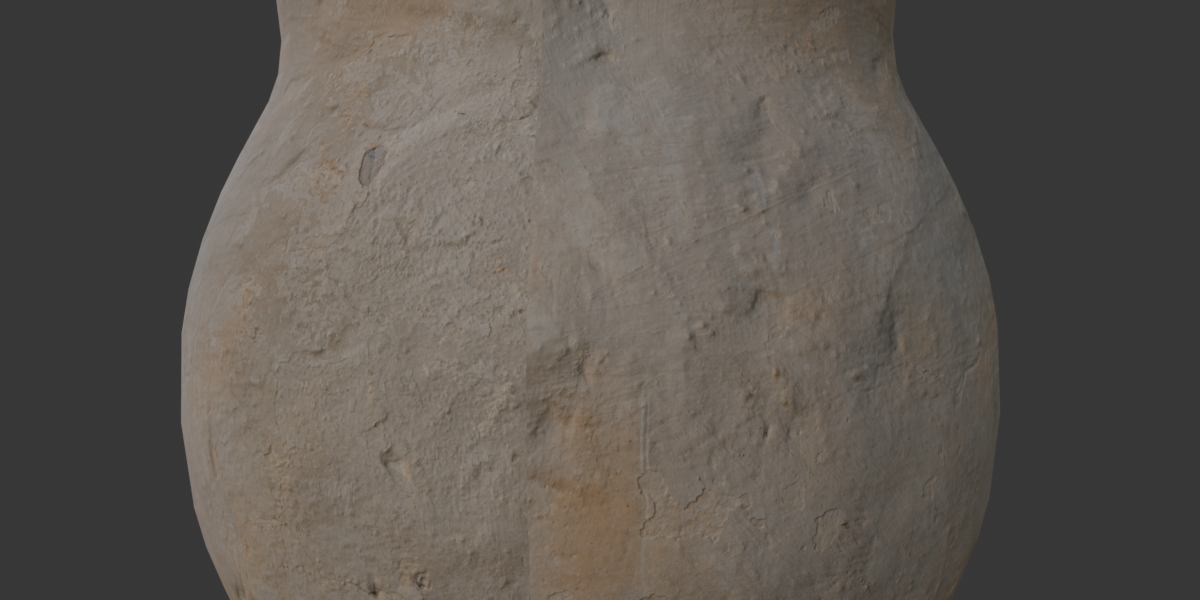
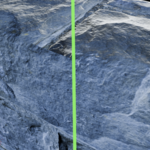
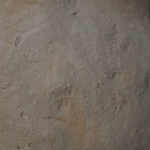
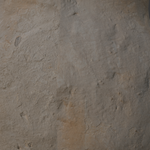
A closer look at texture continuity across UV islands.
A shared pattern across the seam
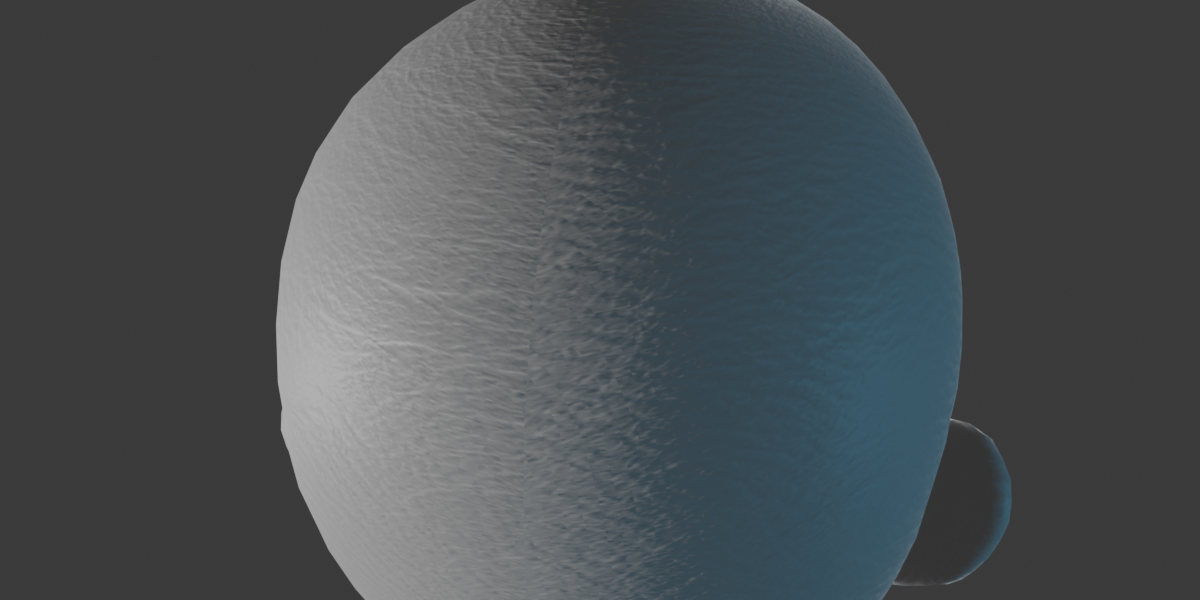
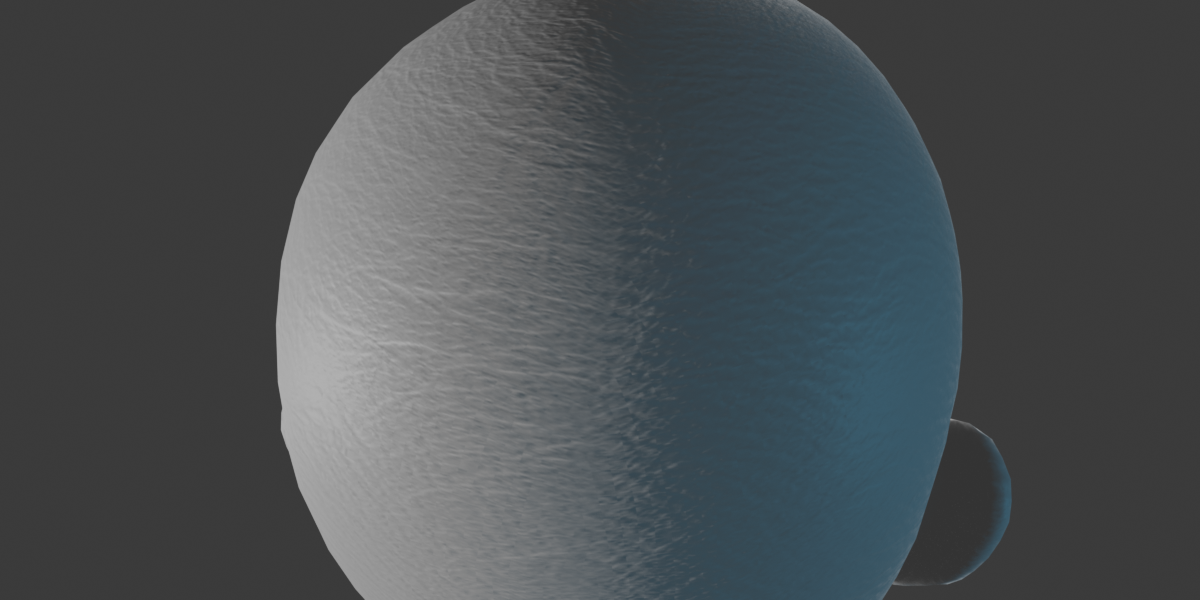
UV islands can break a repeating texture into visible pieces. Seamless Texture Projection projects texture detail across both sides of each shared UV seam, within the width you choose.
Use Seam Width to control the affected area, and Fade and Falloff to soften the transition. Adjust UV Repeat to change the pattern size across the whole bake.
One bake for your texture set
Enable the maps you need, load an image into each slot, and bake them together with shared projection settings.
Base Color • Roughness • Metallic • Normal • Alpha • Height • Ambient Occlusion • Emission • Specular
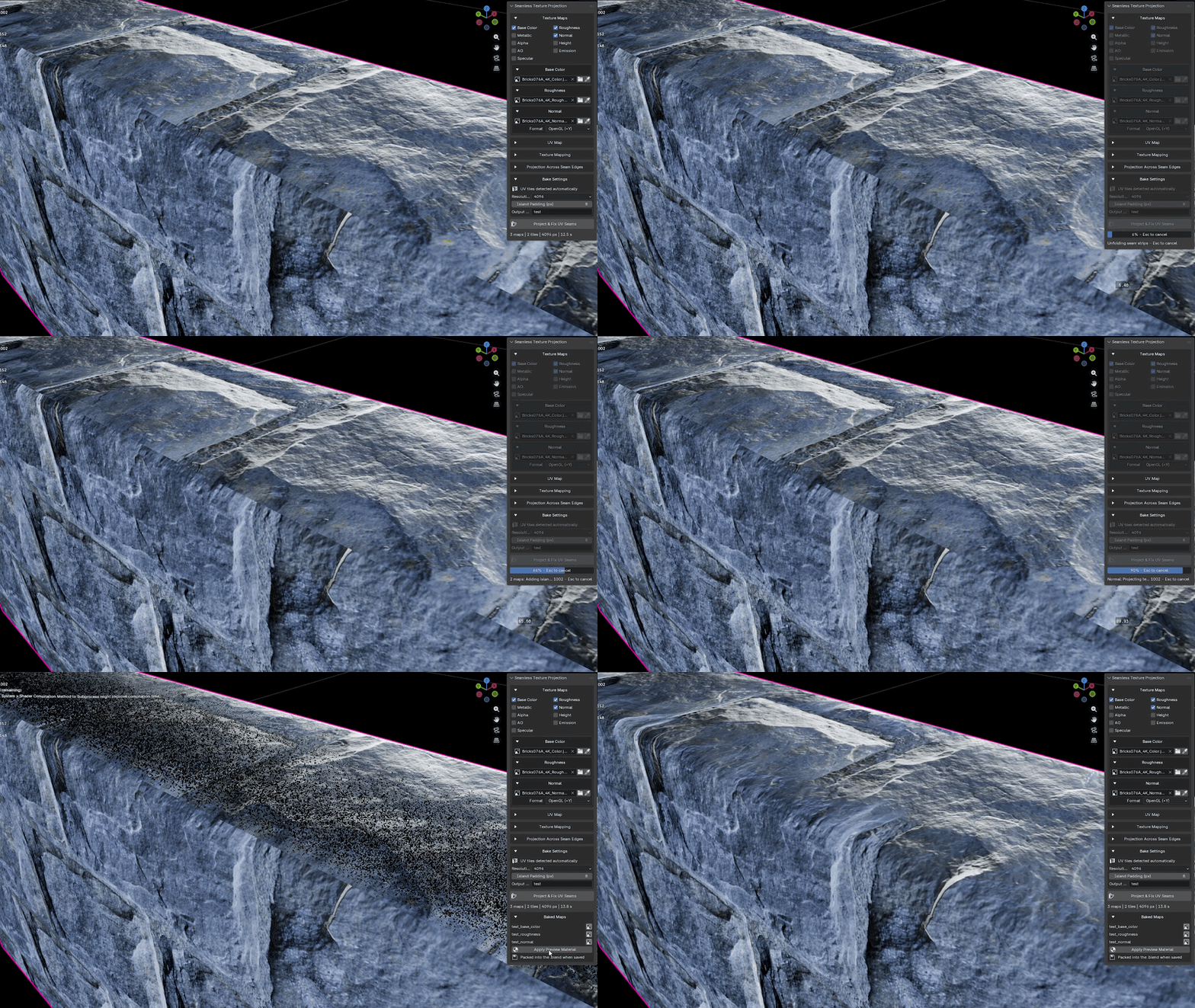
Choose one output name and get clearly named results such as Stone_base_color, Stone_roughness and Stone_normal.
Load your maps, bake the texture set, and apply the preview material.
Fits your existing UV workflow
- Automatic tile detection. Use only tile 1001 for a regular image, or bake across your occupied UDIM tiles.
- Normal map support. Use OpenGL or DirectX tangent-space normal maps, with orientation correction across UV seams. Baked normal maps use OpenGL.
- Preview your results. Build a material from the baked maps. Normal connects to Principled BSDF; Height connects through Displacement to Material Output.
- Keep the originals. Baking creates new images and preserves your source textures and UVs. Results are packed into Blender and retained when you save the .blend file.
Start with a simple workflow
- Select your mesh and open N panel > Seamless.
- Choose your texture maps and adjust the seam settings.
- Click Project & Fix UV Seams.
- Click Apply Preview Material to inspect the result.
Start at 1024 pixels for a quick test, then switch to 2048 or 4096 for your final bake. Applying the preview assigns a new material to the baked object and supports Undo.
Requirements and useful details
Requires an existing UV map with non-overlapping islands. Works best with tileable textures. Baking uses the base mesh before modifiers and shape-key deformation. UV seam matching requires shared mesh edges.
Input textures must be individual images; UDIM is supported for baked outputs. Source textures are not included. The Normal slot requires a normal map, and visible Height displacement depends on your material settings and mesh detail.