 yulei
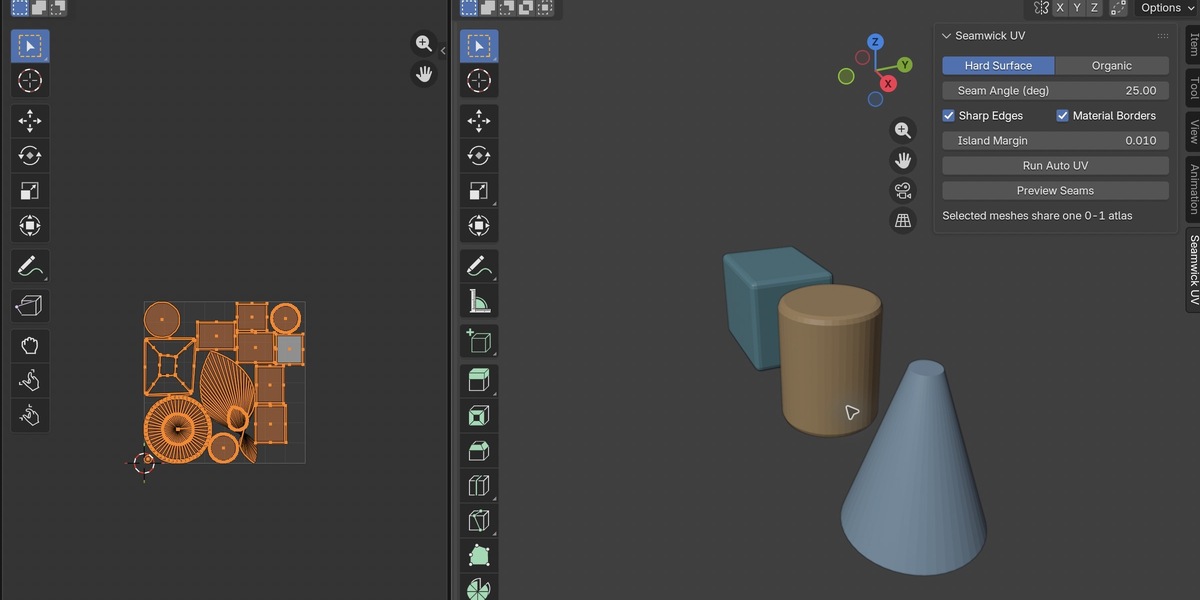
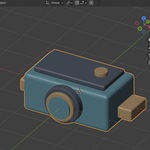
Seamwick UV 0.2.0 — Installation and Usage
Download
Download Seamwick_UV_0.2.0_Extension.zip from your Superhive receipt and keep it zipped. It contains the add-on and complete Python source. The surrounding submission-materials ZIP is not an installable Blender extension.
Requirements
macOS on Apple Silicon. Minimum Blender version: 4.5.14. The exact Extensions archive has historical installation and operation checks on Blender 4.5.14 and 5.2.2; compatibility with every intervening or later release is not established. Windows, Linux, and Intel macOS are not supported by this archive's manifest.
Install
1. If the legacy Seamwick UV add-on is enabled, disable it first. Both formats register the same operators and scene settings and must not be enabled together.
2. Open Edit > Preferences > Get Extensions. Open the menu at the upper right and choose Install from Disk.
3. Select Seamwick_UV_0.2.0_Extension.zip and install/enable Seamwick UV.
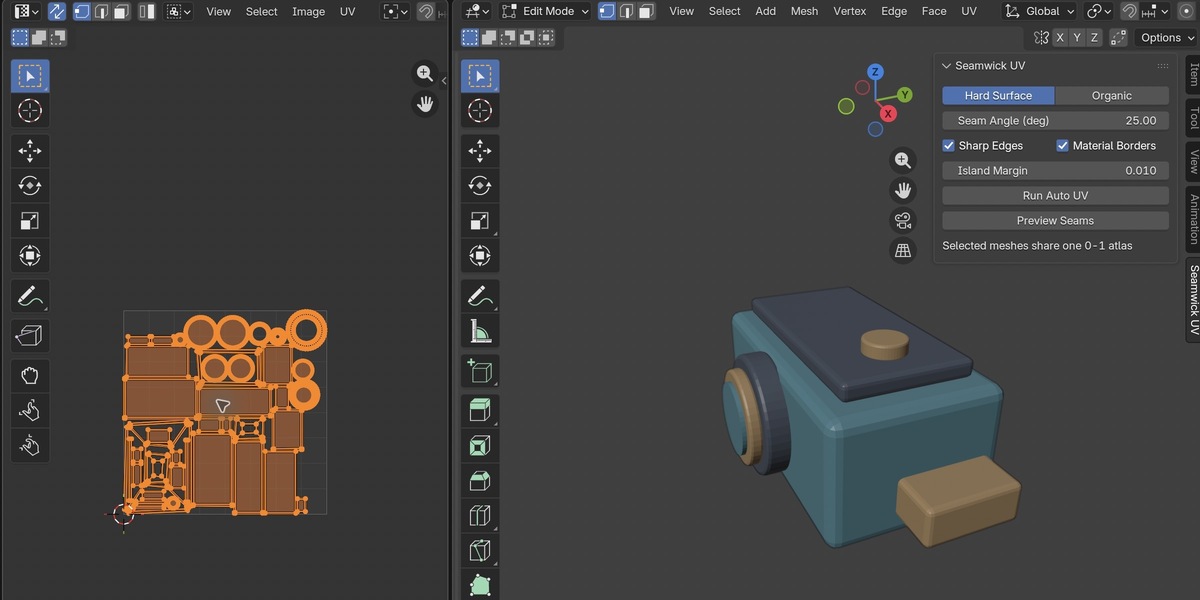
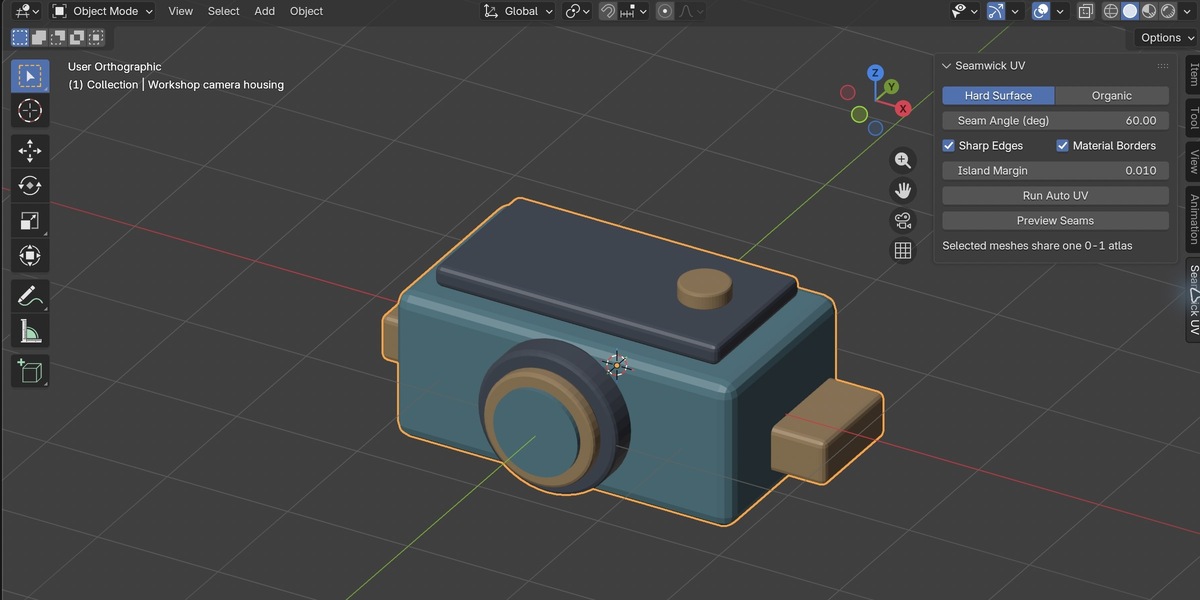
4. In a 3D Viewport, press N to open the sidebar, then select the Seamwick UV tab.
Prepare a selection
Save a copy of your file before UV work. Select local mesh objects with faces. Use single-user mesh data; linked library data and meshes shared between objects are rejected. Non-mesh objects are ignored. Object Mode and Mesh Edit Mode selections are accepted.
Hard Surface controls
- Mode: choose Hard Surface for the angle/sharp-edge/material-border seam rules.
- Seam Angle (deg): edges meeting or exceeding this face-angle threshold are marked as seams. Default 60 degrees; range 1–179.
- Sharp Edges: include edges marked sharp. Enabled by default.
- Material Borders: include boundaries between materials. Enabled by default.
- Island Margin: approximate spacing during packing. Default 0.01; range 0–0.1. It is not an exact tile-fraction or pixel-spacing guarantee.
Organic controls
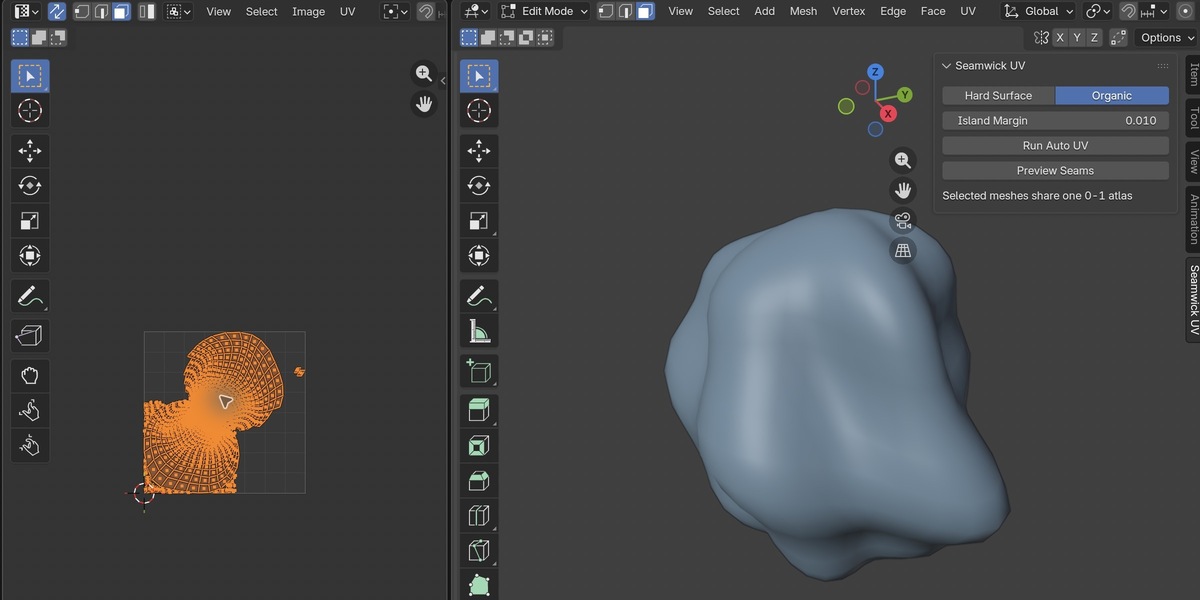
Choose Organic to use a simple back-cut seam heuristic with unwrap/projection fallback. Angle, sharp-edge, and material-border controls belong to Hard Surface mode. Island Margin remains available.
Run Auto UV
Click Run Auto UV. The add-on marks seams, unwraps, packs the selected meshes into one shared 0–1 atlas, and matches relative UV scale using mesh surface area and object transforms. Open the UV Editor and inspect the result.
Inspect seams
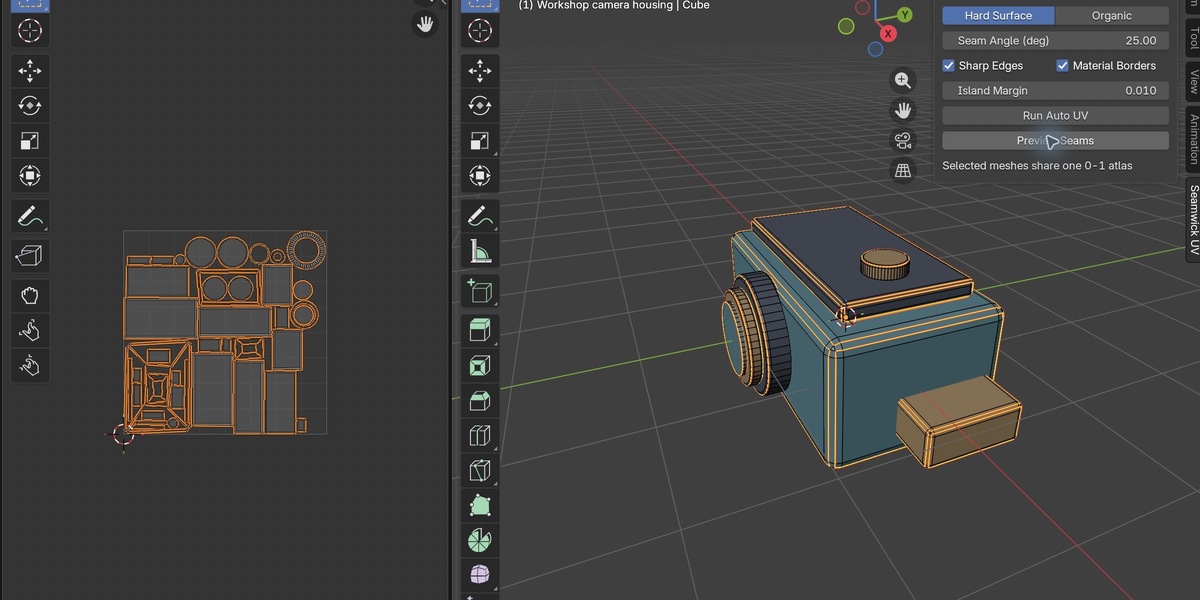
Click Preview Seams to enter Edit Mode with seam edges selected and seam overlays enabled. This intentionally changes Edit Mode/component selection. Refine cuts and UV placement manually where required.
UV maps and reruns
The add-on writes to a dedicated map named Seamwick UV. Rerunning rewrites that map. Other UV maps are retained, and existing seam flags remain. The generated map becomes active for editing; the add-on does not explicitly select a different render-active UV map. Check the map used by your material or render setup.
Known limits
This produces starting layouts, not guaranteed optimal seams or distortion-free results. It does not set a fixed pixel density. Open/non-manifold geometry is flagged for inspection. Relative scale excludes unapplied modifier output. UDIM, baking, export, and modifier application are outside this product's scope. No external Python dependencies need to be installed; bpy and bmesh are provided by Blender.
Troubleshooting
- Panel missing: confirm the extension is enabled, move the pointer into a 3D Viewport, press N, and look for the Seamwick UV tab.
- Registration error: disable any legacy copy or second installation before enabling this extension.
- Mesh-data rejection: use local, single-user mesh data with at least one face.
- Unexpected UV result: inspect the dedicated UV map, retained seams, geometry, and mode controls. Review the layout before use in production.
- Unsupported platform error: this archive declares macos-arm64 only. Do not remove that restriction and treat the result as tested.
License and support
The complete add-on source and GNU GPL v3 text are included. Source notices select GPL-3.0-or-later; copyright (C) 2026 yulei. The software is provided under the license's warranty terms. For product support, open a conversation from this Superhive product page with your version, platform, reproduction steps, and error text. No customer files, screenshots, or credentials are transmitted automatically by the add-on.
Have questions about this product?
Login to message
| Blender Extension Compatible | Yes |
| Published | 12 days ago |
| Blender Version | 4.5 - 5.2 |
| Extension Type | Add-on |
| Render Engine Used | Cycles |
| License | GPL |
