 ZEG
Installation
In Blender, open Edit > Preferences > Get Extensions, choose Install from Disk, and select the extension ZIP.
Usage
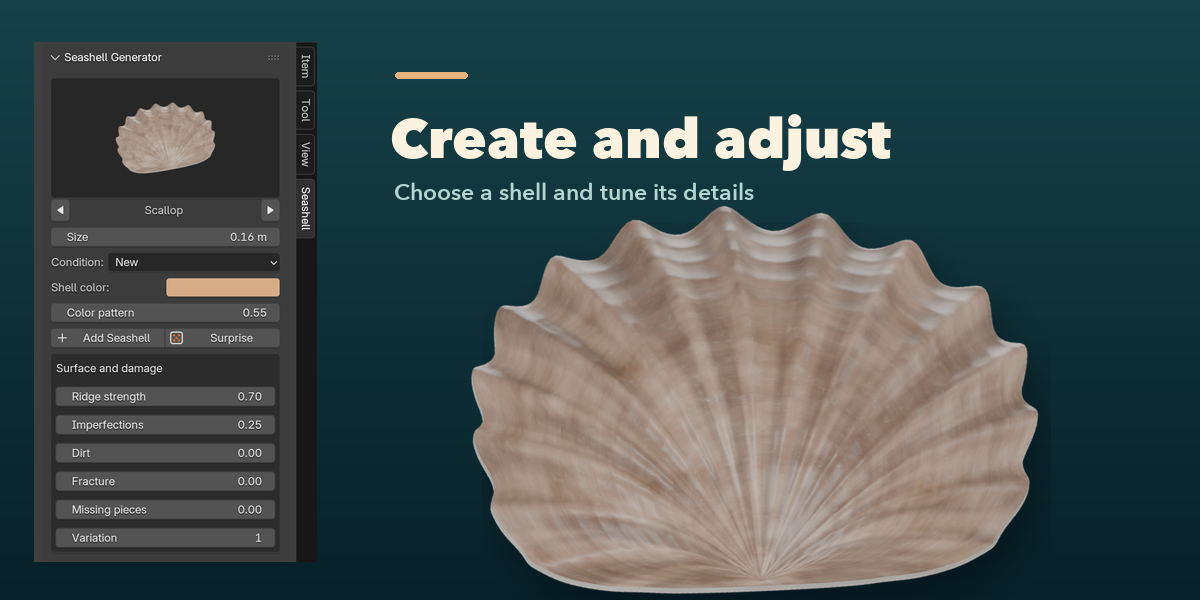
- Open the 3D Viewport sidebar with N and choose the Seashell tab.
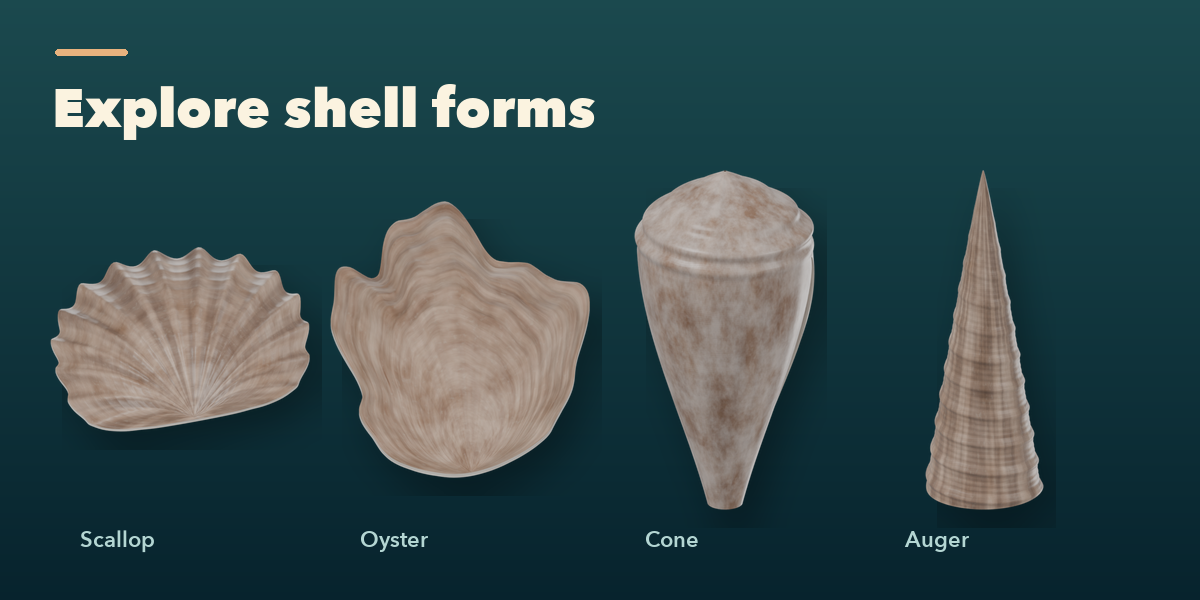
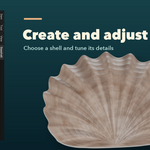
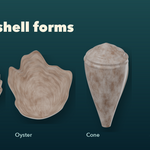
- With no shell selected, click the picture to choose a form. Set its size, condition, color and pattern, then click Add Seashell. It appears at the 3D cursor.
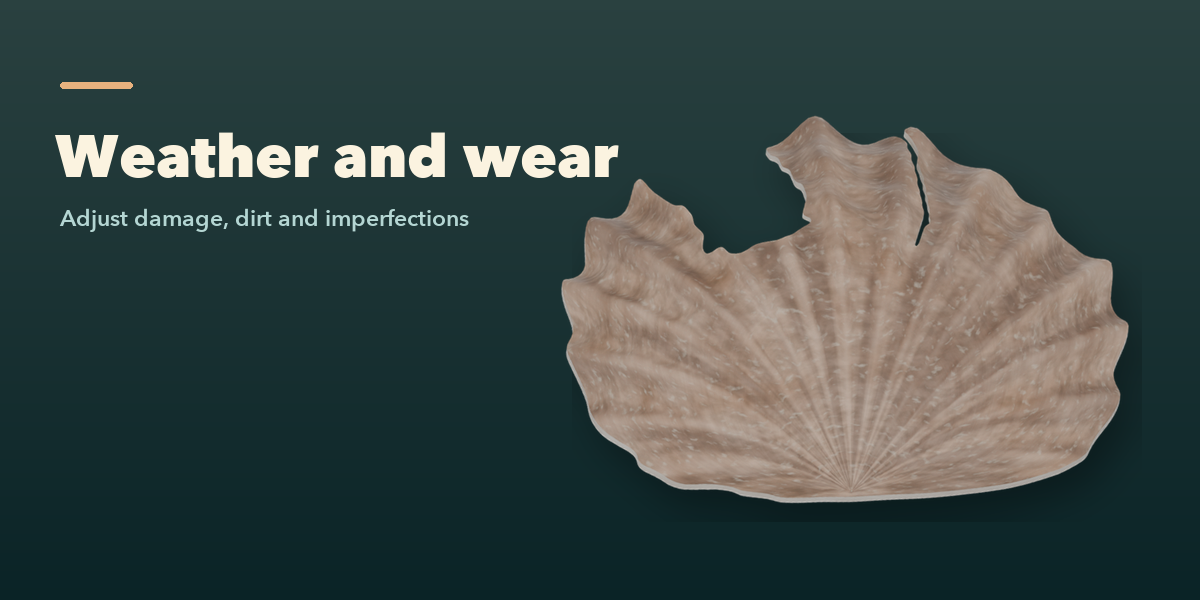
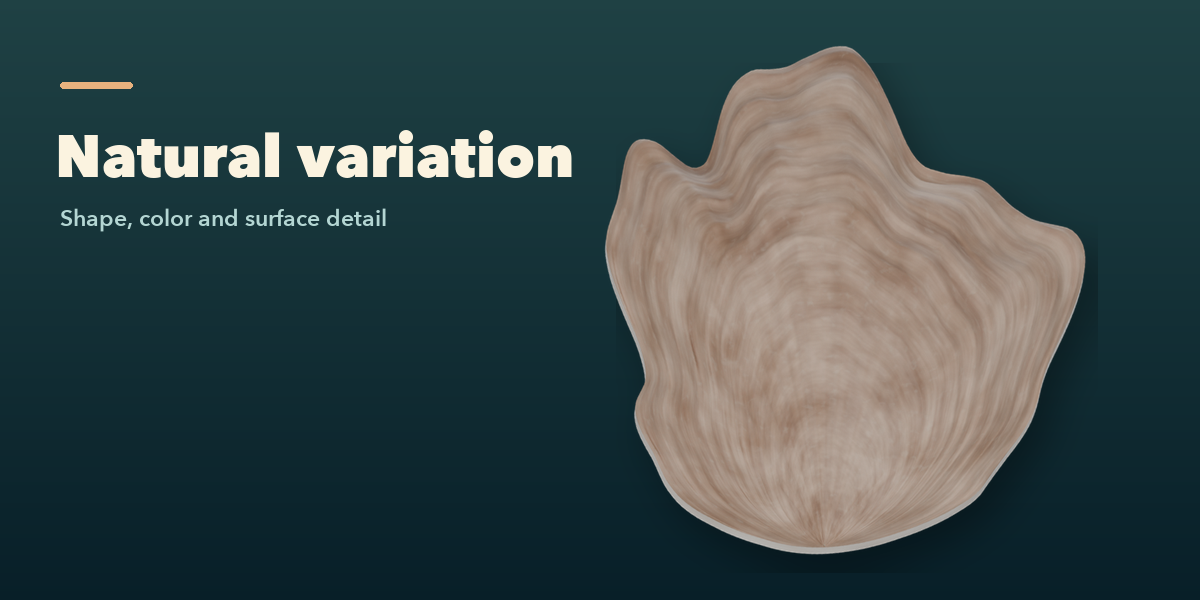
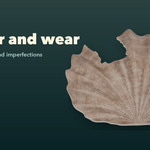
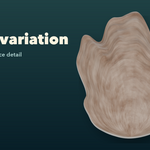
- Select a generated shell to edit its settings. Adjust ridges, imperfections, dirt, fracture, missing pieces and variation in Surface and damage.
- Surprise creates a random shell if none is selected, or changes the selected shell. Deselect to return to the add-new controls.
Procedural materials work in EEVEE and Cycles. Bake textures for export when needed. The conch uses overlapping whorls; inspect and repair it before watertight-mesh workflows.
Have questions about this product?
Login to message
| Blender Extension Compatible | Yes |
| Published | 3 days ago |
| Blender Version | 4.2 - 5.2 |
| Extension Type | Add-on |
| Render Engine Used | Cycles, Eevee |
| License | GPL |
