Seaside Vfx Template
 Thomas Harrop



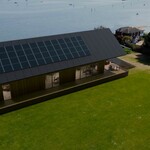


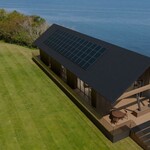
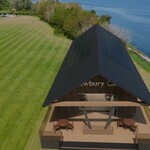

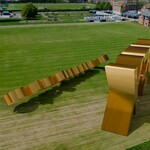
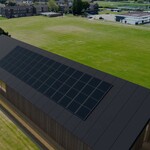
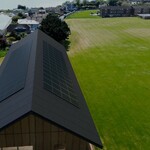
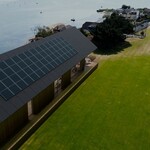
Perfect for quickly adding photorealistic backgrounds to your buildings products, ect.
How to Use :
Camera 1 : Frame Range = 1 : 2048
Camera 2 : Frame Range = 1 : 2048
All footage was captured at 30fps.
Depending on Which Camera angle you want to use - load the Comspoitor Between the Footage angles 1, or 2 (Look at compositor for details)
Use the markers in the timeline to swap between Camera angles, But dont forget each swap of camera angles requires a swap in the compositor when rendering.
The mesh provided only acts as a shadow Catcher and a reference point for Scene Placement, This is set to Catch shadown only.
Select the Camera of Choice and add the Video as a background image to Best see the Results Before Render.
Enjoy.

Have questions about this product?
Login to message
| Published | over 1 year ago |
| Blender Version | 4.3 |
| License | Royalty Free |