Ruben Messerschmidt


One-time purchase — No annual support period fees
Unlike other addons, Section Pro is a one-time purchase with free updates within the same major version, a 30-day satisfaction guarantee, and direct support from me without time limits. No annual fees, just optional upgrades when you want them to support continuous development.
Already use Section Box?
Section Pro is rebuilt from the ground up based on your feedback. Main improvements include:
- Section planes instead of a box, let you cut at any angle
- Color code section fills per object, collection, or material
- Technical drawings are significantly faster and highly precise
- Hidden edge detection, perspective distortion, and more options for technical drawings
- Named views to save and switch section and viewport configurations
- Quicker workflow with customizable hotkeys and menus
- Highly improved performance and stability across all features
Upgrade to Section Pro for 50% off the regular price using code: section-box-upgrade
(no expiry, for existing Section Box users only)
What is Section Pro?
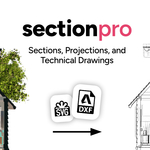
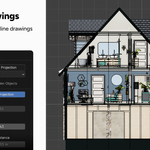
Section Pro lets you cut through any 3D model with section planes. Generate high precision technical drawings with cross sections and projections, and export to DXF/SVG. Perfect for architects, interior designers, and engineers who use Blender for ArchViz, BIM, and technical documentation.
Main features
Section cuts at any angle
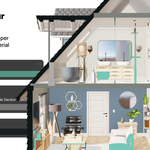
Cut through your 3D objects from any angle with one or multiple section planes. Works with all types of objects including collections, instances, and geometry nodes. Position and rotate the plane like any Blender object.
Color code sections per object, collection, or material
Assign fill colors for individual objects, entire collections, or specific materials. Structural walls, partitions, and furniture each read as distinct elements at a glance.
Generate 2D technical drawings in one click
Section Pro produces a 2D edge mesh from any section, including the cross-section outline, projected silhouette edges, and hidden edges in a separate layer. Each layer can be styled independently in Blender or downstream in any CAD/vector application.
Hidden edge detection
Section Pro can detect hidden edges in your 3D model, allowing you to create more accurate and detailed technical drawings. Hidden edges are stored in a separate layer, which can be styled independently later.
Export to DXF/SVG
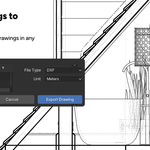
Export drawings directly to DXF for AutoCAD, FreeCAD, or any CAD application. SVG for Illustrator, Affinity, or laser cutting. Export units can be set independently of the Blender scene.
Save and switch section configurations
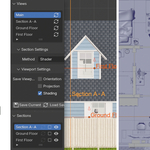
Views store which sections are active, which drawings are visible, and the viewport orientation, projection, and shading. Name them "Floor Plan", "Section A-A", "Section B-B" and switch with one click.
Floor plan cuts
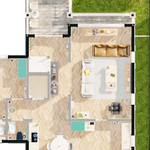
Create horizontal section cuts at any height. Use Align View to Section to instantly switch to orthographic top-down mode. Use color coding to achieve a clear and readable plan.
Control what gets cut
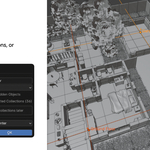
Let sections affect only specific objects, collections, or the entire scene. This allows you to use different sections for different parts of your scene.
Learn more
Full YouTube Tutorial Series
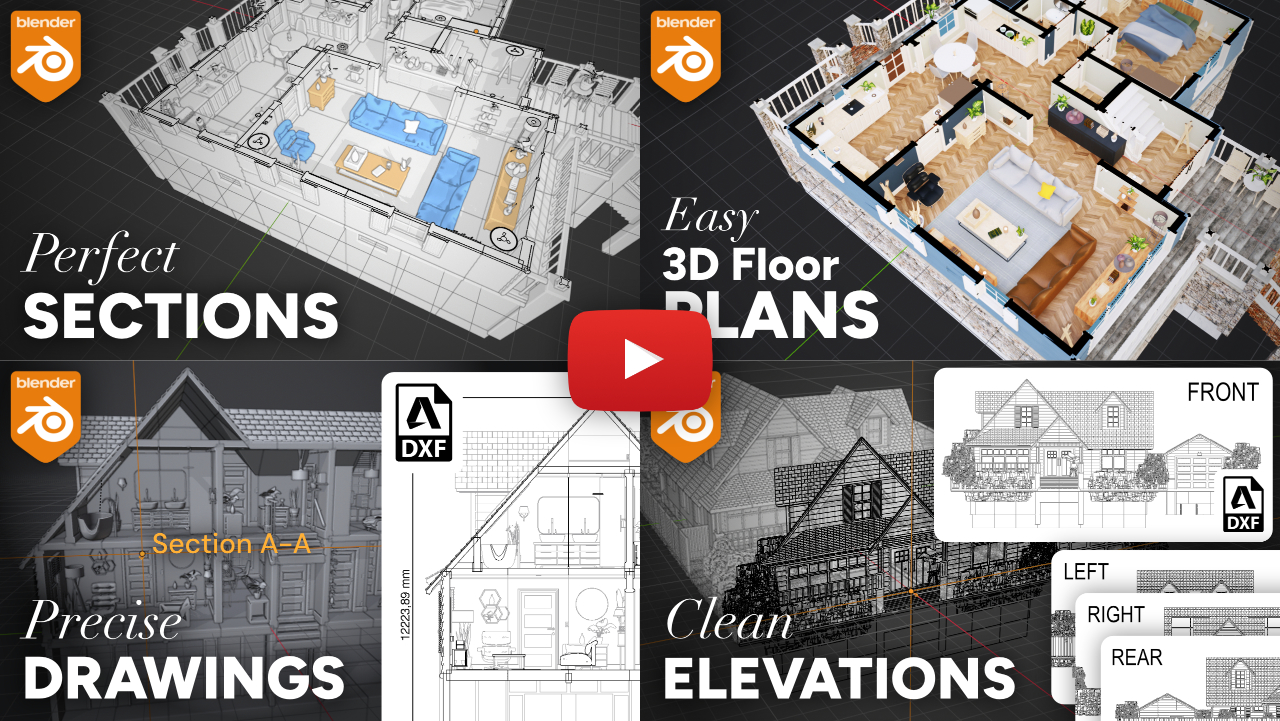
This short, beginner-friendly 4-part tutorial series covers the complete architectural workflows in Blender with Section Pro. Learn how to create cross sections, color-coded floor plan renders, architectural drawings with DXF/SVG export, and elevation drawings.
Read the documentation
Find detailed information on how to use Section Pro, including setup, guides, and practical tips. See the full documentation here.
Roadmap
Section Pro is actively developed and improved based on user feedback. Here are some of the features and improvements that are planned for future releases:
- Color coding: Let the user create color palettes that can be used across different projects, or on different objects, collections, and materials within the same project.
- Apply sections: Feature to destructively apply the section cut to the meshes of a copy of the affected objects.
- Animate sections using the boolean method: Automatically update the section cut in real-time as the section plane moves in an animation.
- Export multiple drawings at once: Feature to export multiple drawings simultaneously with the same settings.
- Drawings auto remove hidden edges: Drawing setting to automatically remove hidden edges from the drawing (For now you have to delete them manually).
Got an idea for a feature or improvement? Please reach out to me directly via email at [email protected].
Support & Community
Contact me directly
If you have any questions, feature requests, or need support, feel free to reach out to me directly via email at [email protected].
Join my Discord server
Connect with other users, ask questions, and get support directly from me and the community. Join the server for free here.
FAQ
What are the system requirements?
Section Pro is compatible with Windows (arm64 and x64), macOS (arm64 and x64), and Linux. Blender 4.5.1 or newer is required.
Which updates are included for free?
All updates within the same major version (e.g. 1.x) are included for free. Major version updates (e.g. 2.x) will be available at a heavily discounted price for existing users.
What is the refund policy?
I offer a 30-day money-back guarantee for Section Pro. If you are not satisfied with the product, please contact me for a full refund within 30 days of purchase.
Can I use Section Pro for commercial projects?
Yes, Section Pro can be used for both personal and commercial projects. For teams from 2 to 5 users the studio license is required. For teams from 5 to 10 users the team license is required. For larger teams or educational institutions, please contact me for a custom license.
Does Section Pro use Superhive's support period system?
No, it doesn't. I'm convinced of a version-based system with free updates within the same major version (see above). So you can always decide to update or not, and always have access to support.
Will Section Pro ever be on sale?
No, I don't run sales. The only discount for my products is the launch price, which is available for a limited time (supporting early adopters). This is because I'm convinced that a fair price for a product should be the same for everyone, and that sales create artificial pressure to buy quickly.
- Color coding by material: Only supported with the shader section method.
- Performance: Section Pro is optimized for performance, but very large scenes with many objects may still experience slowdowns. Especially when using the boolean section method on very high poly counts it can take seconds to minutes, so make sure to save before loading the section. The operation will always finish, but it may take a while.
- Supported objects: Section Pro supports all object types except for grease pencil, particles, and volumes.
- Hidden edge detection: The accuracy depends on the preset/custom settings, so it won't be 100% accurate. This limitation is in the nature of what's possible in Blender. Also higher settings and poly counts lead to longer processing times.
More from me
If you found Section Pro useful, check out my other Blender add-ons: