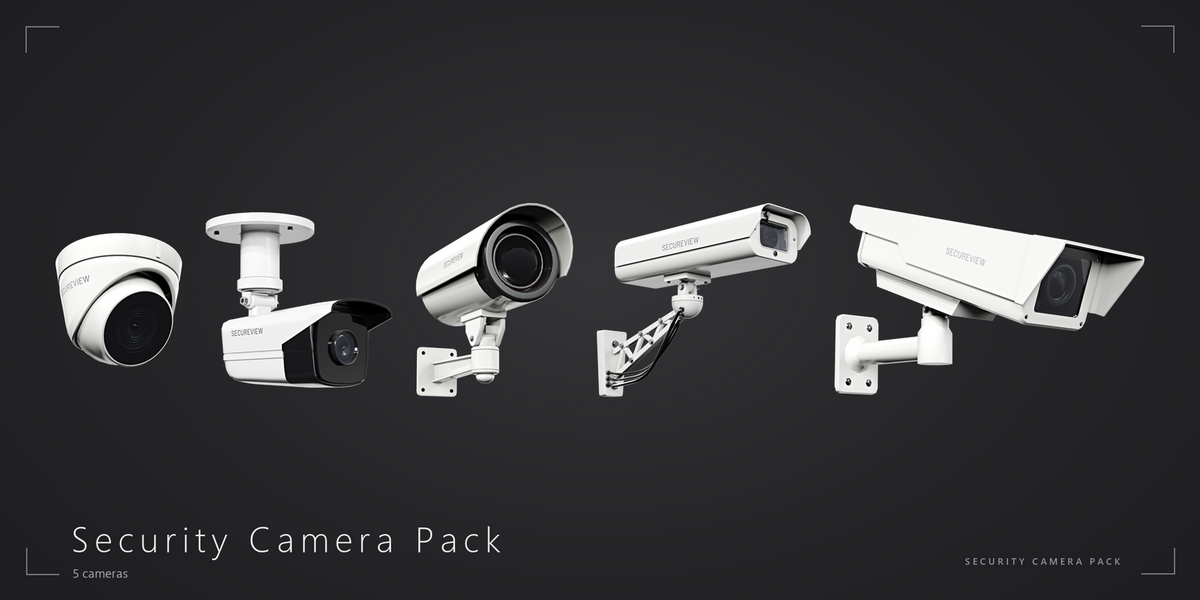
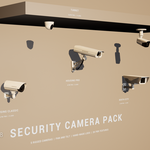
Security Camera Pack
 Next Level Models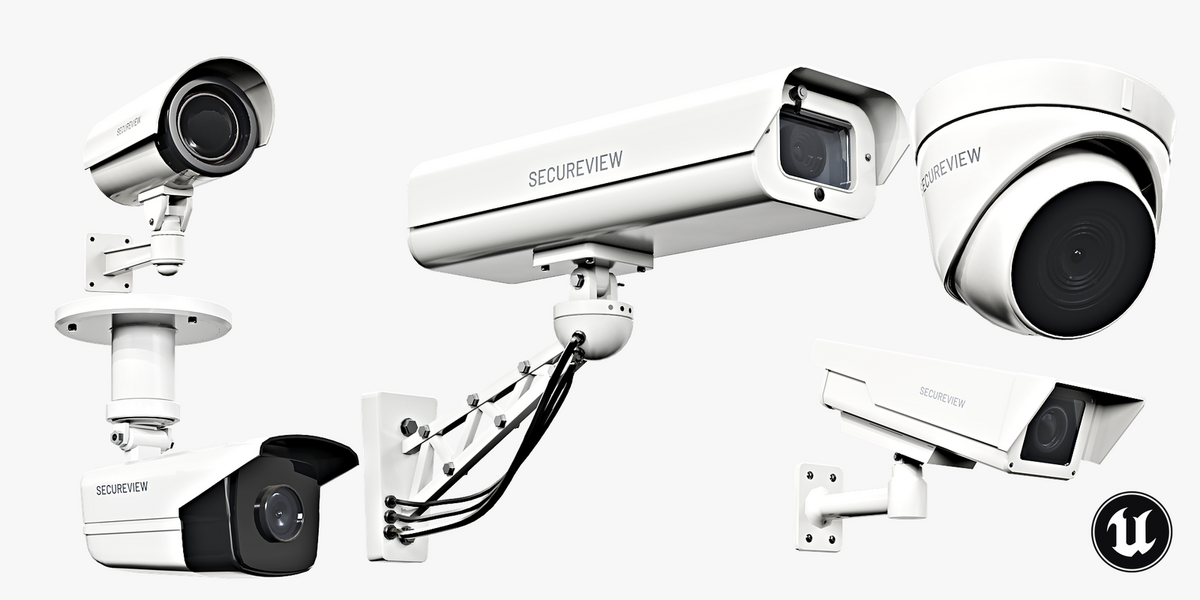
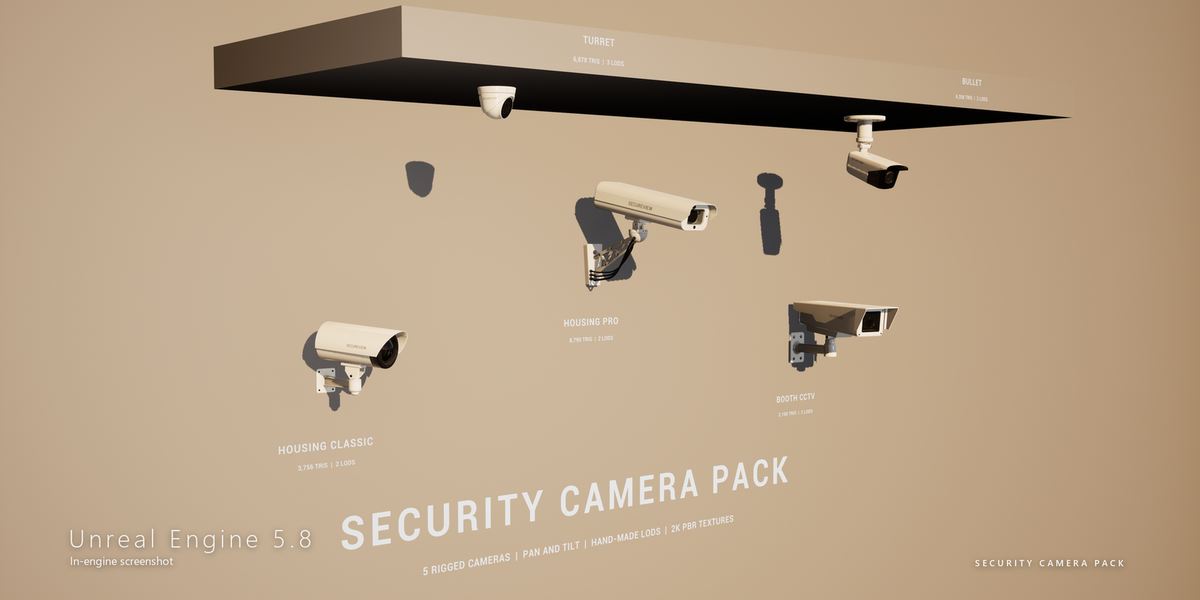
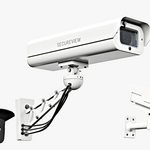
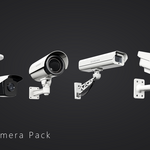
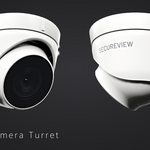
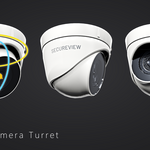
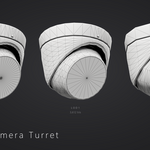
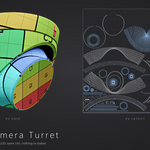
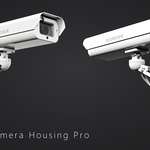
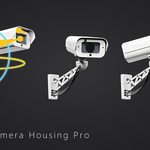
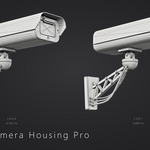
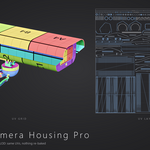
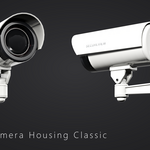
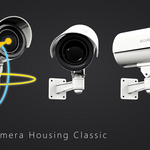
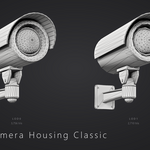
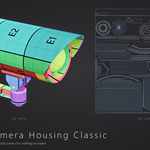
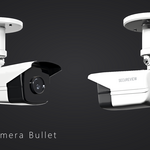
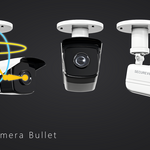
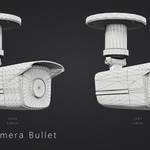
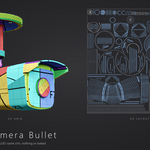
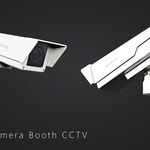
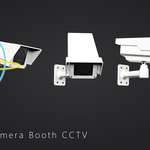
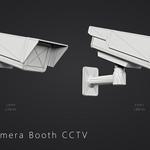
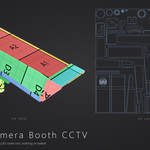
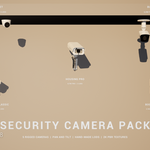
Getting started
- Download SecurityCameraPack_Blender.zip and Textures.zip and unzip them into one folder, so the Textures folder sits next to SecurityCameraPack.blend (textures use relative paths).
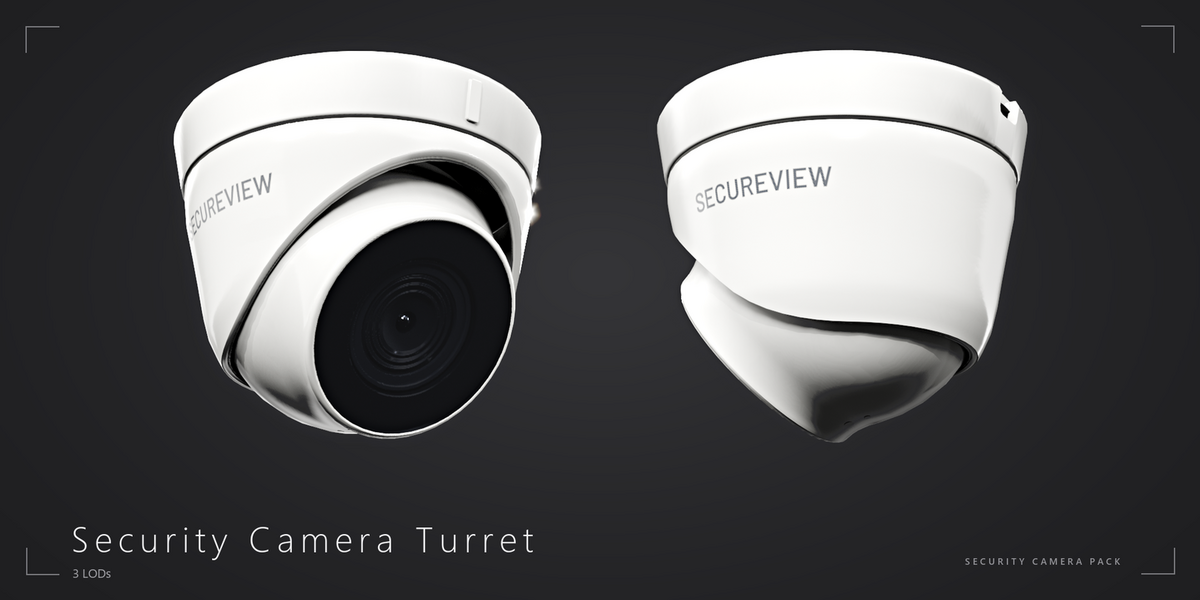
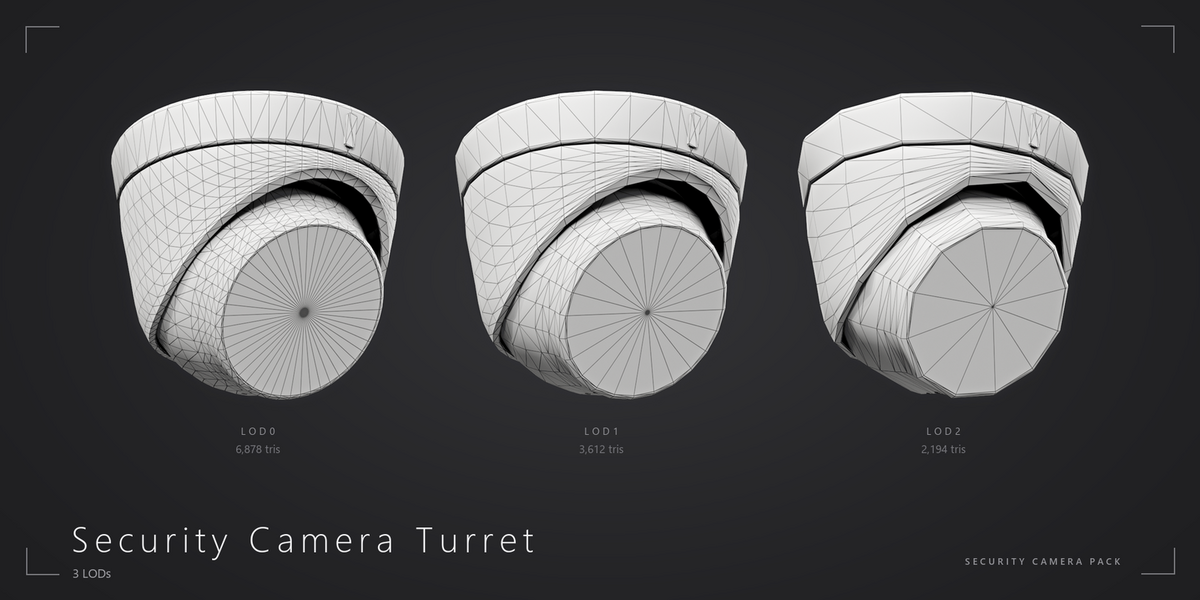
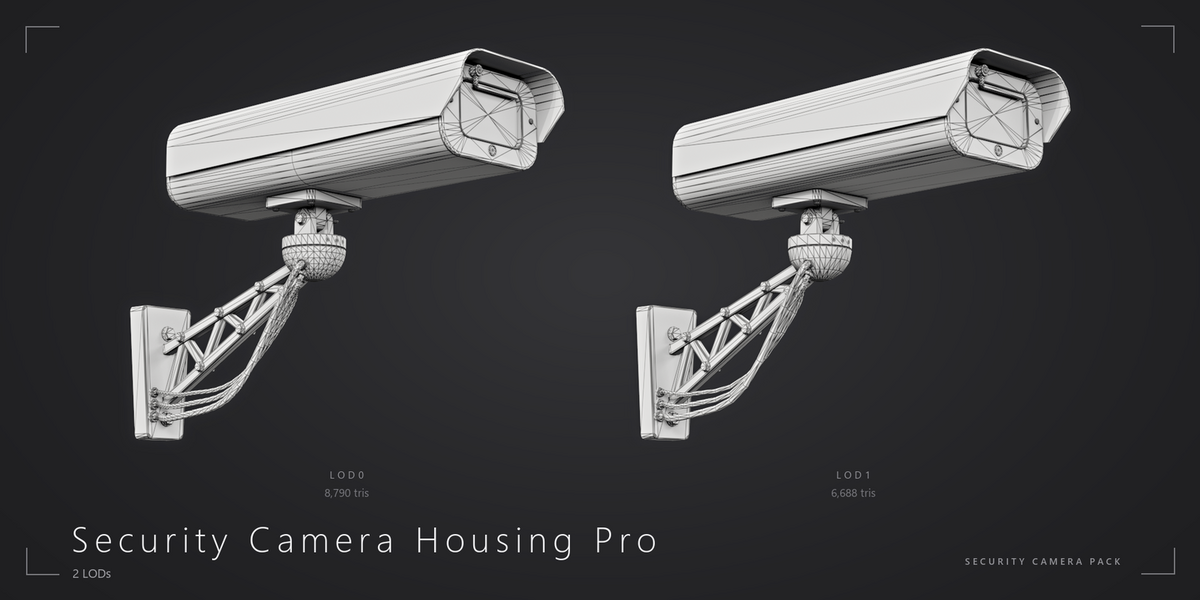
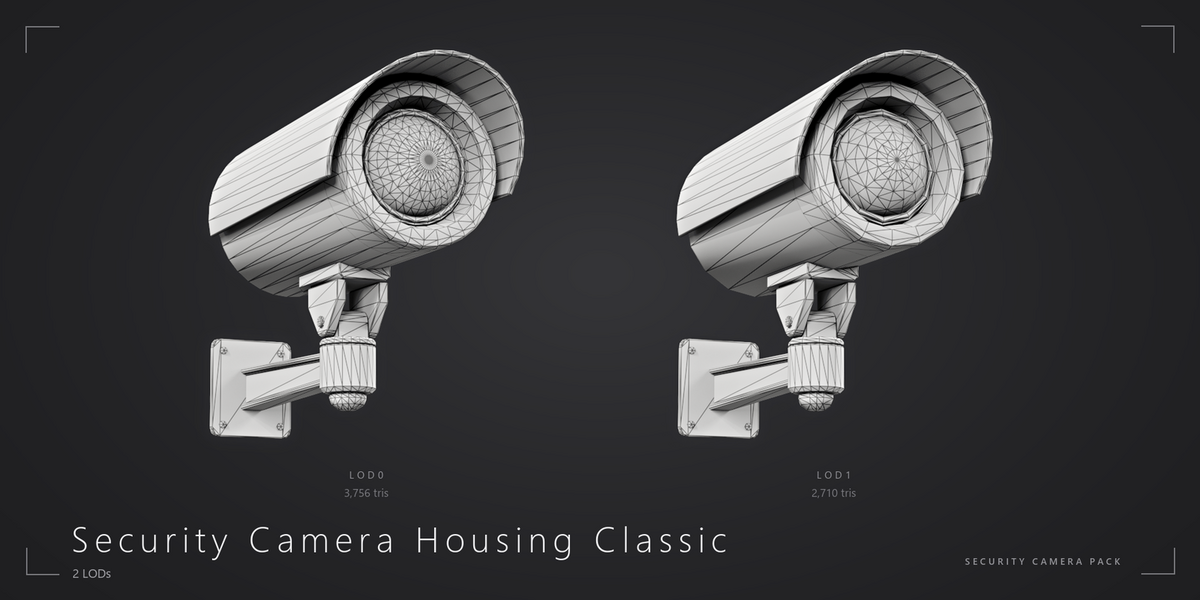
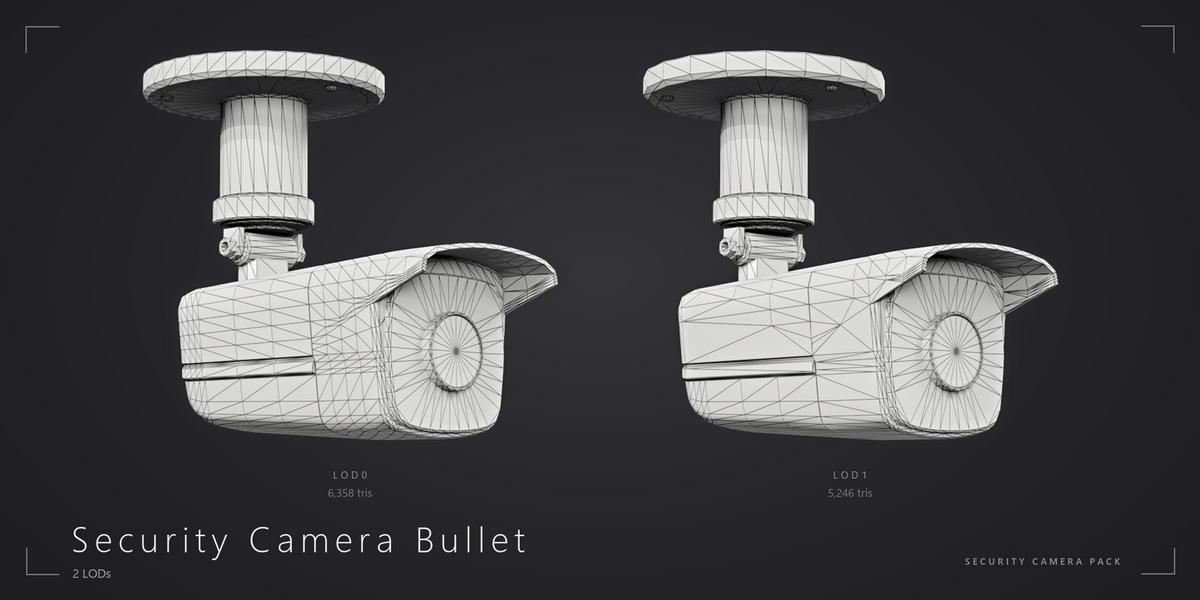
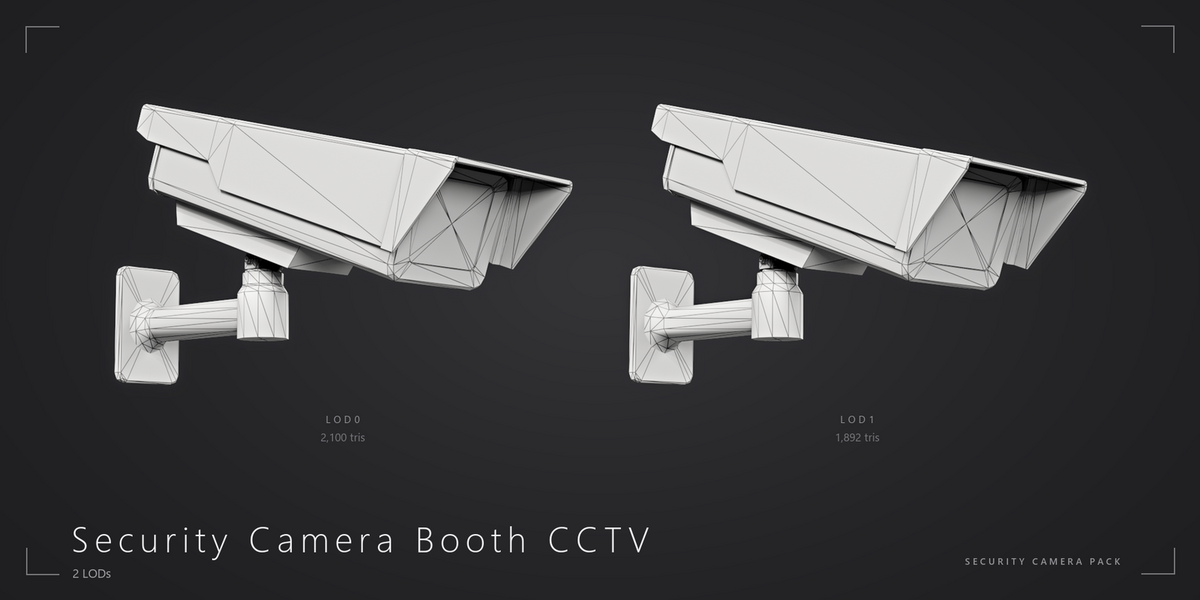
- Open the file in Blender 5.2 or newer. Every camera has its own collection; LOD1 and LOD2 are in the hidden child collection _LODs.
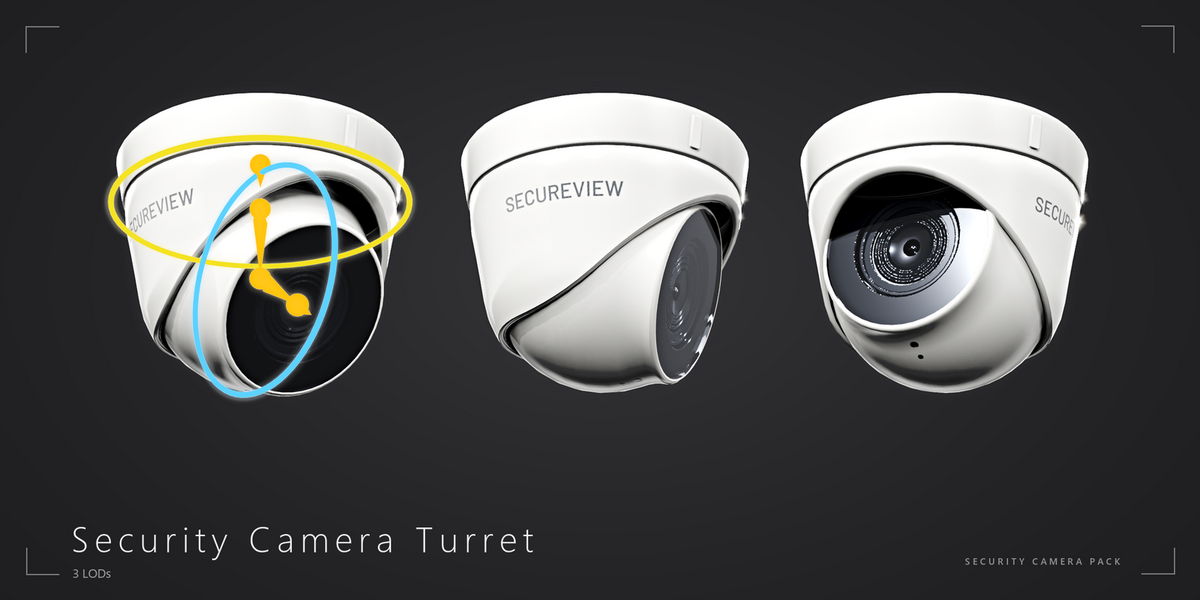
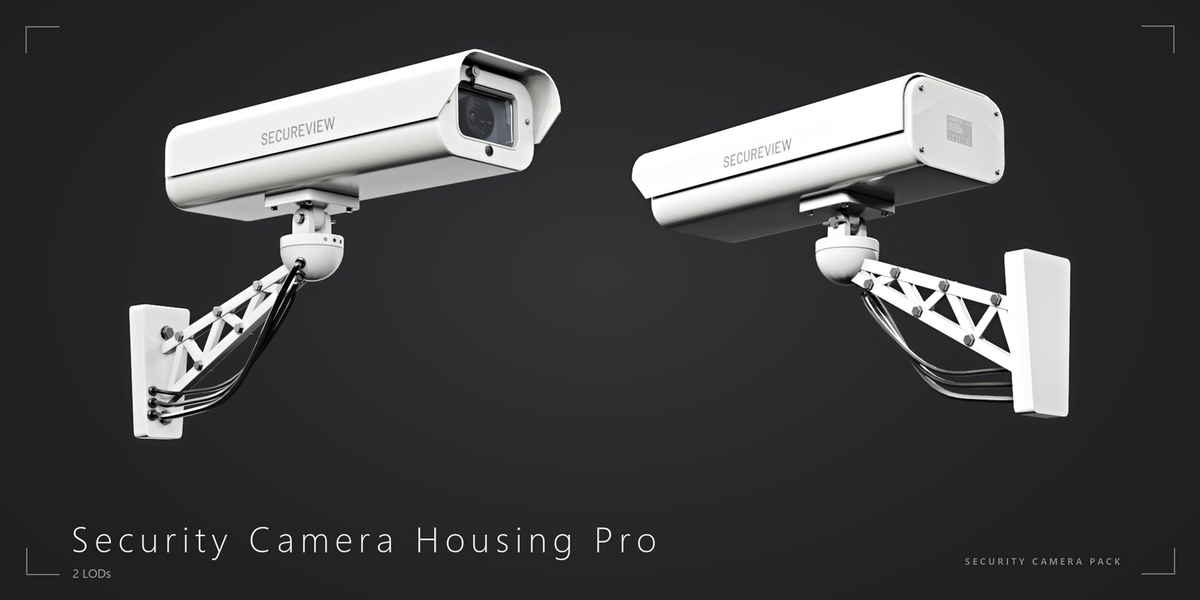
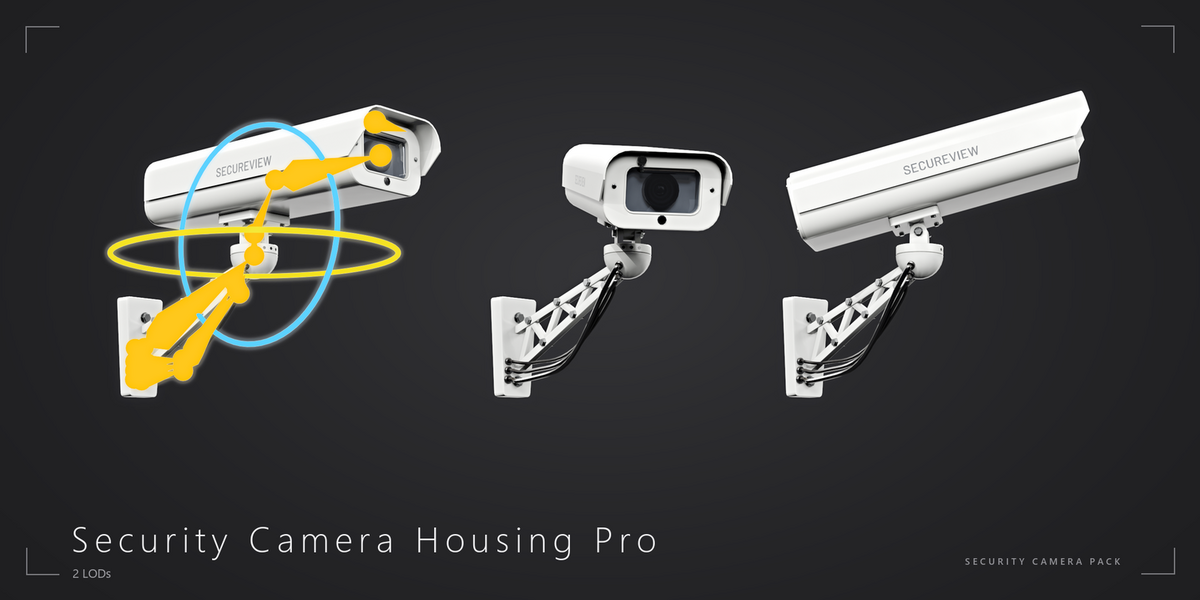
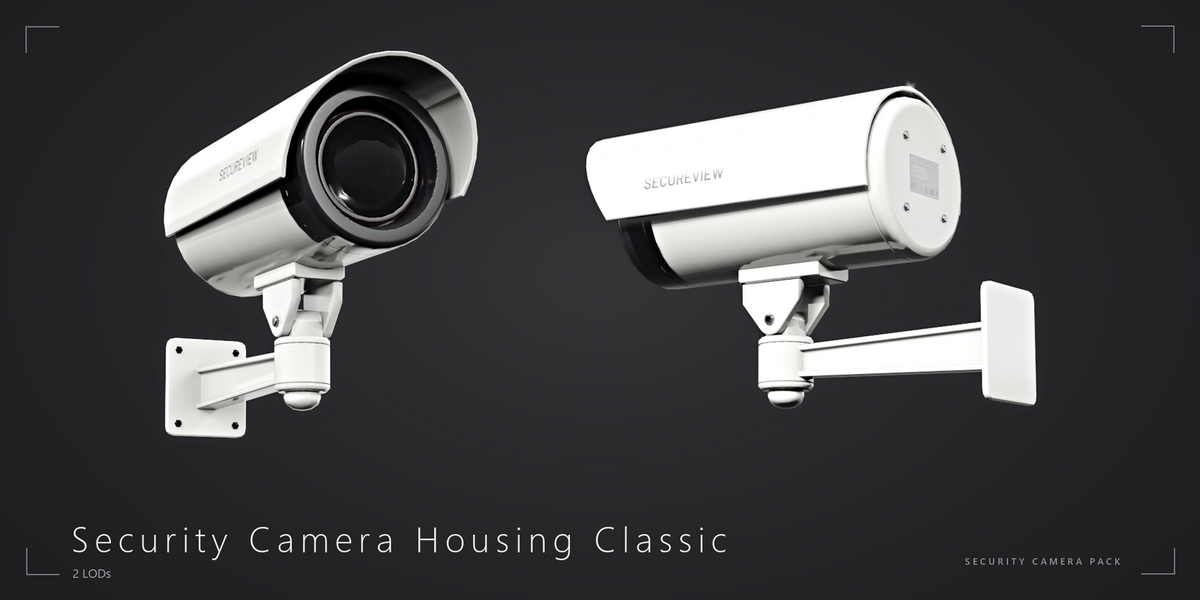
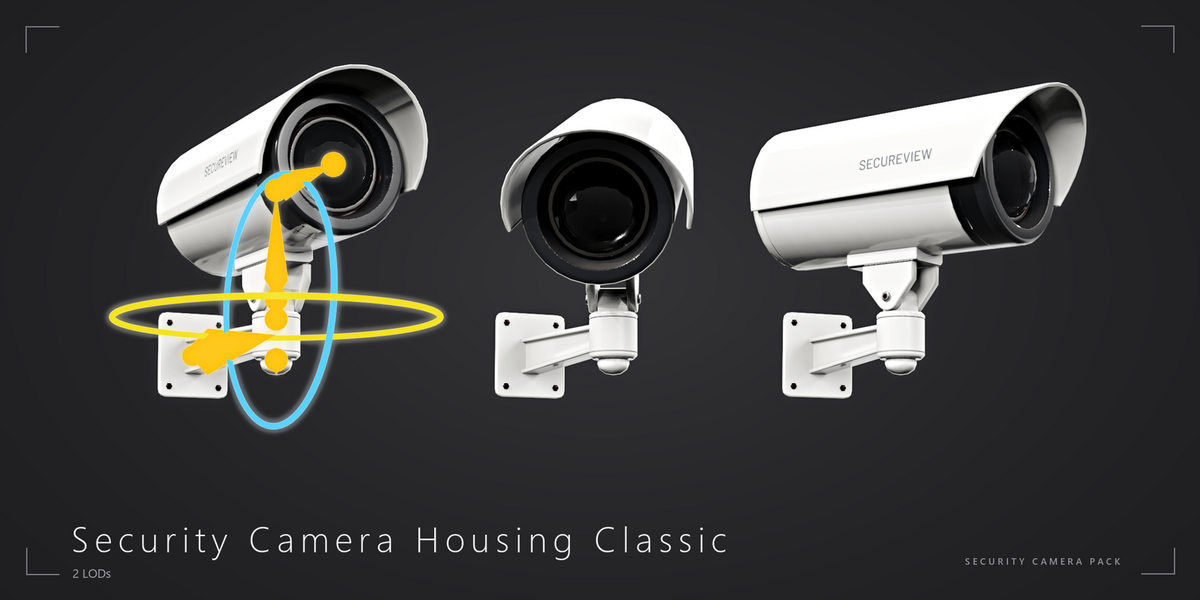
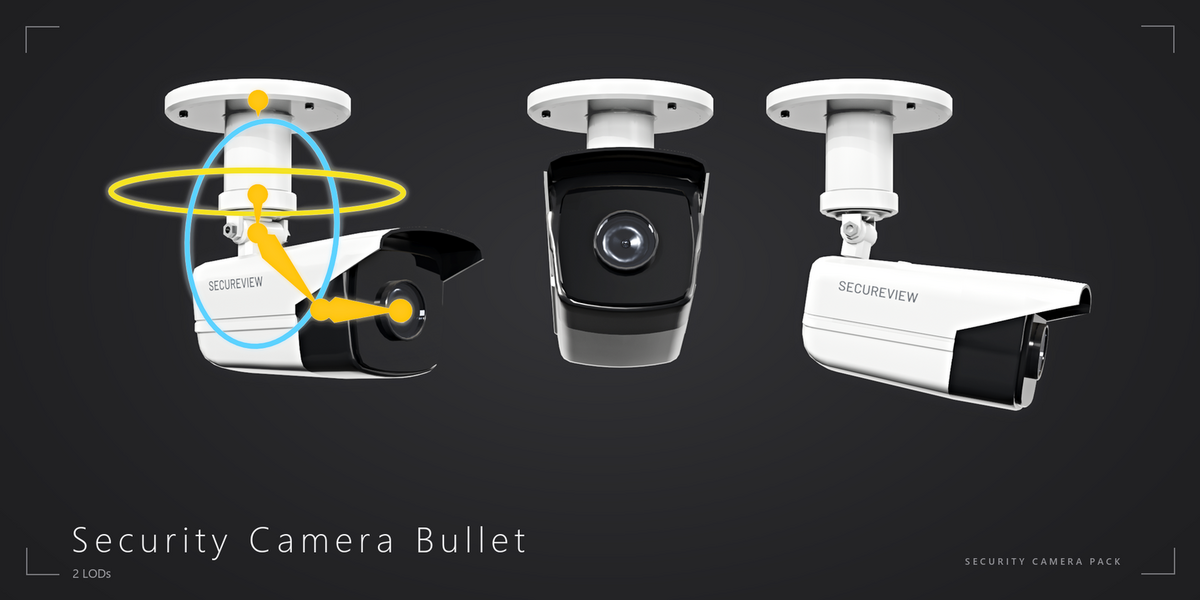
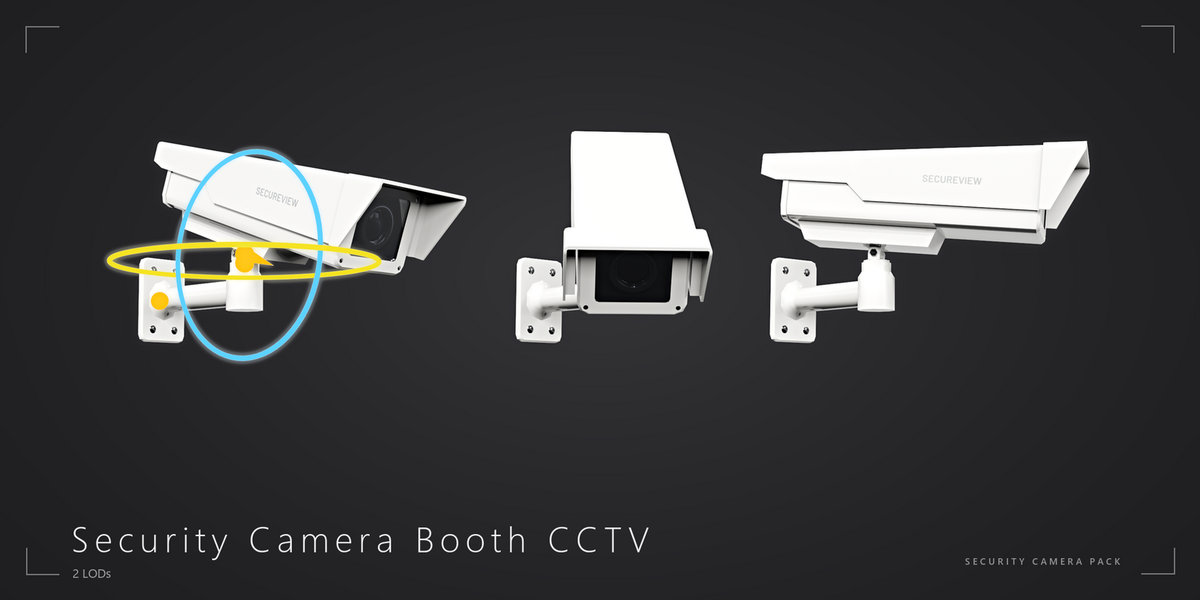
- Rig: every camera has an armature with pan and tilt bones (Housing Pro also has wiper and cable bones). Select the armature, switch to Pose Mode and rotate the bones. Rigid skinning - every part follows one bone.
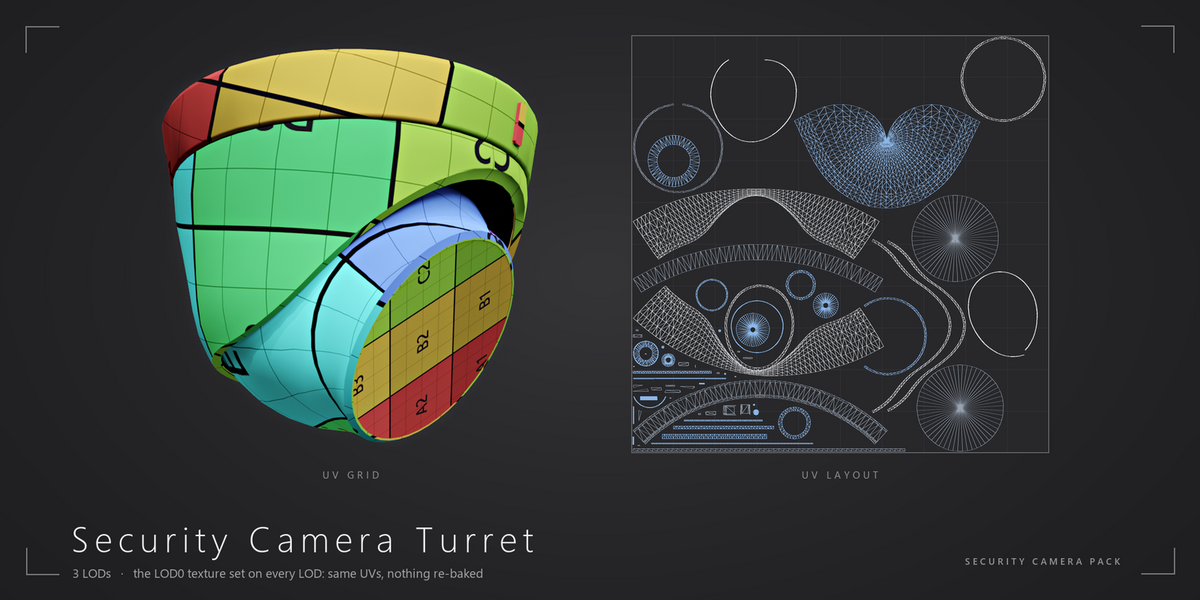
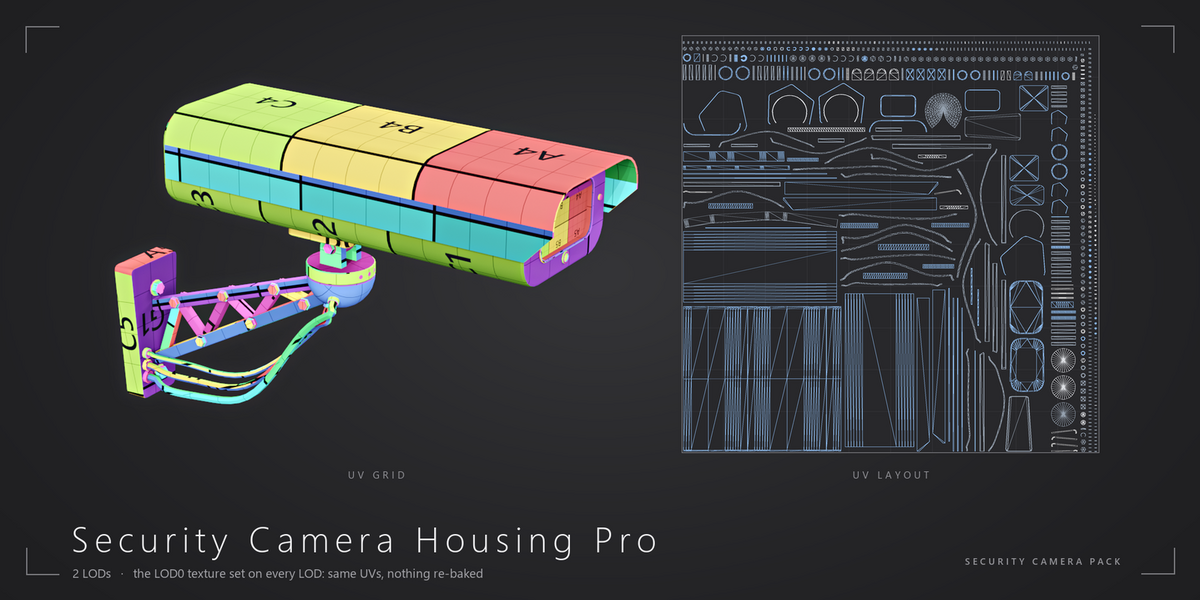
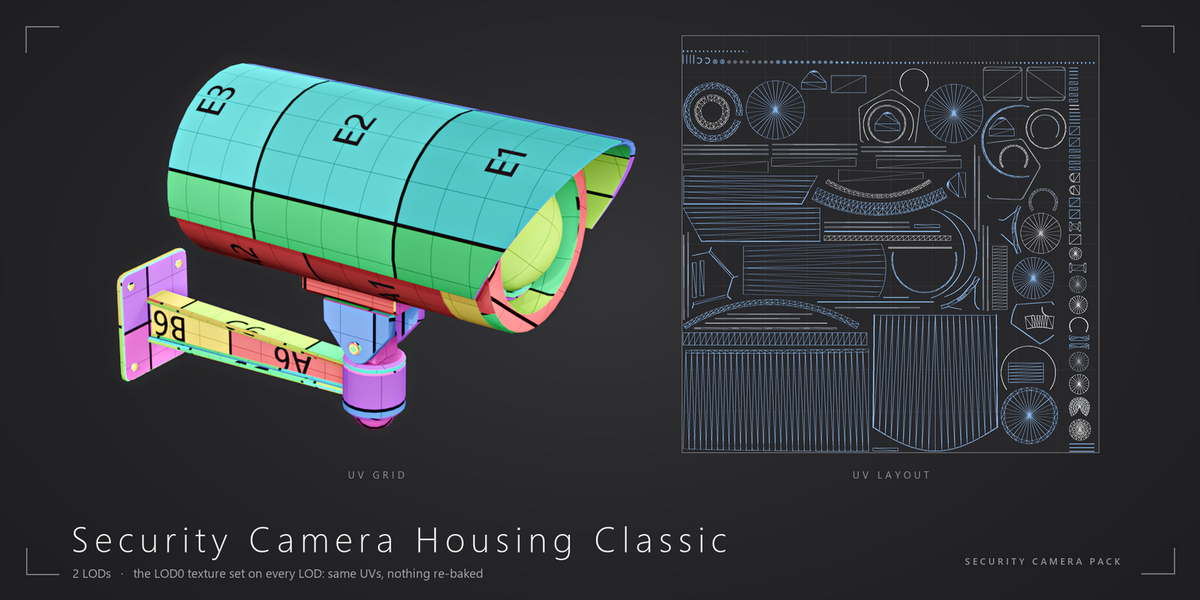
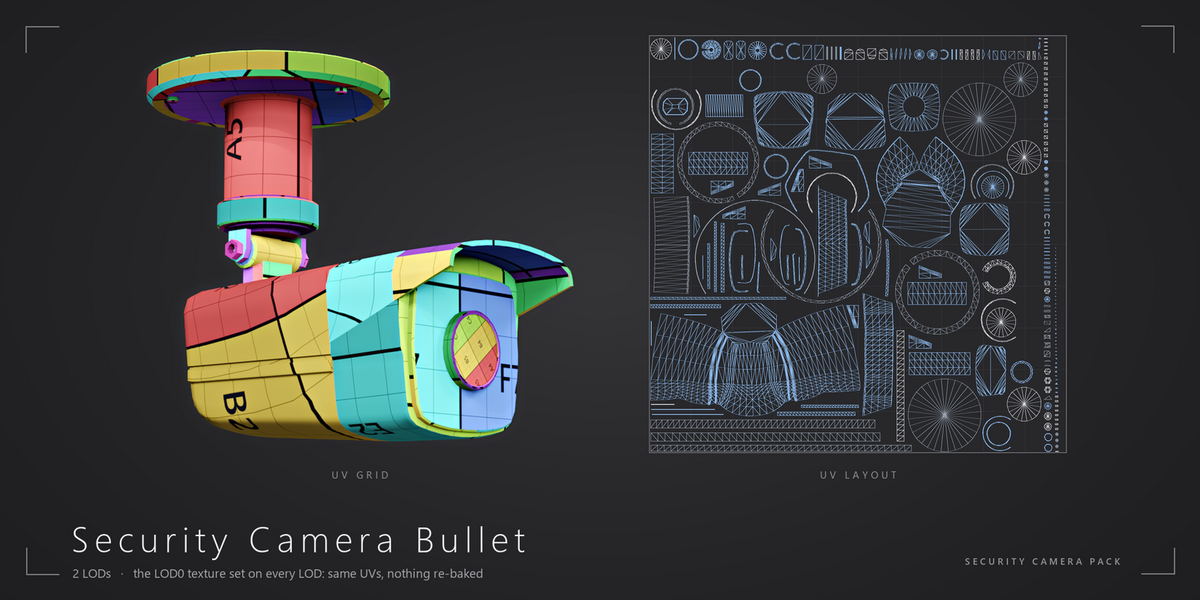
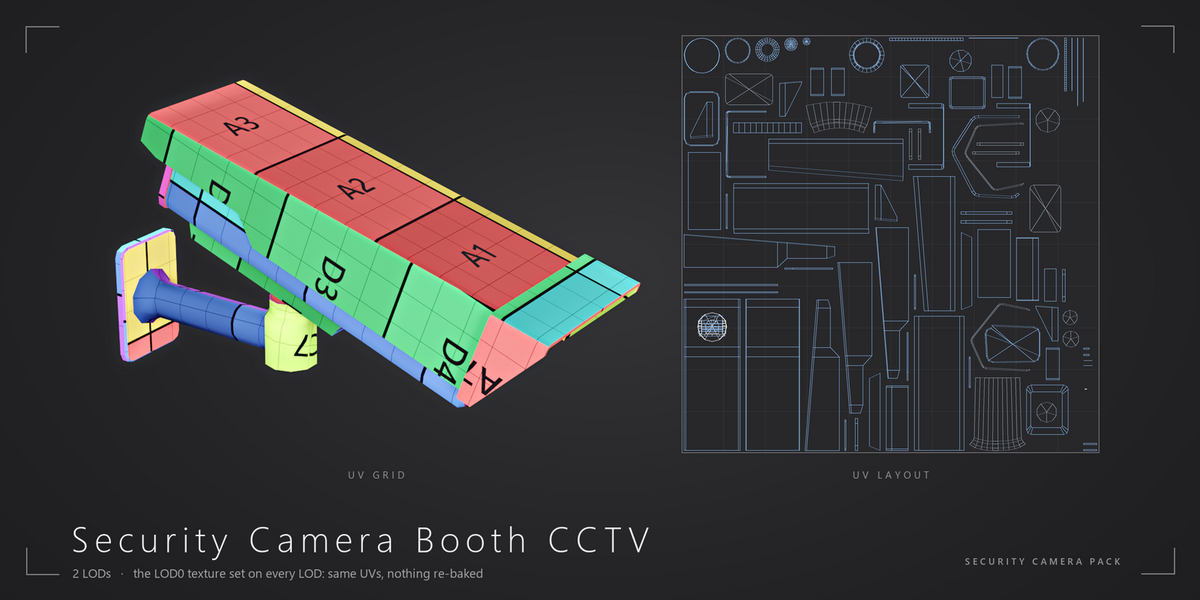
- Materials: Principled BSDF with Base Color, ORM (AO, Roughness, Metallic) and an OpenGL normal map, plus one glass material per camera. Ready for Cycles and EEVEE.
- Units: meters, real-world scale. The pivot of every camera is its mount point.
Other formats
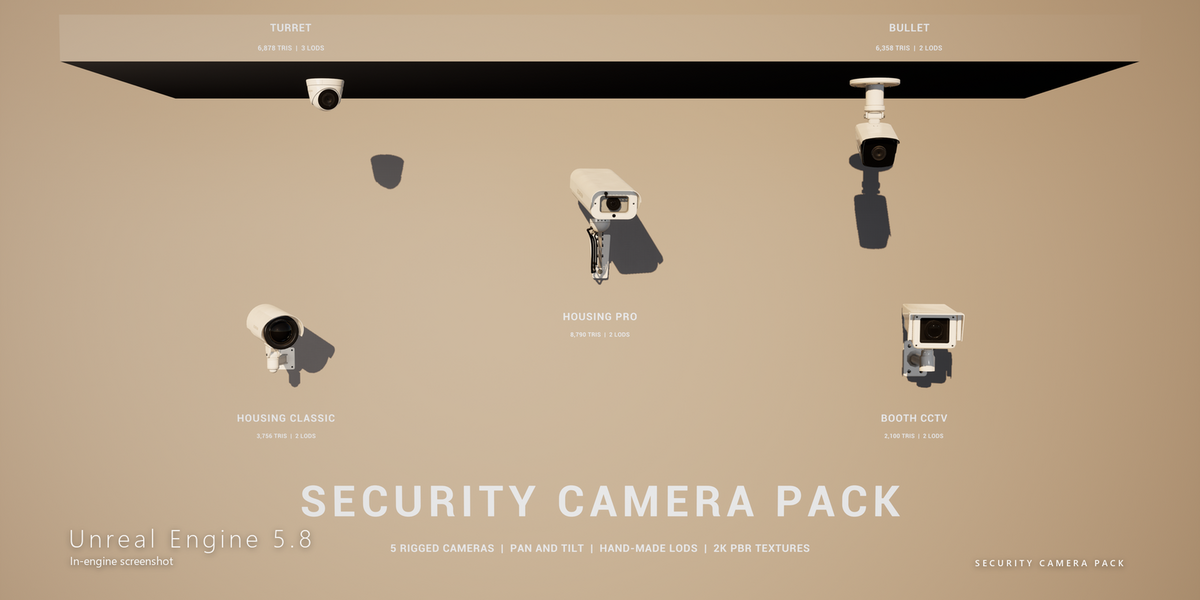
The product files also contain FBX, GLB, OBJ, a 3ds Max 2023 scene (Corona 12) and an Unreal Engine 5.8 project with the BP_SecurityCamera Blueprint (manual pan / tilt, patrol and tracking). Each format is a separate archive; FBX, OBJ and 3ds Max use the same Textures folder.
$39
Have questions about this product?
Login to message
| Published | about 3 hours ago |
| Blender Version | 5.2 |
| Render Engine Used | Cycles, Eevee |
| Misc Data | Uvs-Unwrapped, Manifold-Mesh, Rigged, Low-High-Resolution, Normal-Mapped, Textured |
| License | Royalty Free |
Discover more products like this
Rigged surveillance dome camera security game ready security camera LOD low poly cctv camera bullet camera PBR