 3D Mage


What is Select by Texture?
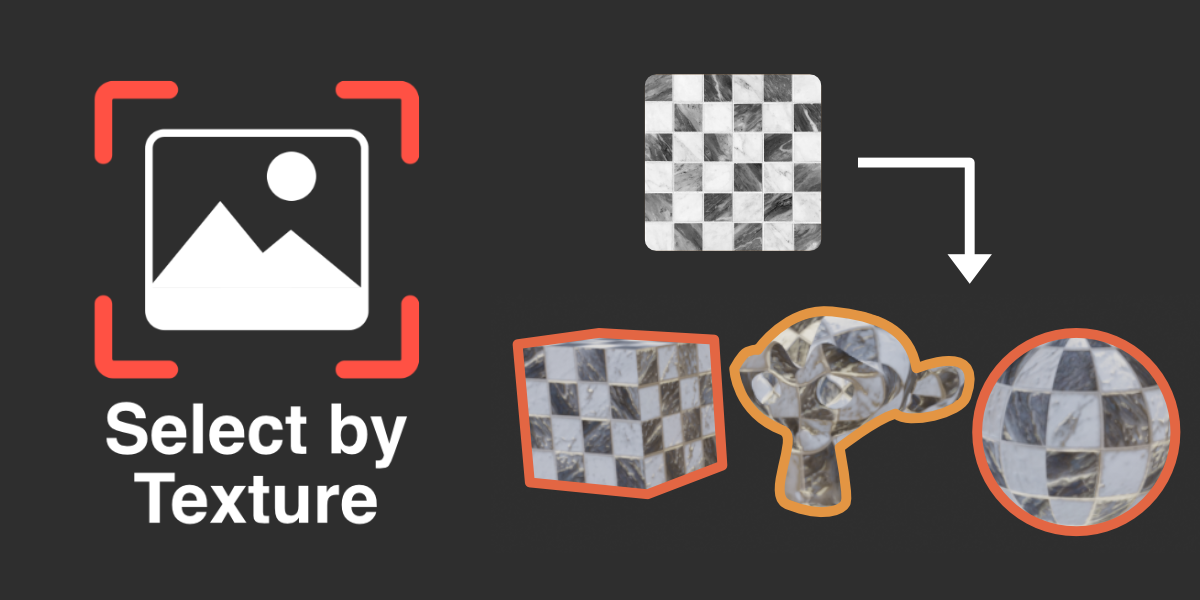

Select by Texture is an add-on that allows you to quickly and easily select objects or geometry in a scene using image textures. It works both in Object and Edit modes, and can select objects that contain different materials from one another that use the same image texture.
Features
Eyedropper Tool
The Eyedropper tool allows direct selection of textured objects within the scene. While enabled, simply click on an object or geometry and all objects sharing the same set of textures will be selected. You can either replace or extend the current selection.
Texture Selection Filtering
You can directly select which textures to use as selection criteria for selecting objects in the scene. Simply toggle the desired textures in the texture list, then press either 'Select' or 'Deselect' to update the current selection in the scene.
Other Add-Ons
Figaro
Vertex Volumes
Grid Snap Plus

Directory Batch Exporter