 NicoHartl
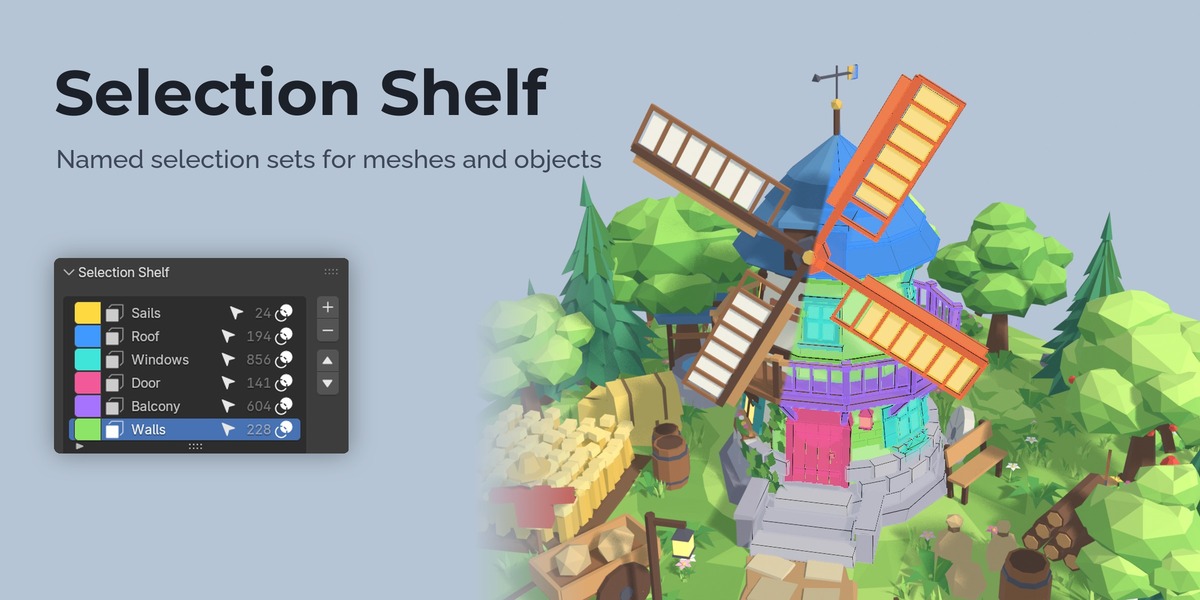
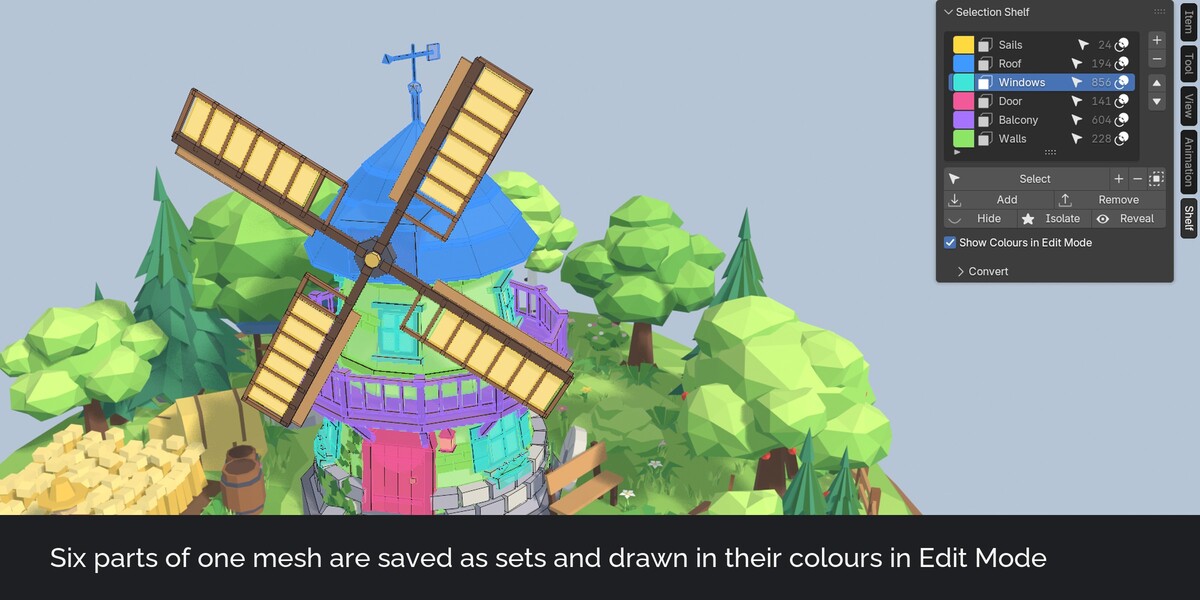


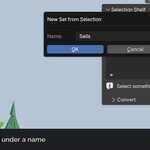



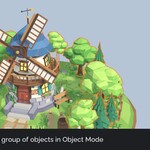
Selection Shelf saves selections as named sets. Select the sails of a windmill, save them as Sails, and later one click gets exactly those faces back. It works for vertices, edges and faces in Edit Mode and for groups of objects in Object Mode.
The problem
Blender has no named selection sets like Maya's Quick Select Sets or the Named Selection Sets of 3ds Max. Face Maps were removed in Blender 4.0, and vertex groups do not keep an edge or face selection clean. So you select the same faces again and again, or keep helper vertex groups around.
What it does
Saving a set
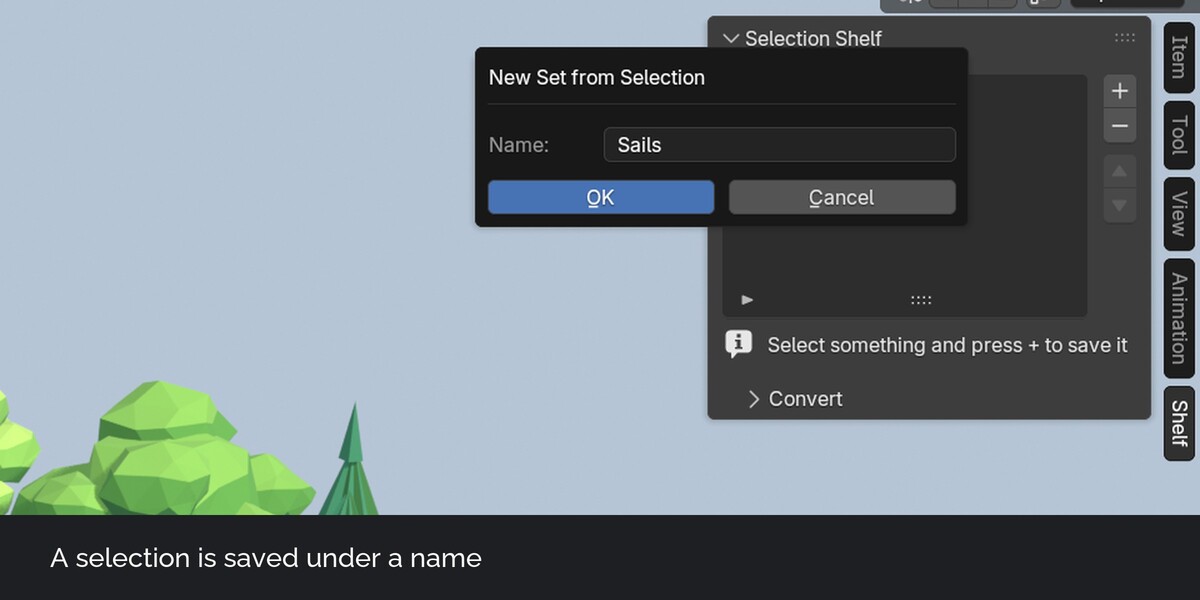
Select faces, edges or vertices in Edit Mode, press plus and type a name. The set takes the type of your select mode. With several objects in Edit Mode at once, one set name covers all of them.
Selecting a set again
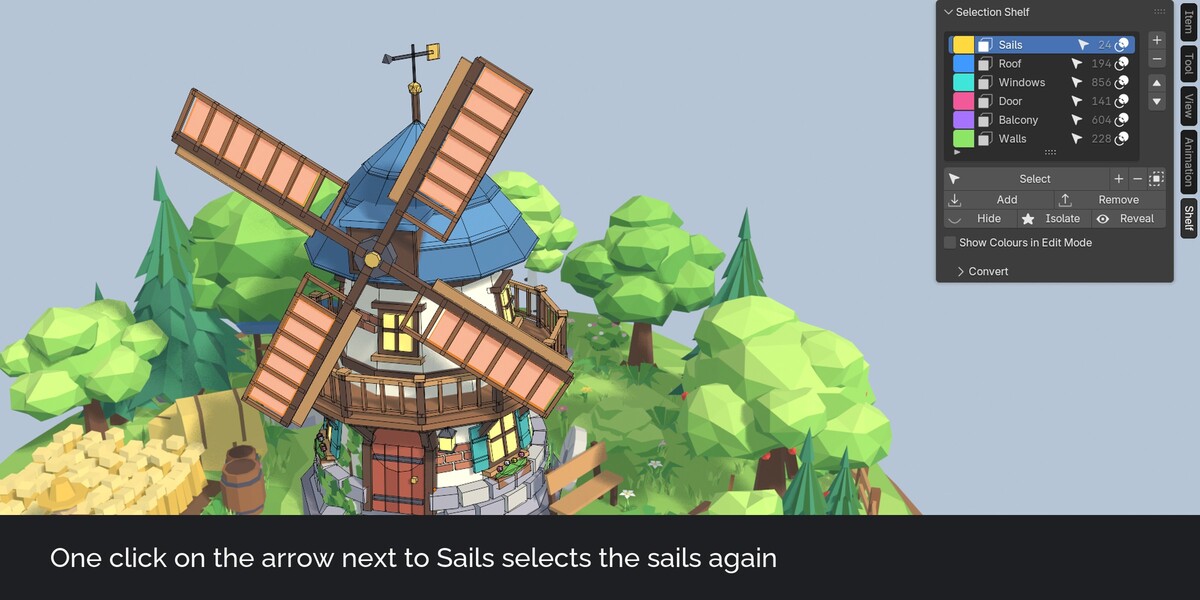
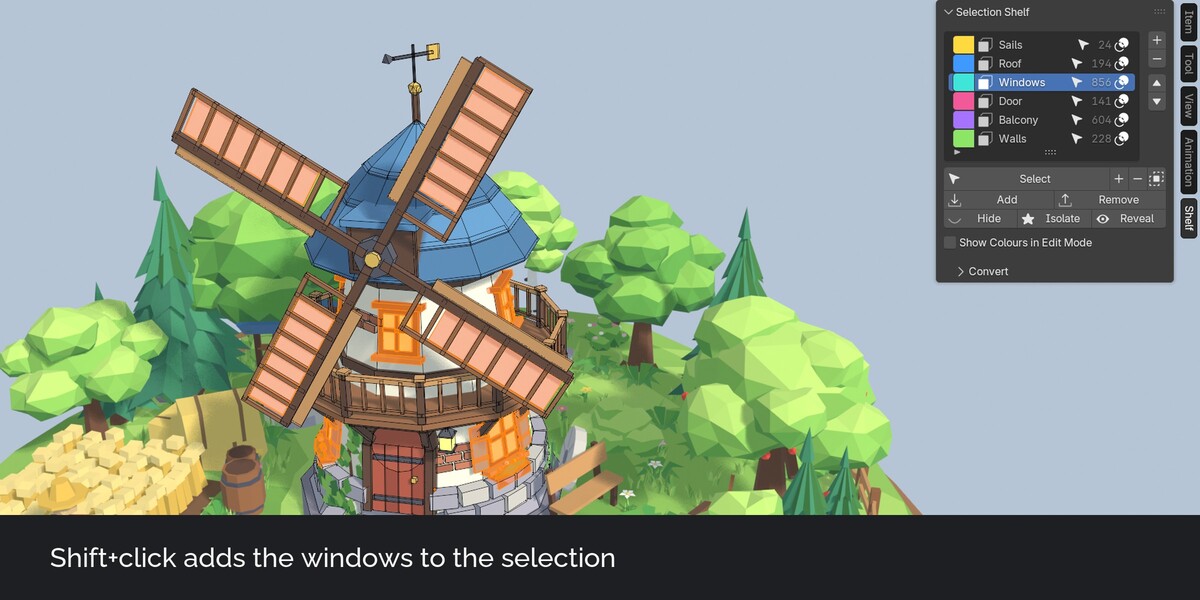
Click the arrow next to a set to select it. Shift+click adds it to the selection, Ctrl+click removes it, Ctrl+Shift+click keeps only the overlap. A face set switches to face select mode, so it selects exactly its faces. Clicking a mesh set in Object Mode opens Edit Mode with the set selected.
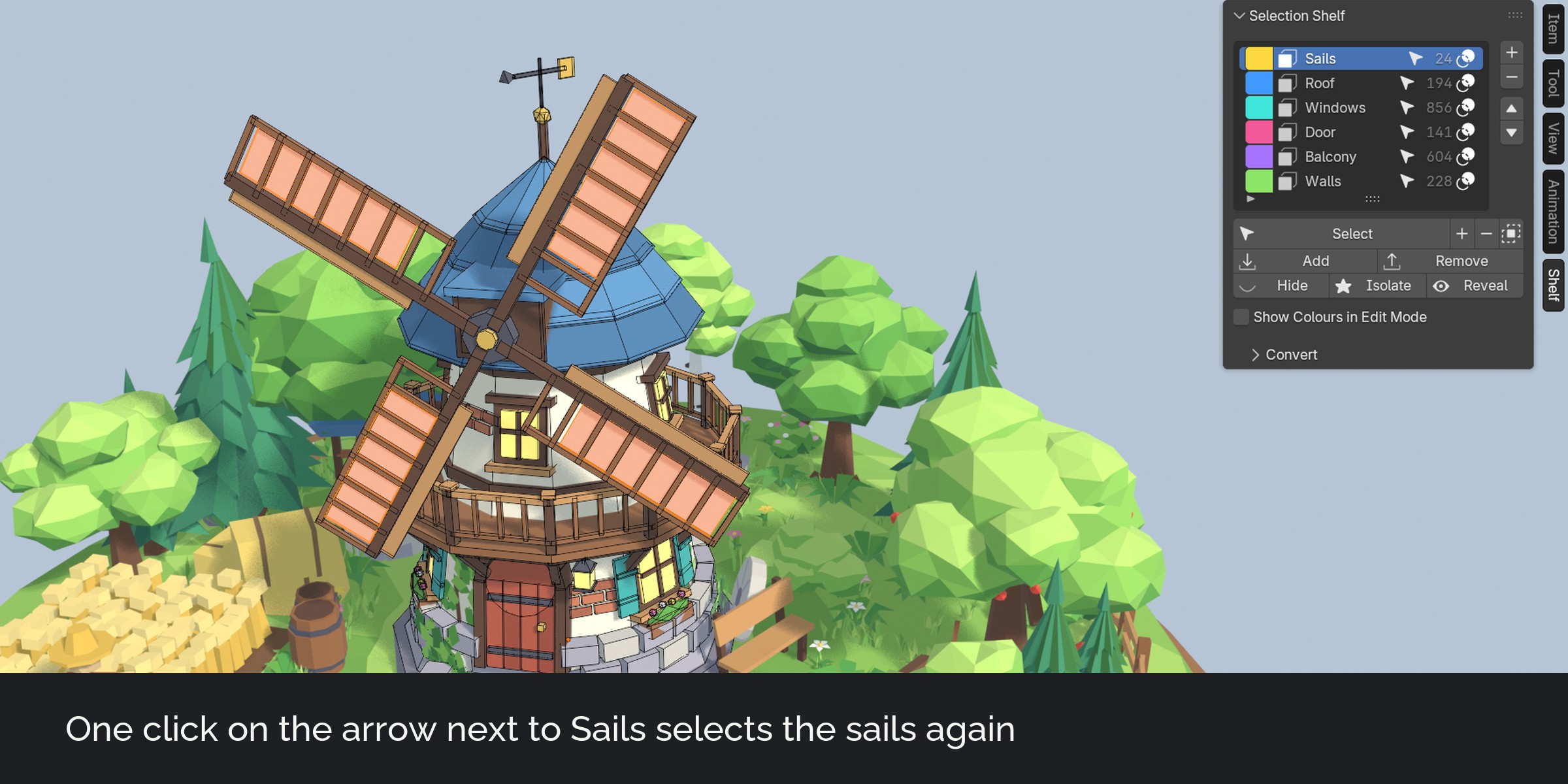
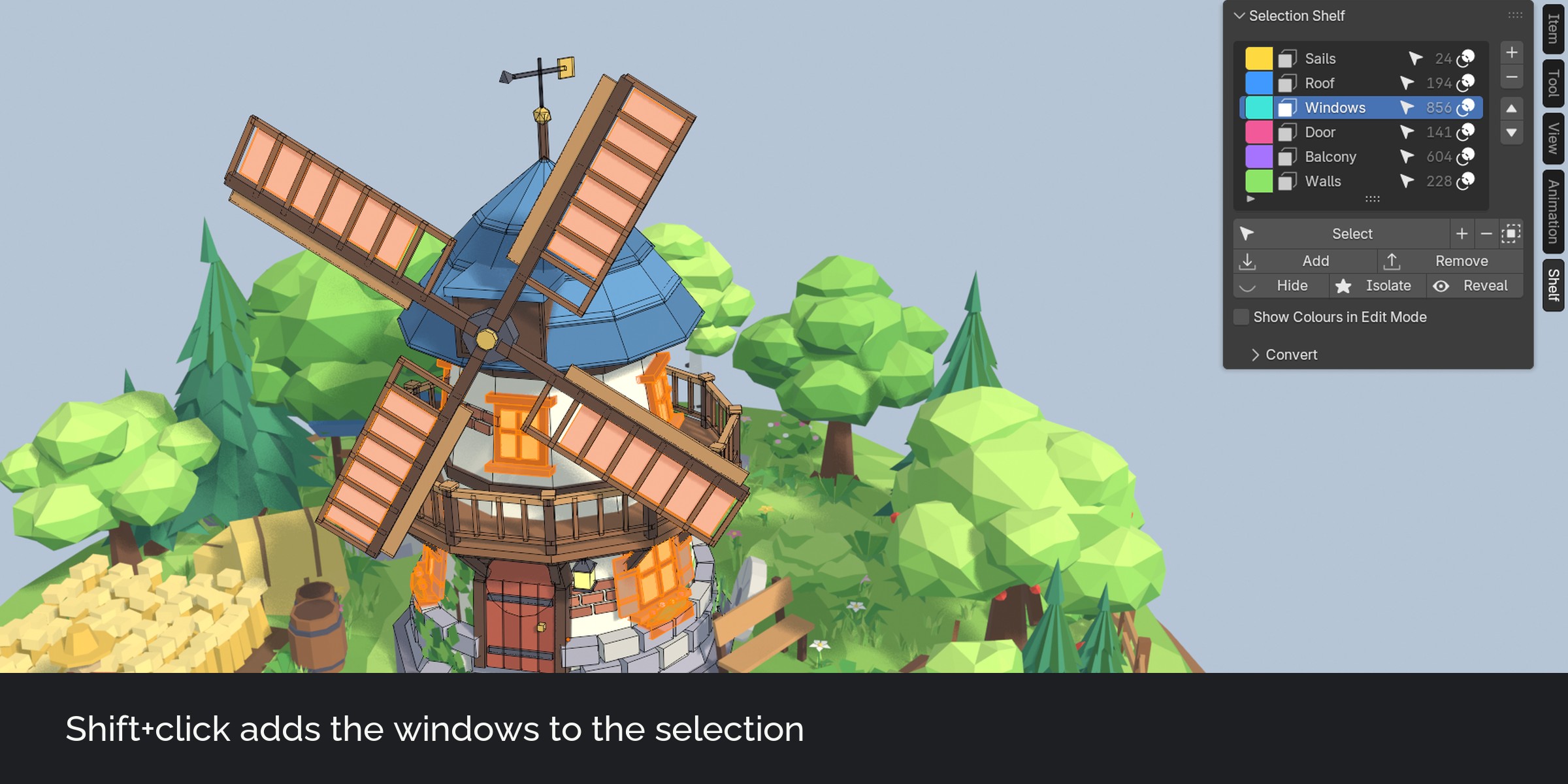
The shelf popup
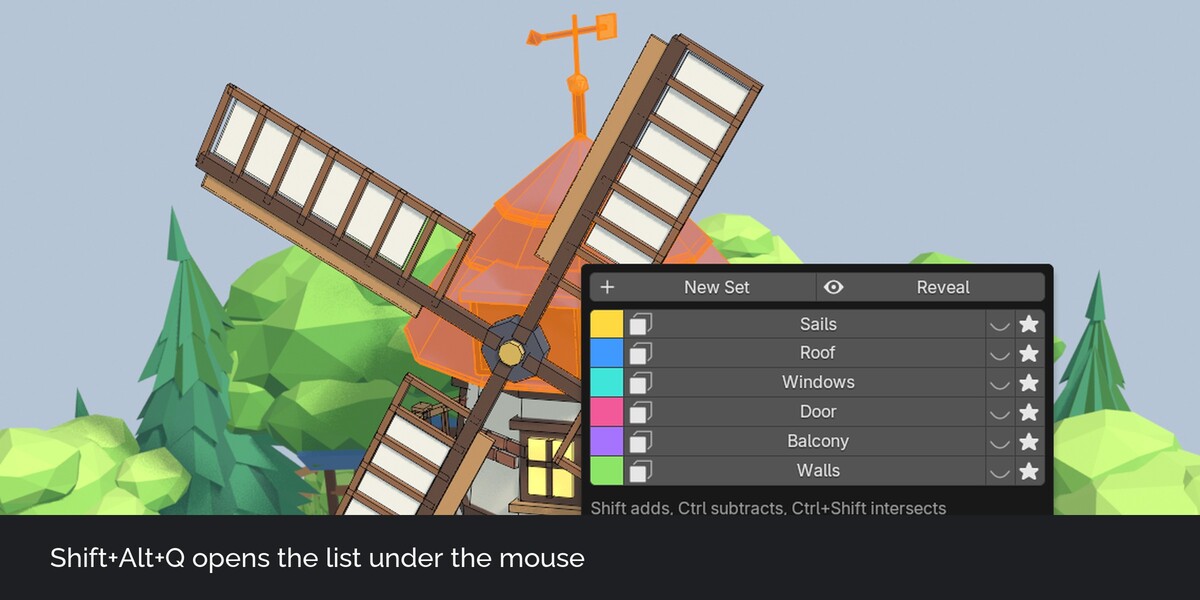
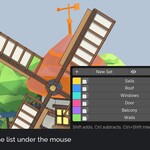
Shift+Alt+Q opens all sets under the mouse. The shortcut can be changed in the preferences.
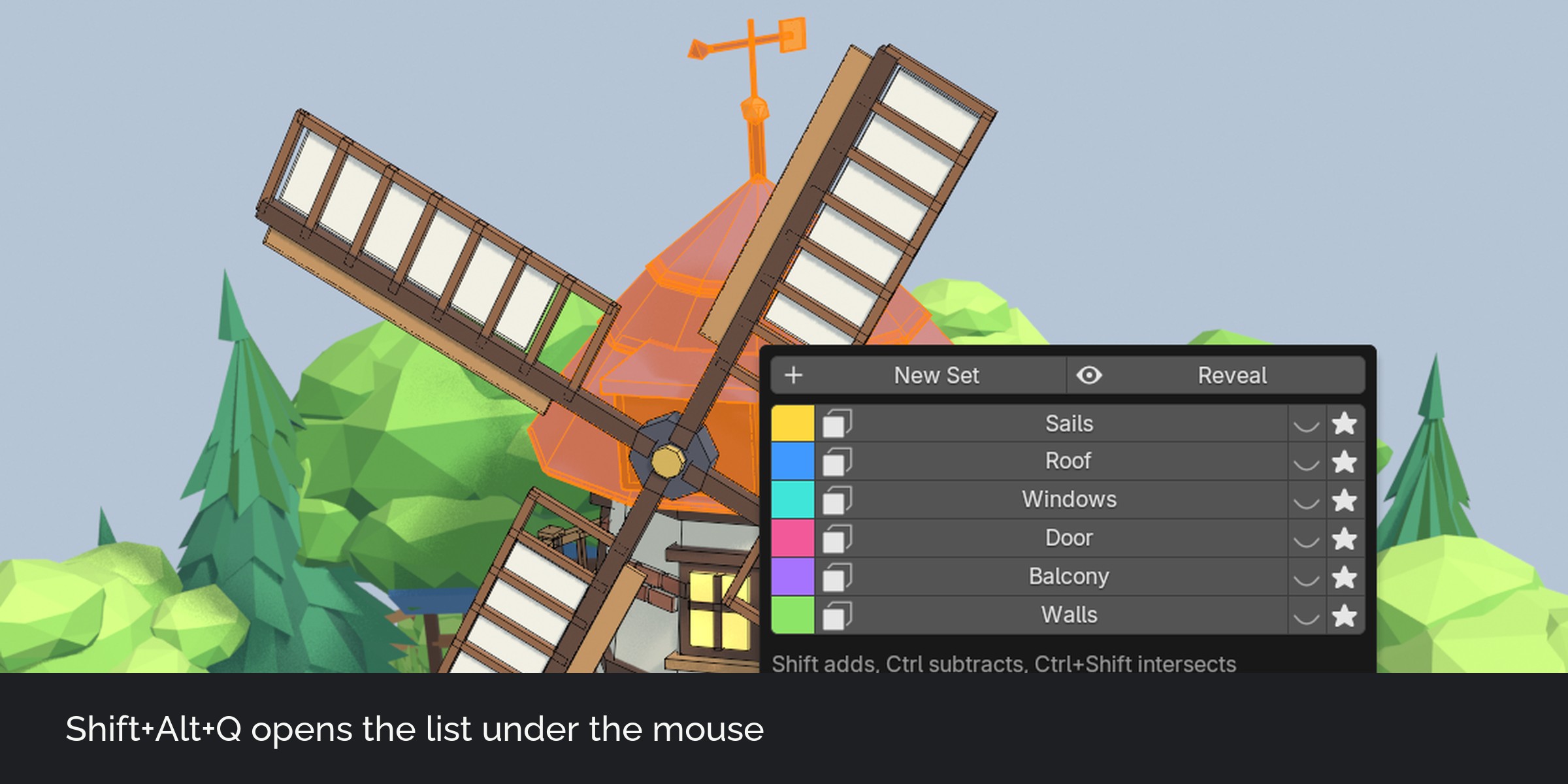
Colours in Edit Mode
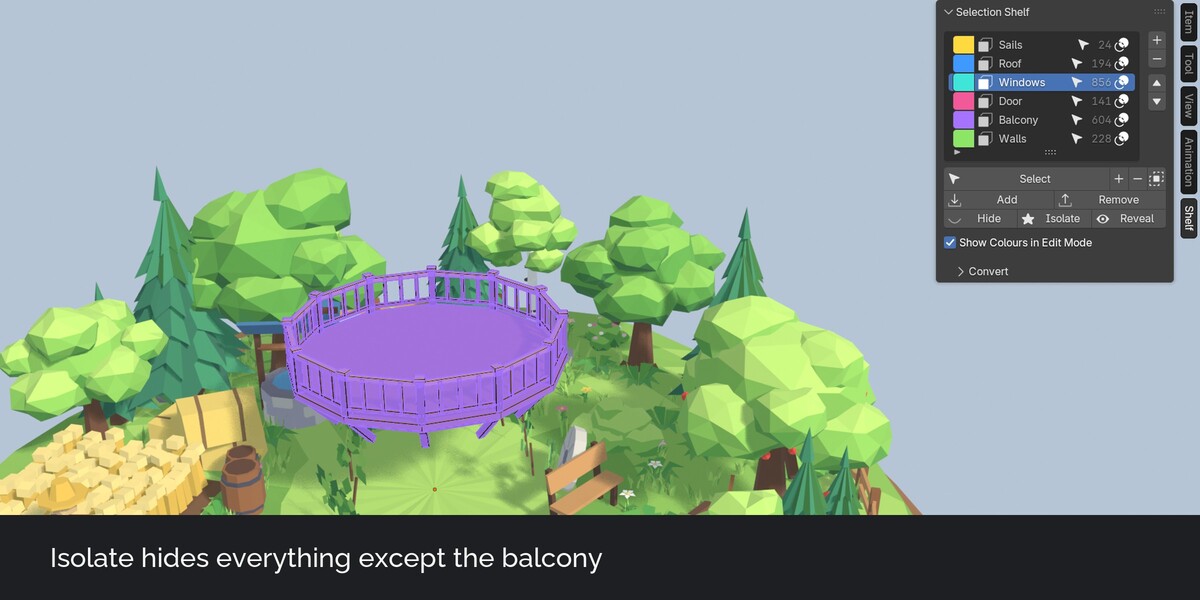
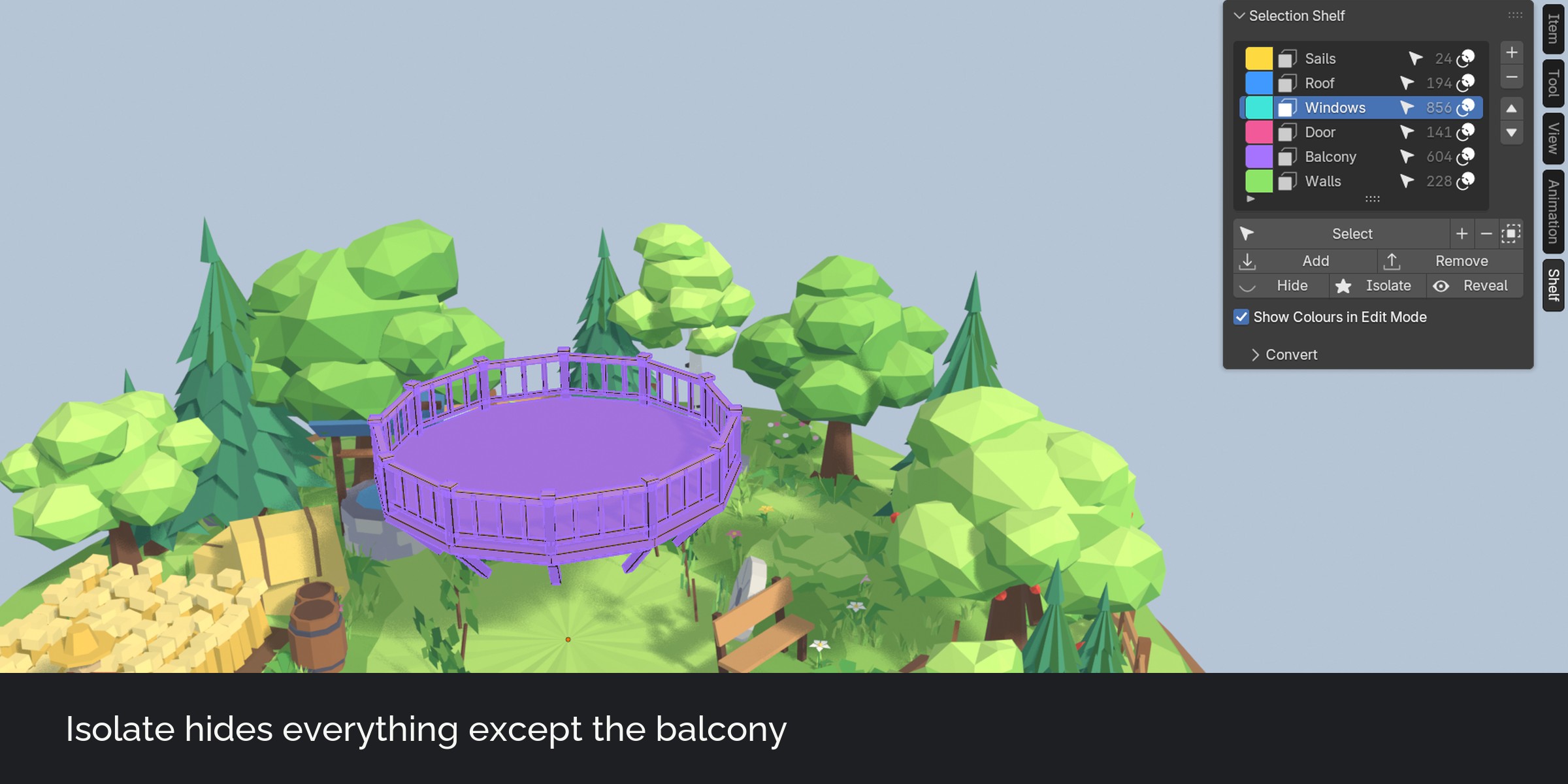
Every set has a colour. In Edit Mode the faces, edges and vertices of your sets are drawn in that colour, so you see at a glance what is saved. Each set can be shown or hidden in the overlay.
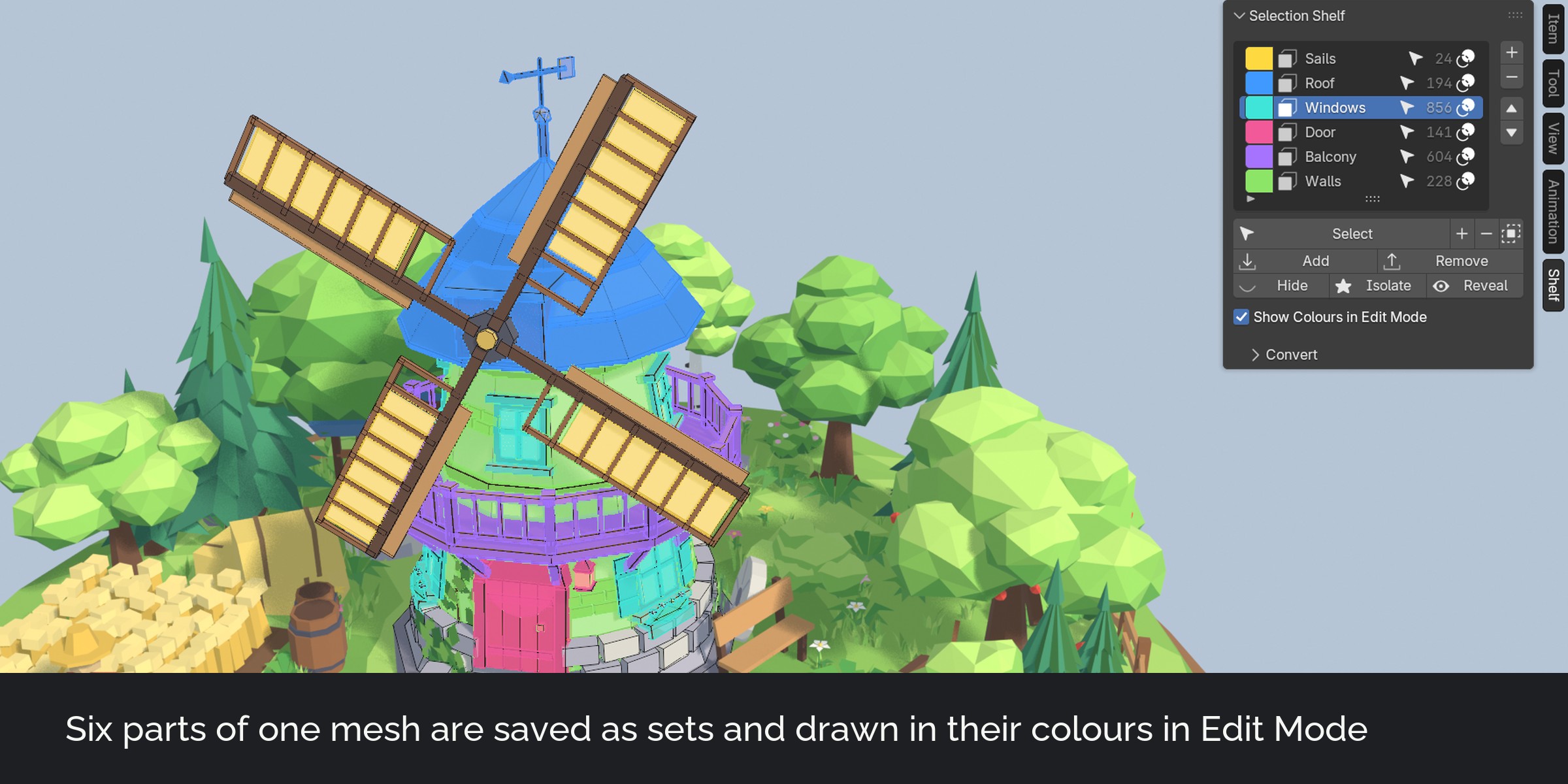
Hide and isolate
Hide a set, or isolate it to hide everything else. Reveal shows everything again without changing the selection.
Object sets
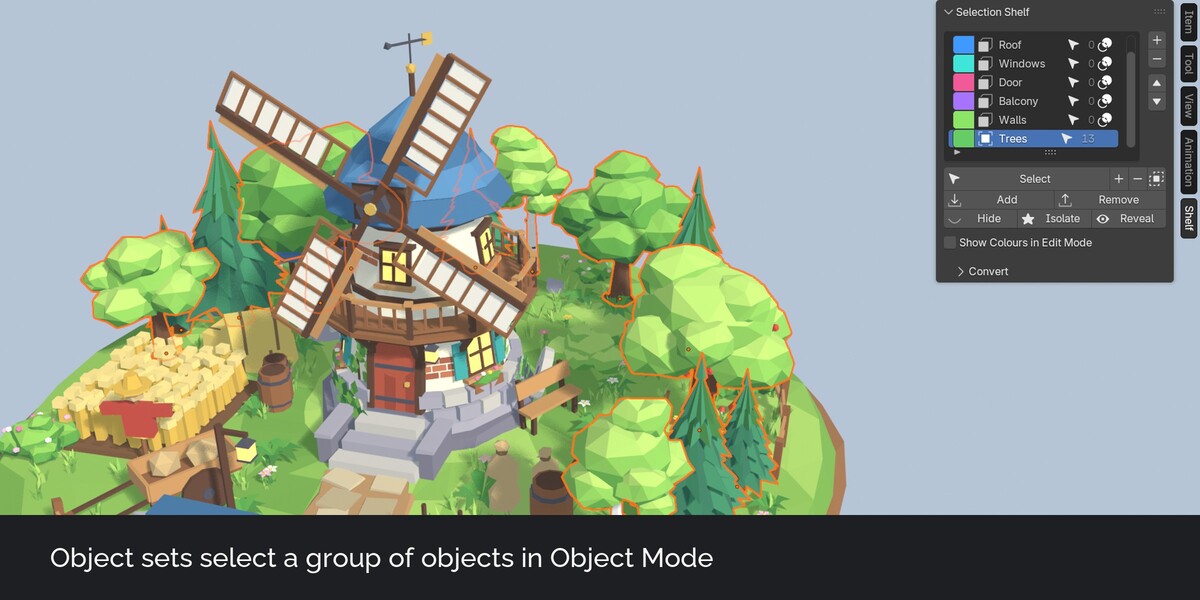
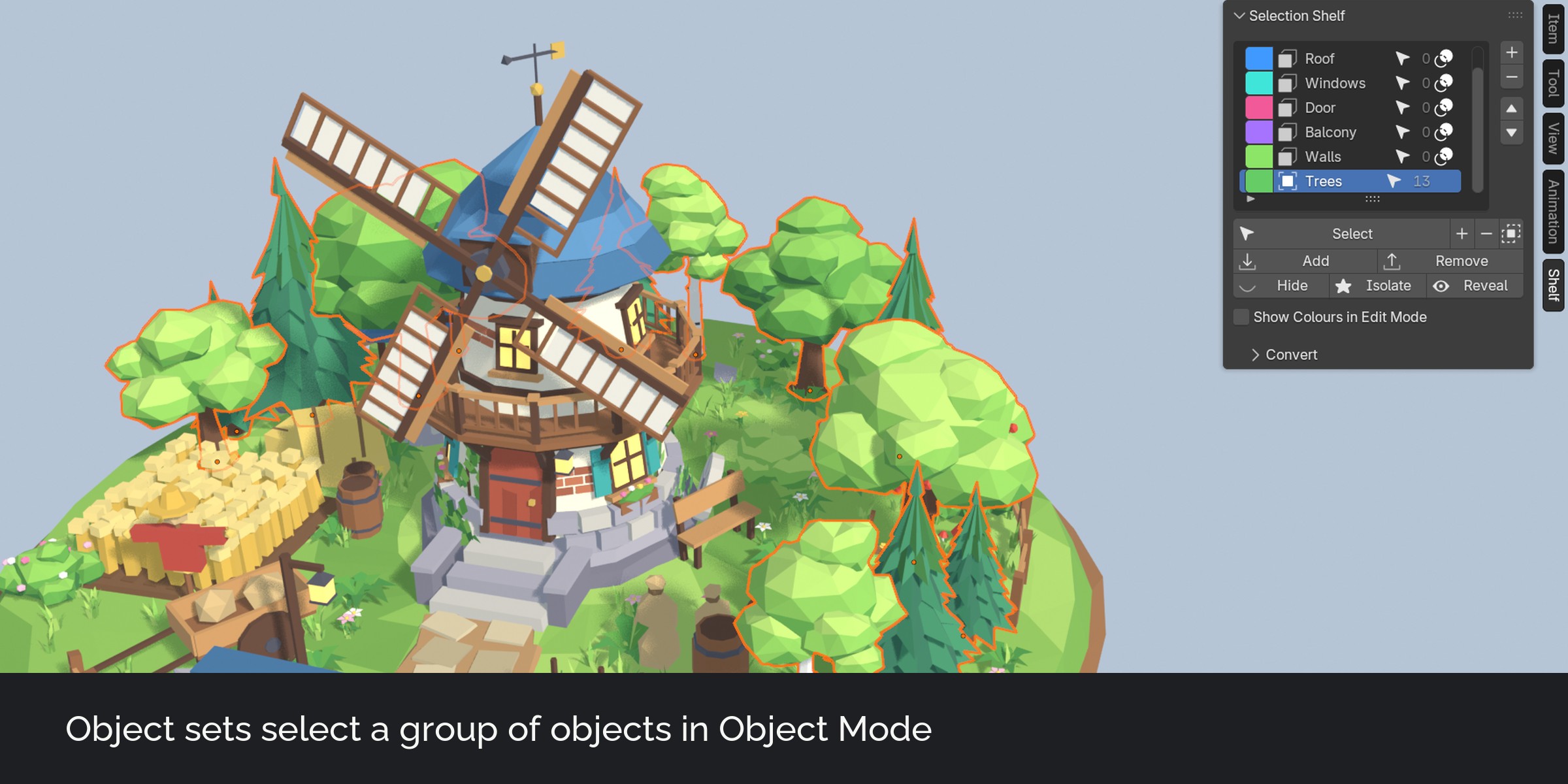
In Object Mode a set holds a group of objects. Select, hide and isolate work the same way.
Sets are mesh attributes
A mesh set is a Boolean attribute on the mesh, named set_ plus the set name. The data stays in your .blend file and travels with appended or linked meshes. Geometry Nodes read a set with a Named Attribute node. Without the extension, Select by Attribute still finds it.
Convert
Make face sets from materials, vertex sets from vertex groups, or write a set into a vertex group for modifiers such as Mask, Bevel or Solidify.
How it works
- In Edit Mode select some faces and press plus in the Shelf tab of the sidebar. Name the set.
- Save more parts the same way.
- Click the arrow next to a set, or press Shift+Alt+Q and click its name, to select it again.
What's included
- The extension (install from disk in Blender 4.5 or newer)
- Two demo files: the windmill scene without sets, and the same scene with eight mesh sets and two object sets
- User guide as README.pdf with every button, an FAQ and troubleshooting
- Changelog and licence
Good to know
- Subdividing or insetting faces of a set keeps the new faces in the set. Extruding keeps the moved faces in the set; the new side faces are not added.
- Objects whose geometry comes only from a Geometry Nodes modifier have no faces of their own to store a set on.
- Engines usually ignore mesh attributes. Use Set to Vertex Group or Geometry Nodes if you need a set after export.
Compatibility
Blender 4.5 LTS, 5.0, 5.1, 5.2 LTS and 5.3. Tested on Windows in 4.5.15, 5.2.3 and 5.3.0. Works with any render engine.
Support and updates
Updates are free for buyers. Every new Blender version is tested before it is listed as supported. Questions through the store messages, answered within 72 hours.
AI disclosure
Designed with Claude. Code written with AI assistance, then reviewed, tested and integrated by a 3D artist.