 NicoHartl

What it does
Saving a set
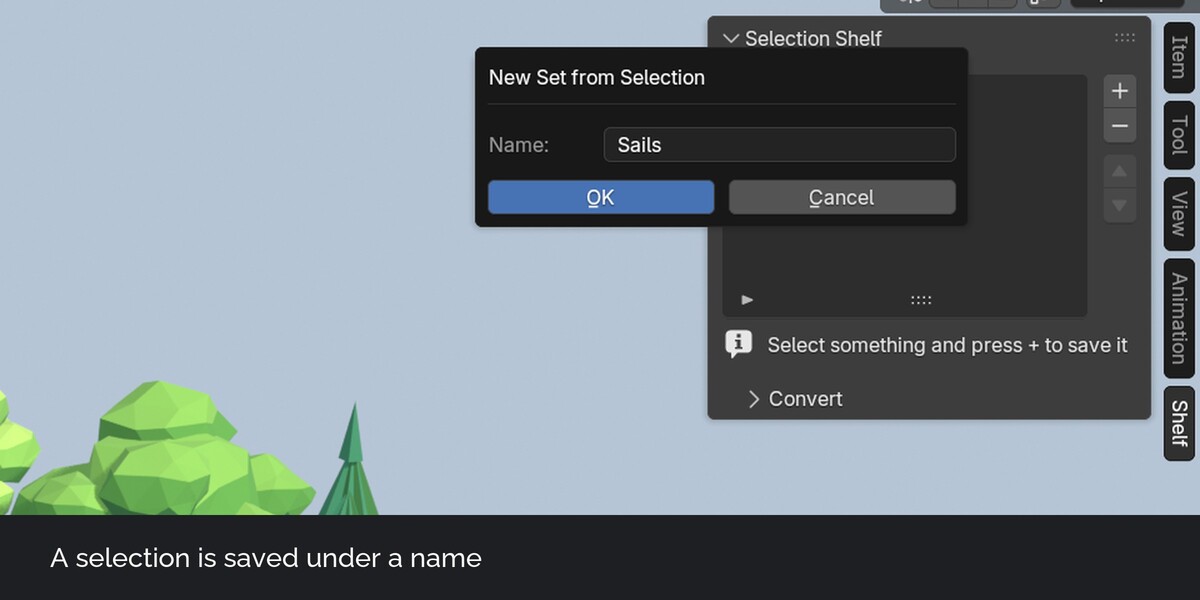
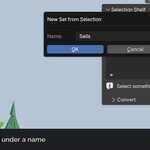
Select faces, edges or vertices in Edit Mode, press plus and type a name. The set takes the type of your select mode. With several objects in Edit Mode at once, one set name covers all of them.
Selecting a set again
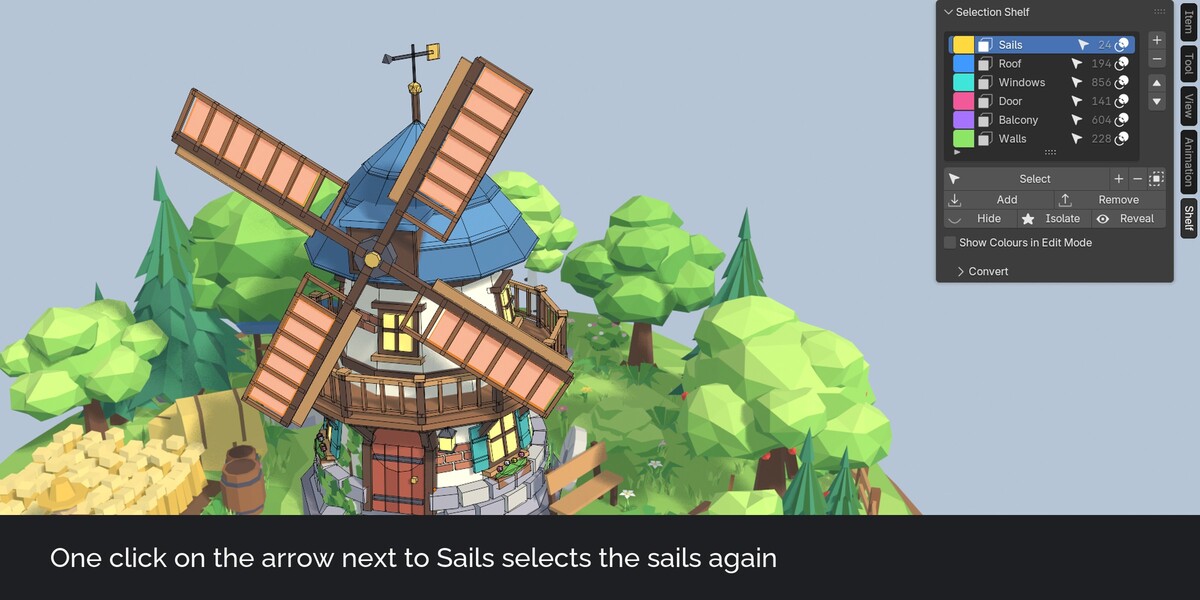
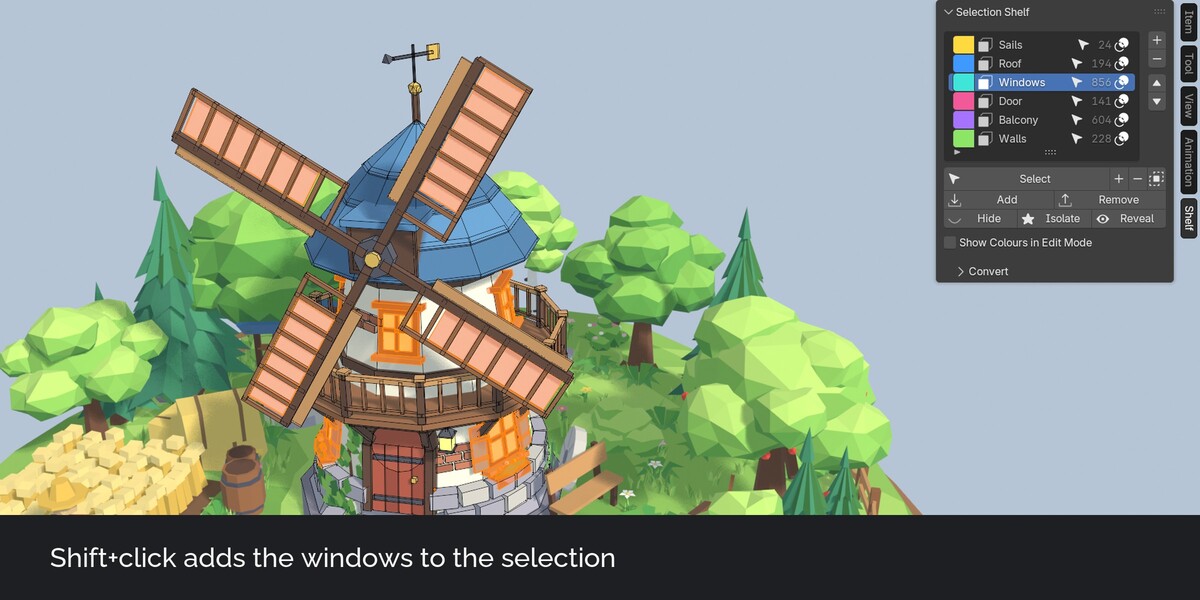
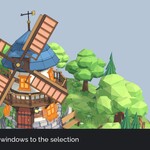
Click the arrow next to a set to select it. Shift+click adds it to the selection, Ctrl+click removes it, Ctrl+Shift+click keeps only the overlap. A face set switches to face select mode, so it selects exactly its faces. Clicking a mesh set in Object Mode opens Edit Mode with the set selected.
The shelf popup
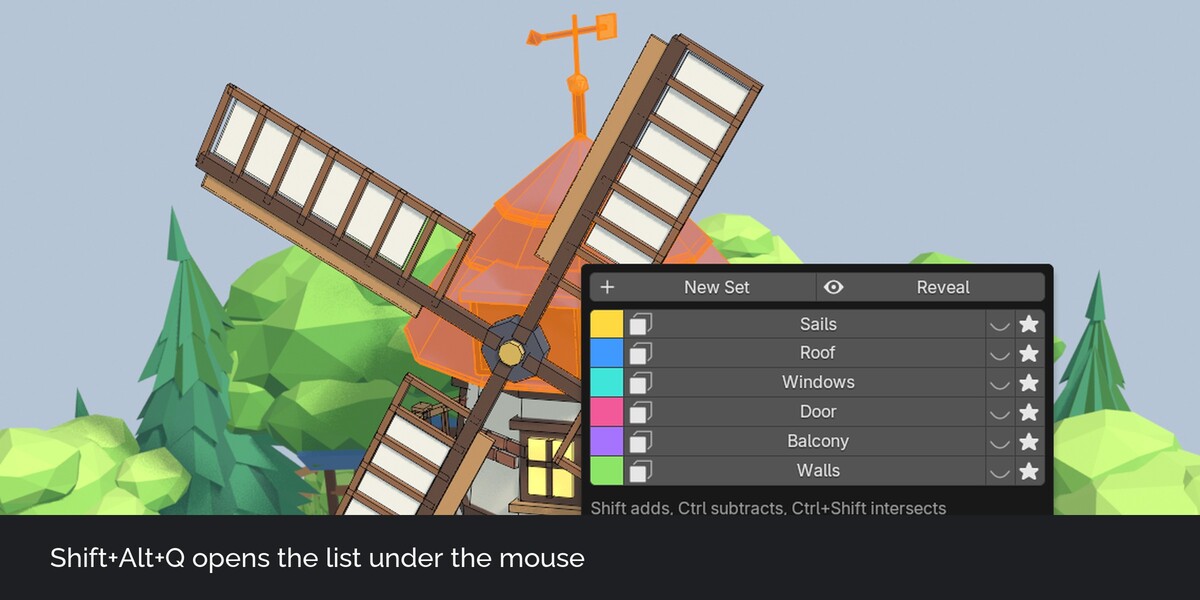
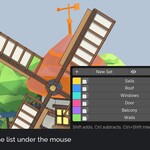
Shift+Alt+Q opens all sets under the mouse. The shortcut can be changed in the preferences.
Colours in Edit Mode
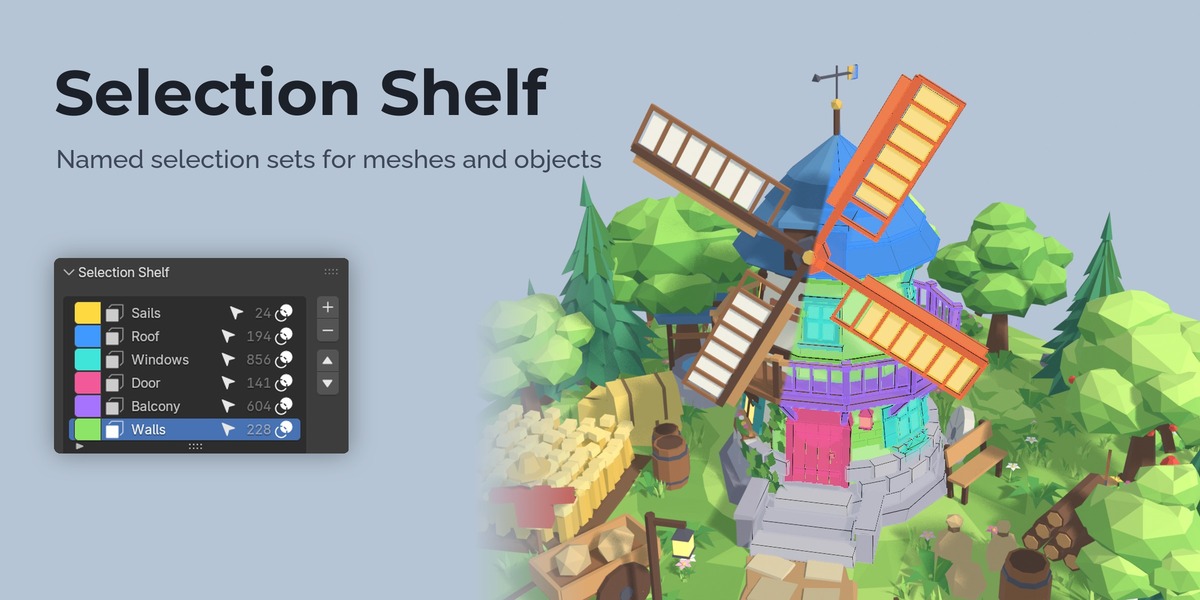
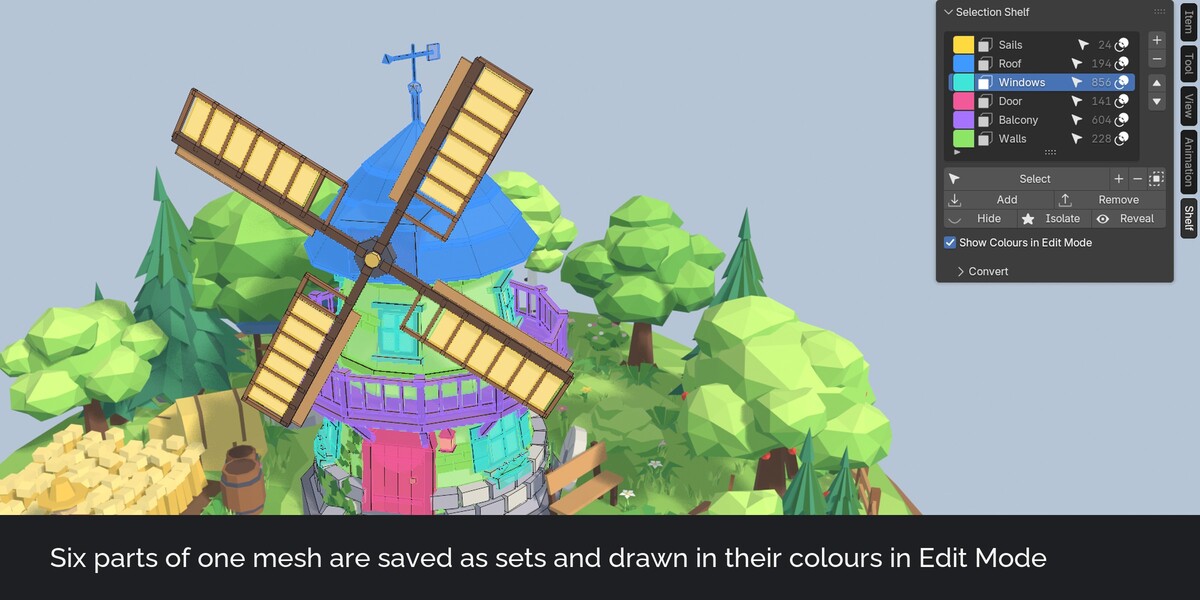
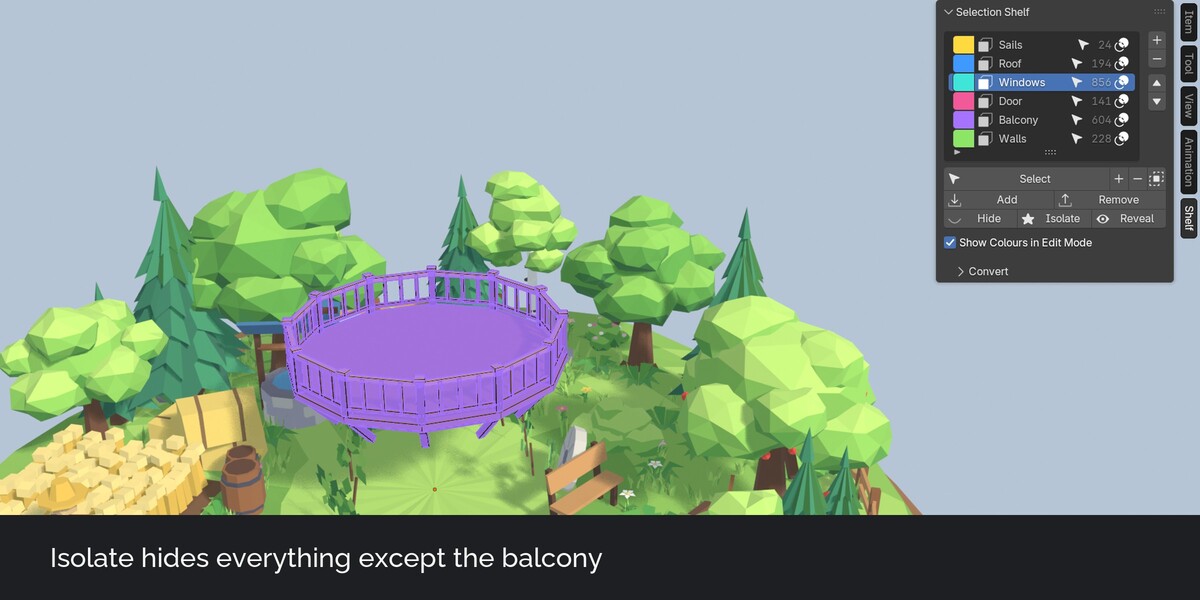
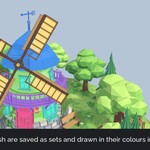
Every set has a colour. In Edit Mode the faces, edges and vertices of your sets are drawn in that colour, so you see at a glance what is saved. Each set can be shown or hidden in the overlay.
Hide and isolate
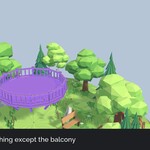
Hide a set, or isolate it to hide everything else. Reveal shows everything again without changing the selection.
Object sets
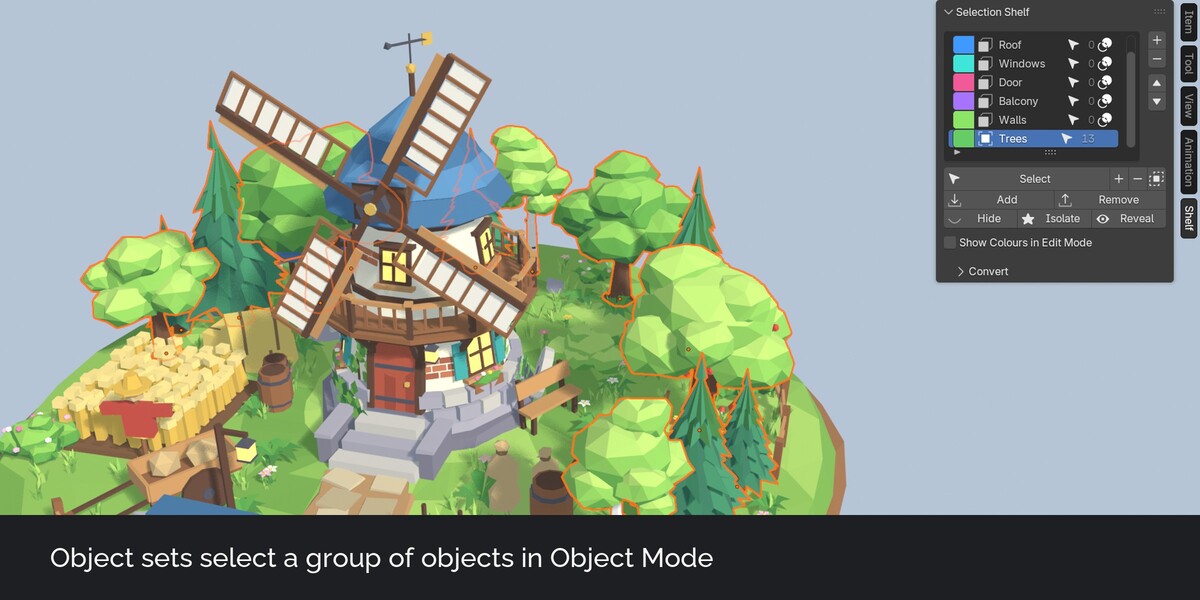
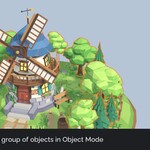
In Object Mode a set holds a group of objects. Select, hide and isolate work the same way.
Sets are mesh attributes
A mesh set is a Boolean attribute on the mesh, named set_ plus the set name. The data stays in your .blend file and travels with appended or linked meshes. Geometry Nodes read a set with a Named Attribute node. Without the extension, Select by Attribute still finds it.
Convert
Make face sets from materials, vertex sets from vertex groups, or write a set into a vertex group for modifiers such as Mask, Bevel or Solidify.
How it works
- In Edit Mode select some faces and press plus in the Shelf tab of the sidebar. Name the set.
- Save more parts the same way.
- Click the arrow next to a set, or press Shift+Alt+Q and click its name, to select it again.
FAQ
Does undo work?
Yes. Undo after saving, changing or deleting a set restores the earlier state.
Do I need the extension to open files made with it?
No. The sets are normal mesh attributes.
Can I rename a set?
Yes, double-click it in the list. The attribute on every mesh is renamed with it.
Does it slow down Edit Mode on large meshes?
The colours are drawn up to a face limit you can set (200,000 by default) and are redrawn a moment after you stop moving vertices.
Does it send data anywhere?
No. No network access, no licence check.
Have questions about this product?
Login to message
| Published | about 18 hours ago |
| Blender Version | 4.5 - 5.2 |
| Extension Type | N/A |
| Render Engine Used | Cycles, Eevee |
| License | GPL |
Discover more products like this
mesh Selection modeling hard surface Workflow outliner edit mode Attributes selection sets low poly game assets productivity