 3DArs
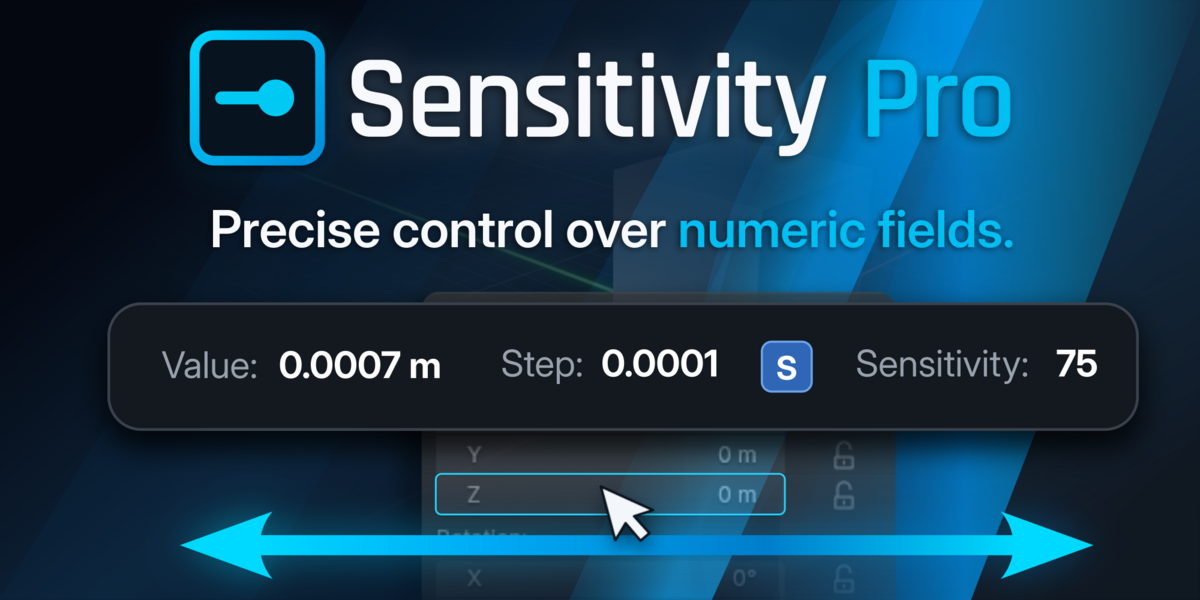
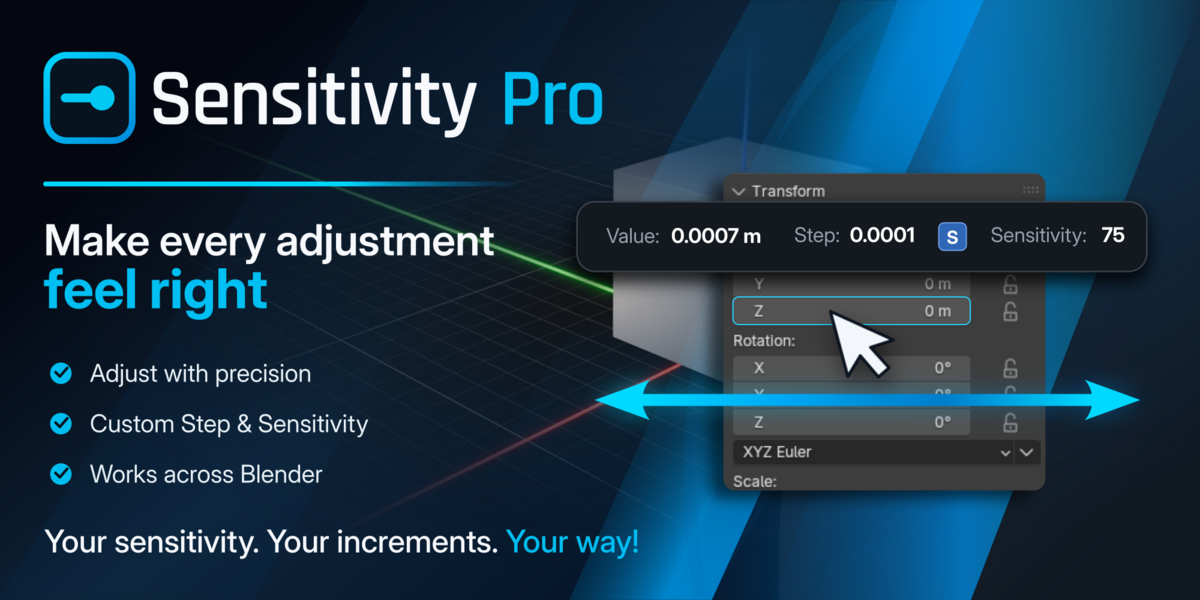
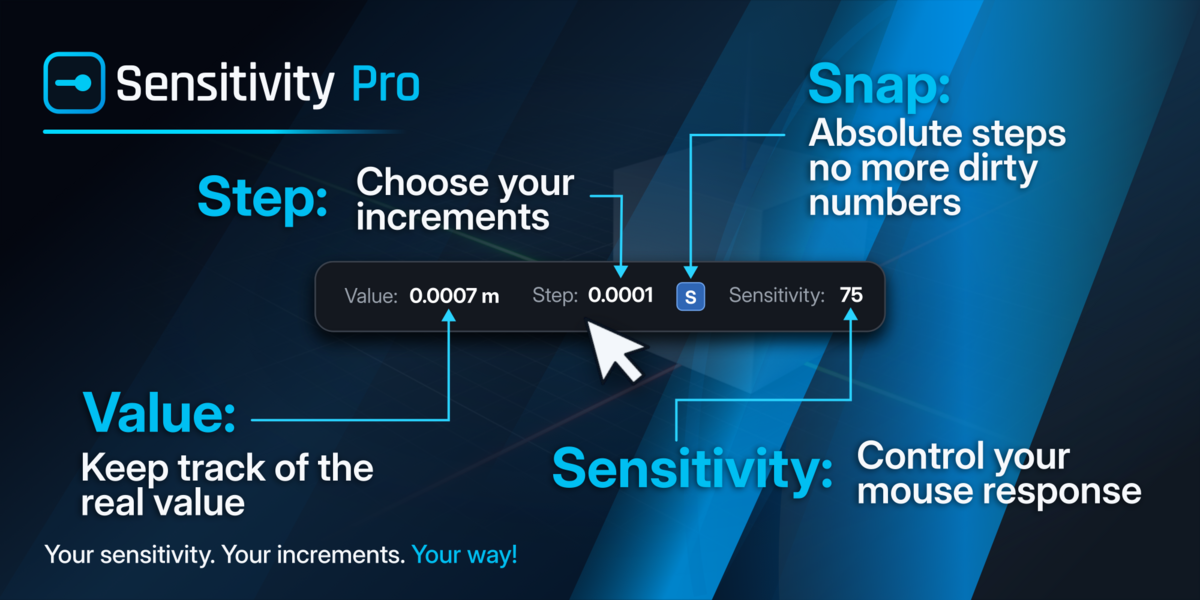
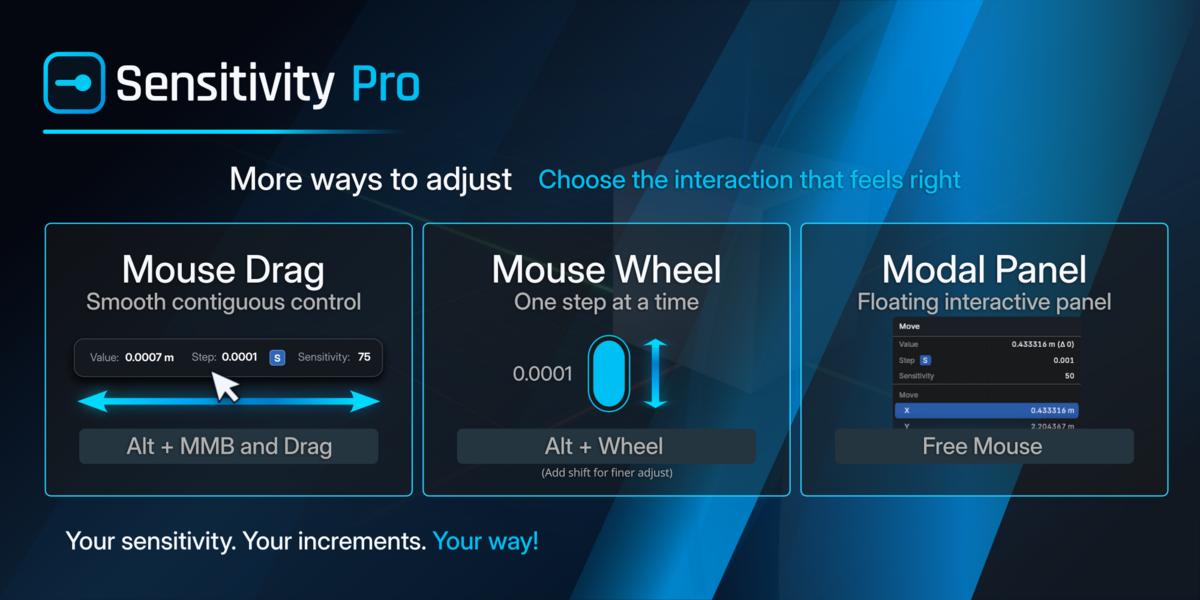
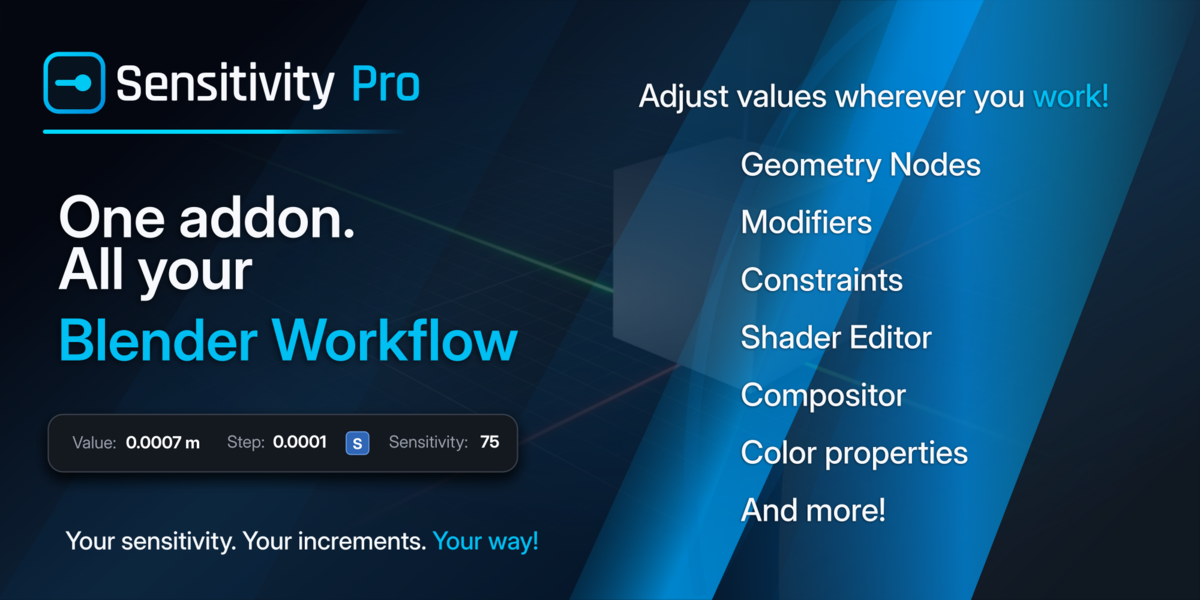
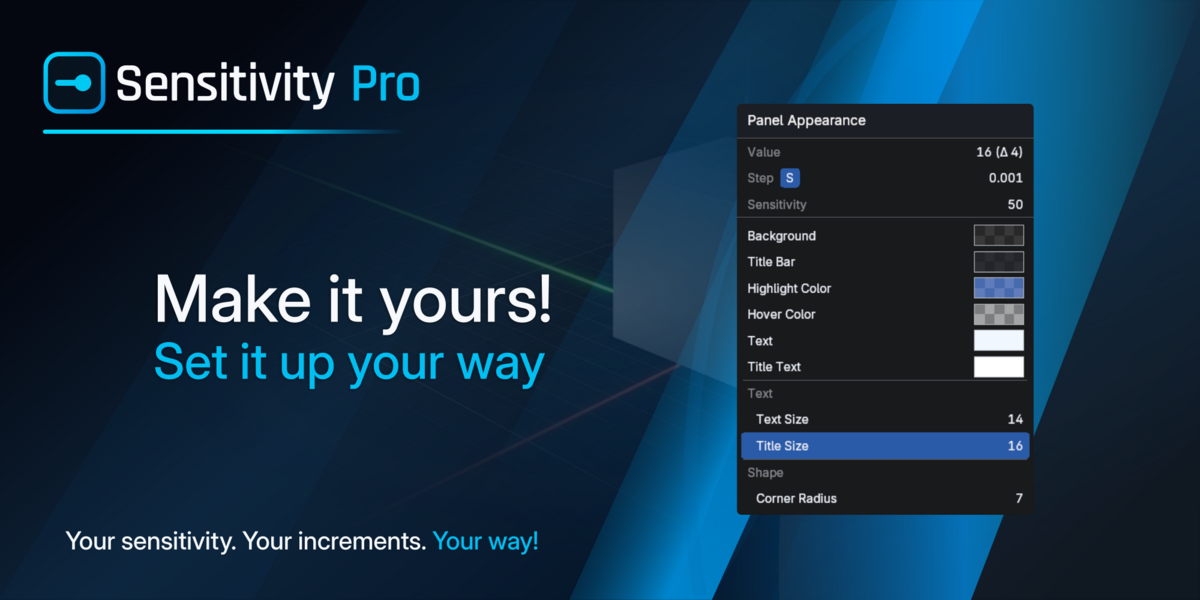
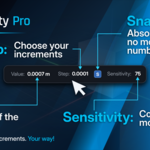
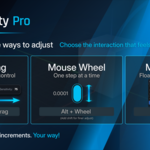
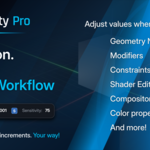
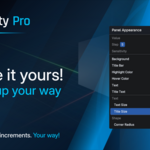
Numeric fields in transforms, properties, the Adjust Last Operation panel, keyframes in the Graph Editor, Dimensions, colors and compositor nodes. For some of them it opens a small panel instead of the label. It does not open the picker for colors in Preferences > Themes. It does nothing in the F9 window or in the Shading popover. Floating windows that Blender opens over the editor, such as Adjust Last Operation opened with F9 or the Viewport Shading popover in the 3D Viewport header, keep every key and click for themselves while they are open, so no add-on shortcut reaches their fields. Blender's own Ctrl + Wheel and Ctrl + C still work there. For the F9 values, use the Adjust Last Operation panel in the bottom-left corner of the viewport instead: it has the same values, and the add-on works there. Someting similar happens with the color picker, so Sensitivty Pro has it's own color picker.
It works with numeric fields across many Blender editors. Some controls require its dedicated Floating Panel instead of the regular adjustment label.
Have questions about this product?
Login to message
| Blender Extension Compatible | Yes |
| Published | about 6 hours ago |
| Blender Version | 4.3 - 5.3 |
| Extension Type | Add-on |
| Render Engine Used | Cycles, Eevee, Freestyle |
| License | GPL |
Discover more products like this
precision numeric color picker sensitivity interface step node input snap Workflow mouse-sensitivity keyframes drag value