 ZEG
ZEG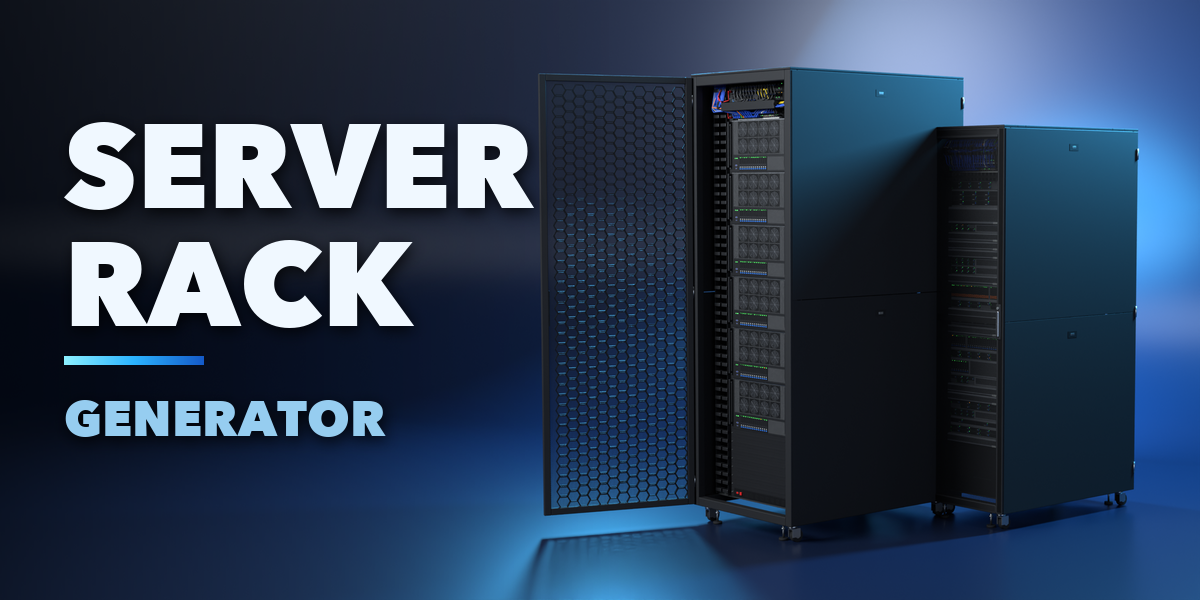
Installation
In Blender open Edit, Preferences, Get Extensions, then use Install from Disk and pick the server_rack_generator zip.
Usage
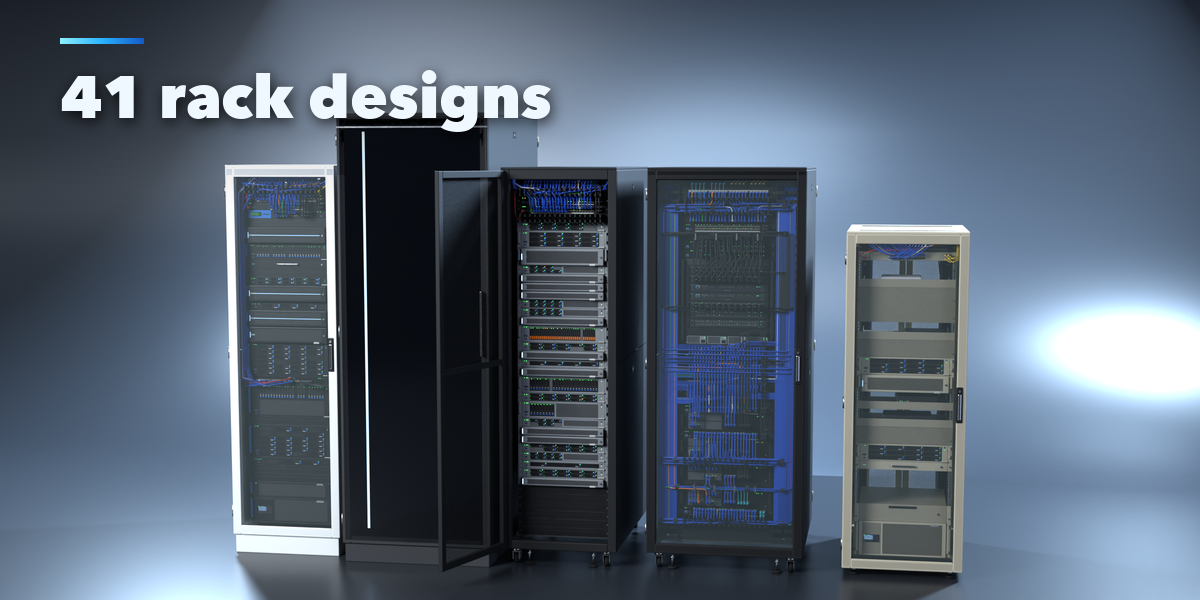
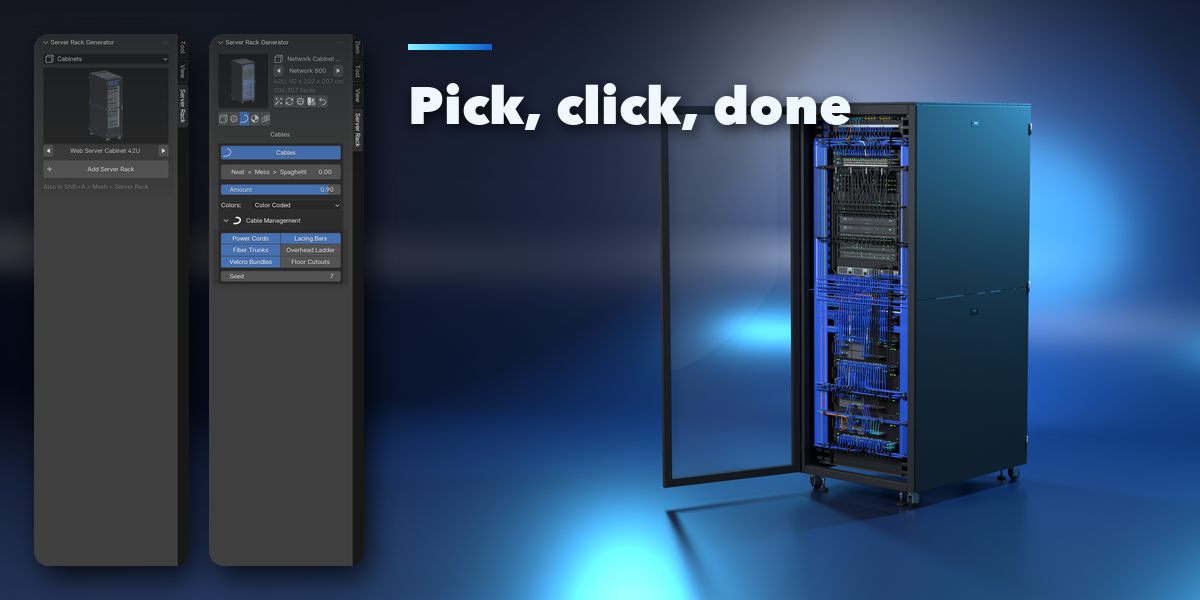
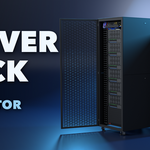
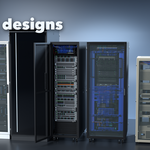
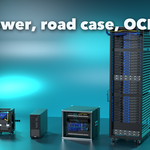
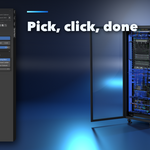
- Open the Server Rack tab in the 3D viewport sidebar (N). Pick a family, click the picture to choose a design from the gallery or step through them with the arrows, then press Add Server Rack. You can also use Shift+A, Mesh, Server Rack.
- With a rack selected, the picture at the top swaps the design. The buttons beside it make a surprise design, a variation, a new fill or a new finish, or reset the rack.
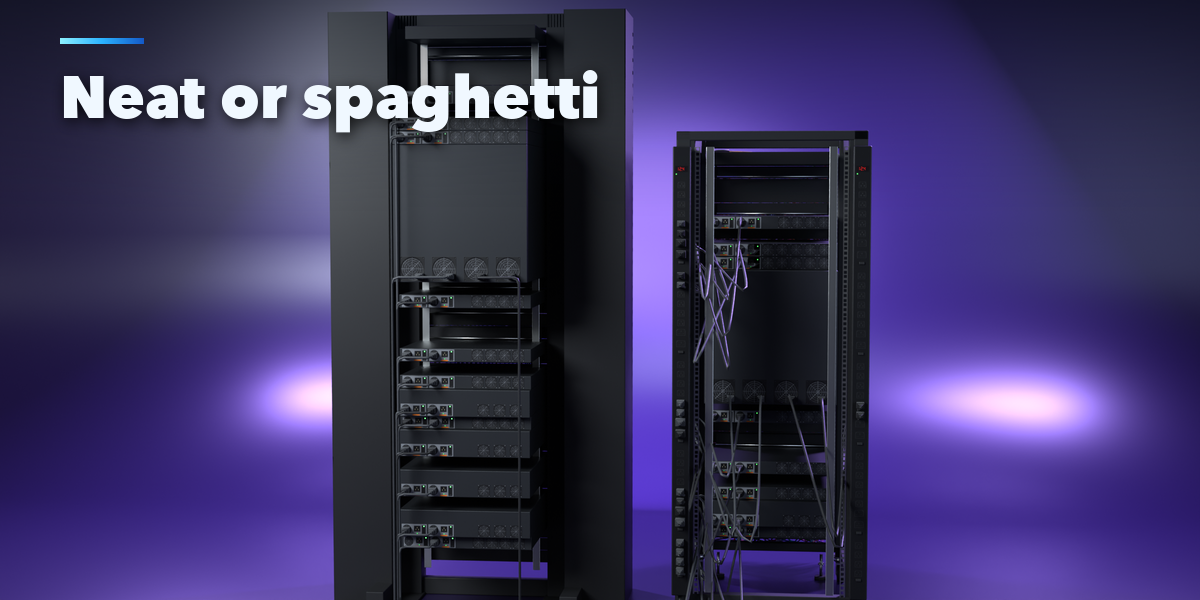
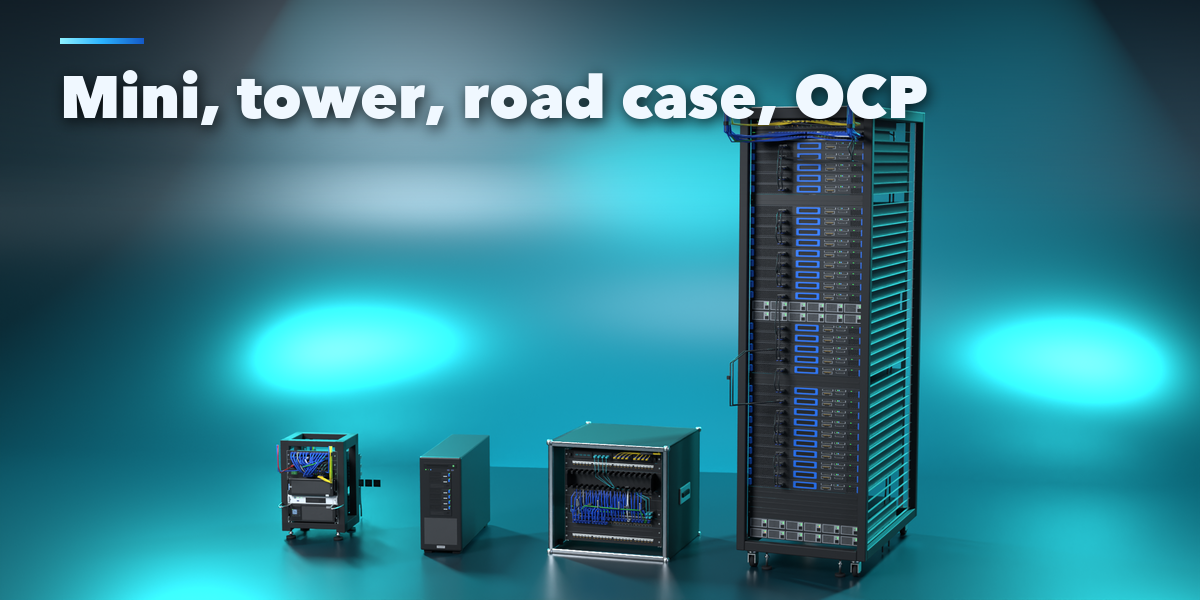
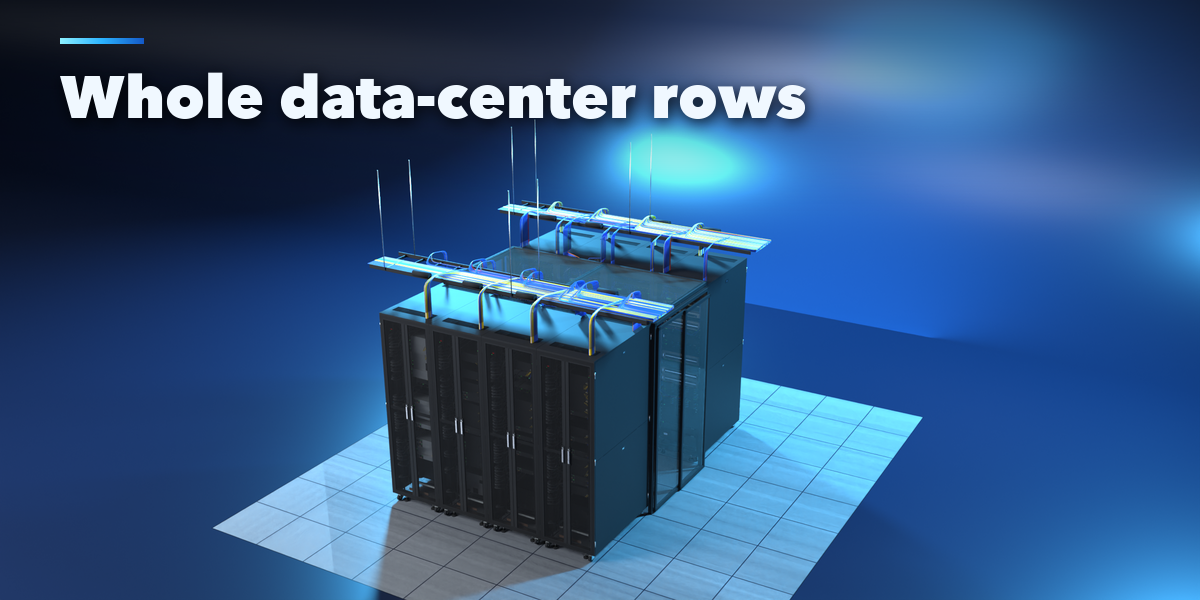
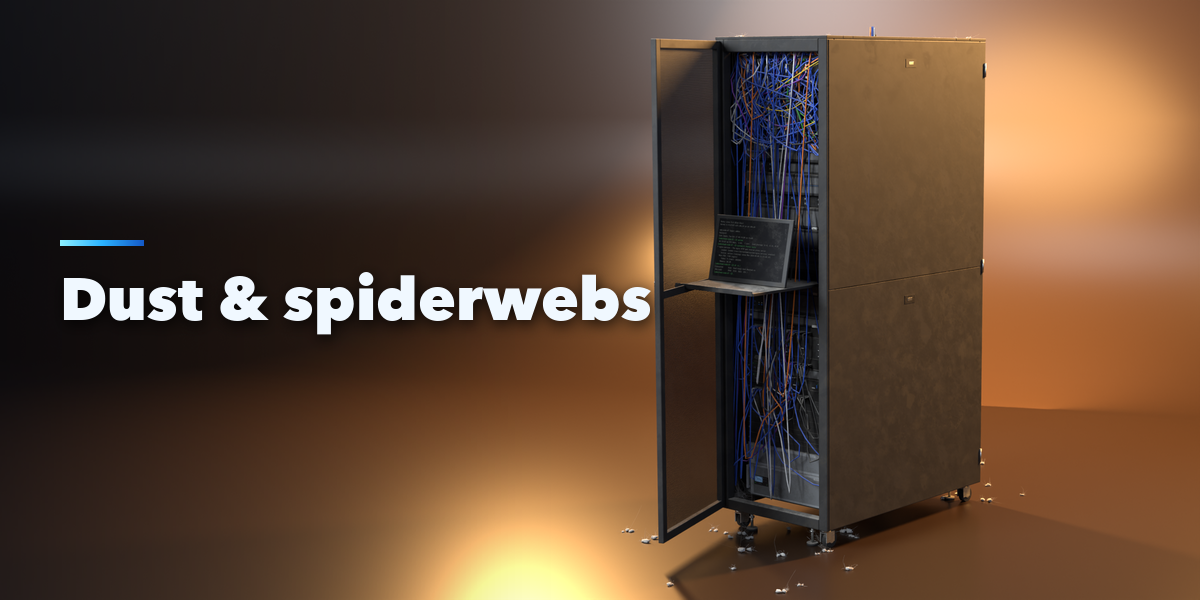
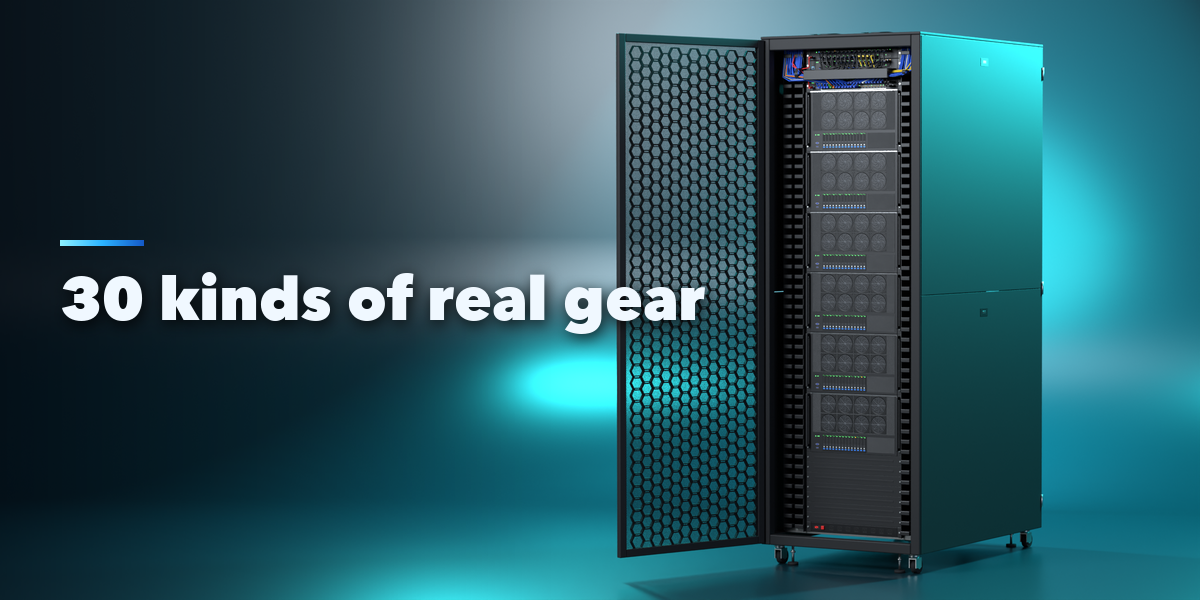
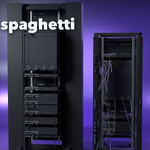
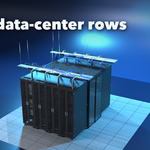
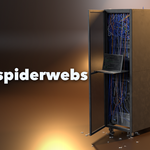
- Rack: type, height in U, standard, width, depth, base, roof and doors (with how far they open). Gear: the fill recipe, seed and density, and the equipment list, where you can add, remove and move devices. Cables: the Neat to Spaghetti slider, amount, colors and the cable management parts. Finish: paint, LEDs and blinking, dust, grime, dust bunnies and spiderwebs. Row: rack count, hot or cold aisle, containment, raised floor, detail level and parts.
- Make Real keeps the rack as plain meshes; Delete removes it with all its parts.
Have questions about this product?
Login to message
| Blender Extension Compatible | Yes |
| Published | about 19 hours ago |
| Blender Version | 4.2 - 5.2 |
| Extension Type | Add-on |
| Render Engine Used | Cycles, Eevee |
| License | GPL |

Discover more products like this
server Computer network props server-rack Interior abandoned sci fi data center Generator Game asset Cable