CG Cookie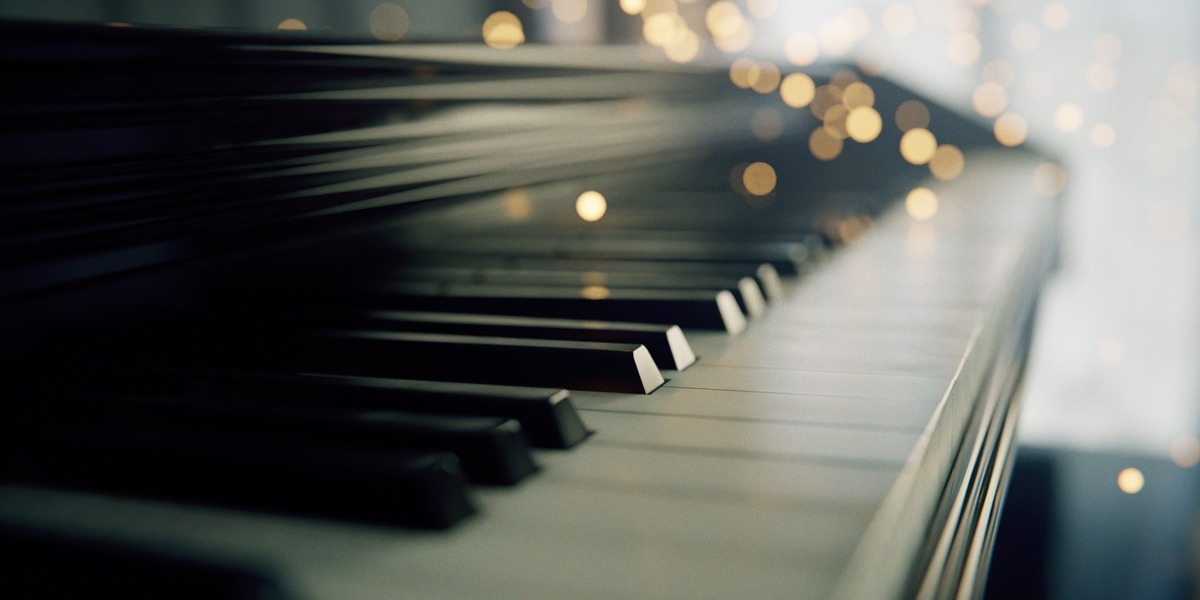





Get Close. Let the Bokeh Do the Work.
Macro photography has a built-in cheat code. When the camera gets this close to something small, everything out of focus melts into soft blur. That blur hides a lot, which means you can spend your two hours on the material and the light, where realism actually comes from.
In SESSIONS | Macro, Kent Trammell builds six close-up scenes in two hours or less each: dice tumbling across a table, ocean waves in slow motion, a dew drop on a blade of grass, two pencils rolling apart and back together, a piano keyboard, and a laptop that gets its own faux product ad.
You’ll also see where the corners get cut, on purpose. The dice are boolean-cut and left a little messy, because at that distance nobody can tell. The piano ends up with eighty-four keys instead of eighty-eight (Kent still doesn’t know how), and since the render doesn’t care, it stays. The laptop blows past the two-hour mark by about thirty minutes, which we’re calling a bonus.
6
complete projects
2 hrs
ceiling per project
3.6 – 4.0
Blender version recorded
Vol. II
of the SESSIONS series
What You Will Learn
Every project shares the same foundation of close-up materials and light, then adds one specific skill on top.
- Materials from masks and noise: vertex-painted masks, layered noise textures, and bevel and ambient occlusion nodes that fake wear and edge highlights.
- HDRI lighting with intent: Poly Haven HDRIs, rotated until one face of an object catches the light just right.
- Rigid body simulation: passive and active rigid bodies, substeps and cache settings to drop a handful of dice and slow them way down.
- The ocean modifier, up close: depth, scale, spatial size and wave alignment tuned to fake shallow, close-up water.
- Wind without a simulation: a grass armature animated with looping F-curve noise modifiers, offset per bone so it sways naturally.
- Micro displacement: adaptive subdivision for surface detail that only shows up at macro distance.
- Quick, messy booleans: dice and laptop ports cut fast, because the camera forgives what it can’t resolve.
- One reusable compositing group: glare, vignette and film grain packed into a node group you’ll keep using long after this course.
Is This Course For You?
A good fit if you…
- Want small, finishable projects instead of another six-month scene.
- Are chasing that tight, bokeh-heavy macro photography look in CG.
- Want to see how far vertex paint, noise textures and an HDRI can carry a material.
- Know the basics: navigating, modeling simple shapes, finding the shader editor.
Probably not if you…
- Have never opened Blender. Start with CORE first.
- Want big environments or whole rooms. SESSIONS | Interior is closer to what you’re after.
The Six Projects
01 · Dice Roll
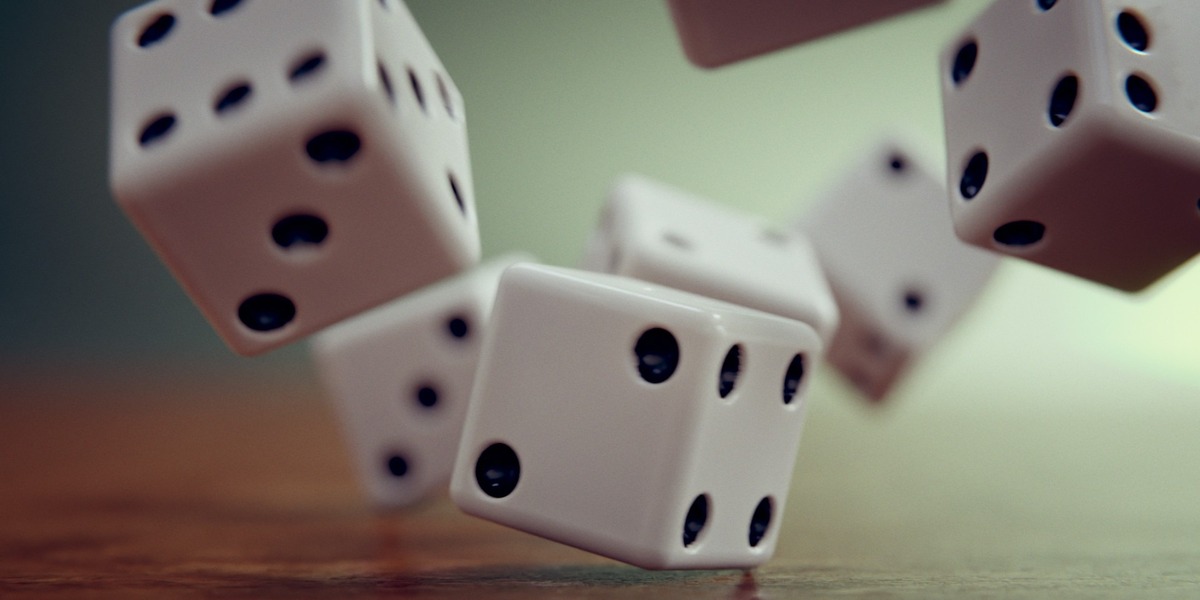
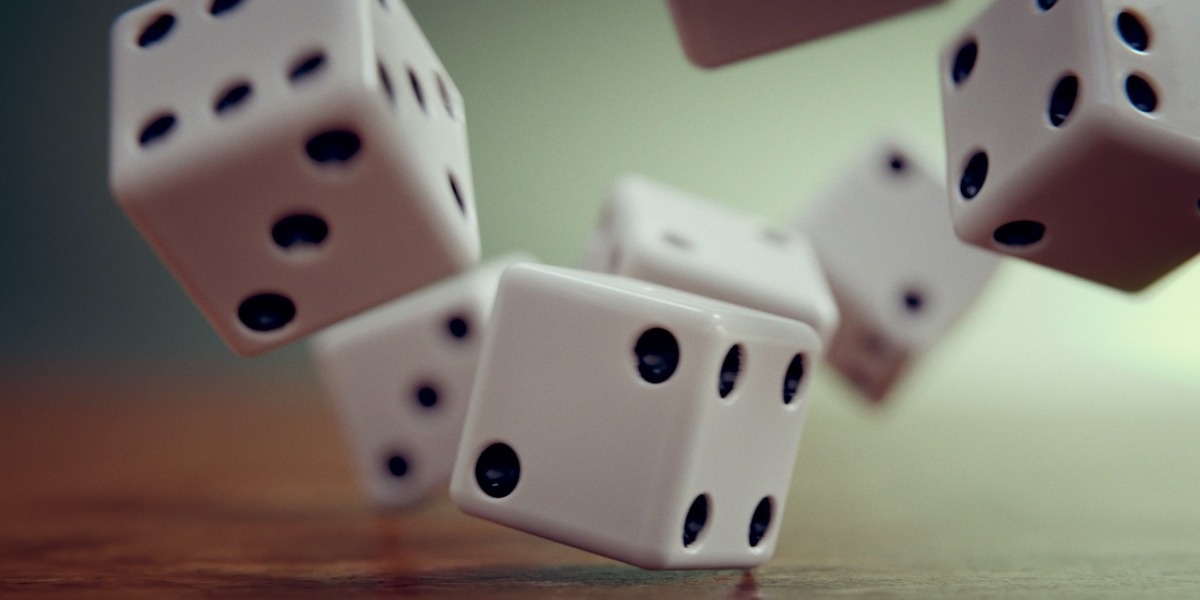
Boolean-cut dice with a worn material, dropped onto a table with rigid body physics and slowed way down so every tumble reads.
Lessons: Dice Modeling · Dice Material · Dice Animation · Dice Rendering & Post Pro
02 · Ocean in Slow Motion

Close-up water built with the ocean modifier and tuned until it behaves like shallow waves instead of open sea. The sunlight glinting off the surface turns into bokeh on its own.
Lessons: Ocean Animation · Ocean Shading & Lighting · Ocean Rendering & Post Pro
03 · Dew Droplet
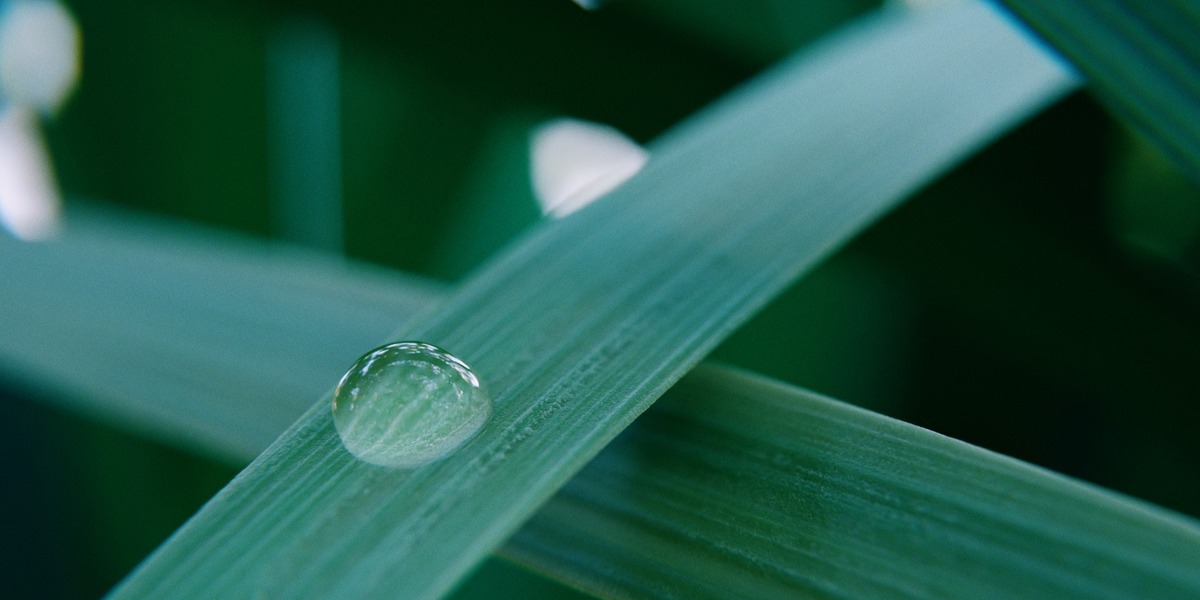
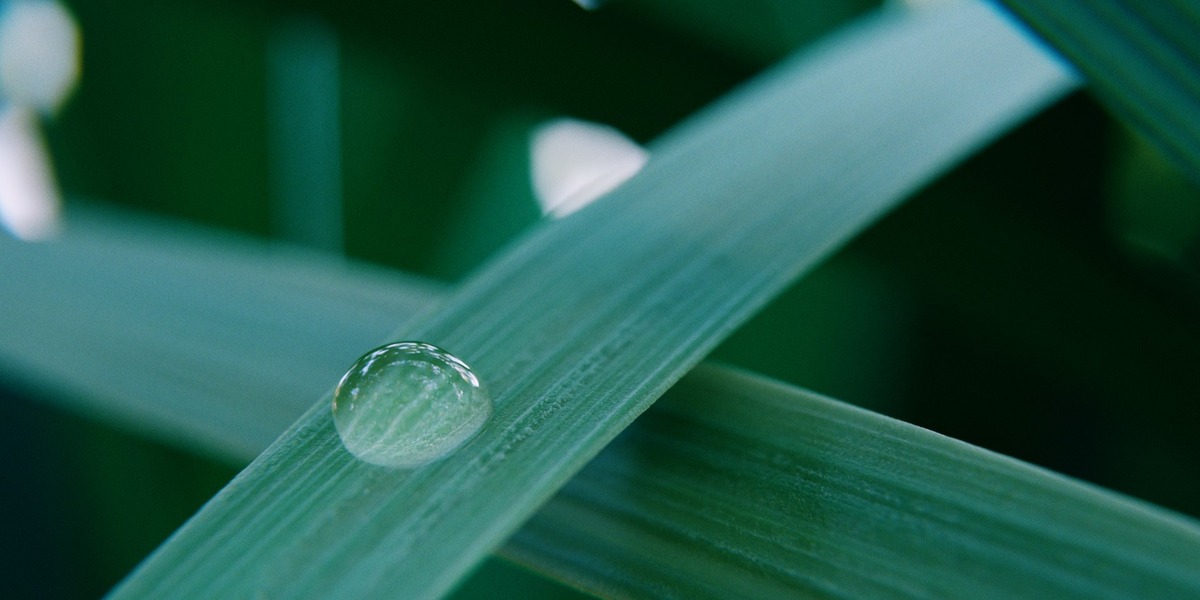
A single drop of water resting where two blades of grass cross. The grass sways on an armature driven by looping noise modifiers, so you get wind without running a simulation.
Lessons: Dew Droplet Modeling & Animation · Dew Droplet Scene Layout · Dew Droplet Shading & Lighting · Dew Droplet Post Processing
04 · Yin-Yang Pencils
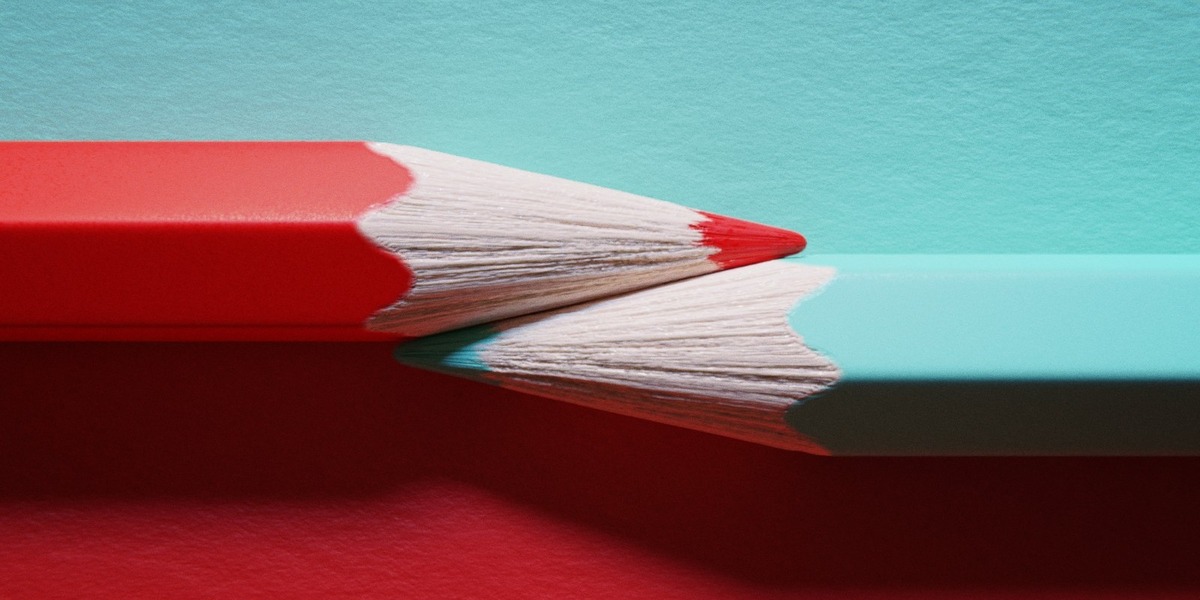
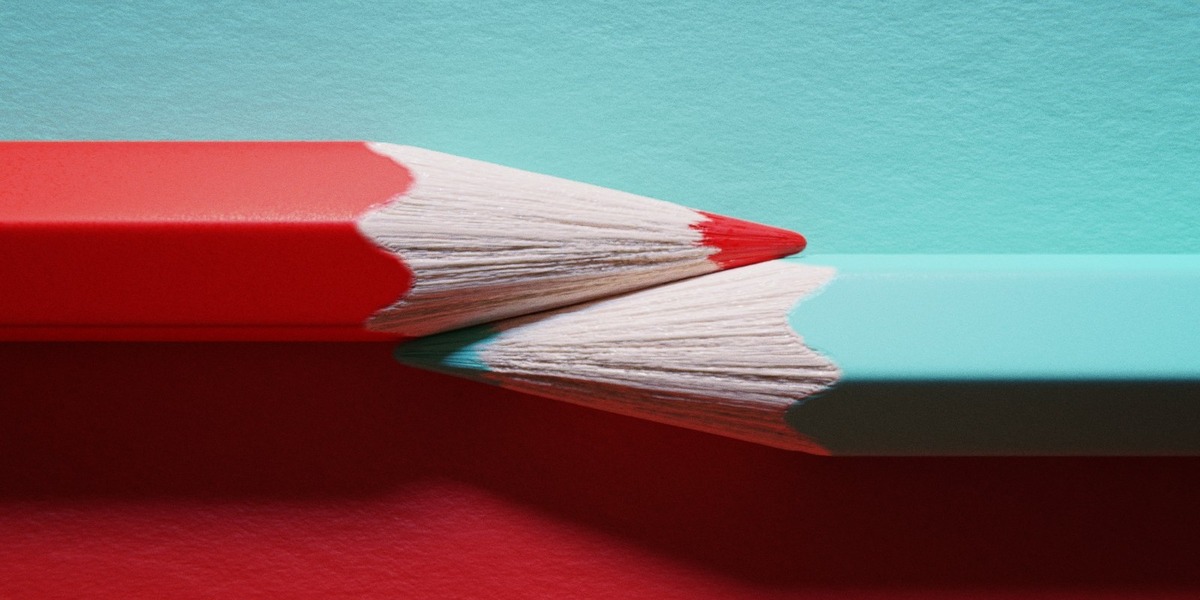
Two colored pencils rolling apart and back together in a satisfying loop. This is the micro displacement chapter, where the surface gets the kind of detail you only notice when the camera is a few centimeters away.
Lessons: Pencils Modeling & Animation · Pencils Micro Displacement · Pencils Material Finish · Pencils Rendering & Post Pro
05 · Piano
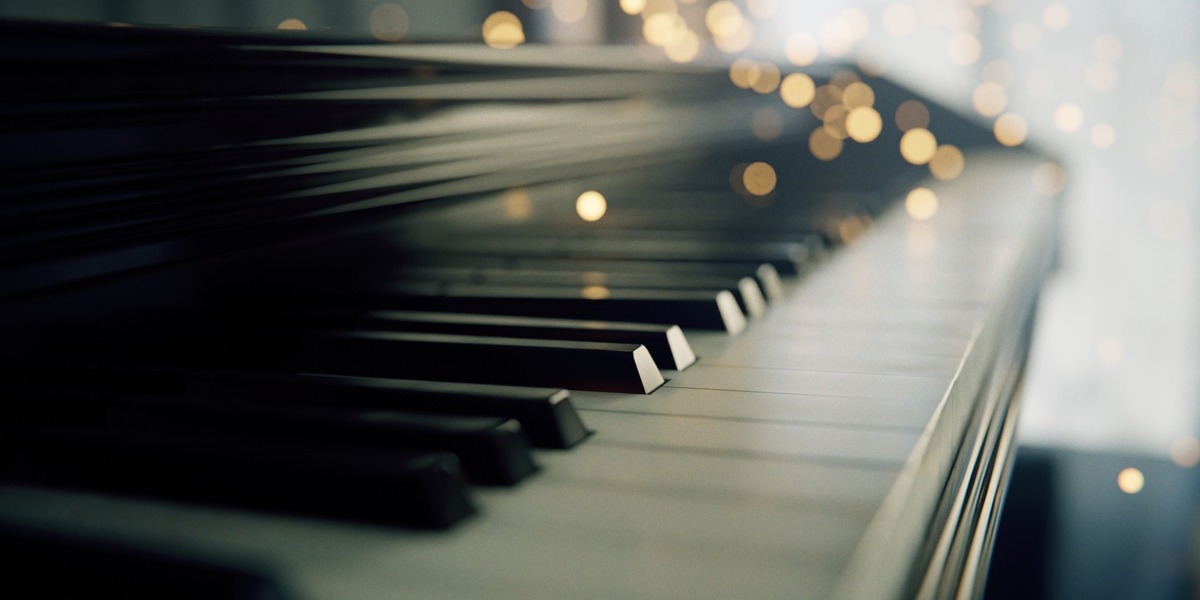
A low run along a piano keyboard with glowing particles drifting through the out-of-focus light. Eighty-four keys. Close enough.
Lessons: Modeling Piano Keys · Finish Modeling the Piano · Piano Shading & Lighting · Piano Post-Processing & Particles
06 · Laptop
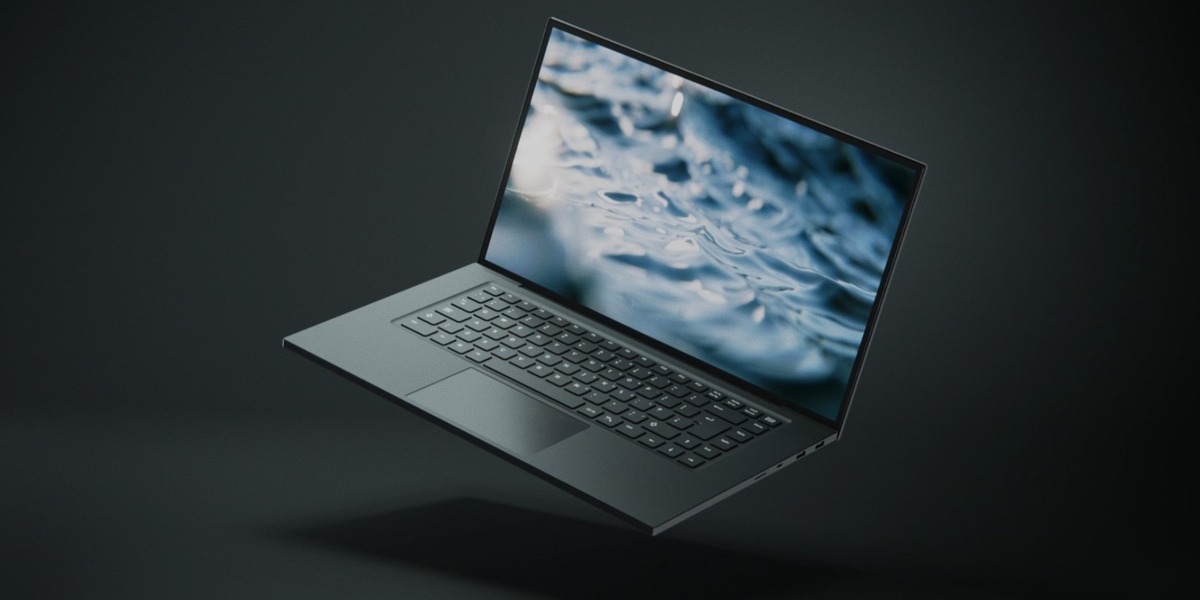
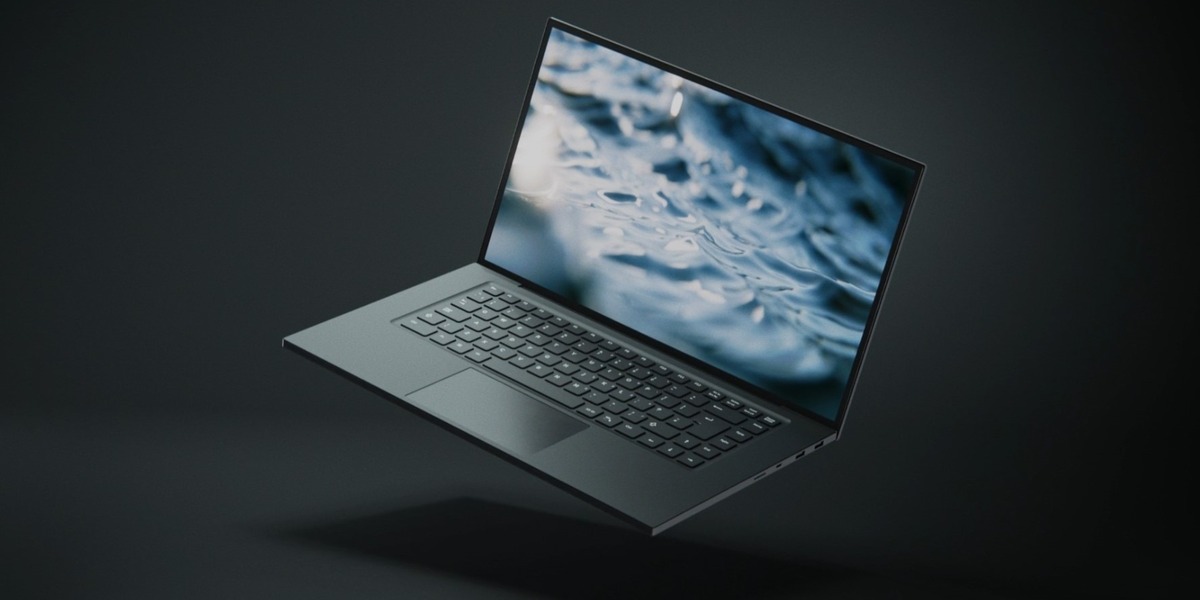
The biggest session: a laptop body, keyboard and ports modeled from scratch, a full material pass, then several render sequences cut together into a faux product ad. It runs about thirty minutes past the two-hour limit. Consider it a bonus.
Lessons: Modeling the Laptop Body · Modeling the Laptop Keyboard · Modeling Laptop Ports · Laptop Materials · Rendering the First Laptop Sequence · Rendering More Laptop Sequences · Create a Faux Laptop Ad
What's Included
- Downloadable video lessons for all six projects.
- Project files for every session, so you can open any scene and see exactly how it was built.
- English captions (.srt) for every lesson.
- A royalty-free license on everything you make with the course files.
Recorded in Blender 3.6 and 4.0. Still worth it? Yes.
These sessions were recorded a few Blender releases ago, and a few things have moved since. The Principled BSDF was reorganized in 4.0, and the Musgrave texture was folded into the Noise texture in 4.1. If a setting isn’t where Kent left it, a quick search usually turns it up in about a minute.
What hasn’t changed is the part that makes a render good: how light reads, what to model and what to fake, how far a color ramp and a little film grain can carry a shot. Blender’s fundamentals move slowly. If you only learn from courses recorded in the newest release, you skip an enormous amount of good Blender education to avoid a few renamed menus.
What Students Say
“They are quick wins with gorgeous results, and chalk full of tips and techniques.”
Nathi T., CG Cookie review
“Even if you only know so much you can still make cool things, and then I can go and make a piano about it or something.”
Blender L., CG Cookie review
About the Instructor

Kent Trammell is CG Cookie’s most senior Blender instructor, with a 14-year career across feature films, 3D amusement park rides, TV commercials and YouTube. He’s a generalist at heart, strongest in modeling, sculpting, characters, texturing, materials and rendering.
Kent taught the first two SESSIONS courses. SESSIONS | Minimalism is the other one: six stylized scenes built from almost no geometry.
Frequently Asked Questions
I bought SESSIONS Vol. I & II. Is this the same content?
Yes. Vol. I & II packages Minimalism and Macro together. This is Macro on its own, with the same lessons and project files.
Do I need to take Minimalism first?
No. Each SESSIONS course stands alone, and so does each project inside it. Start with whichever scene you want to make.
How experienced do I need to be?
Comfortable with the basics: navigating the viewport, adding and editing simple shapes, and finding your way into the shader editor. The simulation and displacement work is explained as it comes up.
Are the projects really two hours?
Two hours is the budget for the scene, and the laptop blows through it by about thirty minutes. Expect your first pass to take longer, because you’ll pause, rewind and try things. That’s the point.
I’m a CG Cookie member. Do I need to buy this?
No. Active CG Cookie members already have SESSIONS | Macro in their library.
What if I get stuck?
Message CG Cookie through the Contact the creator link on this page. Purchases here don’t include instructor feedback or community access, but they can be converted to a CG Cookie membership, which does. See below.
The SESSIONS Series
Four courses, three instructors, one rule: every project is scoped to two hours or less, from an empty file to a finished render. Each course stands on its own, so start wherever the subject grabs you.
You are here
Vol. II Macro
Kent Trammell · 6 projects

Want Minimalism and Macro together? SESSIONS Vol. I & II packages both of Kent’s courses.
About CG Cookie Courses
All of our courses, including this one, are included with a membership at cgcookie.com. If you would like to convert this purchase into a CG Cookie subscription, which adds exercise feedback from instructors and community access for questions and support, email [email protected] with your Superhive order ID and we will send a coupon code that applies your purchase toward it.
❤️ CG Cookie, a project of Autotroph, contributes to Blender development through Autotroph’s Corporate Gold sponsorship of the Blender Development Fund. Your support of CG Cookie helps make this possible.