CG Cookie






Five Typography Projects. Two Hours Each.
If a picture is worth a thousand words, and a video is worth a million pictures, then a video of animated words is worth... too much to calculate. Can’t argue with math.
SESSIONS | Type is the third course in the SESSIONS series, taught by Jesse Kaizen. Five short, self-contained projects built around typography and Geometry Nodes: letters rotating behind glass cylinders, a glass tile grid, a molten-to-metal title reveal, letters that change shape as a controller passes by, and a full keycap rig. Each one is scoped to two hours or less, start to finish.
You’ll watch Jesse hit real problems and solve them on camera. At one point he needs a single point to react to an empty, so he creates one literal point in space and feeds it into a Geometry Proximity node, because Object Info data doesn’t play nicely with that node otherwise. That kind of workaround comes up constantly, and it’s a big part of what you’re here for.
5
complete projects
2 hrs
ceiling per project
Cycles
renderer used
Vol. III
of the SESSIONS series
What You Will Learn
- Geometry Nodes for regular people: string to curves, instancing, rotate instances, proximity, remeshing and booleans, used to solve a specific problem every time.
- Attributes into shaders: custom attributes built inside the node tree and piped straight into the material, so the procedural setup and the shader read the same data.
- Melting text: a mesh to density grid conversion and a smoothing node for the molten reveal.
- Proximity-driven animation: letters that switch between two instanced objects based on distance from a controller empty.
- Real-world scale and light linking: a keycap modeled to actual dimensions and lit with light linking for control.
- Procedural materials: glass, molten metal cooling to steel, and keycaps that transition from wireframe to realistic.
- Typeface and title design: the basics of choosing and setting type so the animation has something worth animating.
- Compositing for the final look: denoise, glare, chromatic aberration, sensor noise and vignette, tuned live and re-tuned when the first pass looks too Christmassy.
Is This Course For You?
A good fit if you…
- Know your way around the interface and want short, finishable typography projects.
- Are curious what Geometry Nodes attributes look like once they’re piped into a shader.
- Do motion design and want glass, metal and glow looks without building a giant master scene.
- Have finished CORE or something like it and want a project to apply it to.
Probably not if you…
- Have never opened Blender. Start with CORE first.
- Want an exhaustive Geometry Nodes theory course. This is applied, project-first learning.
Note: you can follow along step by step with the course files, but you’ll learn more if you apply each technique to your own words and ideas. Steal the method, not the result.
The Five Projects
01 · Blurred Lines
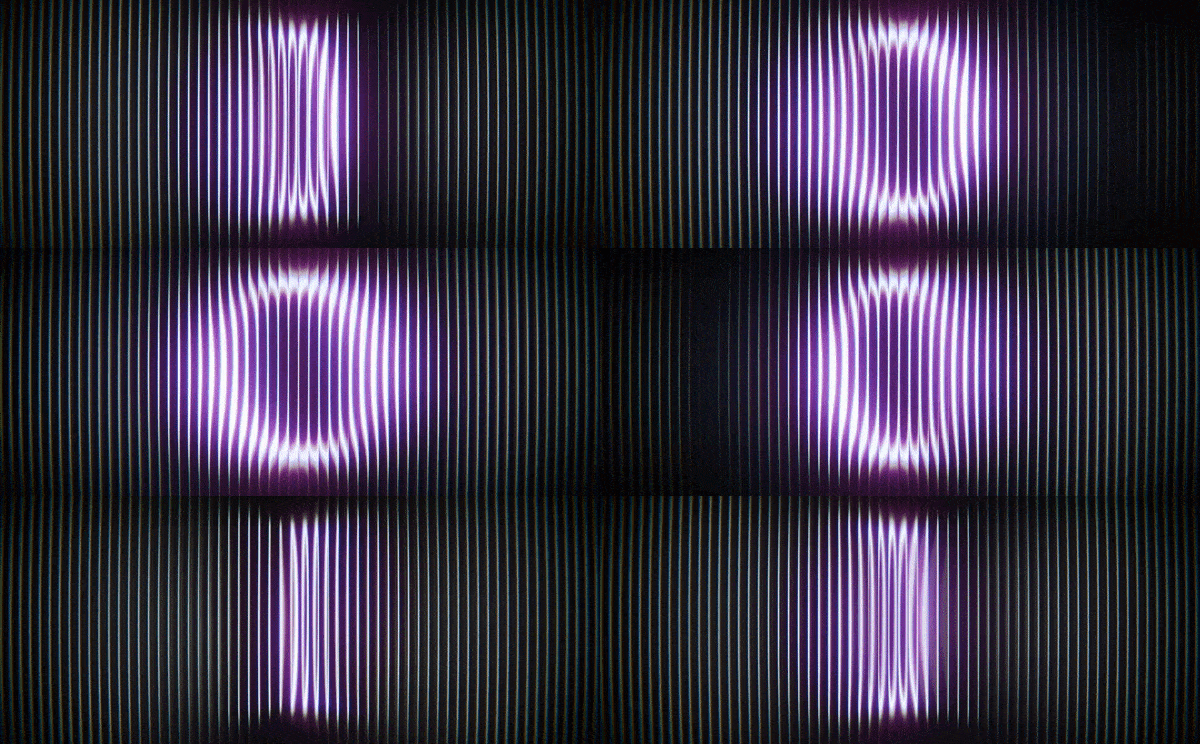
Rotating text artistically obscured behind an array of glass cylinders. Letters rotate individually using string to curves and rotate instances, and a final lesson swaps single letters for whole words. A simple idea that radically changes the final result.
Lessons: Blender Versions & Scene Setup · Letters & Animation · Finalizing the Scene · Making It Look Nice · Words Instead of Letters
02 · Glass Tiles
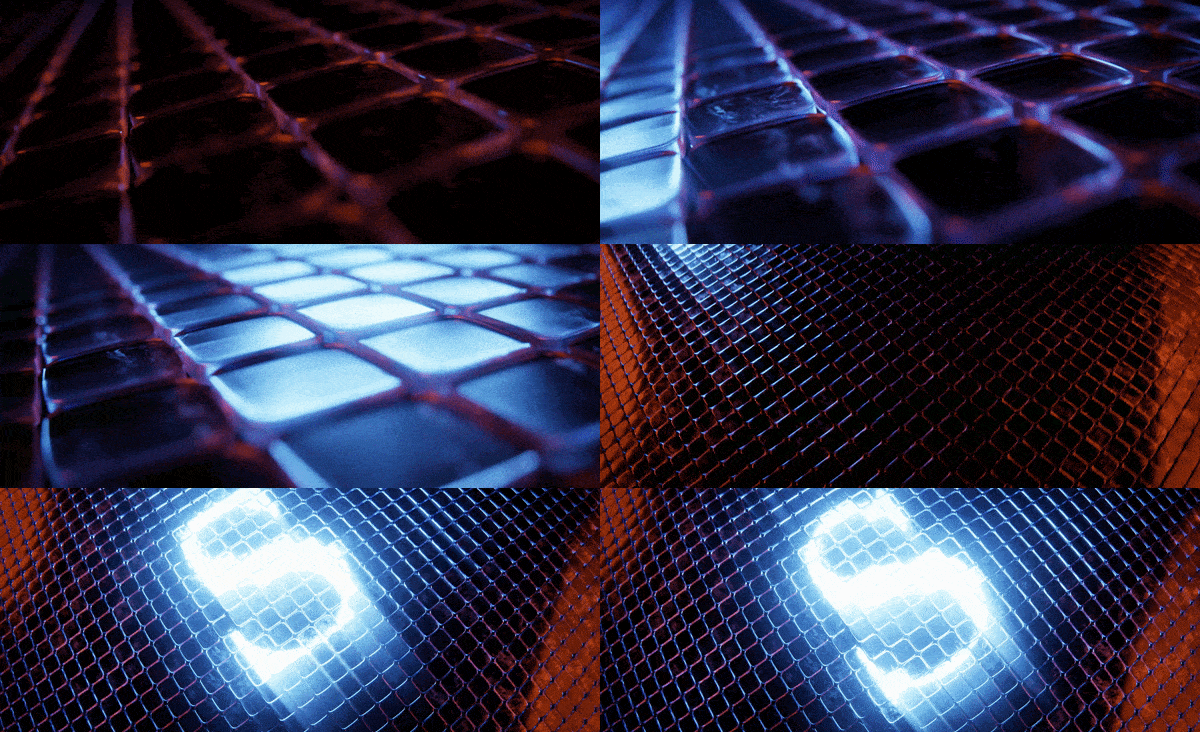
A spiritual successor to the first project, and proof that small tweaks to a concept can produce a very different look. A glass tile grid is generated with Geometry Nodes and instanced onto a beveled pad.
Lessons: Setting Up the Grid with Geometry Nodes · Modeling the Pad · Adding Materials & Elements · Creating the Animation · Compositing & Export
03 · Molten Reveal
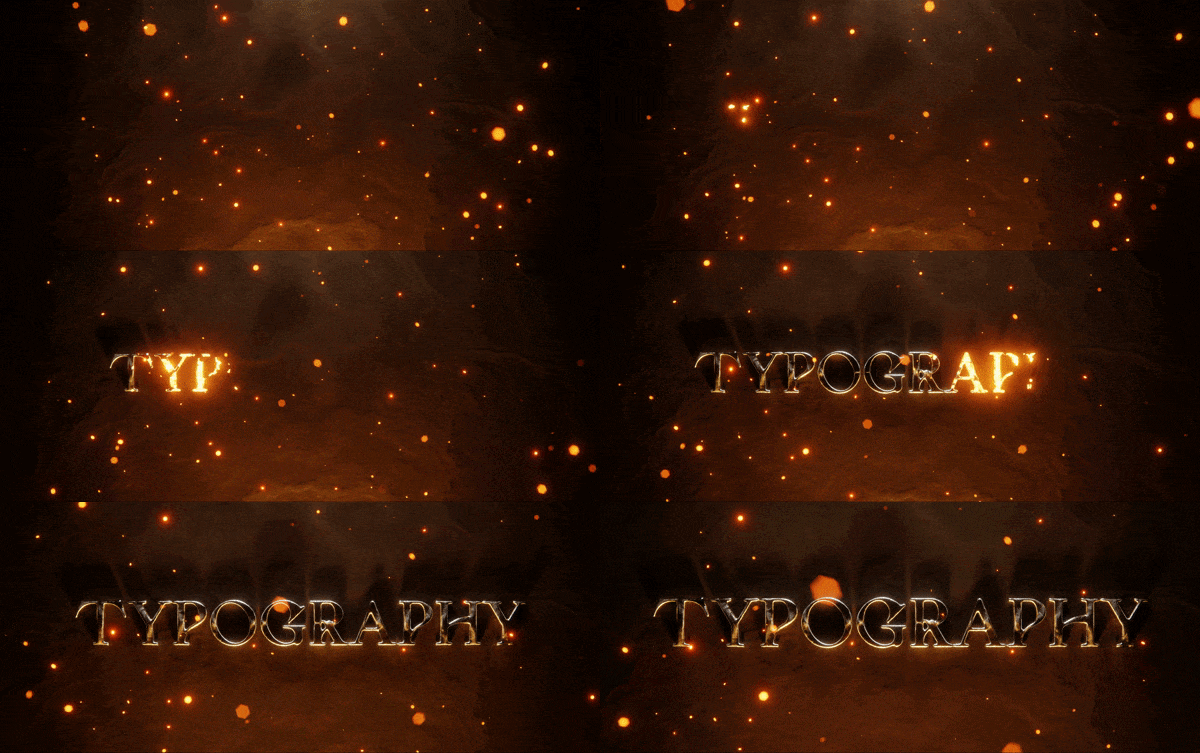
A cinematic title that transitions from molten lava to cooled metal. The text melts using a mesh to density grid conversion and a smoothing node. Perfect for that movie you’re definitely going to finish.
Lessons: Creating Dense Text · Melting Text with Geometry Nodes · Forging Molten Metal · Shaping the Scene · Making it Magical
04 · Fill Switch

Points distributed inside a typeface, each one switching between two instanced shapes based on its distance from a controller empty. Proximity drives both the shape and the movement of every instance.
Lessons: Distributing Points in Text with Geometry Nodes · Building the Effect · Creating the Shader · Finalizing & Compositing
05 · Key Caps

The most abstract project: a grid of instanced keycaps, each with its own character, modeled to real-world scale and lit with light linking. Three layered animations, a word spelled across the keys, and a shader that transitions from wireframe to realistic.
Lessons: Modeling a Keycap · Building the Spawner with Geometry Nodes · Animating it All · Materials & More · Ending with a Bang
What's Included
- Downloadable video lessons for all five projects.
- Project files for every session.
- English captions (.srt) for every lesson.
- A royalty-free license on everything you make with the course files.
Recorded in Blender 5.0
Geometry Nodes is still under active development, so if a node name or two has shifted by the time you watch, that’s expected. The techniques carry forward, and the first lesson covers Blender versions and scene setup before anything else.
What Students Say
“Text in Blender always seemed a bit of a nuisance to me. Geometries looked ugly and spiky. If you had problems like this then these sessions are for you.”
Blender L., CG Cookie review
“You get to learn a lot of interesting techniques in a short amount of time, helping you to expand your artistic capabilities.”
Raphaëlle J., CG Cookie review
About the Instructor

Jesse Kaizen is a former art director who runs the Kaizen Tutorials YouTube channel, where he combines his two passions: Blender and teaching. You can see his graphic design background in every one of these projects.
He also teaches the Lighting course in CG Cookie’s CORE series.
Frequently Asked Questions
How experienced do I need to be?
You should know your way around the interface. You don’t need prior Geometry Nodes experience, but a fundamentals course like CORE will make it smoother.
Do I need any add-ons?
No. Everything is built in stock Blender.
Can I skip to the project I want?
Yes. All five are self-contained. They do build in complexity, so working in order helps if Geometry Nodes is new to you.
I’m a CG Cookie member. Do I need to buy this?
No. Active CG Cookie members already have SESSIONS | Type in their library.
What if I get stuck?
Message CG Cookie through the Contact the creator link on this page. Purchases here don’t include instructor feedback or community access, but they can be converted to a CG Cookie membership, which does. See below.
The SESSIONS Series
Four courses, three instructors, one rule: every project is scoped to two hours or less, from an empty file to a finished render. Each course stands on its own, so start wherever the subject grabs you.
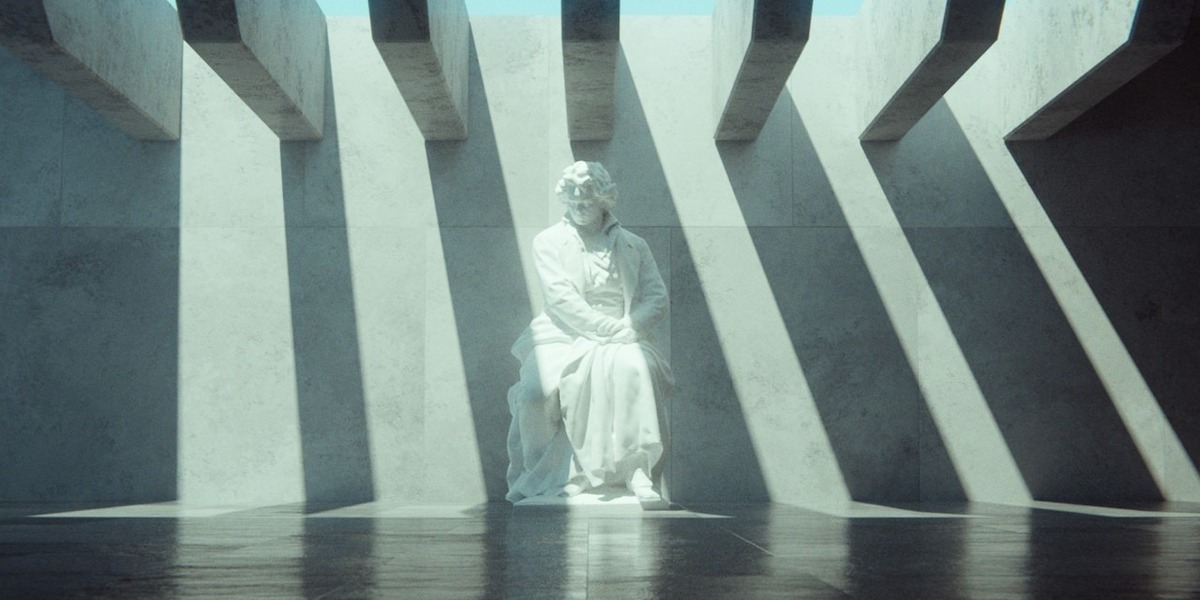


You are here
Vol. III Type
Jesse Kaizen · 5 projects

Want Minimalism and Macro together? SESSIONS Vol. I & II packages both of Kent’s courses.
About CG Cookie Courses
All of our courses, including this one, are included with a membership at cgcookie.com. If you would like to convert this purchase into a CG Cookie subscription, which adds exercise feedback from instructors and community access for questions and support, email [email protected] with your Superhive order ID and we will send a coupon code that applies your purchase toward it.
❤️ CG Cookie, a project of Autotroph, contributes to Blender development through Autotroph’s Corporate Gold sponsorship of the Blender Development Fund. Your support of CG Cookie helps make this possible.