 BENNODES
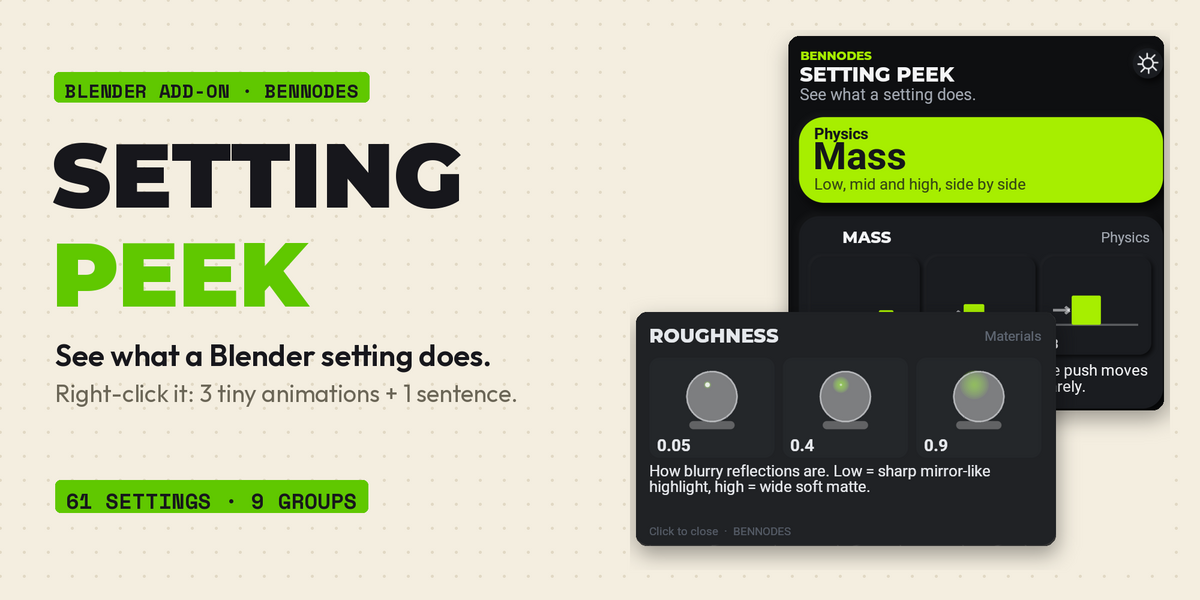
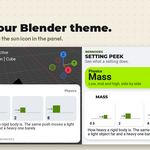
Blender has hundreds of settings. Setting Peek shows what they do, right where you use them.
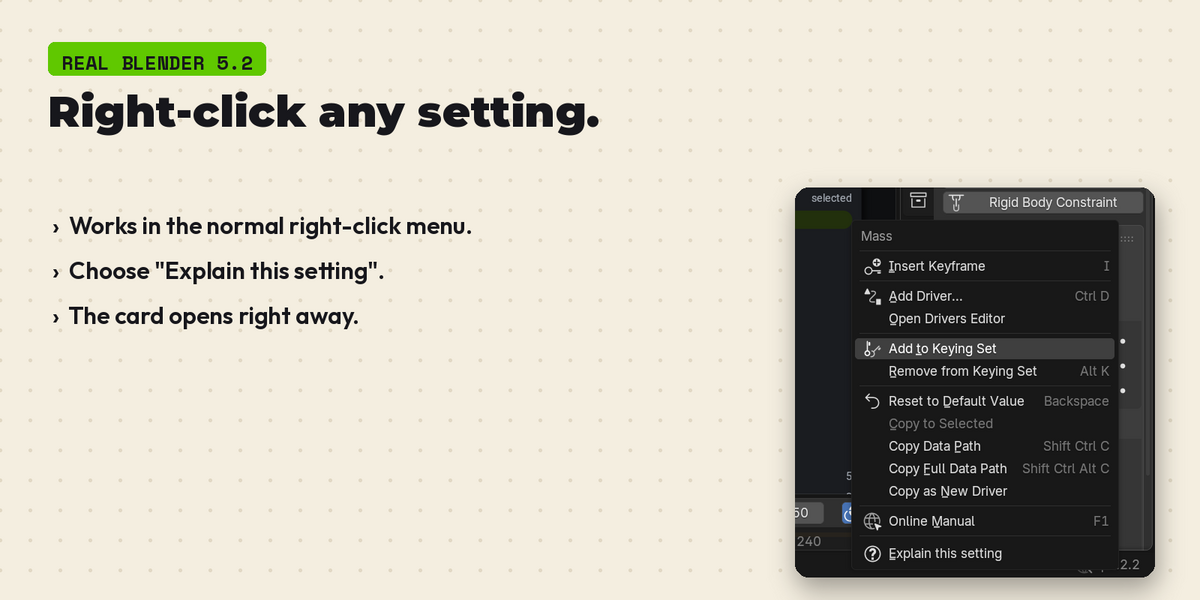
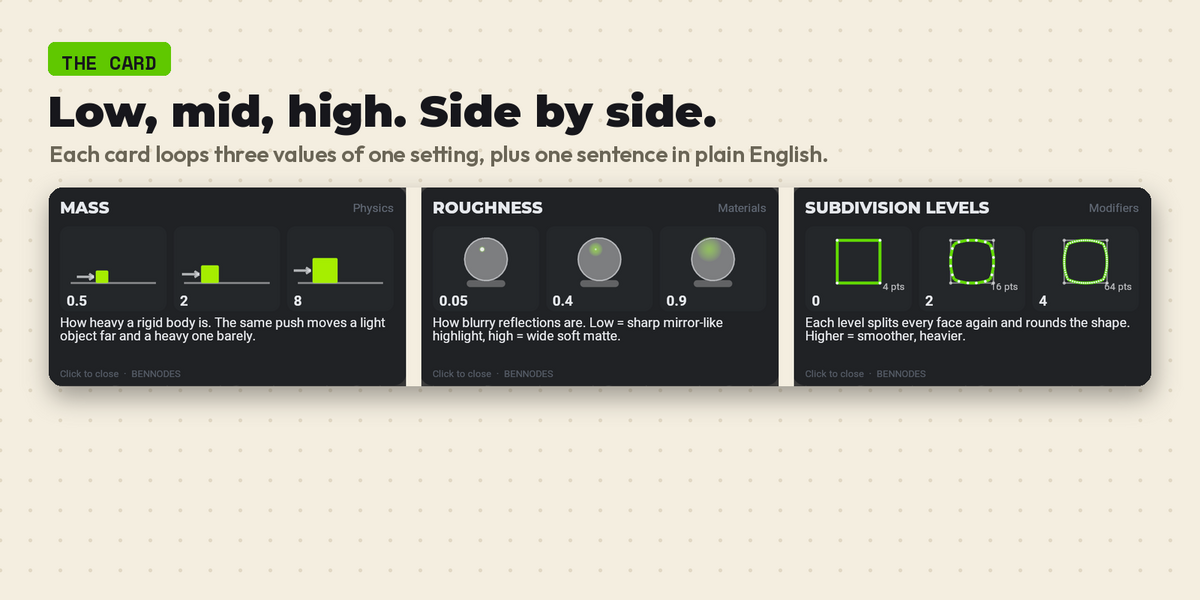
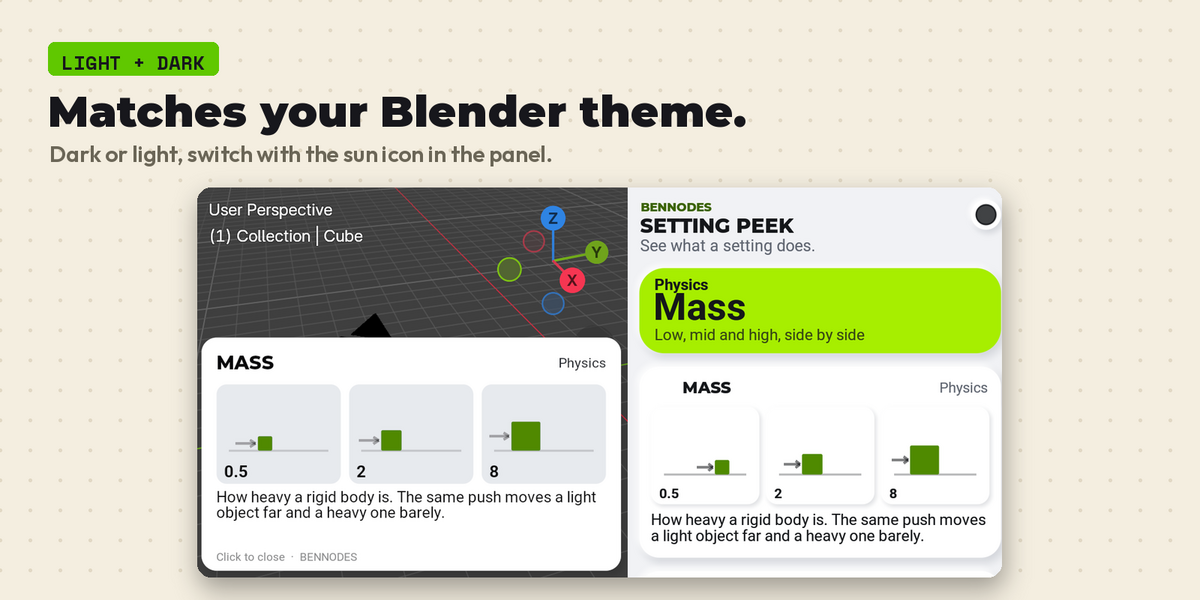
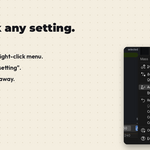
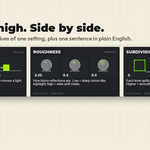
Right-click a setting and choose Explain this setting. A small card opens with three looping animations: a low, a mid and a high value, side by side. Plus one sentence in plain English.
Explain with AI (optional). A setting without an animation yet? Right-click it and choose Explain with AI for a short plain-English answer in the Peek tab. It uses your own API key (Anthropic, OpenAI, OpenRouter or Google Gemini) or a free local model with Ollama. Only the setting name, its Blender description and its current value are sent. The add-on works fully without AI. AI costs, data and results are your own responsibility; BENNODES does not see or store anything.
What you get
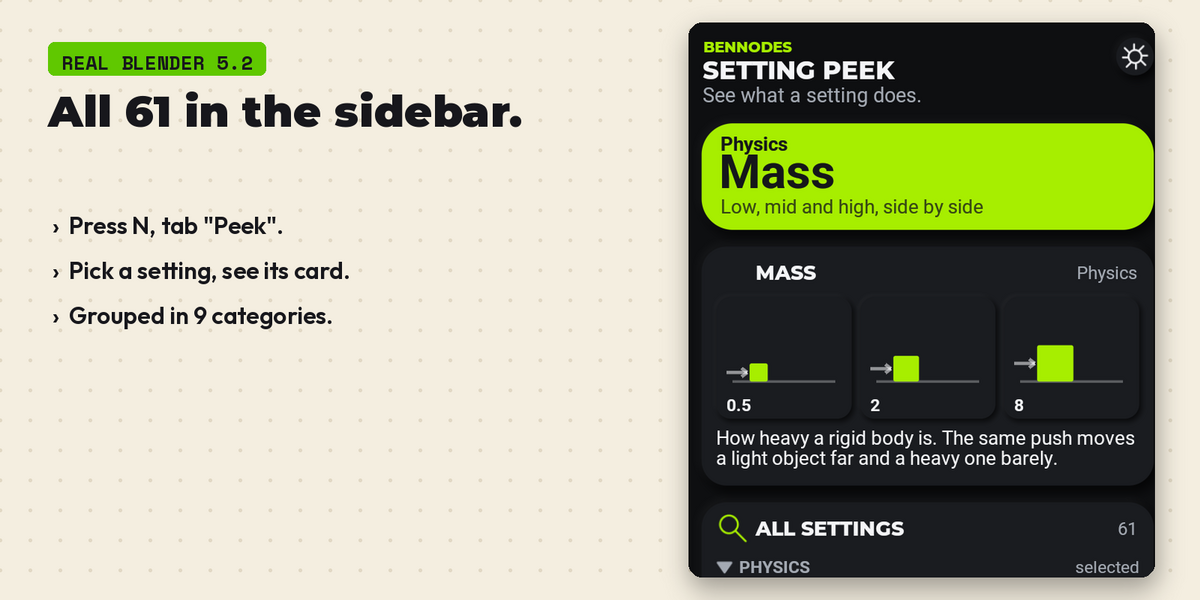
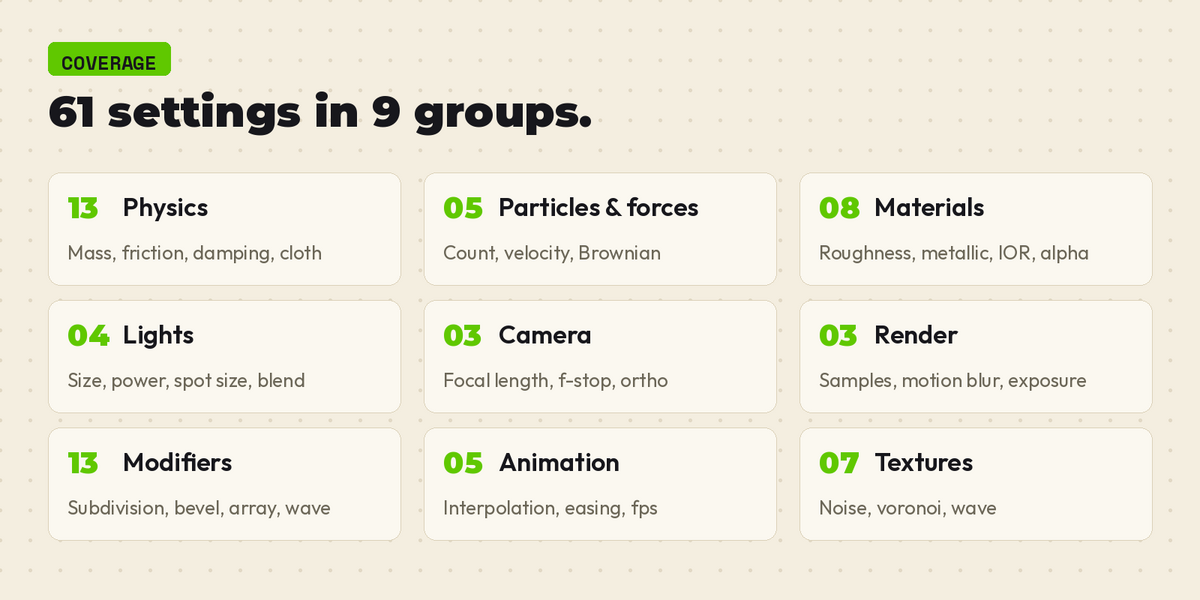
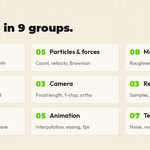
- 61 animated settings in 9 groups: physics, particles & forces, materials, lights, camera, render, modifiers, animation, textures.
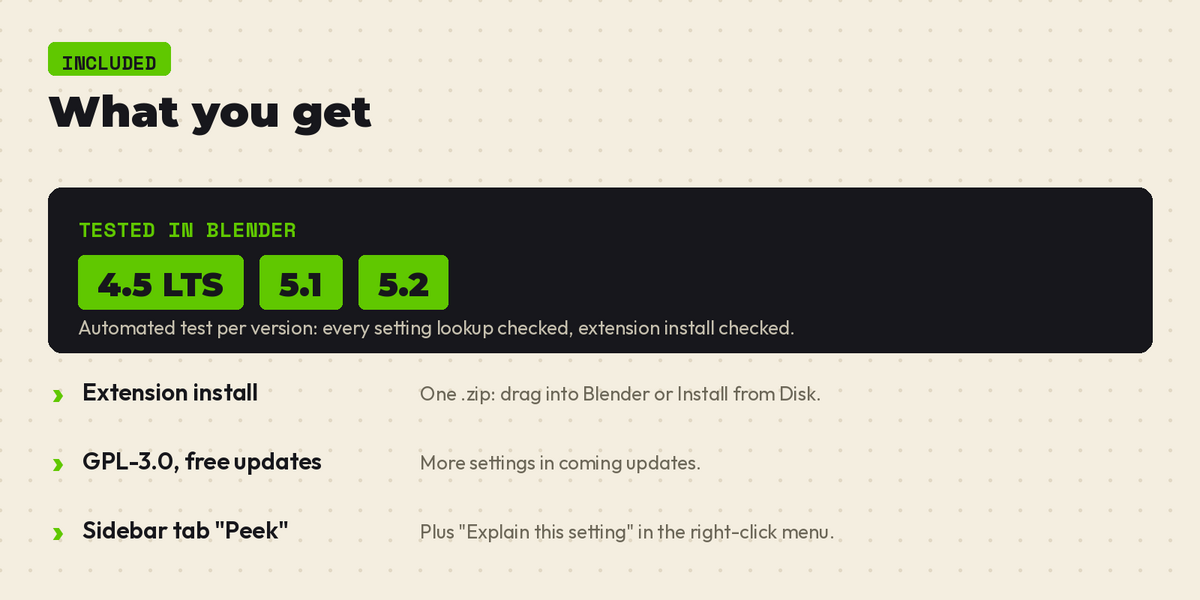
- Explain this setting in Blender's own right-click menu.
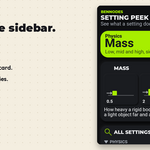
- Sidebar tab Peek (press N) to browse all 61 settings.
- Optional AI for every other setting.
- Dark and light theme.
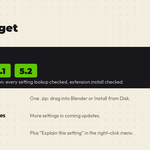
- One extension .zip: drag it into Blender, or Install from Disk.
Tested in Blender 4.5, 5.1 and 5.2.
Known limitations
- Without AI, settings without an explainer show "No explainer for this setting yet". More animated settings come in free updates.
- The animations are simple sketches of the effect, not real simulations.
- AI answers can be wrong. Online providers need Allow Online Access in Blender's Preferences.
Licence: GPL-3.0-or-later. Free updates. Made by BENNODES.