 BENNODES
Install
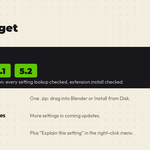
- Download the .zip. Do not unzip it.
- In Blender: Edit > Preferences > Get Extensions > arrow menu (top right) > Install from Disk, and pick the .zip. Or drag the .zip into Blender.
Use
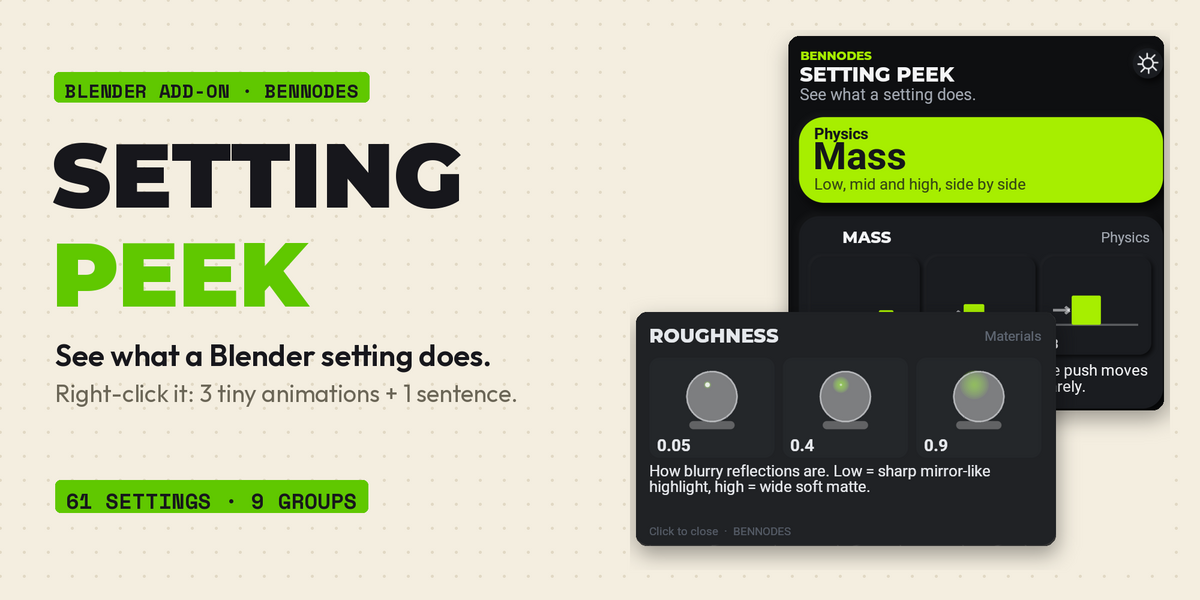
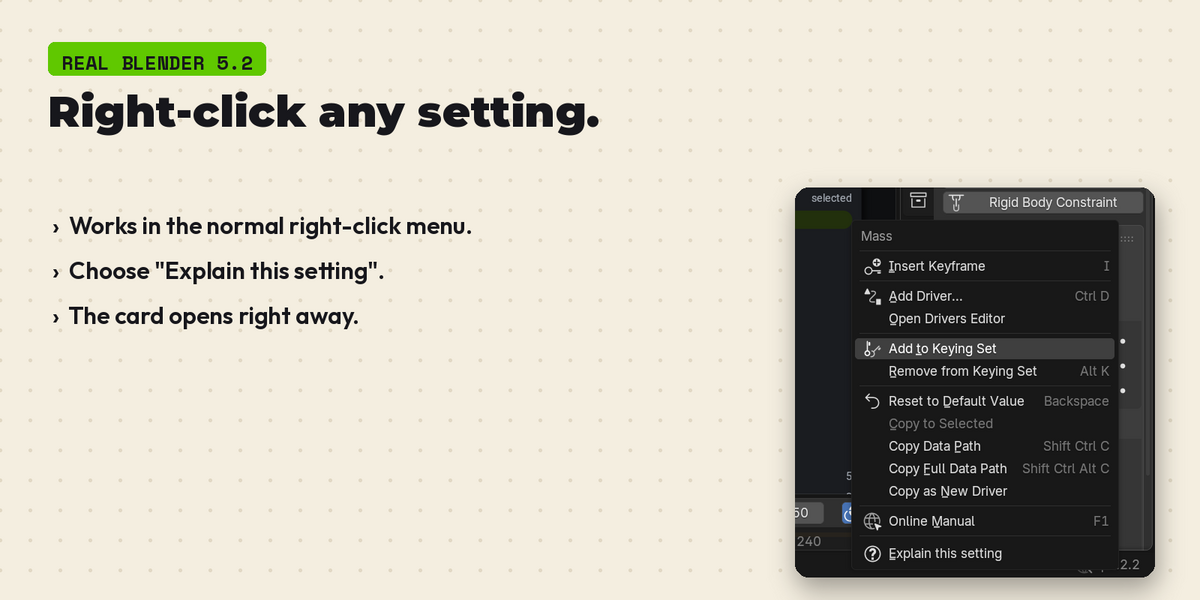
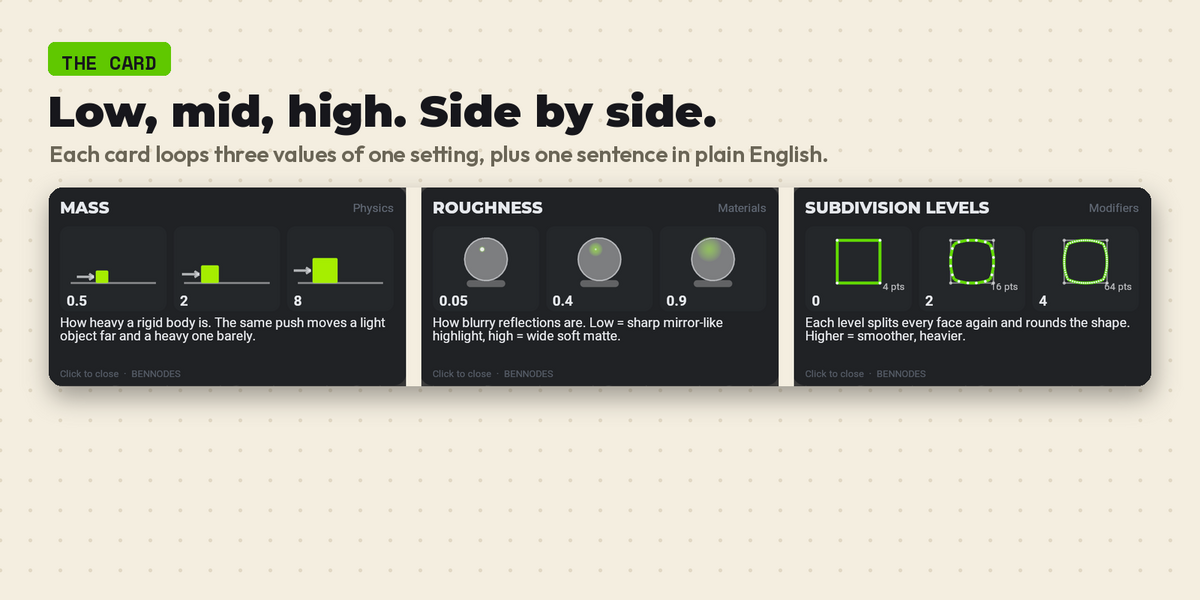
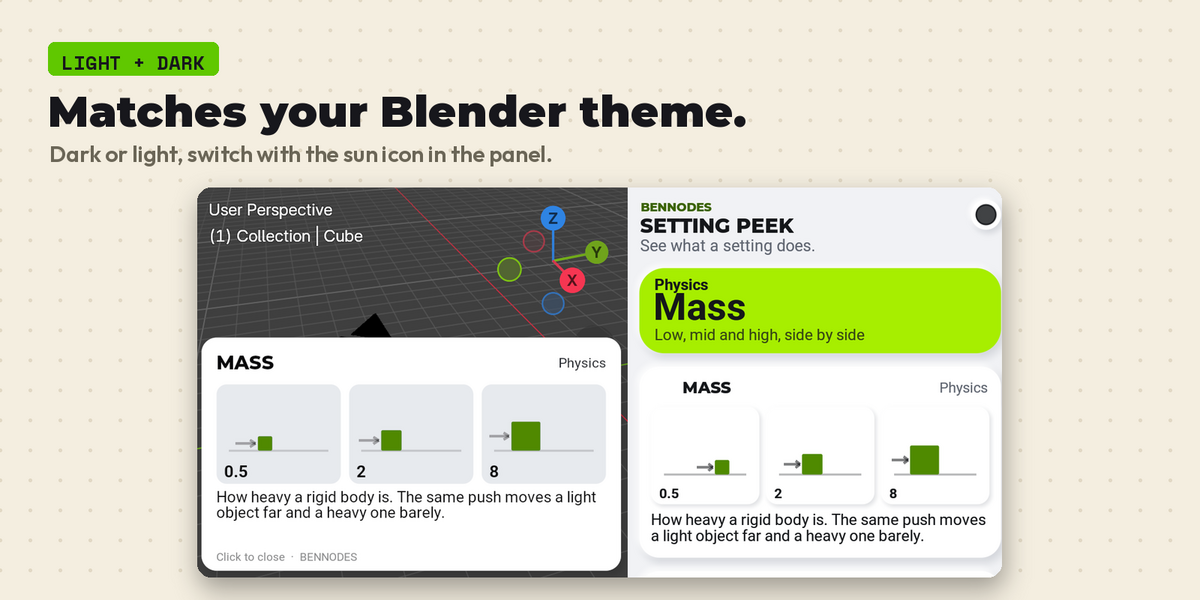
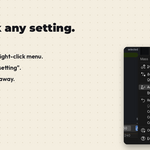
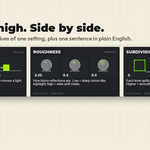
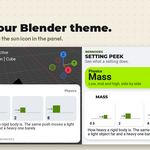
- Right-click any setting > Explain this setting. A card opens with a low, mid and high animation plus one sentence.
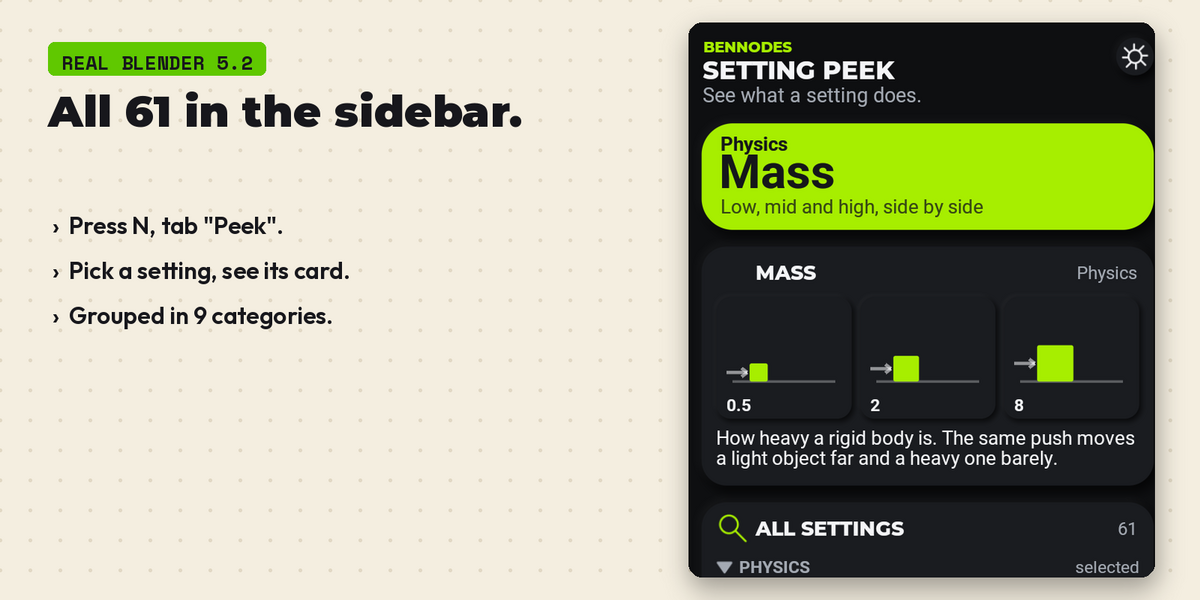
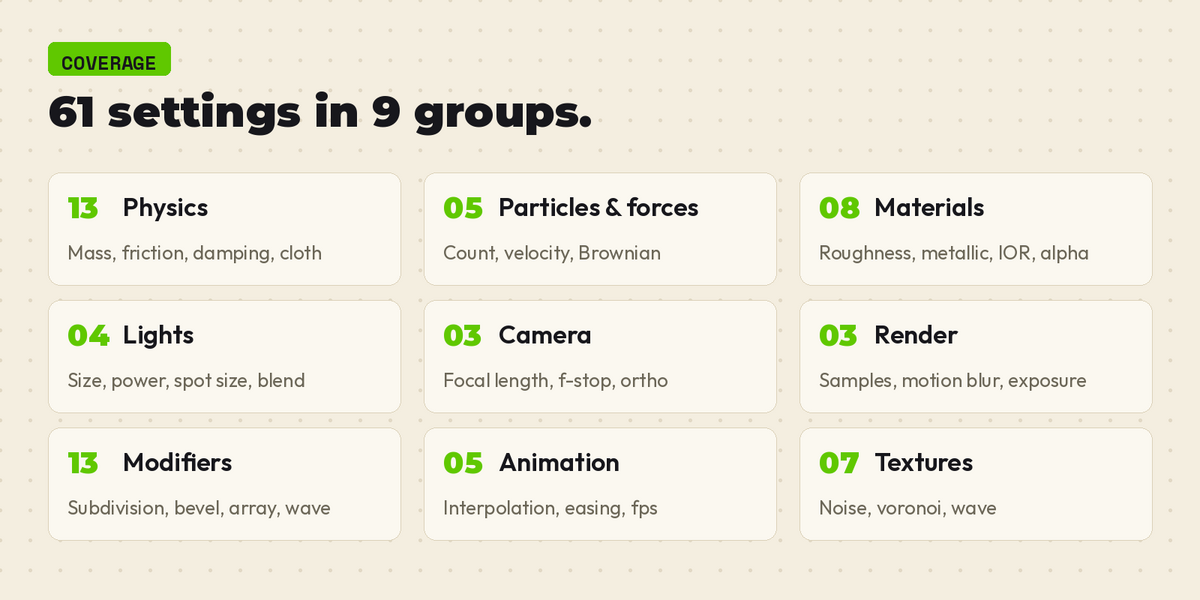
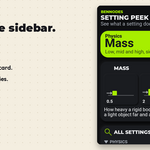
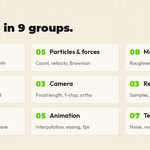
- Press N in the 3D Viewport, tab Peek, to browse all 61 settings.
- Switch dark or light with the sun icon in the panel.
Explain with AI (optional)
- Open the add-on preferences and pick a provider: Anthropic, OpenAI, OpenRouter, Google Gemini or local Ollama.
- Paste your own API key (not needed for Ollama).
- Online providers need Edit > Preferences > System > Allow Online Access.
- Right-click a setting > Explain with AI. The answer shows in the Peek tab.
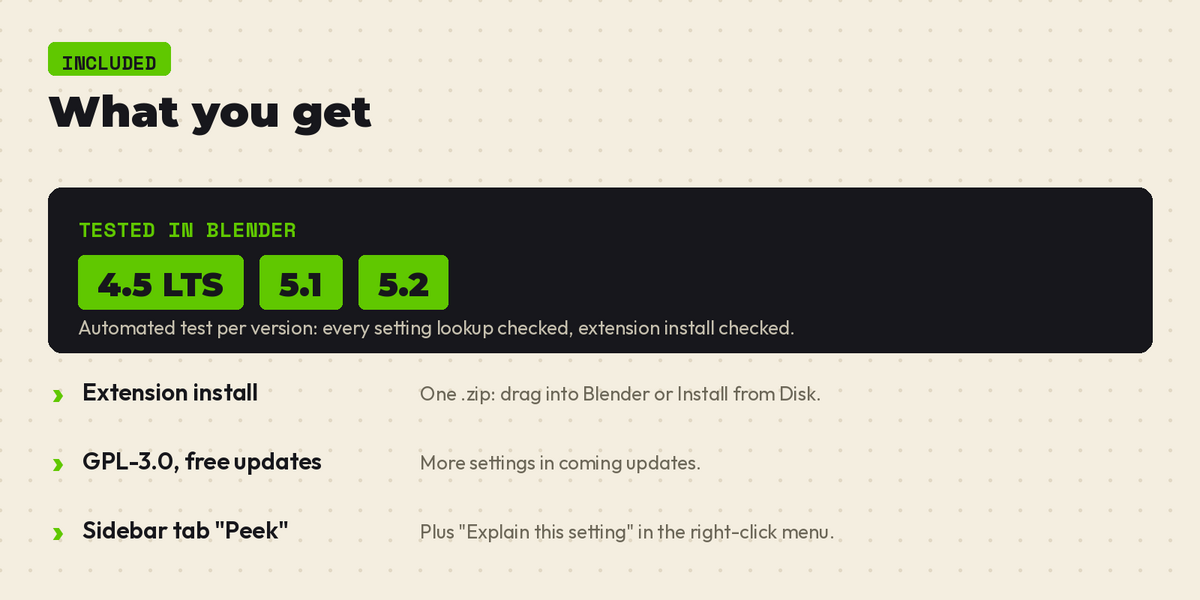
Tested in Blender 4.5, 5.1 and 5.2. Questions: [email protected]
Have questions about this product?
Login to message
| Blender Extension Compatible | Yes |
| Published | about 15 hours ago |
| Blender Version | 4.5 - 5.2 |
| Extension Type | Add-on |
| Render Engine Used | Cycles |
| License | GPL |
Discover more products like this
modifiers learn blender ai materials physics extension interface blender settings tooltips blender beginner