Setup Switcher: Save, Switch And Restore Complete Blender Setups
 blenderustad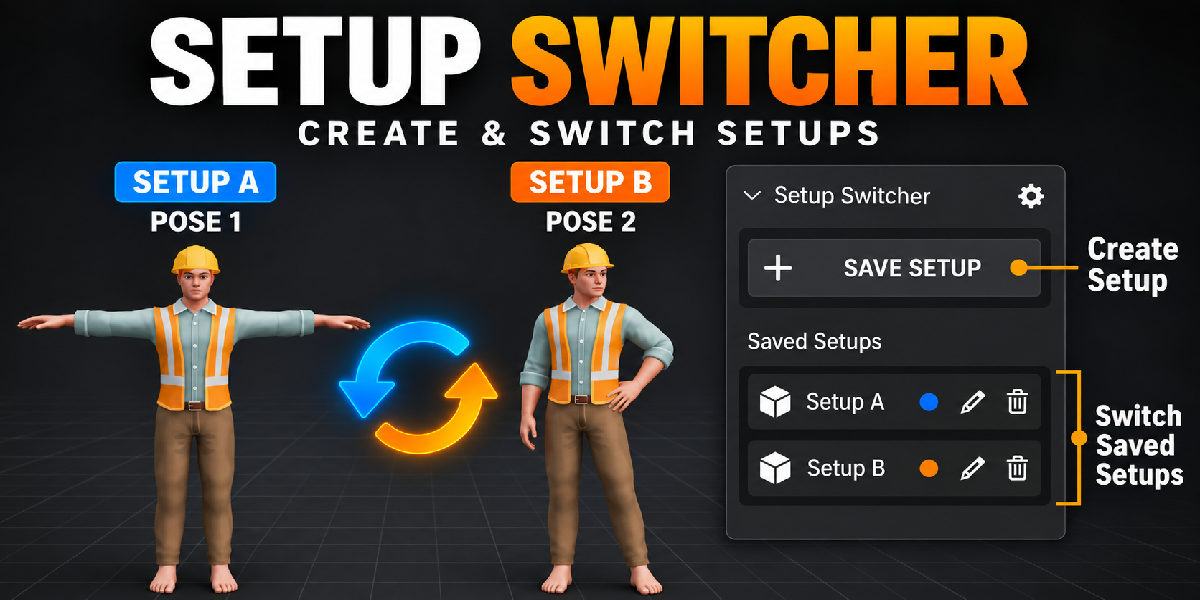
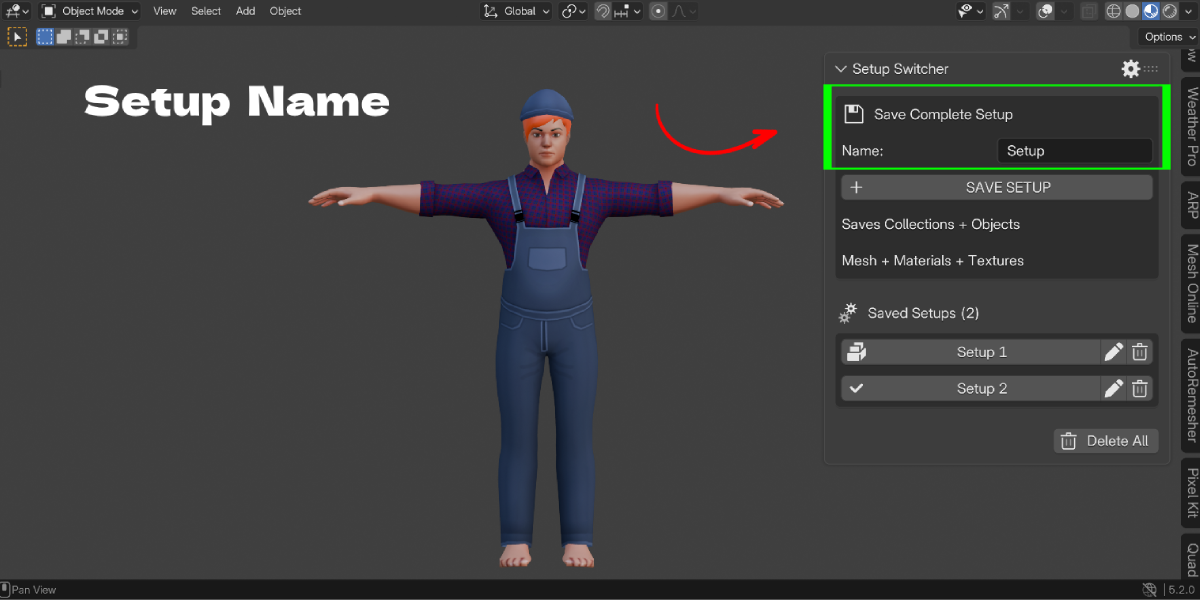
How is this different from just duplicating the scene?
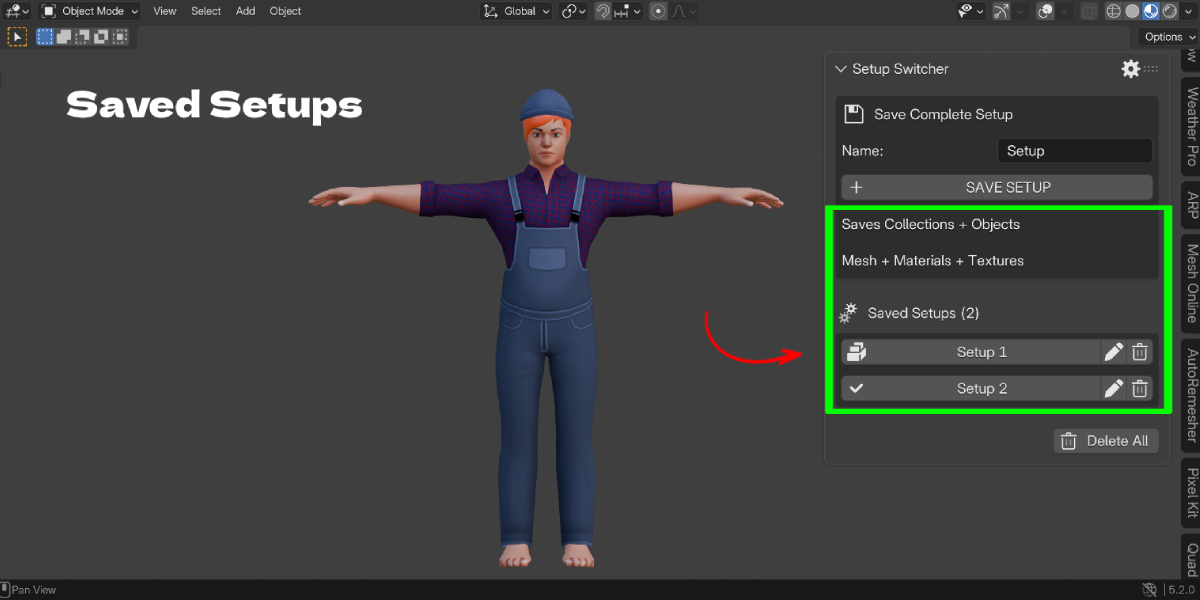
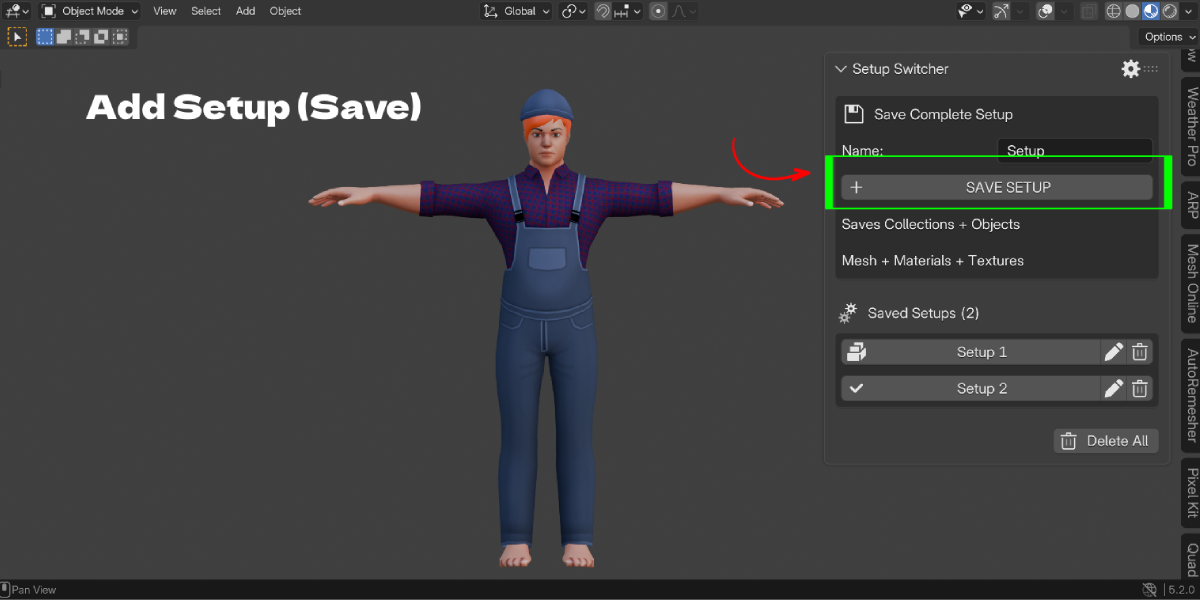
Duplicated scenes multiply objects, datablocks and file clutter, and they drift apart over time. Setup Switcher keeps one scene and stores the variations beside it. You can also load just part of a setup, which a duplicated scene cannot do.
Will loading a setup break my current work?
Loading replaces the saved categories with the stored values. It is an undo step, so Ctrl + Z brings your previous state back. For extra safety, save your current state as a setup before you load another one.
I only want to swap the lighting. Can I do that without touching my pose?
Yes. Expand the setup, click Load Selected Parts, and tick only Lighting, World and Color Management. Everything else stays as it is.
Will this make my .blend file huge?
Setups that store geometry and packed textures add data to your file. To keep it lean, open the gear settings and turn off Geometry, or turn off Pack Texture Copies, when you do not need them. Saving a setup with only lighting and camera adds very little.
What happens to objects I added after saving a setup?
When you load a setup with Visibility enabled, those new objects are hidden in the viewport and render, so the scene matches the saved state. They are not deleted. Objects you deleted after saving are not brought back.
Can I protect a version I really like?
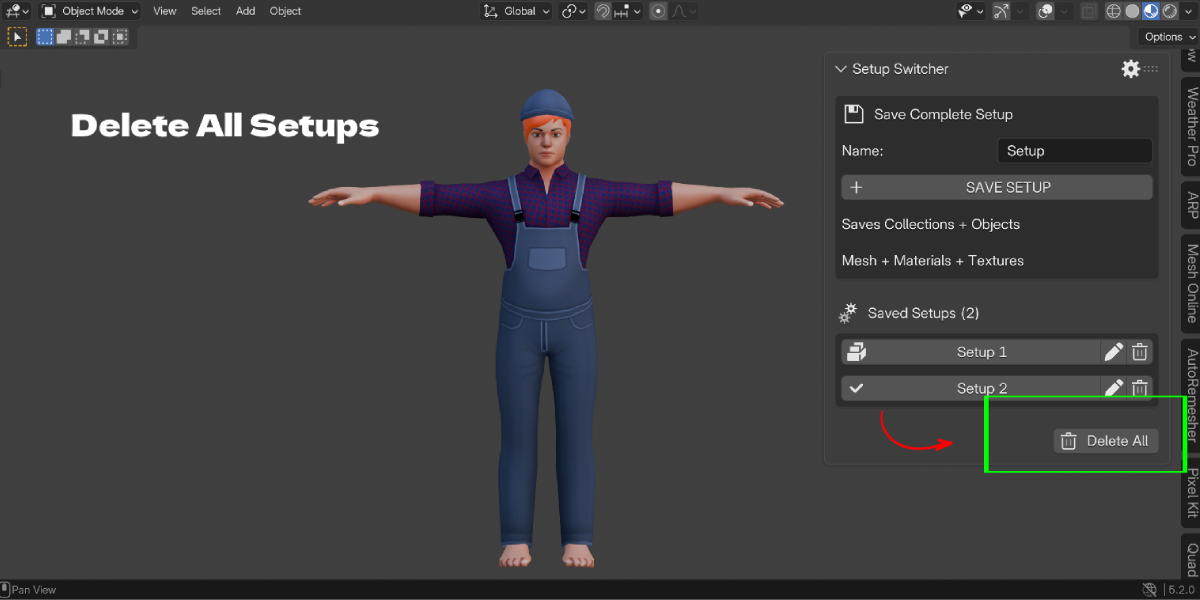
Yes. Expand the setup and click Lock. A locked setup cannot be overwritten or deleted, and Delete All skips it.
$9
Have questions about this product?
Login to message
| Blender Extension Compatible | Yes |
| Published | about 14 hours ago |
| Blender Version | 3.3 - 5.2 |
| Extension Type | Add-on |
| Render Engine Used | Blender-Game-Engine, Cycles |
| License | GPL |
