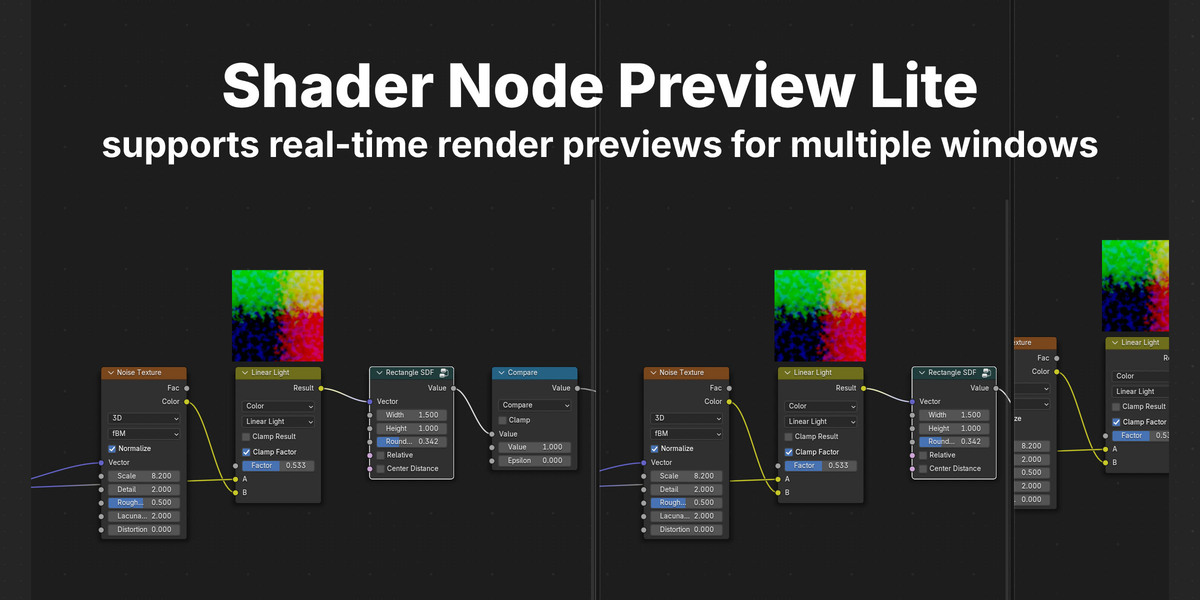
Shader Node Preview Lite
 ShaderError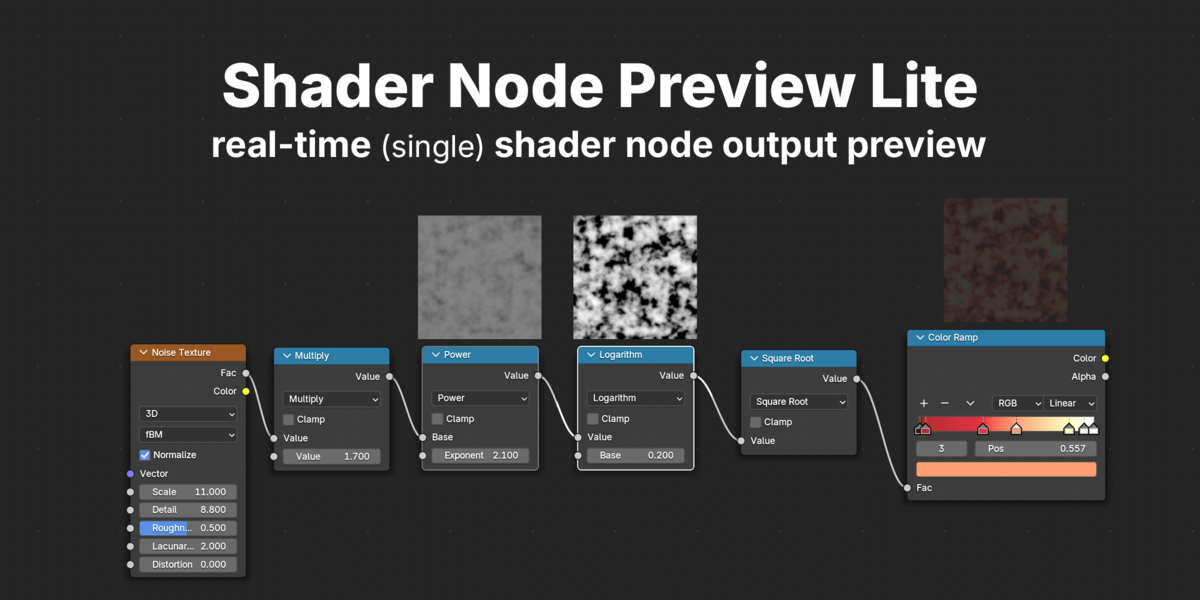
How to Install (Blender Manual)
- Download the
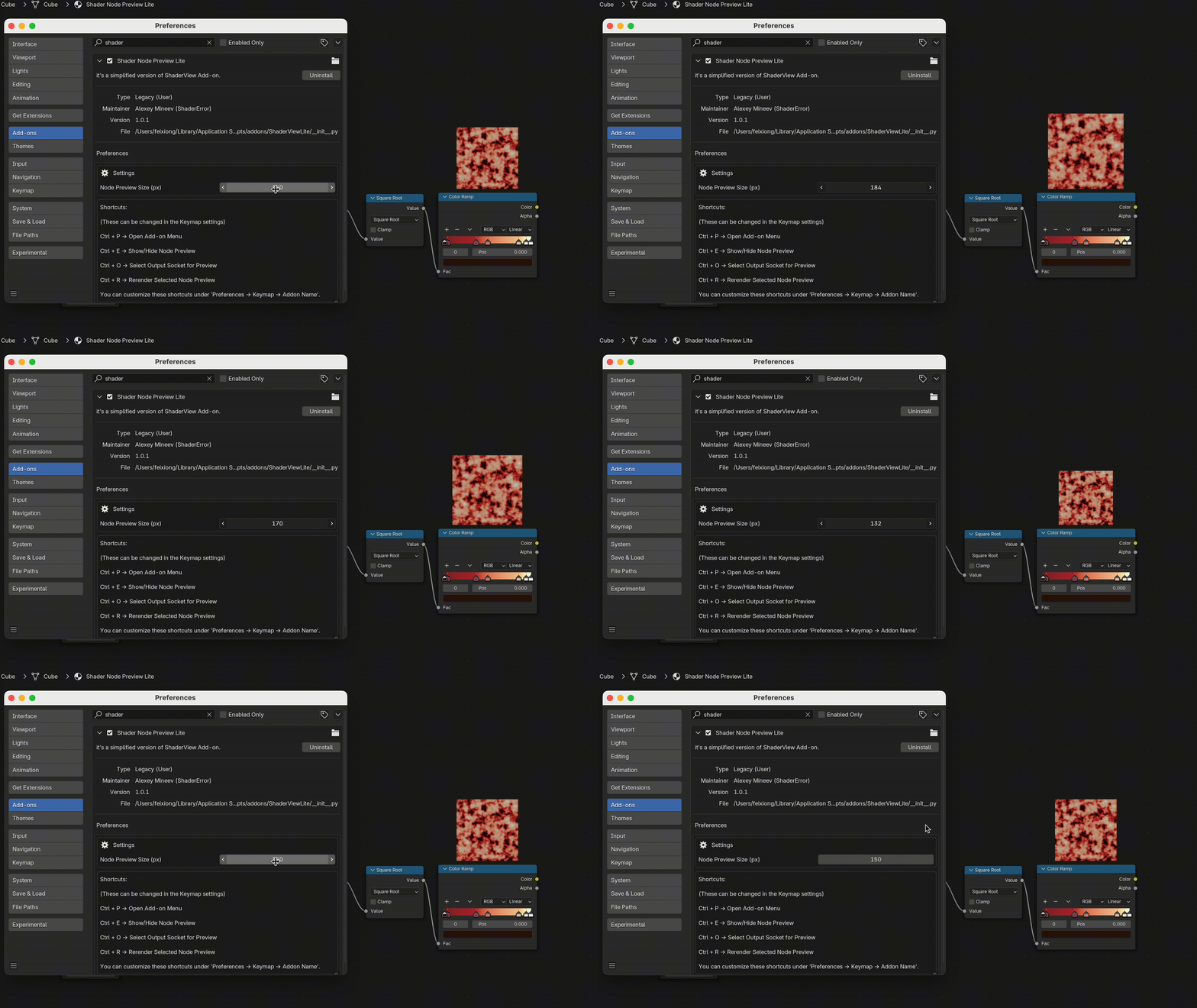
.zipfile of the add-on. - Open Blender and go to Edit → Preferences → Add-ons.
- Click Install and select the downloaded
.zipfile. - Once installed, enable the add-on by checking the box next to its name.
- Close the preferences window, open the Shader Editor, and start using Shader Node Preview Lite!
$2
Have questions about this product?
Login to message
| Blender Extension Compatible | Yes |
| Sales | 30+ |
| Dev Fund Contributor | |
| Published | over 1 year ago |
| Blender Version | 4.4, 4.3, 4.2, 4.1, 4.0, 3.6, 3.5, 3.4, 3.3, 3.2, 3.1, 3.0 |
| Extension Type | Add-on |
| License | GPL |
Discover more products like this
materilas preview node socket debugging Shader Editing node preview