 peterz








Shader Nodes Doctor - Preview, Inspect, and Debug Shader Nodes Faster
Shader Nodes Doctor 2.0 — A Clearer View of Your Materials
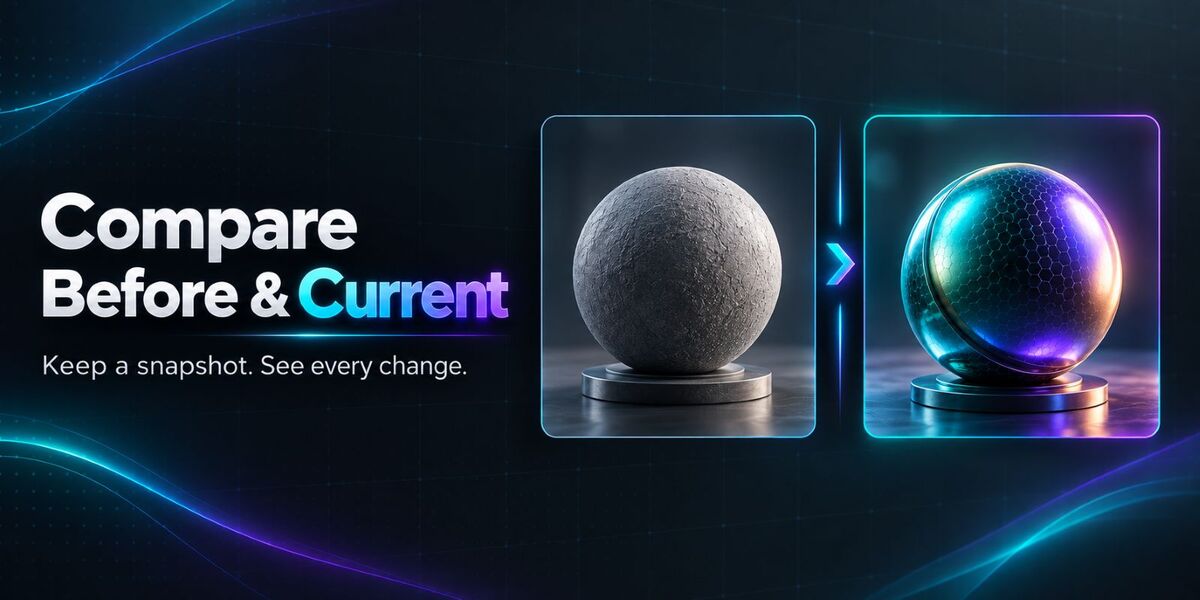
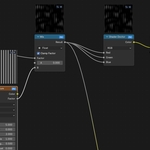
Shader Nodes Doctor brings visual previews, material diagnostics, and graph navigation into Blender’s Shader Editor. Inspect individual node outputs, compare changes, and locate material issues while keeping your node graph in view.
Version 2.0 introduces a more interactive preview workflow, background rendering, and a closer connection between diagnosis and repair.
New in Version 2.0
Selected + Pinned Preview Cards
Preview selected nodes automatically. Pin important cards to keep them visible as you explore the graph—their results continue updating as you edit.Before / Current Comparison
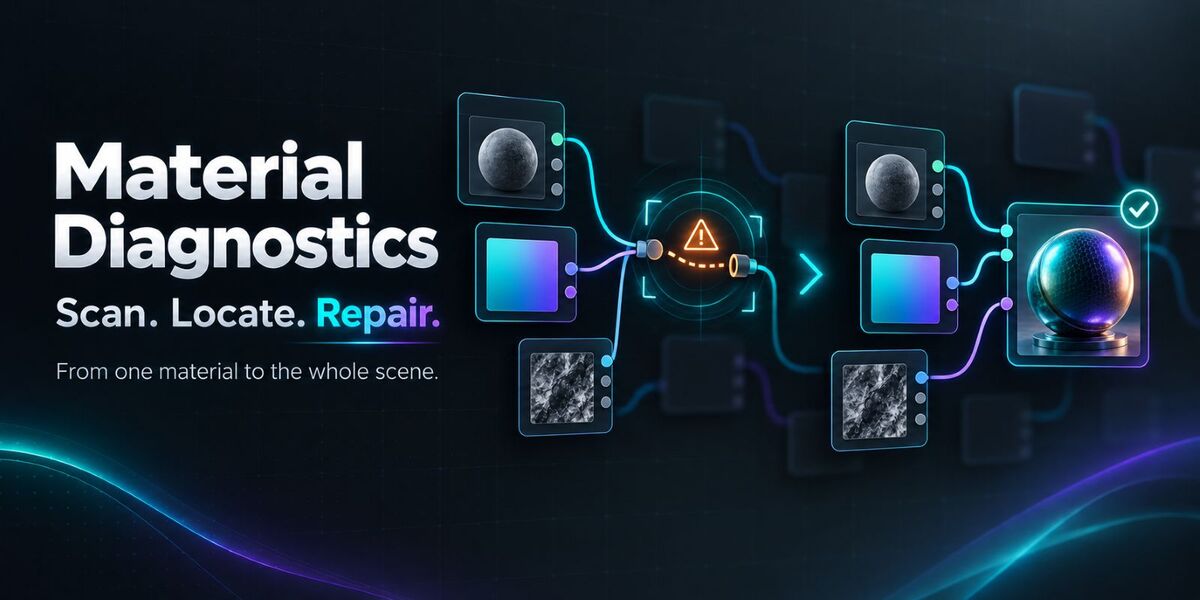
Remember a ready preview, adjust your material, and compare the saved image with the current result side by side. Comparisons are tracked separately for each node output.Choose the Output You Want to Inspect
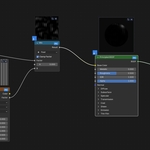
Switch between available outputs directly from a preview card. Inspect Color, Value, Vector, Shader, Alpha, Normal, and Displacement data using the appropriate display mode.Interactive Cards and Pixel Inspection
Move and resize cards, refresh an individual preview, and inspect pixel coordinates and linear RGBA values. Automatic placement helps organize previews around your graph.Background Preview Rendering
Material previews render through a reusable local Blender worker, helping the editor remain responsive during rendering. Compatible materials can display an initial approximation while EEVEE prepares, then update automatically with the completed result.Locate an Issue. Apply a Targeted Fix.
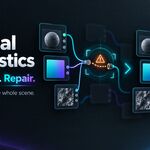
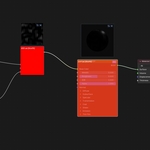
Material analysis connects findings to actions. Use Locate to jump to the relevant node and Fix This to apply an available repair to that specific issue.Improved Slow Node Analysis
Repeated measurements help identify nodes associated with graph-update slowdowns. Navigate to candidates directly or inspect them through the heatmap overlay.
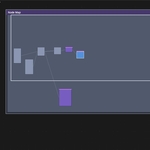
Shader Nodes Doctor also includes Solo Viewport Preview, a dedicated Preview Node, previews inside resolvable nested shader groups, material channel inspection, batch material scanning, PBR reconnection tools, and a Graph Navigator with search and minimap controls.
Whether you are building procedural materials, checking imported assets, or maintaining a complex shader library, Shader Nodes Doctor 2.0 gives you practical tools to inspect results and investigate problems.


Previous Buyer Special Offer
Thank you for purchasing Geo-Nodes Doctor!
As a loyal customer, you get an extra $10 USD off Shader-Nodes Doctor.
Current promo price: $33 → Your price: $23 USD
(Regular price: $60 USD)
Only for users who already own Geo-Nodes Doctor
Why It Stands Out
Built for shader debugging, not just shader creation.
Most shader tools help you build materials. Shader Nodes Doctor helps you inspect, preview, diagnose, and fix them.Preview nodes without breaking your material.
View node-level results through floating preview cards while keeping the original material output intact by default.Faster material troubleshooting.
Check colors, values, vectors, alpha, normals, shaders, and displacement without manually rewiring the node tree.Designed for complex production materials.
Especially useful when working with large shader graphs, inherited materials, nested node groups, or procedural setups that are hard to understand quickly.Less trial and error.
Use previews, stats, analyzer tools, and solo preview routing to identify problems with more confidence.
Main Features
Node Preview Cards
Display floating preview cards for shader nodes directly in the Shader Editor.Multi-Channel Preview Support
Preview Color, Value, Vector, Shader, Alpha, Normal, and Displacement outputs.EEVEE and Cycles Preview Backends
Choose fast EEVEE previews or Cycles previews with quality presets.Preview Node
Insert a dedicated Preview Node wrapper with pass-through sockets for Shader, Color, Value, Vector, Alpha, Normal, and Displacement.Solo Viewport Preview
Use a Node Wrangler-style Ctrl + Shift + Left Mouse shortcut to preview a node in the viewport, then click again to restore the original output.Safe Output Restoration
Shader Nodes Doctor restores the original Material Output links after solo preview or temporary preview routing.Preview Stats
View useful preview metadata such as average value, standard deviation, alpha range, center color hex, and render budget information.Nested Group Support
Preview nodes inside nested shader groups by resolving the active group edit path.Scene Sync Options
Control whether preview rendering follows the source scene World, lighting, and color management.Card Layout Controls
Adjust preview card size, anchor, offset, and scale to fit your workflow.Shader Analyzer
Inspect material structure, detect common shader setup issues, and identify potential PBR problems.Auto Fix Tools
Run safe fixes for supported material issues, such as color space corrections or simple shader chain repairs.Batch Scanner
Scan materials across a scene or collection and review detected issues in one place.
Compatibility
Platforms: Windows, Linux, macOS
How to Install
- Download the shader_nodes_doctor.zip file.
- Open Blender and go to Edit > Preferences > Add-ons.
- Click Install and select the downloaded zip file.
- Enable Shader Nodes Doctor in the add-on list.
- Open the Shader Editor and find the Shader Doctor tab in the sidebar.
Quick Start
- Open any material in the Shader Editor.
- Go to the Shader Doctor panel in the sidebar.
- Enable previews and choose EEVEE or Cycles.
- Select a shader node and toggle its preview card.
- Use the PV button on node title bars for quick preview access.
- Add a Preview Node when you want a dedicated preview point in the graph.
- Use Ctrl + Shift + Left Mouse on a node to solo-preview it in the viewport.
- Use Restore Output to return the material to its original output links.
- Run Shader Analyzer to check for common material issues.
- Use Auto Fix or Batch Scanner when cleaning up larger material libraries.