 CStudio.ao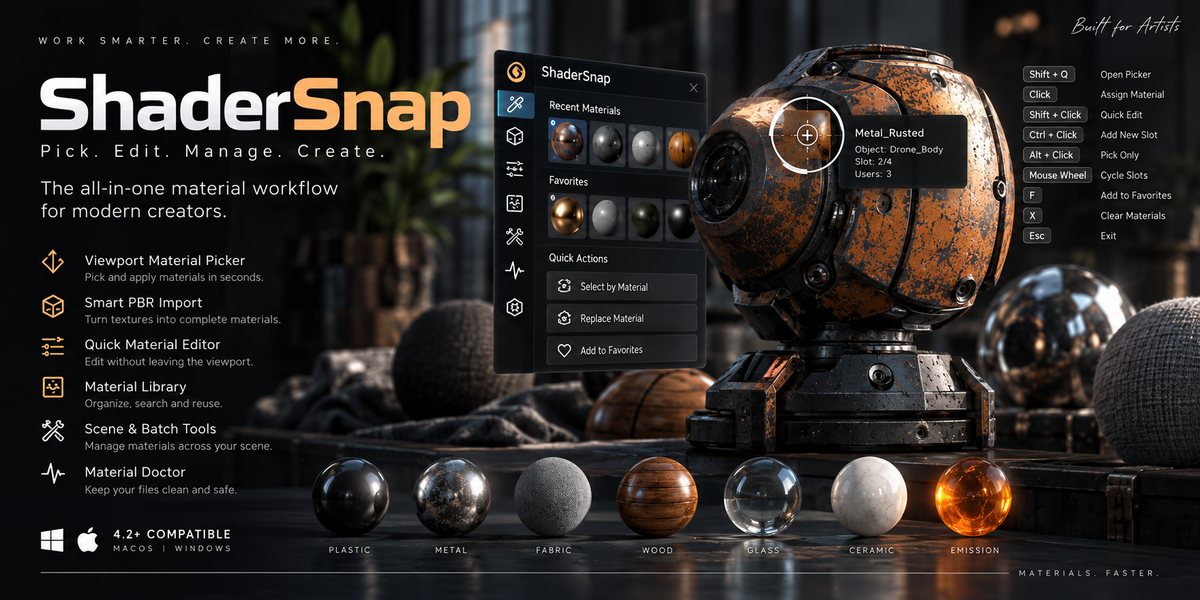







SHADERSNAP
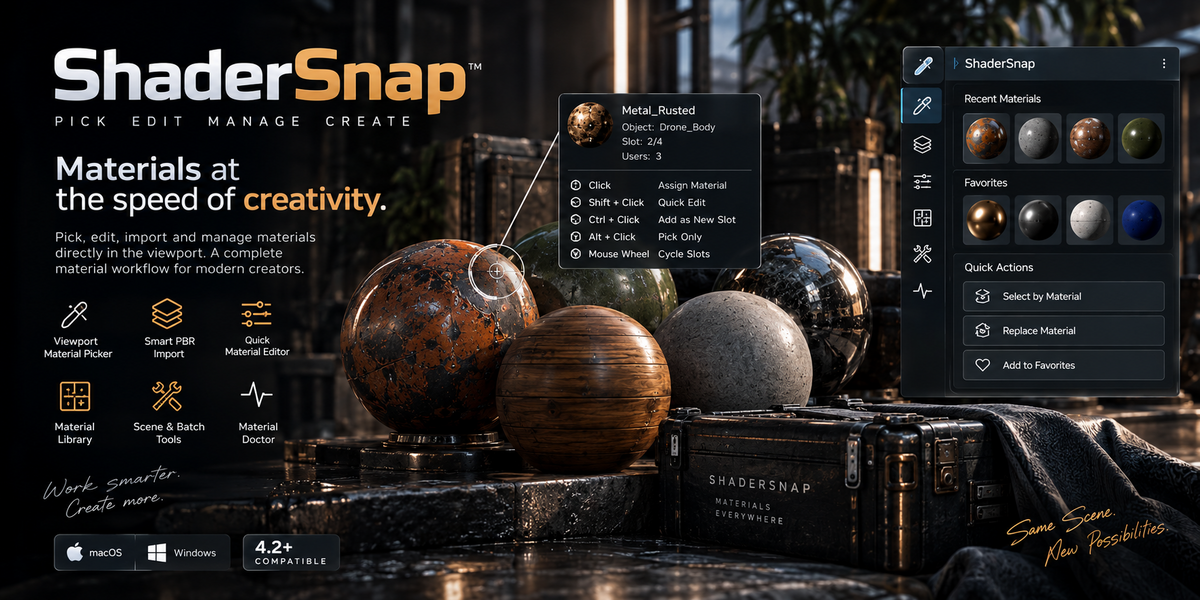
Materials should be fast to work with.
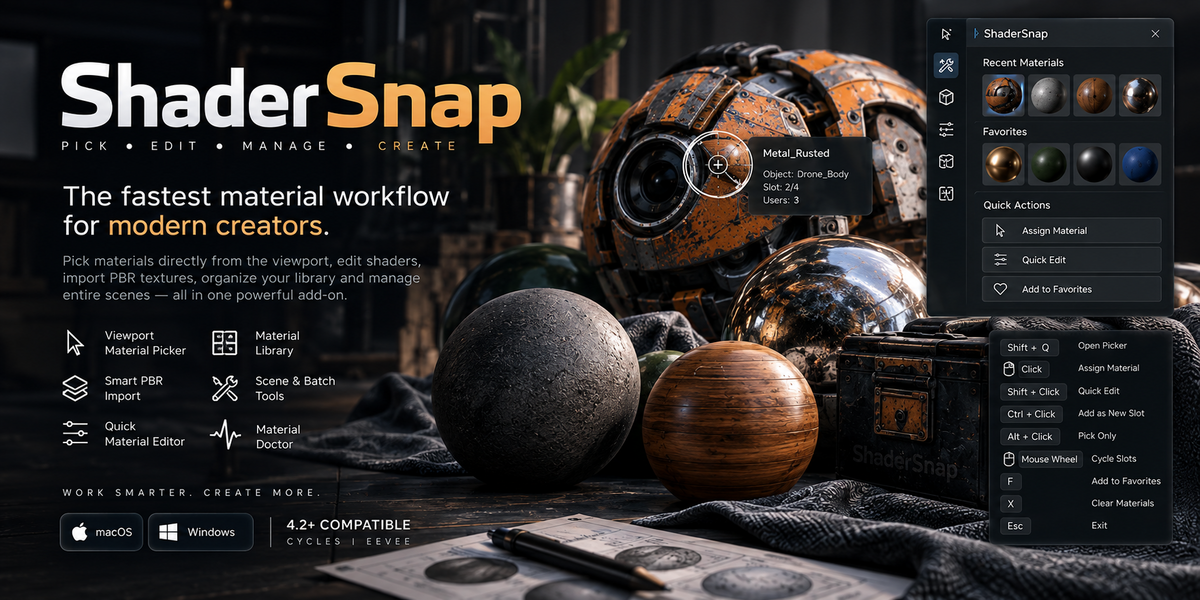
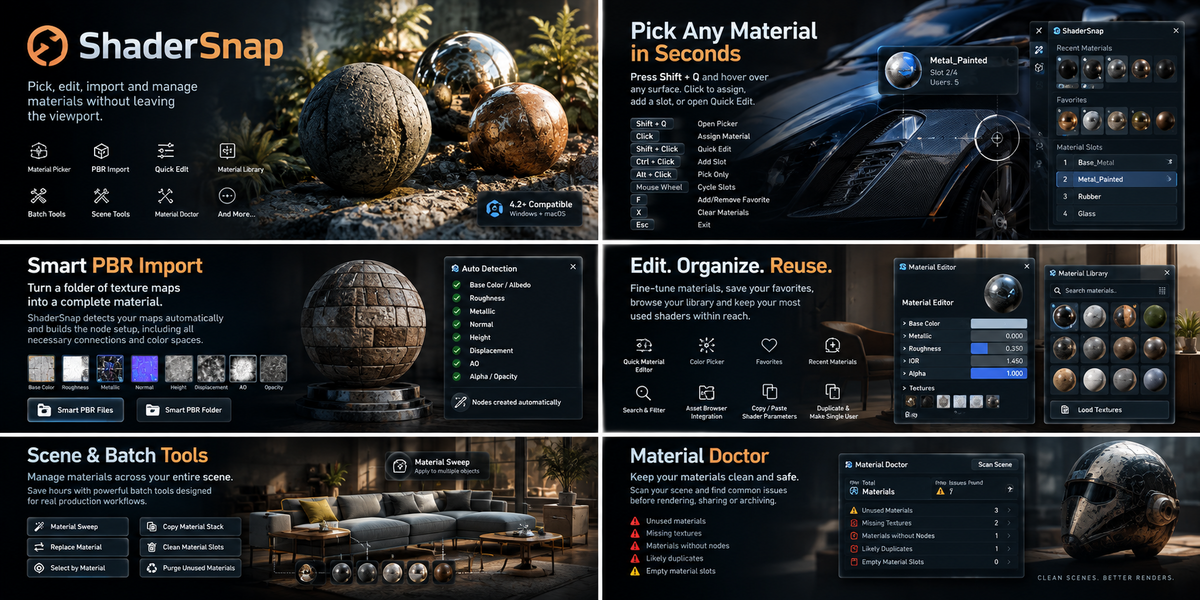
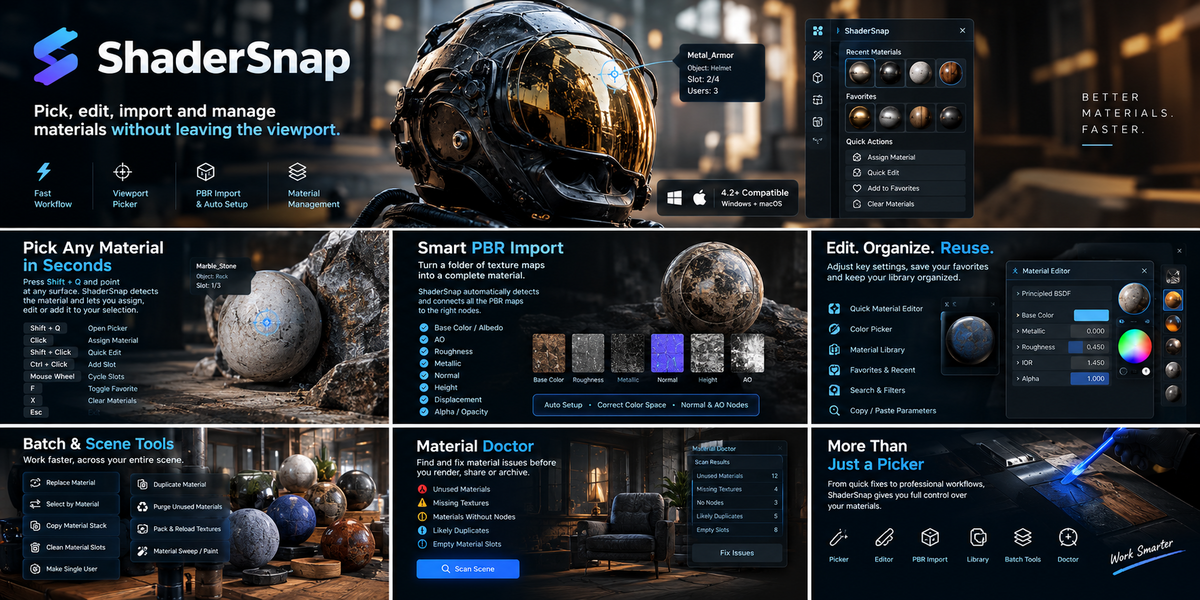
ShaderSnap brings material picking, editing, PBR setup and scene-wide material management into one focused workflow.
Instead of constantly moving between the viewport, Material Properties and Shader Editor, ShaderSnap lets you stay focused on the object in front of you.
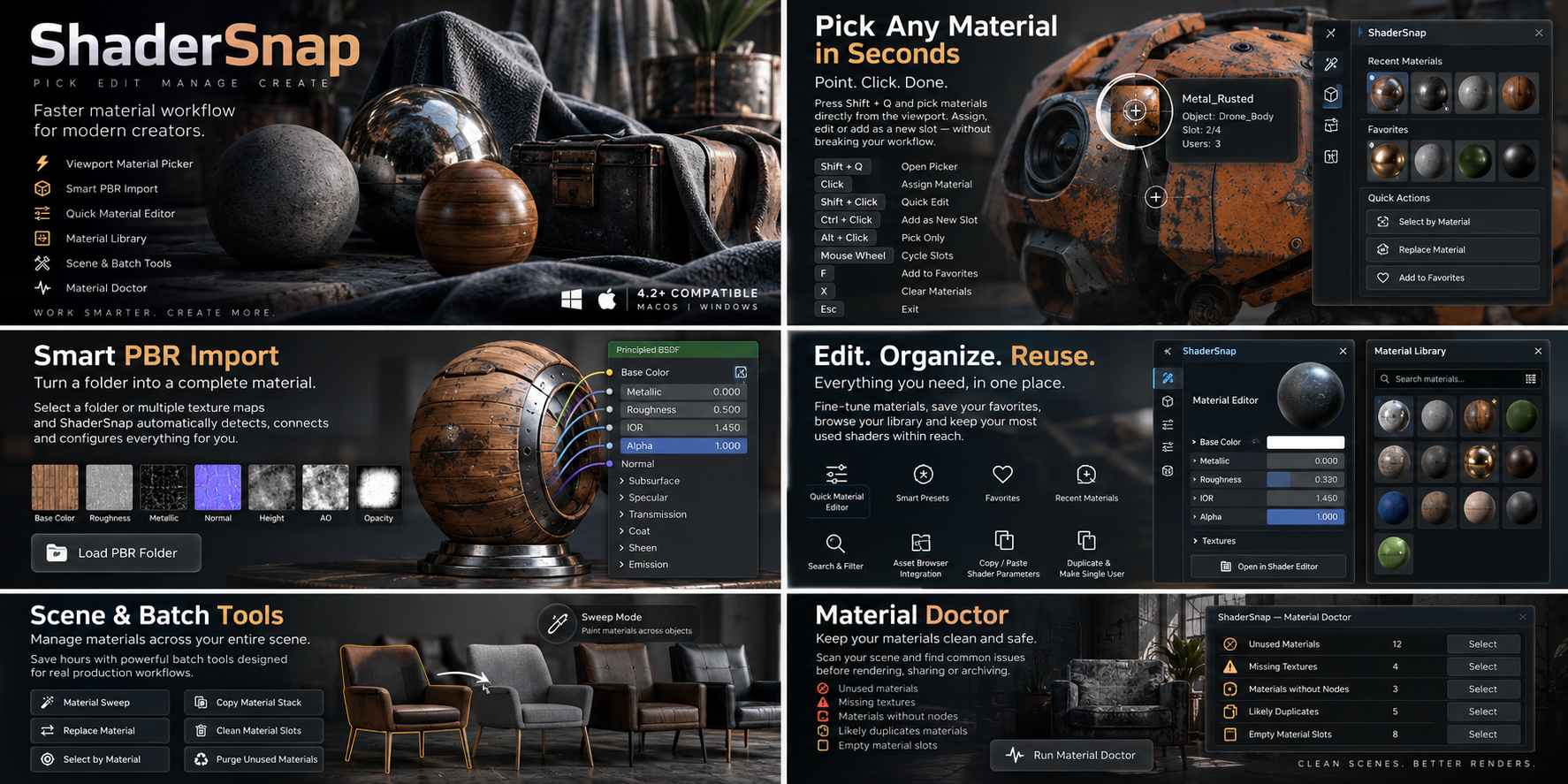
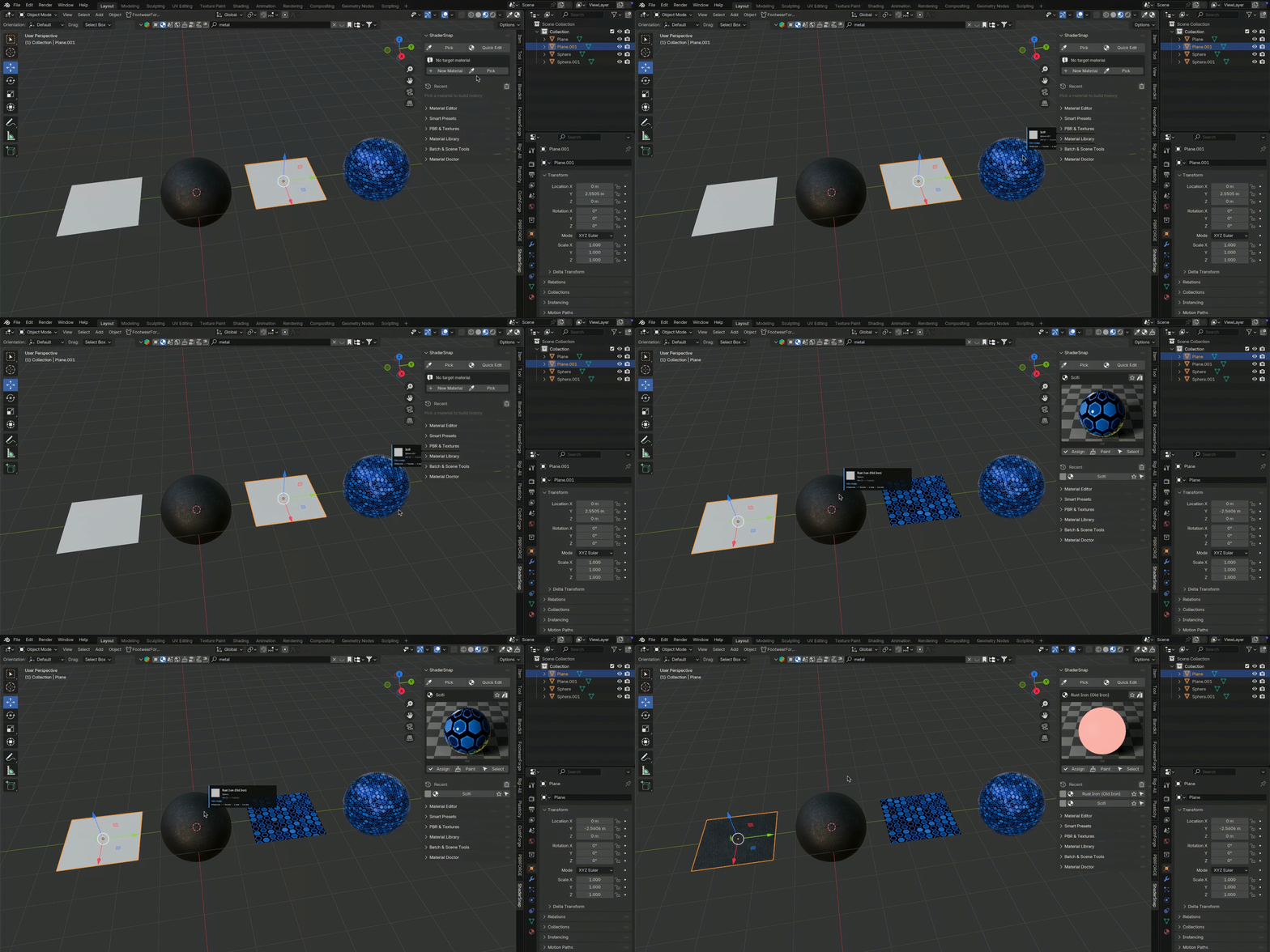
PICK MATERIALS DIRECTLY FROM THE VIEWPORT
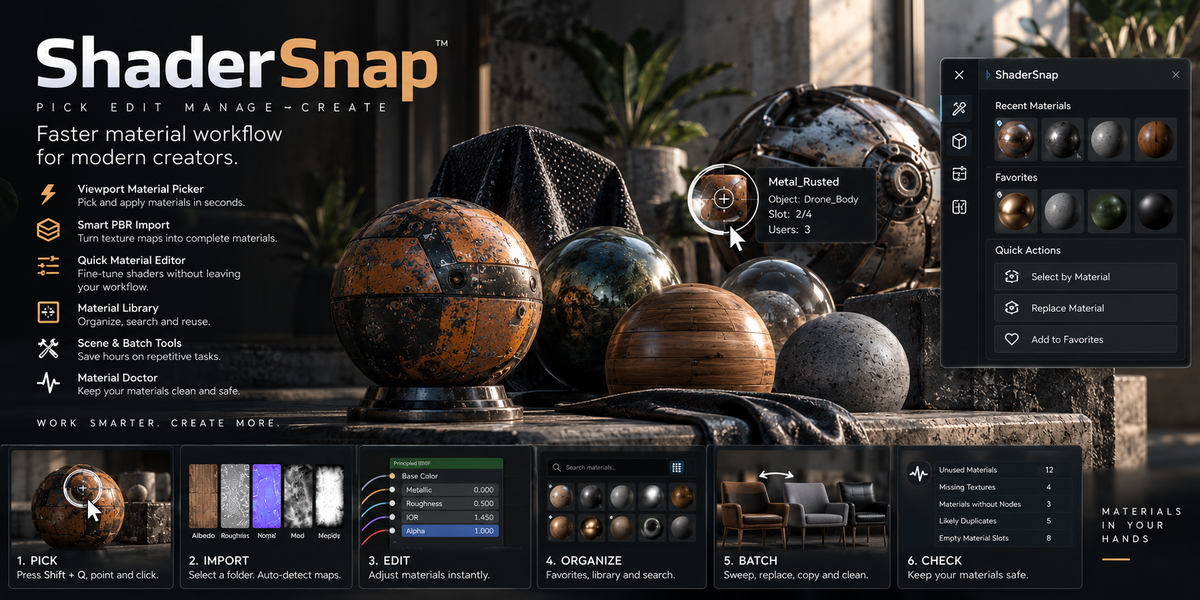
Press Shift + Q and point at any visible surface.
ShaderSnap detects the object, material and material slot directly under your cursor.
Click to assign it to your selection, cycle through material slots with the mouse wheel, add it as a new slot or open Quick Edit instantly.
SMART PBR IMPORT
Turn a folder of texture maps into a complete material in seconds.
ShaderSnap automatically recognizes:
• Base Color / Albedo
• Ambient Occlusion
• Roughness
• Metallic
• Normal
• Height
• Displacement
• Alpha / Opacity
The required shader nodes, color spaces and connections are created automatically.
QUICK MATERIAL EDITING
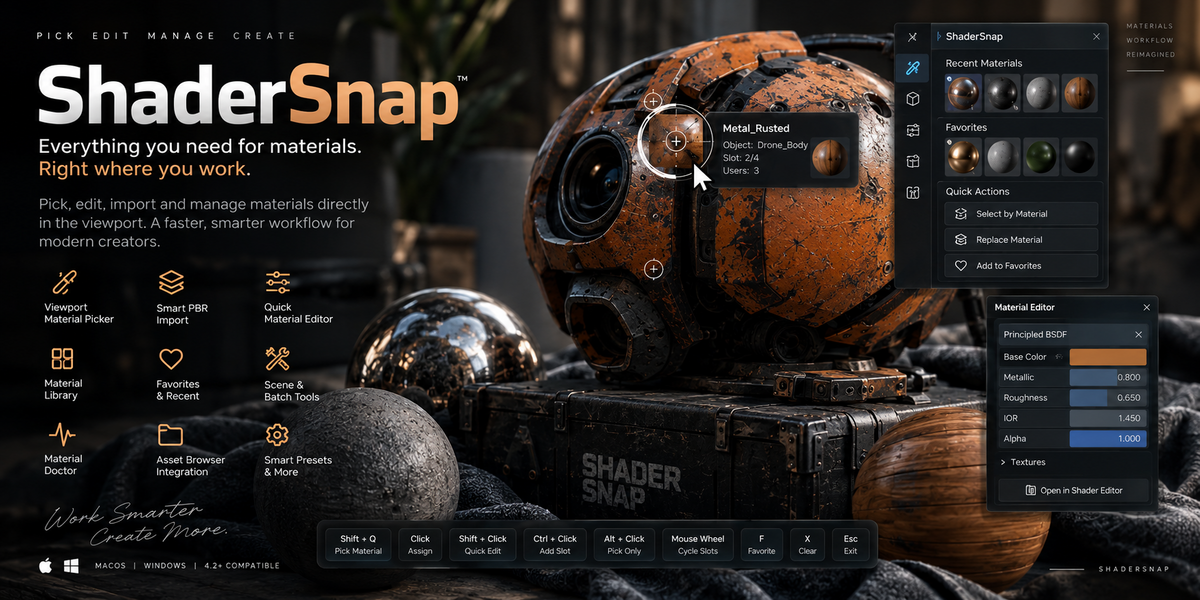
Adjust the most important Principled BSDF properties without rebuilding your workflow:
• Base Color
• Roughness
• Metallic
• IOR
• Alpha
Copy and paste shader parameters between materials without replacing the complete material.
ORGANIZE YOUR MATERIALS
Access your scene materials through a searchable library and keep frequently used materials close with Favorites and Recent Materials.
ShaderSnap also integrates with Blender's Asset Browser for easier material reuse.
WORK ACROSS ENTIRE SCENES
ShaderSnap includes workflow tools for larger projects:
• Material Sweep
• Replace Material
• Select by Material
• Copy Material Stack
• Clean Material Slots
• Make Single User
• Duplicate Materials
• Purge Unused Materials
• Pack and Reload Textures
MATERIAL DOCTOR
Audit your scene before rendering, sharing or archiving it.
Material Doctor can detect:
• Unused materials
• Missing textures
• Materials without nodes
• Likely duplicate materials
• Empty material slots
FAST SHORTCUTS
Shift + Q — Open Material Picker
Click — Assign Material
Shift + Click — Quick Edit
Ctrl + Click — Add Material Slot
Alt + Click — Pick Only
Mouse Wheel — Cycle Material Slots
F — Add / Remove Favorite
X — Clear Materials
Esc / Right Click — Exit
COMPATIBILITY
• Blender 4.2 or newer
• Windows
• macOS
• Cycles
• Eevee
• No external Python dependencies
• No DLL, EXE, DYLIB or compiled libraries
ShaderSnap is built for artists who want to spend less time managing materials and more time creating.
