 CATURANO MARCO 3D ARTIST
Streamline Your Blender Workspace in One Click
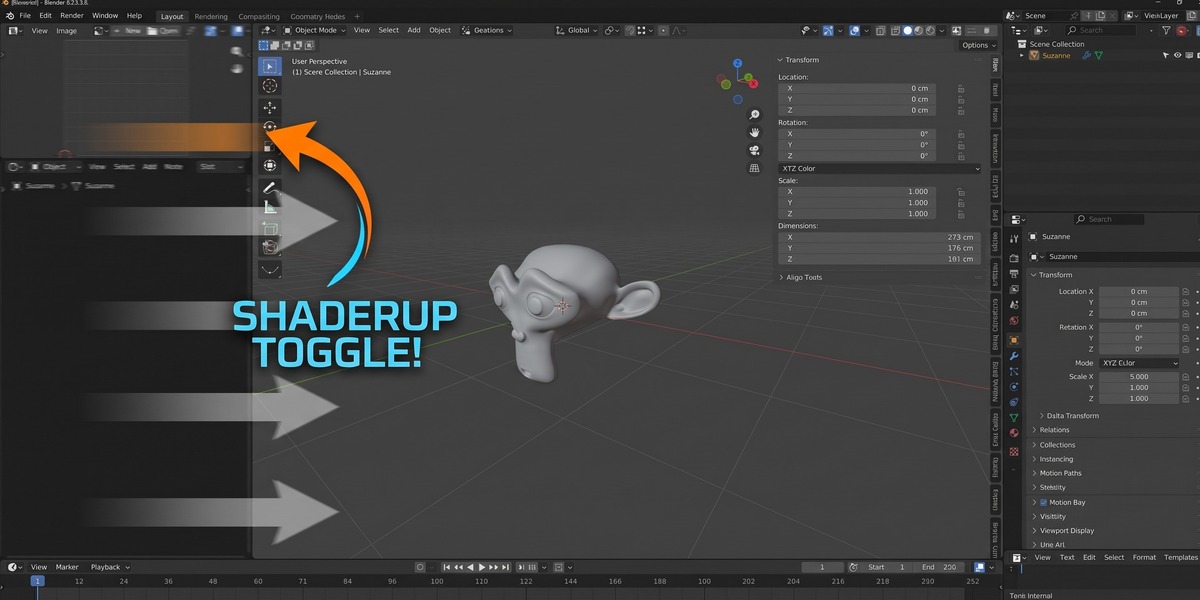
Stop wasting time manually splitting, resizing, and closing areas every time you need to tweak a material or inspect a texture. ShaderUP is a lightweight, fast Blender extension designed to keep your 3D Viewport clean and your workflow uninterrupted.
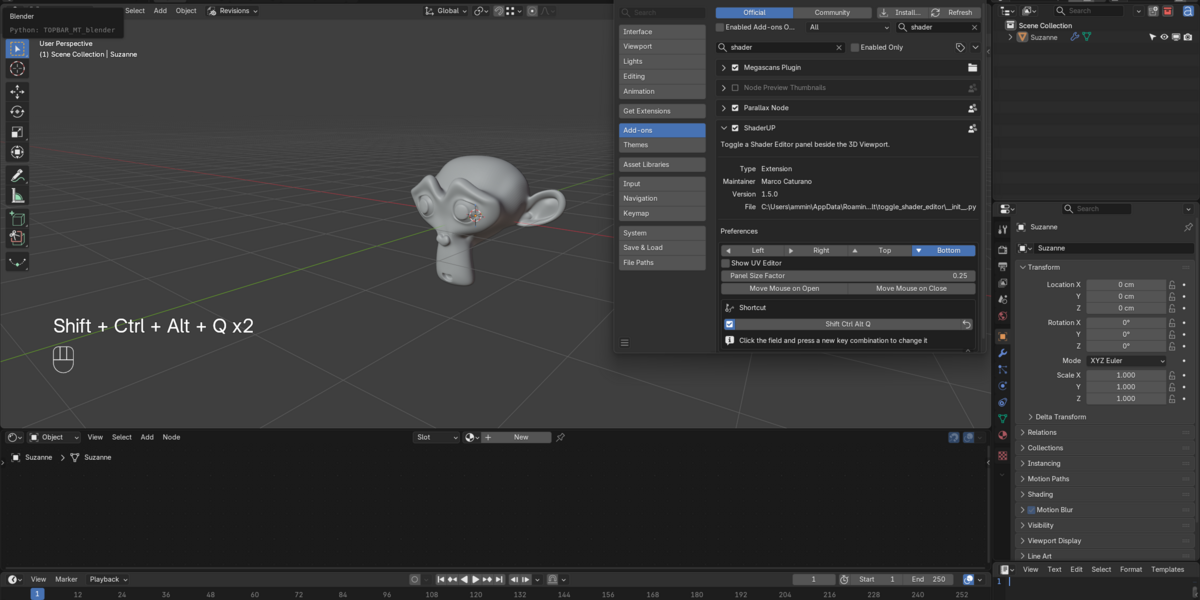
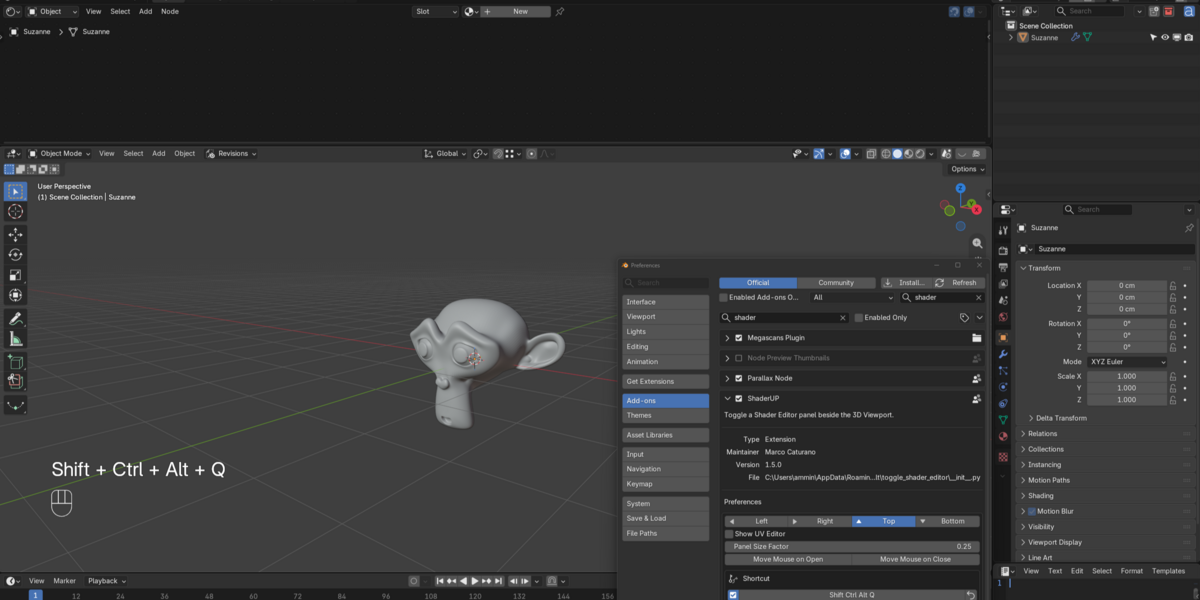
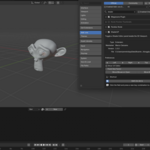
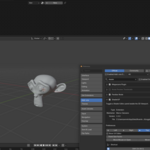
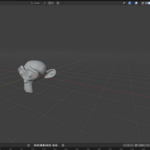
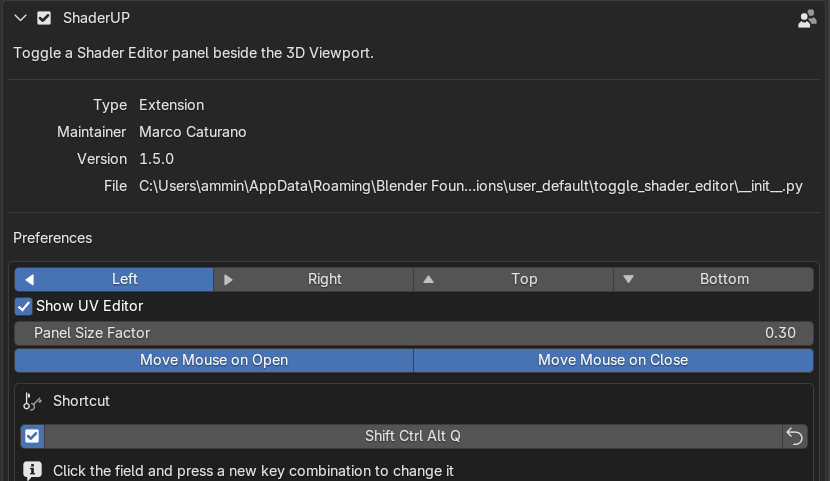
With a single shortcut (Ctrl + Alt + Shift + Q) or UI toggle, ShaderUP summons 1 or 2 customizable side panels right next to your main 3D Viewport—and hides them just as fast when you need full-screen focus.
Key Features
-
Instant Side-Panel Toggling: Press
Ctrl + Alt + Shift + Q(fully customizable in the add-on preferences) to open or close your workspace panels effortlessly without breaking your creative flow. - Dual-Editor Default Setup: Out of the box, it launches both the Shader Editor and the Image Editor—the ultimate combo for rapid lookdev, shading, and texture work.
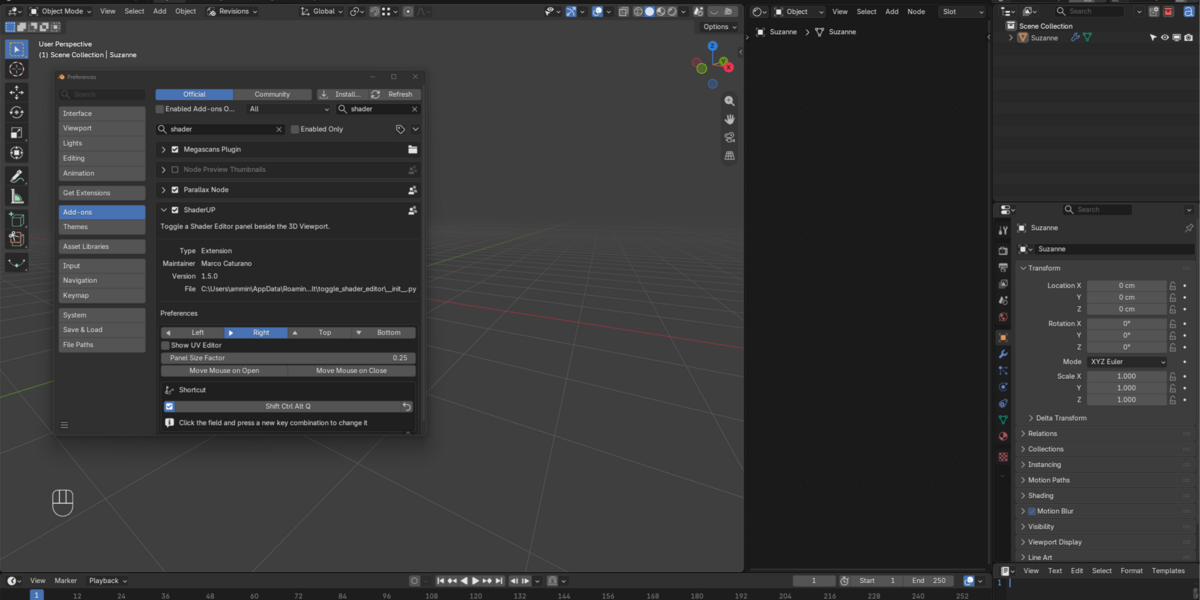
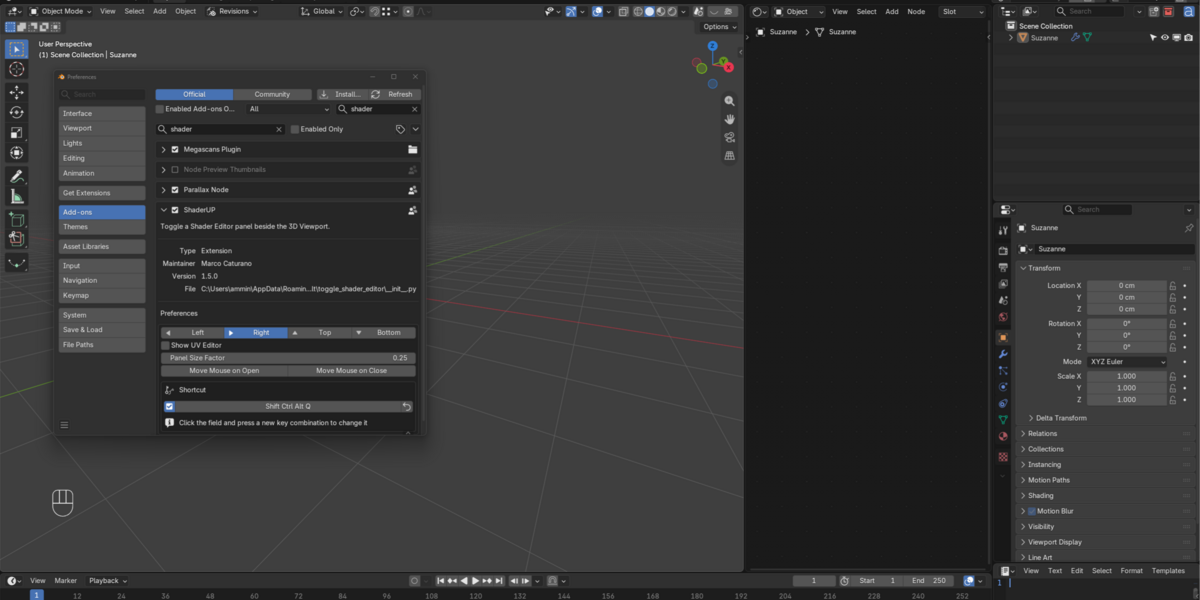
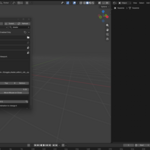
- Flexible & Customizable Layout: Configure whether to display 1 or 2 panels, choose which side of the viewport they appear on, and customize the editors to fit your specific pipeline (Geometry Nodes, UV Editor, Outliner, etc.).
-
Keep Essential Panels Always Visible: Unlike Blender's native
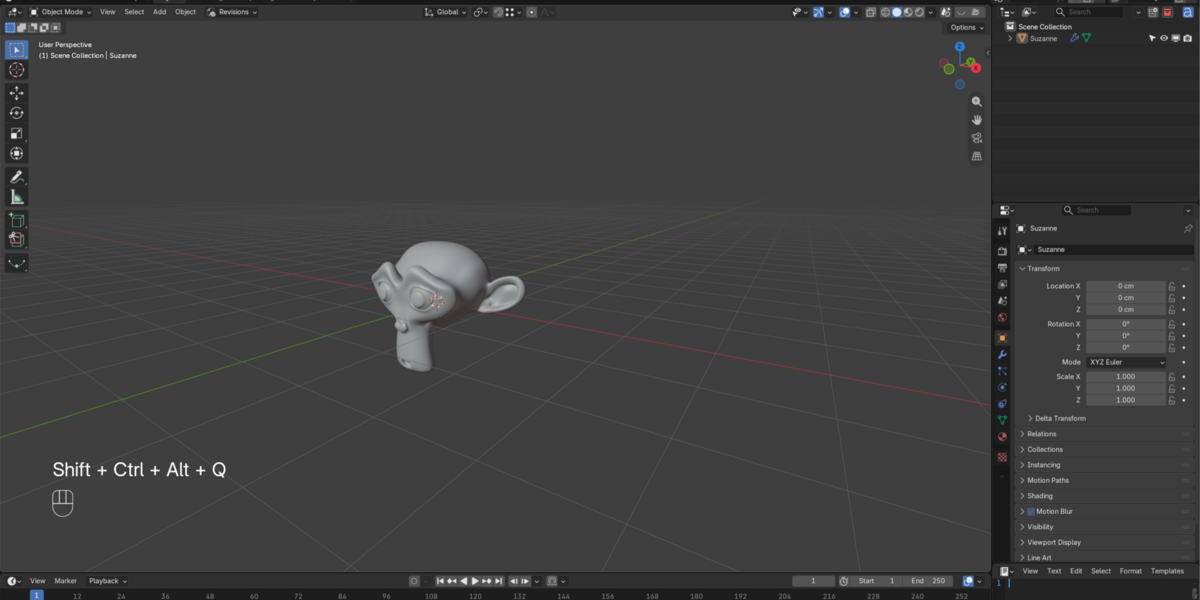
Ctrl + Spacebarmaximize shortcut—which hides your entire UI—ShaderUP lets you keep vital areas like the Outliner and Properties panel permanently visible while toggling the Shader and Image Editors on demand. -
Native Blender Extension: Built specifically for modern Blender versions using the official Extensions system (
blender_manifest.toml) for clean installation and zero overhead.
Why Use ShaderUP?
Using Blender's default Ctrl + Spacebar shortcut forces you into an all-or-nothing full-screen mode, hiding your Outliner and Properties panels when you need them most. On the other hand, switching workspace tabs at the top often resets your camera angle or forces you to re-frame your model.
ShaderUP solves both problems: your core workspace stays intact with the Outliner and Properties always accessible, while your Shader and Image Editors pop in and out right beside your 3D Viewport only when you actually need them.
Quick Start & Installation
- Download the
ShaderUP_v1.5.0.zipfile. - Easy Install (Drag & Drop): Simply drag and drop the downloaded ZIP file directly into the Blender window and click OK when prompted.
- Alternative Manual Install: Go to Edit > Preferences > Get Extensions, click the top-right dropdown menu, select Install from Disk..., and choose the ZIP file.
- Enable ShaderUP and open its preferences to customize your panel side, default editors, and hotkey.
- Press
Ctrl + Alt + Shift + Qinside the 3D Viewport to toggle your panels anytime!
Developed by Marco Caturano | 3D Artist. Have feedback, feature requests, or need support? Feel free to reach out via the creator profile!