 Mohamed Targam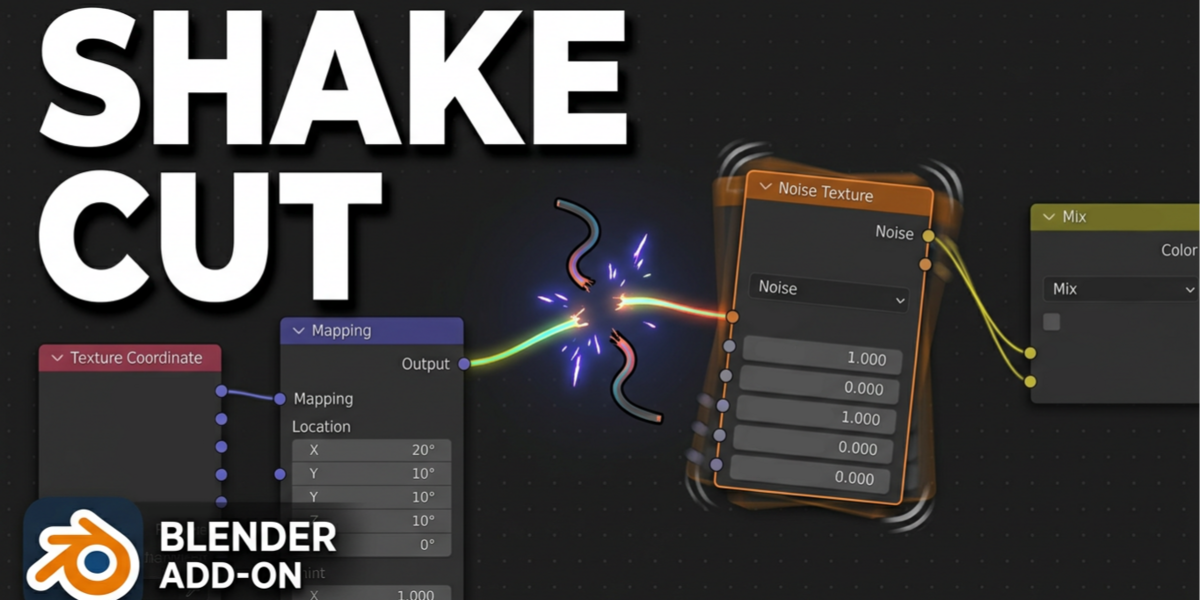


Shake Cut
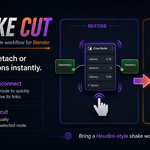
A fast, lightweight Blender add-on that brings a Houdini-inspired node disconnect workflow directly into Blender.
Shake. Disconnect. Keep Working.
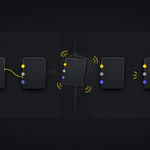
Instead of manually deleting links or rearranging your node setup, simply shake a selected node to instantly detach or dissolve its connections.
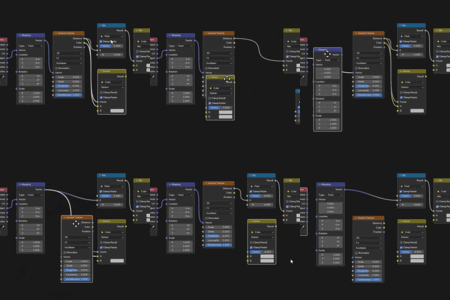
Shake Cut makes node editing faster, cleaner, and more natural—especially when working with large Shader, Geometry Nodes, or Compositor node trees.
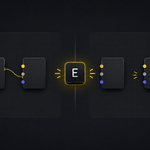
The add-on also includes the E shortcut for immediate manual disconnecting, giving you both a gesture-based workflow and a quick keyboard alternative.
How It Works
1. Select a connected node.
2. Shake it quickly inside the Node Editor.
3. Shake Cut detects the movement and removes its external connections.
4. Alternatively, press E for an instant manual disconnect.
Features
Shake-to-Disconnect
Shake selected nodes to quickly detach or dissolve their connections without manually selecting and deleting individual links.
Multi-Node Support
Select multiple connected nodes and disconnect them as one group while preserving the links between the selected nodes.
Quick E Shortcut
Press E to manually disconnect the selected node or node group without using the shake gesture.
Works Across Blender Node Editors
Designed for efficient use inside Shader Editor, Geometry Nodes, and Compositor workflows.
Lightweight and Focused
Shake Cut focuses on one simple task and keeps the workflow fast without adding unnecessary tools or complex menus.
Built for Faster Node Editing
Perfect for Blender users who want a faster, more direct, Houdini-inspired way to manage node connections.
Redesigned Shake Monitoring System
Shake Cut’s monitoring system has been completely redesigned for improved performance and stability.
The add-on no longer runs a continuous background monitor. Shake detection is now activated only when you select or move nodes, and automatically stops after one second of inactivity.
This update reduces unnecessary background processing and improves stability when switching editors, changing node trees, deleting nodes, or rebuilding connections.
What’s New
- New temporary shake detection system.
- Automatically stops after one second of inactivity.
- Reduced background resource usage.
- Improved stability and safer node handling.
- Lower risk of errors or crashes when switching editors.
- The E shortcut and multi-node disconnect behavior remain unchanged.
Improved Multi-Node Disconnect
You can now select multiple connected nodes and disconnect them as one group using either the shake gesture or the E shortcut.
Internal links between the selected nodes are preserved. Only connections leading outside the selected group are removed or dissolved.
Additional Improvements
- Improved support for nodes placed inside Frames.
- Reduced accidental shake triggers.
- More reliable multi-node detection.
- Safer background monitoring for better stability.
Looking for the Complete Bundle?
Shake Cut is already included in the Quick Tools Bundle.