 MNC Development
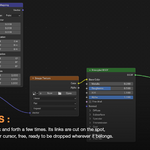
Shake it loose.
Give a quick shake to a node, and every link plugged into it lets go.
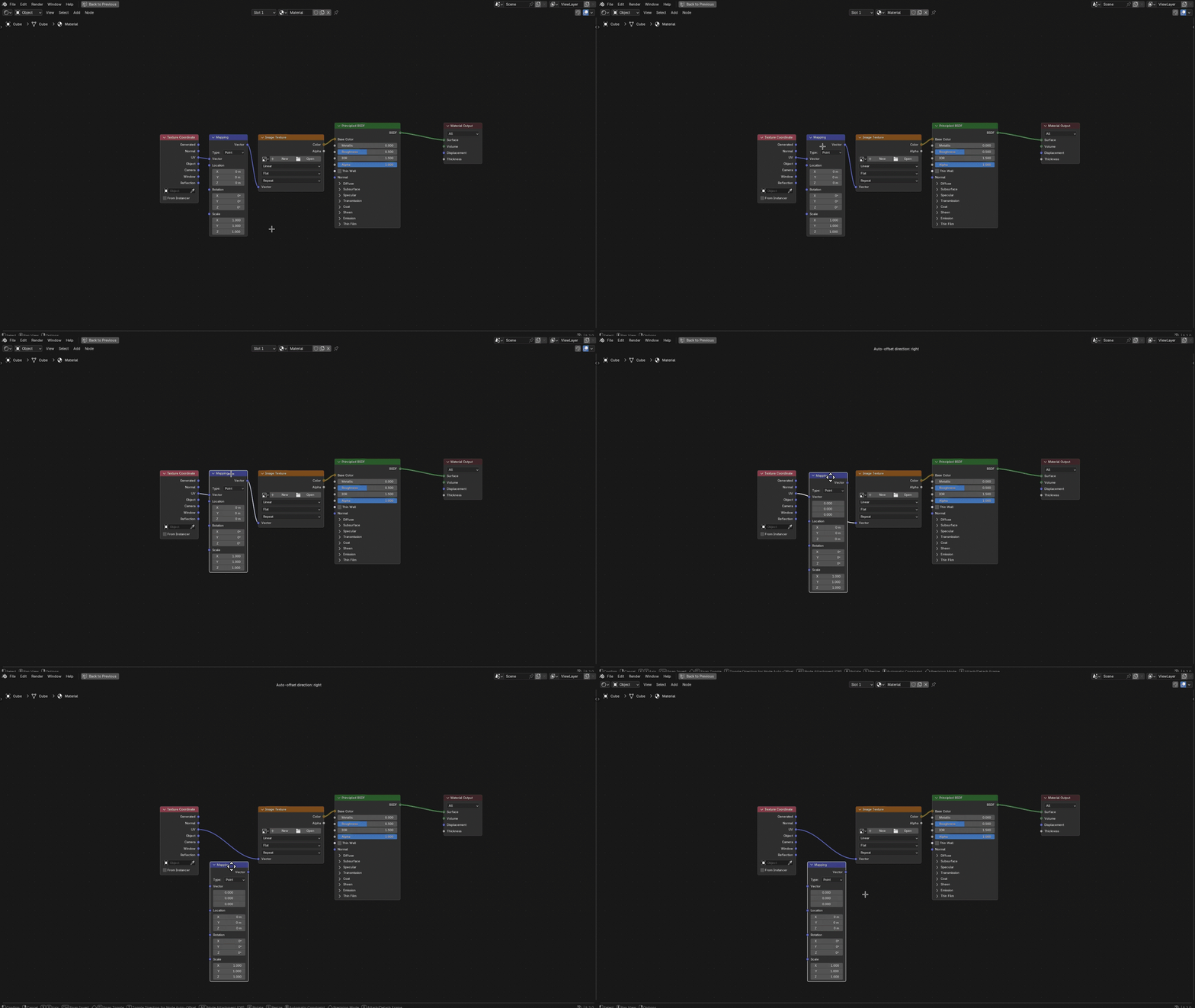
Taking a node out of a tree usually means tracking down every link plugged into it and cutting them one by one — zoom in, aim, slice, repeat, and only then get back to what you were doing.
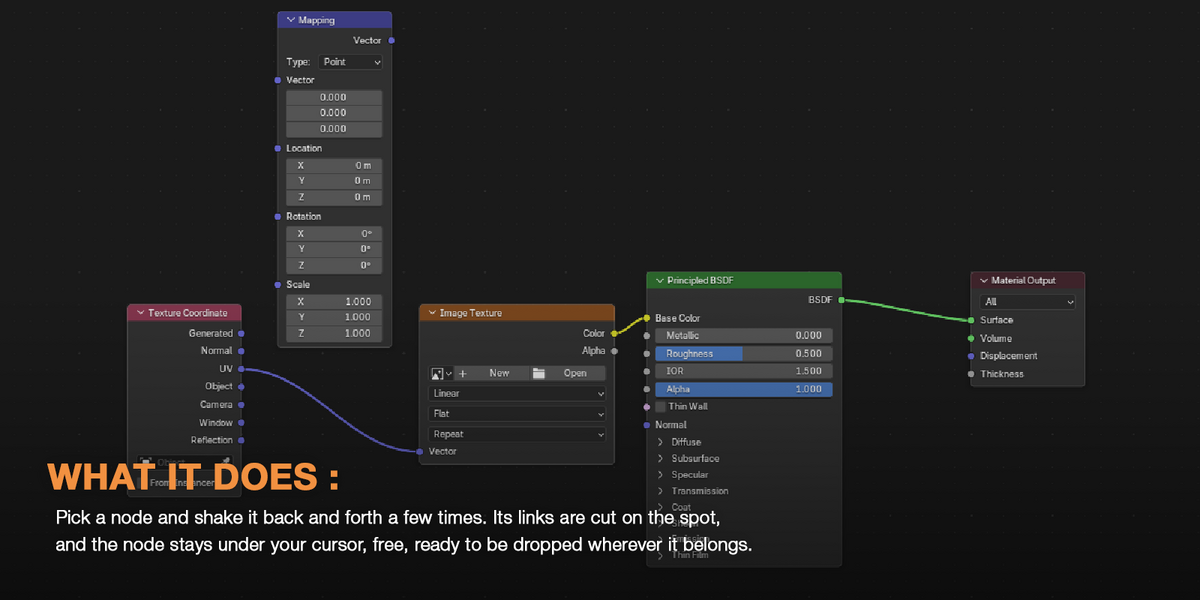
Shake Node to Disconnect turns all of that into a single gesture. Pick the node up — click-drag, G, however you normally move it — and shake it back and forth a few times. Its links are cut on the spot, and the node stays under your cursor, free, ready to be dropped wherever it belongs.
There is no mode to enter and no key to remember. If you can move a node, you already know how to use it.
One gesture, and it works the same everywhere.
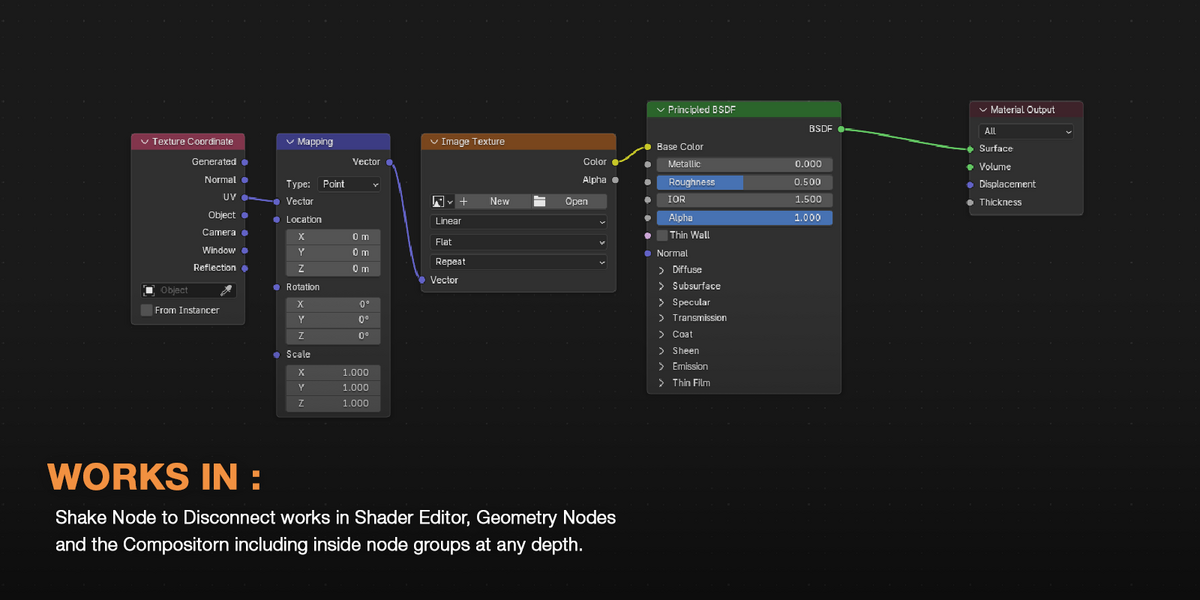
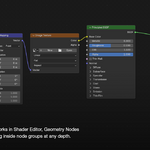
The add-on watches every node editor you have open, in every window, whatever tree it happens to show. Same gesture, same settings, wherever you are:
| Shader Editor | Materials and worlds |
| Geometry Nodes | Modifiers and node tools |
| Compositor | Compositing trees |
| Node groups | Any group you Tab into, at any depth |
Nothing to set up per editor, nothing to switch on per file. Open a node tree, shake a node, carry on.
Shake several nodes at once and they come out of the tree together — without coming apart.
Shake Node to Disconnect treats your selection as a single block. A link between two selected nodes belongs to that block, so it stays exactly where it is. Only the links reaching outside the selection are cut.
| Inside the selection | Kept — the block stays wired together |
| Into the selection | Cut — inputs coming from the rest of the tree |
| Out of the selection | Cut — outputs feeding the rest of the tree |
Lift a whole branch out of a tree — a texture setup, a chain of geometry operations, a stack of color corrections — and it comes out still wired, ready to be plugged in somewhere else.
Pull a node out of the middle of a chain, and the chain doesn't break — it closes up behind it.
As the links are cut, Reconnect Neighbors joins the first link coming into the selection straight to every link that was going out of it. Whatever fed the node now feeds whatever the node was feeding, and the rest of the tree keeps flowing as if the node had never been there.
It is the effect of Blender's Delete with Reconnect, without the delete: the node simply steps out of the chain and stays in your hand. It is on by default — turn it off in the preferences if you would rather leave the gap open.
A shake is a shake. Moving a node across the tree is not.
Only sharp changes of direction count — the node doubling back on itself — and only when enough of them land within a short window. Repositioning a node, sweeping it along a wide curve or nudging it into place never triggers anything, and tiny jitters are filtered out before anything is measured.
How hard you need to shake is up to you, in the add-on preferences:
| Sensitivity | Direction changes needed to trigger — 4 by default |
| Time Window | How quickly they must happen — 0.6 s by default |
| Minimum Movement | Distance under which a movement is ignored |
| Inputs / Outputs | Cut the inputs, the outputs, or both |
| Reconnect Neighbors | Close the chain after cutting — on by default |
| BY HAND | WITH A SHAKE |
| Zoom in, aim at each link and slice them off one by one | One shake, and every link lets go |
| Stop moving the node, cut its links, then pick it up again | Unplug it and place it in a single movement |
| Free a group of nodes, then rewire what you cut by mistake | Links inside the selection stay, only the outside ones go |
| Pull a node out of a chain, then reconnect both ends yourself | The chain closes up behind the node on its own |
| In a crowded tree, a slice that catches the wrong link | Nothing to aim at: only the links of the nodes you shake are cut |
Some links are meant to be broken.