 Alpha
Alpha

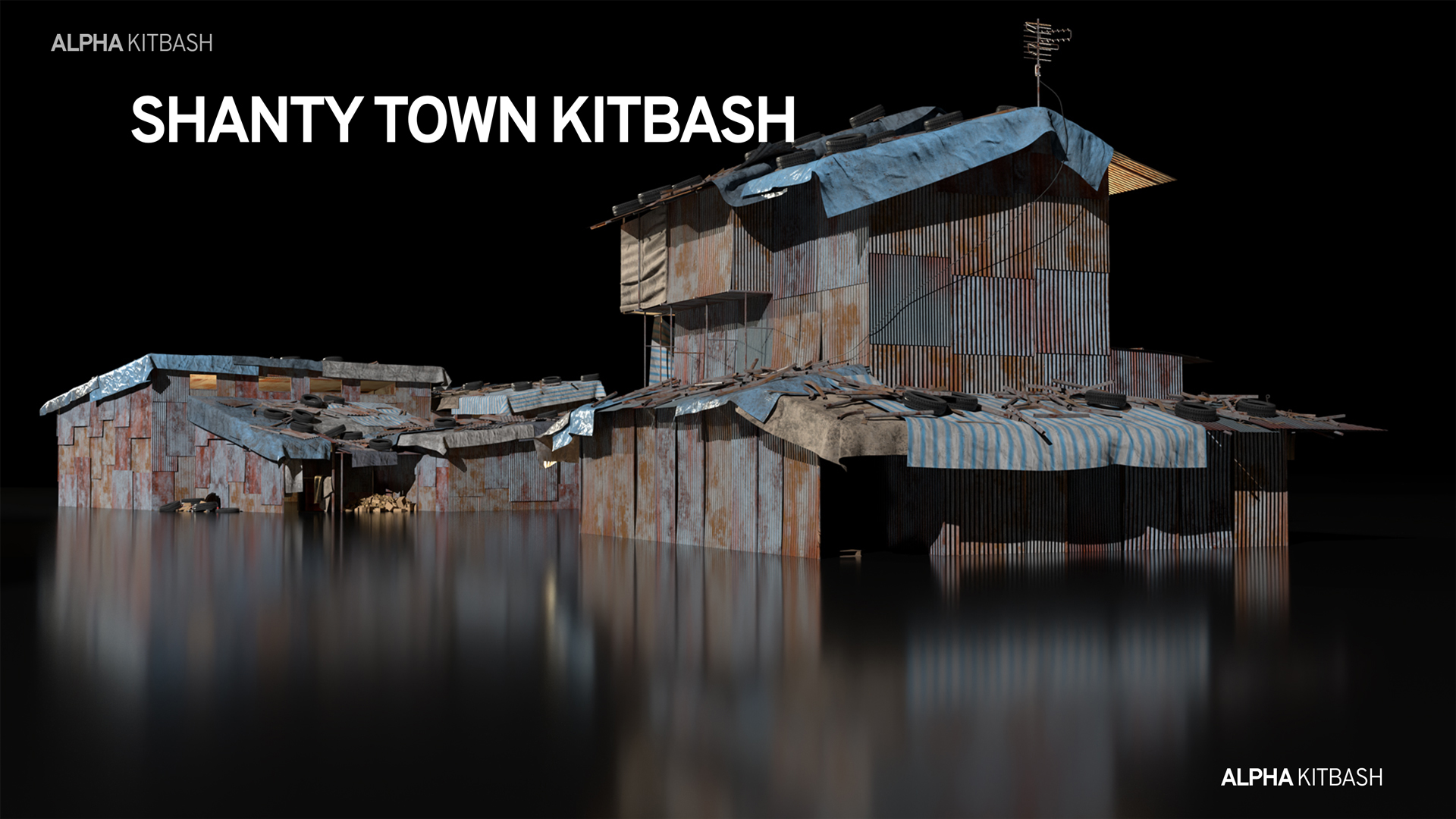
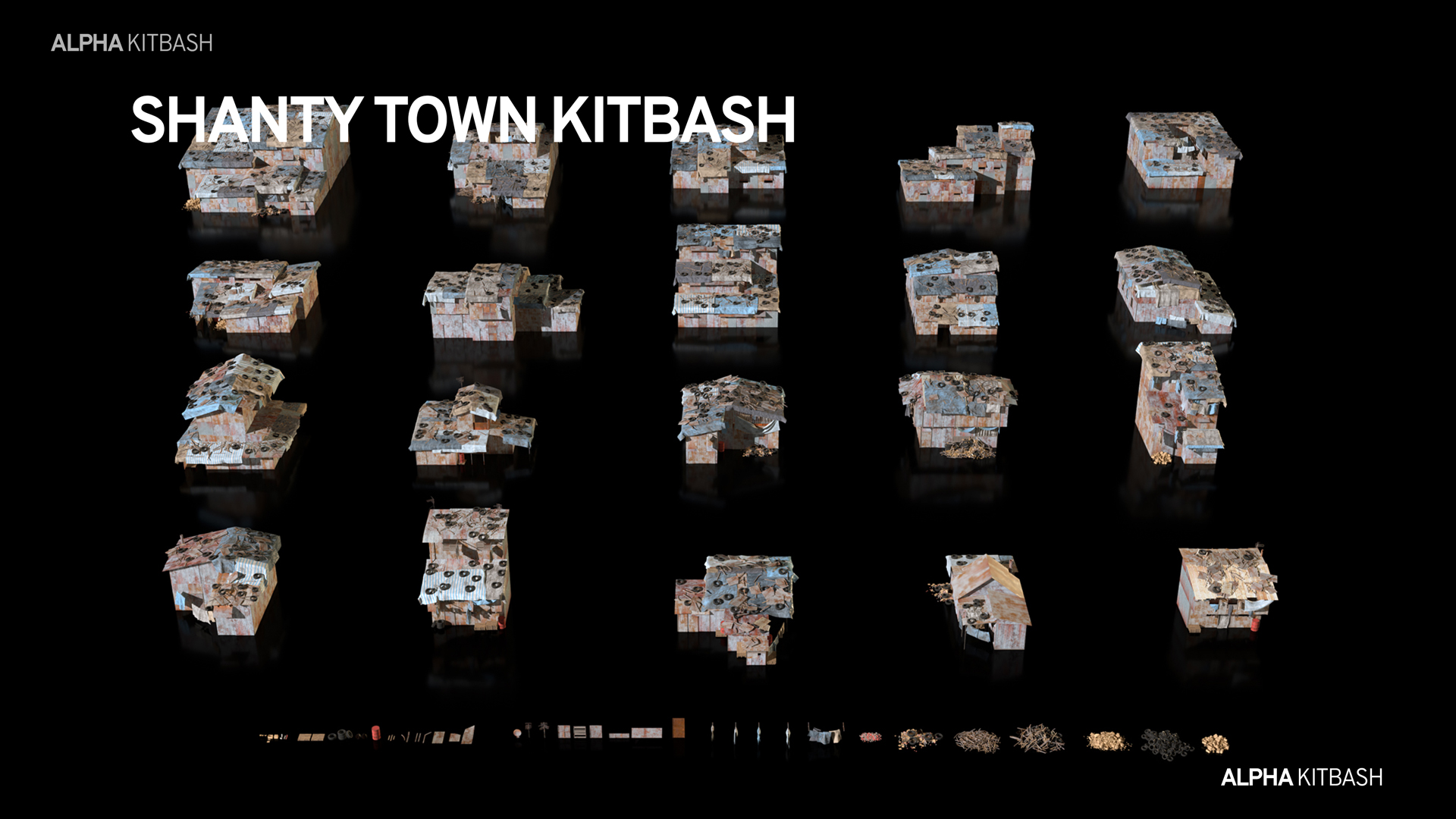
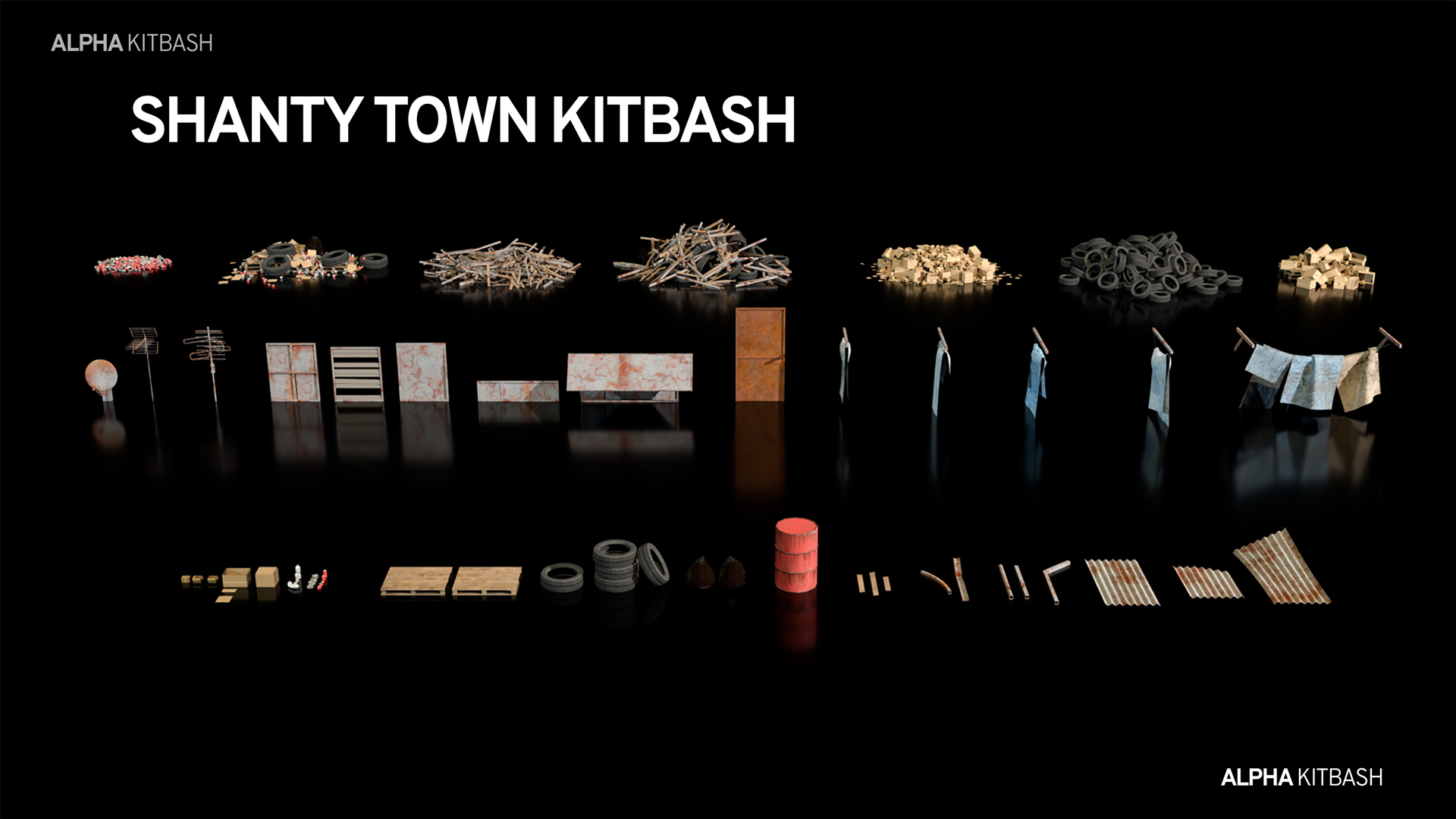
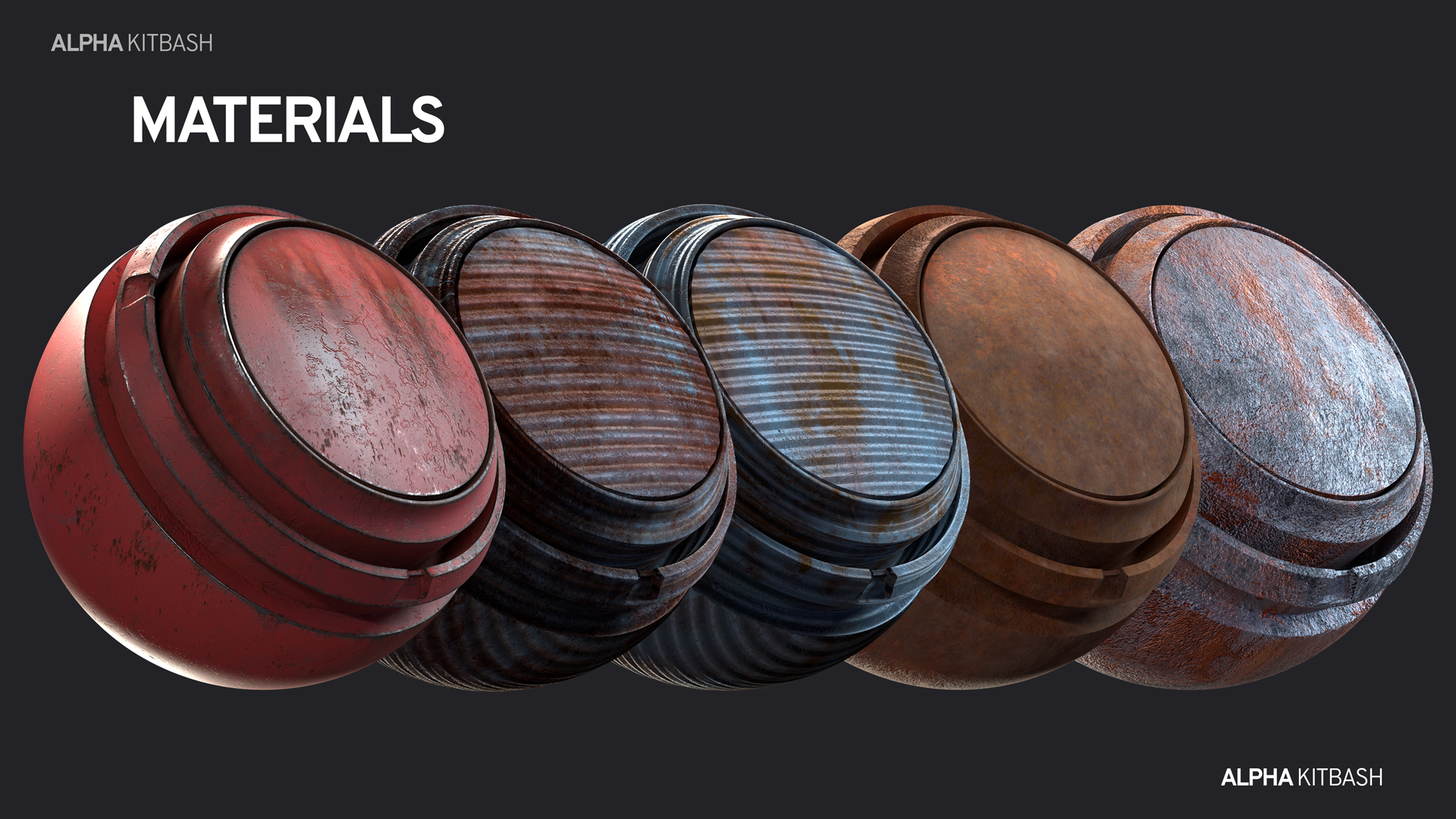

How to Add the Asset Browser Library to Blender
Follow these simple steps to start using the Shanty Town Kitbash assets in Blender.
First, download the Asset Browser library file and extract it to a permanent location on your computer. Then, open Blender and go to Edit → Preferences → File Paths → Asset Libraries. Click the + button and select the folder containing the downloaded asset library. Give it a name, such as Shanty town Kitbash, and close Preferences.
Finally, open the Asset Browser in Blender and select Shanty town Kitbash from the Asset Library menu. Your kitbash assets will now be ready to browse and use directly in your Blender projects.
-
$14.93 $19.90
For personal use and personal project
-
$89.93 $119.90
Up to 5 users - For use on an unlimited number of commercial projects
-
$224.93 $299.90
Up to 100 users - For use on an unlimited number of commercial projects
 Included
Includes 12 months of
- Support from Alpha
- Product updates
Extend this product’s Support Period +12 months: 50% of product price
Have questions before purchasing?
Login to message
Includes an Asset Library
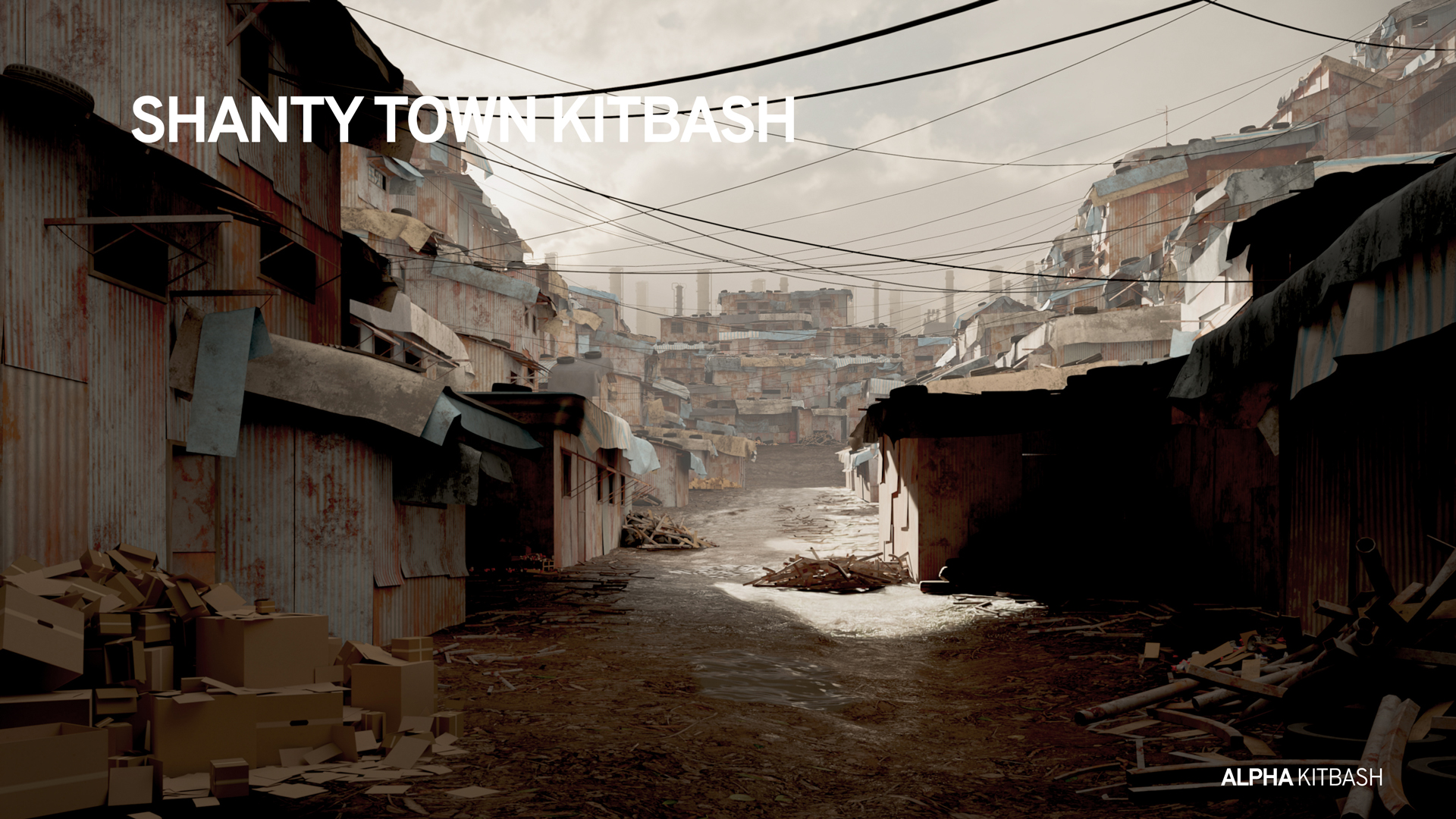
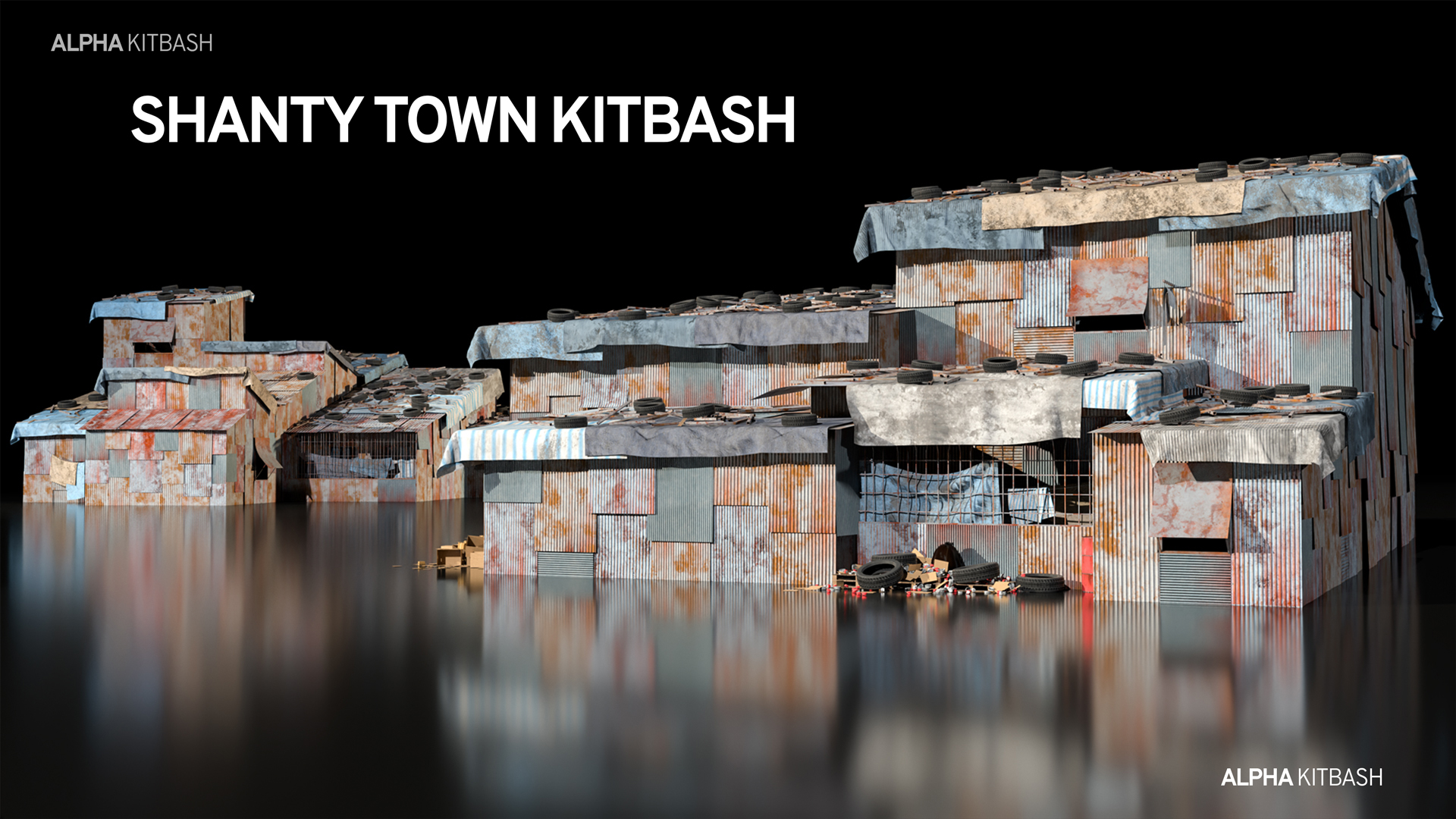
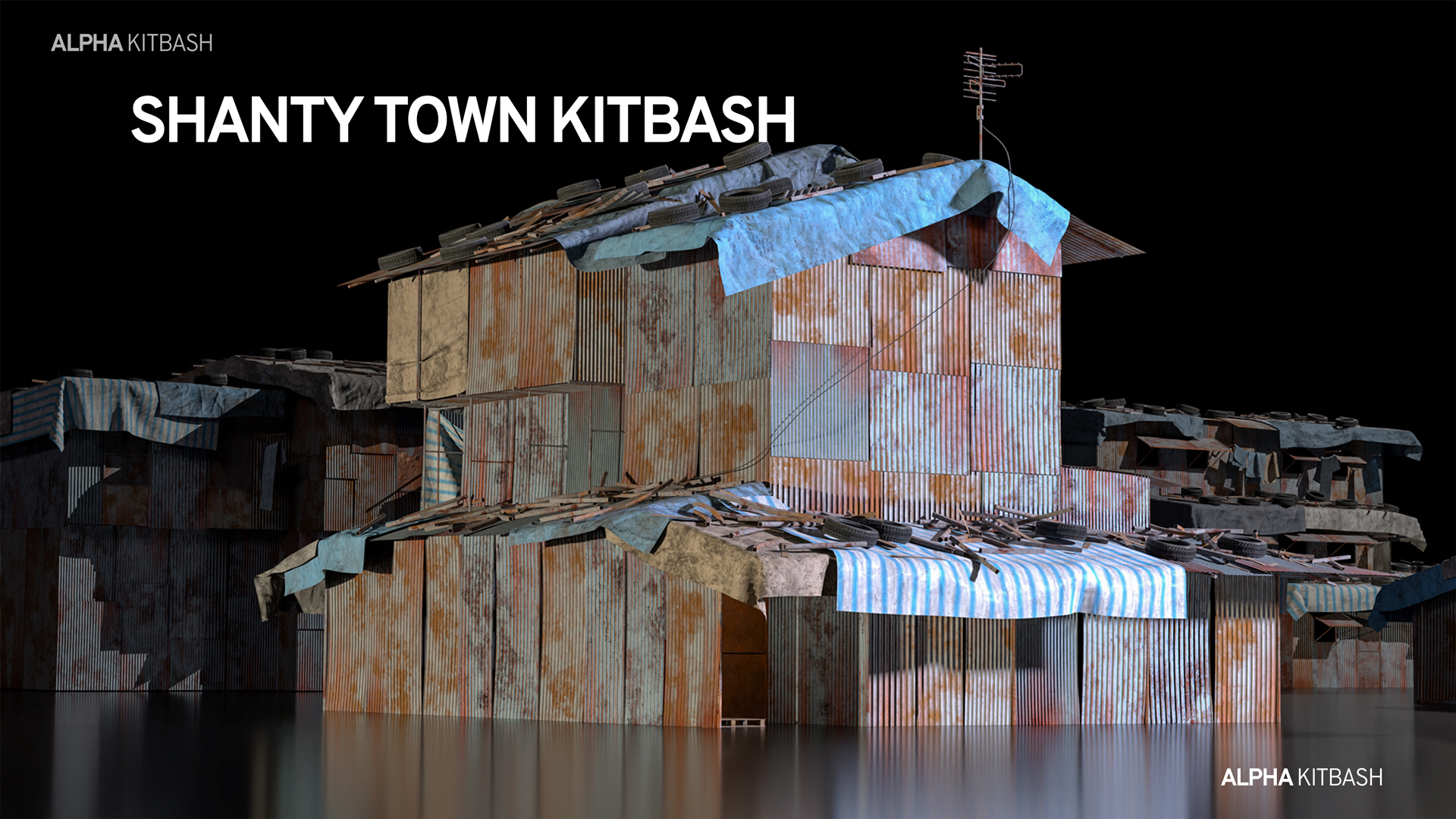
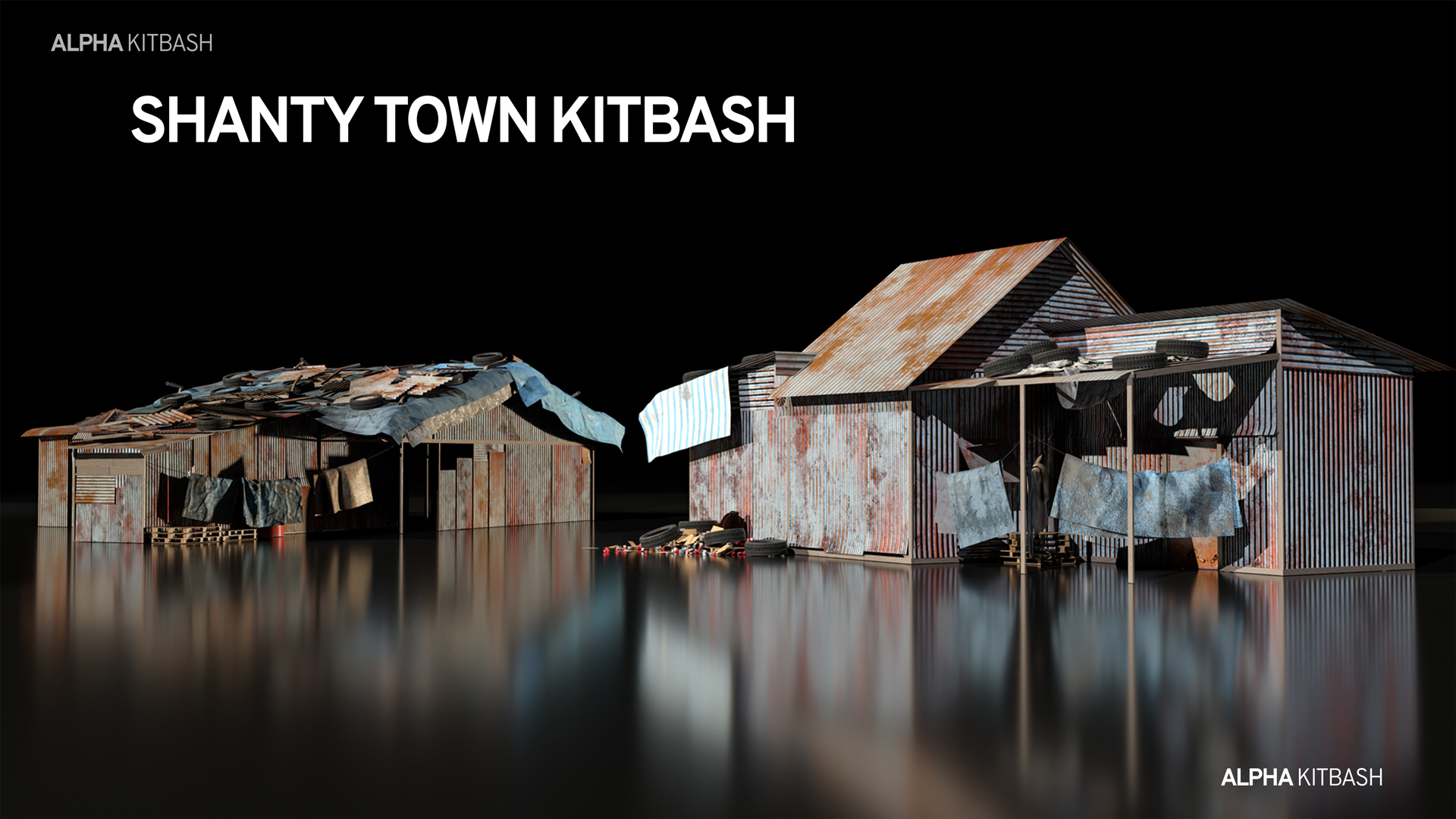
78 drag-and-drop assets for Blender’s Asset Browser.
Browse included assets| Sales | 10+ |
| Published | over 2 years ago |
| Blender Version | 3.2 - 5.2 |
| License | Creative Commons |
Discover more products like this
urban shanty town slum concept art postapocaliptic concept-design debris 3d concept environment city-scape