 RealDevCode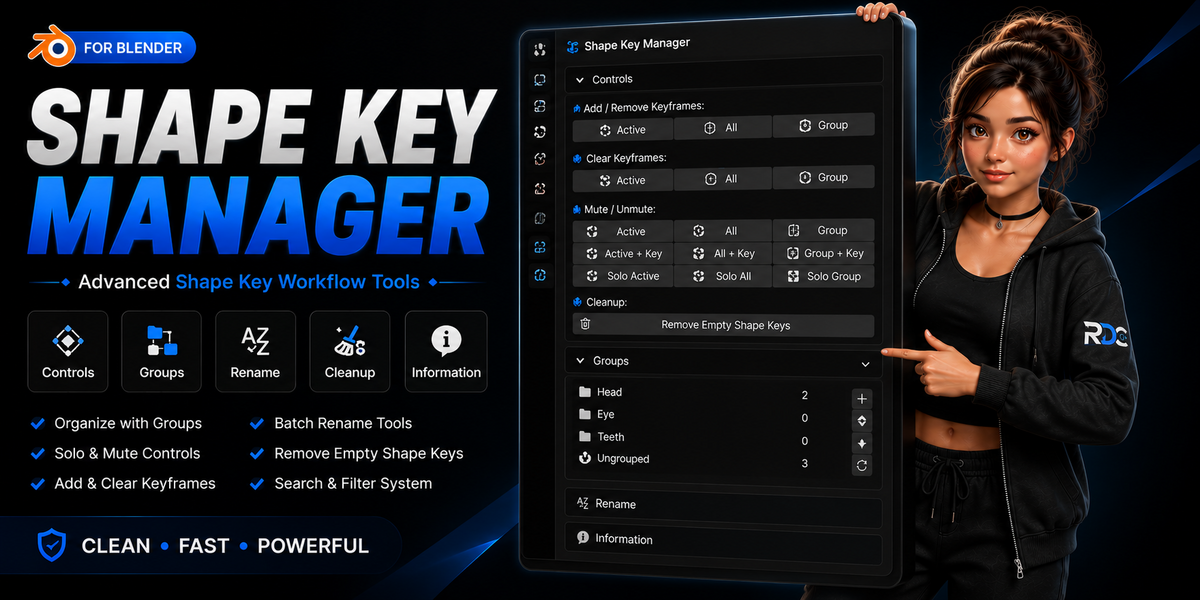


Shape Key Manager
Shape Key Manager — Organize, Clean & Manage Shape Keys Faster
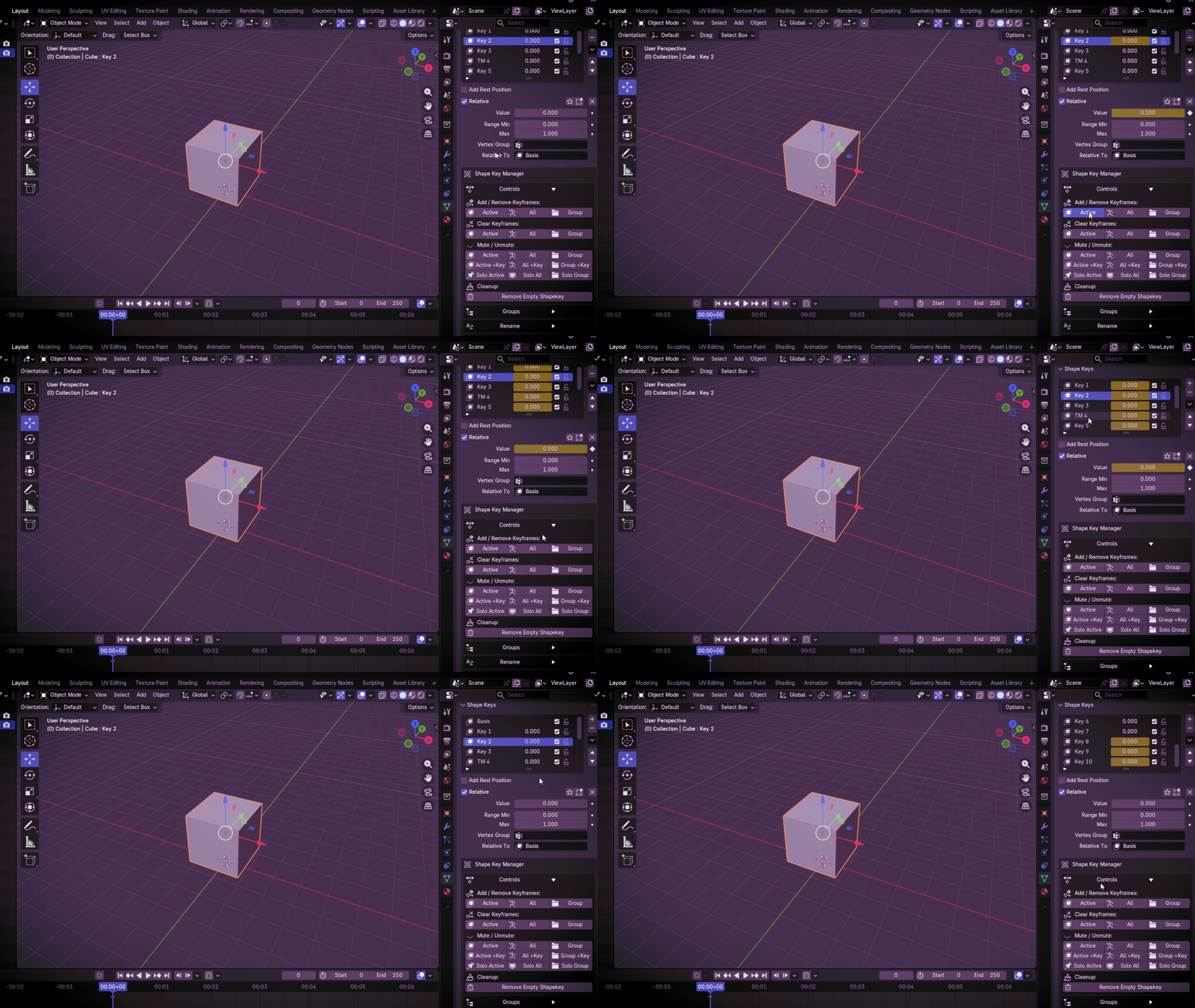
A powerful Blender addon designed to simplify shape key management. Organize shape keys into groups, mute or unmute them instantly, remove empty shape keys, batch rename keys, and keep complex character rigs clean and efficient.
🚀 Built for Character Artists, Animators, Riggers & Developers
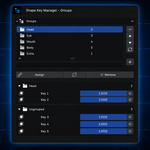
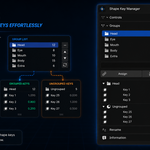
📂 Create Custom Shape Key Groups
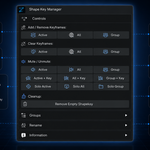
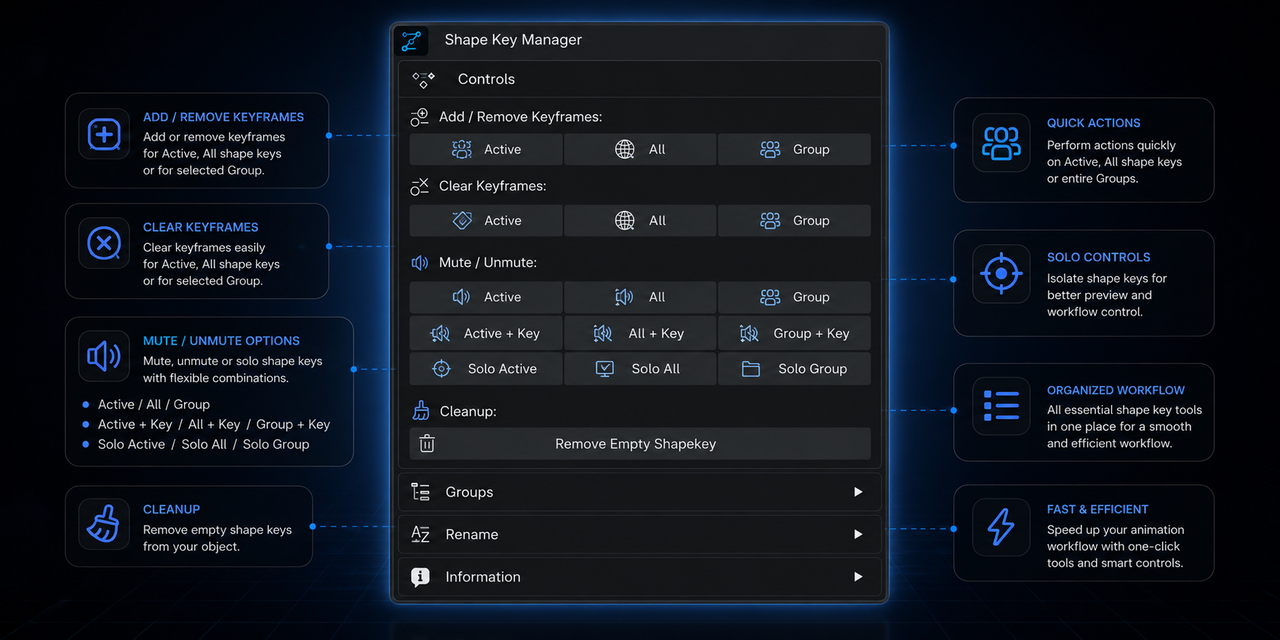
🔇 Mute & Unmute Shape Keys
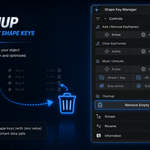
🗑 Remove Empty Shape Keys
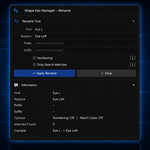
✏️ Batch Rename Shape Keys
⚡ Add, Remove & Manage Shape Keys Faster
🎯 Keep Character Rigs Organized
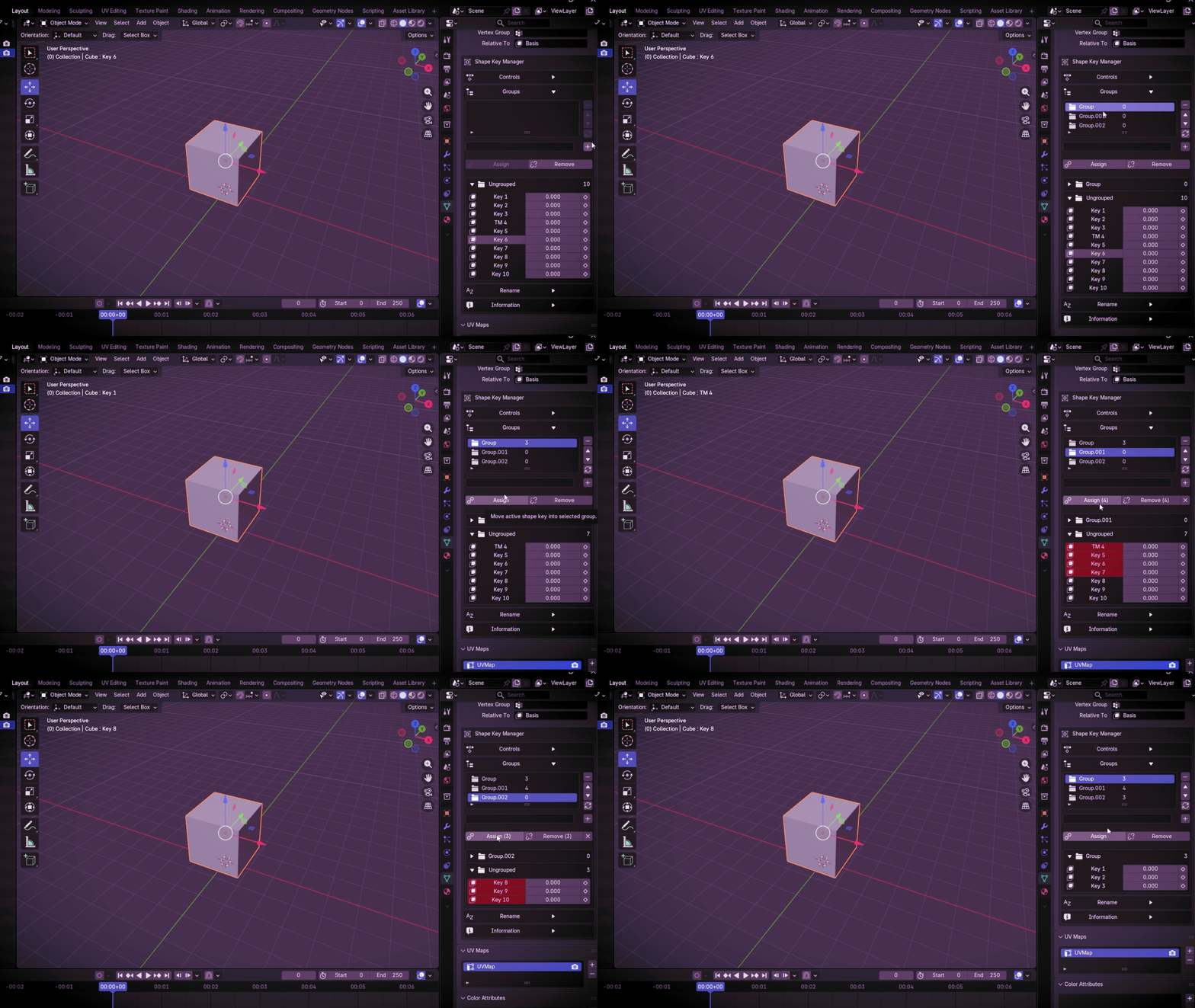
Shape Key Groups
Organize large shape key libraries into custom groups for a cleaner and more manageable workflow. Keep facial rigs and corrective shape keys neatly organized.
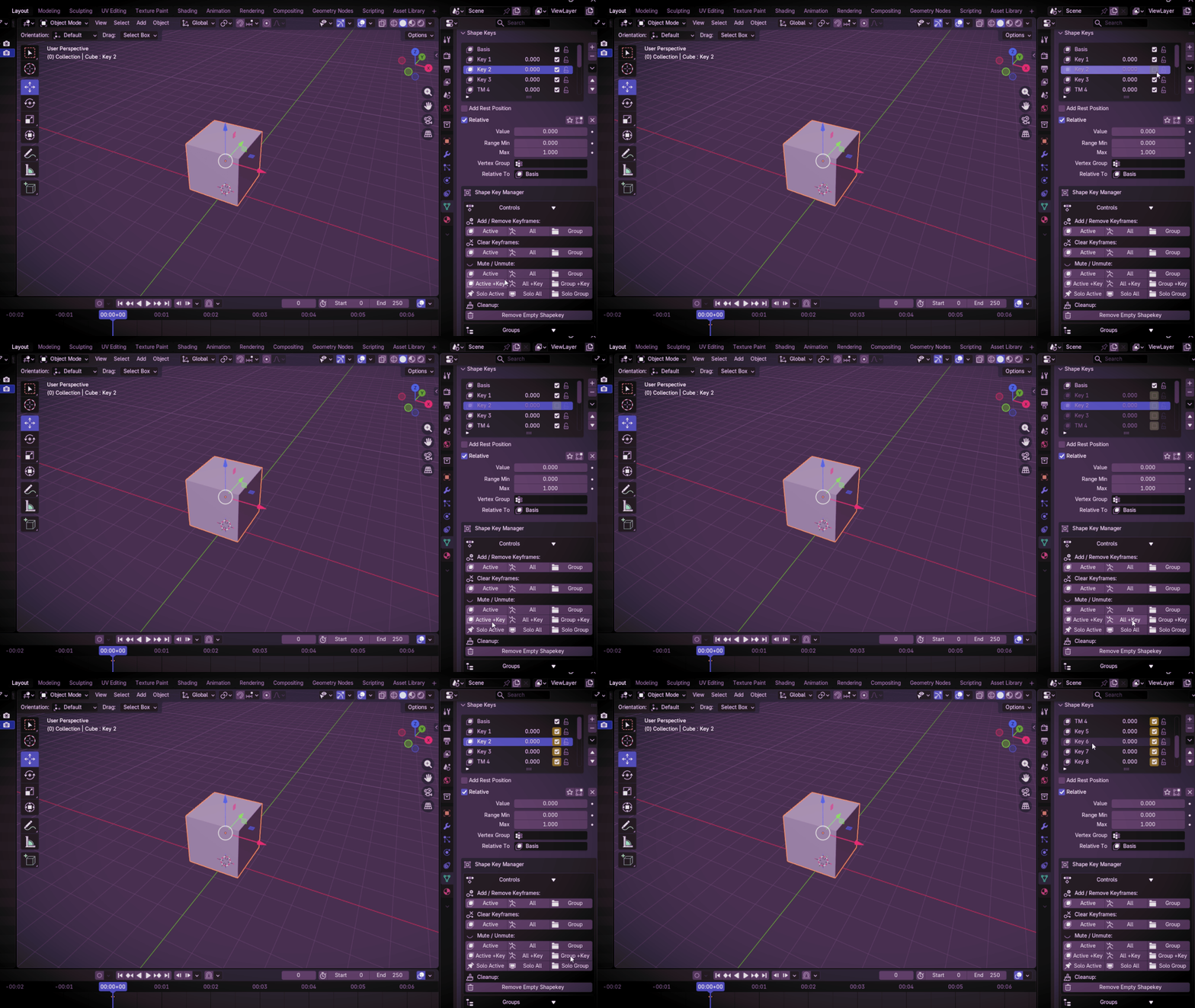
Mute & Unmute Shape Keys
Quickly mute or unmute shape keys while working on complex characters. Focus only on the keys you need and reduce visual clutter.
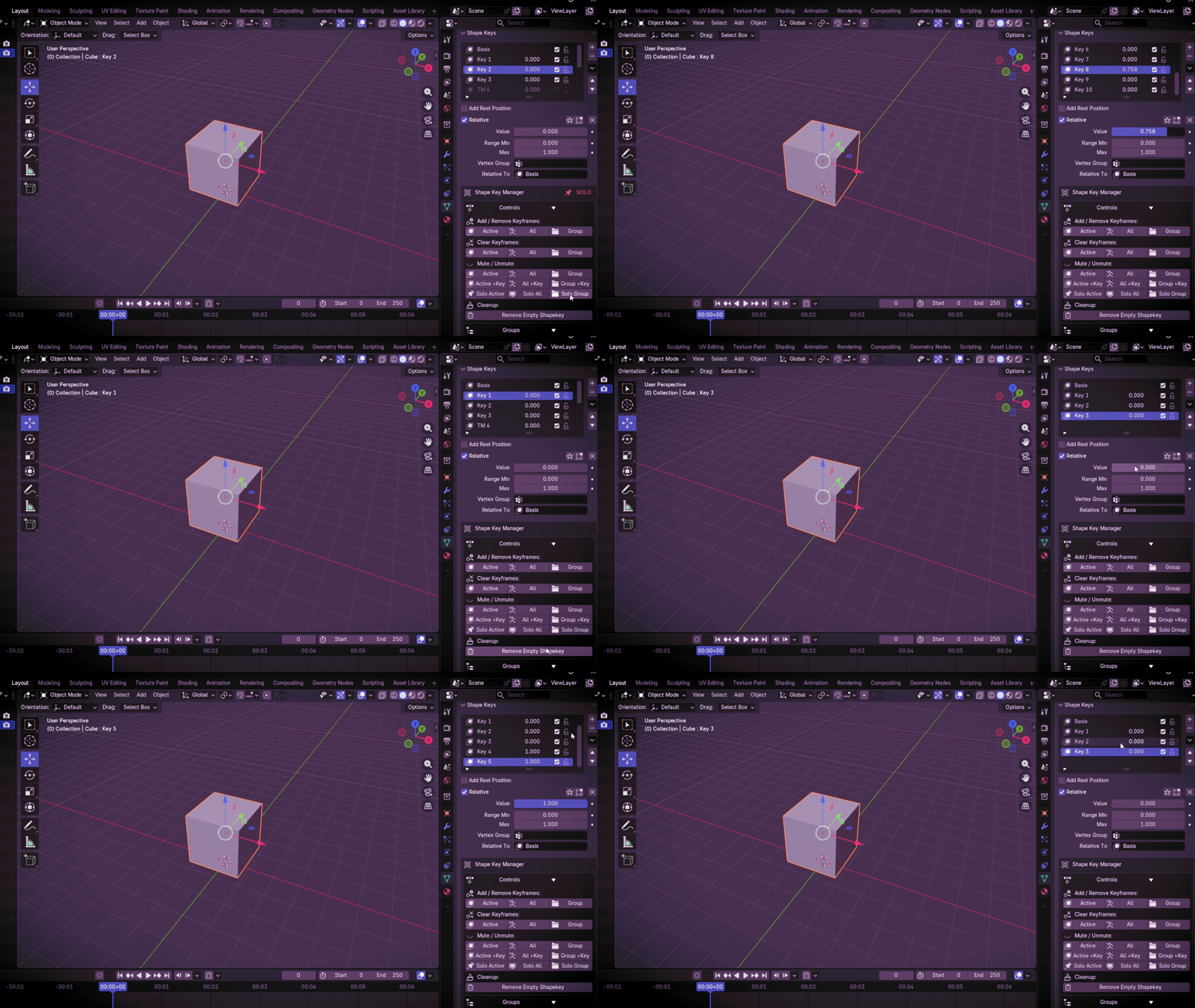
Remove Empty Shape Keys
Remove unused and empty shape keys instantly to keep projects optimized and easier to manage.
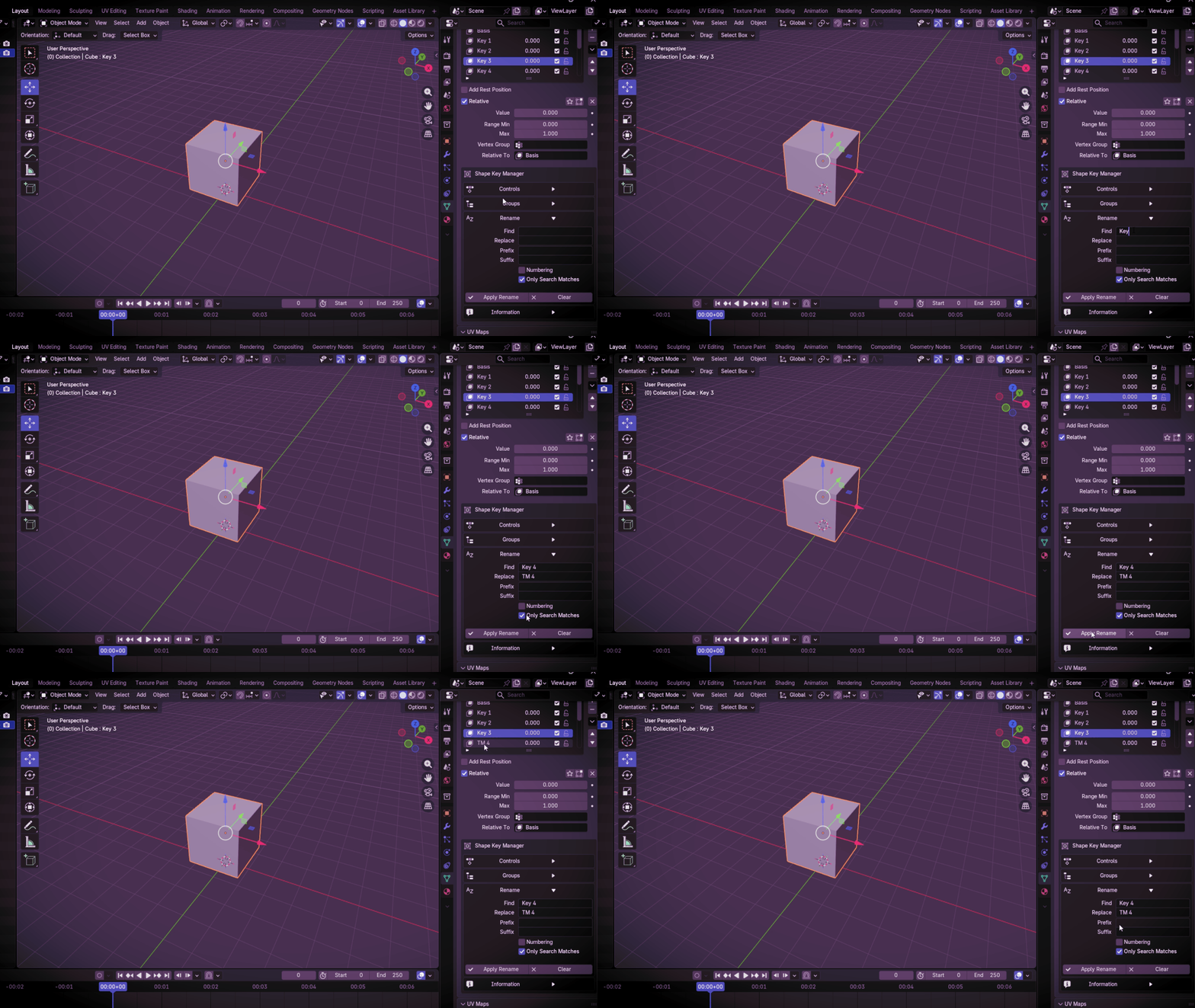
Batch Rename Shape Keys
Rename multiple shape keys in seconds and maintain clean naming conventions across your entire project.
Shape Key Management Tools
Add, remove, organize and manage shape keys faster with workflow-focused tools built specifically for character artists and animators.
🚀 Key Features
- ✔ Create unlimited shape key groups
- ✔ Mute and unmute shape keys instantly
- ✔ Remove empty shape keys
- ✔ Batch rename shape keys
- ✔ Add and remove shape keys faster
- ✔ Cleaner character rig workflow
- ✔ Optimized for large shape key libraries
- ✔ Lightweight and efficient
- ✔ Beginner-friendly interface
- ✔ Blender 4.2+ compatible
🎯 Why Use Shape Key Manager?
- Managing dozens or hundreds of shape keys can become difficult and time-consuming.
- Shape Key Manager helps you organize, clean, and manage shape keys with a faster and more efficient workflow.
- Perfect for facial rigs, VTuber avatars, ARKit blendshapes, game characters, and production pipelines.
🔒 Privacy Safe
- ✔ 100% Offline
- ✔ No data collection
- ✔ No tracking
- ✔ No internet access
✅ Compatibility
Compatible with Blender 4.2 and newer versions
📦 Installation
Edit → Preferences → Extensions → Install from Disk → Select ZIP File