Shape Key Manager – Advanced Shape Key Workflow For Blender
 RealDevCode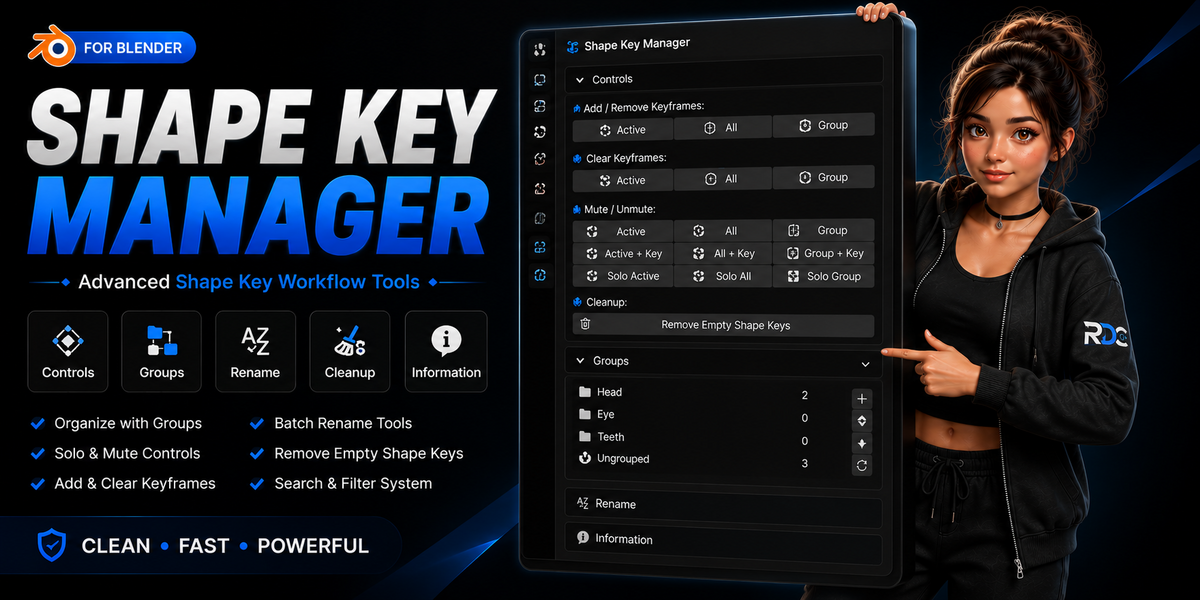




📘 Documentation
Learn how to use Shape Key Manager to organize, clean, and manage shape keys faster with an optimized workflow designed for character artists and animators.
📦 Installation
Go to Edit → Preferences → Add-ons → Install and select the Shape Key Manager ZIP file.
⚙️ Main Features
- Create custom shape key groups
- Mute and unmute shape keys instantly
- Remove empty shape keys
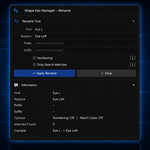
- Batch rename shape keys
- Add and remove shape keys faster
- Organize large shape key libraries
- Lightweight and beginner-friendly interface
- Optimized character rig workflow
🎯 Workflow Usage
- Create custom shape key groups
- Organize facial rig controls efficiently
- Mute unwanted shape keys while working
- Remove empty or unnecessary shape keys
- Batch rename keys for consistent naming
- Keep character rigs clean and organized
- Manage large shape key libraries with ease
📂 Shape Key Organization
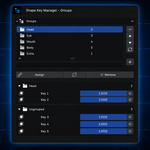
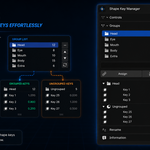
- Create multiple shape key groups
- Organize corrective and facial shape keys
- Reduce clutter in large character rigs Improve workflow efficiency
- Manage complex characters more easily
- Maintain cleaner production files
🛡️ Safe Workflow
- 100% offline workflow
- No tracking or data collection
- No internet access required
- Safe for professional production environments
💡 Tips
- Create groups for facial expressions and corrective shape keys
- Remove empty shape keys regularly to keep files clean
- Use batch rename tools to maintain naming consistency
- Mute unused shape keys when working on complex characters
- Keep large shape key libraries organized for faster animation workflows
$32
Have questions about this product?
Login to message
| Blender Extension Compatible | Yes |
| Dev Fund Contributor | |
| Published | 3 months ago |
| Blender Version | 4.2 - 5.2 |
| Extension Type | Add-on |
| Render Engine Used | Cycles, Eevee |
| License | GPL |
Discover more products like this
shape keys animation Facial Rigging Facial Animation shape key manager rigging character animation VTuber productivity Workflow ARKit blendshapes