 Mizzauro


How to install the addon:
- Download the .zip file included with your purchase
- In Blender go to "Preferences" window, then "Addons", and then click on "Install"
- Select the .zip file you downloaded
Location:
In the 3D Viewport, you can find "Shape Key Smoother" in the "Vertex" menu and in the right-click context menu
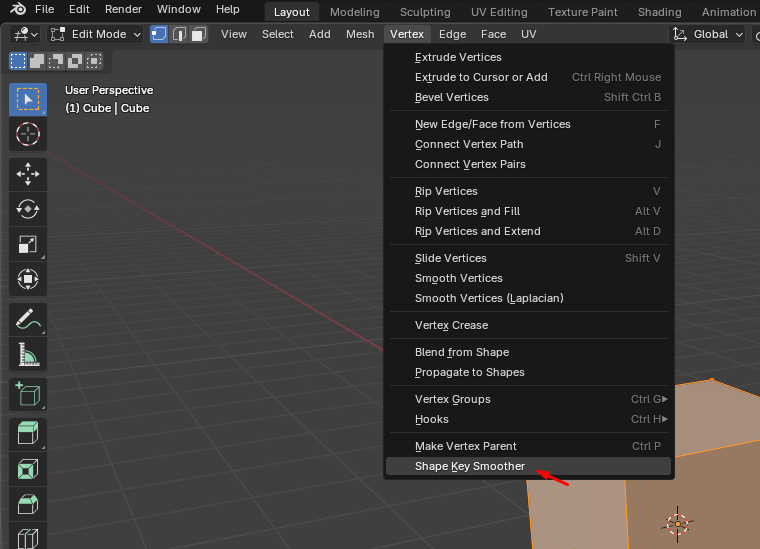
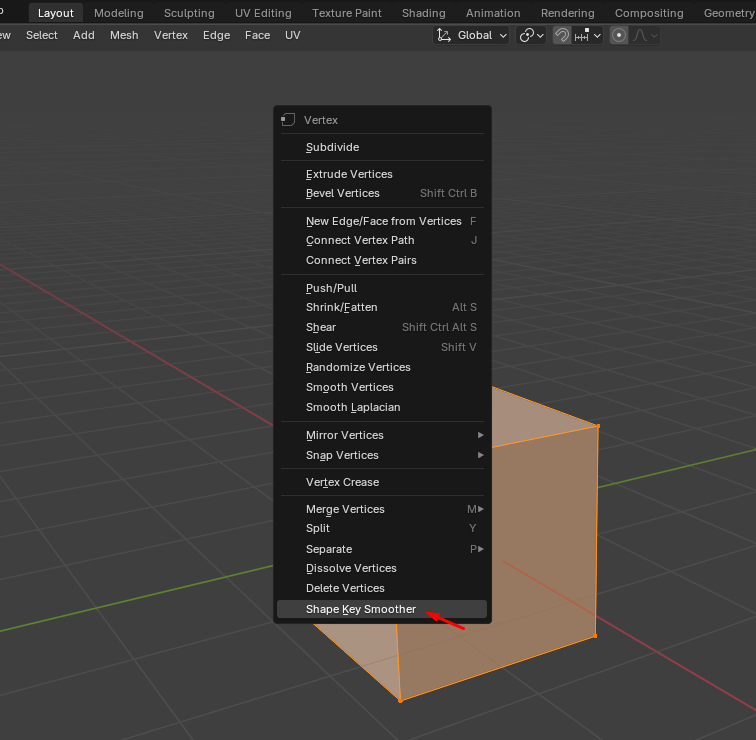
It’s very important that the object has at least one shape key besides the "Basis" shape key, and also that the shape key you want to smooth is selected, otherwise, you’ll get one of these 3 errors:
- "The object doesn`t have any shape keys" - Please create shape keys for the object to be smoothed.
- "The object only has the Basis shape key" - Please create at least one more shape key besides the Basis.
- "The Basis shape key is selected" - Please select a shape key other than the Basis, as this shape key will be used as the reference for smoothing.
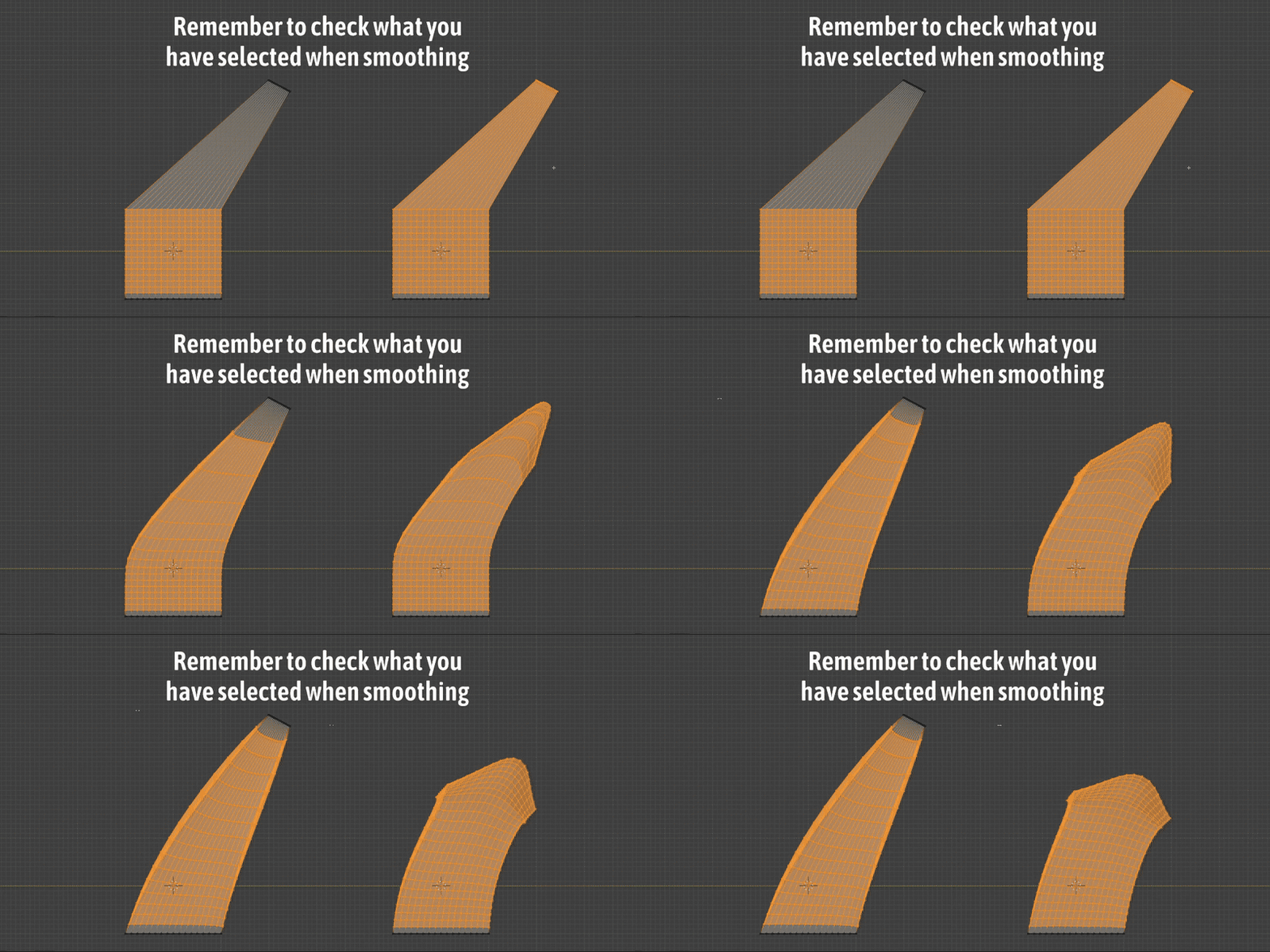
Although smoothing usually works well with a rough vertex selection, remember that in some extreme cases, choosing the right vertices is very important, and the results can vary significantly by selecting just fewer or a few more vertices.
Have questions about this product?
Login to message
Discover more products like this
blender shape keys quick-shape-keys blender shape keys face 3d character modeling auto-smooth apple-shape-keys fast smooth 52ARshapekeys mouth shape keys shapekeys smooth