 Nicolas D'brand
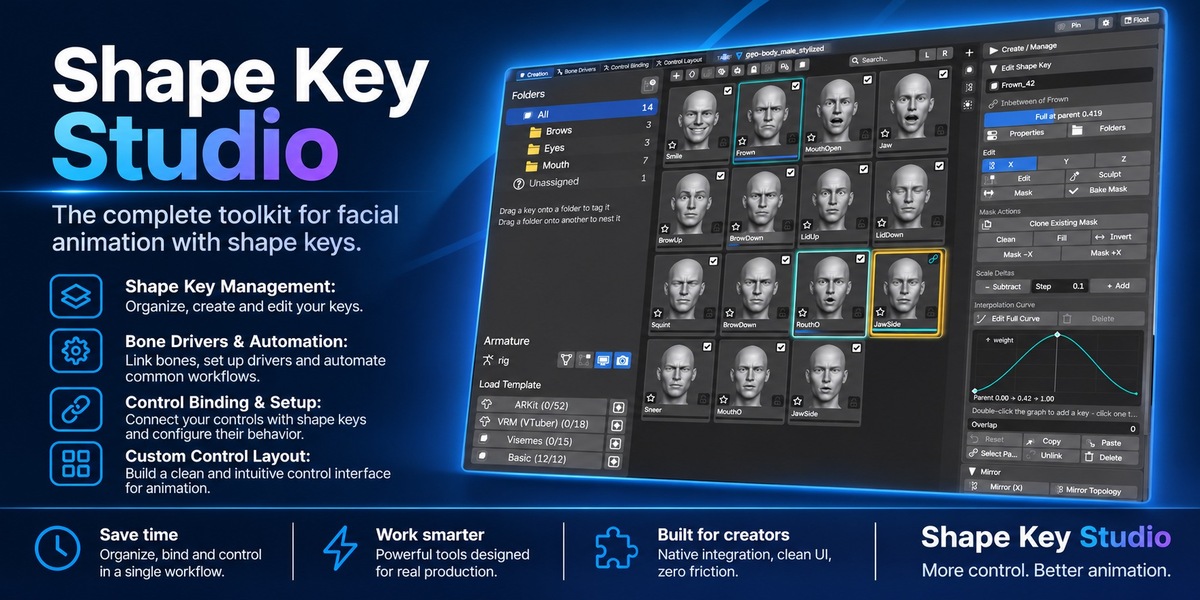
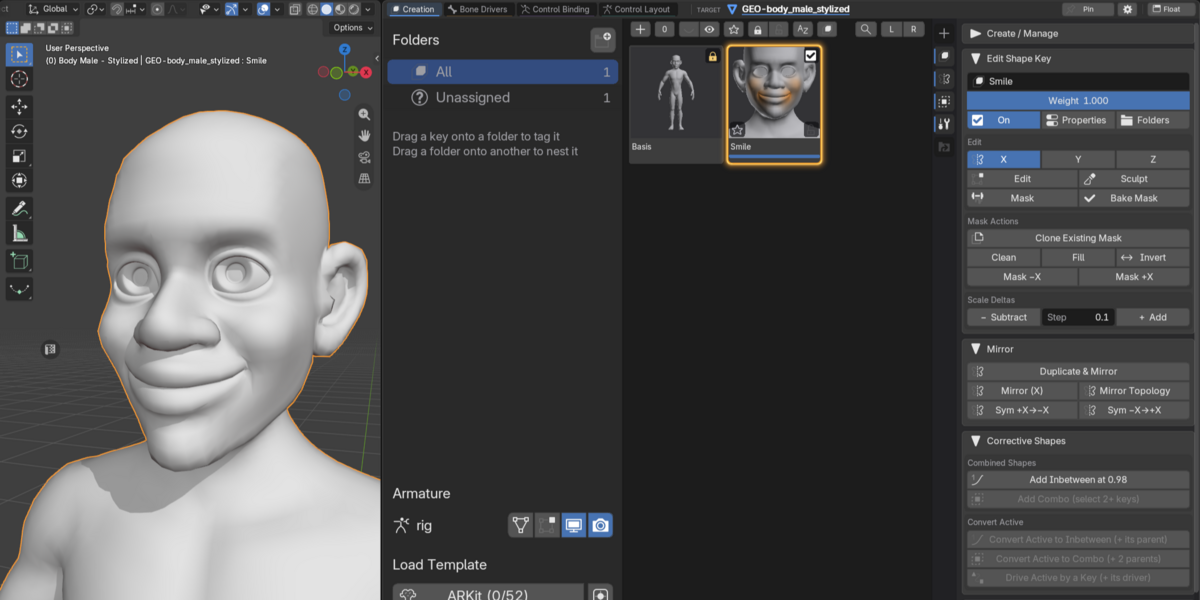
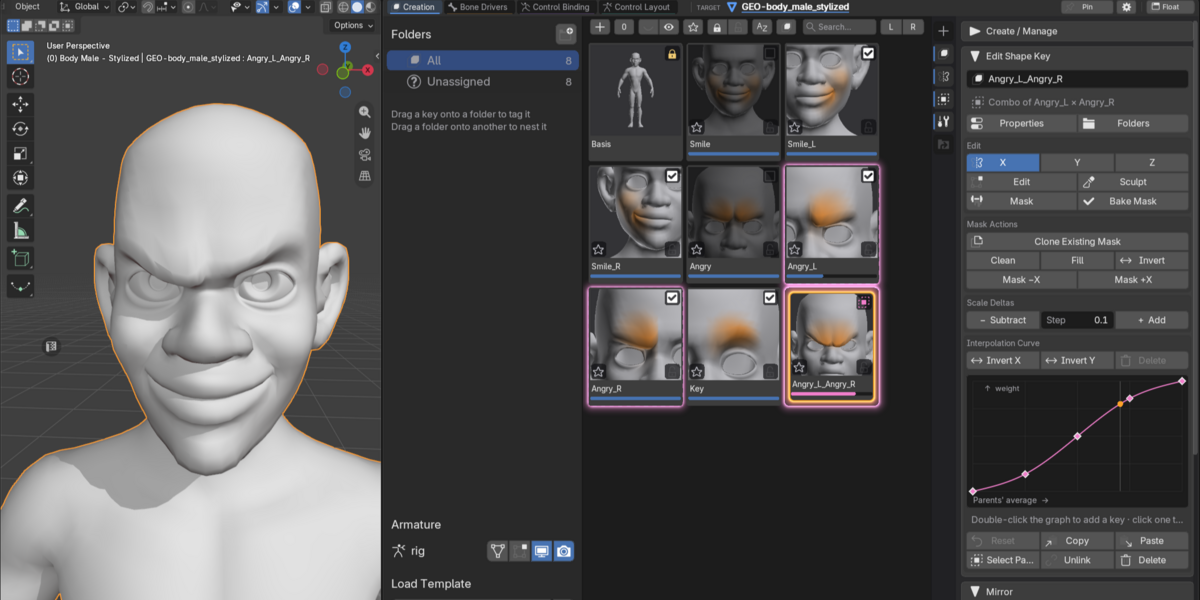
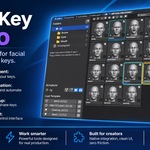
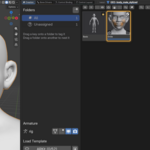
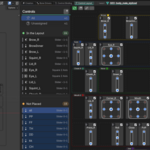
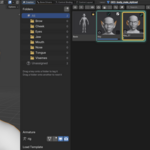
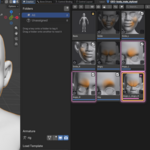
Shape Key Studio turns Blender's shape key list into a visual editor, inspired by Maya's Shape Editor. Every shape key gets a thumbnail; you build, organise, fix and rig blendshapes in one window that follows your Blender theme.
Video tutorials: YouTube playlist — short videos, one per feature.
Create & edit
- Thumbnail grid with search, side filter (L / R), Outliner-style folders and pin to a character
- Edit, sculpt or paint a mask on any key with one double-click; masks bake back into the key
- Mask actions: clean, fill, invert, clone any vertex group (skin weights work well)
- Scale deltas up / down, clean tiny moves, reset or smooth selected vertices
- Make Basis, Apply to Basis, lock the Basis for real, multi-select and batch actions
Inbetweens & combos
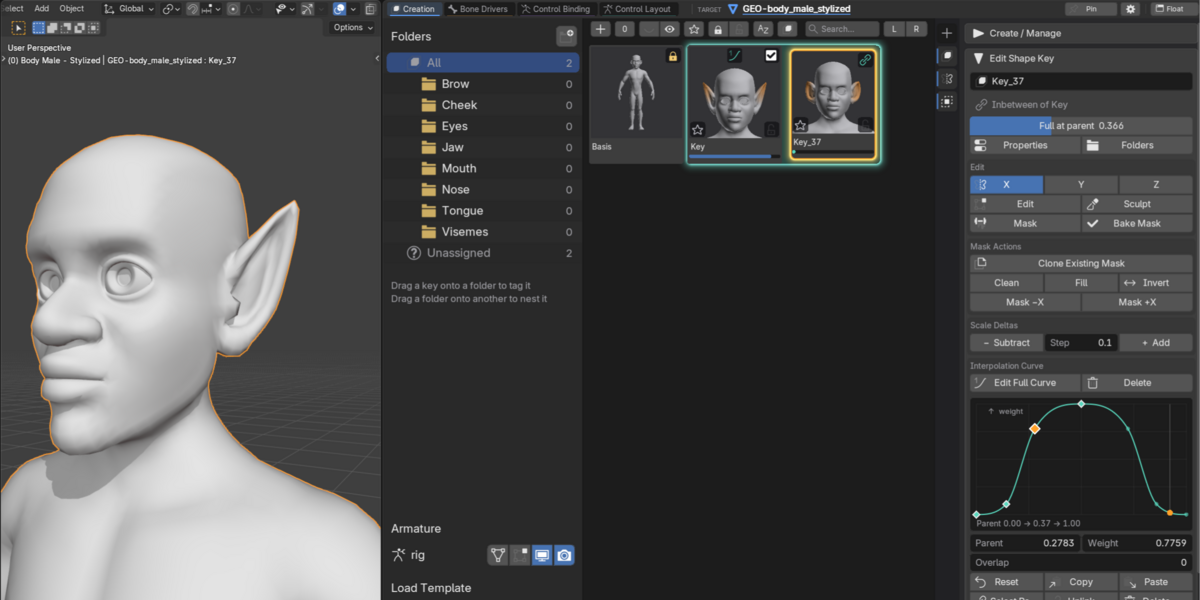
- Maya-style inbetweens (driven by the parent's weight) with an editable interpolation curve
- Combination / corrective shapes, nestable, with parents highlighted
- Convert existing keys into inbetweens or combos
Symmetry
- Mirror (X / topology), Duplicate & Mirror (Smile_L → Smile_R), Symmetrize
- Split a symmetric key into _L / _R, or split it by a painted mask — its inbetweens, combos, driven keys and bone drivers split along (a jaw driver becomes Jaw_L + Jaw_R)
Drivers & rigging
- Set Driven Keys: a key drives another through an editable Key Map curve
- Bone Drivers: a bone's rotation / location, or the angle / distance between two bones, drives keys; a combo curve blends correctives in only while other keys are on
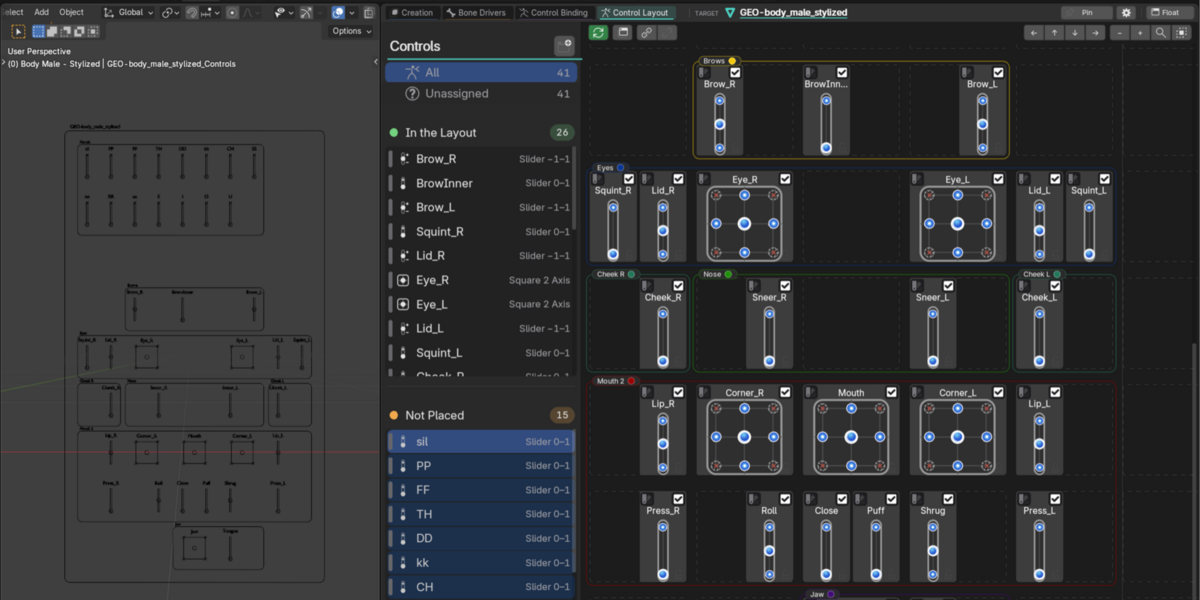
- Control Binding: Square, Triangle and Slider controllers; Control Layout: arrange them on a grid, group them by area, and the rig follows
- Templates: ARKit 52, VRM (VTuber), Visemes, Basic — one click makes the keys, the controls, a face-shaped layout and the rig
Built for rigged characters — new in 1.1
- Bake Modifiers — Blender will not apply a modifier on a mesh with shape keys, and deleting the keys destroys your rig. Bake Modifiers applies Subdivision, Geometry Nodes (hair, scatter…) and every other modifier except the Armature while keeping every key, driver and control. Warning before, progress bar during, report after.
- Reconnect Rig — replaced the keys (new model, re-import, transfer)? One click restores your controls, bone drivers, driven keys, inbetweens, combos, key animation and folders by key name. The rig bones and their animation are never touched.
- Transfer All Keys between meshes, and New Key From Object (one or many) — through UVs, vertex order or closest point
Production friendly
- Rig-aware: edit the weights of driven keys without breaking the rig
- Linked / library-override meshes open read-only
- Undo everywhere (except Bake Modifiers, which warns you first), English & Spanish UI, follows your Blender theme
- Every shortcut listed in the editor (Settings › Shortcuts)
- Drivers are Simple Expressions: the file plays back with no Python and no "Auto Run Python Scripts"
- Illustrated 16-page PDF manual included
Requirements: Blender 4.2 or newer (tested on 4.2, 4.5, 5.0, 5.2 and 5.3). Installs as a Blender extension.
Updates: every 1.x update is free for owners of version 1. Version 2 will be a discounted upgrade for version 1 owners.
