Shape Key Studio
 Nicolas D'brand
Installation
- In Blender go to Edit › Preferences › Get Extensions.
- Click the drop-down arrow at the top right and choose Install from Disk…, then pick
shape_key_studio-1.1.0.zip. The extension is enabled right away. - When you install a new version over an old one, restart Blender once.
Open the editor
Window › Shape Key Studio. It opens as its own floating window; Dock moves it into Blender's main window and Float brings it back. It shows the shape keys of the active mesh; Pinned keeps one mesh on screen while you select other objects.
First five minutes
- Select your mesh and open Window › Shape Key Studio.
- Create keys: New Key, From Mix, or Load Template (ARKit gives you the 52 face shapes, empty and sorted into folders).
- Double-click a key to edit it, Ctrl + double-click to sculpt it. Drag the weight bar to see it.
- Rig it: drive keys from bones (Bone Drivers tab) or build animator controls (Control Binding → Create Controls).
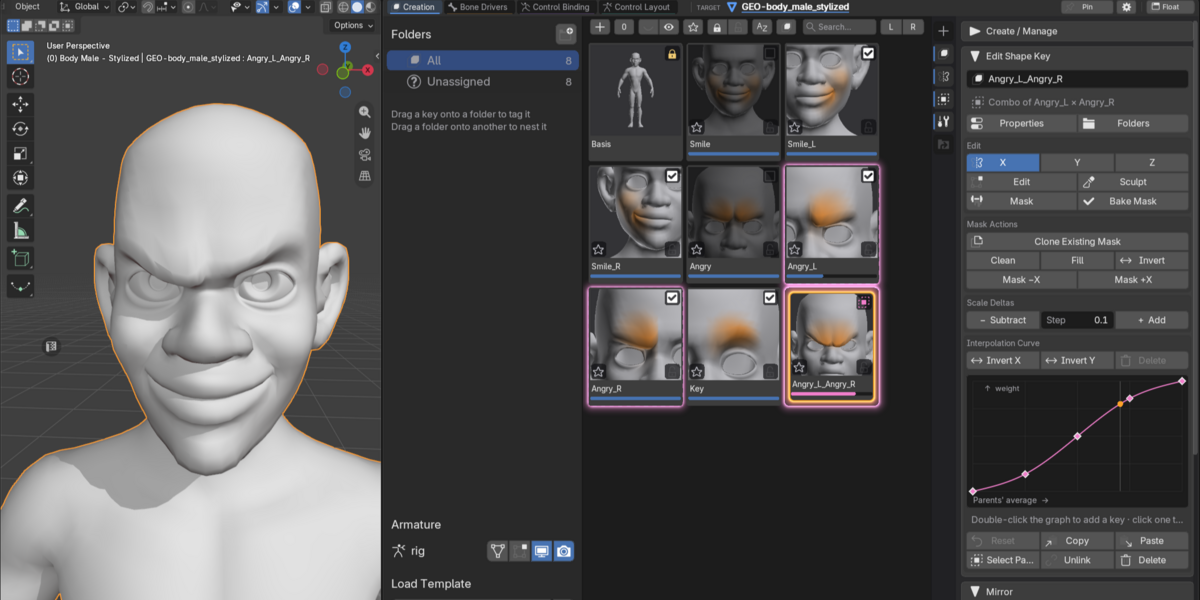
The window
- Title bar: the four tabs (Creation · Bone Drivers · Control Binding · Control Layout), the target mesh, Pinned, ⚙ Settings and Float / Dock.
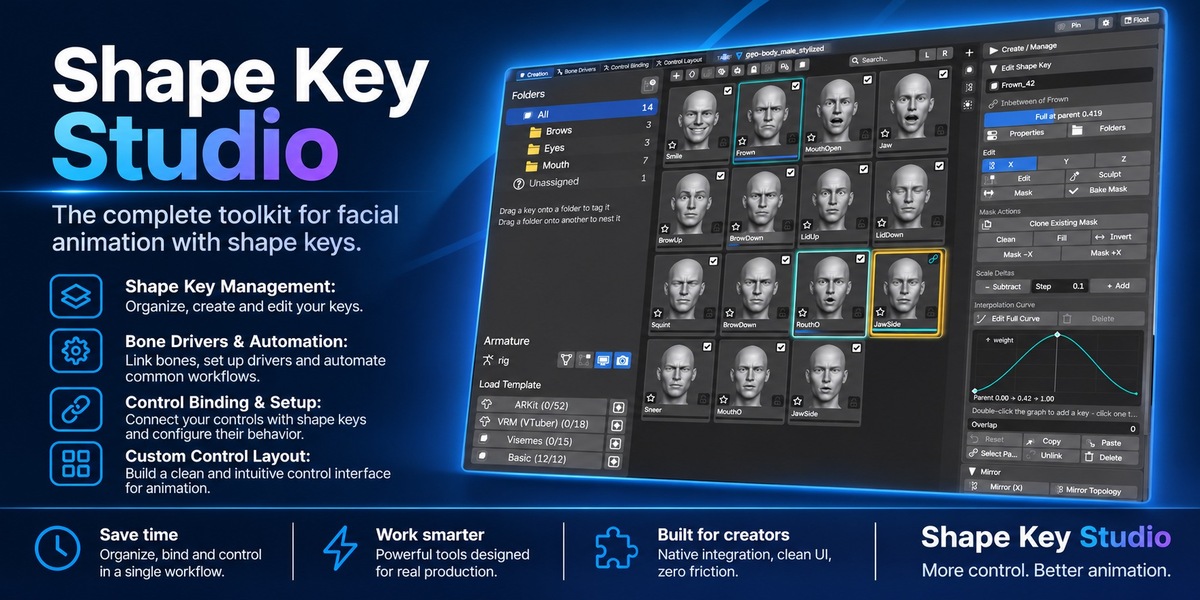
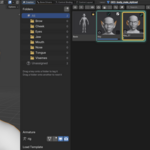
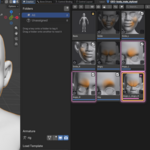
- Folders (left): an Outliner-style tree. Drag keys onto a folder; drag a folder onto another to nest it. All / Unassigned at the top; Load Template at the bottom.
- Toolbar: New Key, Zero Weights, Hide / Unhide All, Solo, Lock / Unlock All, Batch Rename, Only Key Shapes, Search and L / R filter.
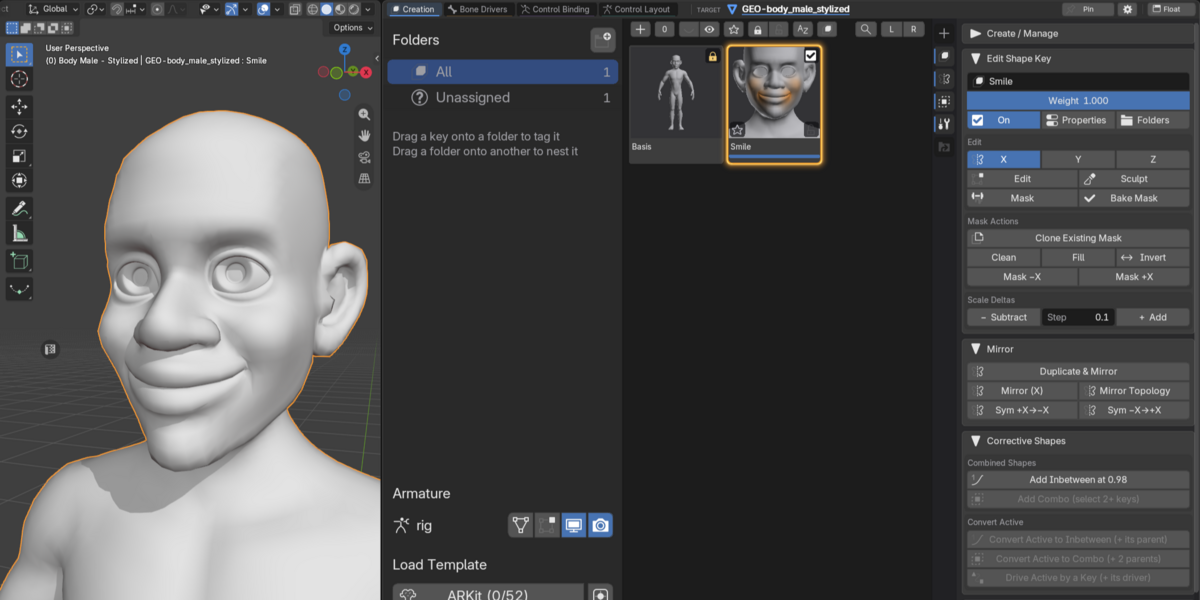
- Grid: one thumbnail per key, tinted orange where it moves vertices. The weight bar is a slider; its colour tells what drives the key (ordinary, rig, inbetween, combo, rig driver paused). Checkbox = on / off, star = Solo, padlock = lock.
- Side panel: collapsible sections; the icon strip on its left jumps between them.
Mouse and keyboard
- Click select · Shift range · Ctrl add / remove · drag on empty space for a rectangle selection.
- Double-click edit · Ctrl + double-click sculpt · Alt + double-click paint the mask.
- Middle-mouse drag sets the weight (of every selected key when you drag a selected one).
- Ctrl + drag a key onto another: make it an inbetween of that key.
- F2 rename · X / Delete delete · Ctrl+D duplicate · M mirror · H on / off · L lock · hold B show the Basis · Numpad . frame the active key.
- The full list is in the editor: ⚙ Settings › Shortcuts.
Creation tab
- Edit Shape Key: name, weight, pair, on / off, properties, folder; Edit / Sculpt the key shown alone; Mask and Bake Mask; Reset / Smooth selected vertices; Subtract / Add to scale deltas.
- Create / Manage: New, From Mix, Duplicate, Delete (asks first when inbetweens or combos depend on the key), Make Basis, Apply to Basis.
- Mirror: Duplicate & Mirror, Mirror (X), Mirror Topology, Sym +X→−X / −X→+X. Left is +X (the character's left).
- Tools: New Key From Object, Split Left / Right, Split By Mask, Clean Deltas, Mask Actions (Clean · Fill · Invert · Clone Existing Mask), Bake All Masks, Remove Unconnected Keys.
Corrective shapes
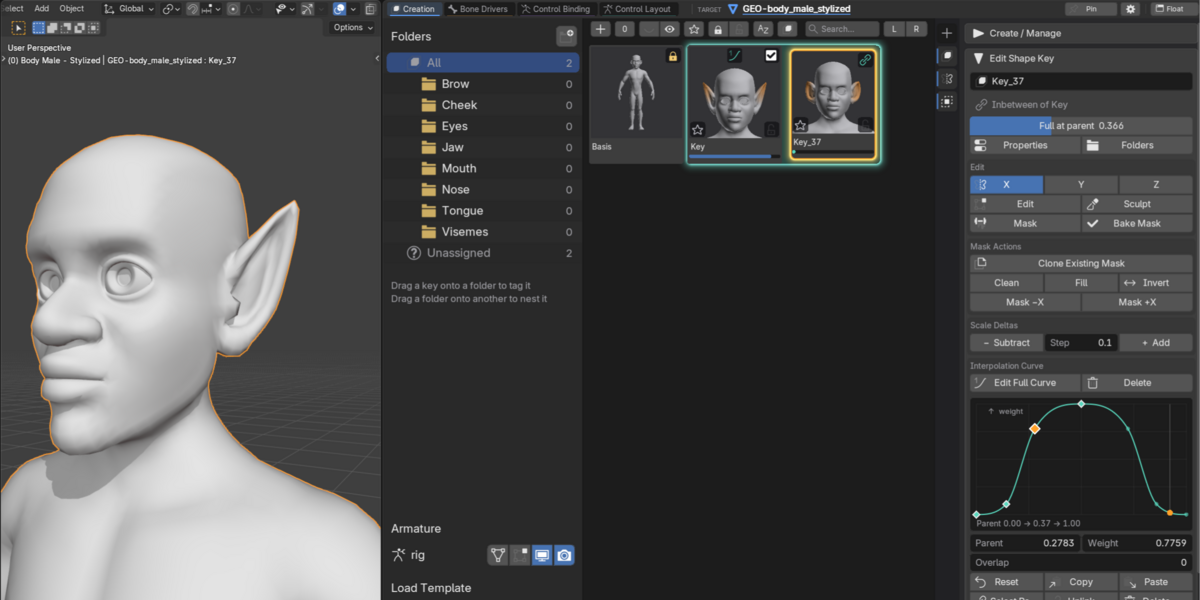
- Inbetweens: set the parent's weight, then Add Inbetween at n (or Ctrl + drag a key onto its parent). An inbetween is fully on at its value and off at 0 and 1; chained inbetweens cross-fade. It stores only what it adds on top of the parent.
- Combos: Shift + click two or more keys, then Add Combo of n Selected. Fully on only when every parent is at 1; shaped by its Interpolation Curve.
- Driven keys: a key follows another through an editable Key Map curve (double-click adds a point, right-click / Del removes one, Reset · Copy · Paste).
- Everything uses Blender's Simple Expression drivers: the file plays back without Python.
Bone Drivers tab
- Select a bone (Pose or Edit Mode) and click Add Bone Driver. Two bones: the angle or distance between them.
- Drag keys onto the driver card or onto + New / Drop Key.
- Set the Range (From / To, or Set to Pose) and shape the Interpolation Curve.
- Combo Shape Key: drop keys here so the corrective blends in only while the bone turns and those keys are on (jaw open while Smile_L is on).
- Mirror makes the other side. On a centre bone (the jaw) it splits the keys into _L / _R halves, one driver each.
- Bone drivers live on the rig: every mesh deformed by it shares them.
Control Binding and Control Layout tabs
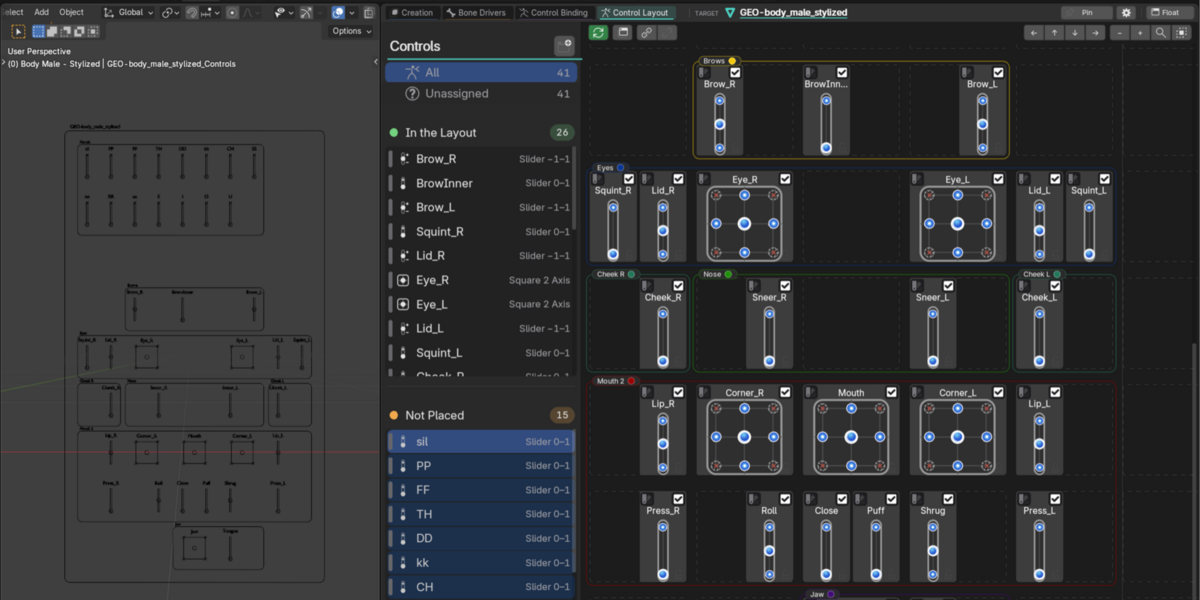
- Add a Square 2 Axis, Triangle 3 Way, Slider 0–1 or Slider −1–1 controller, drag keys onto its slots, type a rig name and click Create Controls (later Update Controls).
- In Control Layout drag controllers onto the grid, group them (Ctrl+G / Alt+G), recolour groups, then Update Rig Layout. Open Controls Panel opens the animator's floating panel.
- One-click face rig: the controls icon next to a template builds keys, controllers, area groups, a face-shaped layout and the rig.
Transfer and rig safety
- Transfer All Keys: select the source, then the target last, and click; the keys land in a Transferred folder.
- Bake Modifiers: applies every modifier except the Armature and keeps every key, driver and control. A dialog warns that it can't be undone (save a copy first); Esc cancels while it runs. It refuses linked / overridden meshes and meshes shared by several objects.
- Reconnect Rig: the rig data is kept on the mesh. After deleting the keys and importing / transferring new ones with the same names, click Reconnect Rig (n) to restore controls, bone drivers, driven keys, inbetweens, combos, drivers, animation and folders. Keys that aren't back yet stay pending.
Settings (⚙)
Move L/R Pairs Together, Left / Right suffixes (default _L / _R), View Options (thumbnail size, framing, highlight, Refresh Thumbnails, Symmetry Tolerance), Control Shapes, Workspace Colours and the Shortcuts list. Every group folds.
The illustrated PDF manual (16 pages) is included in the download.
Have questions about this product?
Login to message
| Blender Extension Compatible | Yes |
| Published | about 5 hours ago |
| Blender Version | 4.2 - 5.3 |
| Extension Type | Add-on |
| Render Engine Used | Cycles |
| License | GPL |

Discover more products like this
driven keys Facial Animation bone drivers shape keys blendshapes face rig corrective shapes rigging ARKit morph targets inbetweens visemes