 subpixel llc


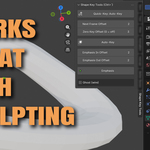
Shape Key Tools
Shape Key Tools makes creating and animating Blender shape keys faster and more intuitive.
Create clean shape-key animations with one click using either Auto-Key or Emphasis workflows. The add-on automatically handles keyframe placement, value changes, and optional previous-key resets so you can focus on shaping your animation instead of managing timeline details.
Features
Auto-Key workflow
Creates a new shape key, sets it to 0 on the current frame, and animates it to 1 on the next frame.Emphasis workflow
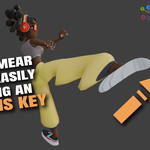
Creates a quick one-frame accent: 0 before the current frame, 1 on the current frame, then 0 afterward.Quick-Key shortcut
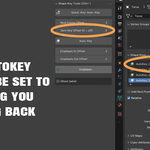
Press Ctrl+` to create a key using your selected workflow.Adjustable frame offsets
Control how far Auto-Key and Emphasis keyframes are placed before or after the current frame.Zero previous keys
Optionally reset an earlier shape key automatically when creating a new one.Wireframe Ghost mode
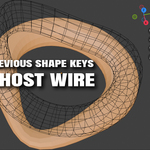
Display a wireframe ghost of the mesh at a configurable frame offset for easier visual comparison.
Shape Key Tools is designed for animators, facial-rig artists, and anyone who uses shape keys regularly and wants a faster, more predictable workflow.