 Bowstone Studios


ShapeFlow Animation Pro
Sculpt-Based Mesh Animation for Blender
Create expressive mesh deformations, morph animations, facial shapes, and stylized motion directly in Blender — without building complex rigs for every movement.
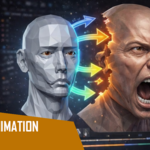
ShapeFlow Animation Pro is a sculpt-driven animation workflow that lets you animate by modifying mesh shapes over time using intuitive deformation tools and face-level material control workflows.
Perfect for:
- Facial blendshape animation
- Stylized character motion
- Creature deformation
- Morph transitions
- Corrective mesh shapes
- Organic surface animation
- Non-rigged animation workflows
Animate Meshes Faster
Traditional shape key workflows in Blender can become difficult to manage as animations grow more complex.
ShapeFlow simplifies the process by giving artists a faster way to:
- create deformation states,
- blend between mesh forms,
- organize shape variations,
- and animate directly from sculpted geometry.
Instead of building complicated driver systems or large corrective setups, you can focus on shaping motion visually.
Key Features
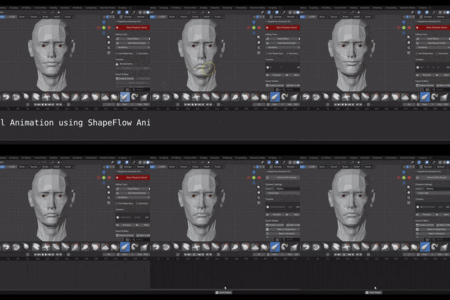
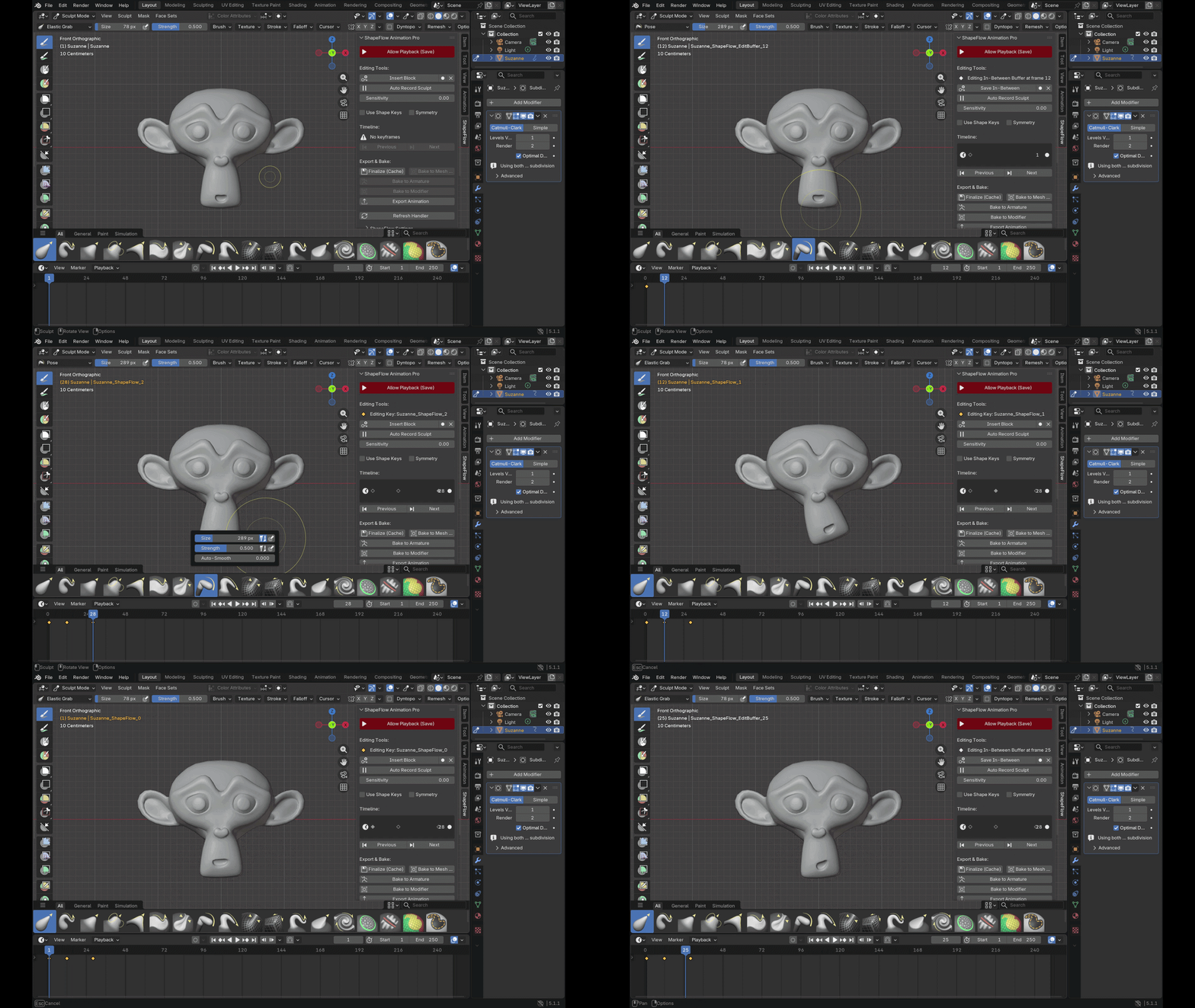
Sculpt-Based Animation Workflow
Create animation poses and deformation states directly from mesh edits and sculpted forms.
Ideal for:
- facial expressions,
- muscle-like deformations,
- morphing objects,
- stylized animation,
- and organic transformations.
Create animation poses and deformation states directly from mesh edits and sculpted forms.
Ideal for:
- facial expressions,
- muscle-like deformations,
- morphing objects,
- stylized animation,
- and organic transformations.
Multiple Material Support on a Single Mesh
Assign different shader materials to selected faces within the same object using Blender’s material slot system.
This allows:
- skin + metal + cloth on one mesh,
- emissive regions,
- layered surface effects,
- and mixed shader workflows without separating geometry.
Assign different shader materials to selected faces within the same object using Blender’s material slot system.
This allows:
- skin + metal + cloth on one mesh,
- emissive regions,
- layered surface effects,
- and mixed shader workflows without separating geometry.
Blendshape & Shape Key Friendly
Works alongside Blender’s native shape key system so you can:
- expand existing rigs,
- add corrective shapes,
- create facial phonemes,
- or build morph animation pipelines.
No need to replace your current workflow.
Works alongside Blender’s native shape key system so you can:
- expand existing rigs,
- add corrective shapes,
- create facial phonemes,
- or build morph animation pipelines.
No need to replace your current workflow.
Faster Iteration
Quickly test:
- deformation ideas,
- expression changes,
- mesh transitions,
- and stylized motion
without rebuilding rigs or restructuring geometry.
Useful for artists who prefer visual sculpting over technical rig setups.
Quickly test:
- deformation ideas,
- expression changes,
- mesh transitions,
- and stylized motion
without rebuilding rigs or restructuring geometry.
Useful for artists who prefer visual sculpting over technical rig setups.
Non-Destructive Workflow
Keep your original mesh structure while experimenting with:
- alternate forms,
- animation states,
- and layered deformation passes.
Keep your original mesh structure while experimenting with:
- alternate forms,
- animation states,
- and layered deformation passes.
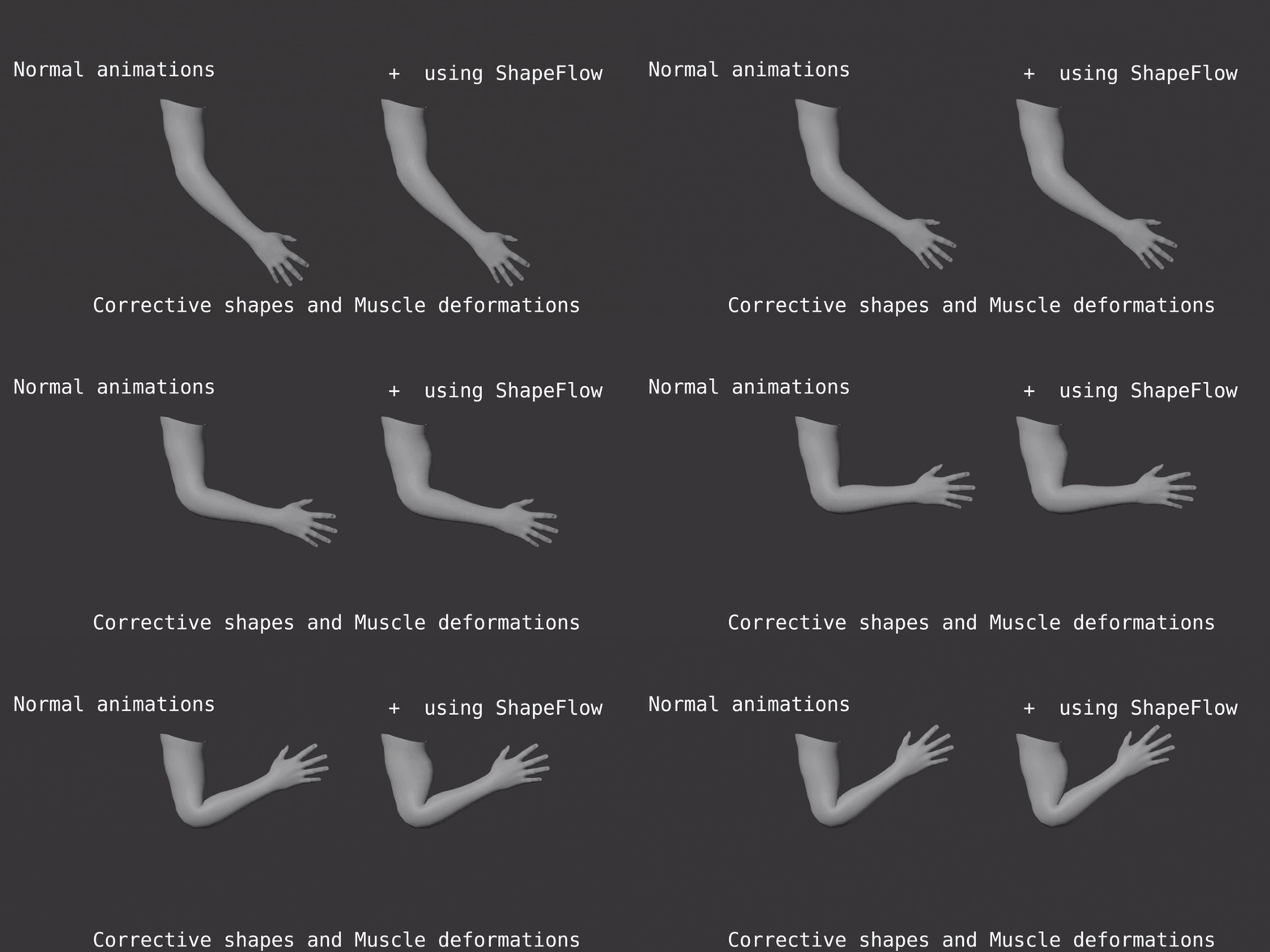
Corrective Shapes
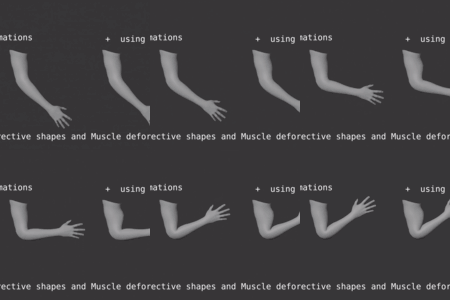
Link shape keys to bone rotations. When an arm bends past 45°, the corrective activates automatically. Fix deformation problems once—they stay fixed.
Pose Library
Save sculpted poses with thumbnails. Recall them instantly. Morph between saved poses. Organize by tags for large projects.
Delta Compression
Stores only changed vertices—not the entire mesh. Typical file size reduction: 90%. Your .blend files stay manageable even with complex animations.
Symmetry Tools
Mirror sculpts across X, Y, or Z axis. Work on one side, get both. Fast workflow for symmetrical characters.
Export Ready
- FBX — Unity, Unreal, game engines
- GLTF — Web, real-time apps
- Alembic — VFX, film production
Who Is This For?
- Character artists wanting animated expressions without rigging
- Game developers needing efficient blendshapes for export
- Creature artists animating organic deformations
- Motion designers creating abstract mesh animations
- Anyone tired of manual shape key management
Requirements
- Blender 3.0+ (full support)
- Blender 4.0+ (full support with layered actions)
- Blender 5.0+ (compatible)
Works on Windows, macOS, and Linux.
What's Included
✓ ShapeFlow Animation Pro Enhanced addon
✓ Comprehensive documentation
✓ Lifetime updates
✓ Email support
Quick Specs
| Feature | Details |
|---|---|
| Animation Method | Block-based mesh capture |
| Interpolation Types | 5 modes (Constant, Linear, Bezier, Bounce, Elastic) |
| Compression | Delta-based, ~90% smaller files |
| Physics | Muscle jiggle simulation |
| Automation | Corrective shapes, auto-keyframing |
| Export Formats | FBX, GLTF, Alembic |
| Blender Versions | 3.0, 4.x, 5.x |
Sculpt your poses. ShapeFlow handles the animation