 auron3d
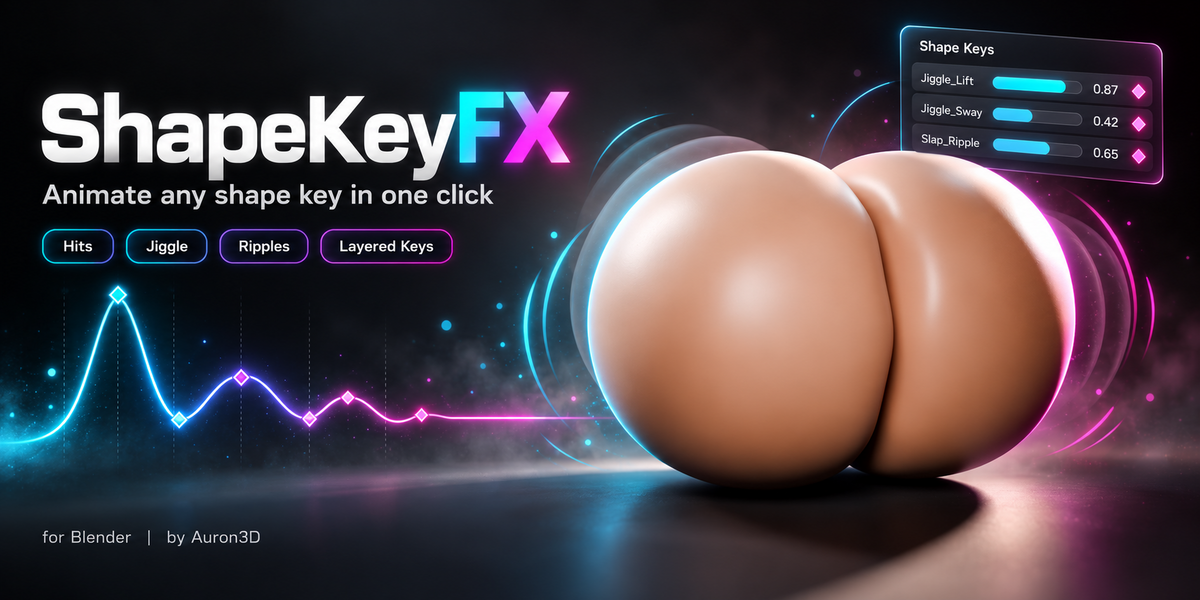

ShapeKeyFX Documentation
Version 1.0.0 · Blender 4.4 and newer (tested on 5.2 LTS)
1 Installation
- Download ShapeKeyFX-v1.0.0.zip from your Superhive library. Do not unzip it.
- In Blender open Edit > Preferences > Get Extensions.
- Click the small v menu in the top-right corner and choose Install from Disk...
- Select the zip and confirm. ShapeKeyFX is enabled right away. (You can also drag the zip straight into the Blender window.)
- Press N in the 3D Viewport and open the ShapeKeyFX tab. The same panel is also in Properties > Object Data, right below Shape Keys.
Updating: install the new zip the same way. Your tracks and hits live inside your .blend file, so nothing is lost.
Sidebar tab name: if your sidebar is crowded, rename the tab in Preferences > Add-ons > ShapeKeyFX. Type the name of an existing tab to merge it there.
2 Quick start (2 minutes)
-
Sculpt the dent. Select your mesh, add a Basis shape key, then add a second shape key (for example
Dent) and sculpt the impact on it: a belly pressed by a ball, a cheek pressed by a finger, a cushion hit by a fist. - Create a track. Select the Dent key in the Shape Keys list and press + in the ShapeKeyFX panel.
- Add a hit. Scrub to the last frame before contact and press + (Add Impact Here) in the Hits list. Use the eyedropper buttons to set Contact, Deepest and Release from the current frame, and the clock buttons to jump to them.
- Pick a material preset. With Live Update on, the animation is rewritten every time you change a setting.
- Press Play. The key presses in, releases and wobbles back to rest.
Add as many hits as you like to the same key. Overlapping hits are summed, so fast double impacts look natural.
Quick start: pick a shape key, add a track, add a hit, choose a material, press Play.
3 Panel reference
Tracks
One track drives one sculpted shape key. A mesh can have several tracks (for example Dent_Left and Dent_Right). The record icon in the list toggles Live Update per track.
- Shape Key: the sculpted dent this track animates.
- Find Renamed Key: appears if the key was renamed or replaced. ShapeKeyFX finds it again by its shape and moves the animation over.
Two tracks on one mesh: one shape key per cheek, hits alternating left and right.
Material
Presets: Belly, Glute, Breast, Thigh, Muscle, Fat, Face, Rubber. A preset fills the contact, jiggle, ripple and kick settings. Edit any value freely; when the values differ from the preset, the reset button next to the menu restores them. Custom keeps your own values.
Hits
- Contact: last frame before the collider touches the surface.
- Deepest: frame of maximum compression.
- Release: frame the collider leaves; the jiggle starts here.
- Strength: shape key value at the deepest point. Values above 1.0 are allowed for extra-hard hits; the key's slider range widens automatically.
- Custom Jiggle: gives this hit its own Amount, Frequency and Duration.
- The checkbox in the list mutes a hit without deleting it.
Several hits on one track. Each hit has its own Contact, Deepest, Release and Strength.
Contact
- Press: Impact (fast give at first touch, settling into the deepest point), Smooth or Linear.
- Release: Smooth, Snap (springs back quickly, then settles) or Linear.
Jiggle
- Vibrate: which key carries the wobble after the hit: the Dent Key, a separate Wave Key (the dent just settles), or Both.
- Mode: Rebound overshoots past rest into a slight bulge, like real soft tissue (uses negative key values). Dent Only wobbles on the dent side and never goes below zero.
- Amount: rebound size relative to the hit strength.
- Frequency (Hz): wobbles per second. Higher feels firmer.
- Duration: seconds until the wobble fades out. Lower feels firmer.
Ripple (Wave key)
Set Vibrate to Wave Key or Both, then press Create Wave from Dent to build a ring-shaped ripple key from your sculpt (Object Mode). You can also pick a ripple key you sculpted yourself.
- Wave Amount: ripple strength relative to the hit.
- Wave Start: Release (when the collider leaves) or Deepest (while still in contact).
Vibrate set to Both and Create Wave from Dent: the slap dents the skin and a ripple rings outward.
SpringFX Kick (optional)
With SpringFX 8.5 or newer installed, every hit can also push the bones of a SpringFX group, so hair, accessories or jiggle bones react to the impact. Tick the checkbox in the section header to enable it.
- Group: the SpringFX group to push (starts on SpringFX's active group).
- Kick: velocity given to the group's bones by a full-strength hit.
- Timing: Contact, Deepest or Release.
- Direction: Along the Hit (the way your sculpted dent pushes, in world space) or Custom (a world direction you choose).
Several meshes can kick the same group; their kicks are merged. Removing a track, clearing its animation or changing its group cleans up its kicks automatically.
Auto Detect
Pick a Collider (mesh, empty, curve, text or metaball; it is treated as a sphere of its bounds), set the frame range and press Detect Hits from Collider. ShapeKeyFX scans the animation and creates one hit per contact.
- Strength: Match Sculpt Depth (how deep the collider goes compared with your sculpt) or Normalize (the deepest hit becomes 1.0).
- Threshold: ignores touches shallower than this fraction of the sculpted depth.
Output
- Live Update: rewrites the animation whenever a setting changes.
- Keys per Frame: keyframe density. 2 keeps fast wobbles smooth under motion blur.
- Clear Animation: removes this track's keyframes and turns Live Update off. Hits and settings are kept.
- Generate Animation / All: writes the active track, or every track on the object.
Four tracks layered on one mesh, written together with Generate All.
Export
Exports the mesh evaluated exactly as in the viewport (shape keys, armature and all modifiers), so other applications replay the same motion. This section is available for any mesh, even without a track. Work in Object Mode; your current frame and selection are restored afterwards.
-
Format: Alembic (.abc) writes one file with every frame; Unreal Engine imports it as a Geometry Cache, and Houdini, Maya and most 3D apps read it natively. OBJ Sequence writes one file per frame (
Name_0001.obj,Name_0002.obj...) for sequence loaders in Godot, Unity or your own tools. - Target: Standard, Godot and Unity (meters) or Unreal Engine and DAZ Studio (centimeters, x100). OBJ uses the standard axes (Y up, -Z forward) and Alembic is always Y up; importers convert both automatically. Custom unlocks Scale (and Forward / Up for OBJ).
-
Folder / Name: where the files go (
//means next to your .blend) and the file name (empty uses the object name). - Objects: the active mesh only, or every selected object.
- Frame range: the scene range or your own Start / End. OBJ adds a Step (every Nth frame); Alembic adds Samples per Frame (raise it only for motion blur in the other app).
- Evaluate: Viewport (what you see while you work) or Render (render subdivision levels).
- Include: World Space (bake the world transform), Normals, UVs, Materials (.mtl per frame for OBJ, face sets for Alembic), Triangulate, and for OBJ a Sequence Info File (JSON with frame rate, range and file list).
Sequence players need the same vertex count on every frame; for OBJ, ShapeKeyFX warns you if a modifier changes the topology over time.
4 Tips
- Sculpt at full depth. Sculpt the dent as deep as your strongest hit; lighter hits simply use a lower Strength.
- One key per area. Use separate tracks for left and right, or for belly and chest, so each area reacts on its own.
- Firmer or softer: raise Frequency and lower Duration for muscle; do the opposite for fat and soft tissue.
- Drivers win. If a shape key has a driver, it overrides keyframes. ShapeKeyFX warns you when that happens.
5 Support
Message me here on Superhive or join the community Discord, The Misfit's Corner, for help, bug reports and suggestions. I usually answer within 72 hours.
ShapeKeyFX by Auron3D.
Have questions about this product?
Login to message
| Blender Extension Compatible | Yes |
| Published | about 4 hours ago |
| Blender Version | 4.4 - 5.2 |
| Extension Type | Add-on |
| Render Engine Used | Cycles |
| License | GPL |
Discover more products like this
blend-shapes secondary-motion impact shape key animation wobble soft body springfx Morphs jiggle ripple shape keys character animation