 Skava
Skava

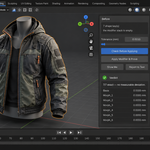
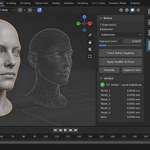
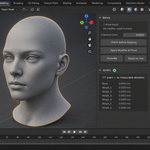
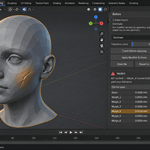
ShapeKeyProof — apply the modifier, and prove the shapes survived
Blender will not let you apply a modifier to a mesh that has shape keys. Free scripts and paid add-ons work around it and report success. None of them tells you whether the shapes are still the shapes you had. This one measures.
The refusal you already know
Subdivision, Mirror, Array, Solidify — try to apply any of them to a mesh with shape keys and Blender answers with one line: the modifier cannot be applied. Checked on Blender 4.2.9 and 5.2; the refusal is the same on both. So the shapes get carried across by a script, the tool says done, and the file goes out.
What gets measured
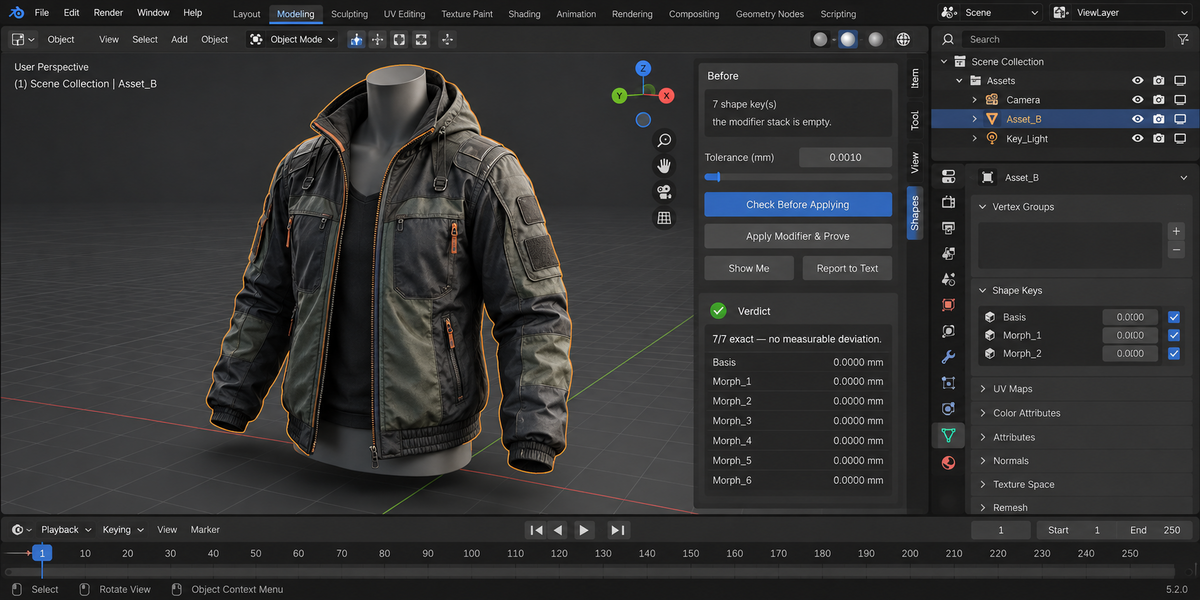
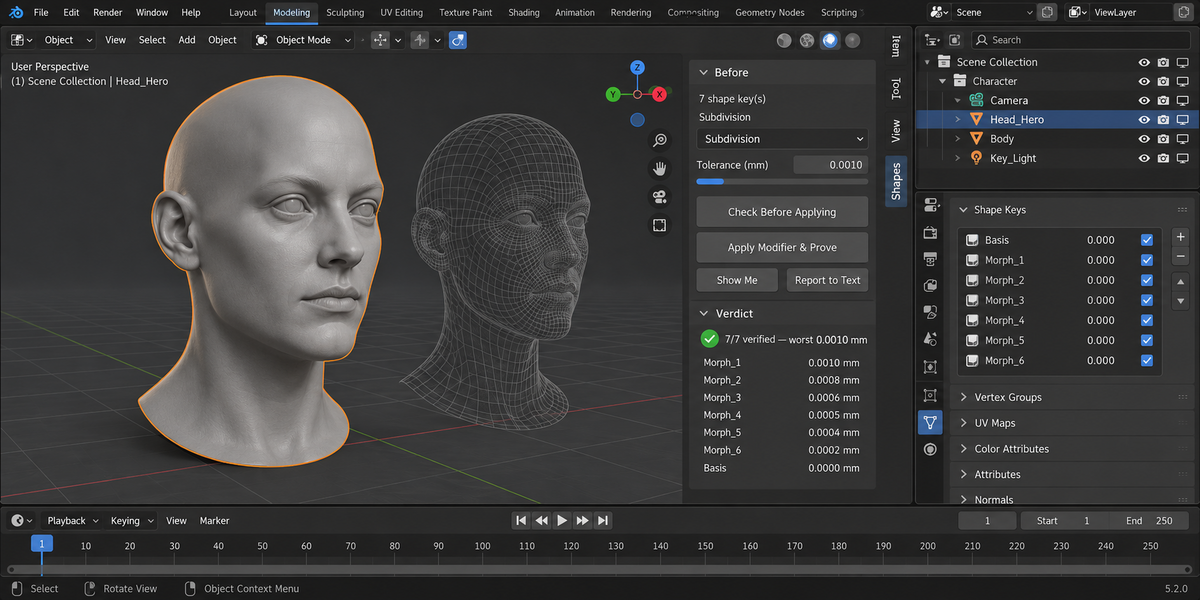
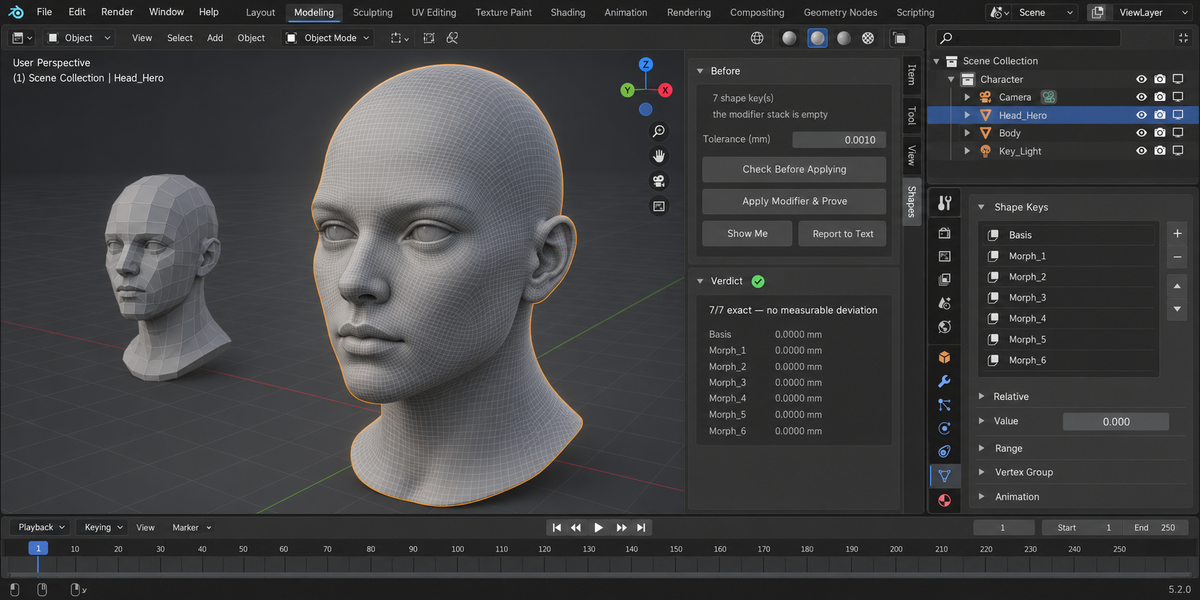
Before the modifier is applied, ShapeKeyProof records where every shape key actually lands — not the numbers stored inside the key, but the evaluated surface, the one you see in the viewport and the one that reaches the engine. It applies the modifier, carries the shapes across, measures the same surfaces again, and compares them.
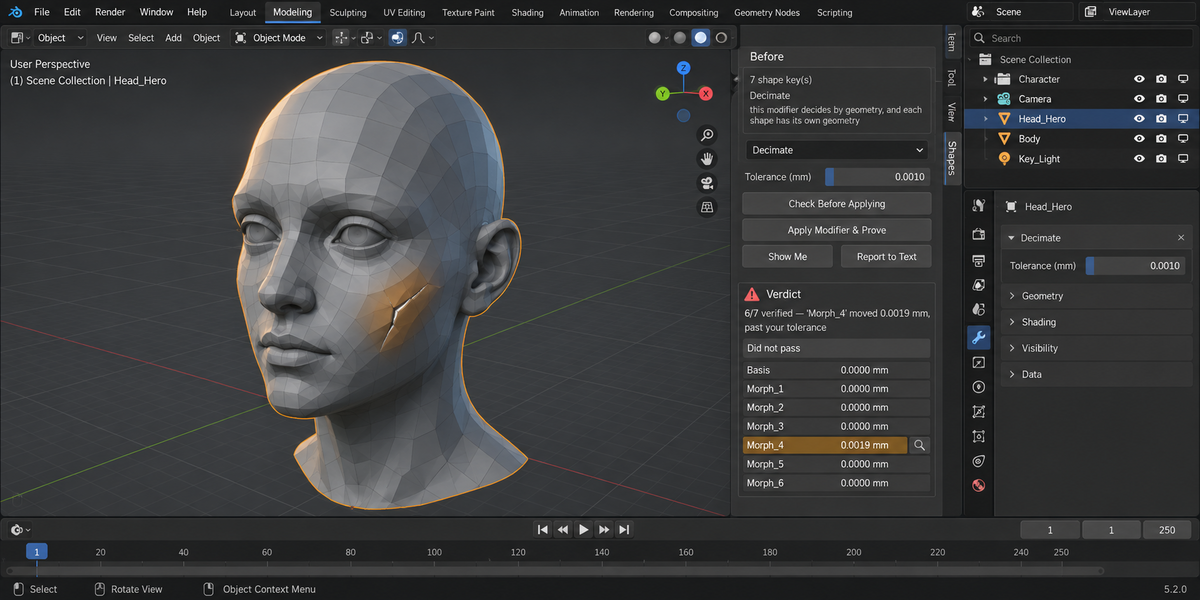
What you get is not a green tick but a sentence with numbers in it: fifty-two of fifty-two verified, worst deviation nine ten-thousandths of a millimetre. Or, when something moved: forty-eight of fifty-two verified, and the name of the shape key that went past your tolerance.
The case that makes this worth buying
Some modifiers decide what to do from the geometry itself, and every shape deforms that geometry differently. Decimate is the clearest example. In testing, as the shapes grew stronger, it kept losing them: six of six survived, then five, then four.
The vertex count never changed. Neither did the number of shape keys. A tool that counts keys and vertices sees identical numbers in all three cases and reports success — while the shapes are already wrong. You find out in the engine, or in review, or from a client.
Three answers, not two
Exact — the surfaces match to machine precision. Verified — every shape stayed inside the tolerance you set. Not provable — the correspondence cannot be reconstructed, so nothing is claimed and nothing is applied.
That third answer is the whole point. A tool with only success and failure will one day report success where there was nothing to prove.
Nothing is touched until it is proven
The operation runs on a copy from start to finish. The result reaches your object only after the measurement passes. If the modifier refuses, if the counts disagree, if a shape moves too far — your mesh, your shape keys and your modifier stack are left exactly as they were, and the reason is stated in words rather than swallowed.
What it deliberately does not do
This is one operation and its proof. It does not merge, group, fold or rename shape keys — other add-ons do that, and do it well. It does not transfer shapes between different meshes. It does not repair geometry. It does not touch weights, armatures or drivers. And it does not promise every modifier: where Blender decides from the geometry, the honest answer is sometimes that the result cannot be proven, and you are told so instead of being reassured.
Measured, not claimed
Every number here comes from a test set that runs on Blender 4.2.9, 5.1 and 5.2 before each release — sixty-three checks per build, including a rigged character with automatic weights. The same set is run against a deliberately broken copy of the add-on, one whose verdict is rigged to pass everything: it reports six failures, the loudest being that the broken build changed the object without proving anything. A test that cannot fail proves nothing, and neither does a tool that cannot say no.