 SharpWind


Feature video:
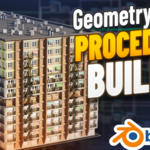
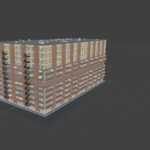
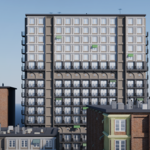
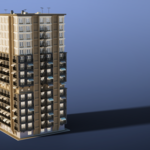
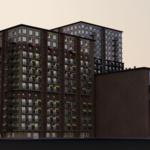
A procedural building generator, with 37 customizable parameters for nearly everything on the building. You can vary the building dimensions, toggle between blank walls, to connect it to other buildings, change the colors of all the floors and awnings and change the brick type, control the amount of upper floors, and distribute the frequency and offset of the "brick gaps", "ring floors" and fire escape stairs, control the door frequency, the amount (and seed) of bottom floor windows, upper and lower awnings, as well as the extension of the lower awnings, as well as the antennas, chimneys and AC unit. There's also a slider that controls the ratio between bigger and smaller AC units.
How to use:
Simply append the "building_generator" object into your project (or preferably put the project into your asset library and drag-and-drop it in), select it and open the modifier stack, where you'll find all of the tweakable parameters. If you wish to edit the building panels, turn on the "Parts" collection and edit the original models - just make sure that the walls remain on the same distance from their origin points as they are currently and that the object orientation stays the same.
If you wish to completely swap the panels, make sure to delete the original panel you wish to replace (for example: "11_Gap_Wall") and rename your panel with the same number as the deleted asset (in this case: "11_[your_asset_name]", then drag your custom panel inside the "Parts" collection.
Extra info:
- Average polygon count: 1700
- 7 textures
- 27 materials
- PBR workflow
- UV mapped
- Geometry nodes