 SharpWind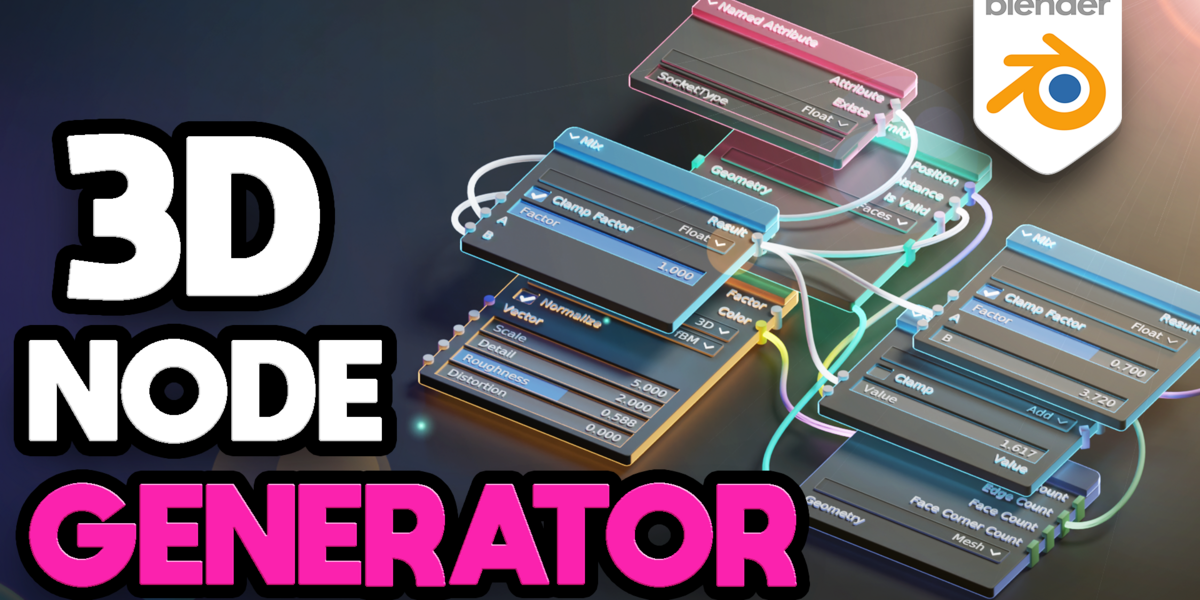
Feature video:
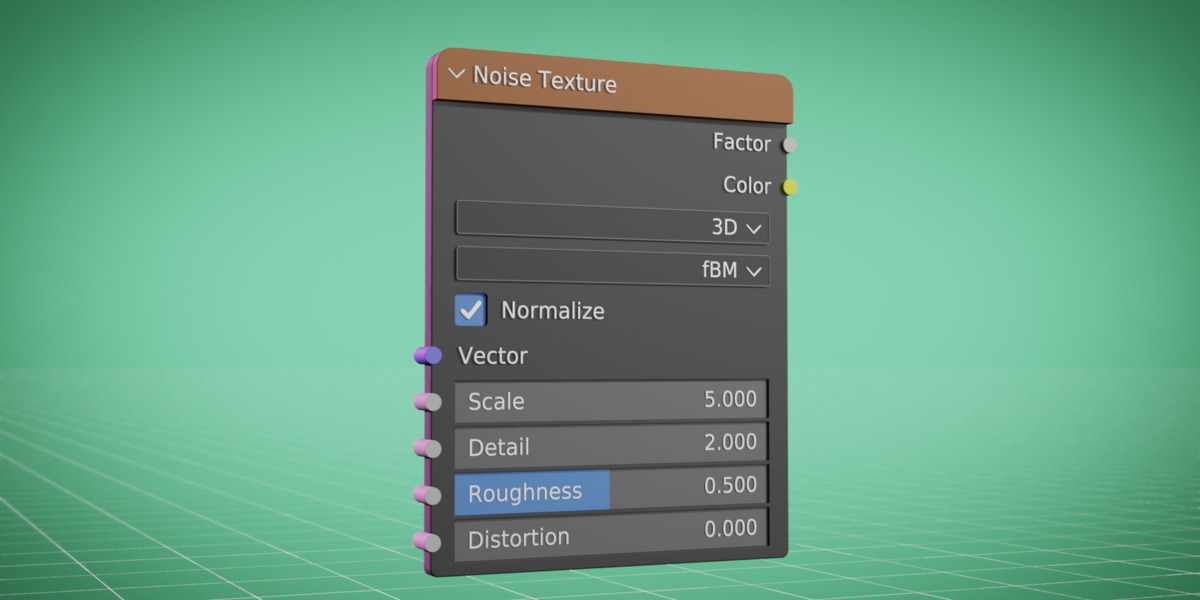
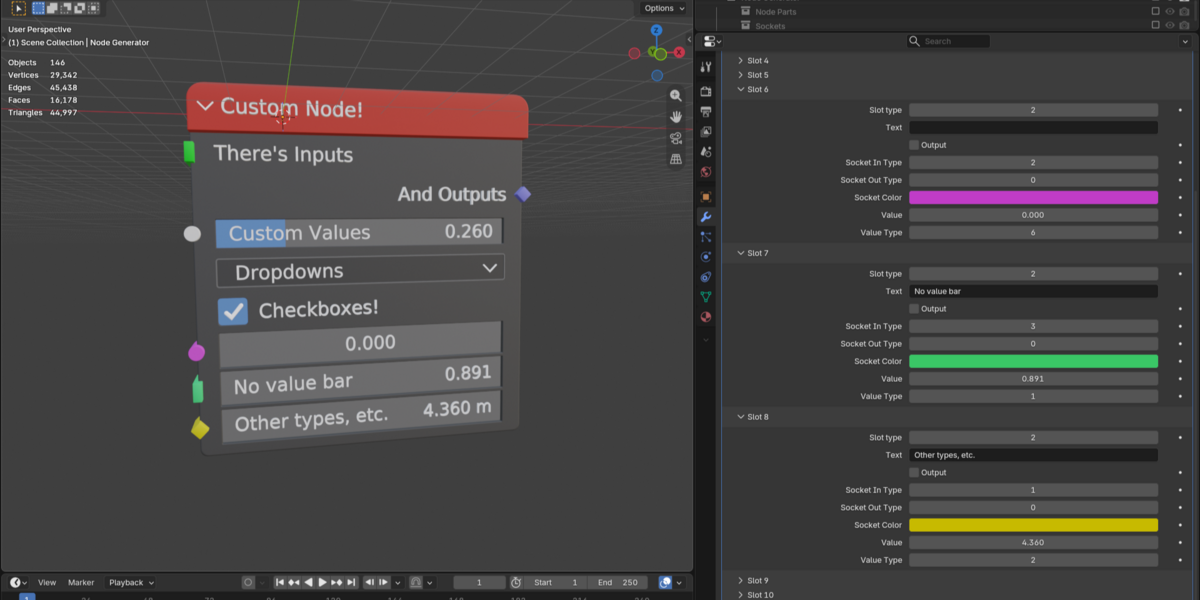
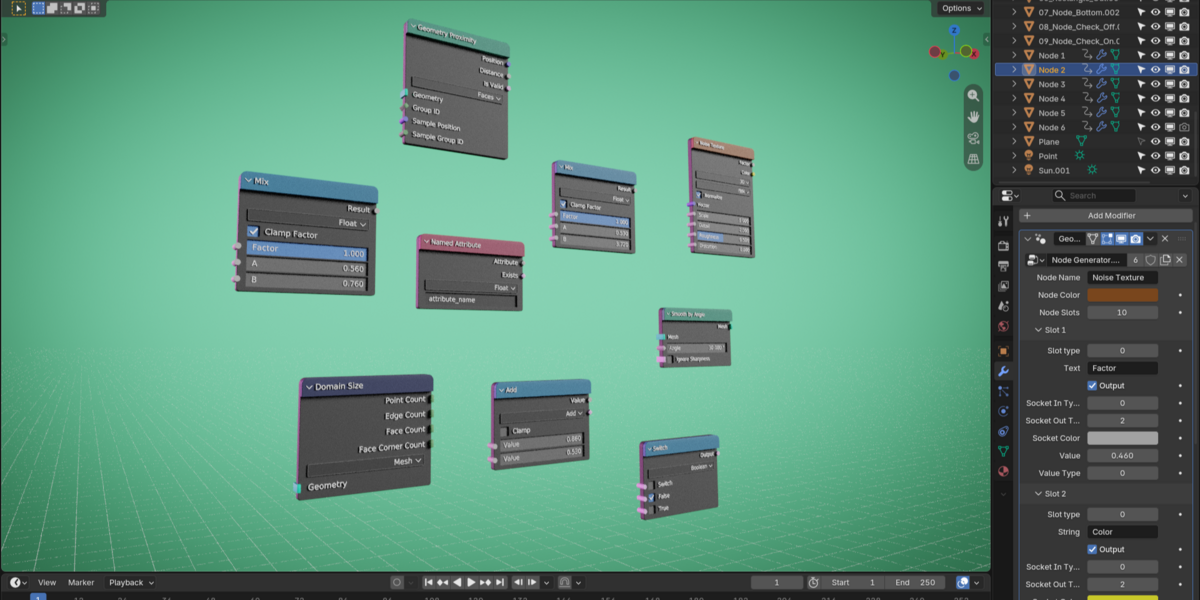
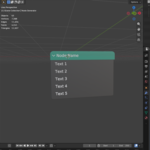
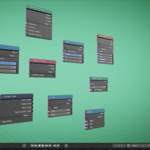
Sharp's Node Generator is a geometry node setup, which lets you creating 3D models of nodes by dragging around a few sliders. It uses zero textures or heavy features, so it's computationally light-weight. It's very useful for UI animations or explainer graphics, but it can honestly be used anywhere where a 3D version of a Blender node is required.
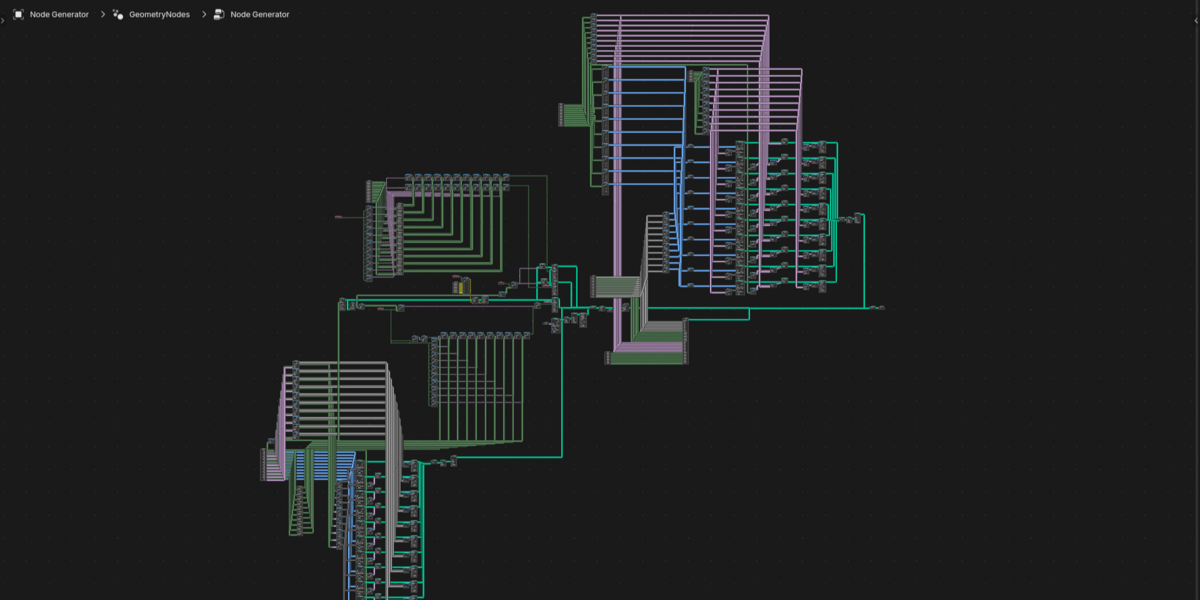
It works by instancing pre-modeled node slots onto a single mesh line and all of the slots are fully customizable. The amount of user controls are carefully balanced between intuition and simplicity for the best experience and the geometry node graph is organized and leveled for a better experience - whether it be troubleshooting, study or just plain satisfaction.
How to use:
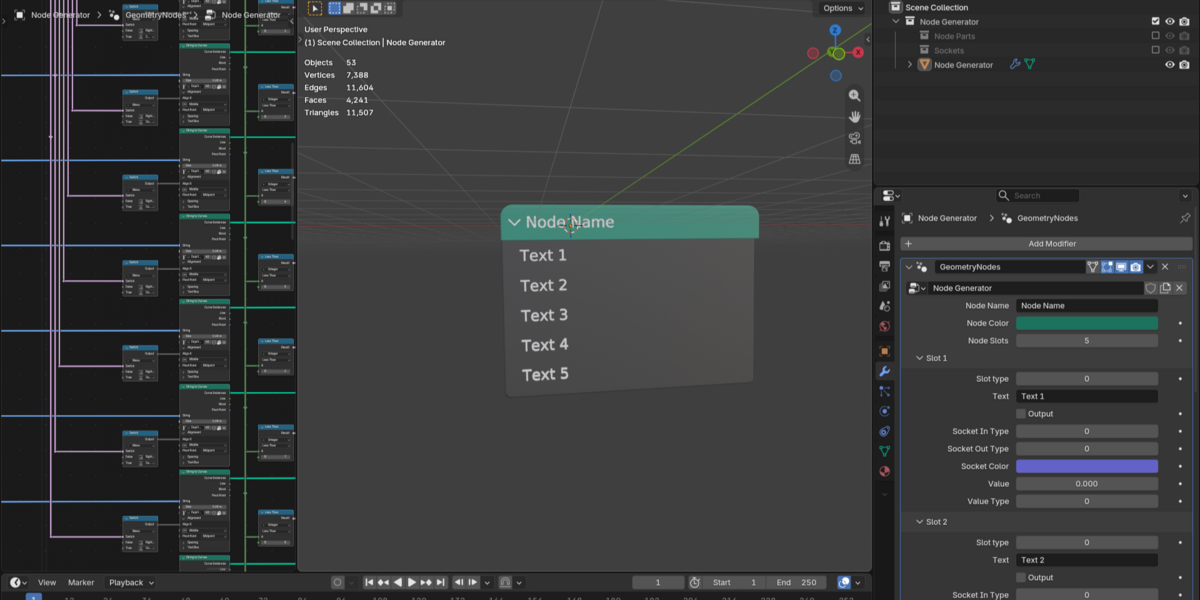
Simply appending the "node generator" collection usually does the trick, but preferably, you'll want to save the .blend file into a folder, which is listed in your asset library, so you can drag-drop it into any project you wish. Here's a 2min tutorial on the asset library, made by Felipe Greboge.
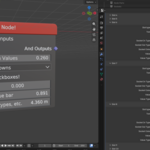
Once the generator is in your .blend file, feel free to turn off the "node parts" and "sockets" collections (those are the building blocks), select your "node generator" object, hop into the modifiers panel and mess with the settings. The asset works in both Eevee and Cycles.
Extra info:
- Average poly count: 8164
- 0 Textures
- 8 Materials
- PBR Workflow
- No UV mapping
- Geometry Nodes
