 ZEG
ZEG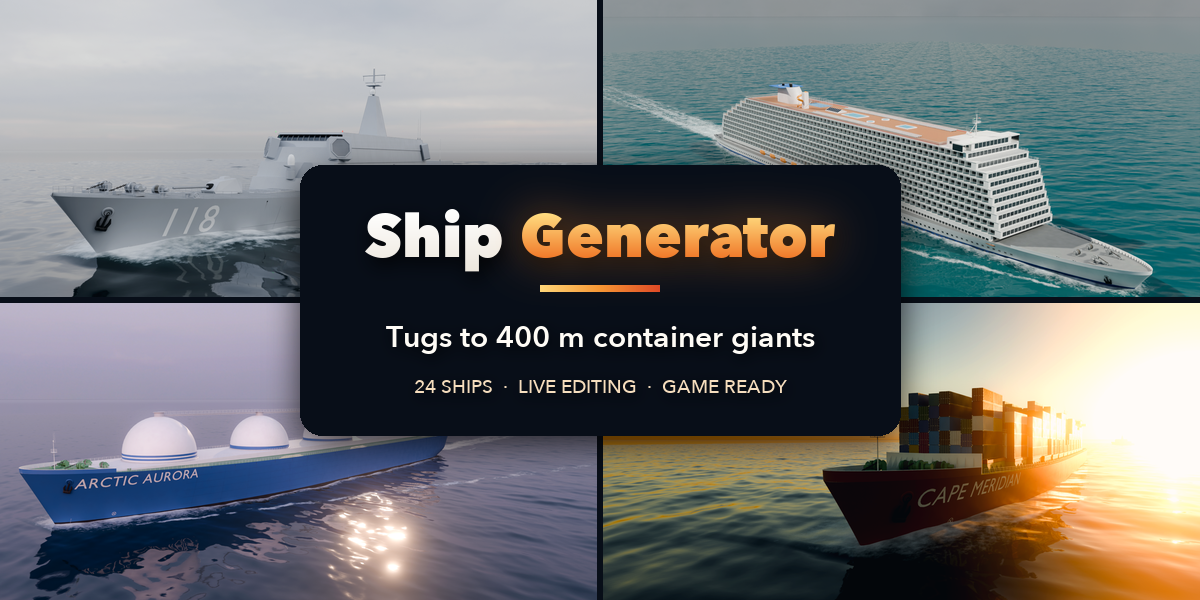

Installation
In Blender open Edit, Preferences, Get Extensions, then use Install from Disk and pick the zip.
Usage
- Open the Ship tab in the 3D viewport sidebar (N), or use Shift+A, Mesh, Ship.
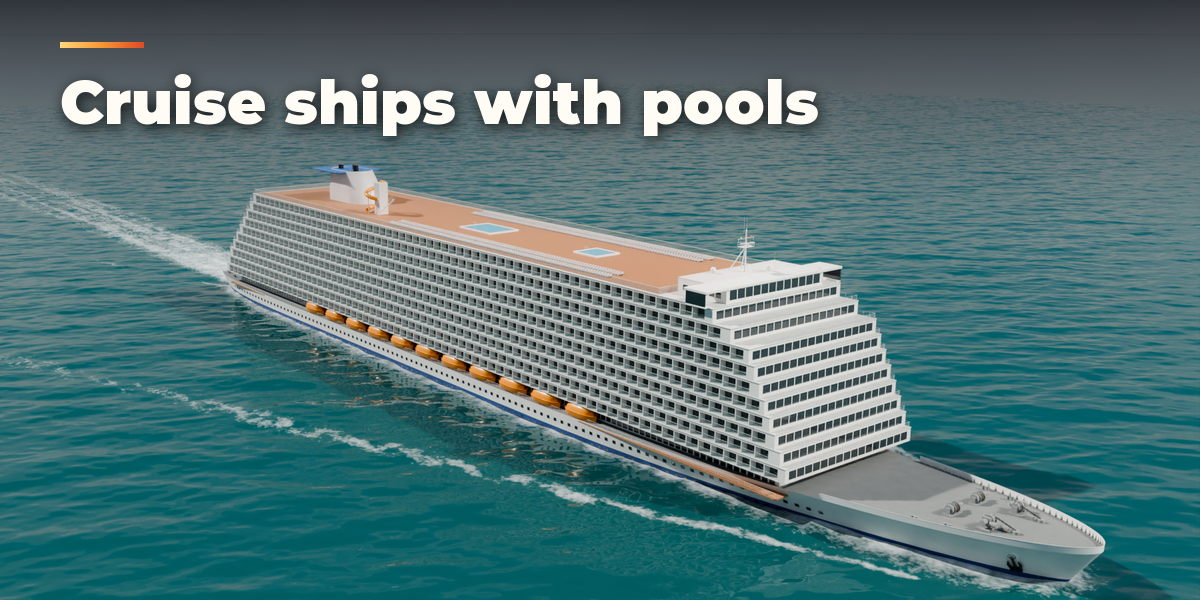
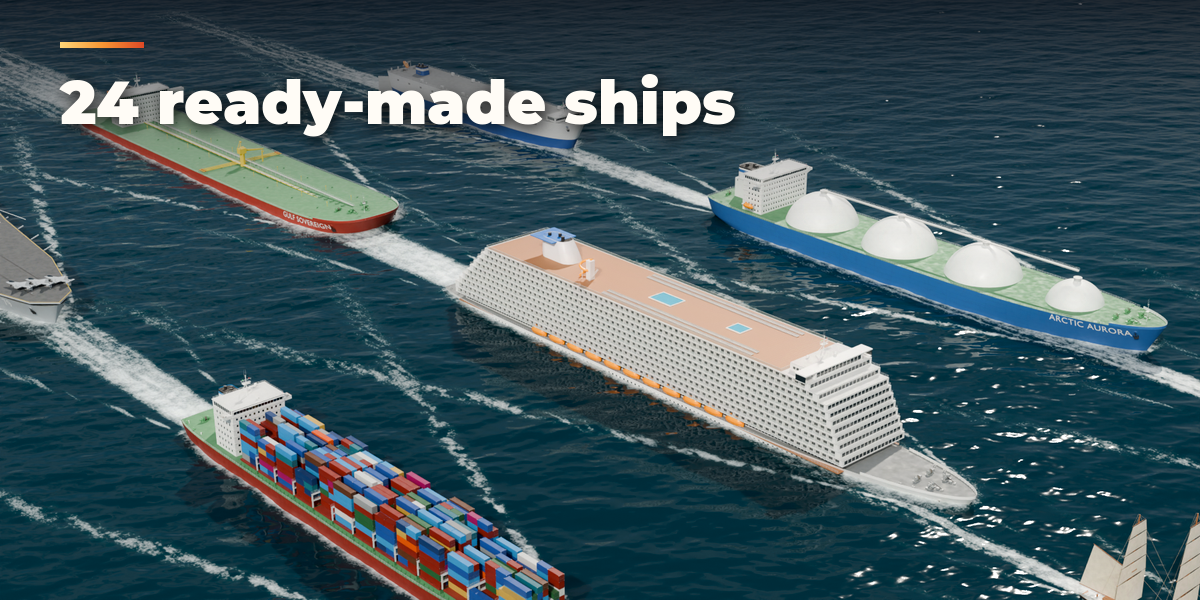
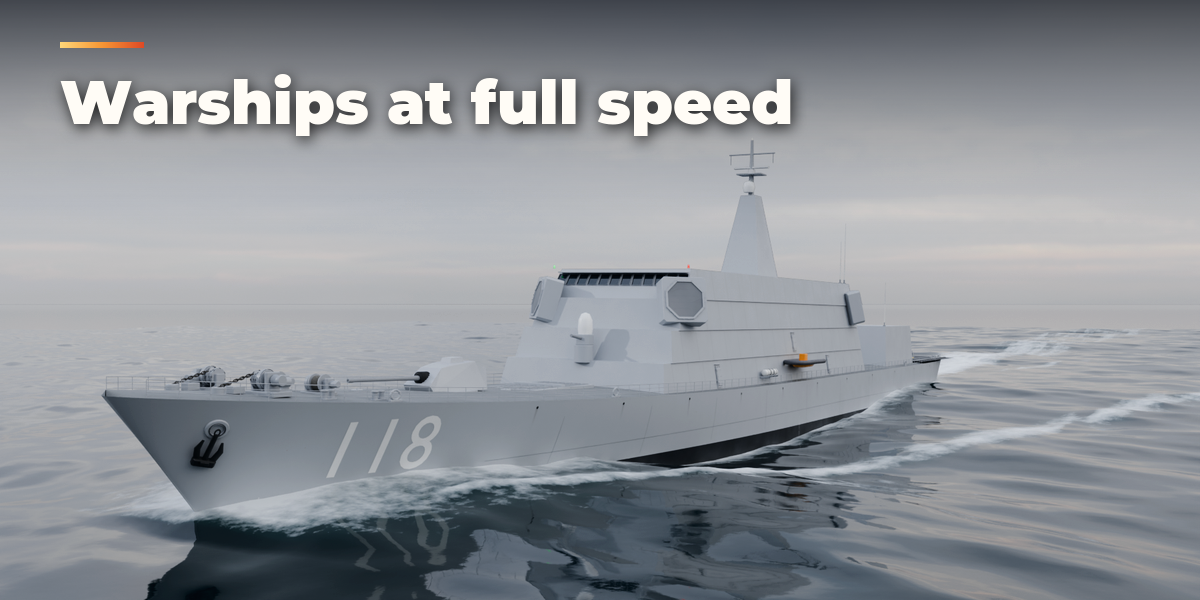
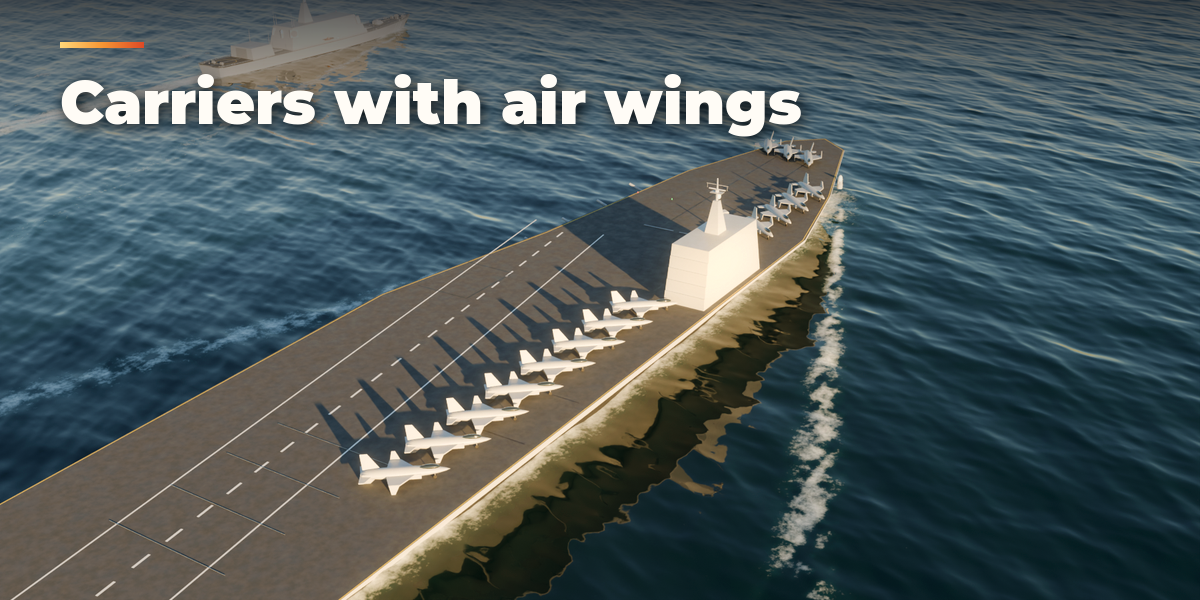
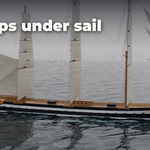
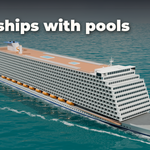
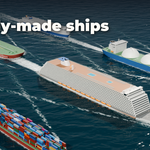
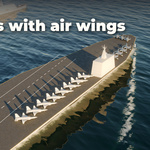
- Click the picture to choose one of 24 ready-made ships and press Add.
- Use Surprise Me, Variation and New Seed for new designs, or open the sections (hull, superstructure, cargo, deck gear, paint and markings) for full control. Everything rebuilds live.
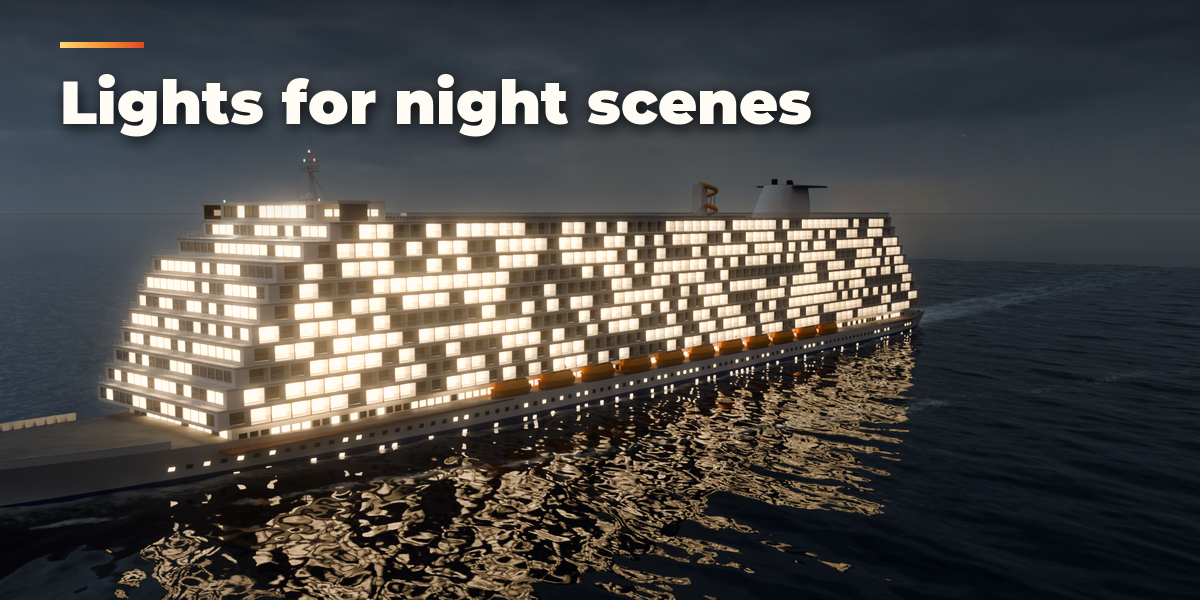
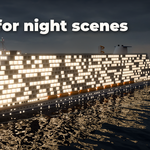
- Set Detail to Low for faster editing and fewer faces, and switch Lights on for navigation lights and deck floodlights.
- Convert to Mesh turns the ship into plain meshes for export to other software or game engines.
Have questions about this product?
Login to message
| Blender Extension Compatible | Yes |
| Published | about 24 hours ago |
| Blender Version | 4.2 - 5.2 |
| Extension Type | Add-on |
| Render Engine Used | Cycles, Eevee |
| License | GPL |

Discover more products like this
Vessel Container Ship Destroyer tall-ship aircraft carrier Warship Tanker ship Generator cruise ship procedural naval