Shipping Containers - 5 Models
 Super3D IO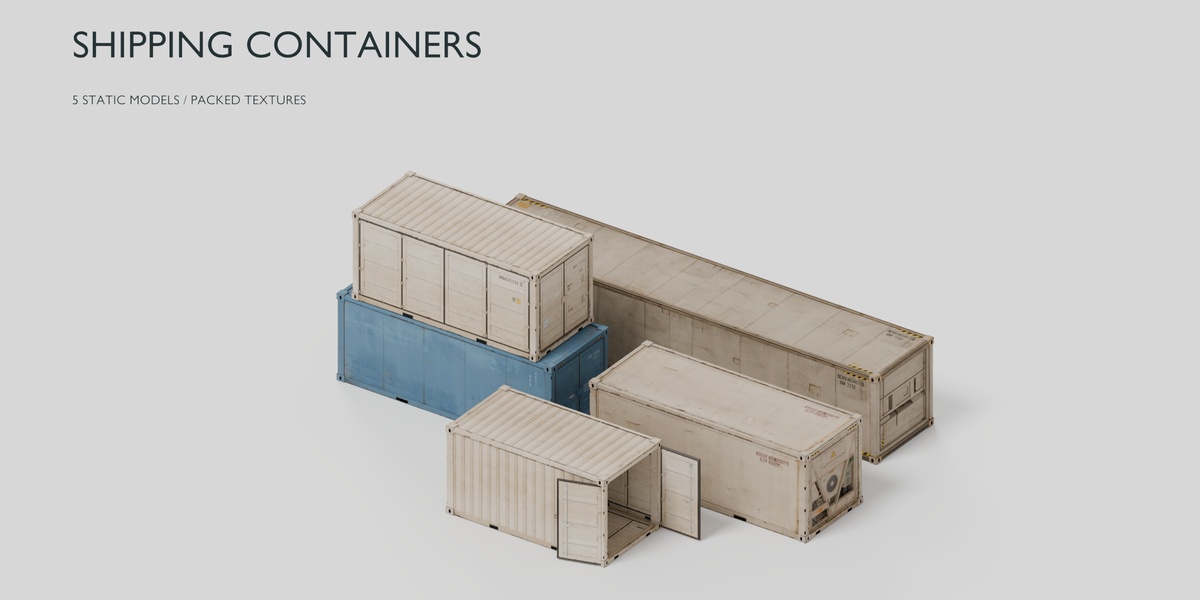
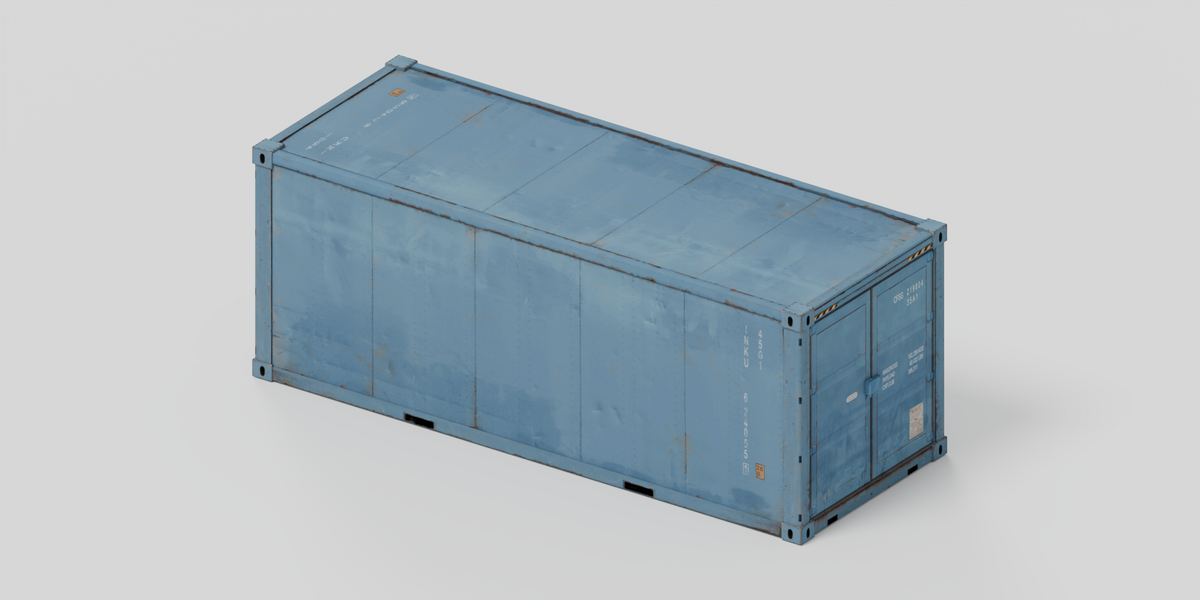
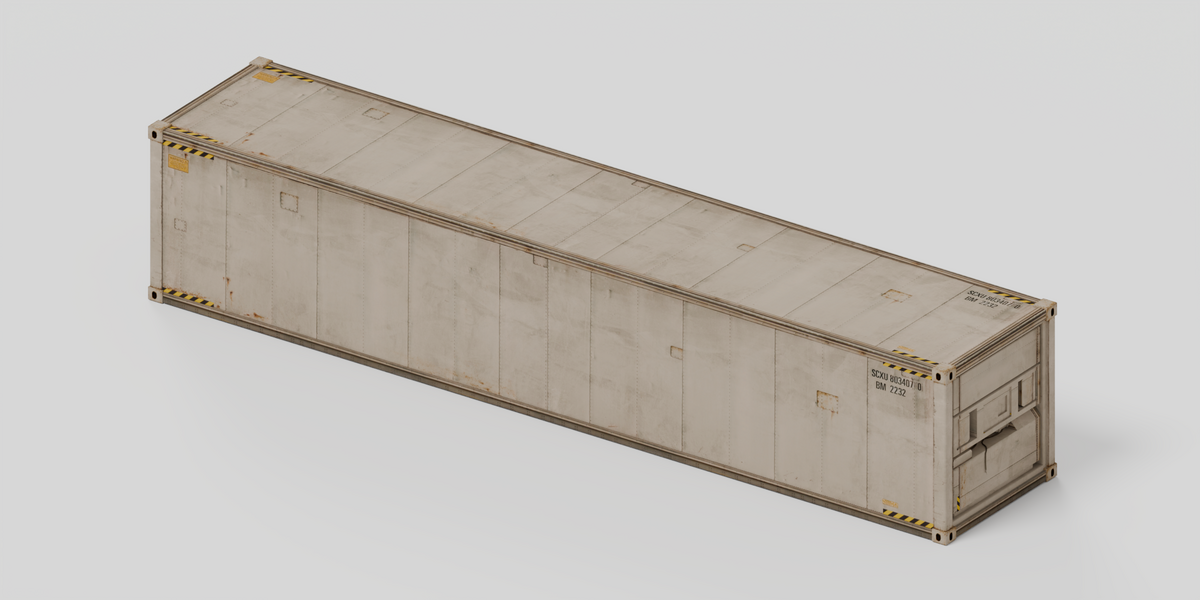
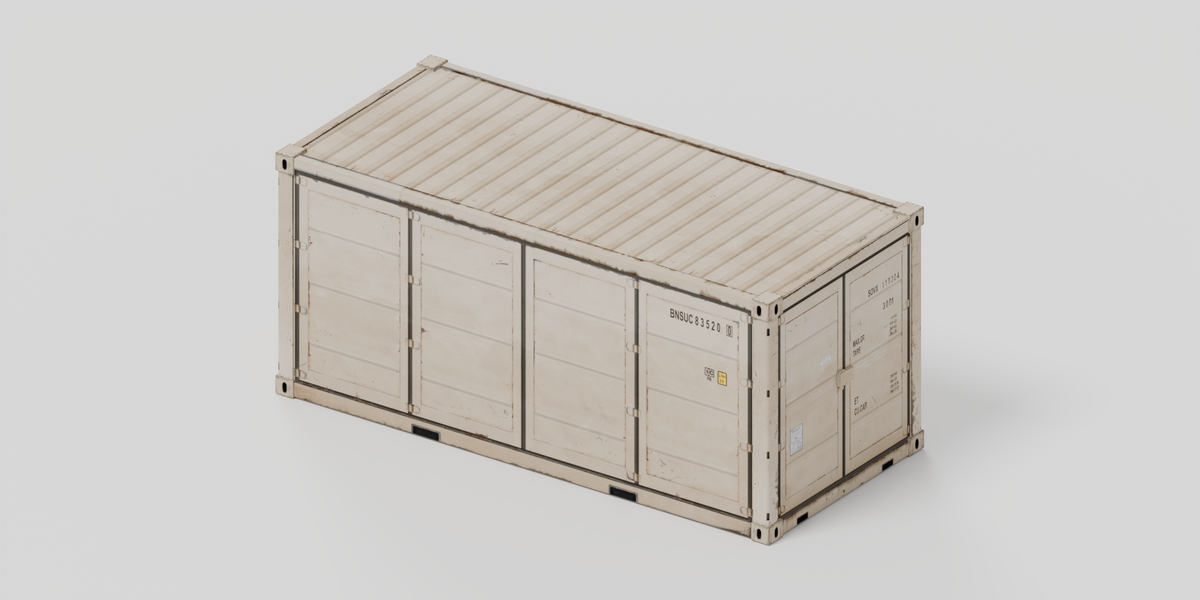
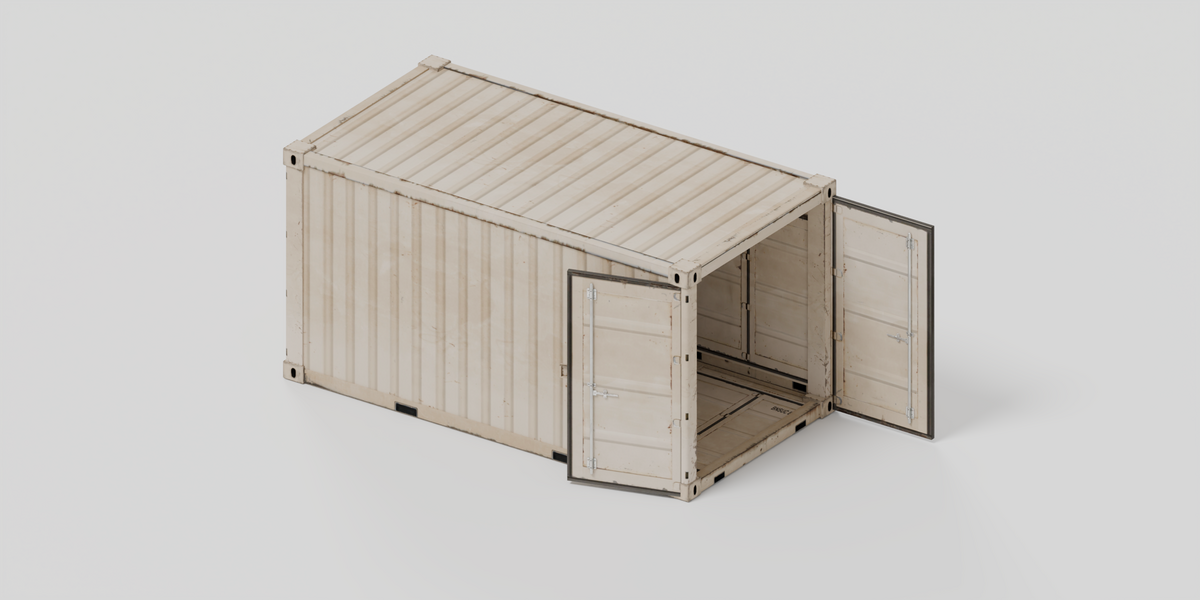
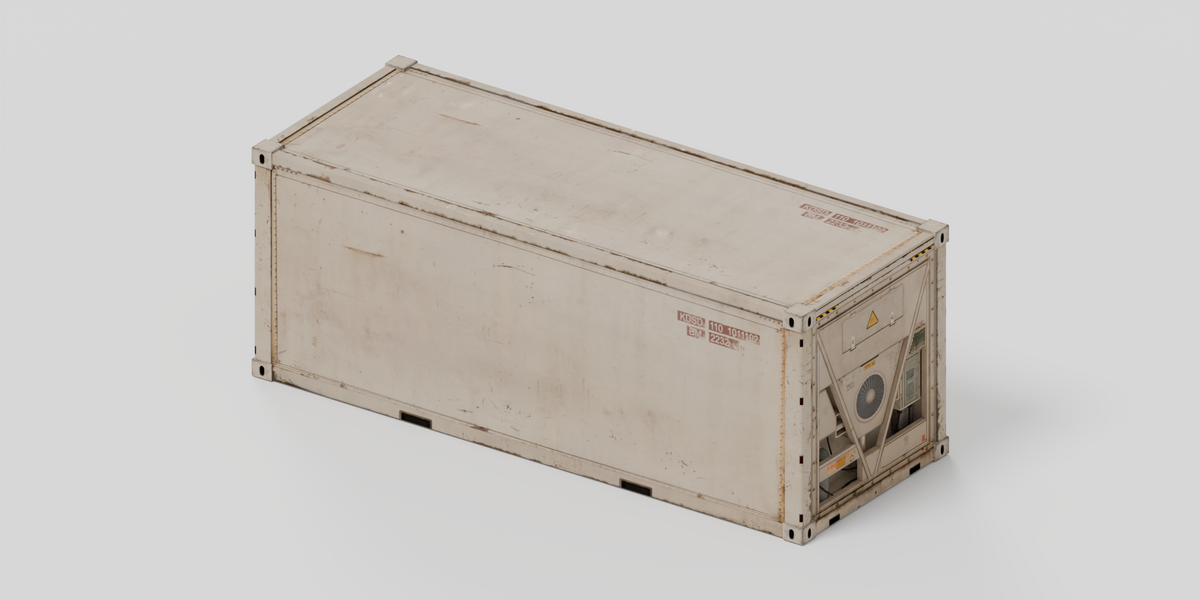
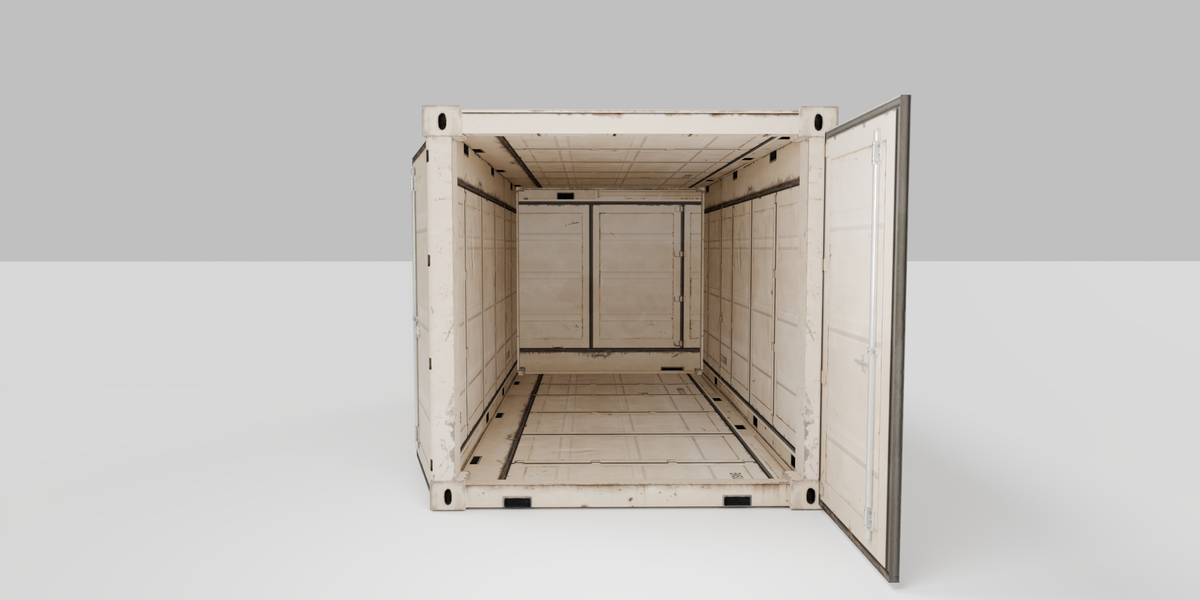
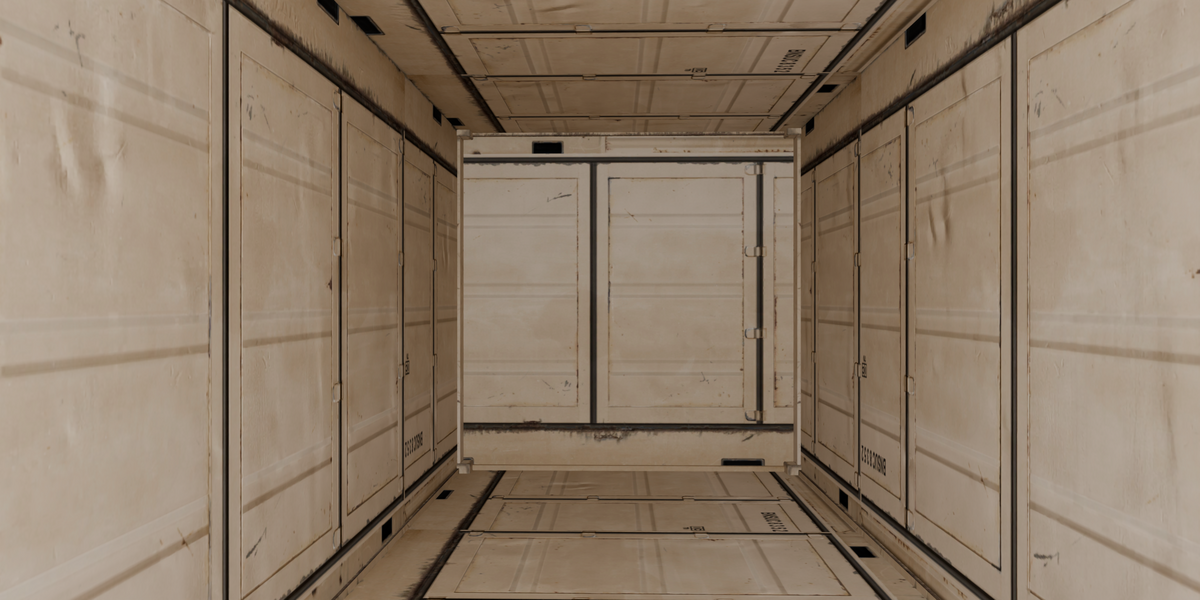
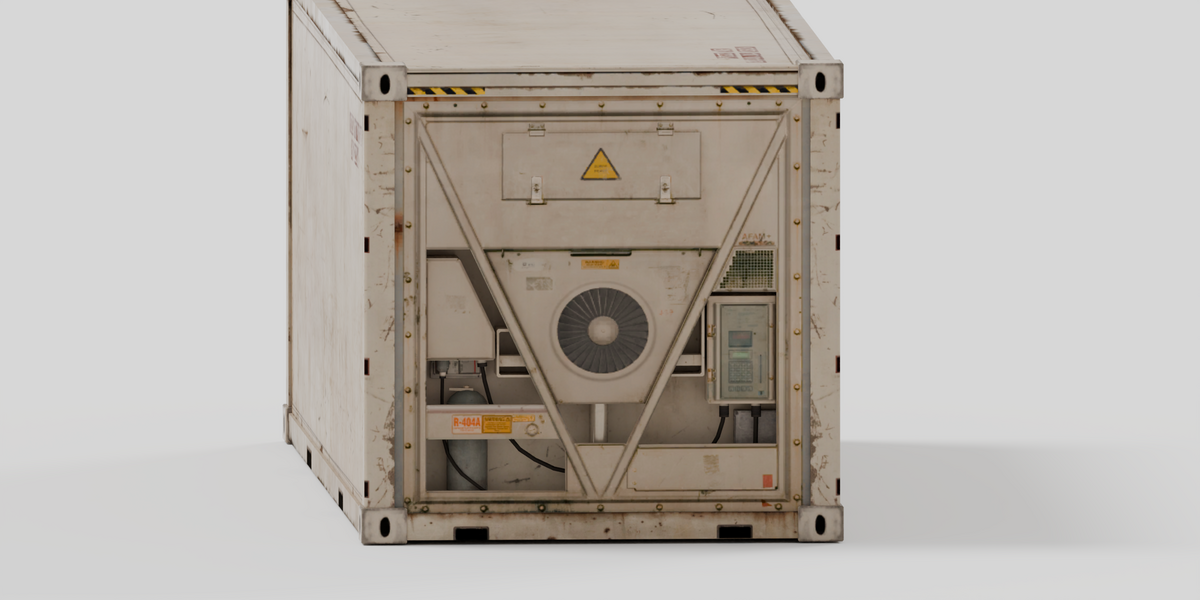
Opening the download
Unzip the package and open shipping_containers.blend in Blender 5.2.2 LTS. Use Cycles. CPU is selected by default; you can choose your compatible GPU.
Scenes and assets
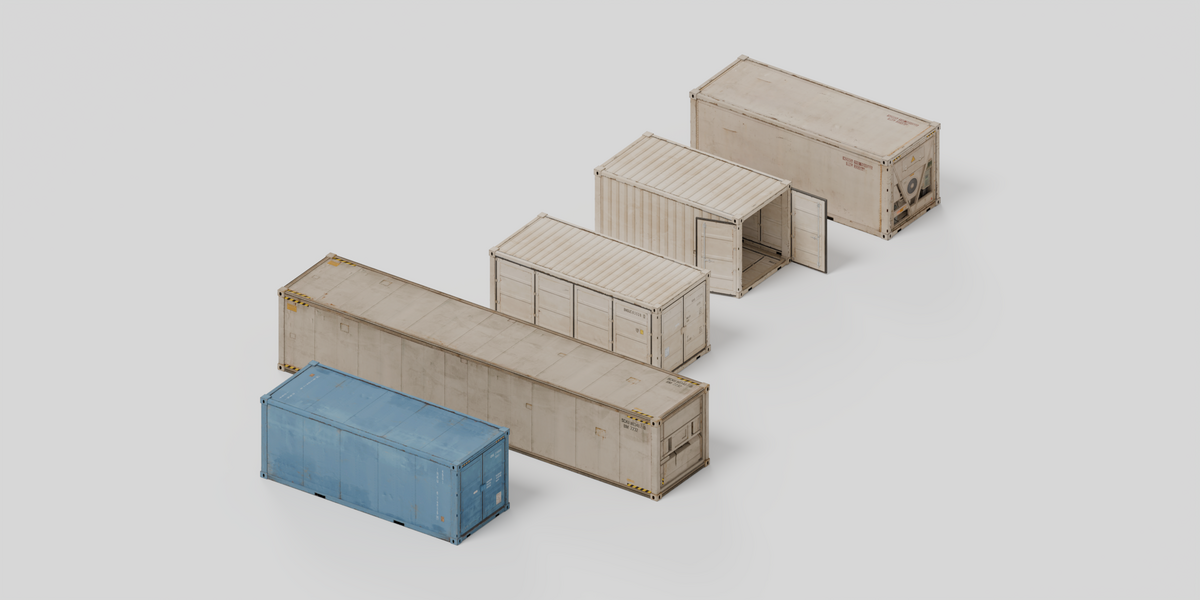
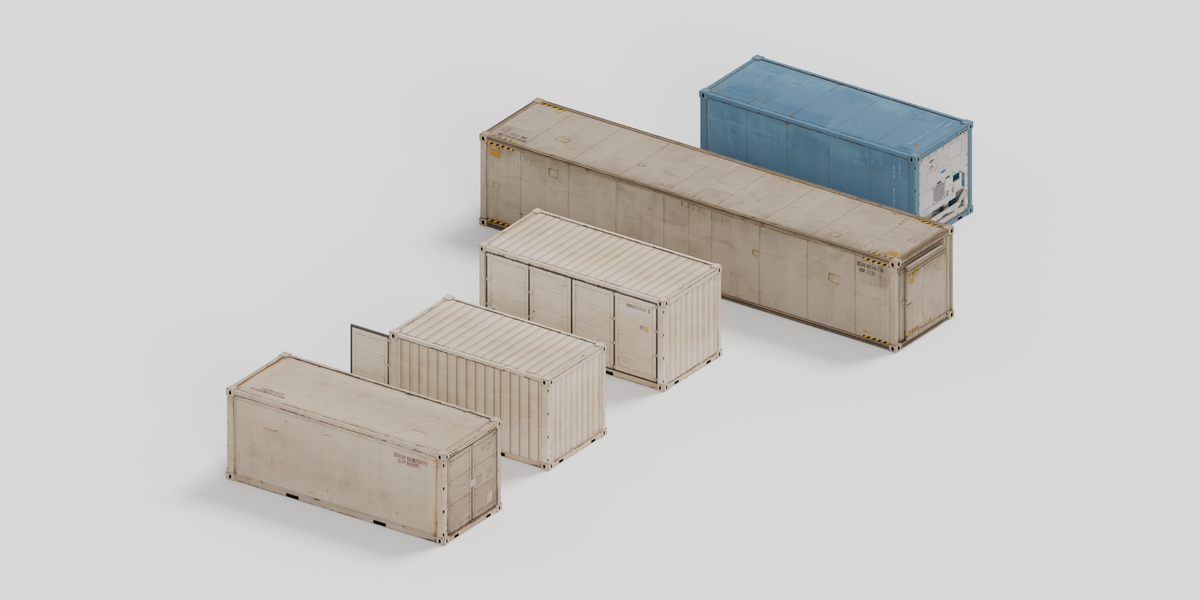
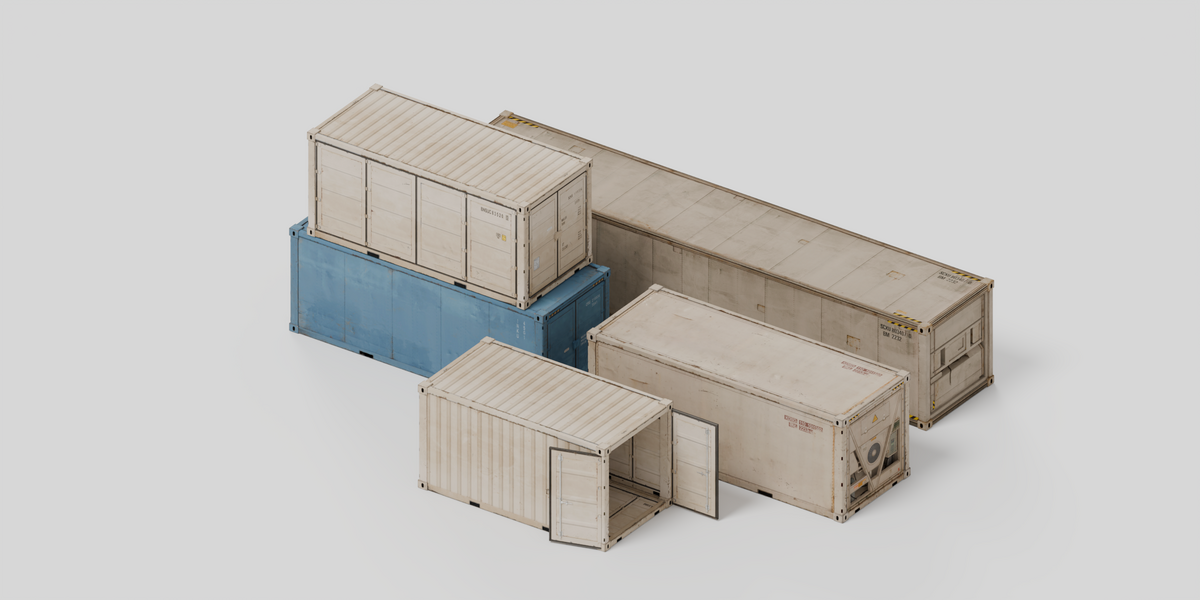
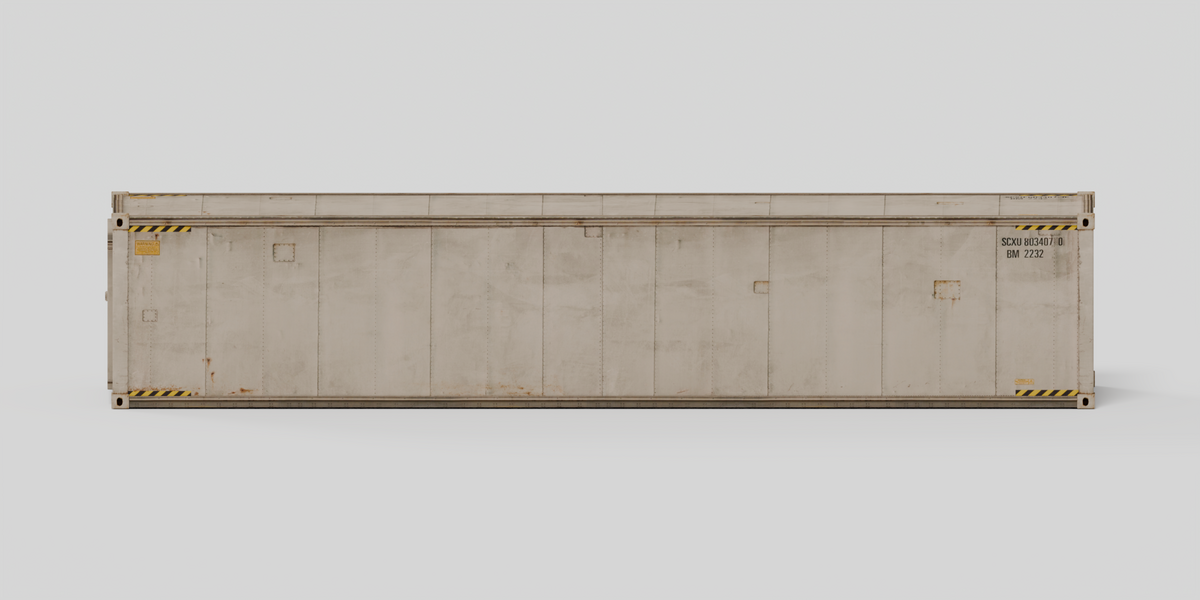
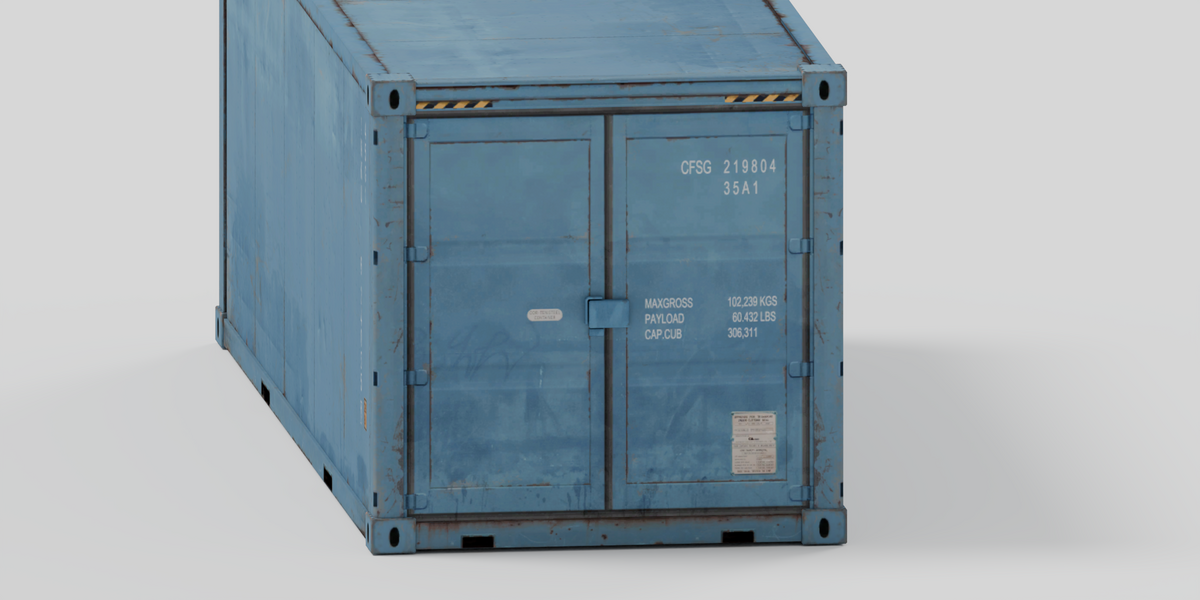
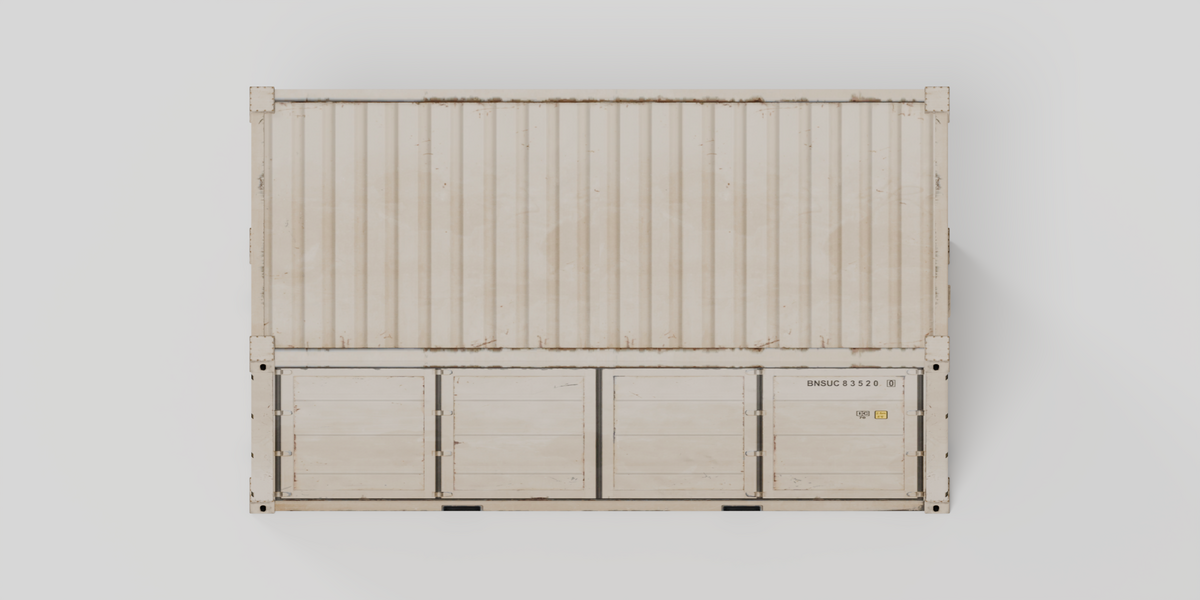
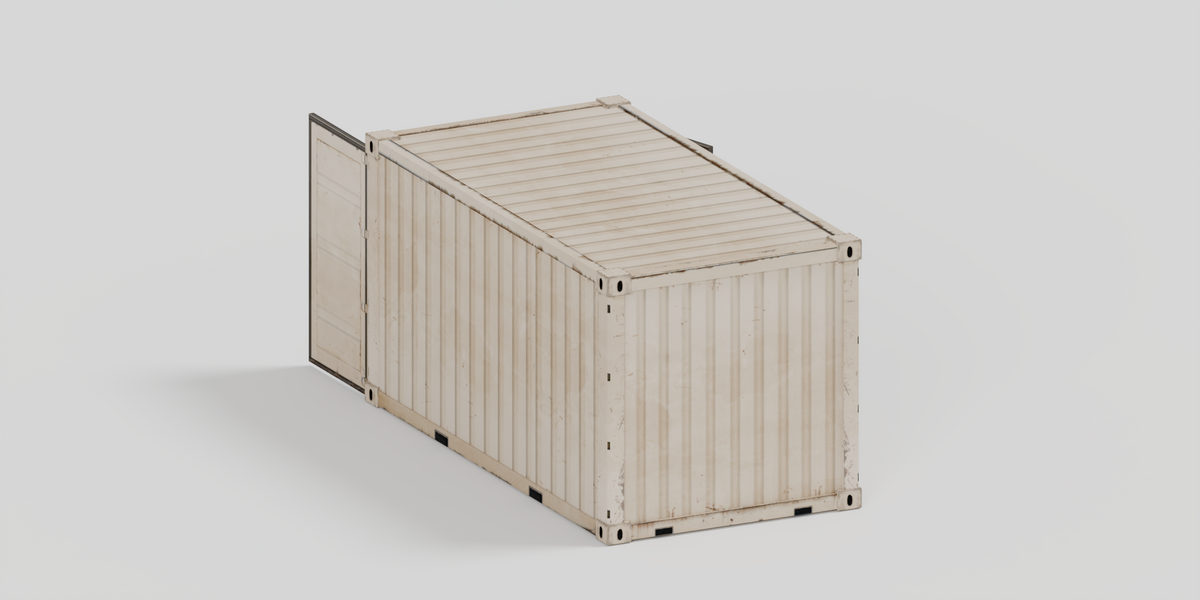
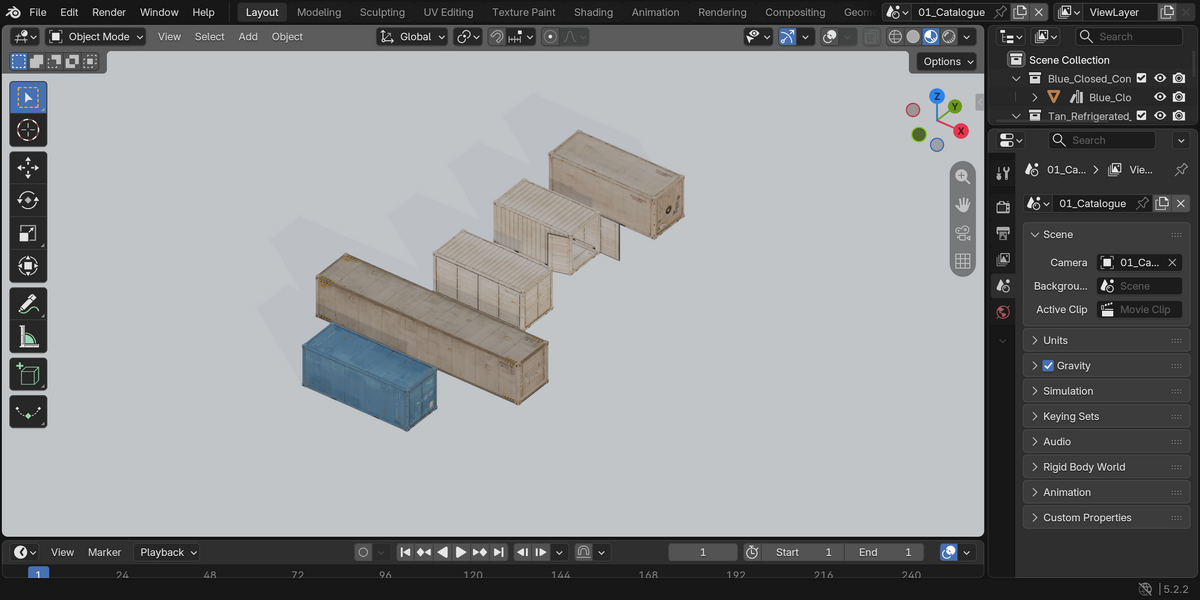
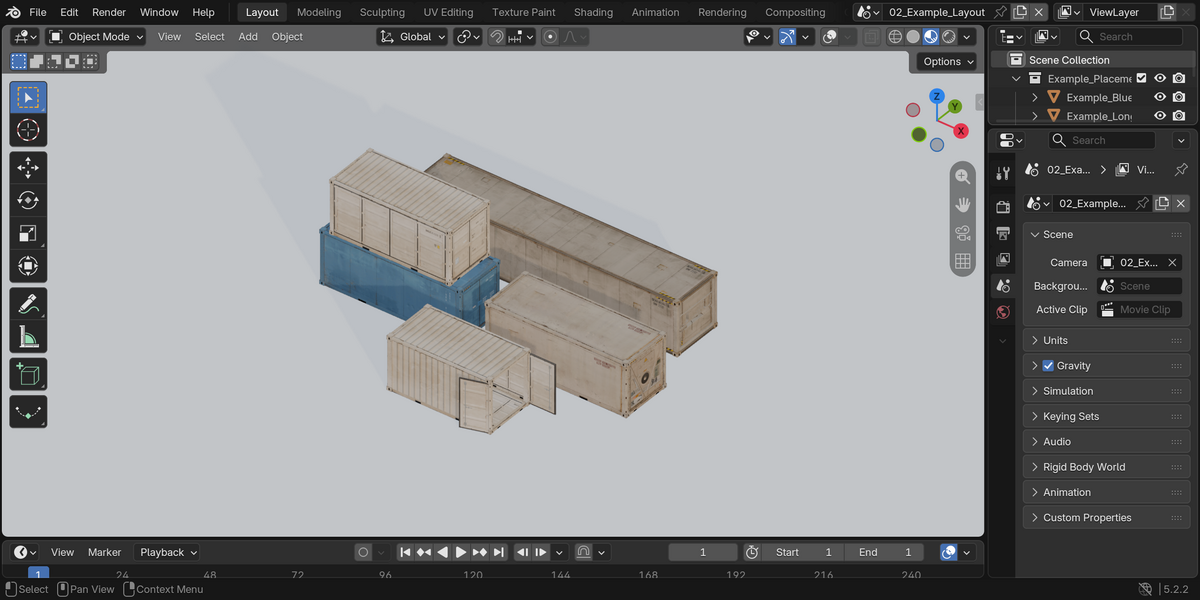
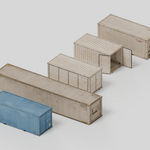
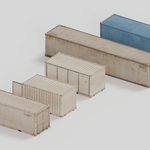
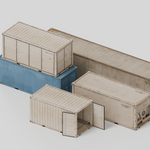
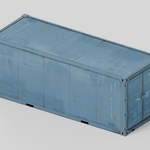
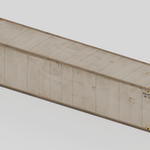
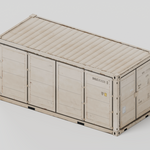
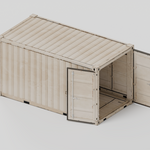
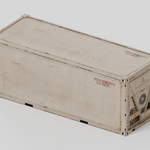
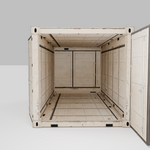
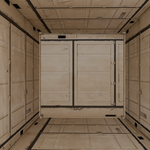
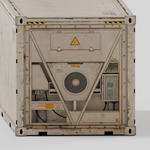
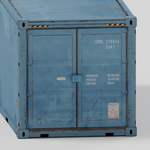
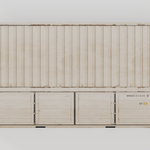
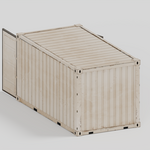
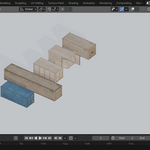
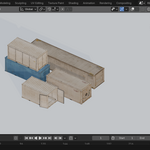
The catalogue shows the five models separately. The example scene arranges the same models on a simple floor with a camera and lights. A third inspection scene lets you look inside the open container. Example copies and presentation objects are not counted as extra assets.
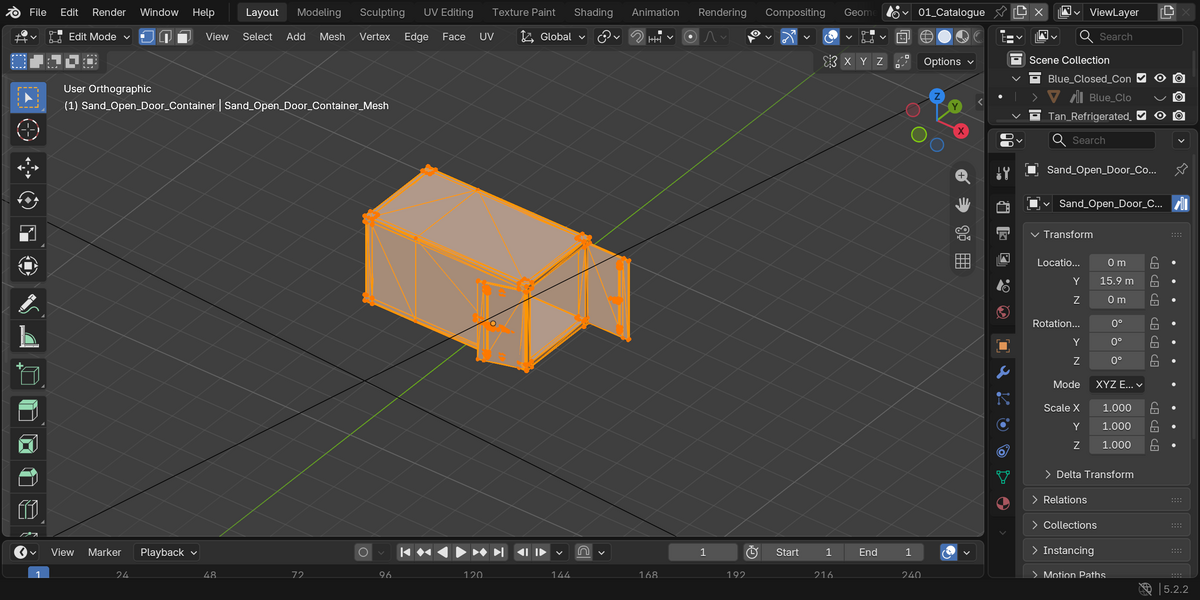
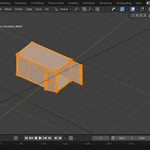
Use 01_Catalogue to inspect individual pieces, 02_Example_Layout for the arrangement, or 03_Interior_Inspection to look inside the open container. Add the extracted folder as an Asset Library and keep blender_assets.cats.txt beside the blend. The asset-marked objects have embedded previews. Appended objects may retain their catalogue positions; use Alt+G to reset their location.
Limitations
The models are static. Doors are fixed in the shown positions, with no rig or hinge controls. The open model has basic inner surfaces; closed variants are intended for exterior use. Some details are texture-based. All models have been scaled to about 2.6 m overall height for convenient placement, but their lengths and proportions vary. They are not ISO-certified or manufacturer-accurate 20-foot/40-foot models. No LODs, collision setup, cargo, vehicles or engine project are included.
Support
Send me a message through Superhive with your Blender version and a screenshot of the issue.
Have questions about this product?
Login to message
| Published | about 13 hours ago |
| Blender Version | 5.2 |
| Render Engine Used | Cycles |
| Misc Data | Textured |
| License | Royalty Free |
Discover more products like this
shipping container props warehouse cargo asset library industrial dock