 Rekanyx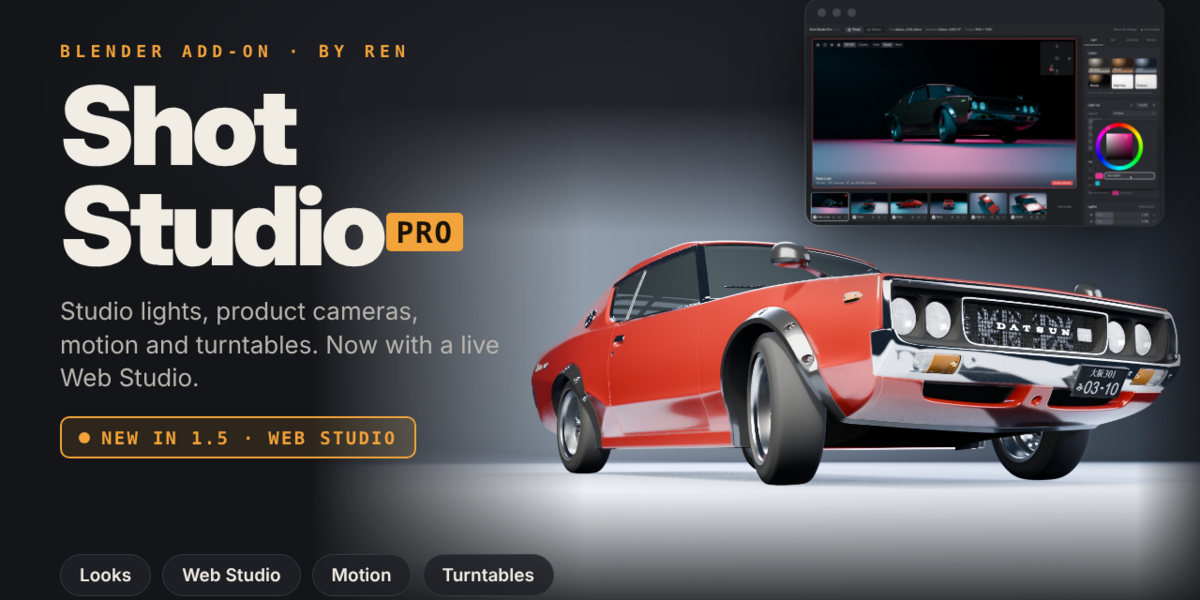
Shot Studio Pro: product shots, turntables and animation for Blender
Turn any model into a clean product shoot in a few clicks. Shot Studio Pro builds the lights, backdrop and cameras, animates your product, and batch-renders every angle. Use it from the N panel, or from the new Web Studio in your browser.
New in 1.5: Web Studio
- Open Web Studio from the top of the N panel and control the whole studio from a browser tab
- Live lit previews of every camera, rendered with EEVEE or Cycles (with a hint to turn on GPU rendering if previews get slow)
- Photo tab: looks, lights, backdrop, cameras and render settings, with a reset button on every value
- Motion tab: solid-view video preview with play/pause, a timeline of every move, adjustable start and end frames, and delete any single move
- Proper colour picker (hue ring and square, hex input, recent colours). Custom colour is now the default, Kelvin is still there
- Lens control for each camera, as well as for the whole set
- Personal presets: save your own camera setups, motion combinations and light colours, and use them in any .blend file
- Private: runs only on your own computer (localhost), with a one-time key, and no IP address in the address bar
Studio lighting
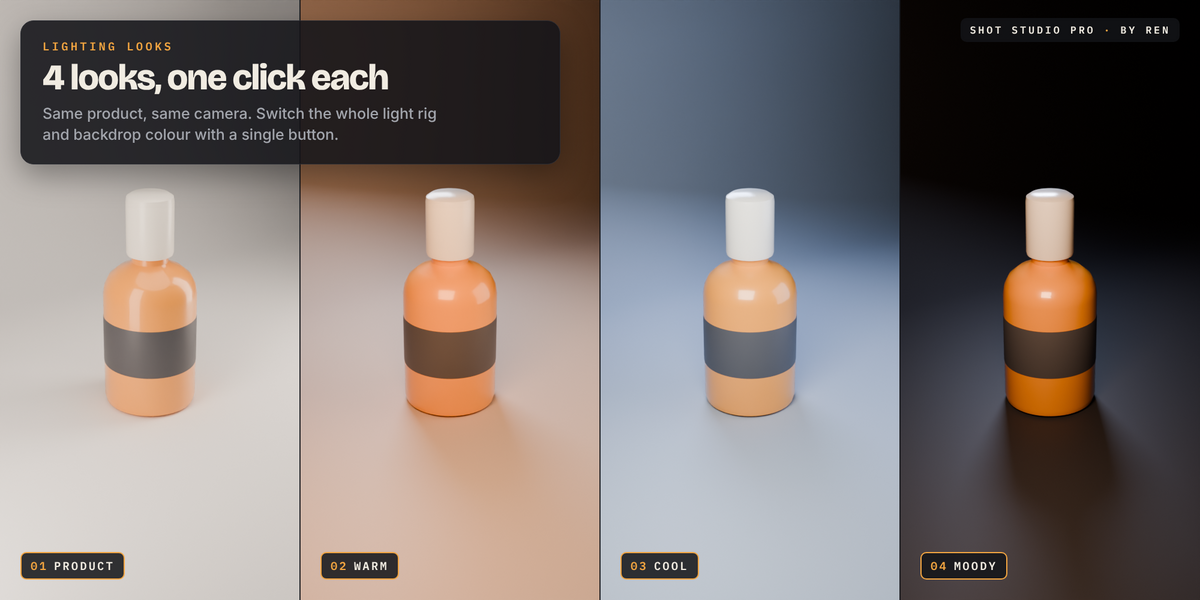
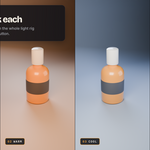
- 6 one-click looks: Neutral, Warm, Cool, Moody, High-Key, Product
- 6 light layouts, from 1-point dramatic to product softboxes
- Custom light colours or Kelvin temperature, key-to-fill ratio, softness and rig rotation, all live
- Turn single lights on or off, change their power, or add accent lights
Backdrop and world
- Seamless curved infinity backdrop that sits right under your product and fits itself to your cameras
- Shadow catcher and transparent background for cut-out shots
Product cameras
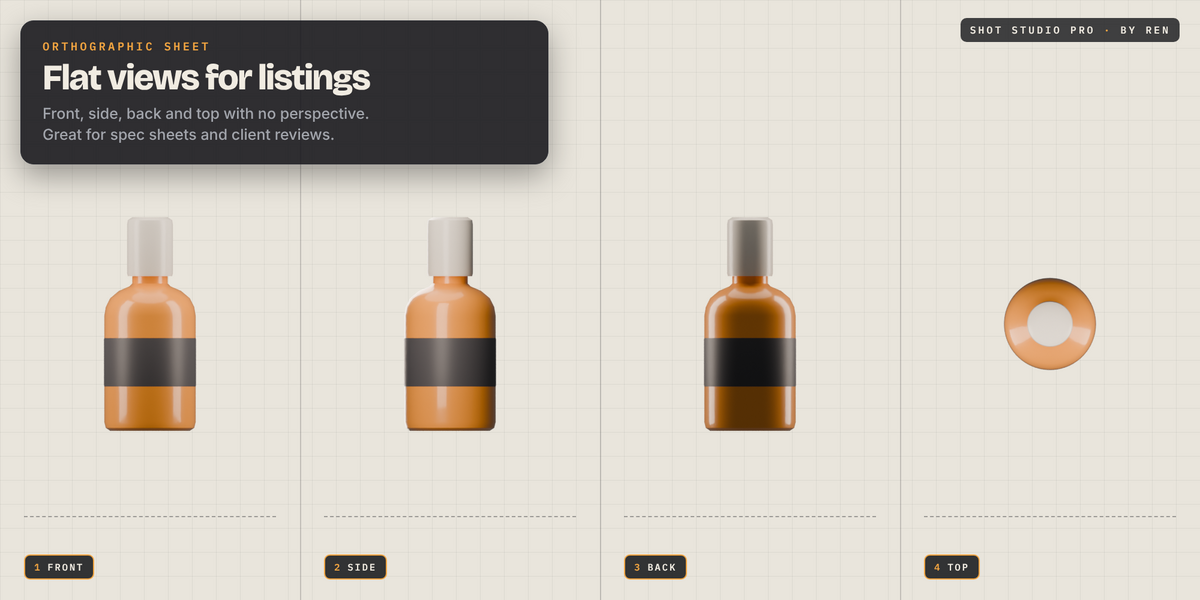
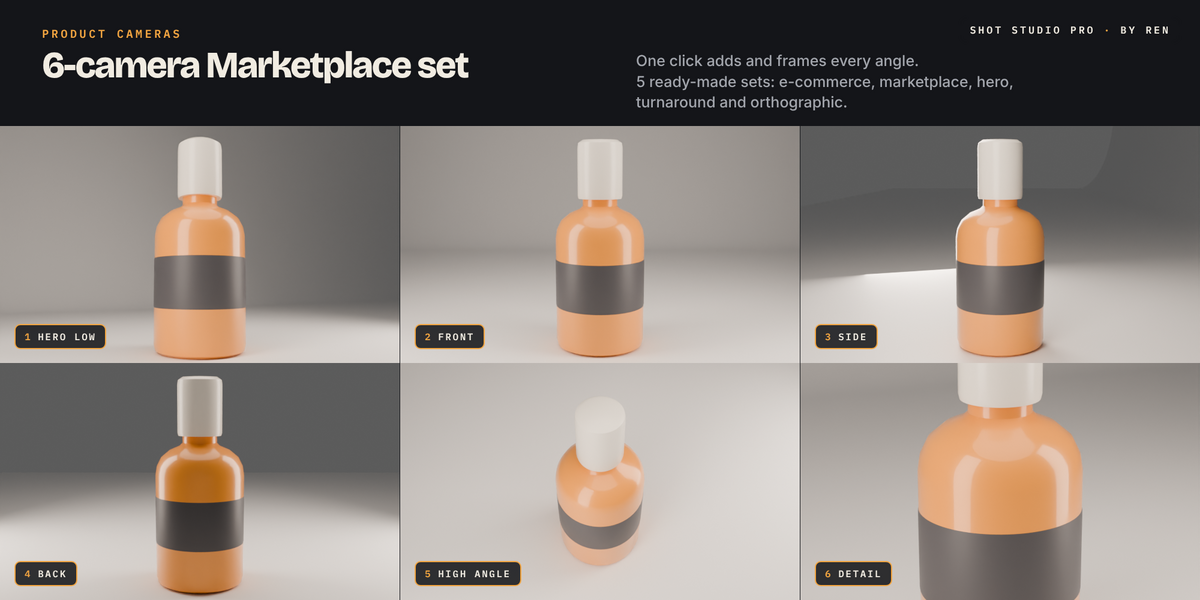
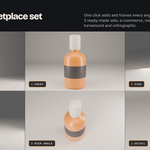
- 5 ready-made camera sets: E-commerce (5), Marketplace Gallery (6), Hero Shots (4), Turnaround (8) and Orthographic Sheet (4)
- Add single angles (11 to choose from) or make a camera from your current view
- Move the whole set at once with Turn Set, Raise / Lower, Framing and Lens
- Fine-tune any single camera with Around, Height, Distance and Lens
- Camera list with look-through, render tick boxes, render-one and delete buttons
Motion and transitions
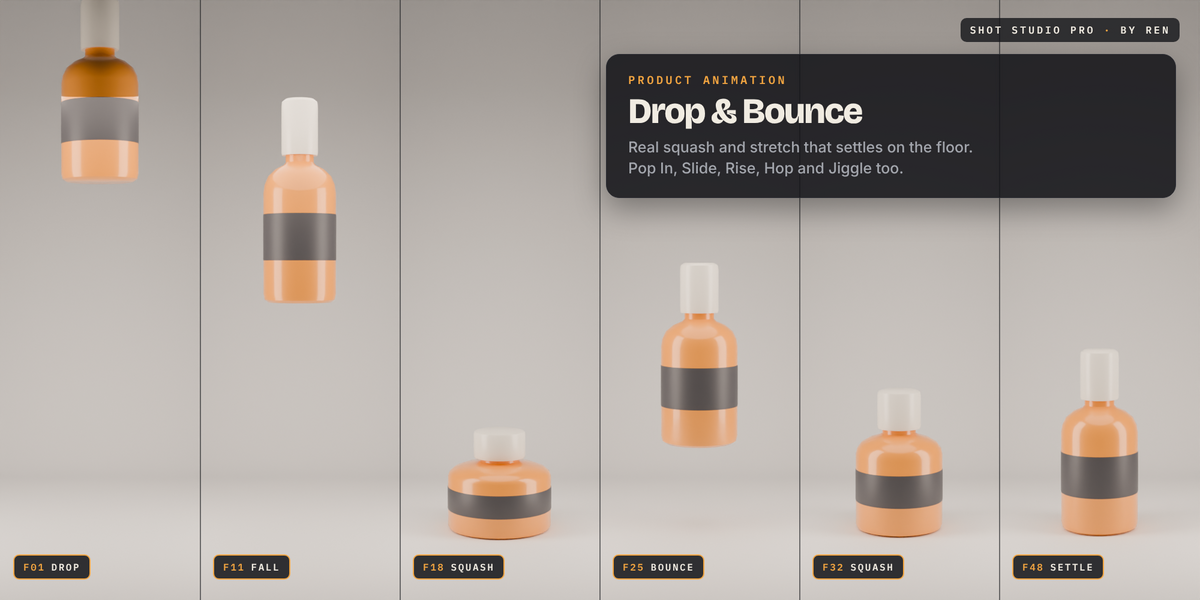
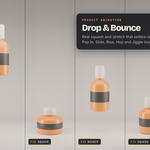
- 13 product moves, including Drop & Bounce, Hop, Jiggle, Pop In, Slide In, Rise Up, Spin and Float
- Squash & Stretch slider: crisp squashes on landing, stretch at speed, jelly wobble. The product's base stays on the floor
- 11 camera moves: push in, pull out, zoom, slide, rise, arc, shake, float and more
- Moves chain and overlap cleanly. Delete one move, or Clear Motion to put everything back
- Fade in and out of black
Turntables and rendering
- Seamless looping turntable, framed to your product
- Batch render stills (PNG or JPEG) from product, all or selected cameras
- Turntable output as PNG frames or MP4
- Resolution presets for Instagram, Reels/Shorts, HD and 4K
Fixes in 1.5
- Push In and Pull Out no longer take a low camera under the floor
- Wider, taller backdrop so low side and back shots don't see past its edge
Tested on Blender 5.2.