Shots Shuffler
 Unkredible Studios
Documentation for ShotShuffler Add-on
Overview
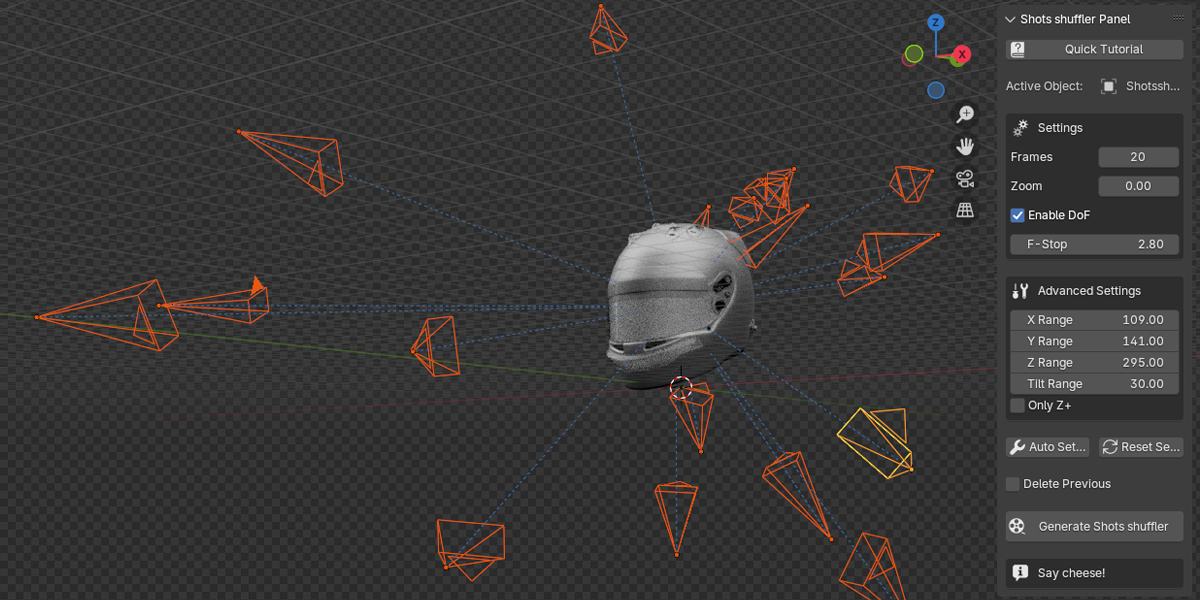
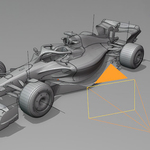
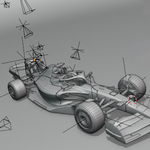
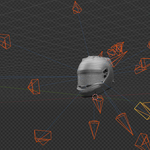
ShotShuffler is a powerful Blender add-on designed to streamline the process of finding ideal camera angles. By generating a series of randomized static shots, it allows users to explore creative viewpoints, especially in empty or developing scenes. This tool is perfect for artists, animators, and 3D creators looking to accelerate their workflow and enhance scene composition.
Features Overview
Core Features
- Randomized Static Shots: Generate multiple camera positions automatically to explore diverse perspectives.
- Customizable Movement Ranges: Define the X, Y, and Z movement limits to fit your scene's scale.
- Auto Setup for Ranges: Automatically calculates camera movement bounds based on the dimensions of your selected object.
- Interactive User Interface: Intuitive panel in the Blender 3D Viewport.
- Aesthetic Exploration: Quickly experiment with different framing options.
- Debug Feedback: Provides real-time messages to guide usage and troubleshooting.
Advanced Options
- Tilt Range: Add random tilt to camera angles for dramatic effect.
- Zoom Factor: Control how close or distant the generated viewpoints are.
- Frame Count: Define the number of static shots to generate.
- Delete Previous Shots: Automatically clean up earlier camera setups for a clutter-free workspace.
Installation Guide
-
Download: Get the
shotshuffler.zipfile from BlenderMarket. -
Install:
- Open Blender.
- Navigate to
Edit > Preferences > Add-ons. - Click "Install..." and select the
.zipfile.
- Enable: Check the box next to "ShotShuffler" to activate it.
- Locate the Panel: Find the add-on in the Tool Shelf under the "ShotShuffler" tab.
How to Use
Basic Workflow
-
Select an Object:
- If your scene is empty, ShotShuffler will still generate viewpoints relative to the scene origin.
- Selecting an object provides additional reference for camera placement.
-
Adjust Settings:
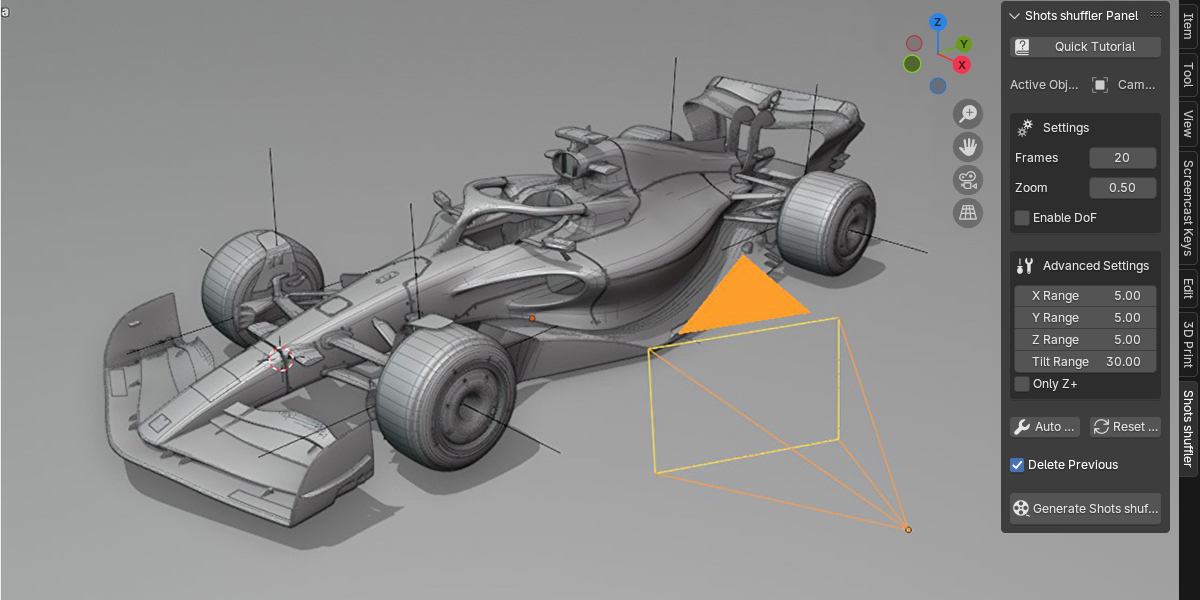
- Open the ShotShuffler Panel in the 3D Viewport.
- Customize ranges, tilt, zoom, and other parameters.
-
Generate Shots:
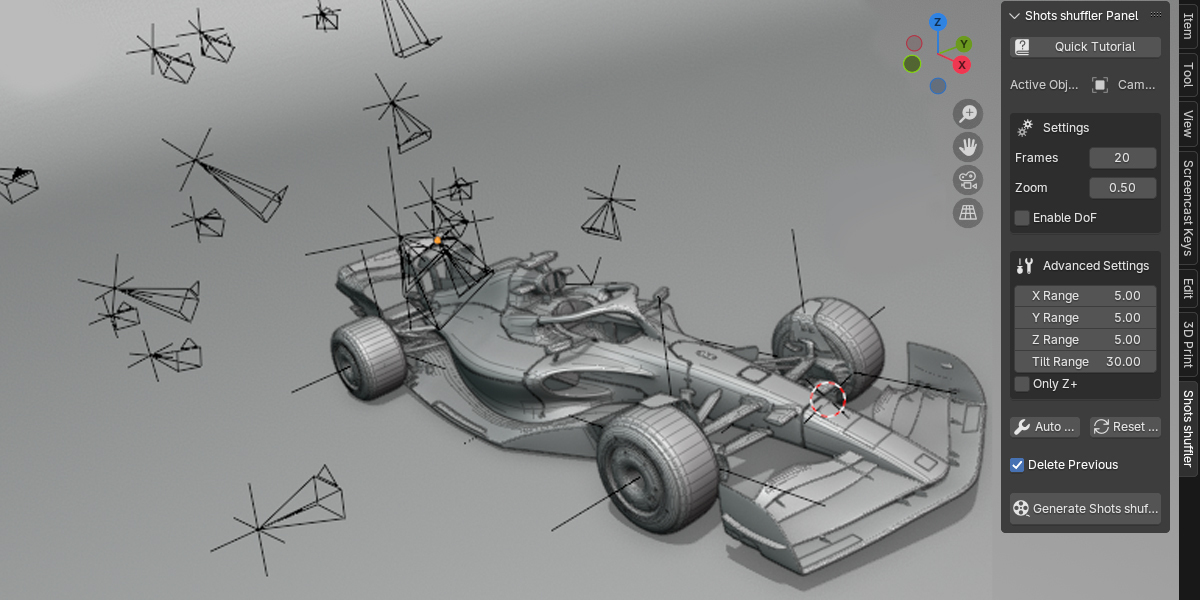
- Click "Generate ShotShuffler" to create multiple static camera positions.
-
Review and Choose:
- Review the generated camera shots to find the ideal composition for your scene.
Key UI Settings
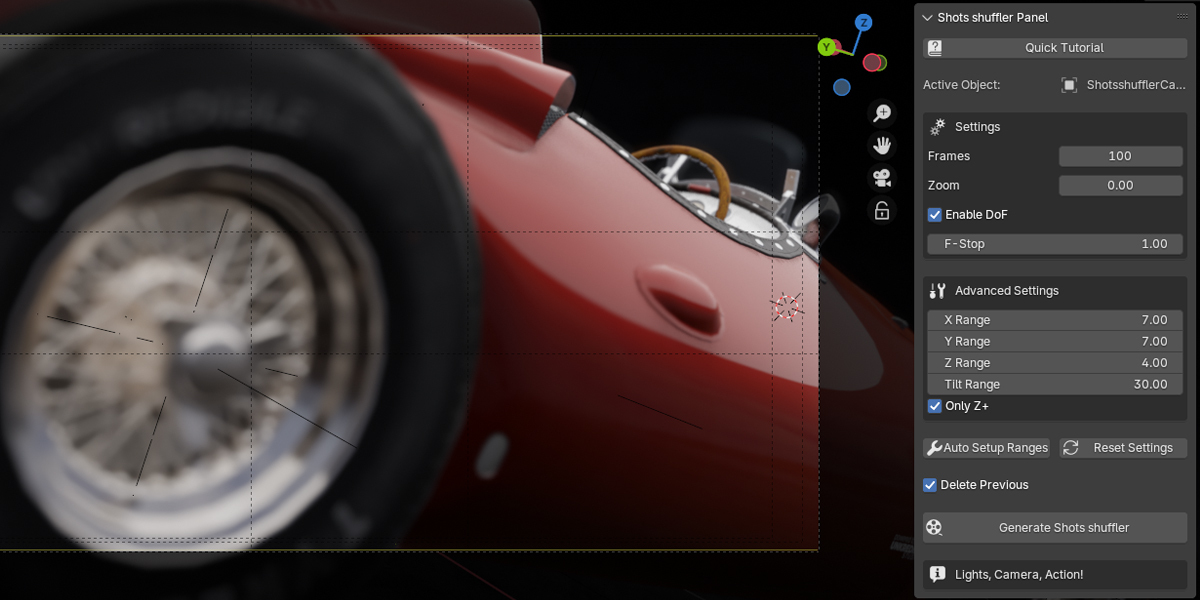
- Frame Count: Number of static shots to generate.
- Range (X, Y, Z): Define the boundaries for camera movement.
- Tilt Range: Adjust rotation variability for dynamic angles.
- Zoom: Modify camera proximity to the scene.
- Auto Setup Ranges: Automatically adjusts ranges based on selected object dimensions.
- Delete Previous: Removes earlier generated cameras to keep the scene clean.
Tips for Best Results
- For empty scenes, focus on experimenting with larger movement ranges.
- Use the "Auto Setup Ranges" feature when working with complex or irregular objects.
- Combine zoom and tilt to find creative and cinematic angles.
Known Issues
- Small Objects: Generated positions may need manual adjustment for very small or highly detailed objects.
- Overlap: Ensure your scene has enough space to avoid camera overlap or obstruction.
- Depth of Field: While supported, DoF may require additional setup for focus accuracy.
License
This add-on is distributed under the GPL License, ensuring compliance with Blender’s licensing requirements while providing freedom for personal and commercial use.
Credits
Created by Valerio Fissolo from Unkredible Studios.
Have questions about this product?
Login to message
| Blender Extension Compatible | Yes |
| Dev Fund Contributor | |
| Published | over 1 year ago |
| Blender Version | 4.3, 4.2, 4.1, 4.0, 3.6, 3.5, 3.4, 3.3, 3.2, 3.1, 3.0 |
| Extension Type | Add-on |
| License | GPL |
Discover more products like this
inspiration camera-tools cinematic-shots random auto-camera viewport Creative tools artistic-shots camera blender Advanced camera camera-randomizer aesthetic-camera shots lazy random-cameras