Shrinkage Compensator
 Sonneblom Digitaal
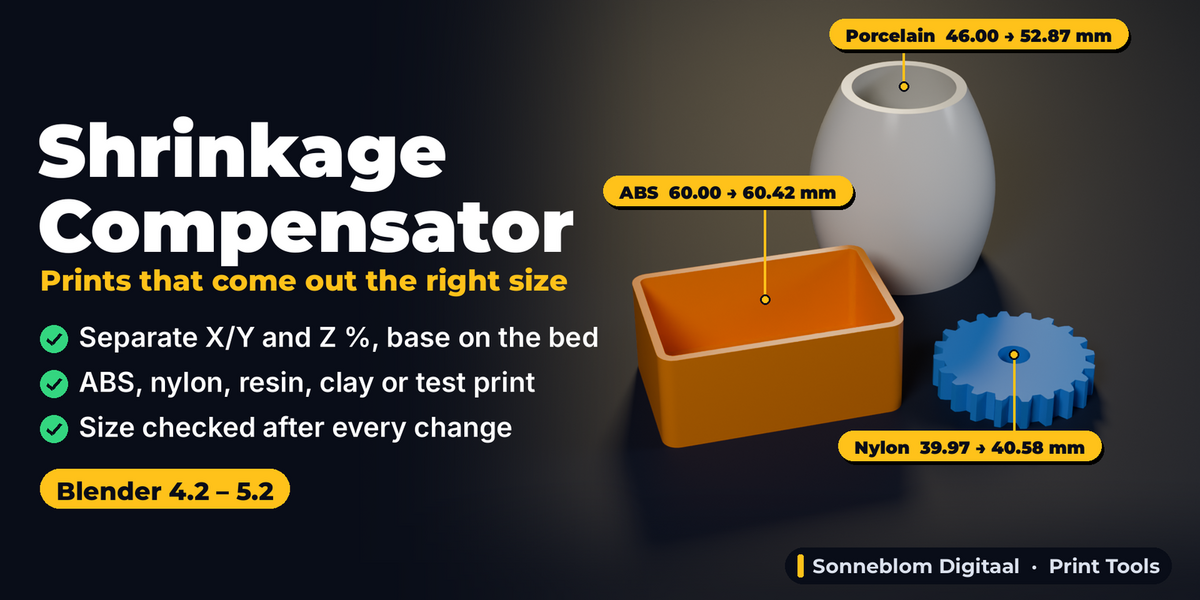
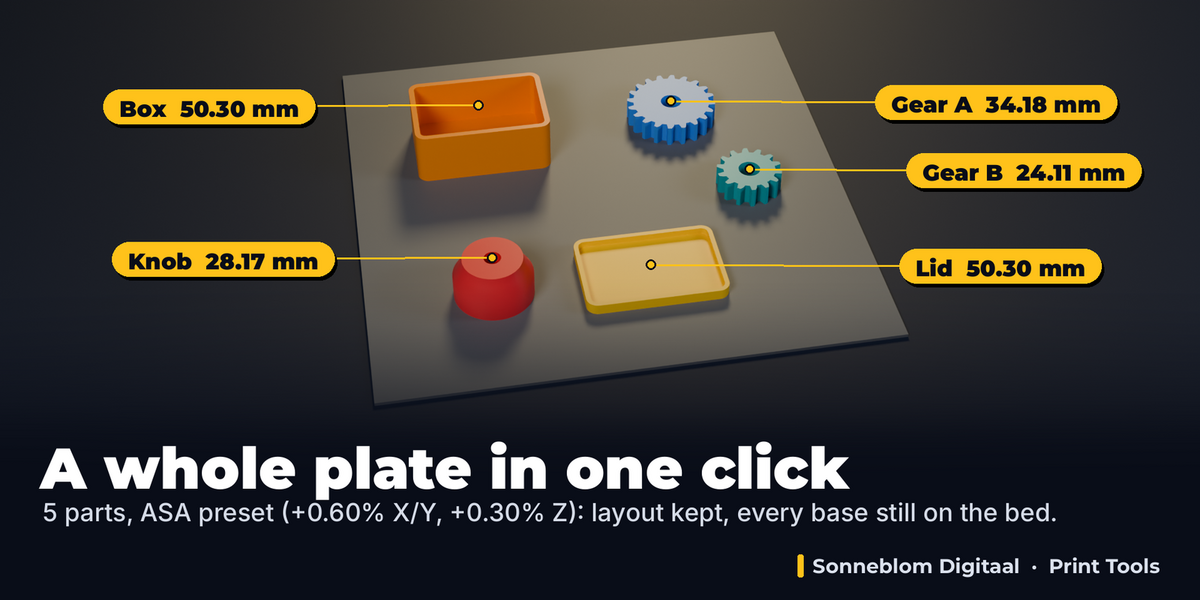
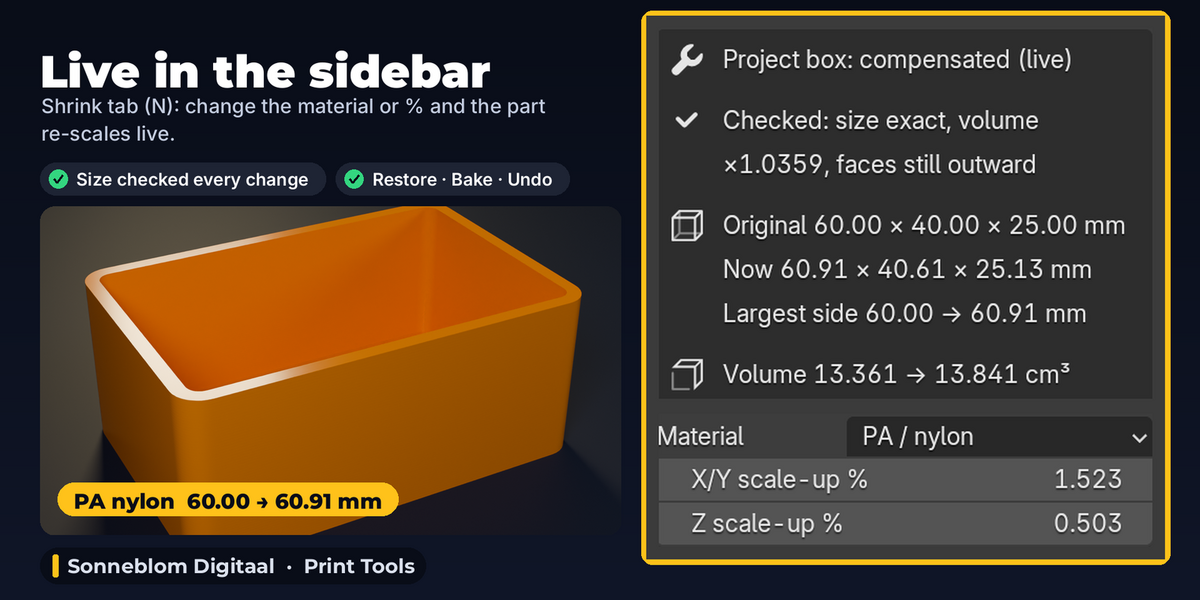
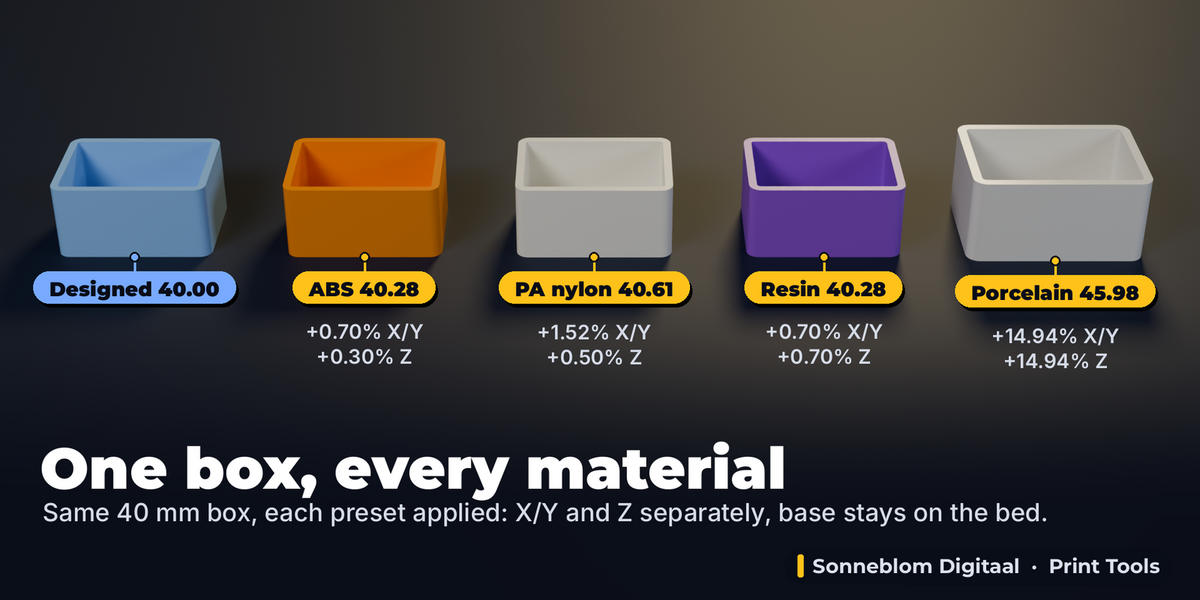
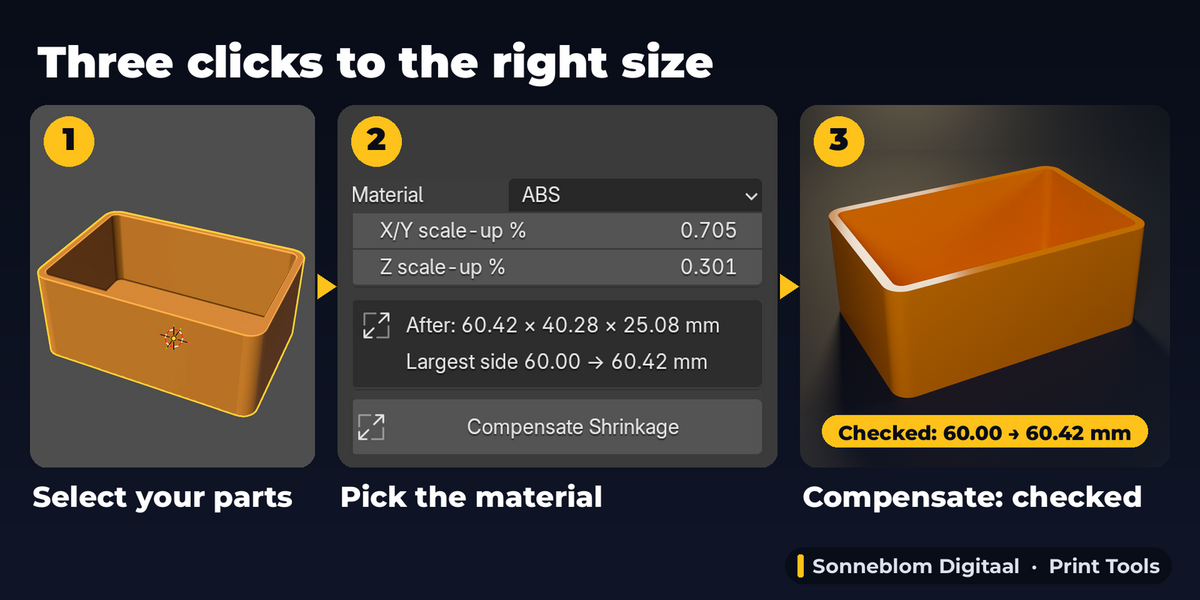
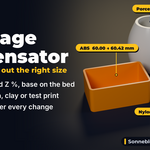
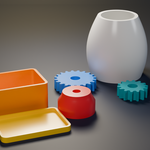
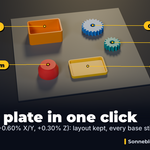
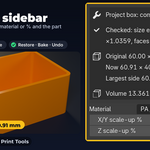
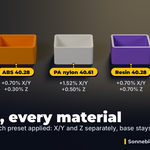
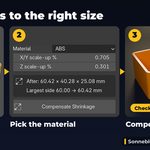
Most slicers scale X and Y together, or all three axes together, by a whole percentage, and you have to remember to do it every time. FDM parts shrink more in X/Y than in Z, so one value is wrong for one of them. Here you set X/Y and Z separately, the part grows from its base so it stays on the bed, and the compensated size is in the file you export and share.
Print a calibration part (a 50 mm cube is fine) in that filament, let it cool, measure it with calipers and type the designed and printed sizes into From a Measurement. Designed 50 mm, printed 49.6 mm gives +0.806%. Do the same for Z or choose Keep Z / Same as X/Y. The presets are only typical starting values.
No. The original is kept, and every run and every live change starts from it. Clicking again with the same values gives the same size; with new values you get the new compensation of the original. Restore Original puts it back exactly.
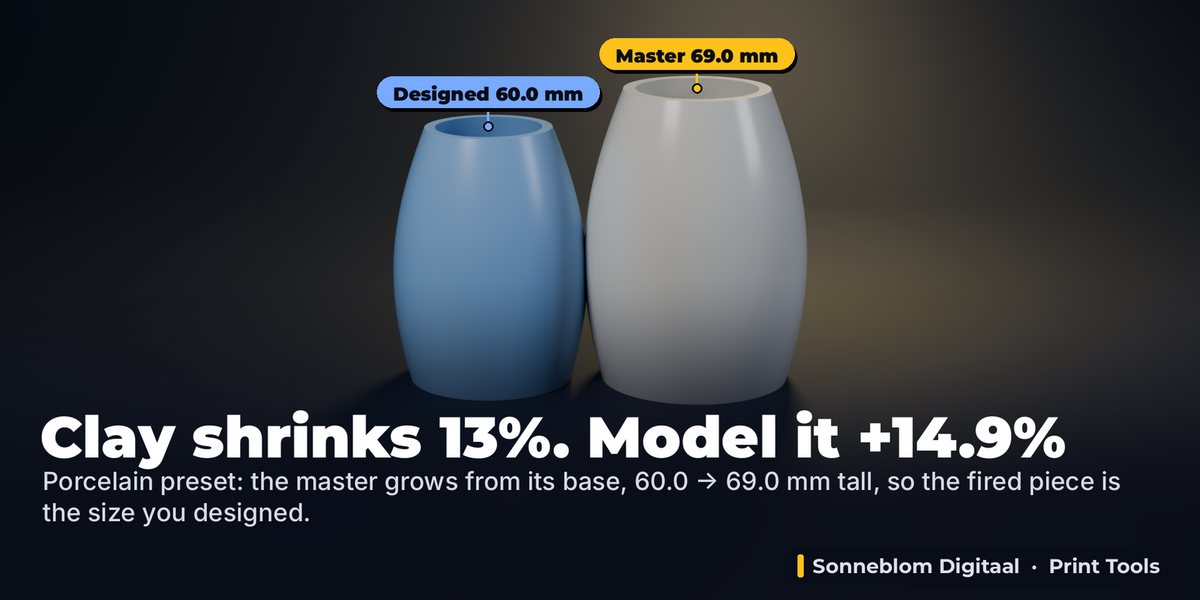
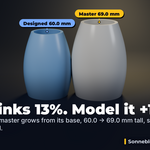
Yes. Porcelain (13%), stoneware (11%) and earthenware (7%) are included and converted exactly (13% shrinkage needs +14.94%). Compensate the master model before making the mould, and use your clay supplier's shrinkage figure or a fired test tile for the exact value.
The file was made in different units. Set '1 unit =' at the top of the panel to the unit of your file (mm is the default and right for almost every STL). The percentages are not affected; only the sizes shown in mm are.
Everything scales by the same percentage, which is exactly what shrinkage compensation needs: holes shrink with the part, so they grow with it here. For the clearance between two parts (how loose a pin is in its hole) print a fit test; this add-on does not change clearances.
Mesh data (default) changes the vertices, works at any rotation and leaves the object Scale at 1, which slicers and other add-ons like. Object scale changes only the Scale values, so you can see and change them in N > Item, and it also works for curves and text. A part tilted about X or Y then needs equal X/Y and Z percentages; with different values the add-on refuses and tells you to use Mesh data.
Have questions about this product?
Login to message
| Blender Extension Compatible | Yes |
| Published | about 2 hours ago |
| Blender Version | 4.2 - 5.2 |
| Extension Type | Add-on |
| License | GPL |