 Sonneblom Digitaal
What it does
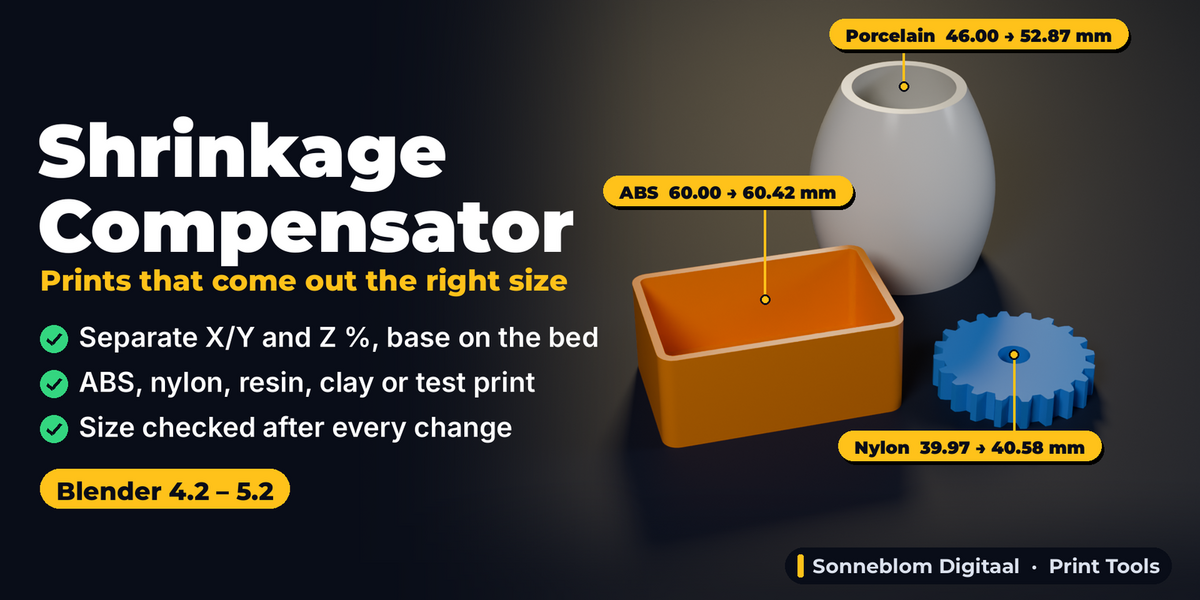
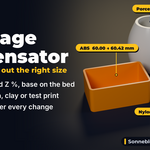
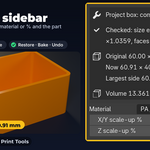
ABS, ASA, nylon, resin and clay all shrink after printing, so a part designed at 50 mm comes out at 49.6 mm and your press-fits, lids and snap joints no longer fit. Most slicers only let you scale X and Y together, or everything together. Shrinkage Compensator scales the selected parts up by the material's shrinkage, with separate X/Y and Z percentages, from each part's bottom centre, so the base stays on the bed and the part stays where it is.
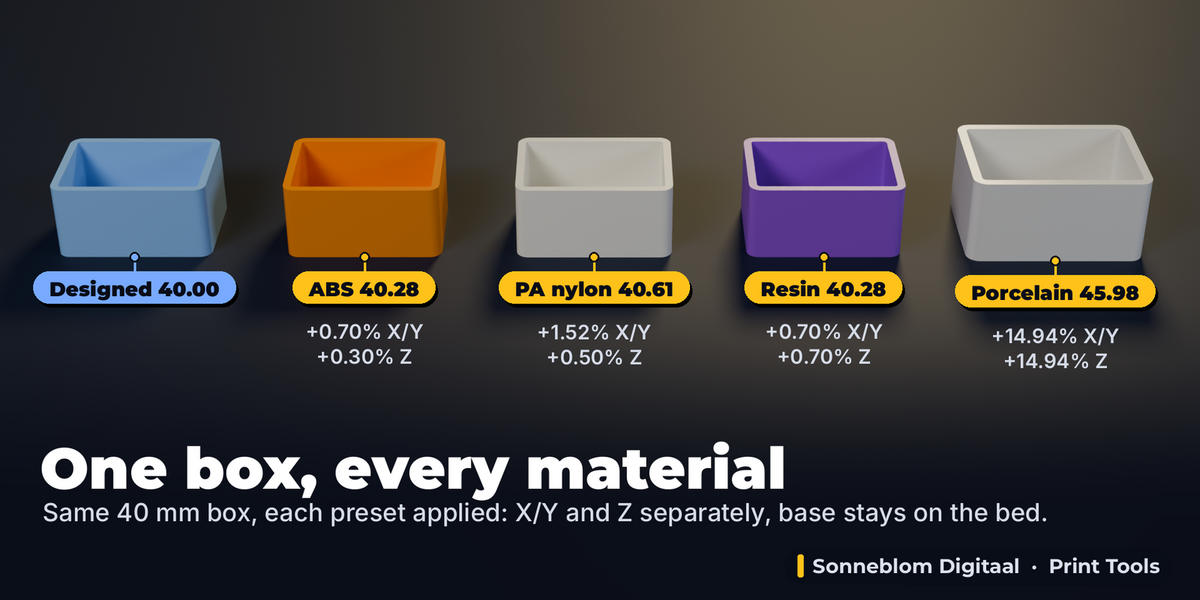
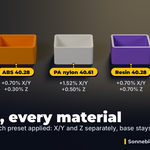
Pick a material preset (PLA, PETG, ABS, ASA, PC, PA nylon, PA-CF, standard and tough resin, porcelain, stoneware and earthenware clay), or type the sizes from your own test print ("designed 50 mm, printed 49.6 mm") and the add-on works out the exact percentage. The panel shows the size in mm before and after, and the result stays live: change the material or the percentage later and the part is re-scaled from the untouched original, never stacked on top of the last run.
Who it's for
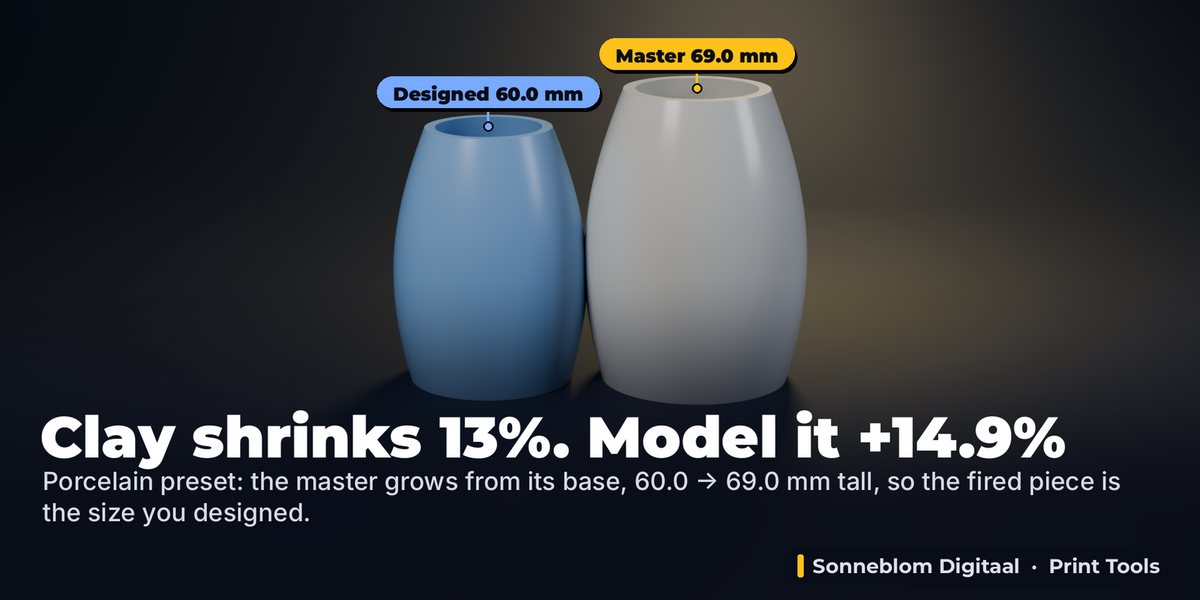
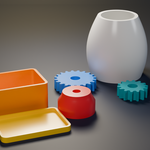
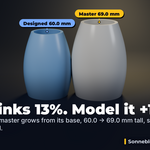
FDM users printing ABS, ASA, PC or nylon parts that must fit (enclosures, brackets, gears, replacement parts); resin printers who need parts to match a drawing; ceramic makers who 3D print master models and slip-cast moulds for porcelain or stoneware and need to compensate 7 to 13% firing shrinkage; anyone who calibrates their printer with a cube and wants that number applied in Blender before export.
Key features
- Separate X/Y and Z: FDM parts shrink more across the bed than in height; resin and clay about the same in every direction. Set both, in percent.
- 12 material presets with typical published shrinkage (shown in the panel), converted exactly: a 12% clay shrinkage needs +13.64%, not +12%.
- From a measurement: type the designed size and what your calipers read on the print, for X/Y and optionally Z, and get the percentage. "Already in print %" refines a calibration when the test part was already scaled.
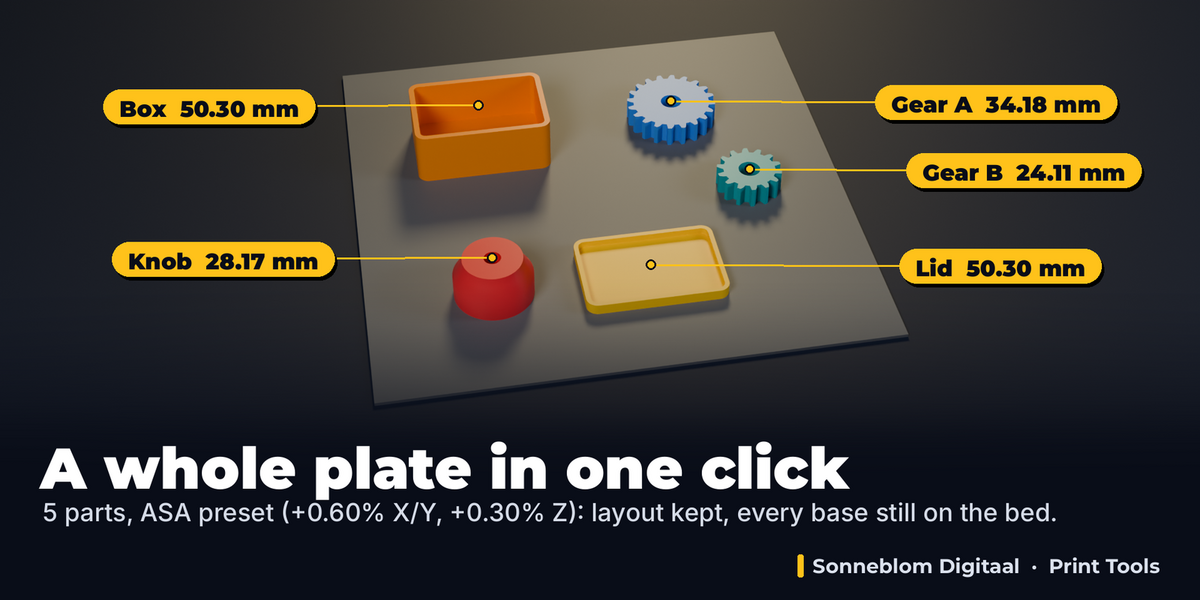
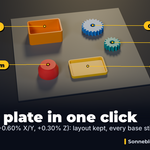
- Base stays on the bed: each part grows from the centre of its own base. Or from the bottom centre of the whole selection (a plate of parts keeps its layout), from the object origin or from the 3D cursor.
- Mesh data or Object scale: scale the mesh itself (exact at any rotation, mirrored or non-uniform object scale) or only the object's Scale values (also curves and text).
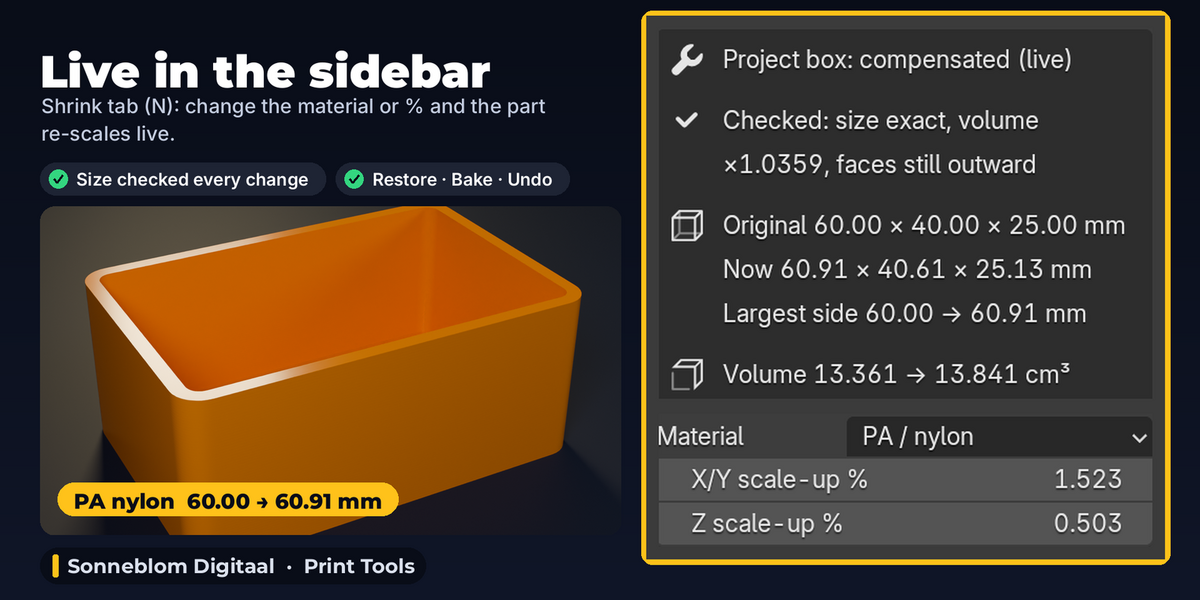
- Sizes in mm in the panel: size before and after (and the largest side), volume before and after, for STLs in mm (default) or cm, m, inch or the scene units.
- Live and never compounding: the original is kept; change the material or a percentage of a compensated part and it is re-scaled in place from the original. Clicking Compensate again also starts from the original.
- Restore Original, Bake, Ctrl+Z, F9: put the part back exactly, keep the result as a plain model, undo, or change the last run in Adjust Last Operation.
- Result check: after every run the add-on measures the result: size equal to the original times your percentages on every axis, volume ratio, faces still pointing outward, no open edges added. A modifier with a fixed size (Solidify, Bevel) that does not scale is reported by name when it changes the size or volume by more than 0.01%; a smaller effect (a 1 mm bevel on a large part) is below that threshold.
- Many parts at once: select several, click once; change a percentage and all selected compensated parts follow.
How to use
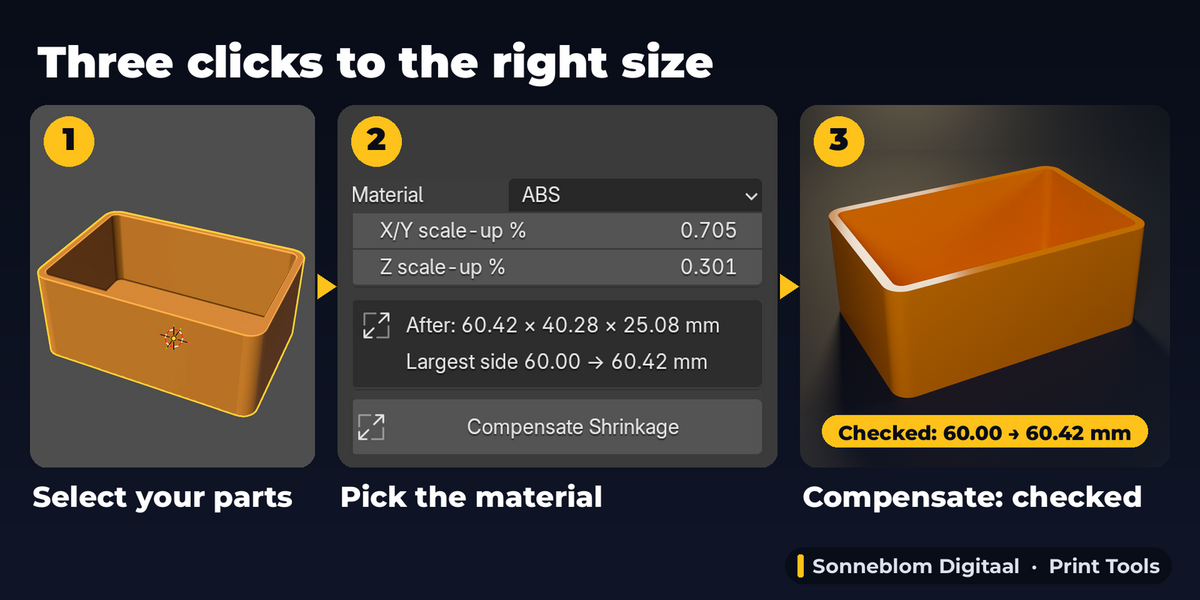
- Select the part(s) you will print and open the Shrink tab in the sidebar (N).
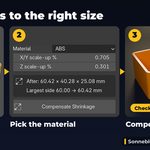
- Pick the Material (default ABS) or type your X/Y % and Z %, or open From a Measurement, type designed and printed size and click Use These Values.
- Check the After size in mm and click Compensate Shrinkage.
- Change your mind? Edit the material or % in the compensated (live) box that now tops the panel, or click Restore Original. Then export your STL / 3MF as usual.
Compatibility
Blender 4.2 LTS or newer, tested on 4.2 LTS and 5.2 LTS. Extension zip and legacy add-on zip included. Pure Python, no internet access, no extra software.
Good to know
- The presets are typical starting values. Filament brand, colour, nozzle and bed temperature, enclosure, resin curing and kiln schedule all change real shrinkage: print a calibration part and use From a Measurement for your exact setup.
- It scales; it does not change hole clearances or tolerances on its own (holes grow with the part, which is what shrinkage compensation needs). It does not scale to a target height or fix wrong units: set "1 unit =" so the sizes in the panel read right.
- Mesh data mode changes meshes only; for curves and text use Object scale. Object scale can only use different X/Y and Z values when the part is not tilted (rotated about X or Y); a tilted part with different values is refused with a message. Mesh data works at any angle.
- Modifiers with fixed sizes (Solidify thickness, Bevel width, Array offset) are not scaled in Mesh data mode: the check names the modifier when the effect is measurable (over 0.01%); apply them first or use Object scale. A mesh used by several objects is not changed in Mesh data mode (use Object scale or make it single-user).
- Uniform shrinkage only: warping, elephant's foot and uneven shrinkage over the part are not modelled.
Support
Questions or a bug? Use the Superhive product page messages and we reply within a day.