 DoubleGum
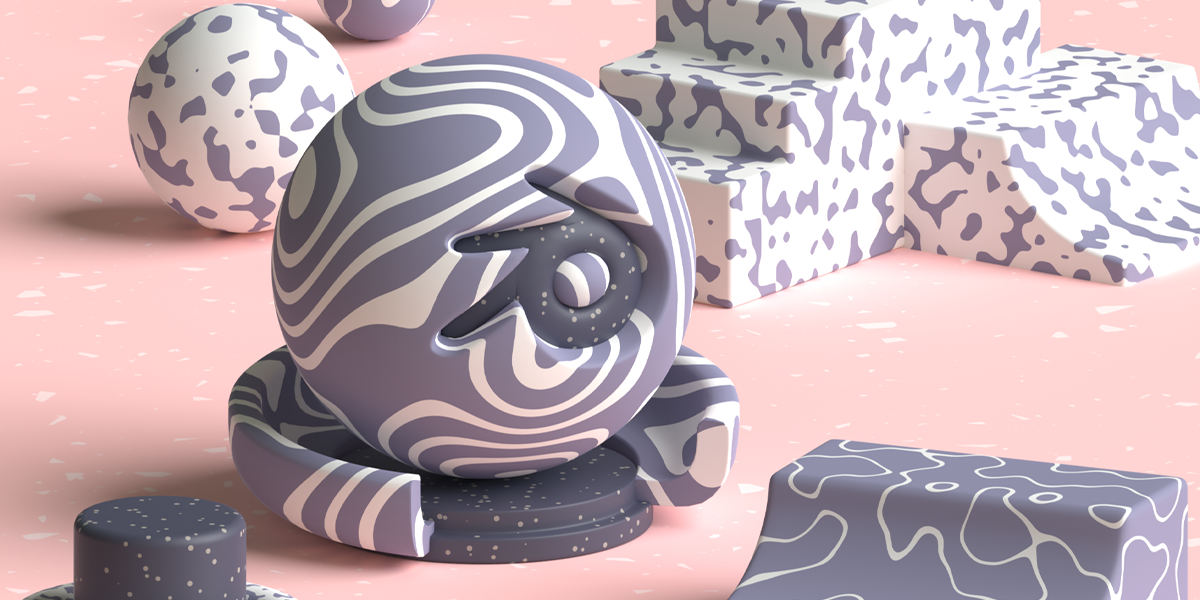
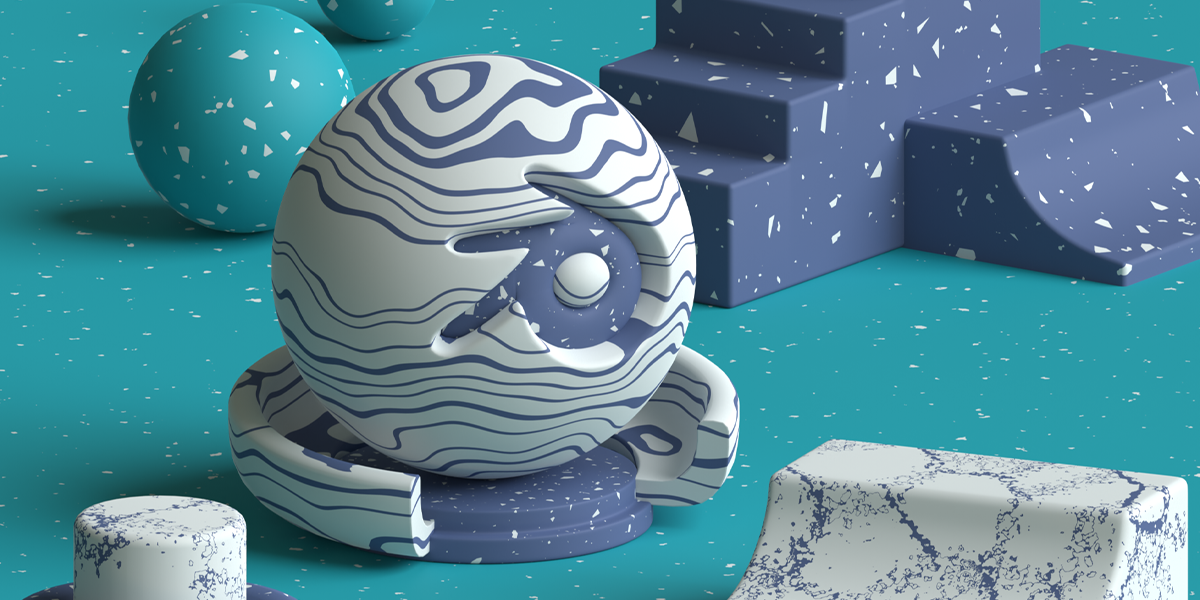
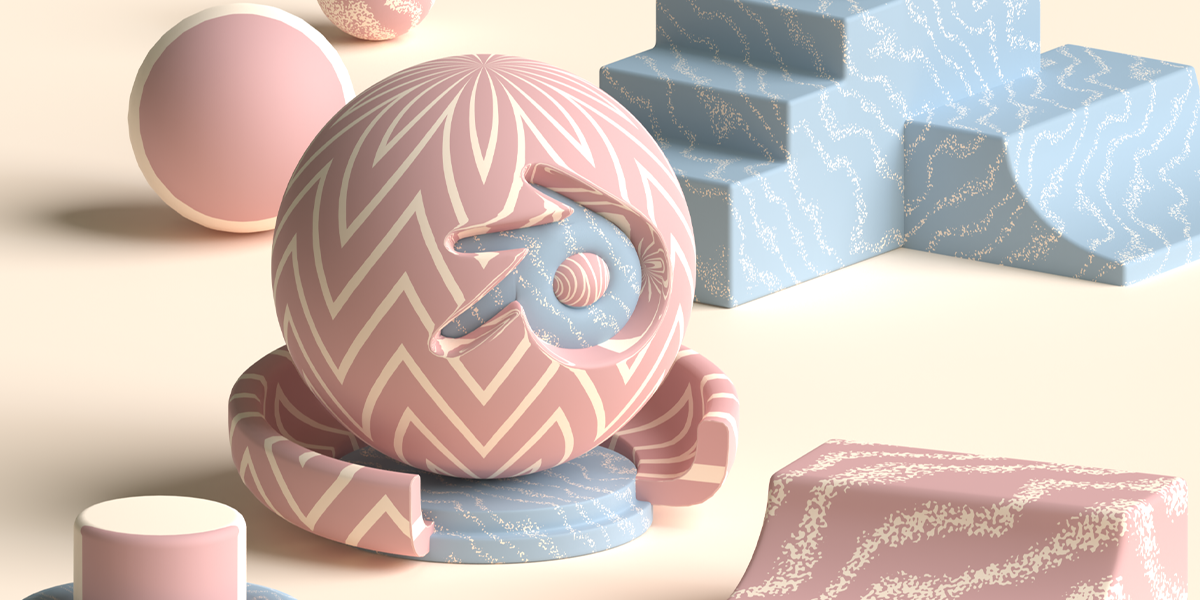
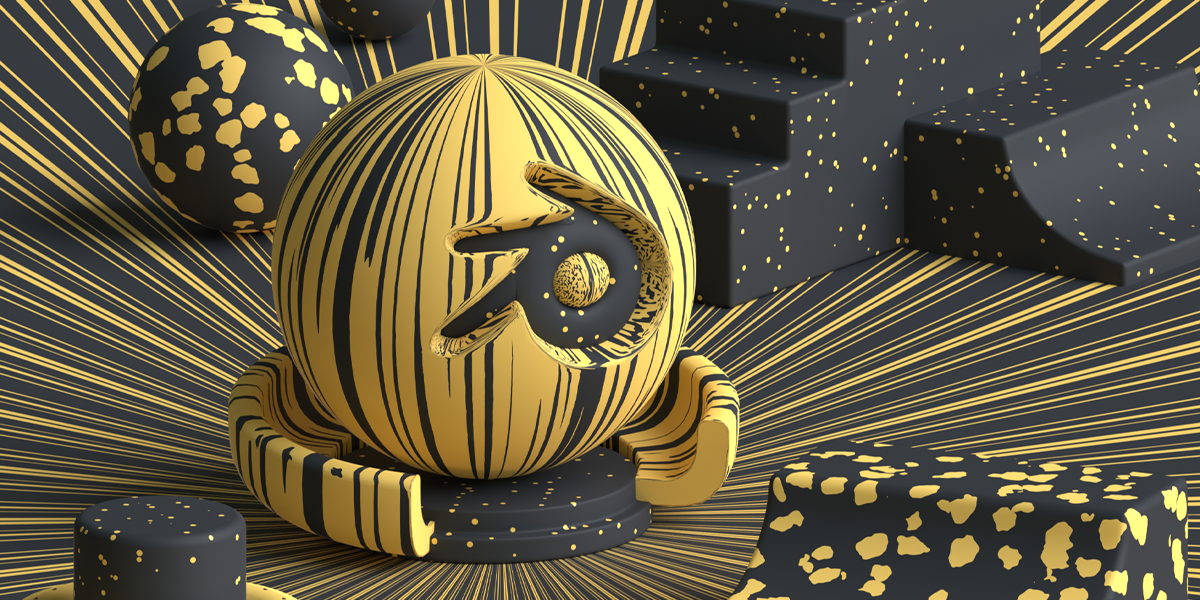
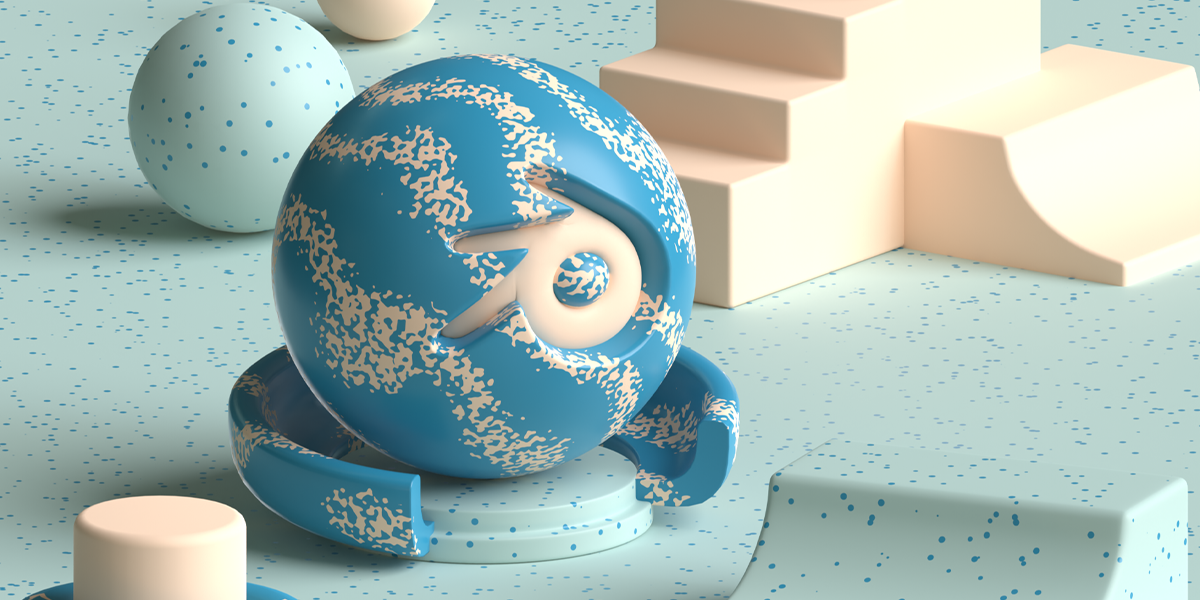
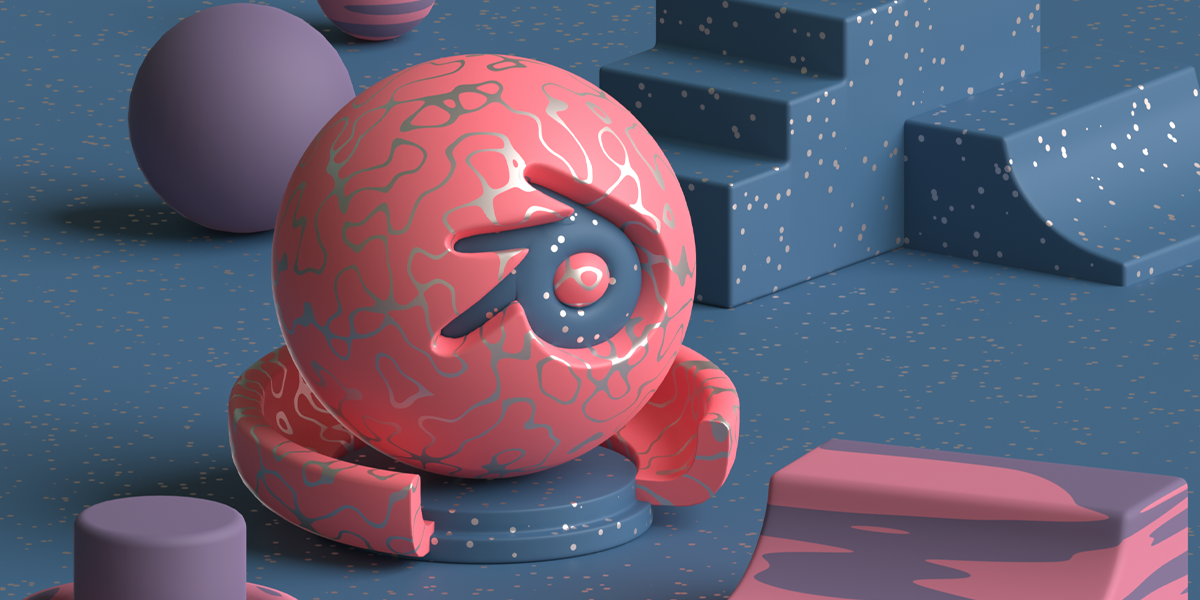


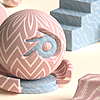


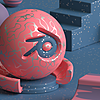
Each shader comes with a single master node. It can be used directly as the color input (for a black and white look), or as the factor in a Mix Shader node.
Here is how you can use these shaders in your project:
1. With the "Shwifty Shaders 1.0 .blend" file open, select a ball model that has your choice of material, for example, 'Stars'.
2. With the model selected, press 'Ctrl+C' on your keyboard to copy it. Now open your own Blender project and press 'Ctrl+V' to paste that model into your project's viewport.
3. Now that the model has been pasted in your project, the material that was assigned to it (Stars) will become a part of your project as well.
4. Select any of your own 3d model, and in the 'Material Properties' tab, select the material (Stars) from the drop-down menu. Below it, you will find all the settings needed to customize the material to get the desired look.
____
5. Taking the 'Stars' shader node for example, this is how it can be used to mix between 2 shaders/ colors.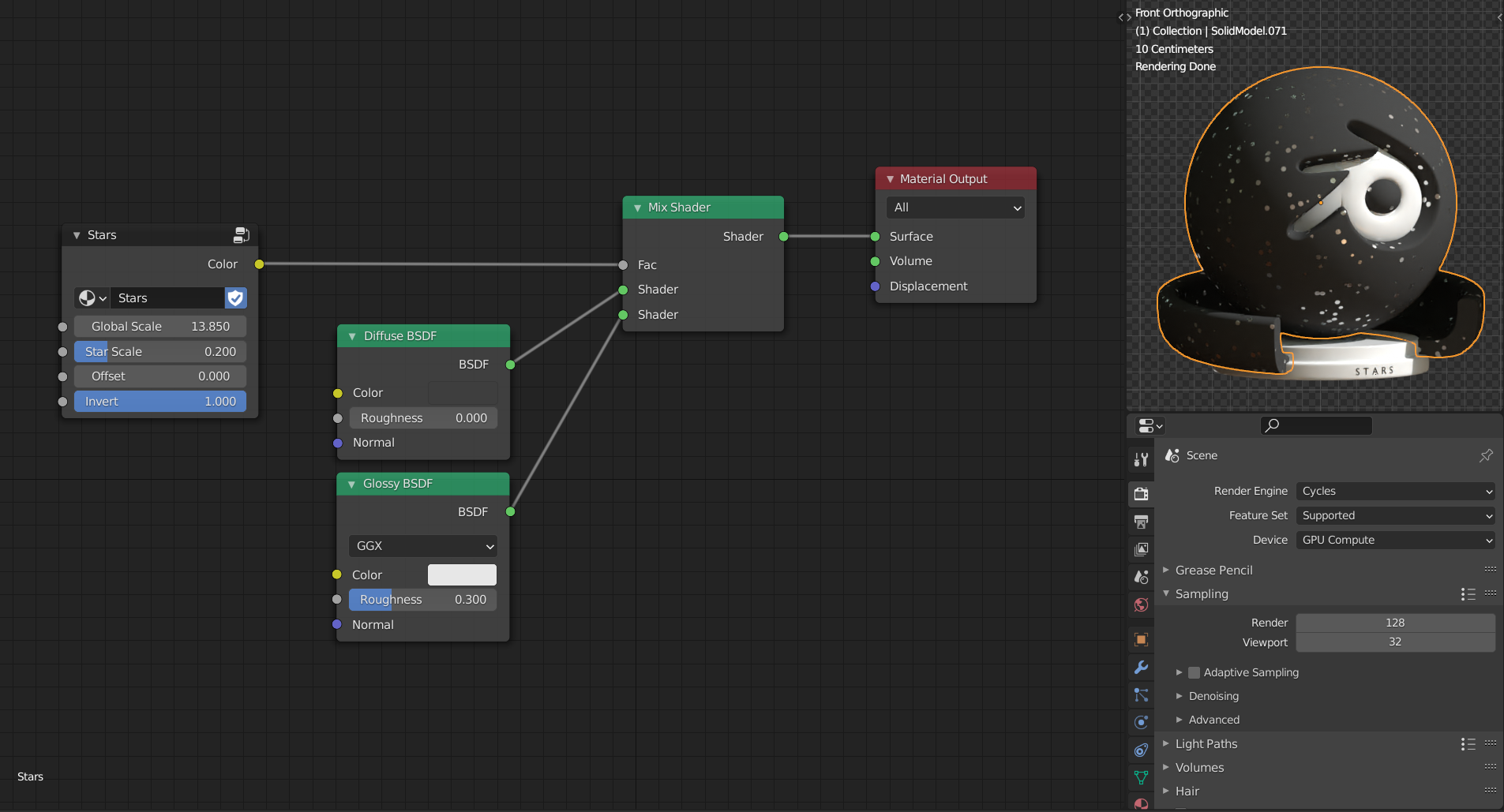
Have questions about this product?
Login to message
| Sales | 200+ |
| Rating | 4 ratings |
| Dev Fund Contributor | |
| Published | about 6 years ago |
| Blender Version | 3.0 - 5.2 |
| Render Engine Used | Cycles, Eevee |
| License | Royalty Free |
Discover more products like this
funky monochrome maps summer21 Library Geometry shaders spring21 Material summer22 metal procedural pack ceramic winter24 stone halftone geometrical pattern easy doublegum stylish wood Shader free tree rendering substance collection loveblender spring23 spring24 elegant summer23 updates graphics paper modern summer24 fancy materials patterns Trees matte design textures blender texture renders spring22