SightLIne³
 Momentum Creative Technology Inc.


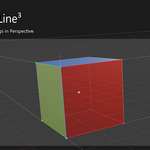
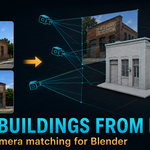
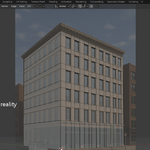
SightLine³ – TwinRay™ Camera Solver for Blender
Overview
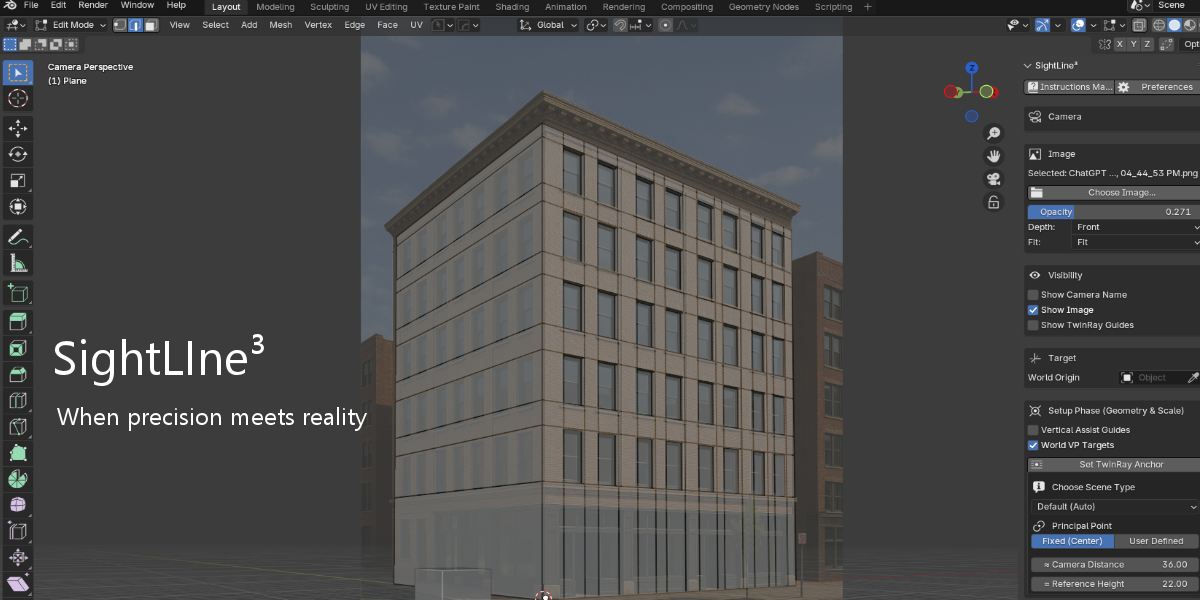
SightLine³ is a precision camera solver for Blender designed to produce structurally accurate 3D camera placement from a single 2D reference image. Unlike visual estimation methods, SightLine³ uses a geometric constraint system called TwinRay™ to define, measure, and solve perspective in a repeatable and predictable way.
This documentation explains how SightLine³ works, typical workflows, key controls, and best practices for achieving high-confidence camera solutions in Blender.
Core Concept
Perspective matching is not cosmetic — it is structural. Traditional tools often rely on manually dragging guide lines until they appear to converge. SightLine³ moves beyond appearance. It uses the TwinRay™ system of paired rays and axis constraints to construct a physically plausible camera that aligns with measurable geometry in the source image.
How It Works
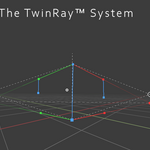
TwinRay™ Geometric Constraints
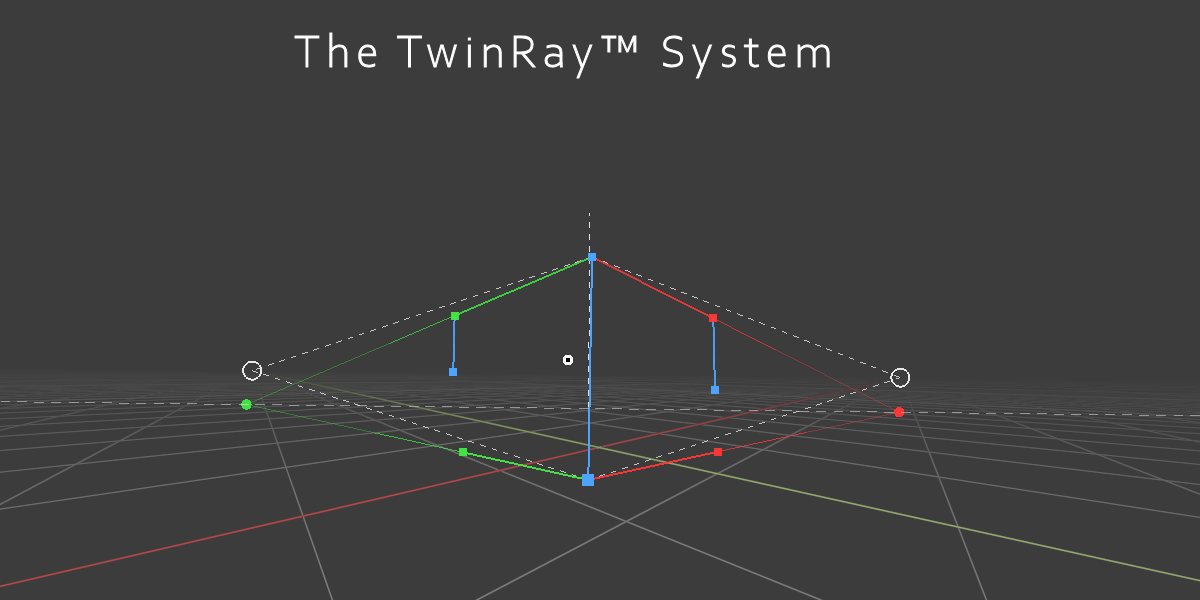
The core of SightLine³’s solving method is the TwinRay™ system:
Each axis (X, Y, Z) is constrained by paired, hinged rays rather than inferred vanishing lines.
These paired rays create measurable convergence relationships that correspond to real perspective geometry.
A strong anchor point in the image defines where the solved camera aligns in world space.
The solver builds a camera solution that is mathematically consistent with the selected image geometry.
This approach ensures:
Repeatable perspective solutions
Consistent structural alignment
Foundation-level camera reliability for modeling, texturing, lighting, and FX workflows
Installation & Requirements
Blender 4.4 or later
SightLine³ add-on installed and enabled via Blender’s Preferences → Add-ons
A reference image with visible, reliable geometric features
After installation, SightLine³ is accessed from Blender’s 3D Viewport N-Panel (Sidebar).
Workflow Overview
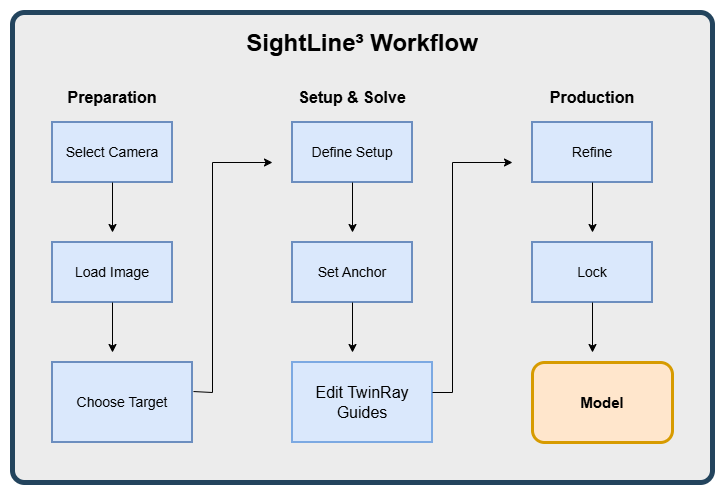
1. Setup Phase
Before solving:
-
Select an existing scene camera
-
Load the image into the camera’s background
-
Set visibility and opacity controls for clarity
-
Define the TwinRay Anchor — a geometrically stable point in the image (e.g., a corner intersection) that becomes the world reference for the solve
-
Choose a scene type (e.g., architectural, street) to guide focal range suggestions
-
Optionally enable vertical assist guides and world vanishing point indicators
-
Edit Camera Distance and Reference Height based on image content
Anchors, guide placement, and scale estimates influence solve stability and confidence.
2. Solve Phase
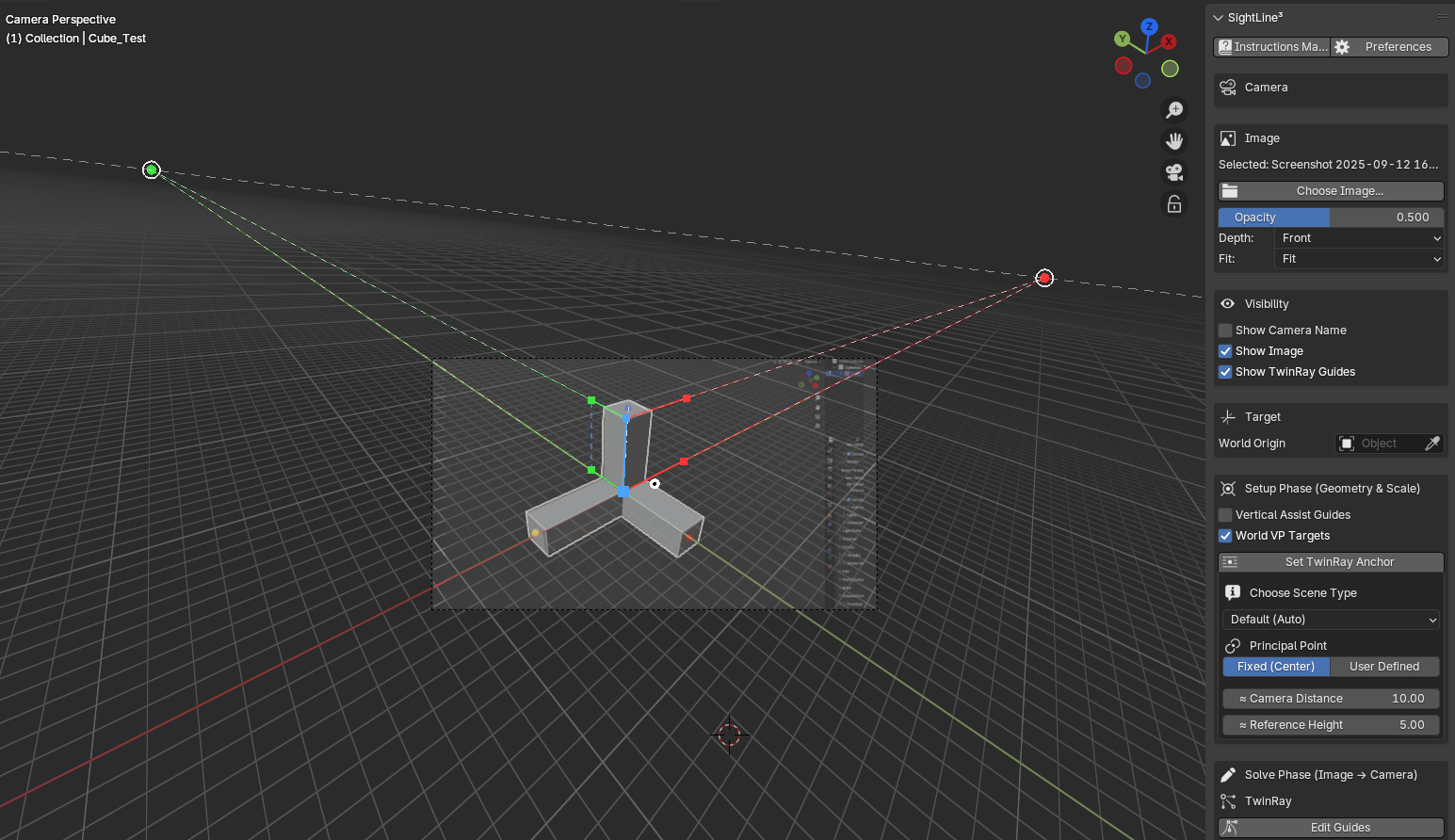
TwinRay guides activate in the viewport
Define axis constraints by aligning paired rays with corresponding geometry in the image
SightLine³ mathematically determines the camera’s rotation and focal length according to these structured relationships
Guides can be interactively edited; once satisfied, the solver computes the camera placement.
3. Post-Solve Refinement
After solving, SightLine³ provides controlled refinement tools that adjust the camera without changing geometric constraints:
Camera dollies (X, Y, Z)
Zoom offset
Lens micro-adjust
Roll control
These refinements fine-tune the solved camera position for production use while preserving structural accuracy.
4. Solve Lock
Enabling Solve Lock:
Prevents changes to TwinRay guides
Freezes refinement parameters
Ensures solve stability for production scenes
Use Solve Lock to protect a camera solution once it is validated.
Best Practices
Choose a clear, geometrically rich image with distinct edges and planes
Anchor on a stable, well-defined geometric point
Use TwinRay paired guides to maximize measurable constraints
Validate solves with known scale objects (e.g., a 2m cube in Blender)
Use refinement tools for practical alignment after the geometric solve
Limitations
If the source image contains inconsistent geometry (e.g., contradictory vanishing points or non-vertical verticals), SightLine³ reconstructs the most physically plausible camera permitted by geometry. It does not correct flawed imagery, but rather provides the best possible solution given the available geometric information.
System Requirements
SightLine³ is developed and validated on the following platform configuration:
-
Operating System: Windows 11
-
Blender Version: 4.4 +
While Blender itself is cross-platform, official support for SightLine³ is currently limited to Windows 11. Other operating systems have not yet been formally tested.
Examples & Use Cases
SightLine³ excels in workflows where perspective integrity is essential:
Architectural visualization
Photogrammetry cleanup
Set extensions
Product placement
Matchmoving / VFX integration
Concept refinement from photographic reference
A precise camera solve ensures that historic reference modeling, lighting, shadows, and simulations integrate seamlessly with 3D content.
Additional Resources
Official video demonstrations and structured solve examples can be found on the Momentum Creative Technology Inc. YouTube channel:
🔗 https://www.youtube.com/@MomentumCreativeTechnologyInc
Additional visuals, documentation updates, and product information are available on the official SightLine³ product page:
🔗 https://momentumcreativetech.ca/products/sightline3/
Have questions about this product?
Login to message
| Blender Extension Compatible | Yes |
| Sales | 20+ |
| Published | 8 months ago |
| Blender Version | 4.4 - 5.0 |
| Extension Type | Add-on |
| Render Engine Used | Cycles, Eevee |
| License | GPL |
Discover more products like this
TwinRay ArchViz match photo Perspective-matching perspective solver blender addon architectural visualization camera solving camera calibration camera matching set extension SightLine3