Sign Kit Essentials
 Helder Lucau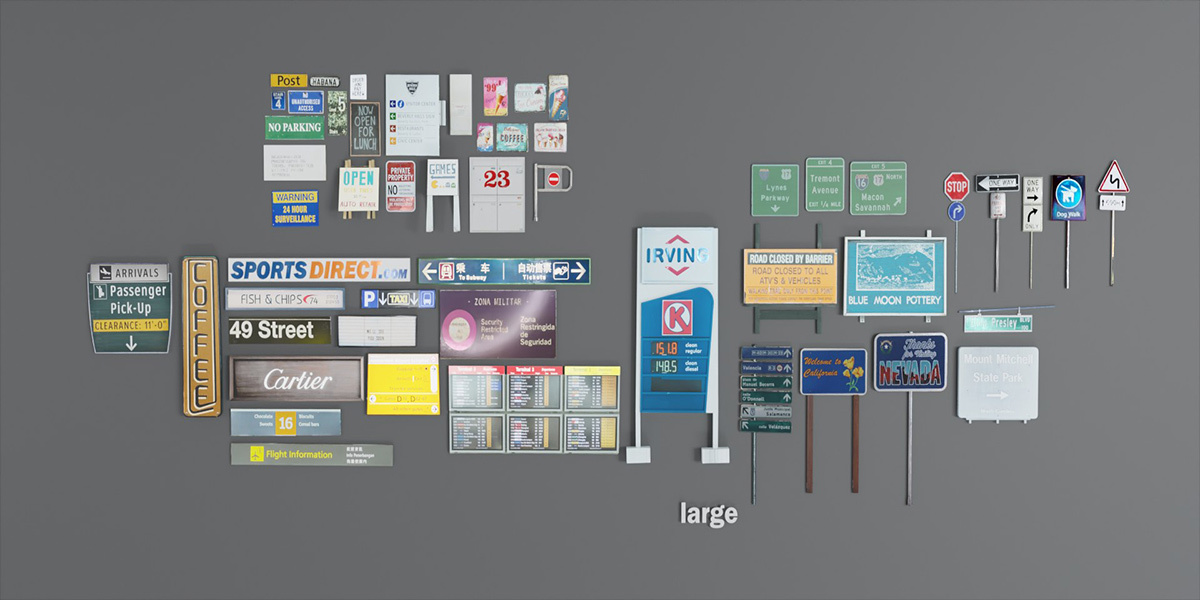
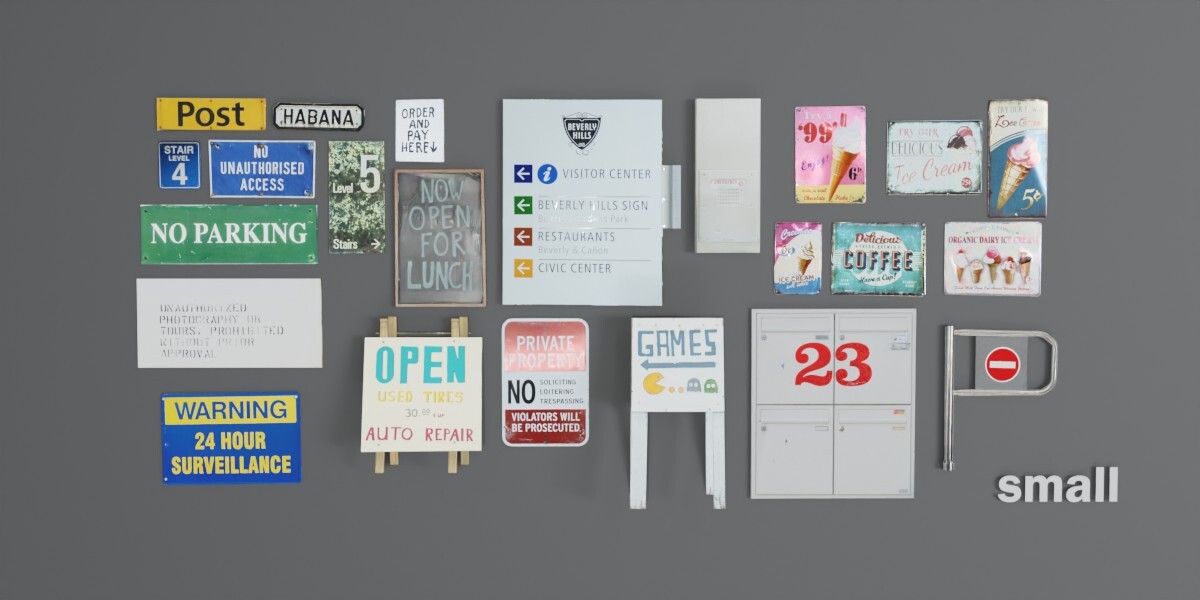
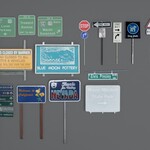
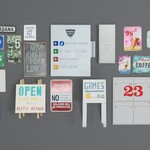
==============================
SIGN KIT ESSENTIAL PACK - SETUP GUIDE
==============================
Hey there! Thanks for downloading the Sign Kit Essential Pack.
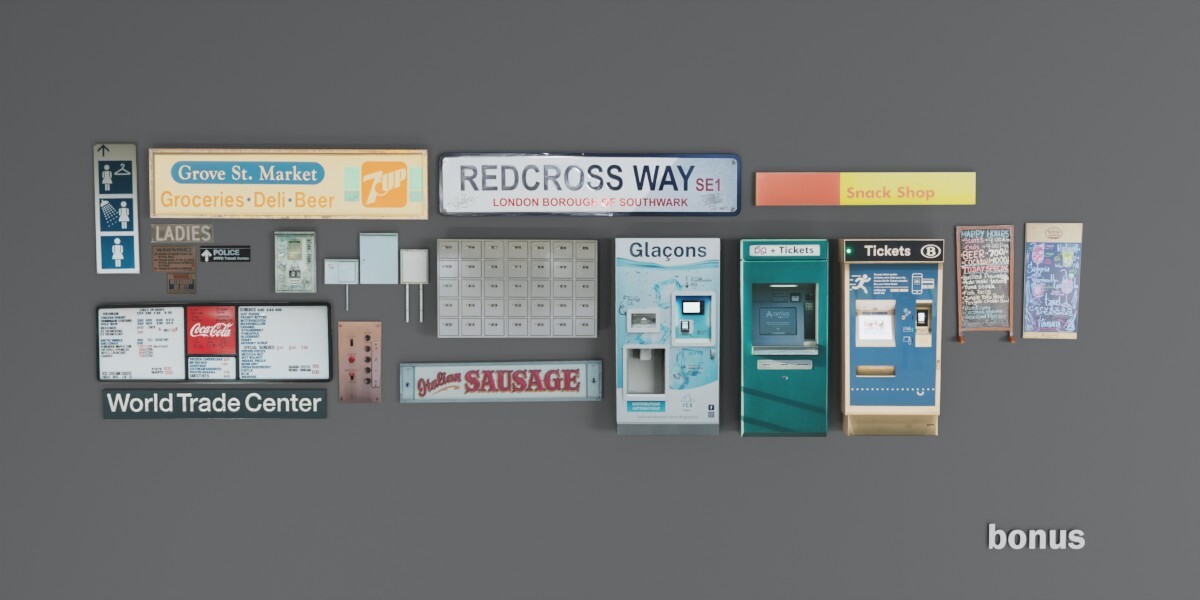
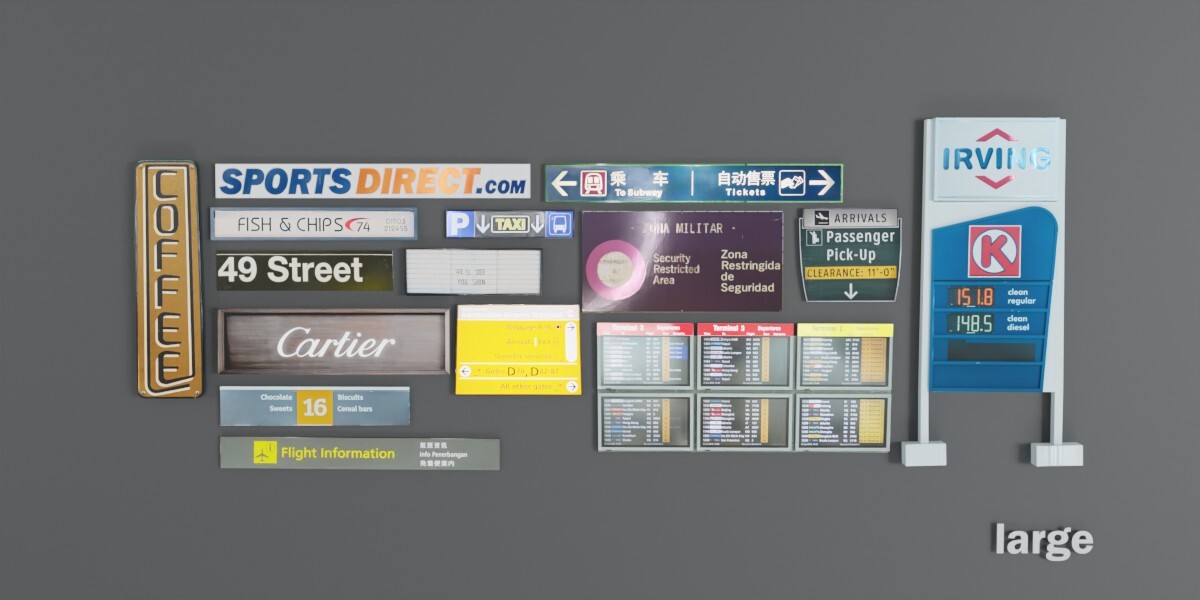
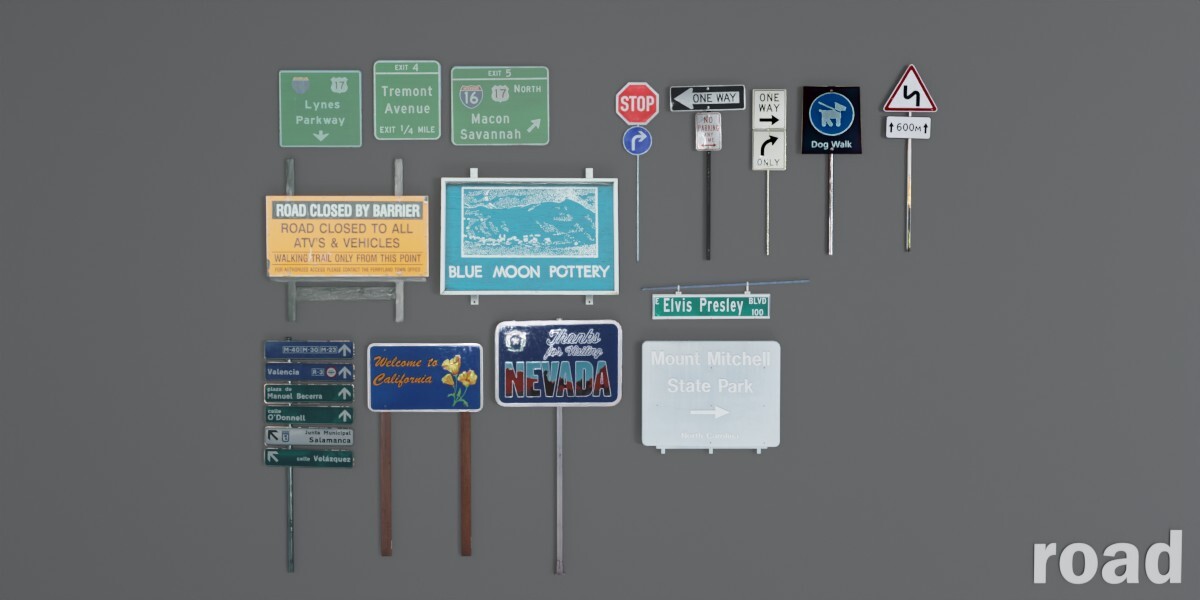
This kit is designed to drop right into your Blender scenes, helping you quickly add 3D signs using image-based textures.
This set of instructions will walk you through everything you need to get up and running fast.
------------------------------
WHAT’S INCLUDED
------------------------------
📦 Blend File(s):
- 3D sign models (with textures set up)
------------------------------
HOW TO USE THE SIGN KIT IN YOUR SCENE
------------------------------
STEP 1: OPEN OR APPEND THE SIGNS
------------------------------
Option A - Open the included .blend file:
1. Launch Blender.
2. Go to File > Open and select the provided Sign Kit Essential .zip, unzip and find the signs.blend file.
3. You can explore and test the signs in the sample scene.
Option B - Append signs to your project:
1. Open your existing Blender scene.
2. Go to **Edit > Preferences > File Paths**
3. Find the section called **Asset Libraries**
4. Click the **"+"** icon to add a new library
5. Name it something like: `Sign Kit Essentials`
6. Set the path to the folder where your asset .blend file is saved (not the file itself, but the folder)
STEP 2: PLACE & SCALE YOUR SIGNS
------------------------------
1. Use G (grab), R (rotate), and S (scale) to position the sign in your scene.
------------------------------
YOU’RE ALL SET!
------------------------------
Need help or have questions? Reach out!
Enjoy and happy blending 😊
Have questions about this product?
Login to message
| Published | over 1 year ago |
| Blender Version | 4.4, 4.3, 4.2, 4.1, 4.0, 3.6, 3.5, 3.4 |
| Render Engine Used | Cycles |
| License | Royalty Free |

Discover more products like this
Billboard 3D Model 3D art asset Blender Street Signs. 3d kit poster