 Bala
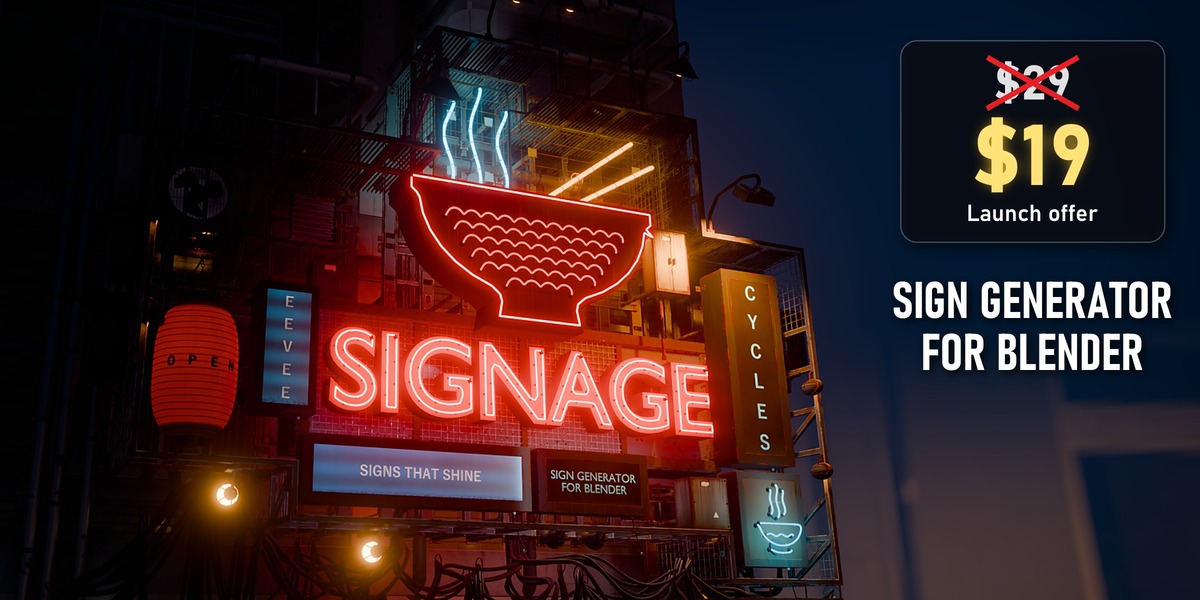
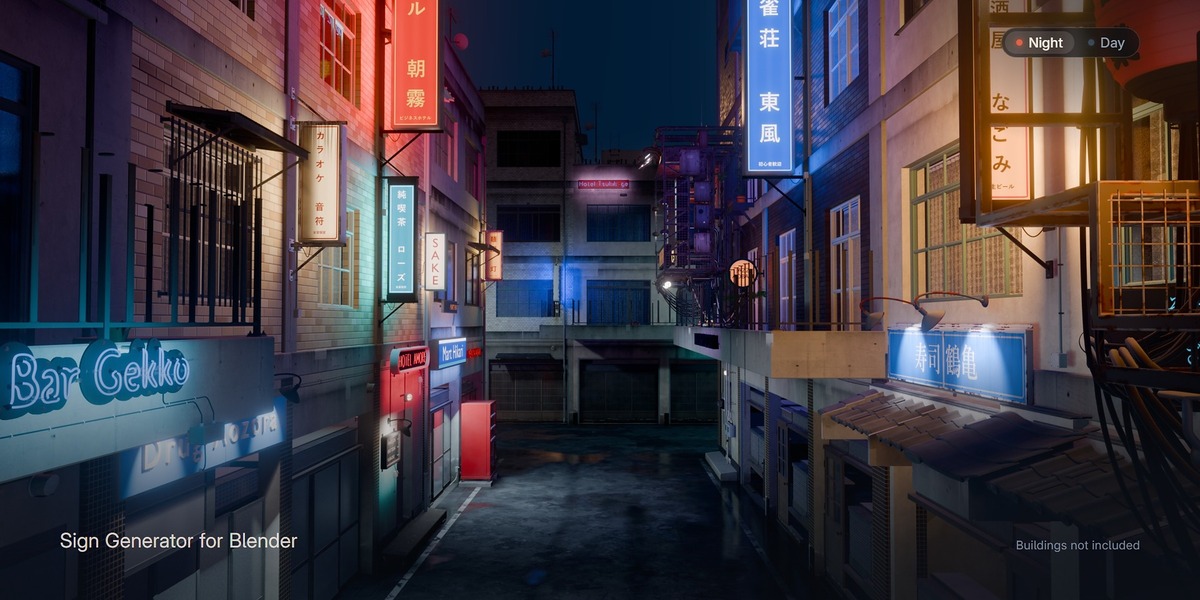
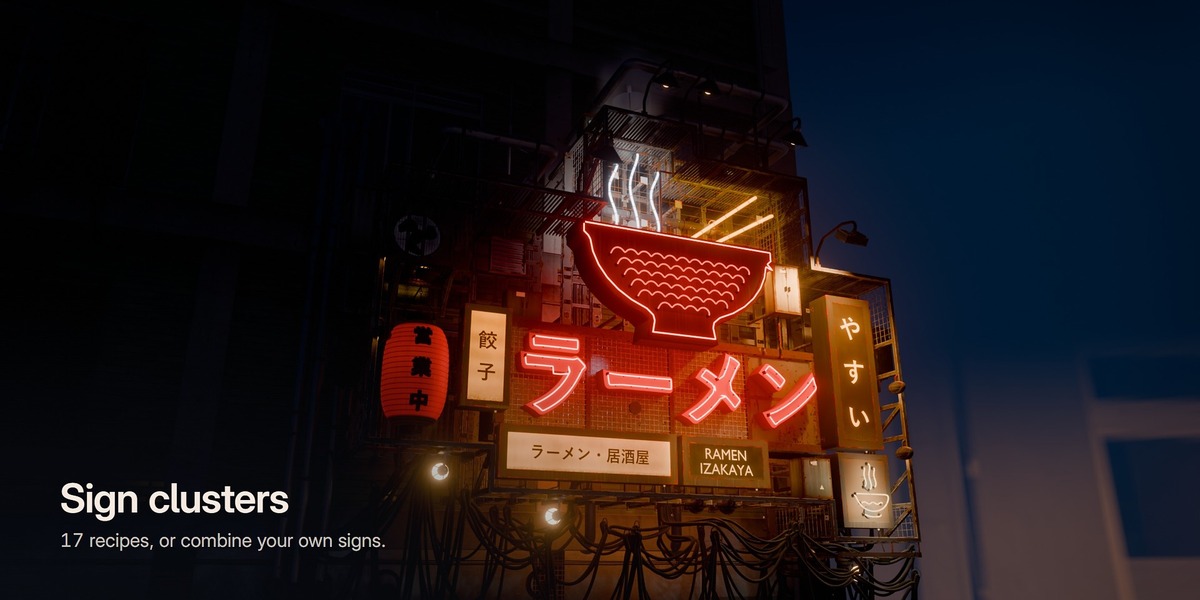
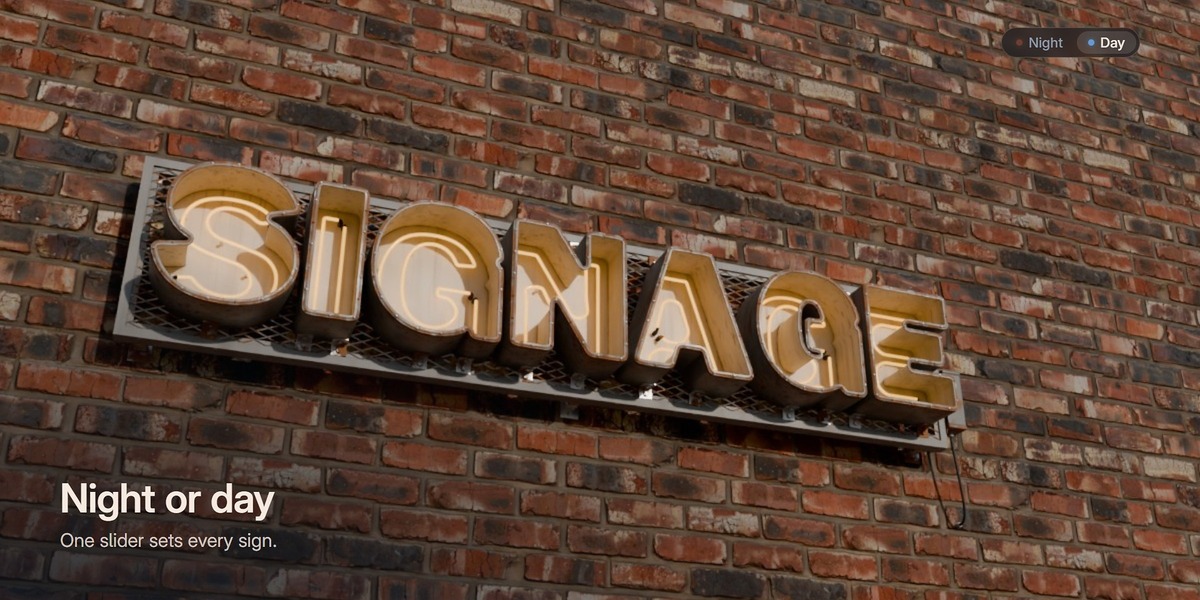
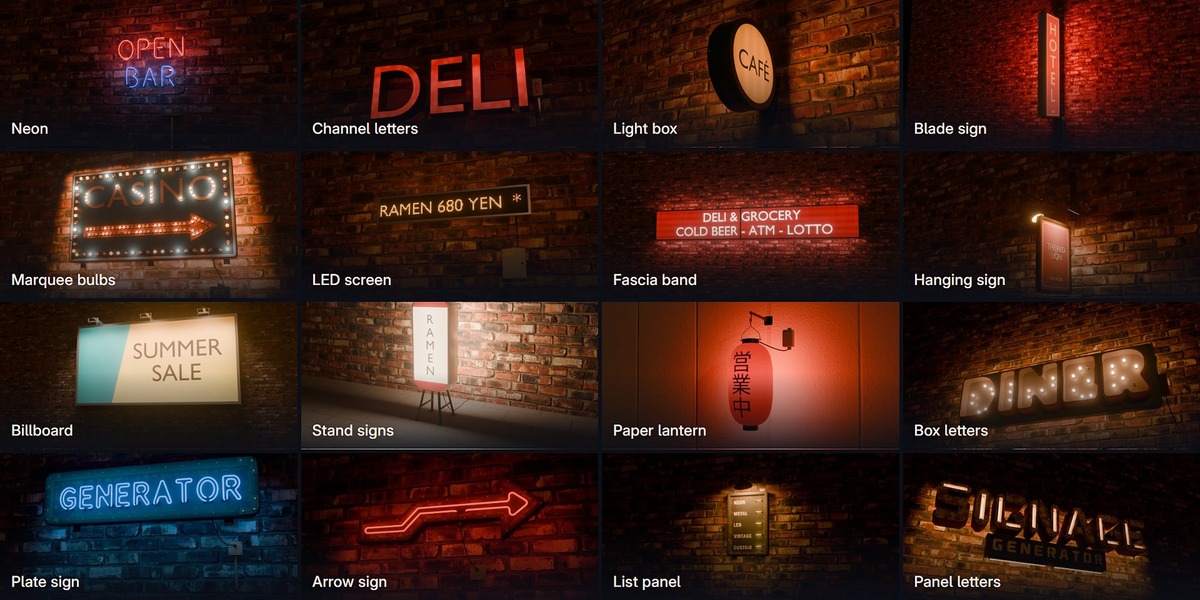
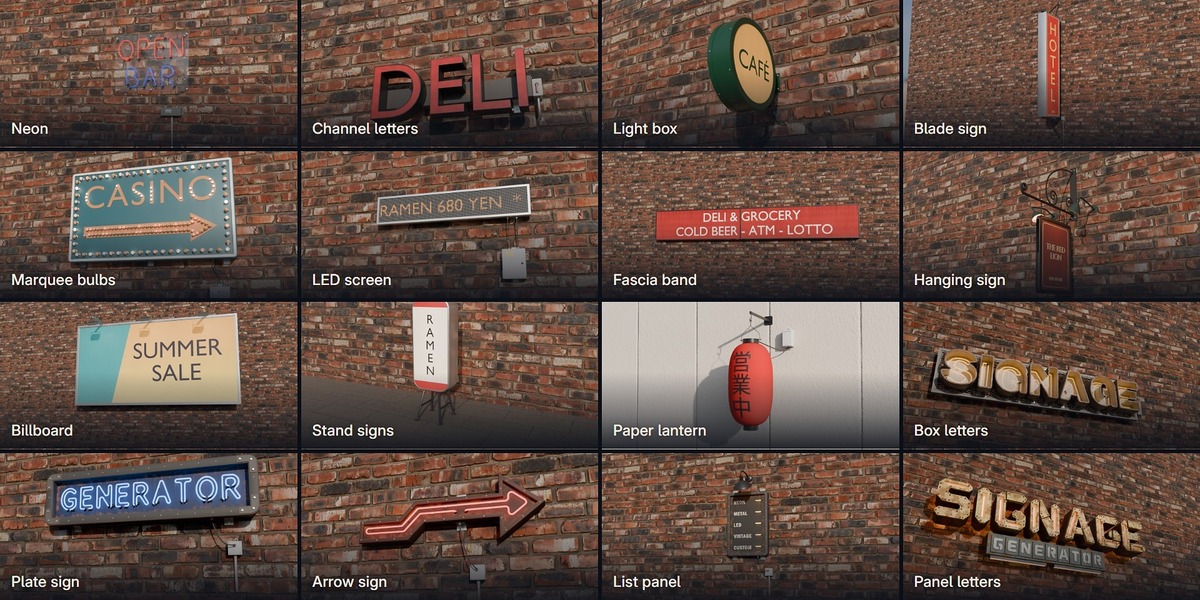
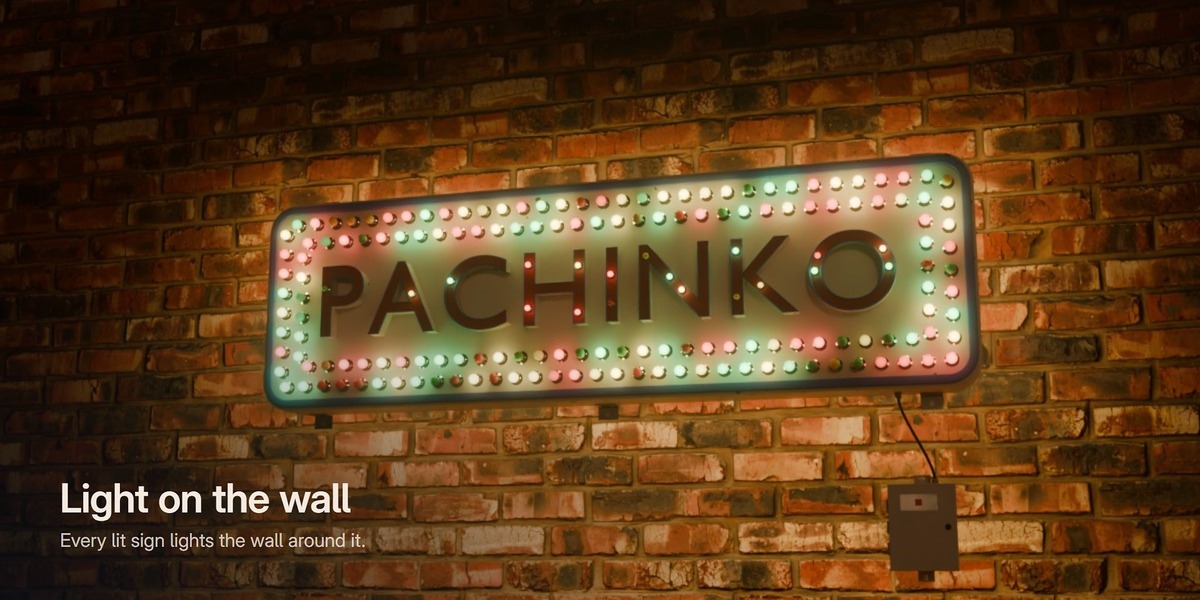
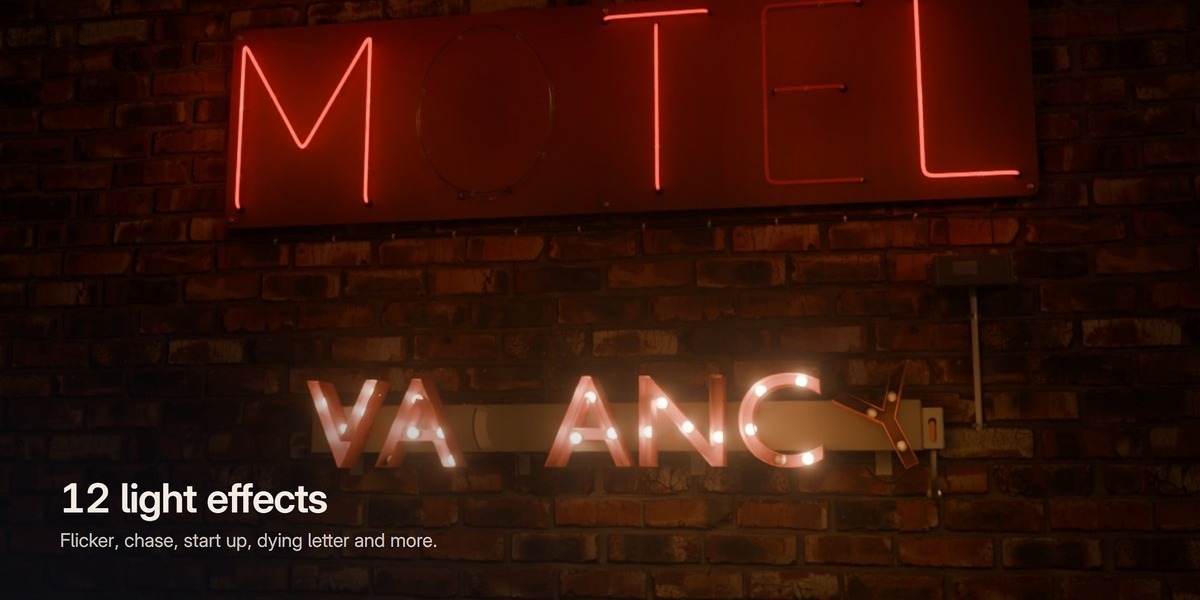
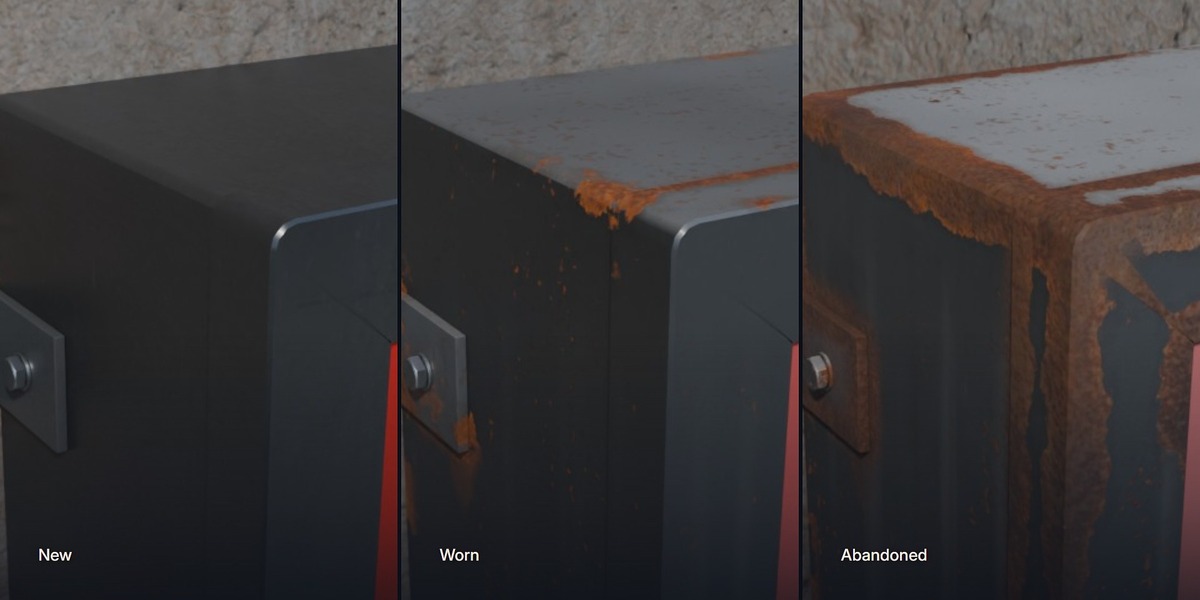
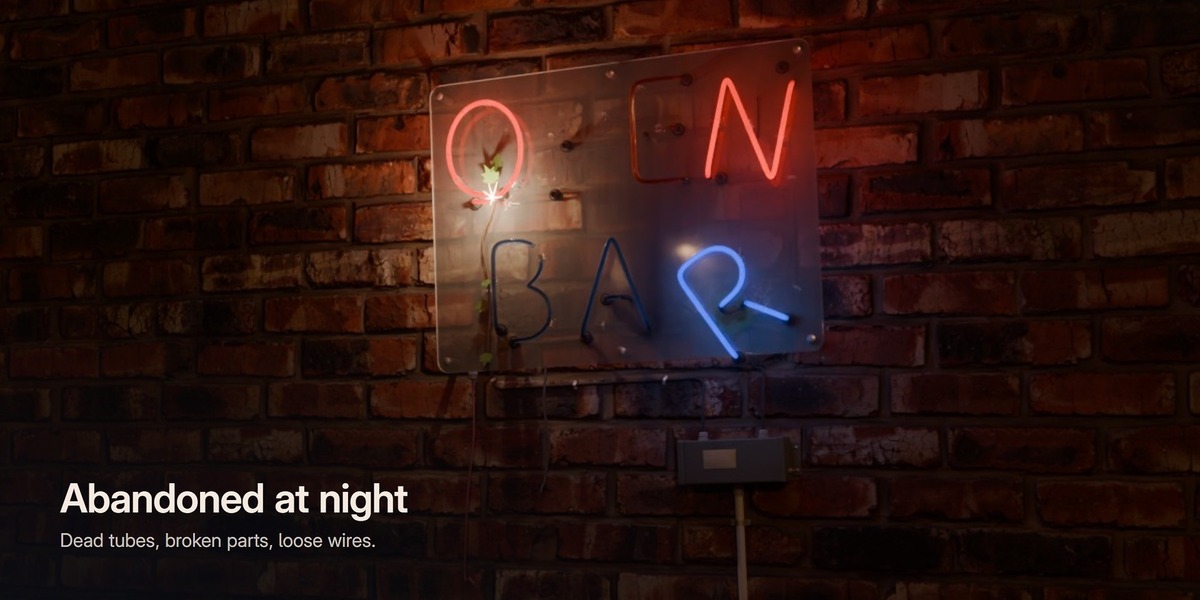
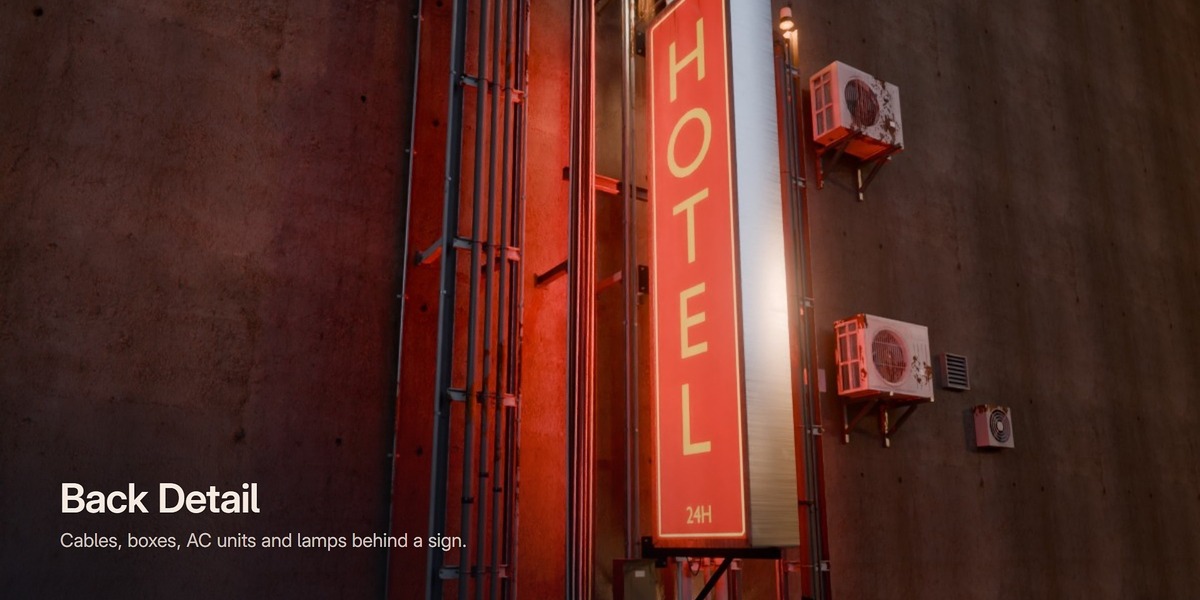
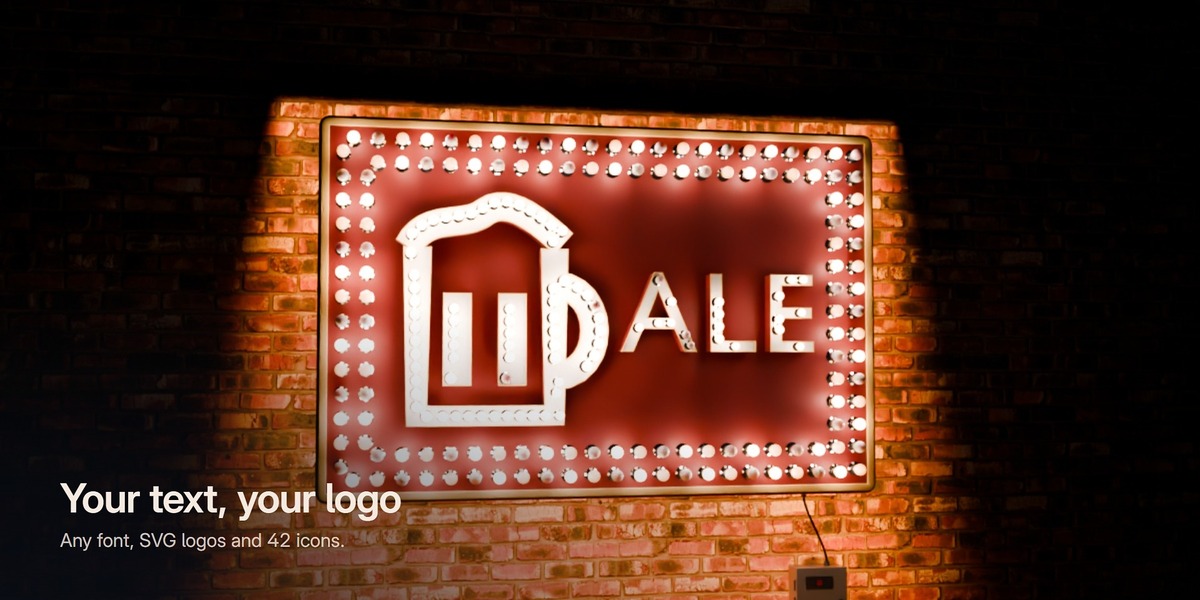
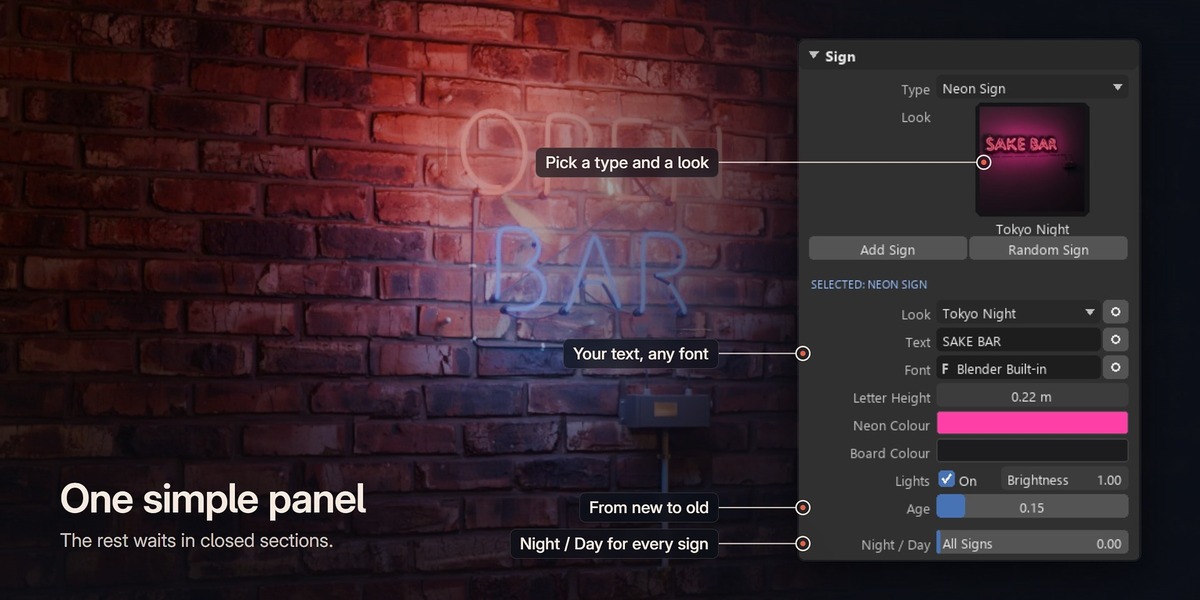
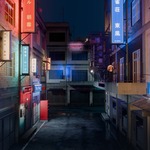
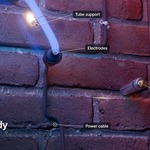
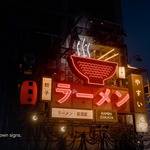

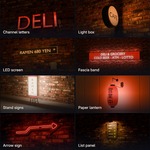
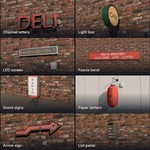
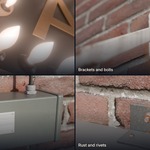
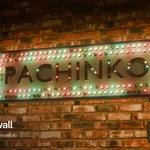

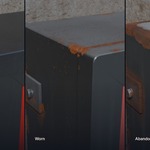
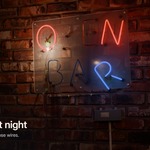

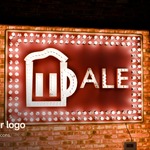
No. Signage makes the signs. The buildings and streets in the pictures come from my own scenes.
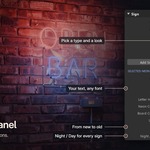
Yes. Pick any font installed on your computer, or open a font file.
Yes, on neon, channel letters and marquee signs. Import an SVG or pick one of the 68 icons.
Yes. Add Sign and Place on Surface follow the surface under your mouse, at any angle.
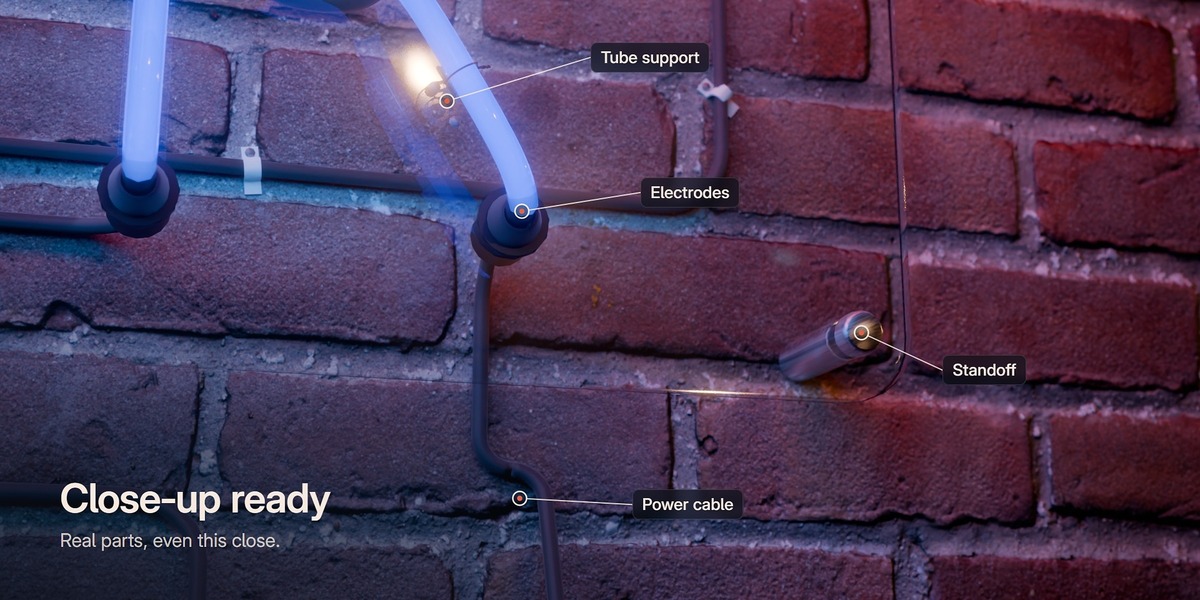
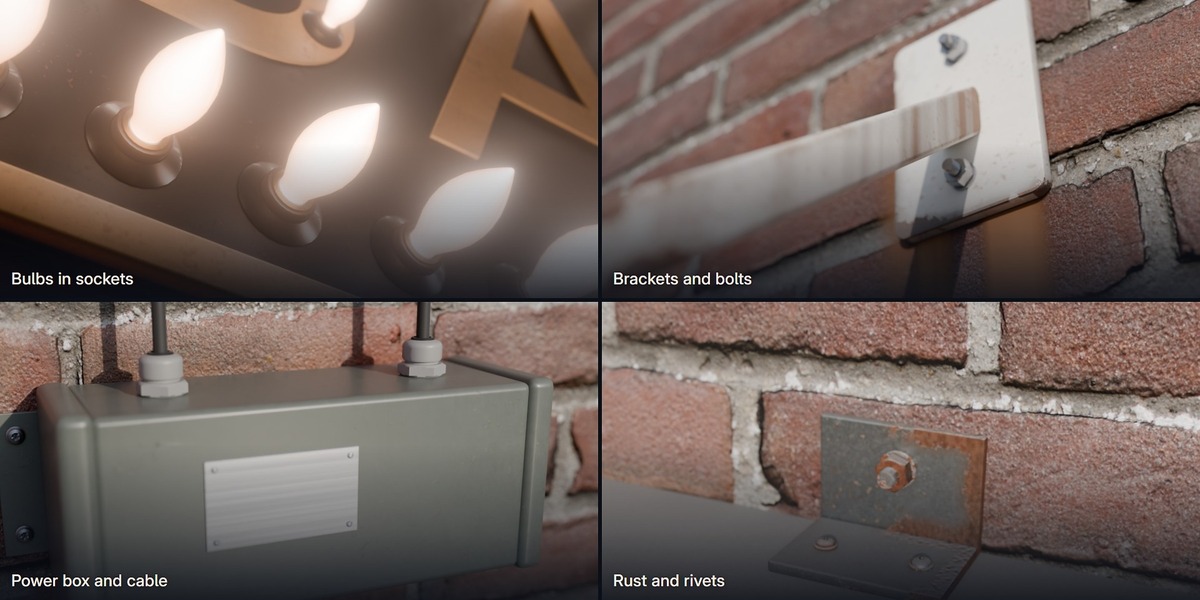
Yes. The parts are plain meshes with their own materials, so you can use them anywhere in your scene.
Yes. They run on the timeline, so they play in the viewport and in your rendered animation.
Use Detail Low for signs far from the camera, and keep Glow Lights in Viewport on No Shadows or Off while you work.
Yes. Convert to Mesh, then export FBX or GLB. The glow is kept as emission.
Yes. What you make with Signage, like renders, animations, films and games, can go into personal and commercial work, and you don't need to credit Signage. The files of the add-on itself, like the .blend files, pictures and lists, are for you only: you can't sell or share them. The Python code is under the GPL. LICENSE.txt has the details.
Have questions about this product?
Login to message
| Blender Extension Compatible | Yes |
| Dev Fund Contributor | |
| Published | about 19 hours ago |
| Blender Version | 5.2 - 5.3 |
| Extension Type | Add-on |
| Render Engine Used | Cycles, Eevee |
| License | GPL |
Discover more products like this
cyberpunk geometry nodes street signage sign marquee city Billboard channel letters neon storefront Shop Sign