 jfmatheu


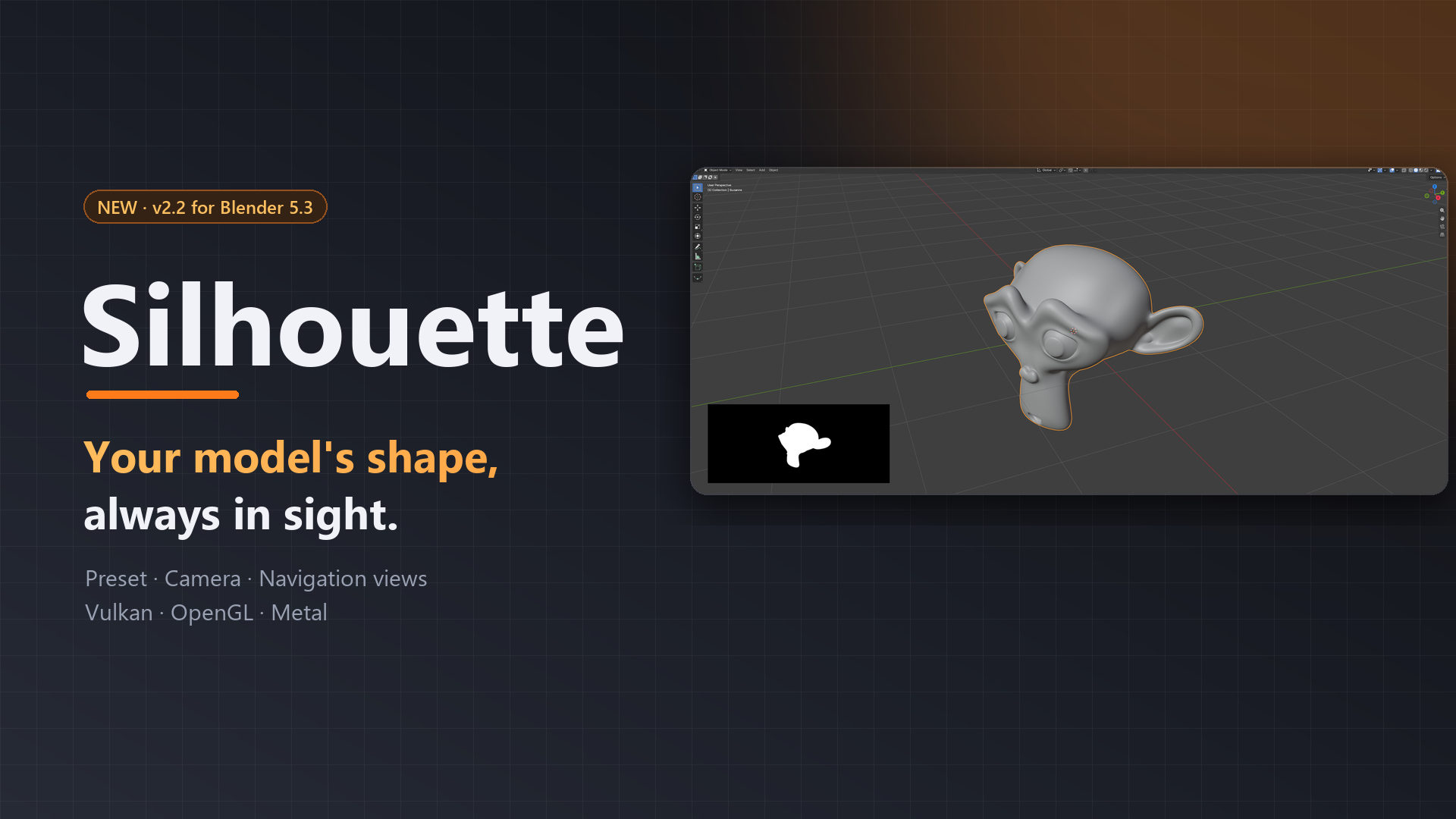
See your model's shape, always.
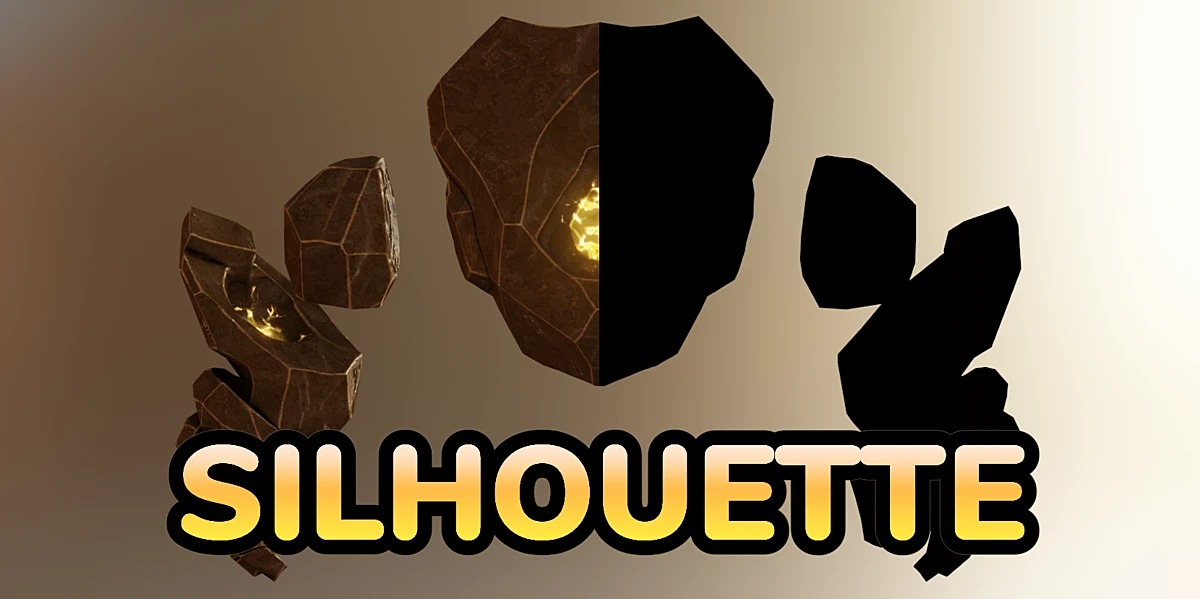
Silhouette puts a small card in the corner of your 3D viewport that shows the pure shape of your mesh: no lighting, no details, just the outline. You can tell at a glance whether your character, prop or sculpt still reads well from the front, the side or the top, without leaving the view you're working in.
💛 Silhouette is open source and made by an independent developer. Getting it here is the best way to support its development and keep it updated for new Blender versions.
✨ Features
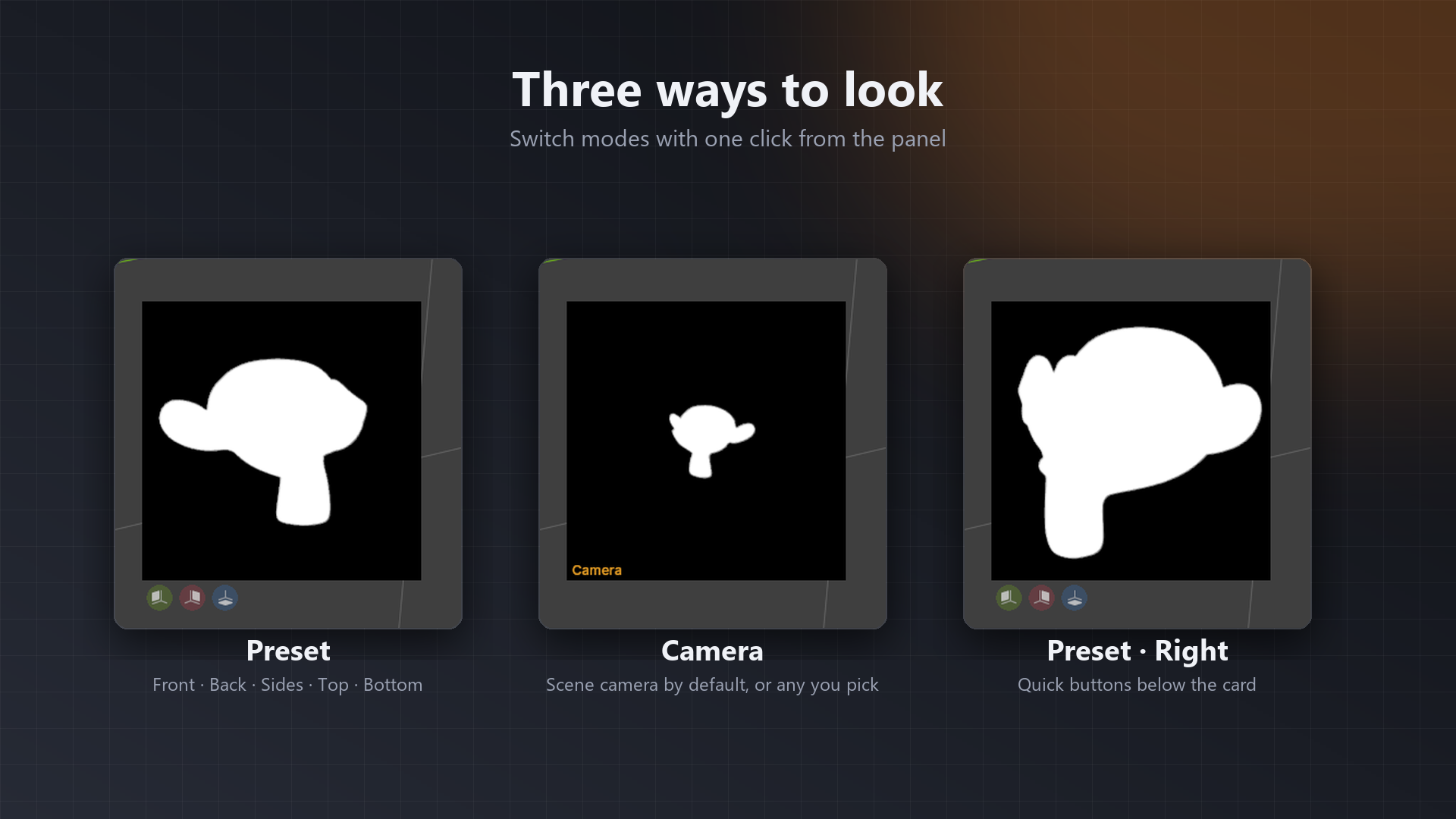
- Six preset views: front, back, left, right, top and bottom, framed automatically around your model.
- Camera view: uses the scene camera by default, or any camera you pick.
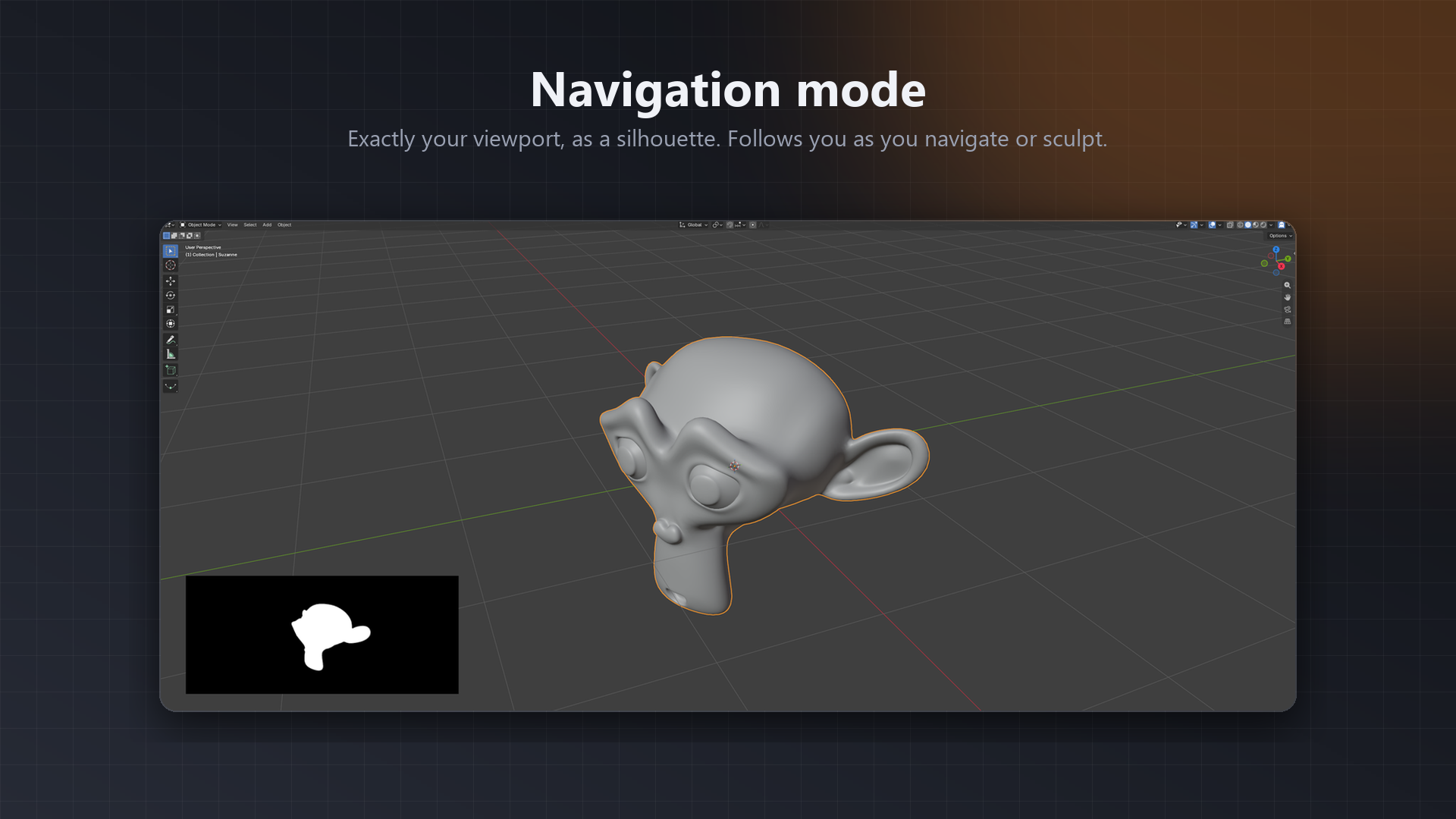
- Navigation view: mirrors your viewport exactly and follows you while you navigate or sculpt.
- Flexible targets: active object, selected objects, a fixed object or a whole collection.
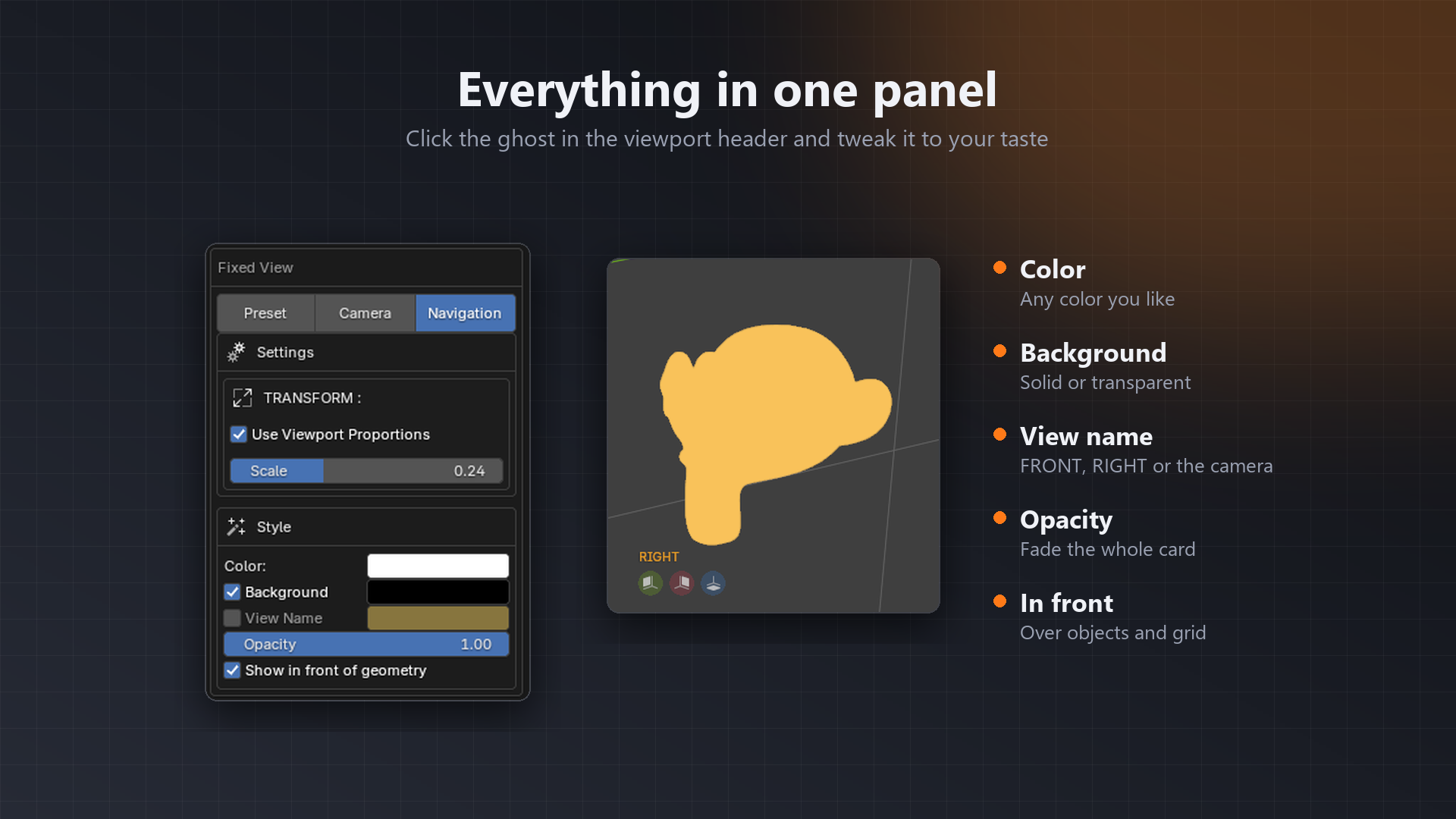
- Your own style: color, transparent or solid background, opacity and the view name in a corner.
- Quick switch: three colored buttons under the card for front, side and top.
- Sculpt friendly: click the card to refresh it, or let it auto-update every few seconds.
- Lightweight: it only re-renders when something actually changes.
- Modern GPU: works on Vulkan, OpenGL and Metal.
🛰️ Navigation mode
The card shows exactly what your viewport shows, with the same framing and perspective, as a clean silhouette. Orbit, zoom and pan, and it follows you in real time. Perfect while sculpting.
🎨 Everything in one panel
Click the 👻 ghost in the viewport header to turn it on, and the little arrow next to it to open the settings. That's it.
🚀 Installation
- Download the
.zipfile. Don't unzip it. - In Blender go to Edit ▸ Preferences ▸ Get Extensions ▸ ⌄ ▸ Install from Disk… and pick the zip. You can also just drag it onto the Blender window.
- Click the 👻 ghost in the 3D viewport header. Done!
📖 Documentation
Check the Documentation tab on this page, or the full guide on the Silhouette website.
Made with love by @jfranmatheu · Thank you for supporting independent Blender tools 💛