 ARLN
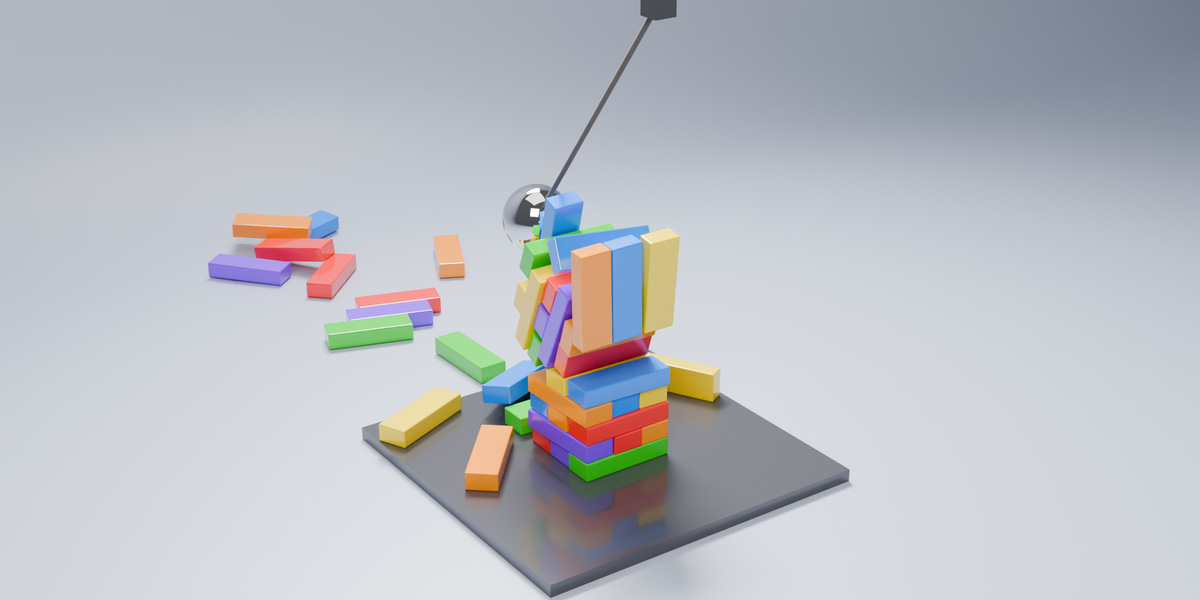
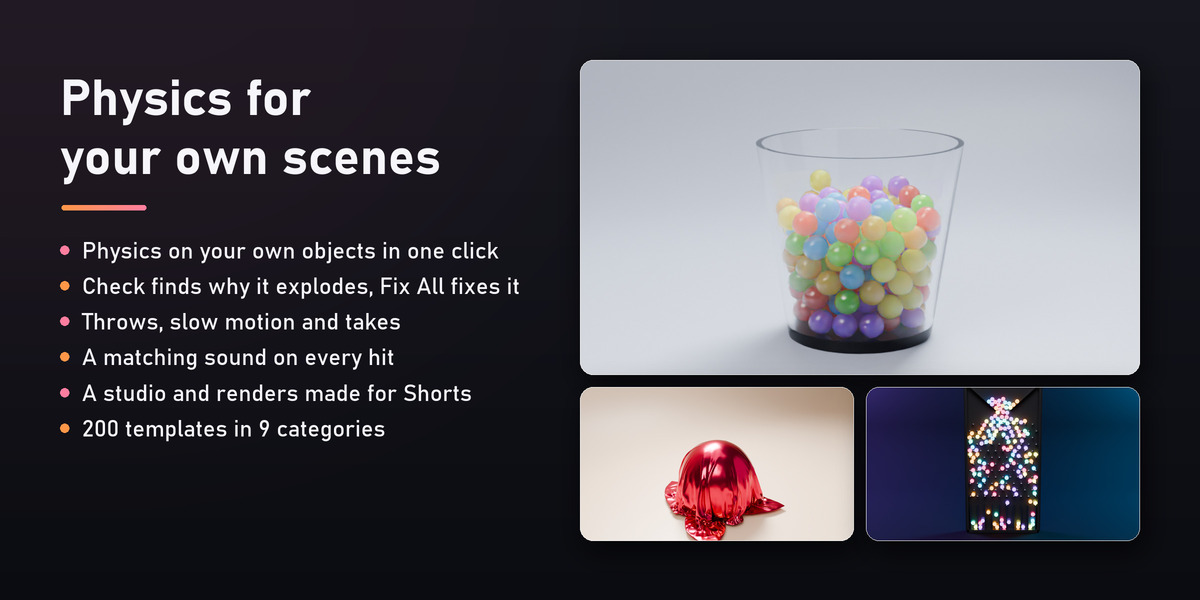
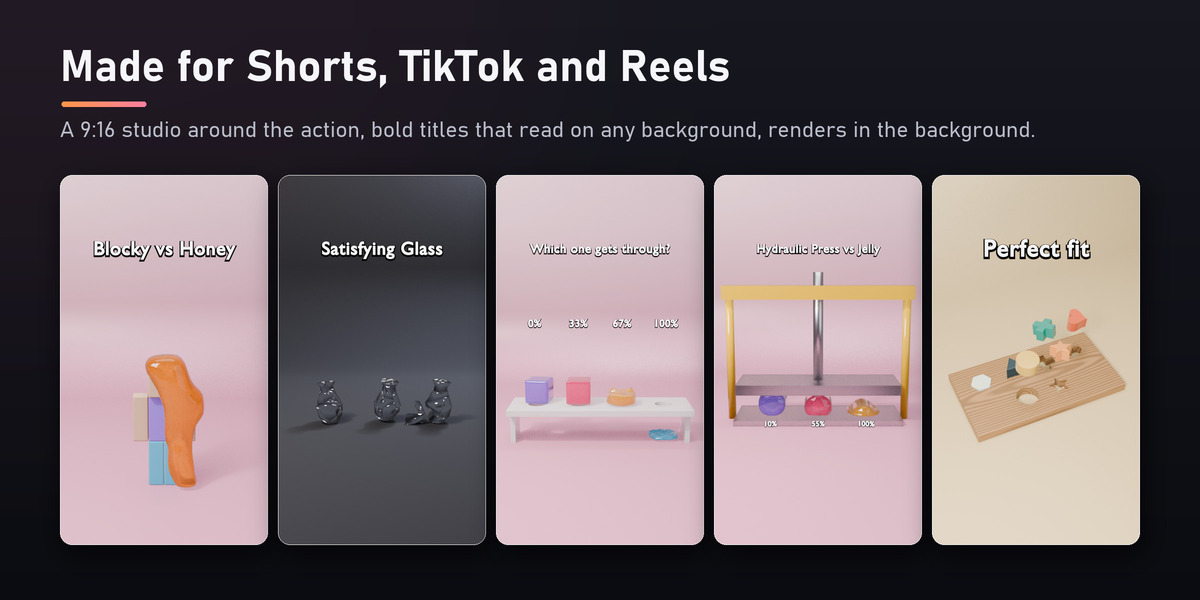
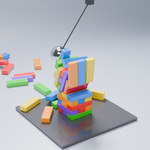


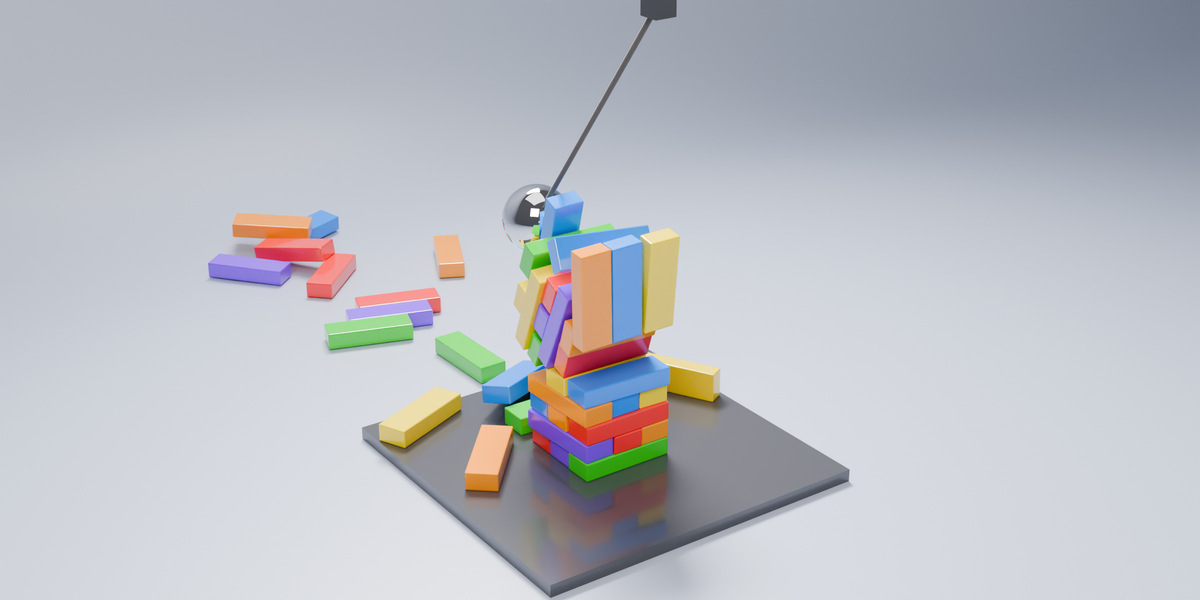
SimLift makes Blender's physics something you can direct. Select your own objects and make them soft, cloth, rigid by real material, breakable or a liquid source in one click. When a simulation explodes or falls through the floor, Check tells you why and Fix All repairs it. Throw objects exactly where you want, slow the simulation down at the hit, bake six versions and keep the best, and get a matching sound on every impact. For Shorts, TikTok and Reels there is a 9:16 studio and 200 ready templates.
Why SimLift?
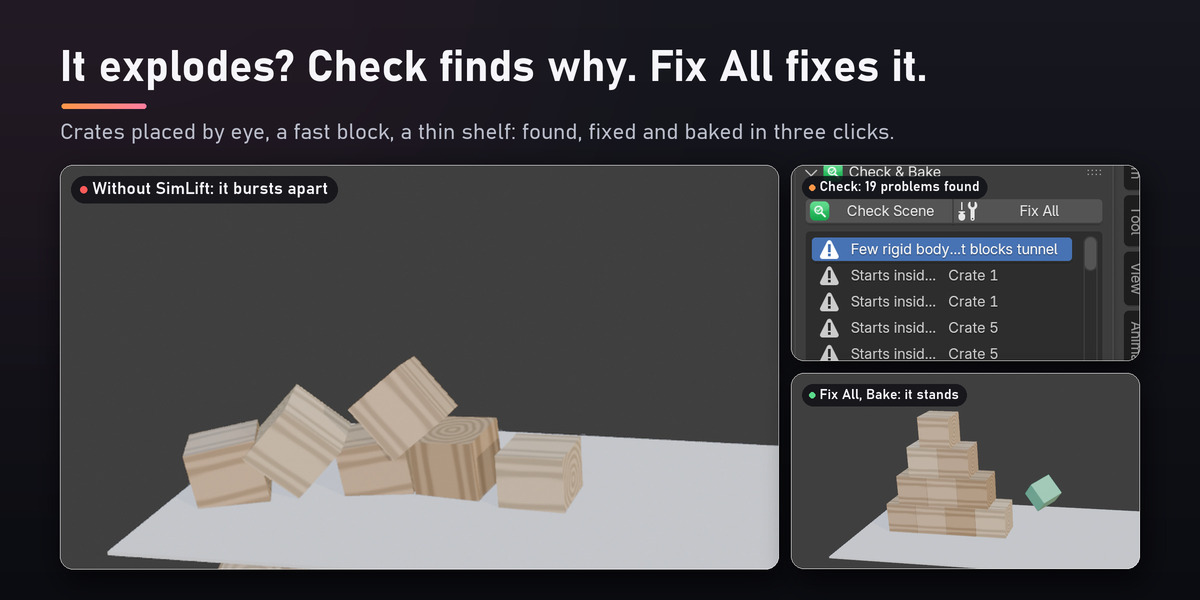
Blender's physics is powerful but unforgiving. Objects that start a centimeter inside each other explode on the first frame, fast objects fall through thin floors, a rigid body cannot be given a starting speed, and every new version of a shot means another bake by hand. SimLift fixes the workflow, not just the settings: it checks your scene, repairs it, directs the motion and does the repetitive baking for you.
Features
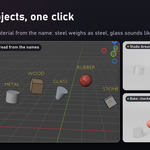
Physics on your own objects, in one click
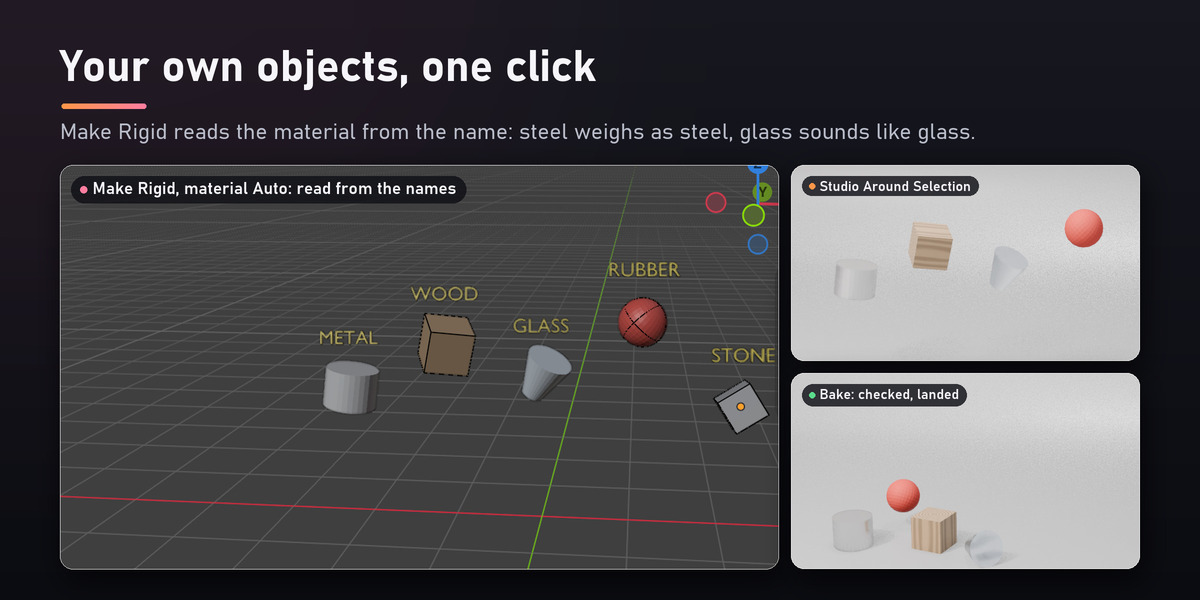
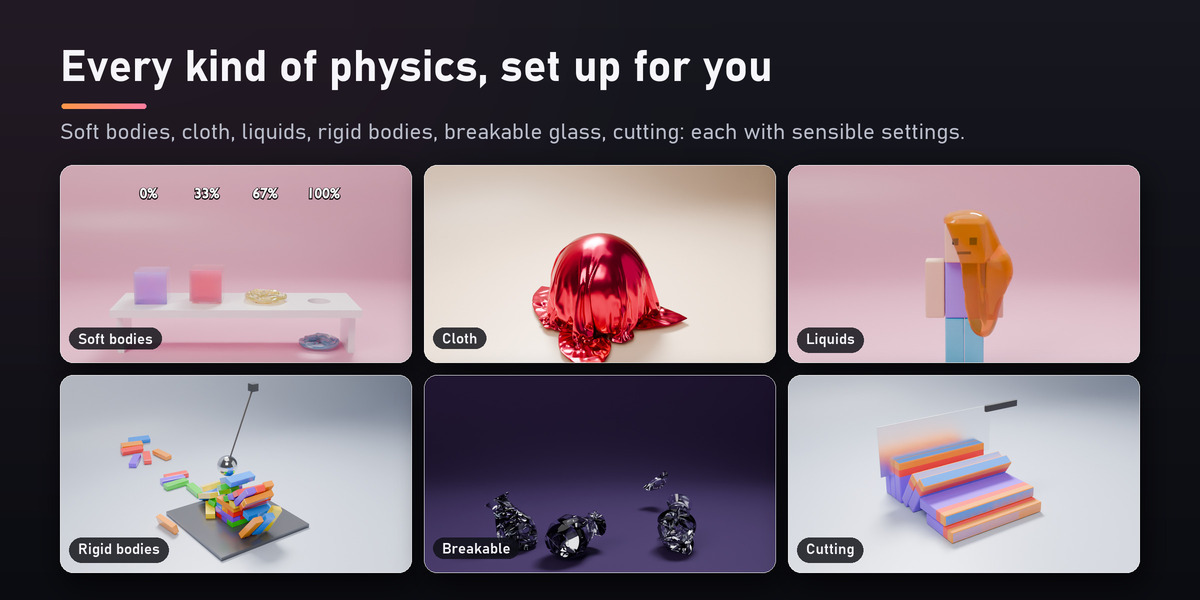
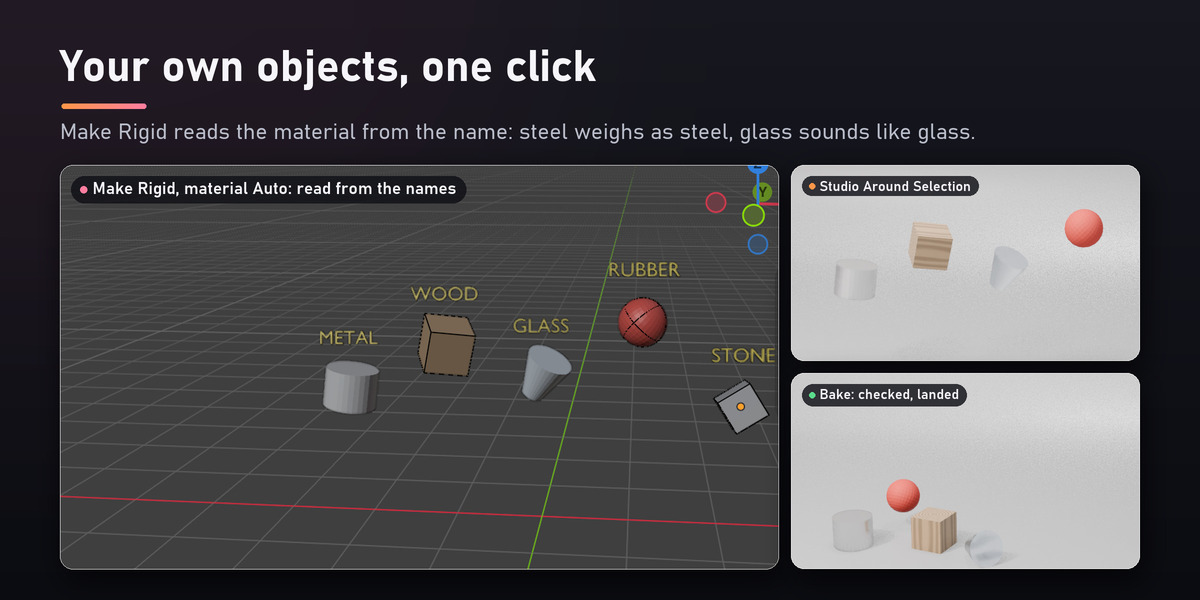
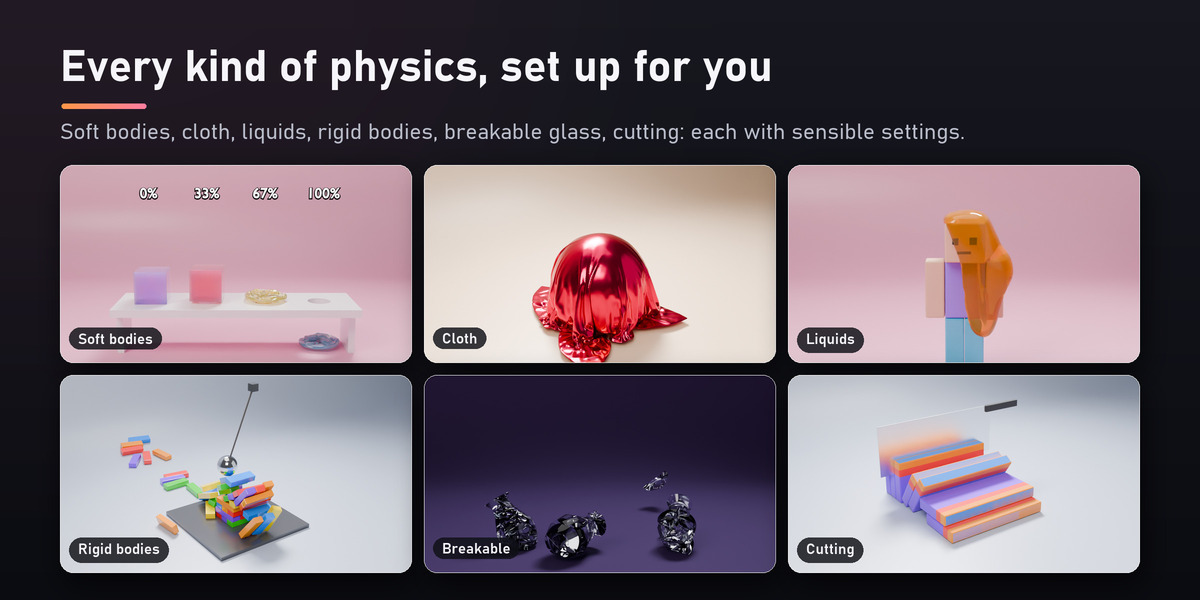
Make Soft, Make Cloth (8 kinds of cloth, with pinning), Make Rigid by real material (mass from density and volume; Auto reads steel, oak, glass, rubber, stone... from your object and material names), Make Collider, Make Breakable, Liquid Source with an automatic domain, and forces: wind, turbulence, vortex, magnet and explosion. It works in real scenes: parented and scaled objects, mirrored objects, scenes modeled in centimeters, big meshes.
Check & Fix
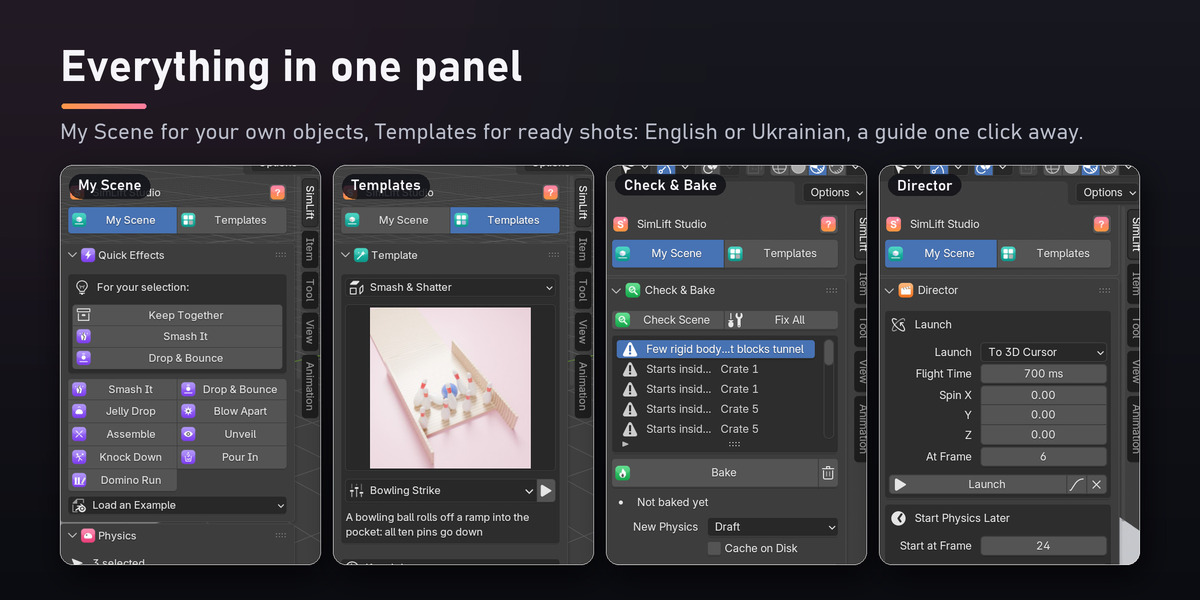
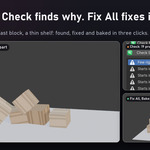
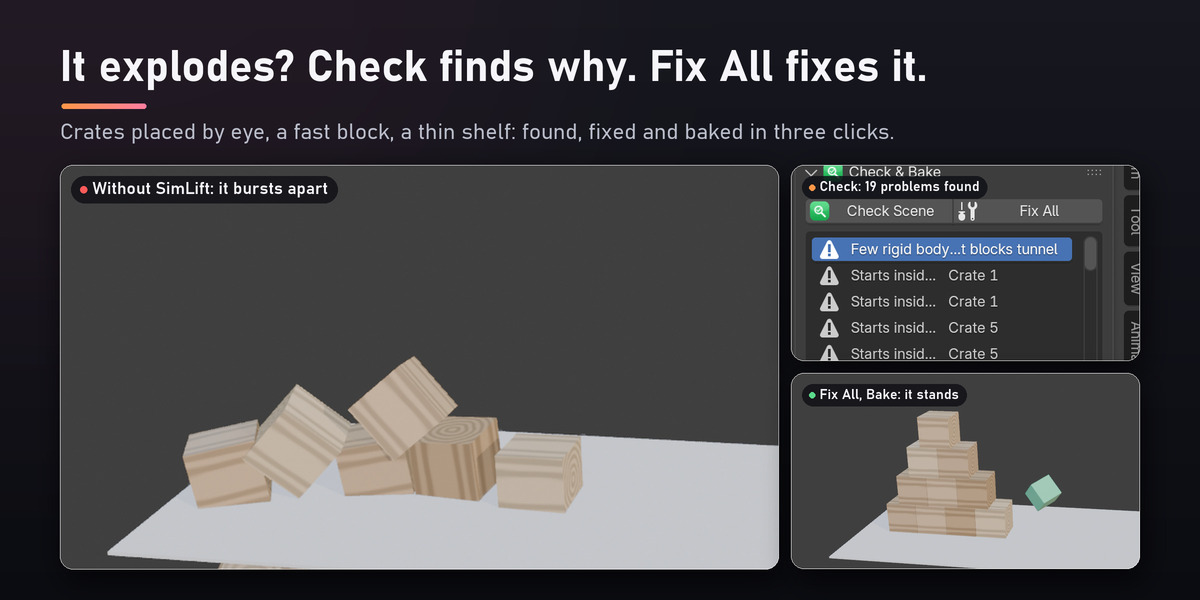
Check looks at your scene on its first frame and lists, in plain words, what makes a simulation fail: objects inside each other, too few steps for fast bodies, thin colliders, unapplied or mirrored scale, keys the physics ignores, a liquid source outside its domain, a cache that stops early, and more. Fix All repairs everything in one press, and it moves objects out of each other the way you placed them. After every bake SimLift also checks what the bake did: bodies that jump, fly off, fall through a floor or keep jittering, and cloth that blows up.
Director
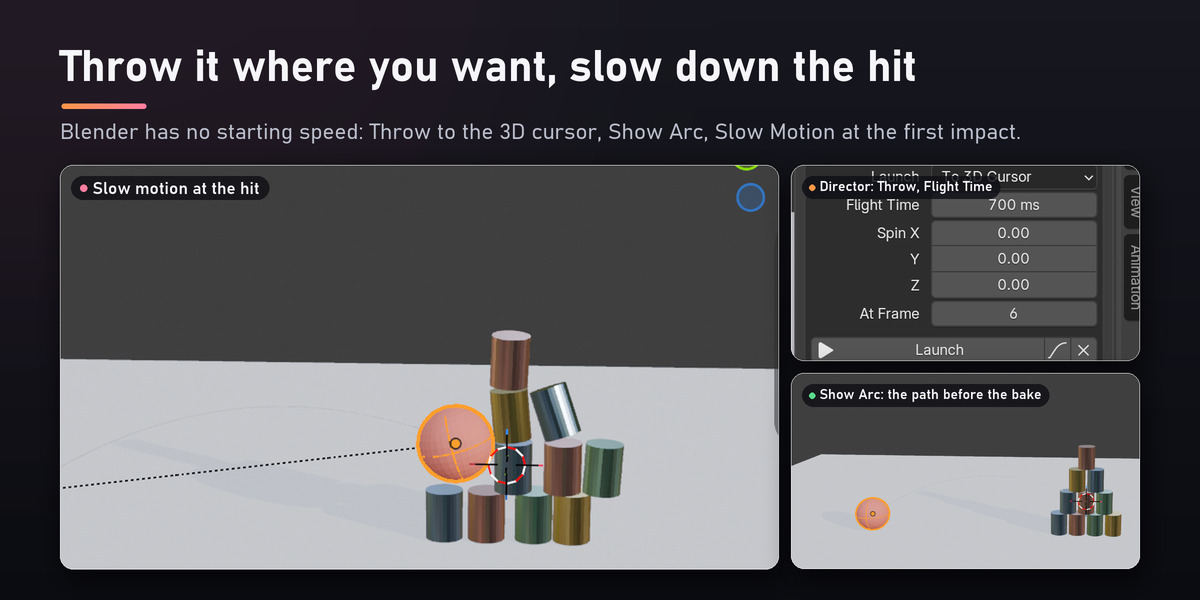
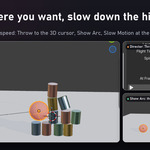
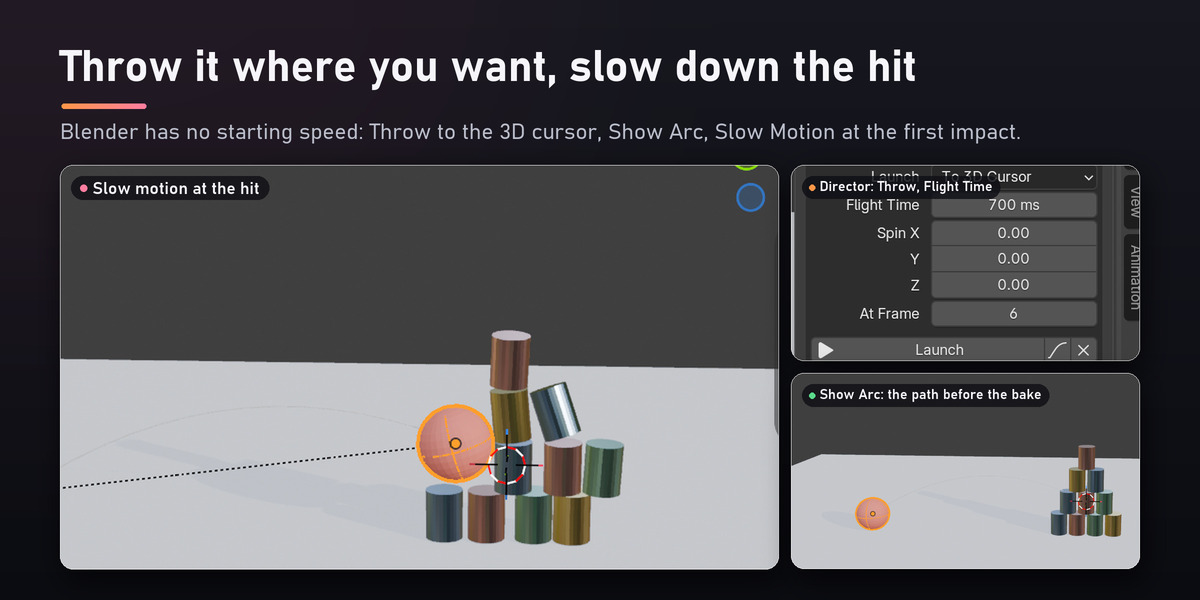
Launch a rigid body with a speed and a spin, or Throw it to the 3D cursor with the flight time you want (Show Arc draws the path before you bake). Start physics at any frame, after your own animation. Slow Motion that the simulation itself follows, set by frames or found at the first impact. Connect objects with glue, breakable glue, hinges, springs and ropes. A Timeline of events (throws, explosions, wind gusts, objects appearing, joints breaking, slow motion, camera shake) and music sync that lands the hits on the beat.
Takes
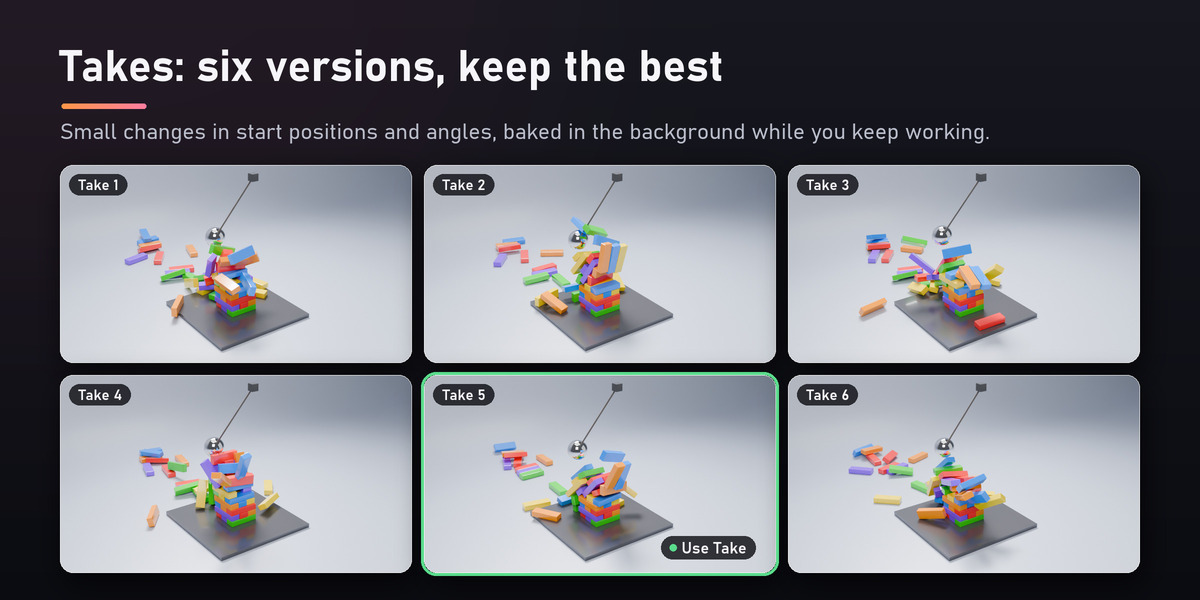
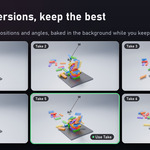
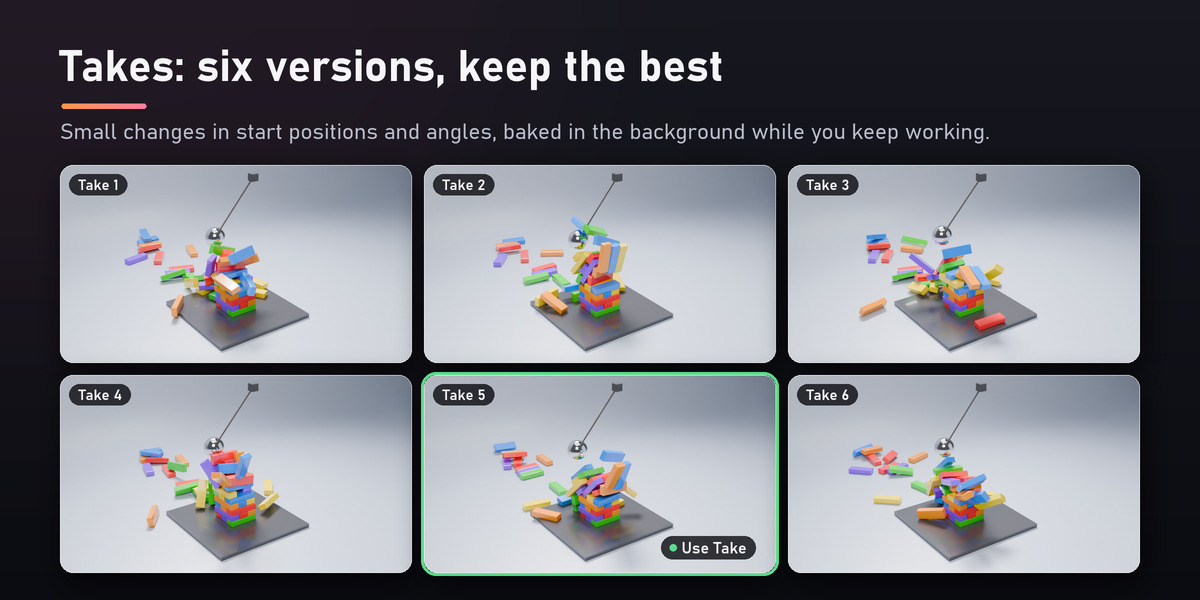
The perfect take needs many bakes. Make Takes bakes N versions with small differences in start positions, angles, bounce, softness and forces, in background Blenders while you keep working, and shows them as a grid. Use Take sets your scene to the one you like.
Auto Sound
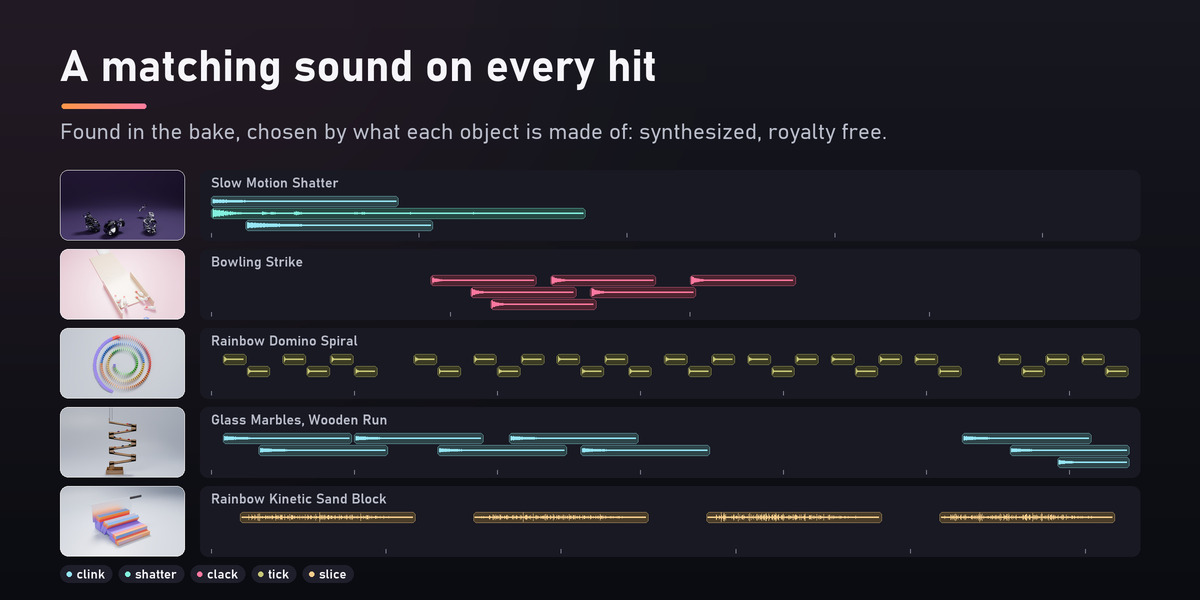
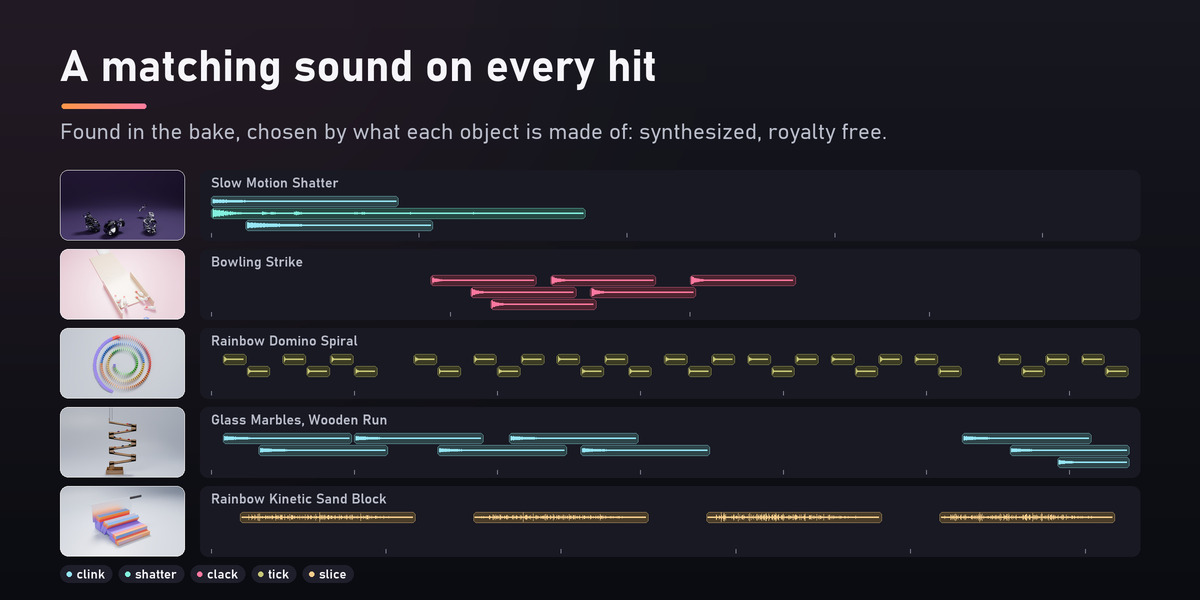
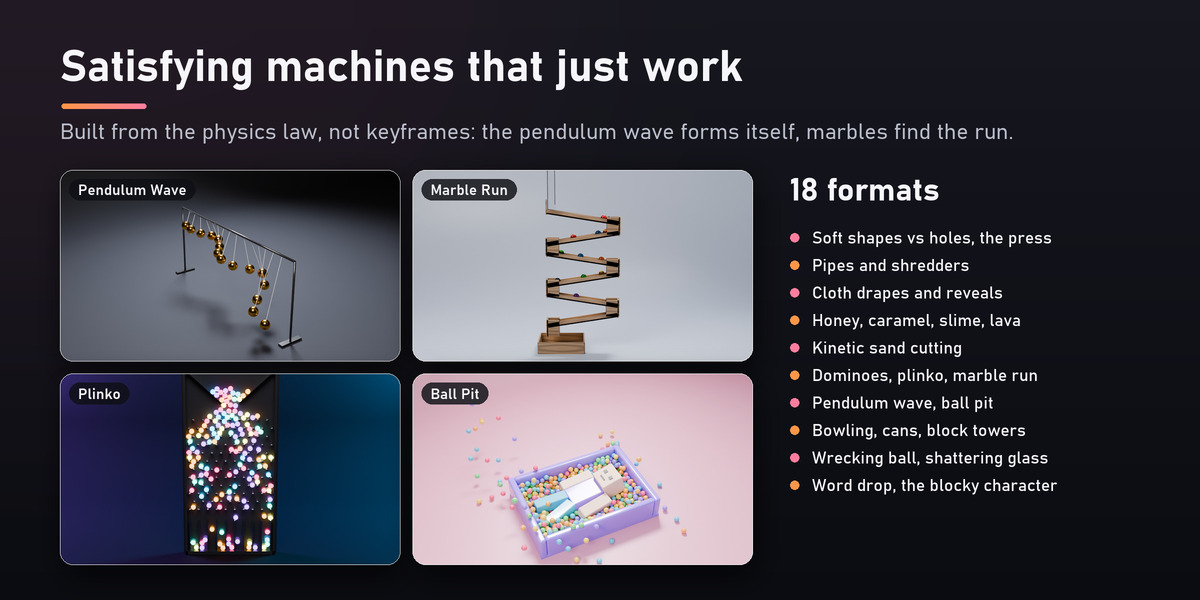
After a bake SimLift finds every hit and places a matching sound in the sequencer: metal clangs, glass clinks, wood knocks, dominoes tick, sand slices, liquids splash, soft bodies squish, cloth flops. Louder hits sound louder, each sound is panned to where it happens, and everything is synthesized and royalty free, or taken from your own folder of sounds.
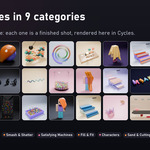
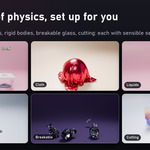
Every kind of physics, set up for you
Studio, renders and Shorts
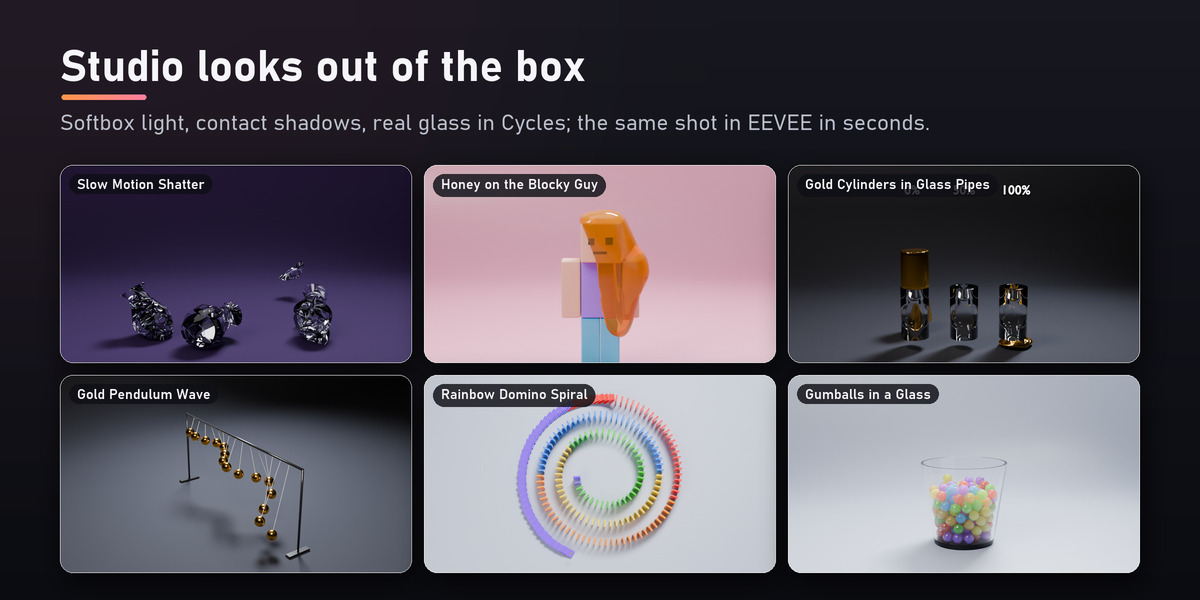
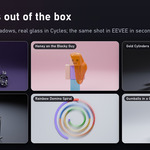
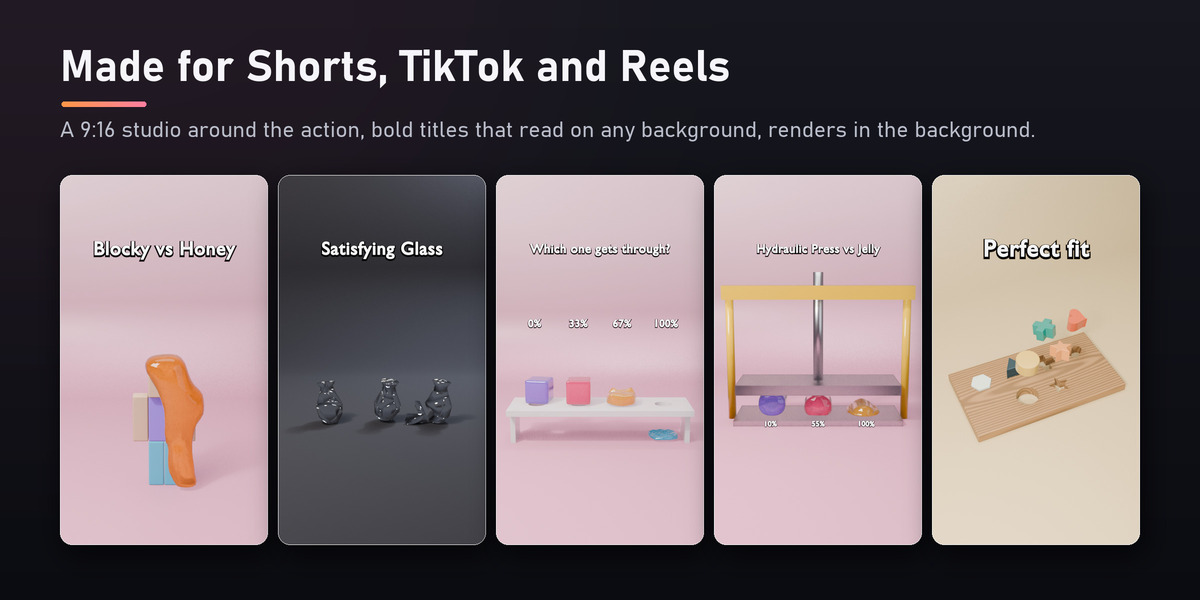
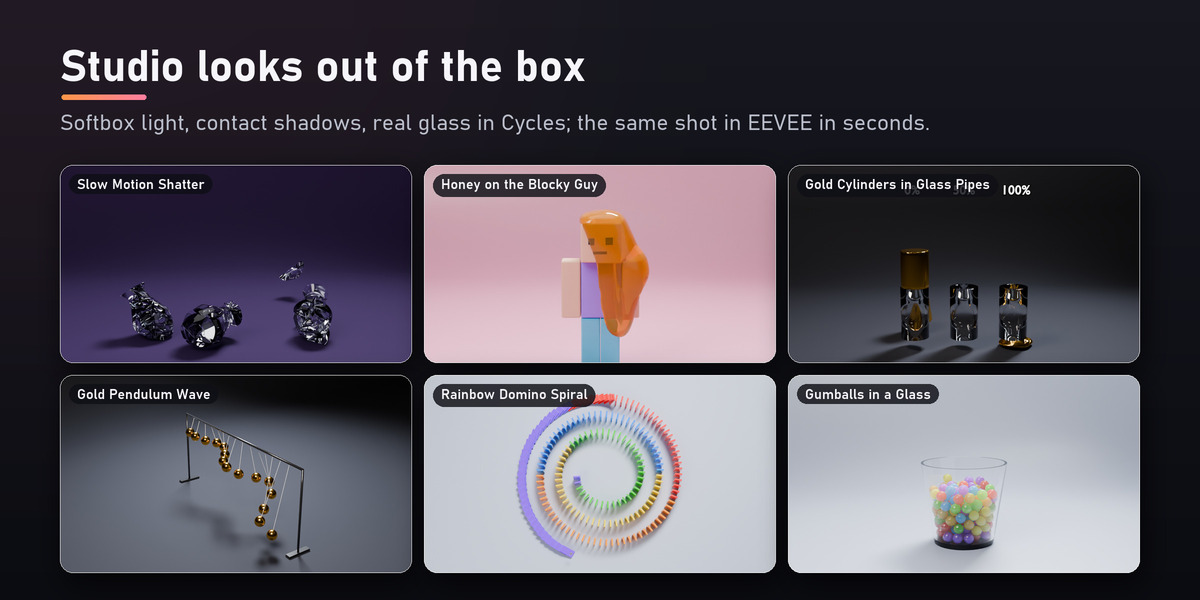
Studio Around Selection builds a backdrop colored for the palette, softbox lighting with contact shadows and a camera around your objects. Bold Shorts titles that read on any background, background renders, covers at the best moment, batches with variations and compilations. EEVEE and Cycles are lit to match.
Build and effects
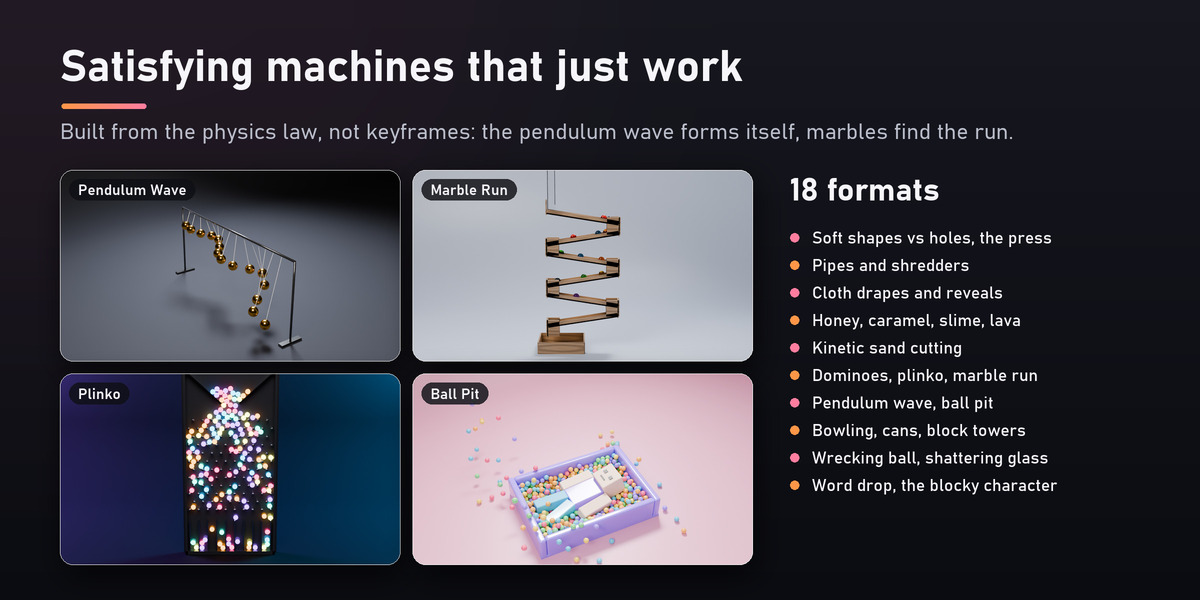
Stack towers, walls and pyramids from your own models, place dominoes along any curve, fill a jar, scatter and drop, or Settle objects into place for set dressing. Break into Parts, Keep Together, ragdolls from any armature, cloth that covers and reveals. Reverse, boomerang, freeze with a camera orbit, follow and frame the action, shake and zoom on the hits. Bake rigid bodies to keyframes for other apps and game engines.
What's inside: 200 templates
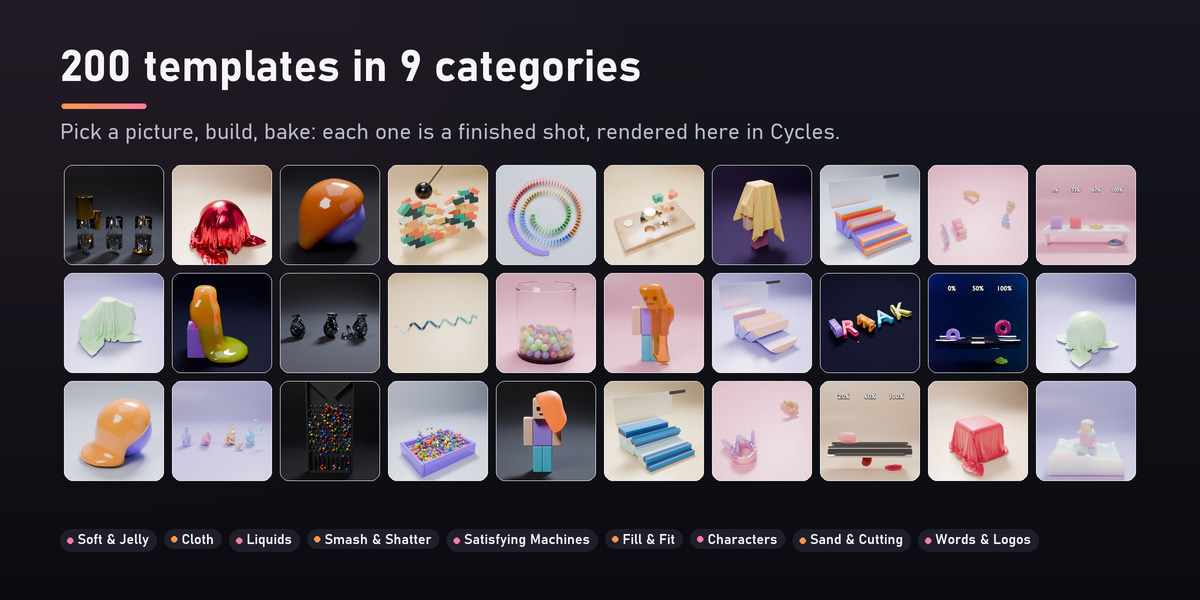
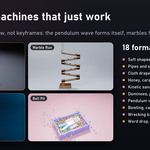
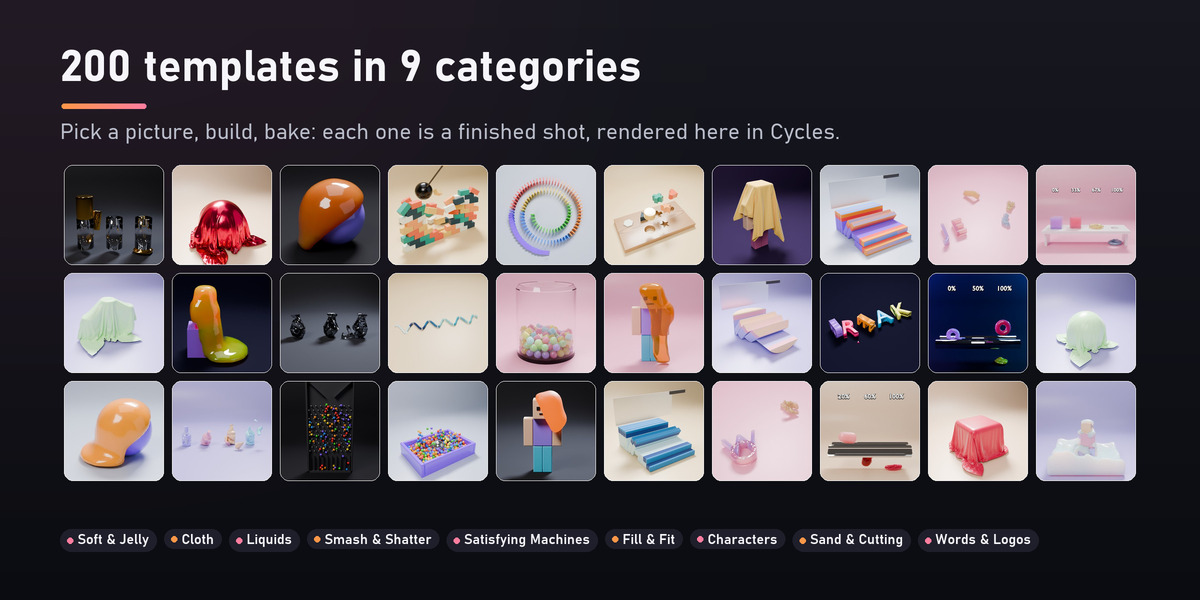
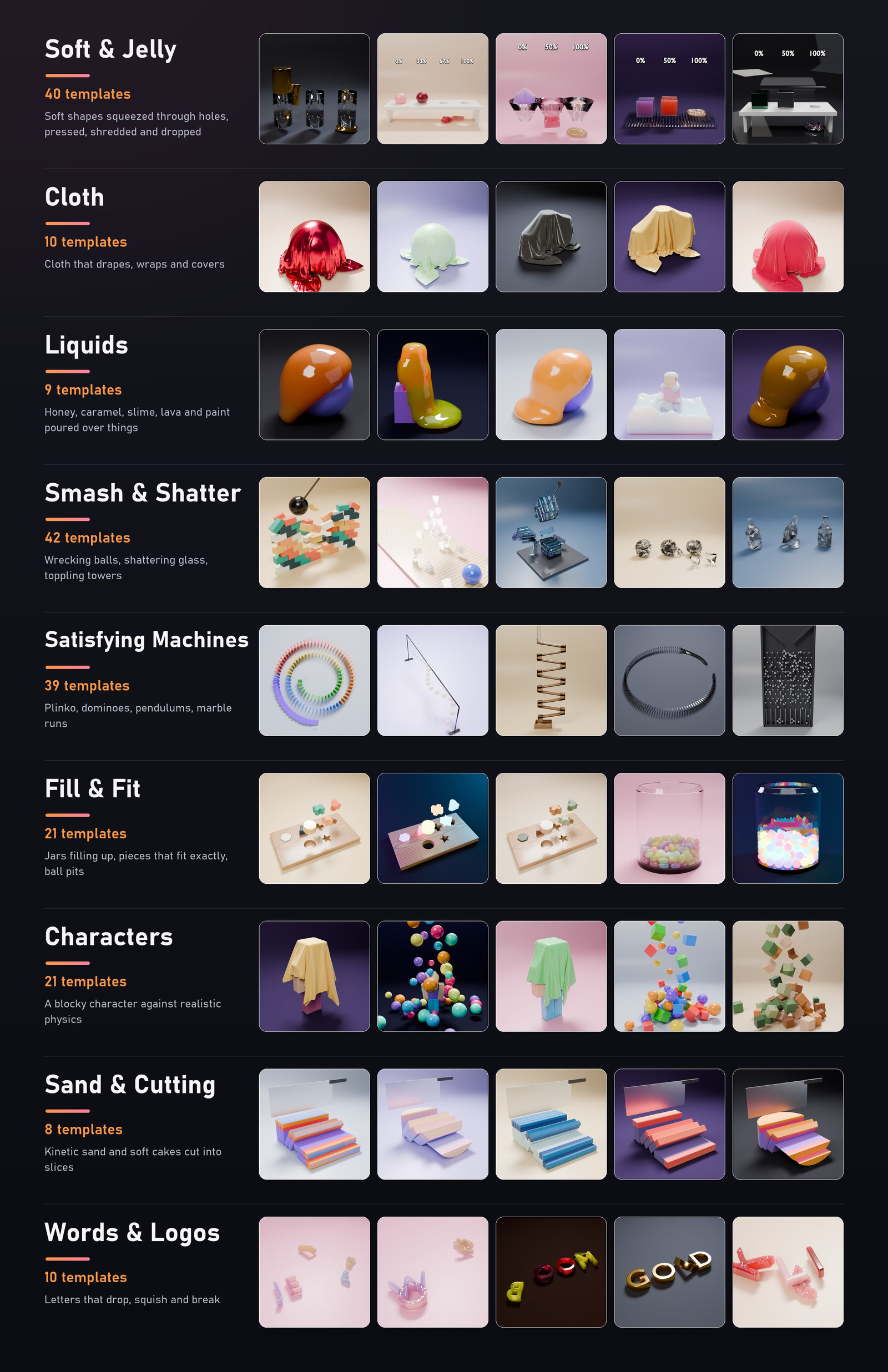
Every template is a finished shot: pick a picture, press Build Shot, bake, render. Each one changes with your settings (palette, look, camera, shapes, counts), so 200 templates are a starting point, not the limit.
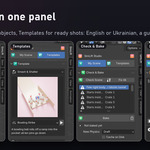
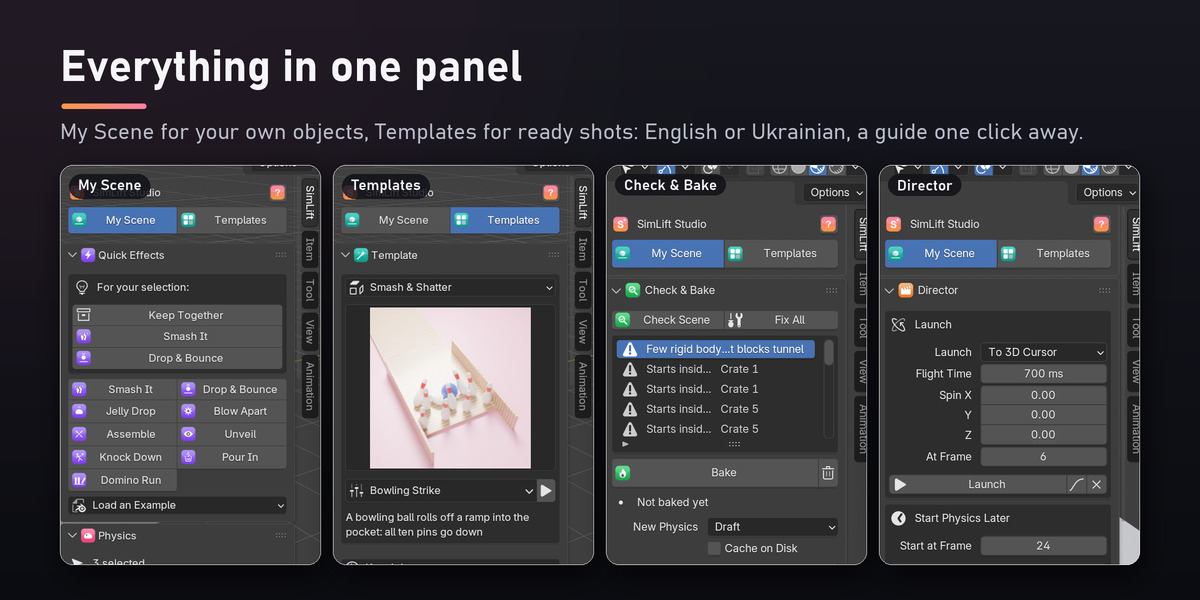
Everything in one panel
All of it lives in the SimLift tab of the 3D Viewport's sidebar: My Scene for your own objects, Templates for ready shots. The interface is in English or Ukrainian, and the ? button opens the full guide, offline.
Requirements
- Blender 5.0 or later: every test suite is run on 5.0, 5.1 and 5.2.
- EEVEE and Cycles.
- Tested on Windows. SimLift is pure Python with no compiled parts, so macOS and Linux should work too: tell me if anything misbehaves.
Installation
- Download
simlift-1.0.0.zip(do not unzip it). - In Blender: Edit › Preferences › Get Extensions, the arrow menu at the top right, Install from Disk, and pick the zip.
- Press N in the 3D Viewport and open the SimLift tab.
Start learning
The ? button next to the workspace switch opens the full guide in your browser; it works offline and is also in the Documentation tab here. A first shot in a minute: select your objects, Physics › Make Rigid, then Check & Bake › Check Scene, Fix All, Bake, and press Space. Or open Templates, pick a picture, Build Shot, Bake.
Updates
1.0.0 (November 7, 2026): first release.
Support
Write to me through Superhive's messages: I answer within 72 hours. Bug reports with a small .blend file get fixed fastest.