 jacobo

Kushiro
about 4 years ago
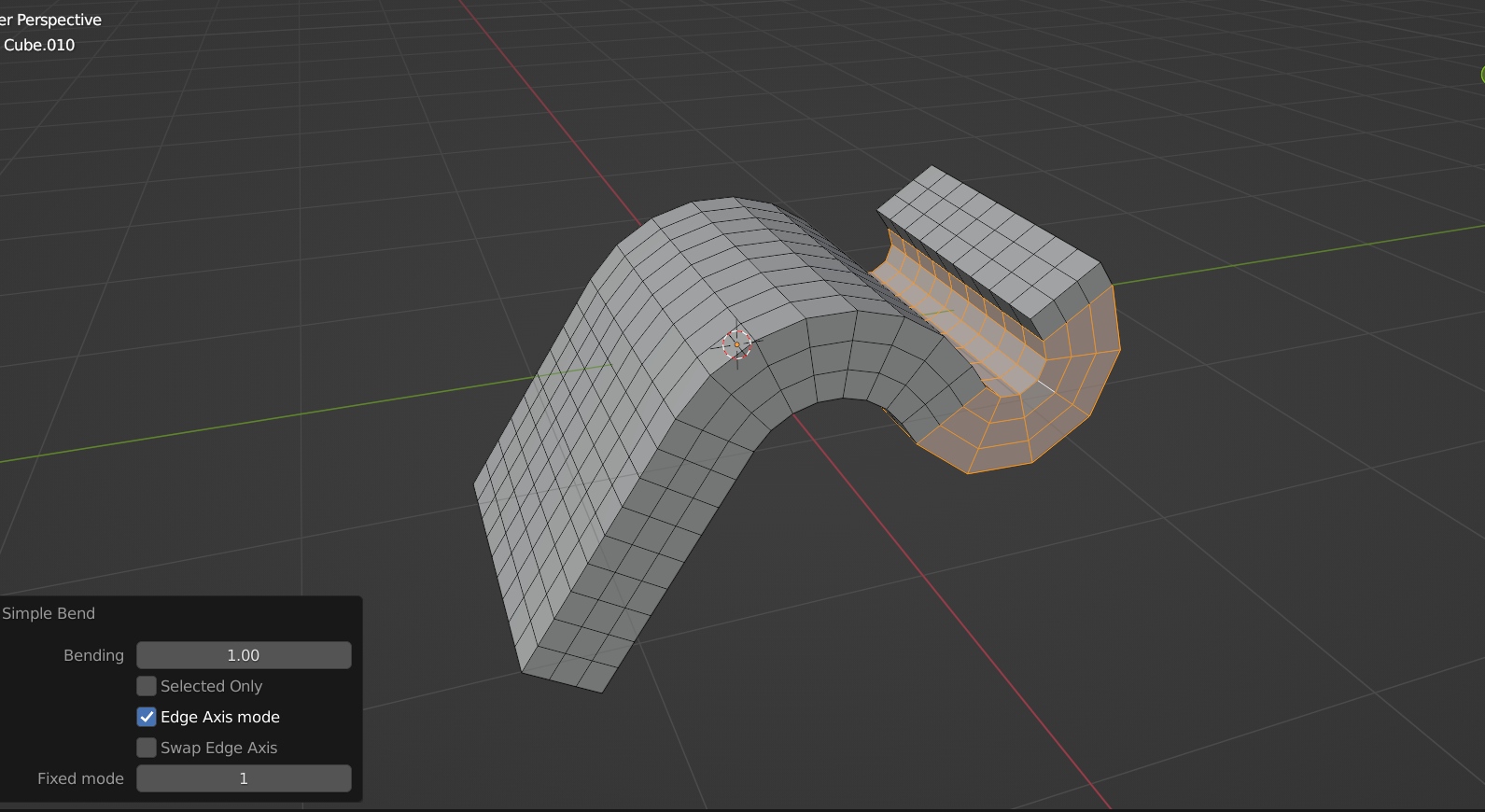
You can drag on the different Axis to bend again at anytime, then press Q to commit when the bending is correct.
This item has an average rating of 5 from 44 ratings by the community.
Purchase this item to leave a review!
Kushiro
about 4 years ago
You can drag on the different Axis to bend again at anytime, then press Q to commit when the bending is correct.
Kushiro
over 1 year ago
It seems that you didn't install the addon correctly. For example, if you unzip the addon file accidentally, then your error will occur. If you still have problem, please email me at [email protected]
Have questions about this product?
Login to message
| Blender Extension Compatible | Yes |
| Sales | 5200+ |
| Rating | 44 ratings |
| Dev Fund Contributor | |
| Published | about 4 years ago |
| Blender Version | 2.83 - 5.2 |
| Extension Type | Add-on |
| License | GPL |
spring24 retopology loveblender bending blender addon winter24 bfcm24 quad-topology topology summer24 modeling
 James Brand
 Marcus
 Cursedmonk