Simple Fbx Export
 Hydrocallis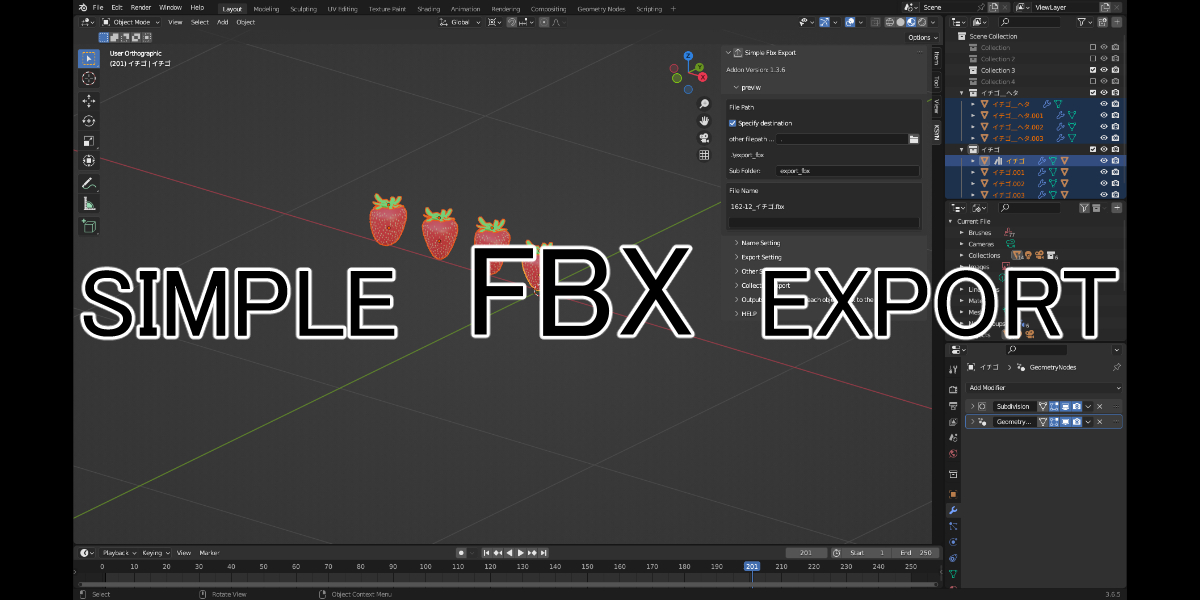

Simple FBX Export – English Description
Quick FBX Export from the Header
You can easily export FBX files directly from the header button. Here is the button:

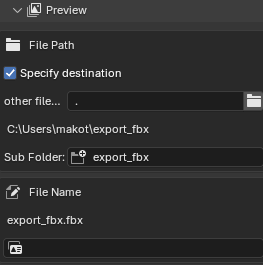
Preview Feature
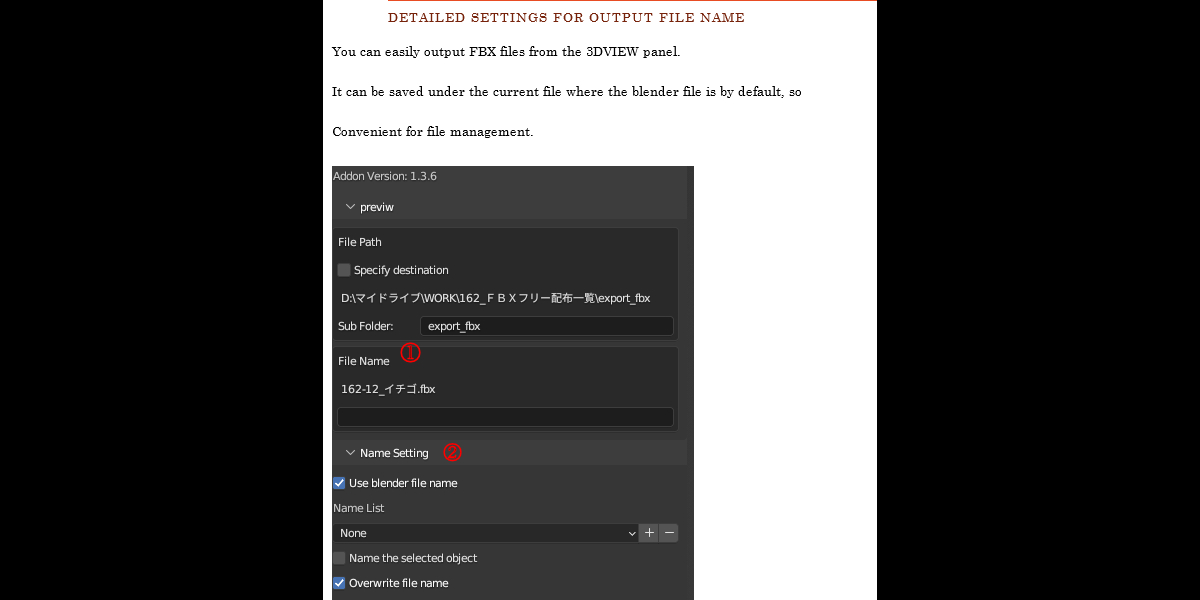
By default, the exported file is saved to the path set in the Add-on Preferences, but you can change this path to your liking.
Name Setting
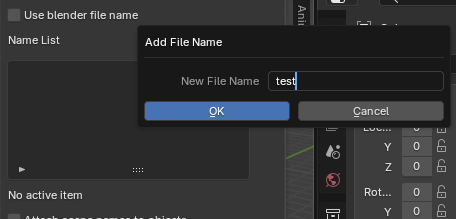
You can set the exported file name to match the Blender file name. Also, if you create a name list, you can quickly select from the list.
Export Settings
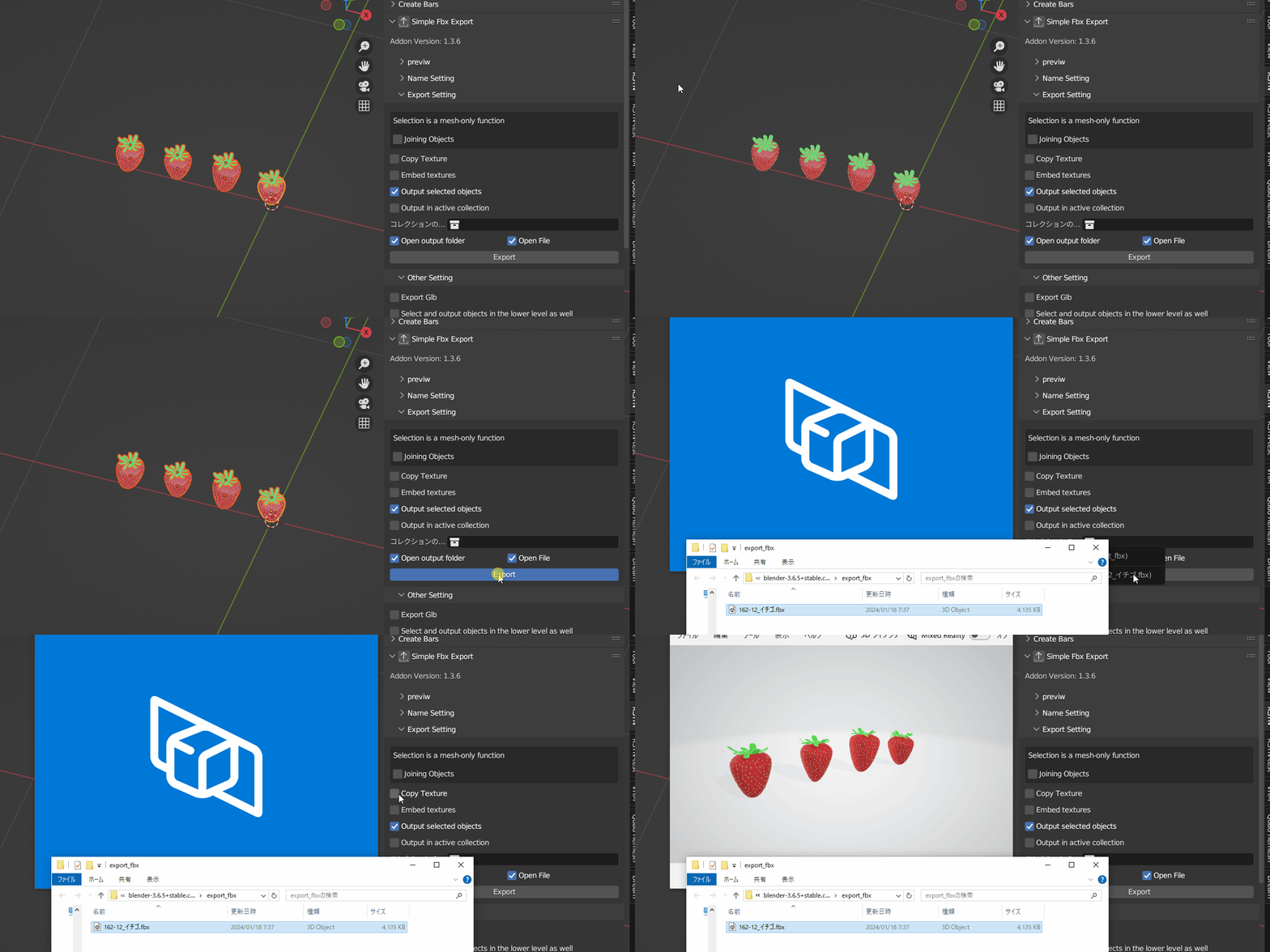
By default, only the selected objects are exported, but you can change various settings freely.
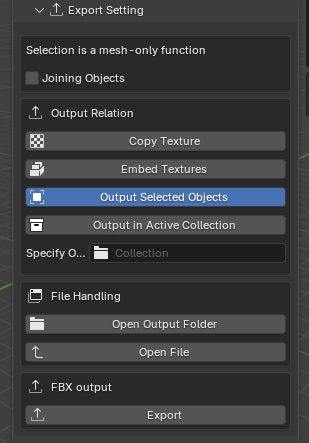
If you want to open the exported file or the output folder automatically, please check the corresponding boxes.
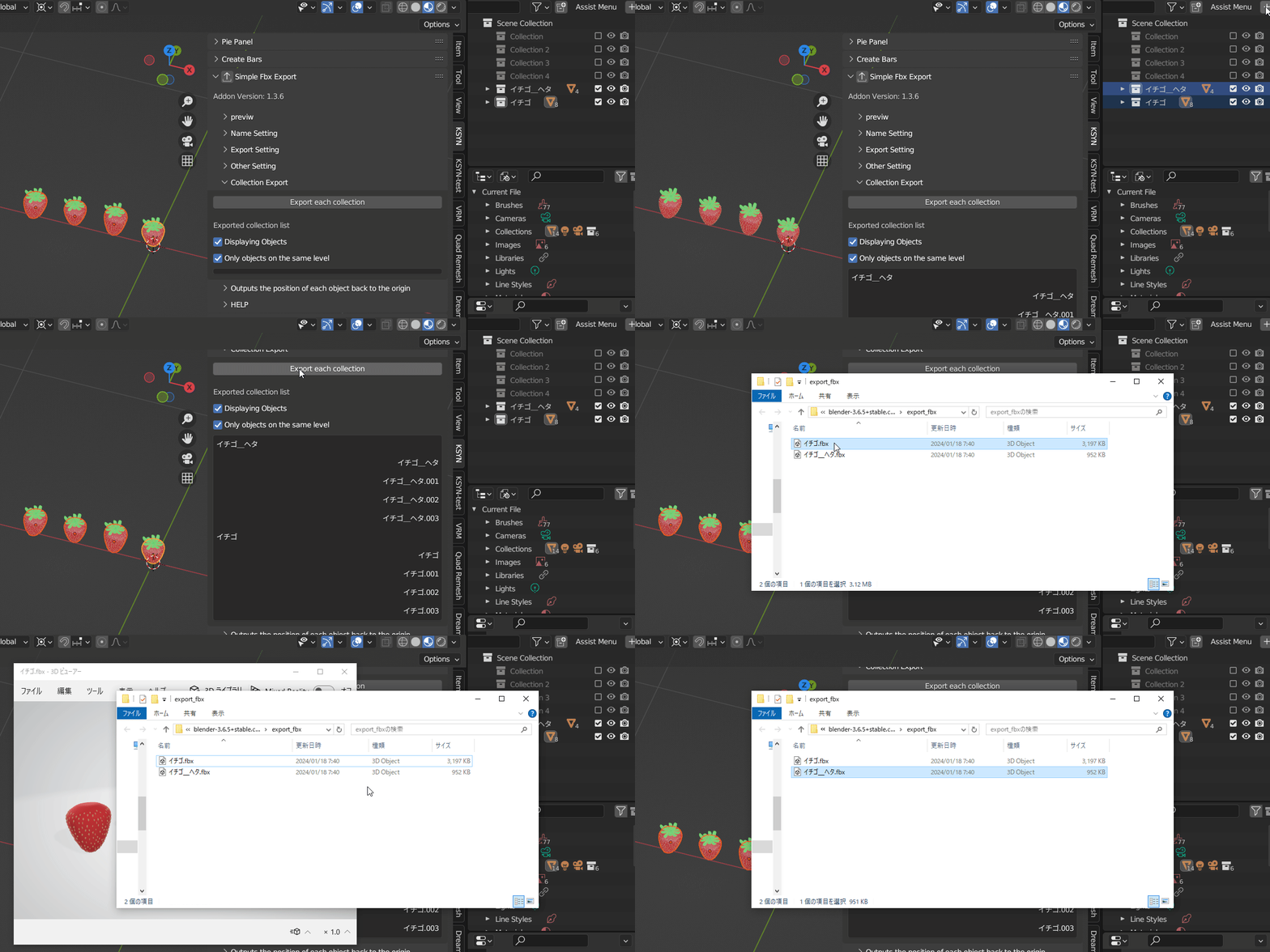
Collection Export
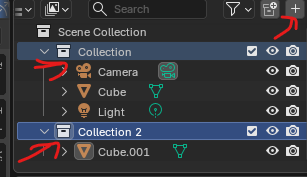
To use this feature, first select a collection and click the + button.
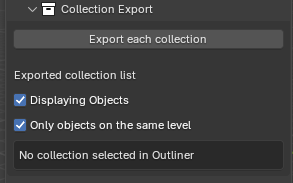
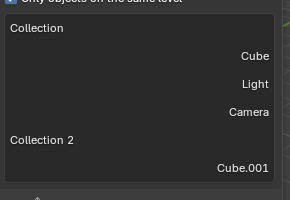
A list of collections should appear.
Press the Collection Export button, and files will be exported with the collection names.
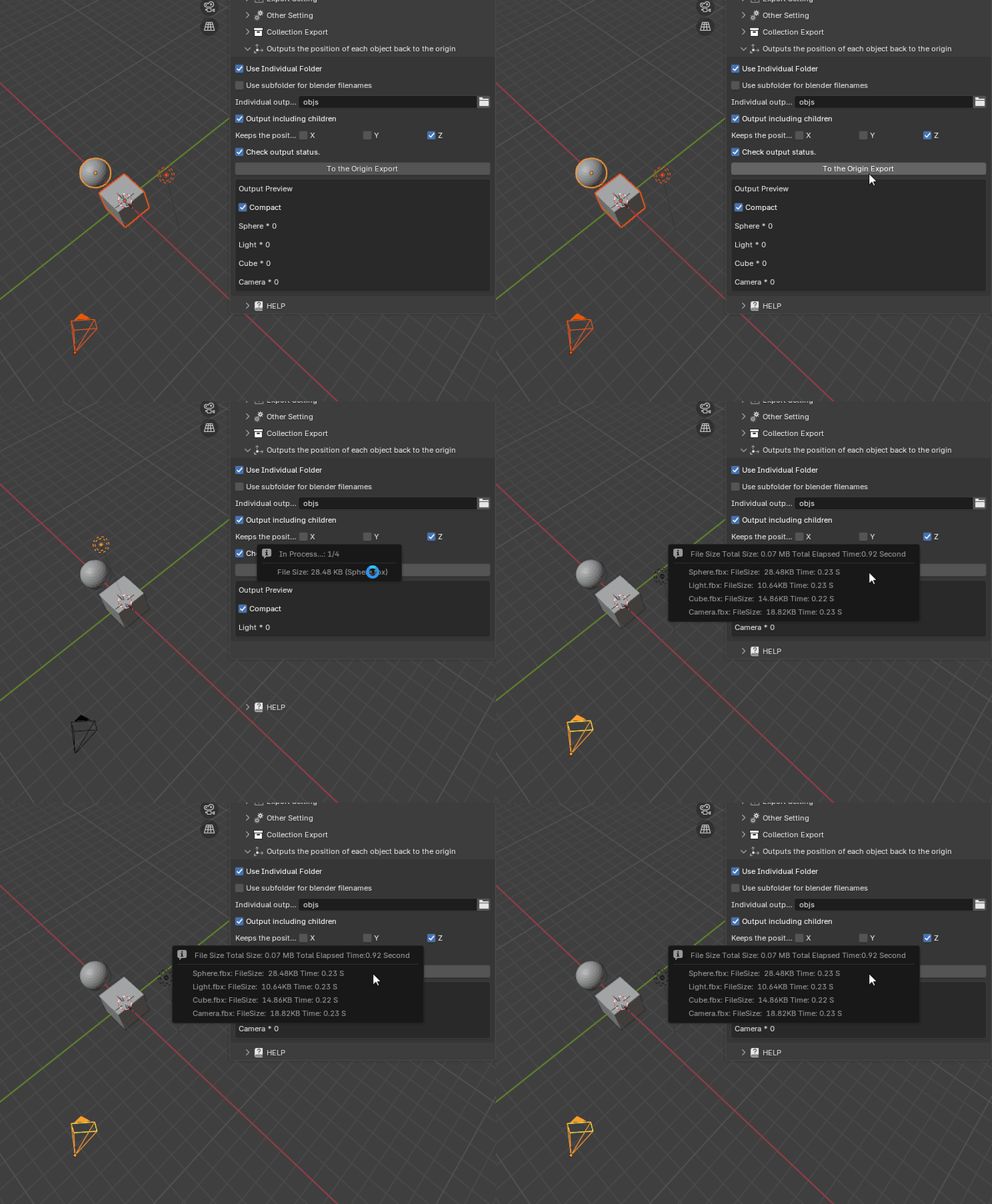
Output Objects Back to Origin
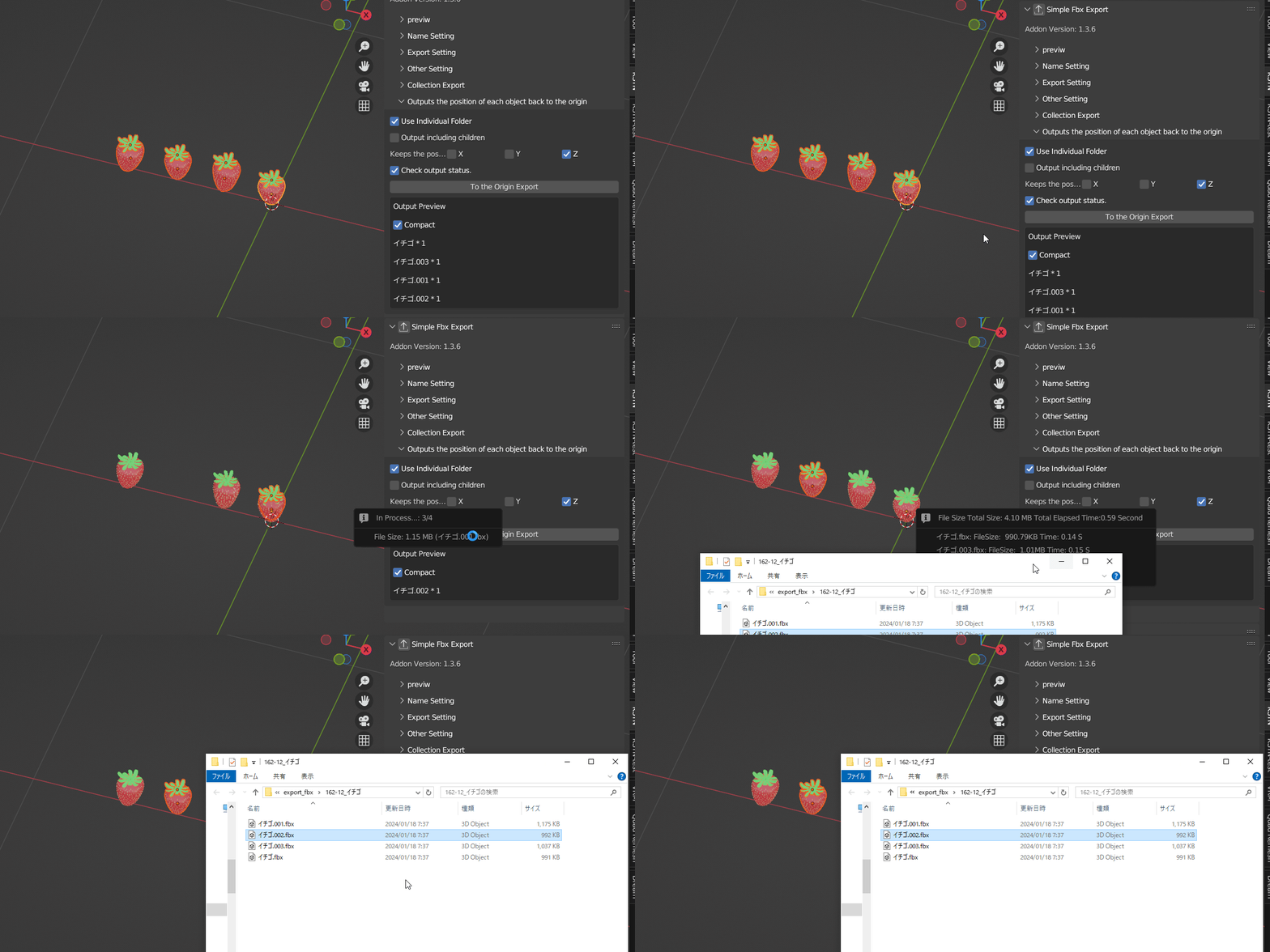
This feature moves objects back to their original world origin based on the selected axes (for example, if only Z is checked, only the Z-axis position is preserved).
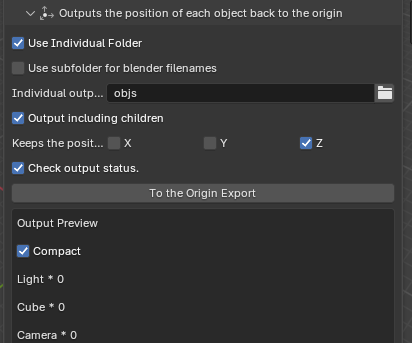
If Output including children is checked, child objects will be moved relative to the parent’s origin.
Have questions about this product?
Login to message
