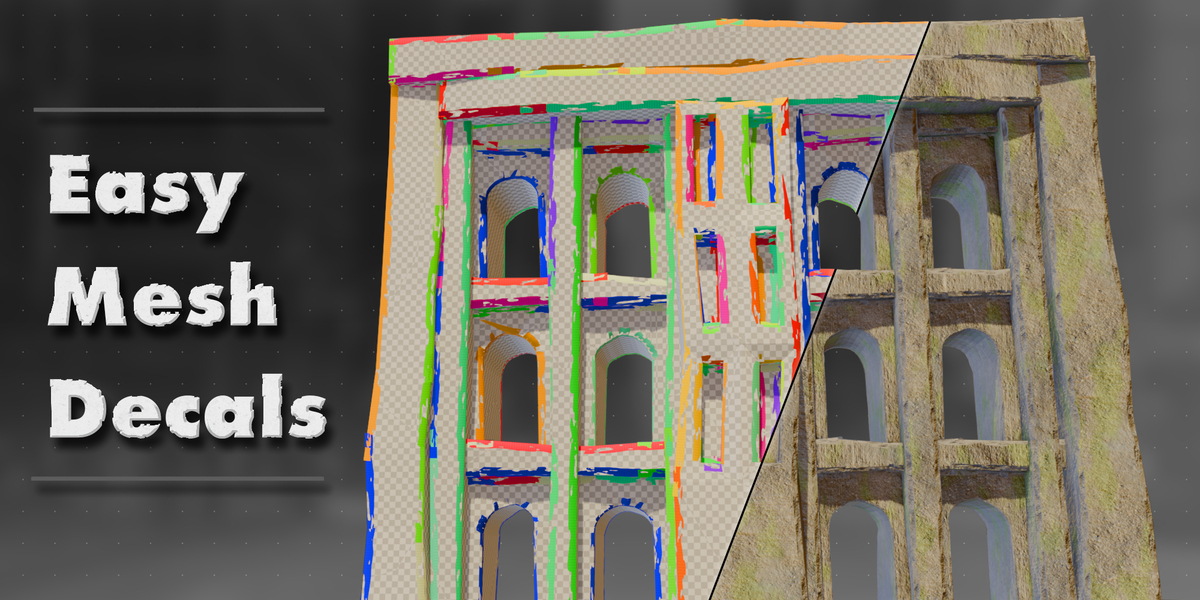
Easy Mesh Decals
 Boars In Rome
How to Install:
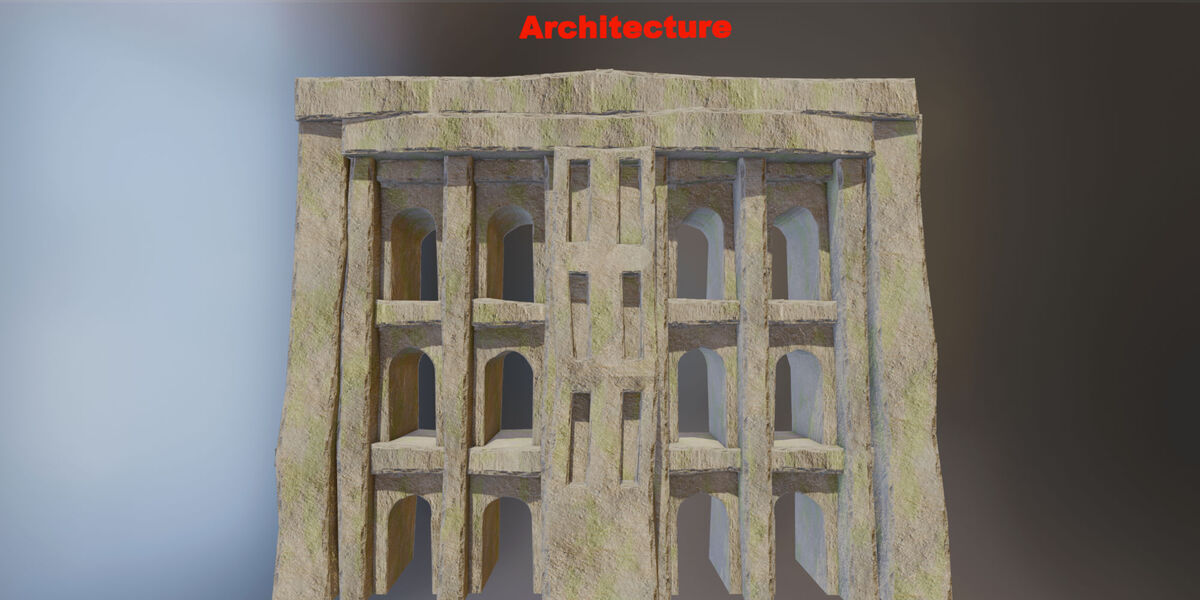
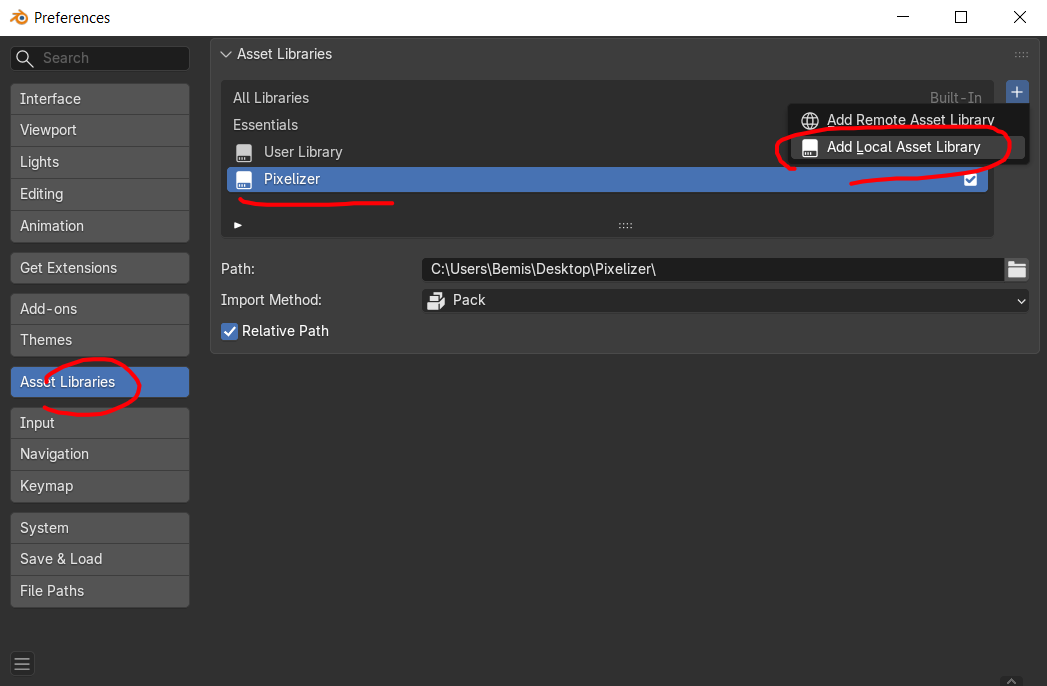
Installation is really simple. Simply add the blender file as an asset library. You will then find the modifier and some example materials under the "Easy Mesh Decals" category inside of Blender's asset browser. Some example materials are directly linked with the modifier, so you will need it to properly preview them. Alternateively add the "Easy Mesh Decals" modifier to your object after installing.

Controls:
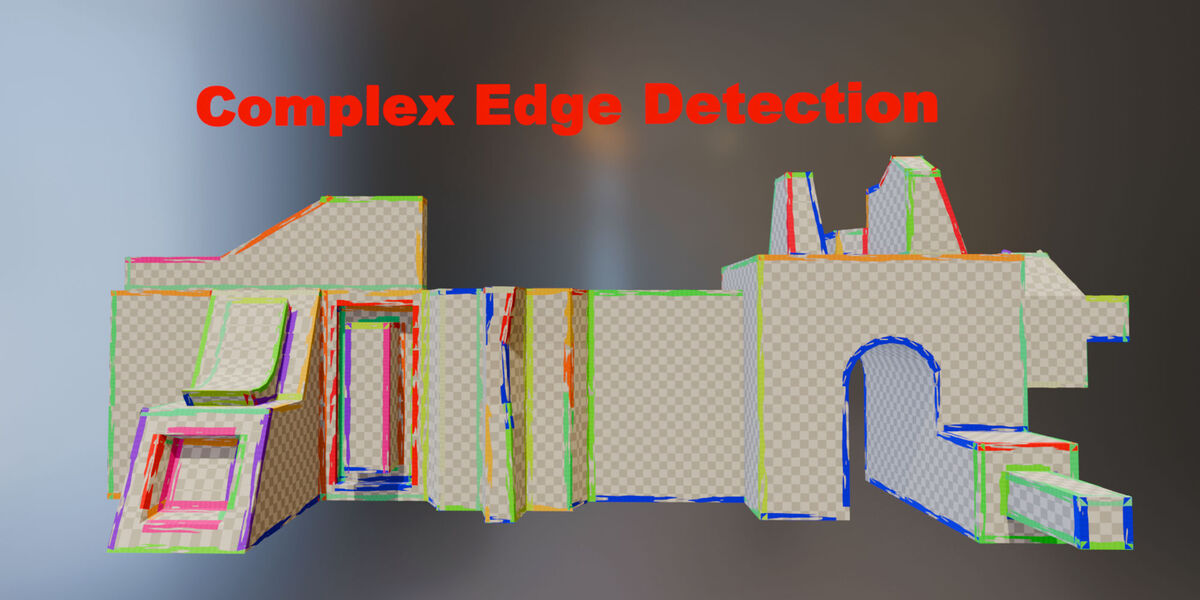
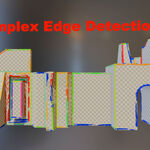
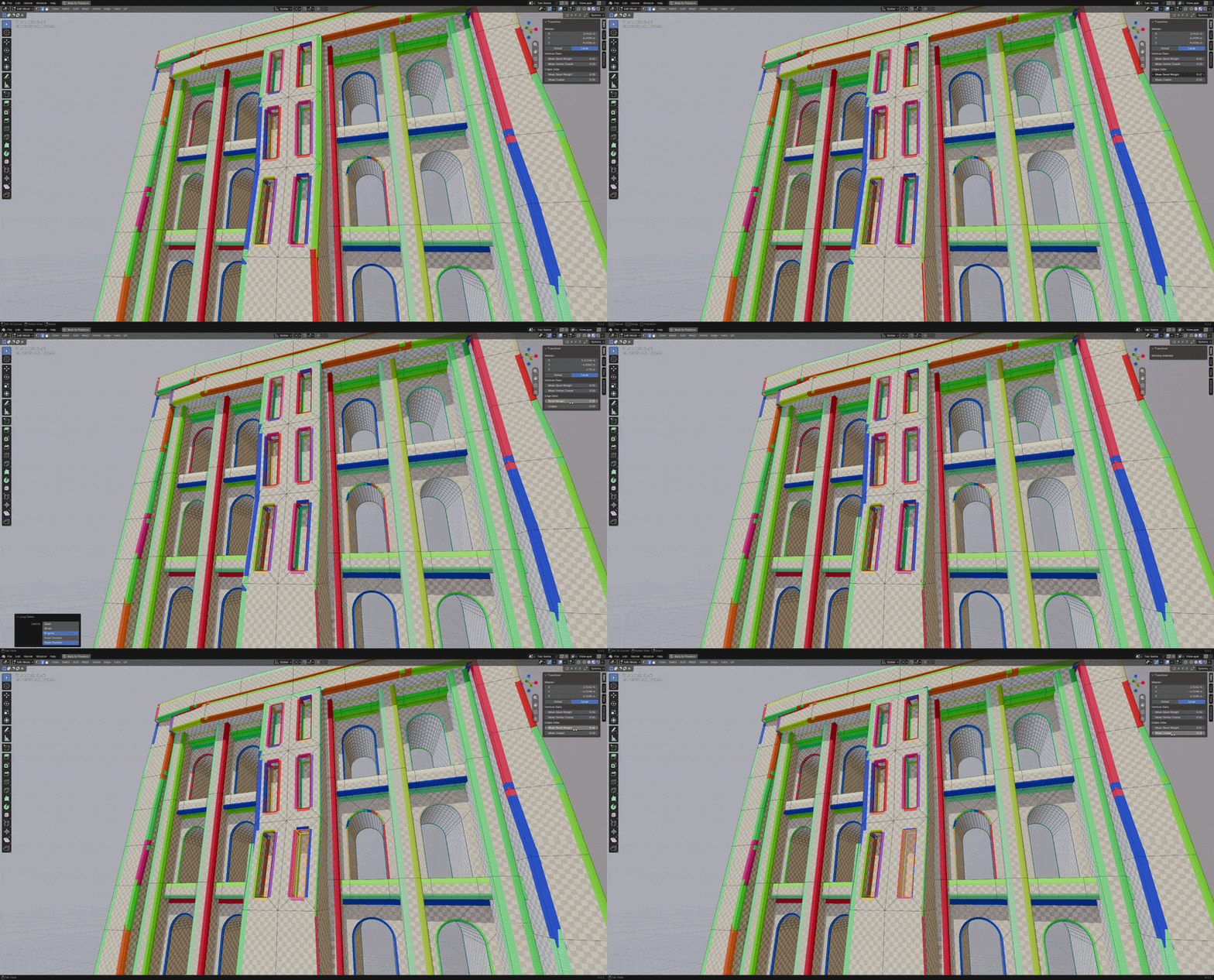
| Edge Bevel Weight: [CTRL+E menu] | The Bevel Weight controls the size of the mesh decal on an edge by edge basis. |
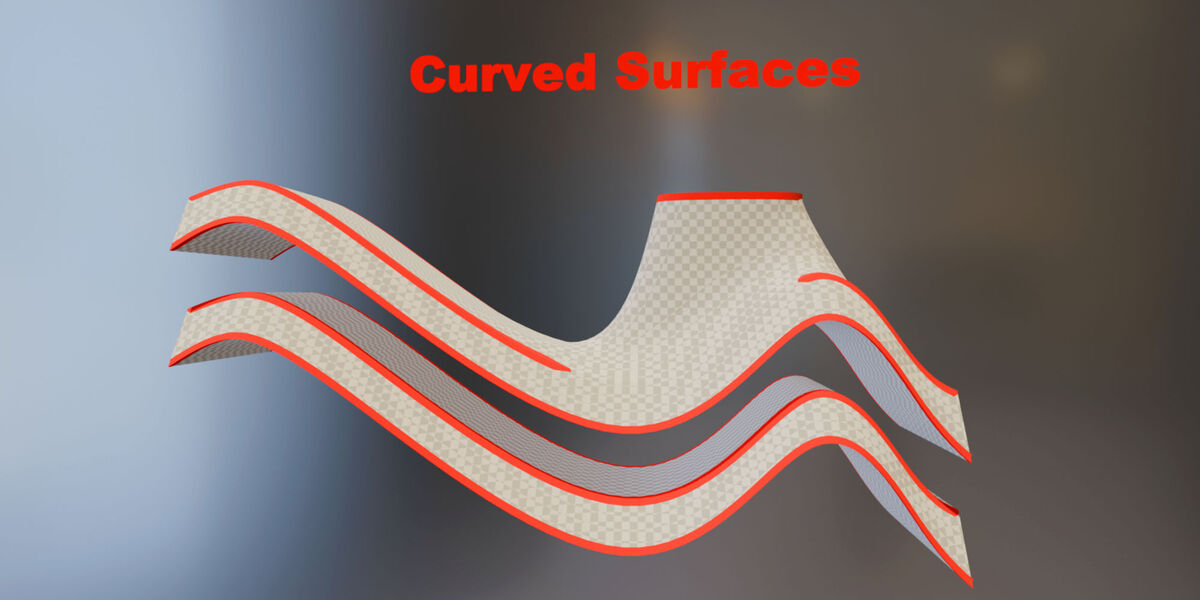
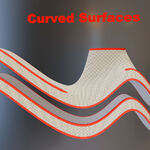
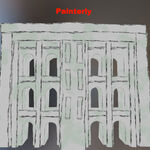
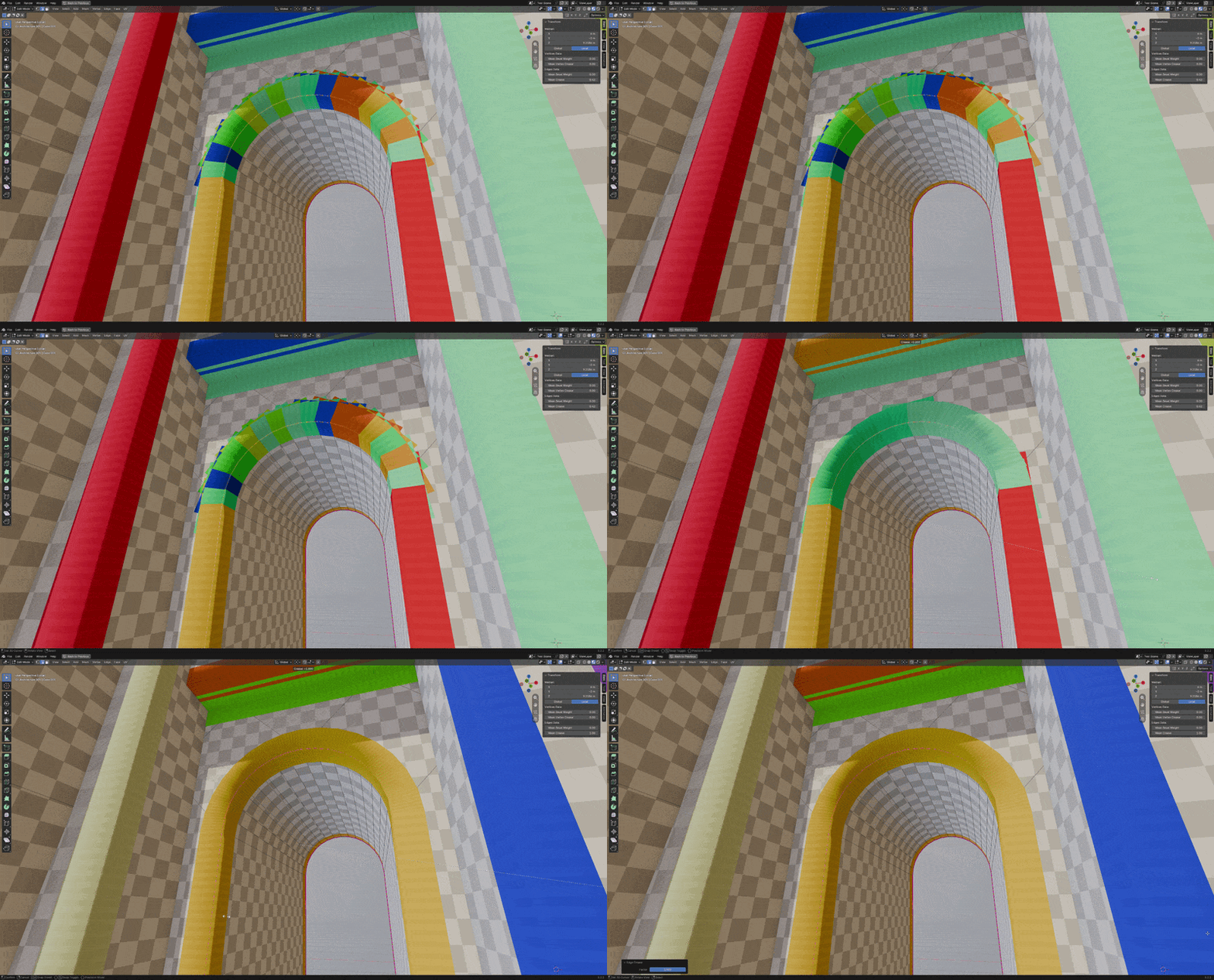
| Edge Crease: [CTRL+E menu] | Edge Crease defines whether the edges should be solved as connected or not. For example on an archway or curved surfaces. |
Edge Bevel |
Edge Crease Demonstration |
|
|
Note: watch the demonstration video for more information:
General settings:
| Inner Material: | The base material used for the object. |
| Outer Material: | The edge wear material which will be used |
Note: watch the demonstration video for more information:
Decal settings:
| Rows: | If your decal map has rows like a trim sheet, use this to define it |
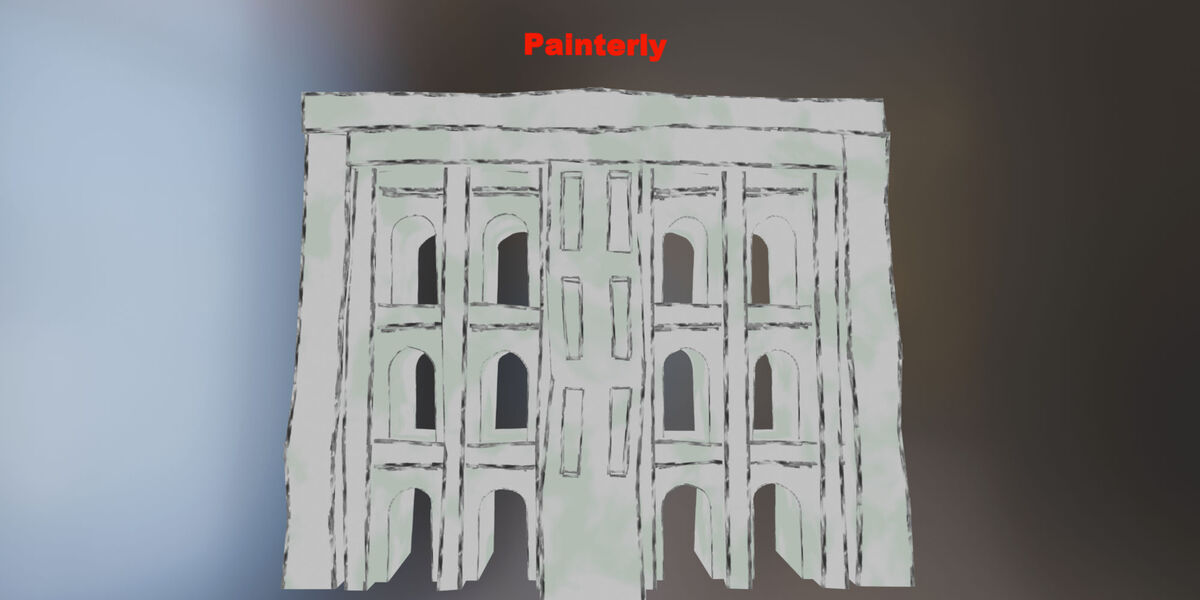
| Mode: | There are two modes: Corner fill and Connect Corners. In 90% of cases you should select Corner fill, however if your geometry is full of curves Connect Corners will be more optimal and yield cleaner geometry. |
| Random Orientation: | Flips the X orientation of the generated UVs |
| Tiling: | How much the UVs should tile. |
| Offset: | How far the generated mesh should be from the base mesh. |
| Fix Stretching: | The generated UVs are stretched. This setting fixes the stretching, however if you want the tiling to depend on the length of your edges you can adjust this slider. |
| Size: | The size of the generated mesh |
Note: watch the demonstration video for more information:
Debug settings:
| Enabled: | Enables / Disables debug |
| Show Random: | Whether to show how the rows are randomized. If your rows are set to 1, you will only see 1 color. If your rows are set to 4, you will see 4 colors etc... |
| Shape: | Interpolates between a square and procedural noise |
| Checker: | The opacity of the checker texture. Useful for previewing the tiling or texture density |
Note: watch the demonstration video for more information:
 Included
Includes 12 months of
- Support from Boars In Rome
- Product updates
Extend this product’s Support Period +12 months: 50% of product price
Have questions before purchasing?
Login to message
| Dev Fund Contributor | |
| Published | 5 days ago |
| Blender Version | 5.2 |
| Render Engine Used | Cycles, Eevee |
| License | GPL |